Business Intelligence
The 11 Best AI Agents for SQL and Python Data Work
Match AI agents to your team's workflow, governance, and live warehouse context for reliable SQL and Python data work.
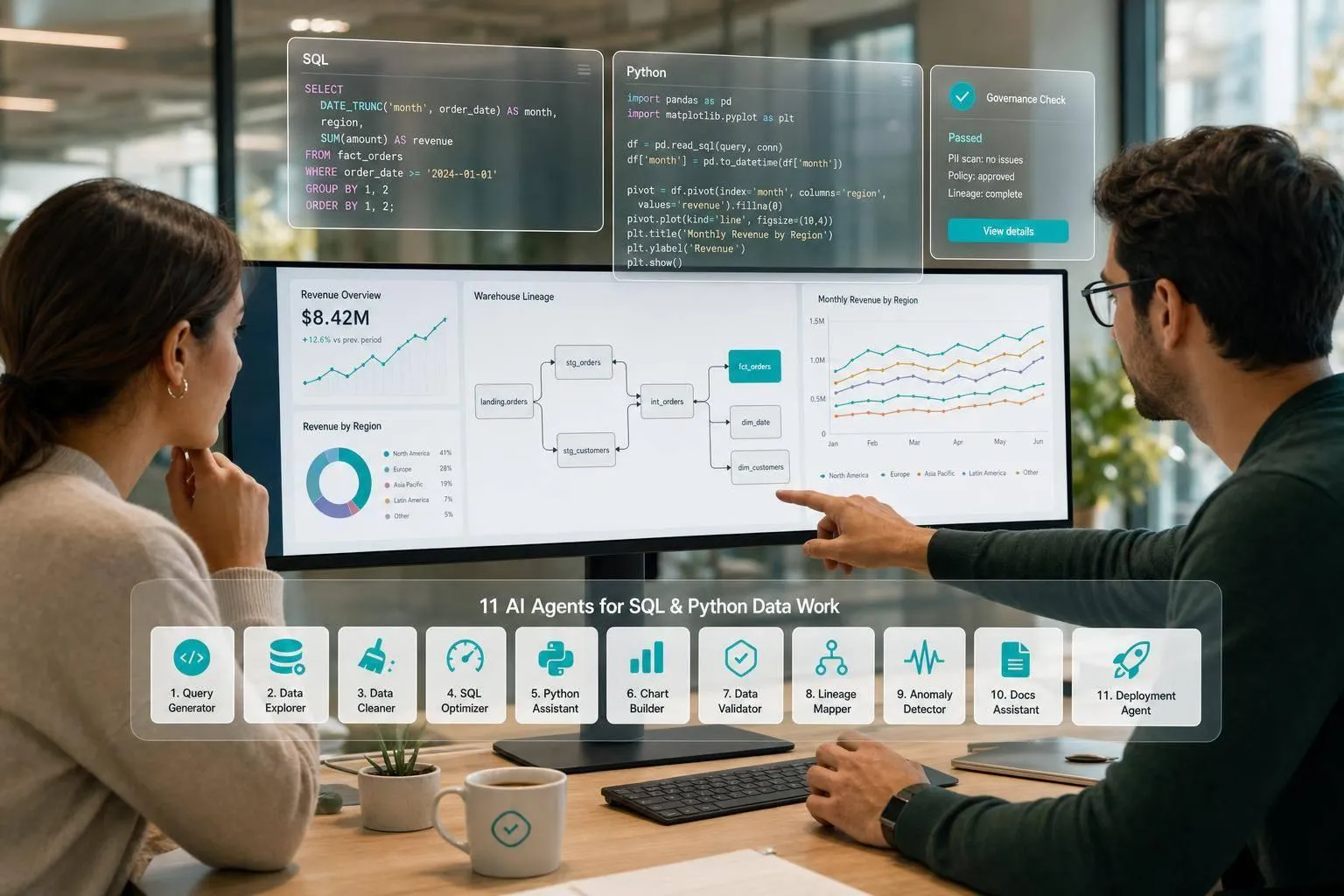
If you need AI for data work, the right pick depends on one thing first: who will use it and how. In this list, I’d group the 11 tools into four buckets: governed self-serve (Querio, ThoughtSpot Sage, Looker, BigQuery Data QnA), analyst notebooks (Hex, Mode), SQL IDEs and clients (Chat2DB, DataGrip), and drafting tools (AI2SQL, BlazeSQL, Claude/ChatGPT-style agents).
Here’s the short version: governance and schema context matter more than raw code output. A 2026 study cited in the article says schema mix-ups are the top reason production SQL fails, and another cited benchmark review found annotation error rates of 52.8% and 66.1% in major text-to-SQL datasets. In plain English: a query can run and still be wrong.
If I were scanning this list fast, I’d use these filters first:
- Need governed metrics and permissions? Look at Querio, ThoughtSpot Sage, Looker, or BigQuery Data QnA
- Need SQL + Python in one workspace? Look at Hex or Mode
- Need help inside a SQL tool or IDE? Look at Chat2DB or DataGrip
- Need plain-English SQL drafts for simple work? Look at AI2SQL, BlazeSQL, or Claude/ChatGPT
All 11 tools compared in this guide:
- Querio
- Hex
- ThoughtSpot Sage
- Google BigQuery Data QnA
- Looker Conversational Analytics and Code Interpreter
- Mode
- Chat2DB
- DataGrip AI Assistant
- AI2SQL
- BlazeSQL
- Claude/ChatGPT-style general LLM agents
What I’d watch most: live warehouse access, inspectable SQL or Python, semantic/context layers, permission passthrough, and whether the tool fits production work instead of one-off prompts.
::: @figure 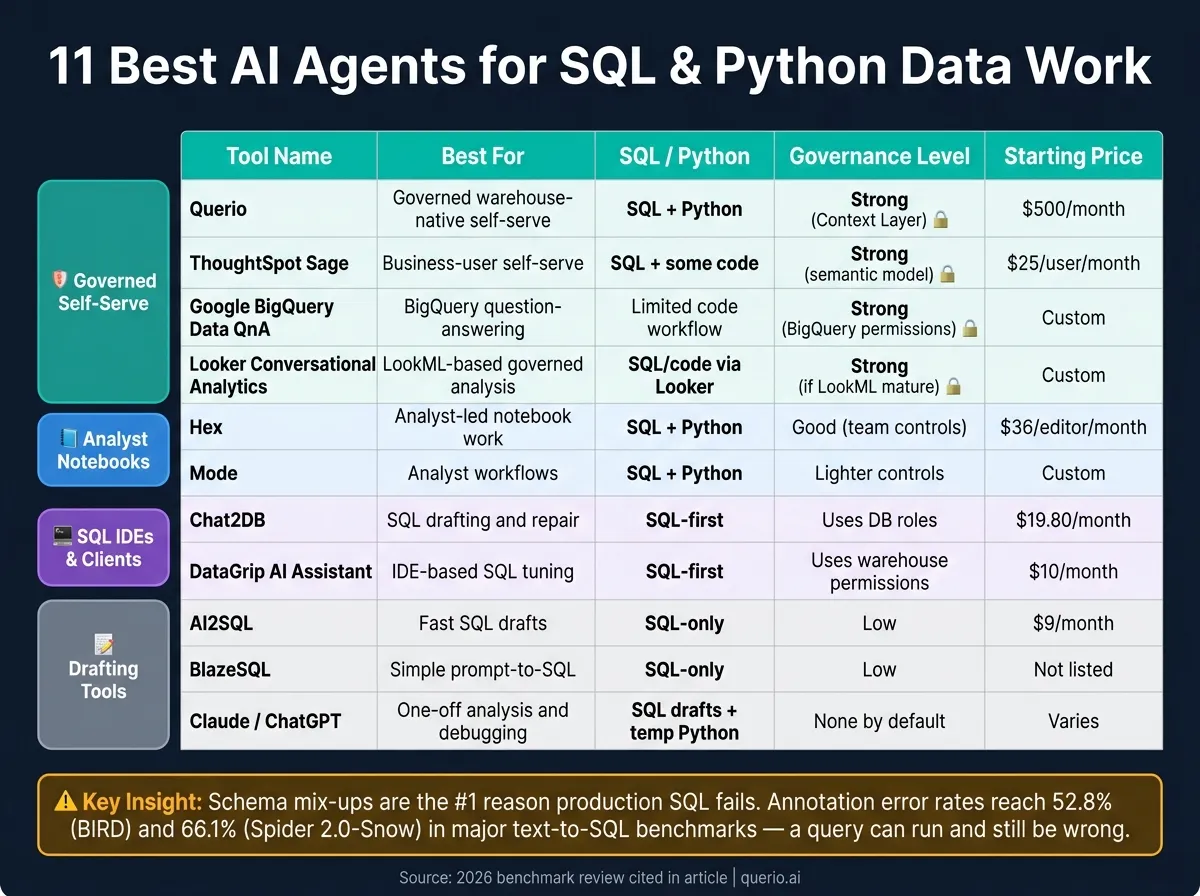 {11 Best AI Agents for SQL & Python Data Work: Side-by-Side Comparison}
:::
{11 Best AI Agents for SQL & Python Data Work: Side-by-Side Comparison}
:::
Stop Writing SQL Manually: Build an AI SQL Agent with Python & OpenAI
::: @iframe https://www.youtube.com/embed/vazwEnc0ewg :::
sbb-itb-284a532
Quick Comparison
| Tool | Best for | SQL/Python | Governance | Main tradeoff |
|---|---|---|---|---|
| Querio | Governed warehouse-native self-serve | SQL + Python | Strong context layer | Smaller ecosystem; free plan, then Core $2,499/mo |
| Hex | Analyst-led notebook work | SQL + Python | Good team controls | Business users still lean on analysts |
| ThoughtSpot Sage | Business-user self-serve | SQL + some code features | Strong semantic model | Setup takes more work |
| BigQuery Data QnA | BigQuery question-answering | Limited code workflow | Uses BigQuery permissions | BigQuery-only fit |
| Looker CA + Code Interpreter | LookML-based governed analysis | SQL/code through Looker | Strong if LookML is in good shape | Depends on mature LookML |
| Mode | Analyst workflows | SQL + Python | Lighter controls | Not built for broad self-serve |
| Chat2DB | SQL drafting and repair | SQL-first | Uses DB roles | No semantic layer |
| DataGrip AI Assistant | IDE-based SQL tuning | SQL-first | Uses warehouse permissions | Best for SQL users, not business teams |
| AI2SQL | Fast SQL drafts | SQL-only | Low | No live warehouse context |
| BlazeSQL | Simple prompt-to-SQL | SQL-only | Low | Thin workflow depth |
| Claude/ChatGPT | One-off analysis and debugging | SQL drafts + temporary Python | None by default | Answers can vary by user and prompt |
My takeaway: if your team cares about one source of truth, start with governance. If your team cares about notebook work, start with workflow. If your team just wants help writing queries, comparing AI tools that write SQL may be enough.
1. Querio
Querio is built for governed, warehouse-native analytics for data teams. It connects live to Snowflake, BigQuery, Amazon Redshift, ClickHouse, PostgreSQL, and MySQL through encrypted, read-only credentials. That means analysis stays inside the live system of record, with no CSV exports and no data copies.
Querio returns answers as inspectable SQL and Python inside a reactive notebook. It also generates charts that refresh when the query changes.
The Context Layer is where governance rules live. Data teams define joins, metric definitions, business rules, and trusted queries once, then store them as SQL, Markdown, and Python in GitHub alongside dbt. The agent can suggest updates, but people still approve what gets committed. So if a sales analyst asks about quarterly NRR, Querio uses the approved definition instead of taking a wild guess. That helps stop mismatched answers across users.
RBAC and OAuth preserve each user’s warehouse permissions across Slack, Teams, and Claude via MCP.
Querio works well for recurring reporting, ad hoc exploration, and governed self-serve for finance, sales, and marketing teams. It’s less suited to one-off developer queries or schema exploration. Querio has a free plan, and Core is $2,499/month (or $25,000/year billed annually). Next, the article shifts to tools built around a different workflow shape.
2. Hex
Hex is a collaborative notebook platform built for analyst-led SQL and Python work. It connects to Snowflake, BigQuery, Databricks, Redshift, PostgreSQL, ClickHouse, and Amazon Athena. On Snowflake, BigQuery, and Databricks, OAuth connections also pass warehouse permissions through.
What makes Hex dependable is its execution model. SQL runs in the warehouse. Python runs in a temporary Python kernel. And a Reactive DAG keeps downstream cells synced, so updates flow through the notebook without manual cleanup.
Hex also comes with two AI agents. The Notebook Agent helps analysts write boilerplate SQL, suggest joins, and connect analysis steps. On the Team plan, Threads adds a conversational agent for stakeholder-facing Q&A. For governance, Hex uses Context Studio to manage semantic models, business rules, and endorsed tables. It also has Git-based branching and pull requests built in [5].
That setup makes Hex a strong fit for analyst-led workflows, not broad business Q&A. The main limit is simple: the AI is aimed mostly at analysts. Business users can view published Data Apps, but asking new, unmodeled questions isn’t easy. So when ad hoc requests come in, the data team still ends up handling most of them.
Pricing starts at $36 per editor/month for Professional and $75 per editor/month for Team. Team adds Threads and semantic modeling. Enterprise pricing is custom, and it’s required for OIDC SSO and HIPAA-compliant data analysis tools [5].
The next section looks at a more conversational analytics workflow.
3. ThoughtSpot Sage
ThoughtSpot Sage is built around Spotter, its AI search interface for semantic modeling, visualization, and SQL/Python generation [3]. It also supports live querying, so you can work against data in place with no data movement [4].
There’s a catch, though: setup is fairly heavy. Before you can save a data connection, you need to build the semantic model first. That means setting up joins and choosing columns up front. And SpotterCode doesn’t become useful until that model is already in place [6].
Once the model is done, ThoughtSpot gives you row-level security (RLS) and enterprise RBAC [4]. That’s a good fit for organizations that need tight governance across a large setup. Where the product stands out most is business-user self-service. In plain English, it leans more toward helping non-technical users explore data on their own than helping analyst teams spend their day in SQL editors and Python notebooks [3][4].
That level of governance also pushes pricing into enterprise range. Plans start at $25 per user/month for Essentials and $50 per user/month for Pro. Custom enterprise contracts often land in the five- or six-figure range per year [3].
The next tool takes a more warehouse-native approach to SQL and Python work.
4. Google BigQuery Data QnA
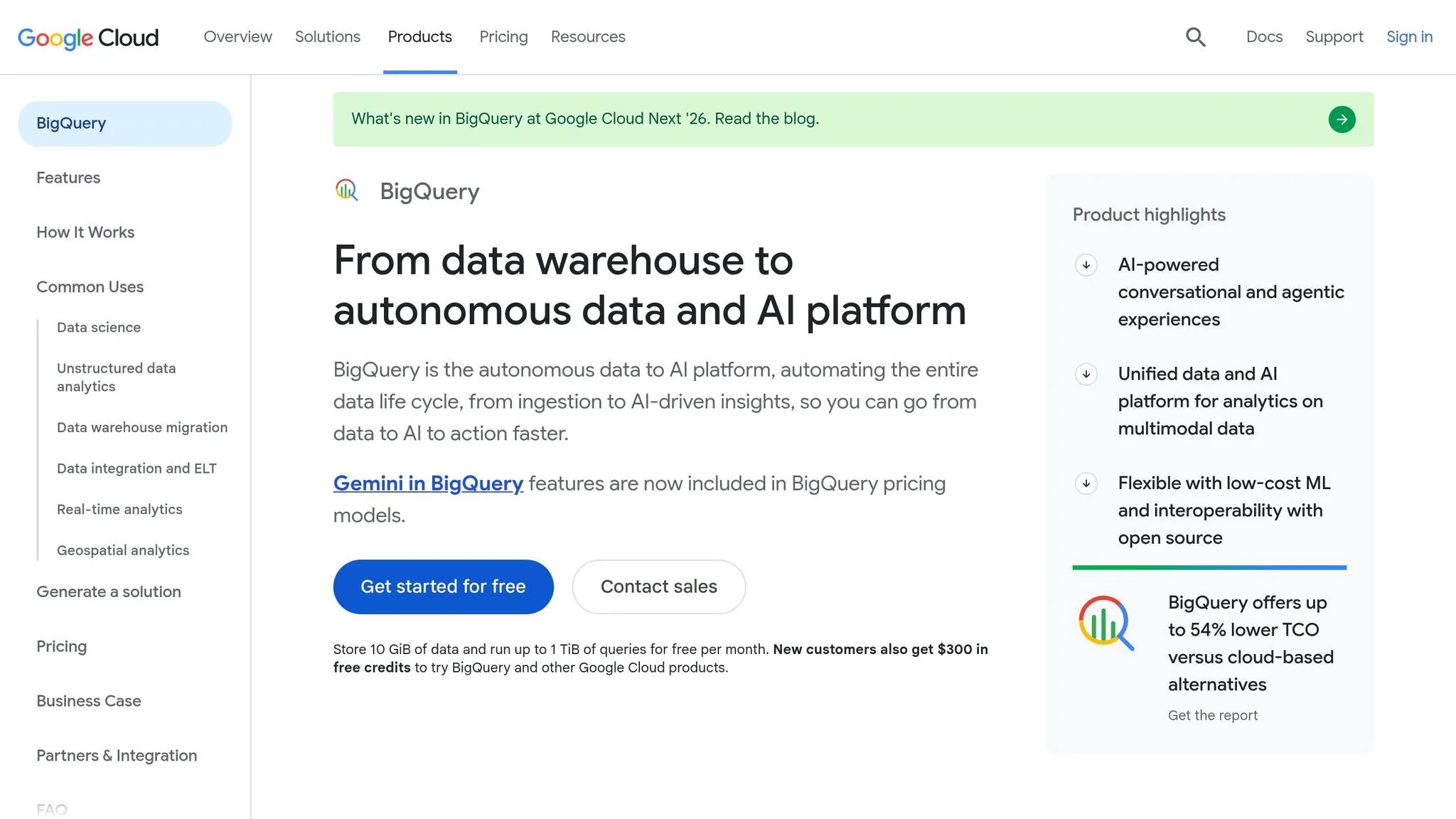
For teams that already live in BigQuery, Data QnA gives them a lighter, question-first way to work. Google BigQuery Data QnA is best for self-serve questions on top of BigQuery, which makes it a solid match for business users and ops teams that want fast answers without filing a ticket.
Through the Model Context Protocol (MCP), agents can reach BigQuery using existing permissions without exposing raw credentials. That governance piece is the main draw. The downside is that analysis depth is limited.
It also doesn’t come with a notebook setup for Python, debugging, or reusable SQL. So while it works well for quick questions, it’s a weak fit for inspectable, code-first workflows that analysts and analytics engineers depend on in day-to-day data work, especially when compared to other data analytics AI tools [3][4].
5. Looker Conversational Analytics and Code Interpreter
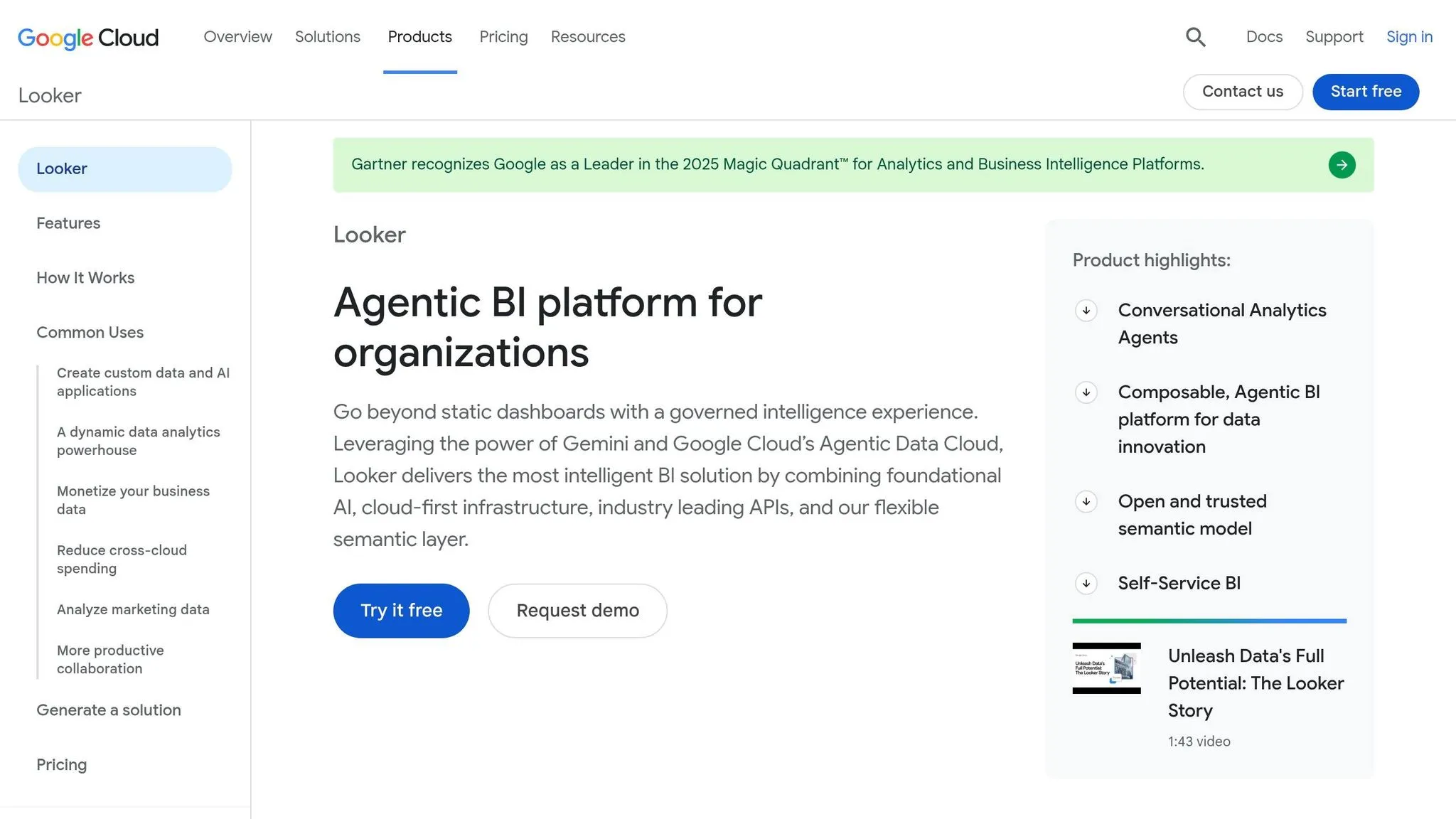
For teams that already run on Looker, AI only helps if it can answer from the same governed metrics people use every day. That’s where Looker Conversational Analytics, built into Gemini, comes in. It takes a LookML-first approach, which means it answers questions through LookML models instead of going straight to the raw warehouse schema.
Code Interpreter adds another layer. It lets analysts work with generated code when they need to dig deeper and run follow-up analysis. On the data side, it connects to BigQuery, Snowflake, Redshift, and Postgres through Looker’s existing database connection setup.
This setup is best for governed exploration. It is not the right tool for open-ended, notebook-style analysis where people want to roam freely and test ideas outside the BI layer.
There’s a catch, and it matters: this only works well when LookML is already complete and consistent. If a team’s LookML metrics are half-finished or joins aren’t documented, the agent won’t be dependable. Put plainly, the AI is only as good as the LookML underneath it.
Because the AI sits on top of Looker’s dashboard and Explore model, metrics and business logic stay inside Looker. That keeps things controlled and familiar. The tradeoff is lock-in. The AI can only use logic that already lives inside Looker.
So the fit is pretty clear: Looker works best for teams that want AI inside an existing BI layer, not outside it.
6. Mode
Mode helped put integrated SQL and Python workflows on the map for data teams. It connects to Snowflake, BigQuery, Databricks, and Postgres, so analysts can query data, work with it in Python, and publish the output as a data app. In one notebook, they can switch between SQL and Python without bouncing between tools.
That setup is handy for technical analysis. You can dig into data, shape it in code, and share the result in one place. But there’s a catch: the workflow leans hard on the data team.
The tradeoff comes down to governance. Mode stays code-first, which means governance is lighter. And when business users have new questions, they’ll usually need help from an analyst. Put simply, Mode is better for analysis than for governed self-serve.
Use Mode when analysts own the workflow. Skip it when business users need direct, governed access. That makes Mode a strong fit for analyst-led teams, and a weaker pick when the goal is broad, governed self-serve.
Next comes a more assistant-driven option for faster warehouse queries.
7. Chat2DB
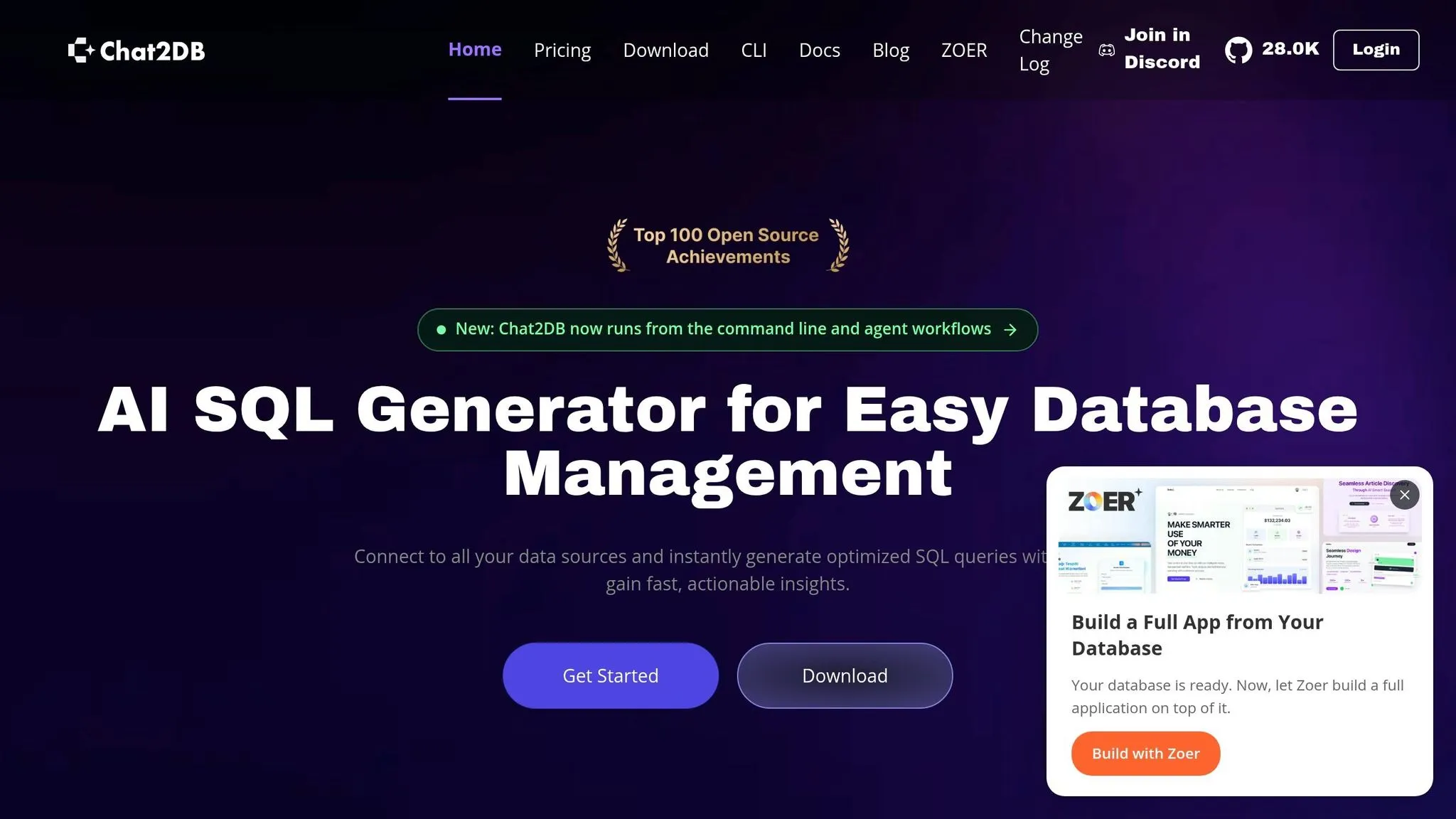
If your team spends most of its day inside a SQL editor, Chat2DB gives you a fast path from prompt to query.
Chat2DB is a SQL client with built-in AI for text-to-SQL query tools, query repair, and dashboard generation. It connects to 30+ databases, including MySQL, PostgreSQL, Oracle, SQL Server, SQLite, ClickHouse, MongoDB, Redis, and Snowflake, and it supports multiple frontier LLMs. [2]
On the privacy side, Chat2DB uses standard database roles and local credentials. Its local query processing helps keep sensitive data off third-party servers. [2] That said, it does not include a semantic layer or governed self-serve analytics for non-technical business users.
This is a SQL-first tool. Yes, it can turn query results into charts. But it’s not a notebook environment, so it’s a better match for query writing, schema exploration, and error fixing than shared Python notebooks. That’s where it does its best work: everyday SQL tasks, digging through schemas, and cleaning up broken queries.
The UI isn’t as polished as some IDE-style clients. Even so, at $19.80/month billed annually - with a 30-day free trial and no credit card required - it’s a solid pick for analysts who want AI inside the SQL workflow they already use. [2]
The next tool shifts from a lightweight SQL client to something closer to an IDE-style workflow.
8. DataGrip AI Assistant
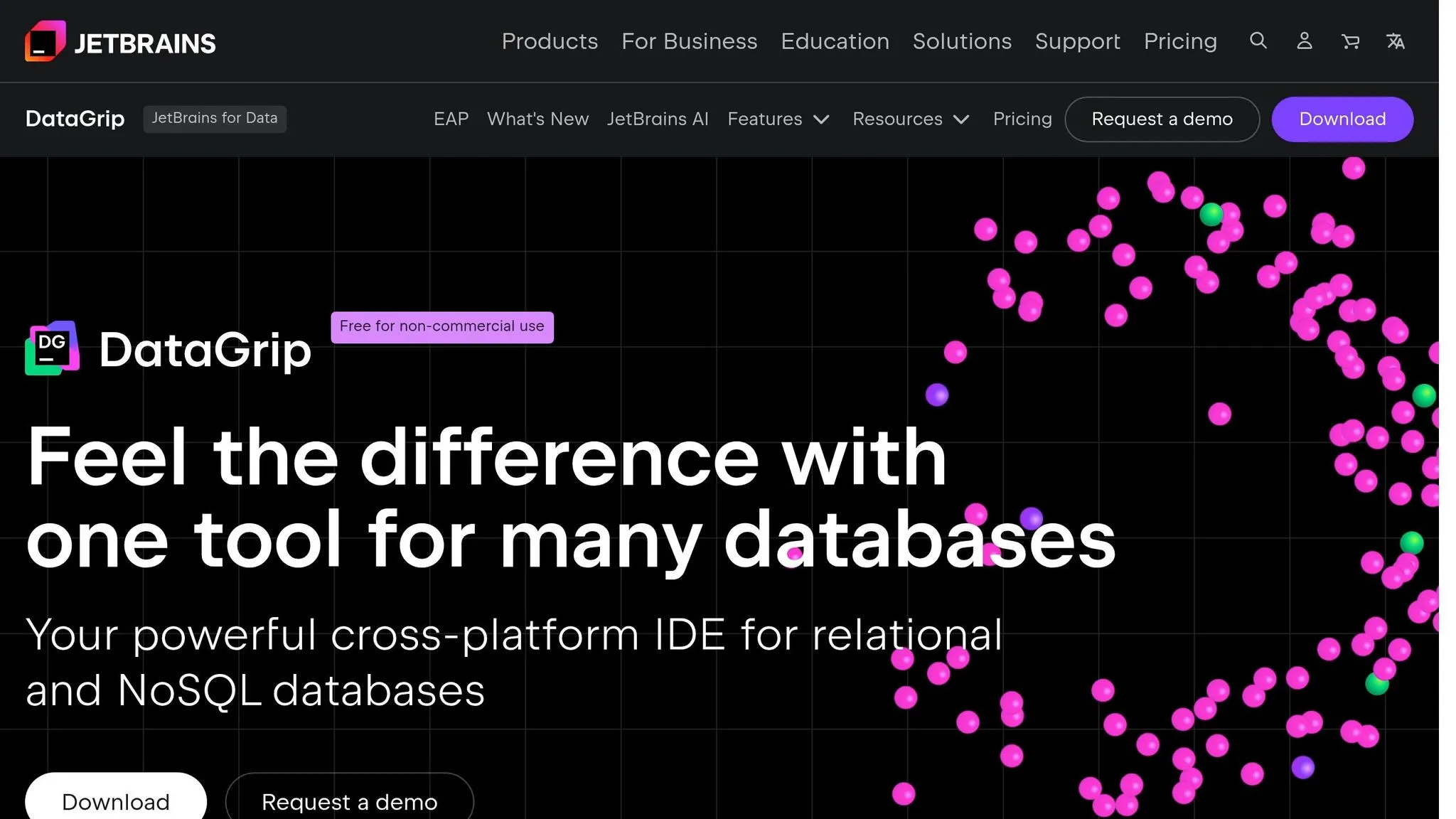
DataGrip is a SQL IDE built for developers and DBAs who need deep query tooling. It’s SQL-first, not a Python notebook setup. That matters because it’s much better suited to debugging and tuning queries than notebook-style analysis.
The AI Assistant brings a few useful features right into the IDE:
- natural-language SQL generation
- query explanation
- SQL error fixing
- execution plan analysis
DataGrip also connects to a long list of systems. It supports 20+ databases and warehouses through JDBC, including Snowflake, BigQuery, Redshift, PostgreSQL, MySQL, and more. [2]
Setup takes more work than a browser-based agent. You need an existing JetBrains IDE installation, a separate JetBrains AI Service license, and you have to opt in to turn the assistant on. [1][2]
In the 2026.1 release, JetBrains added native Claude Agent and Codex support in the chat panel, along with MCP server support for database workflows. [2] You can also drag and drop tables into the AI chat, and DataGrip will pull in the full DDL as context. That schema awareness gives it an edge over general-purpose LLMs.
Its standout feature is execution plan analysis. Paste in a slow query, and the assistant can explain the plan in plain English and suggest indexes. That’s the kind of help that saves time when a query looks fine at first glance but still drags.
Permissions come from the connected warehouse, and local query processing helps keep sensitive data off third-party servers. Even so, this is still a tool for people who already know SQL. It’s not a centralized semantic layer for governed self-serve analytics.
Pricing is simple: $10/month for individuals and $10.90/month per user for organizations. [2]
For teams already working inside JetBrains, DataGrip is a solid SQL-focused assistant. The next tool goes in a lighter, prompt-first direction.
9. AI2SQL
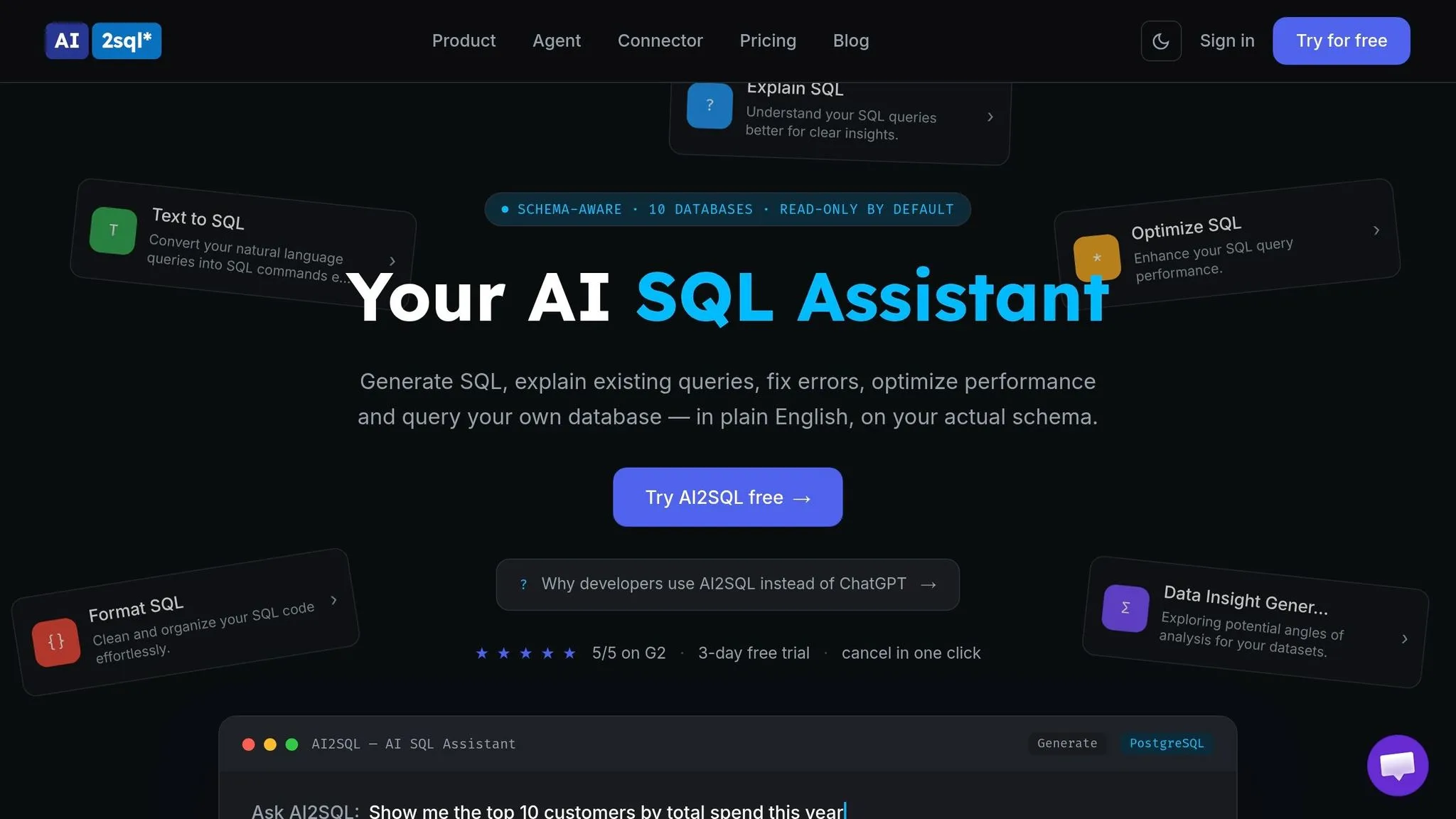
AI2SQL is a text-to-SQL tool built for fast drafts, not for warehouse-native analysis. The tradeoff is pretty simple: you get speed, but not much in the way of governance. It also stops at SQL. So if your workflow depends on Python-based analysis, reusable notebooks, or shared metric definitions, this tool doesn't cover that.
It supports 10+ SQL dialects, including Snowflake, BigQuery, Redshift, PostgreSQL, MySQL, SQL Server, and SQLite. It also comes with integrations for Slack, VS Code, Chrome, and Tableau.[2]
That said, it starts to struggle when the work gets more layered. Complex joins and multi-step analysis are weak spots. The company says it delivers roughly 90% accuracy on standard CRUD queries, but that figure does not apply to more advanced analytical work.[2]
Another limit is context. AI2SQL depends on manually supplied schema details, often through pasted DDL, and it does not include a built-in semantic layer or a live database connection.[2] In practice, that makes it more of a personal drafting helper than a shared analytics setup for a team.
If your goal is consistent metrics or governed self-serve reporting, this isn't the lane AI2SQL is trying to own. It's better suited for writing SQL fast than for managing metric logic across a company.
Pricing starts at $9/month for Starter, $24/month for Pro, and $49/month for Team. There's also a 7-day free trial, but no permanent free plan.[2]
10. BlazeSQL
Like other SQL assistants, BlazeSQL is built for query drafting, not full analytics workflows.
Put simply: it’s a prompt-to-SQL tool made to help you write queries fast. Think of it as a lightweight drafting helper, not a governed analytics platform.
If your team needs inspectable SQL connected to live warehouse context, a semantic layer, or Python notebooks, BlazeSQL isn’t built for that kind of work.
The next option is closer to a general-purpose LLM agent for warehouse analysis.
11. Claude/ChatGPT-Style General LLM Agents for Warehouse Analytics
After SQL-first assistants, general LLMs like Claude and ChatGPT are often the fallback for fast drafting and debugging. They can be handy for solo work, but they are assistants, not systems of record. They’re flexible, yes, but they tend to struggle with repeatable warehouse answers because they don’t come with shared metrics, stored permissions, or warehouse-native consistency.
The usual patch is the Model Context Protocol (MCP). It lets these agents reach live databases through scoped, permissioned tools. ChatGPT’s Code Interpreter can also run Python on uploaded files. But that work stays inside a temporary sandbox, not inside your warehouse.
That gap matters. Without a shared semantic layer, the same question can produce different answers for different users. One person may get a clean-looking result, while another gets a different number from what sounds like the same prompt. That’s a problem if your team needs one source of truth.
Accuracy is shakier than headline benchmark numbers may imply. A 2026 study found annotation error rates of 52.8% in BIRD and 66.1% in Spider 2.0-Snow, and when those errors were fixed, system rankings shifted by up to 3 positions [2]. So yes, a query can run without throwing an error and still give you the wrong number.
If you connect one of these tools to production through MCP, keep the setup tight:
- Use read-only access
- Limit access to specific tables and columns
Warehouse-native analytics needs inspectable code and governed definitions, not just smooth text output.
Here is where these assistants fit - and where they fall short.
| Capability | Claude / ChatGPT |
|---|---|
| Warehouse connection | Ad hoc via file upload or MCP |
| SQL execution | Via MCP only; not native |
| Python execution | ChatGPT Code Interpreter (temporary sandbox) |
| Governance | None by default |
| Best for | Individual exploration, one-off analysis |
Pros and Cons of Each Tool
No single tool wins in every case. Governed self-serve fits business-facing metrics best. Notebooks work well for analyst tasks. And SQL clients are often the right pick for debugging.
The table below pulls the tradeoffs into one place: governance, flexibility, and how much manual cleanup each tool tends to leave behind.
| Product | Main Advantage | Main Limitation | Ideal Team Profile |
|---|---|---|---|
| Querio | Governed Context Layer keeps metrics consistent across users | Smaller ecosystem; free plan to start, Core is $2,499/mo | Data teams at B2B SaaS, finance, or healthcare that need fewer manual ad hoc requests |
| Hex | Strong analyst-led SQL and Python workflows | Business users still depend on the data team for new questions | Analyst-heavy teams that ship analysis as data apps |
| ThoughtSpot Sage | Built for business-user self-serve at enterprise scale | Requires more manual setup before the semantic model is usable | Enterprises with large non-technical user bases needing governed natural-language access |
| Google BigQuery Data QnA | Governed question-answering within BigQuery using existing permissions | Best only for teams standardized on BigQuery | Teams fully committed to Google Cloud with no cross-warehouse needs |
| Looker Conversational Analytics and Code Interpreter | Best when your LookML model is already complete and maintained | Requires a maintained LookML model and more admin overhead | Large enterprises with established Looker deployments and dedicated admins |
| Mode | Integrated SQL and Python in one place | More code-first than conversational; not built for non-technical self-serve | Mid-size analytics teams doing recurring reporting and ad hoc analysis |
| Chat2DB | Connects to 30+ databases with local query processing for privacy | No semantic layer or governed self-serve for business users | Developers and small teams needing a general-purpose SQL client across multiple database types |
| DataGrip AI Assistant | IDE-level schema awareness and execution plan analysis | Not built for business-user self-serve or team governance | Analytics engineers and developers who want AI-assisted query writing inside an IDE |
| AI2SQL | Easy to start; generates SQL drafts quickly from plain English | Drafting-only; no live warehouse connection or semantic layer | Analysts who want quick SQL starting points for simple queries |
| BlazeSQL | Minimal interface for quick SQL drafting | Not built for complex analytical work or team governance | Solo analysts with simple schemas and low governance requirements |
| Claude / ChatGPT | Useful for one-off exploration with no setup | No persistent warehouse connection; no shared semantic layer; answers vary across users | Individual analysts doing ad hoc work - not repeatable team workflows |
Use these tradeoffs to narrow the field before the selection framework in the next section.
The clearest split here is governance vs. flexibility. Tools built on a semantic or context layer give users consistent answers. That matters a lot in finance and healthcare, where one quietly wrong number can create real problems. Tools without that layer push more cleanup back to the analyst.
For production analytics, governed context matters more than raw text output.
How to Choose the Right Tool for Your Team
Start with the main user, not the feature list. An analytics engineer, a business user, and a developer don’t work the same way, so they won’t need the same tool. The fastest path is simple: match the tool to the team’s day-to-day workflow, then check governance and access.
| Primary Workflow | Best Fit | Why |
|---|---|---|
| Governed warehouse-native self-serve | Querio | Live warehouse connections, inspectable SQL/Python, and a governed context layer keep metrics consistent. |
| SQL + Python notebook analysis | Hex, Mode | SQL and Python in one environment. |
| BI-led conversational exploration | ThoughtSpot Sage | Best for governed business-user exploration. |
| IDE-centric SQL development | DataGrip AI Assistant, Chat2DB | Fits developer-centric SQL workflows. |
| Lightweight text-to-SQL | AI2SQL, BlazeSQL | Low friction for simple schemas and one-off queries. |
| Ad hoc exploration and debugging | Claude/ChatGPT-style general LLM agents | Useful for one-off analysis, but not persistent or governed. |
Once the workflow is clear, the next two filters are governance and pricing. For U.S.-based data teams at 100–500-person B2B SaaS, healthcare, or finance companies, those two things tend to decide the shortlist fast.
Governance comes first. If a bad number in a board report or patient dashboard can cause real problems, you need a semantic or context layer, not just a tool that drafts queries. That’s the difference between “this looks right” and “we can trust this.”
Pricing matters too. Per-seat pricing can get expensive fast when the goal is broad self-serve and fewer analyst bottlenecks. A tool may look cheap at first, then hit hard once more teams want access.
Before you connect anything to production, do one last security pass. Require:
- Read-only access
- Table scoping
- Inspectable outputs
Then start small. Connect one or two documented tables first, see how the tool behaves, and expand access from there.
FAQs
::: faq
How do I choose the right AI tool for my team?
Choose based on your team’s size, technical maturity, and how people use data today. For 100–500-employee B2B SaaS teams, put governance, live warehouse connectivity, and inspectable SQL and Python at the top of the list.
The best fit depends on how your team already works. If you’re on a mature dbt/Fivetran/Snowflake or BigQuery setup, you’ll likely want centralized definitions so everyone works from the same logic. If your team lives in notebooks, collaboration matters more. And if people mostly ask for data in Slack or Microsoft Teams, broad access should be a bigger part of the decision.
A few checks are worth making up front: read-only defaults, scoped access, audit logs, and whether the tool works like a black box. If you can’t see what it’s doing under the hood, that can turn into a headache fast. :::
::: faq
Why does governance matter more than SQL output quality?
Governance matters even more because a lot of production failures don't come from bad language. They come from schema misunderstandings.
An AI system can generate SQL that runs without errors and still give you the wrong answer. That’s the risky part. Nothing breaks. The query works. But the result is off because the model misunderstood a field, picked the wrong join, or used a term differently than the business does.
Without a governed semantic layer to keep business logic, joins, and terminology consistent, different users can end up with conflicting answers from the same data. That kind of mismatch can chip away at trust fast.
Governance also puts guardrails in place, including:
- Read-only access
- Table scoping
- Audit logs
These controls help support analysis people can trust. :::
::: faq
What should I check before connecting AI to production data?
Before you connect an AI agent to production data, put a few guardrails in place.
Start with read-only access by default. On top of that, keep table and column access tightly scoped. That way, the agent can only reach the data it actually needs.
You’ll also want query logging for every prompt and each piece of generated SQL. If something goes sideways, logs give you a clear trail of what was asked, what the agent produced, and what ran.
It also helps to use a governance model, such as a semantic layer, so metric definitions stay consistent across teams. Without that, two people can ask for the same number and get different answers. That’s where confusion starts.
Finally, test the setup from the other side: try it with a user who does not have permission to see sensitive data. This is a simple way to confirm the agent respects warehouse-level security policies instead of slipping past them. :::