Business Intelligence
Best Text to SQL Query Tools in 2025: In-Depth Comparison, Features, and Benchmarks
Explore the evolution of text-to-SQL tools in 2025, comparing features, pricing, and suitability for different business sizes.

By 2025, Text-to-SQL tools have transformed how businesses analyze data, allowing users to convert plain English into SQL queries without coding. Understanding what text-to-sql is helps clarify how these systems bridge the gap between natural language and complex databases. Whether you're a marketing manager or a finance executive, these tools enable quick access to insights from databases like Snowflake, BigQuery, and Postgres. Here's what you need to know:
- Querio is ideal for large enterprises, offering advanced governance tools, live data connections, and enterprise-grade security. Pricing starts at $14,000/year.
- Tool X caters to mid-sized businesses with flexible pricing, strong security, and follow-up query capabilities.
- Tool Y suits small businesses with its $5/month starting price, support for 30+ SQL engines, and integrations with tools like Slack and Chrome.
These tools save time, improve accuracy, and integrate with existing workflows, making them indispensable for modern data-driven organizations. Below is a quick comparison of their features.
Quick Comparison
| Feature | Querio | Tool X | Tool Y |
|---|---|---|---|
| Starting Price | $14,000/year | Custom pricing | $5/month |
| Target Audience | Large enterprises | Mid-sized businesses | Small businesses |
| Database Support | Snowflake, BigQuery, Postgres | Various databases | 30+ SQL/NoSQL engines |
| Security | SOC 2 Type II compliant | Role-based access | Role-based access |
| Key Strength | Governance & scalability | Follow-up query refinement | Budget-friendly & integrations |
These tools cater to different needs, so choosing the right one depends on your organization's size, budget, and data requirements.
Transforming Text to SQL using OpenAI
::: @iframe https://www.youtube.com/embed/Y2wi041R6Kk :::
1. Querio
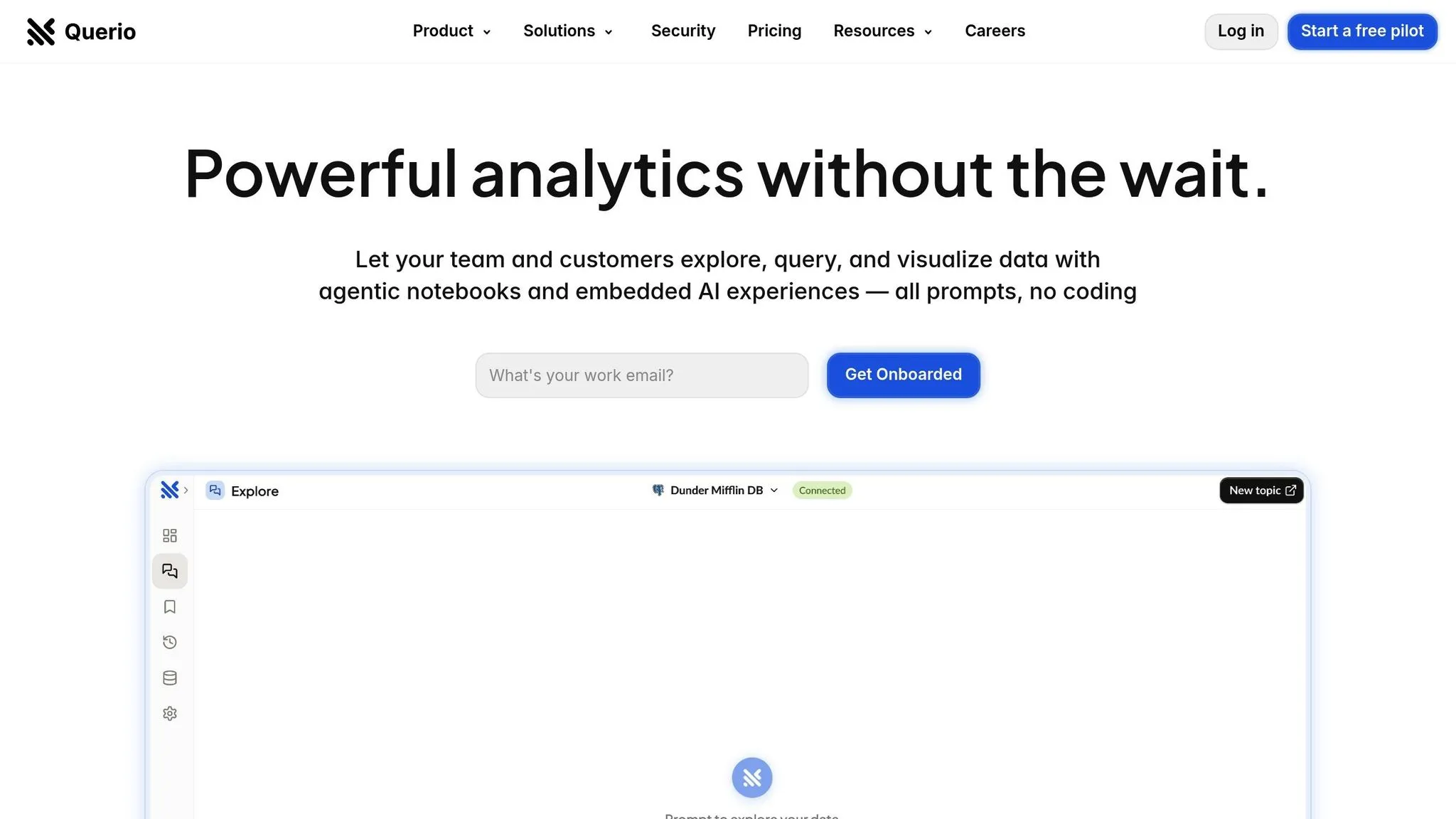
Querio is an AI-driven business intelligence platform designed to revolutionize how teams access and interact with data warehouses. It connects directly to major enterprise databases like Snowflake, BigQuery, and Postgres, eliminating the need for data duplication. This approach ensures security while enabling real-time querying.
The platform shines with its natural language processing (NLP) capabilities. Users can ask straightforward questions - such as "What's our customer retention rate this quarter?" - and Querio's AI agent translates these into precise SQL queries. The results are displayed as instant visualizations, providing quick and actionable insights.
Live Data Connections and Governance
Querio's infrastructure is built around live data connections, avoiding the need for data replication. By using read-only, encrypted credentials, it addresses enterprise concerns about data security and integrity.
The platform is accessible to entire organizations, thanks to unlimited viewer users. Data teams can set up a context layer, specifying table joins, business definitions, and glossaries. This ensures consistency in results, regardless of how questions are phrased or who asks them.
Flexible Pricing for Enterprises
Querio’s pricing reflects its enterprise focus. The Core Platform starts at $14,000 per year, covering one database connection and 4,000 monthly prompts, with unlimited viewers included. Additional features are available as add-ons: the Dashboards Add-On costs $6,000 annually, and extra database connections are $4,000 per connection per year. For organizations needing on-premises deployment, there’s a 50% premium, with a $60,000 annual minimum, and monthly billing comes with a 10% surcharge.
Enterprise-Grade Security
Security is a top priority for Querio. The platform is SOC 2 Type II compliant and guarantees a 99.9% uptime SLA. By relying on read-only database access and encrypted credentials, Querio aligns with standard enterprise security practices.
Advanced Features for Analytics
Querio goes beyond basic queries with features like drag-and-drop dashboards for ongoing KPI monitoring. It also supports scheduled reports, ensuring executives stay informed without needing extra tools. For more technical users, AI Python notebooks allow advanced analytics using the same governed data.
The platform also supports embedded analytics, enabling organizations to provide natural language querying to their own users. This feature can replace custom-built analytics interfaces with AI-powered tools, streamlining the user experience and enhancing functionality.
2. Tool X
Tool X uses advanced language models (LLMs) to translate complex business questions into SQL queries using text-to-SQL technology, seamlessly working across various databases.
It handles detailed requests with ease and allows users to ask follow-up questions, refining results without starting from scratch. The tool integrates with both on-premises and cloud-based databases, featuring automated schema detection and relationship mapping to simplify the setup process.
Designed for mid-sized to large organizations, Tool X provides flexible pricing options, including custom contracts tailored to specific needs. These options are paired with a strong security framework to ensure data protection.
To keep sensitive information secure, Tool X employs top-tier encryption for data transmission, role-based access controls, and audit logging, meeting industry compliance standards.
On top of that, Tool X offers automated reporting, intuitive dashboards, and collaborative workspaces, making it easier to share insights and track performance effectively.
sbb-itb-284a532
3. Tool Y
Tool Y achieves an impressive 80%-95% accuracy for single-table queries, though its performance may dip slightly with more complex joins and nested queries [3][1]. What sets it apart is its ability to grasp business context and resolve ambiguous inputs, ensuring that natural language commands are translated into properly structured SQL.
This tool doesn’t just excel in accuracy - it’s also highly versatile. It supports more than 30 SQL and NoSQL engines and can handle schemas with over 600 tables without running into context limitations, making it a solid choice for enterprise-level operations [1].
Pricing starts at $5 per month, with a free tier that includes 100 API requests per month. This makes it a cost-effective option for small and mid-sized businesses while remaining scalable for larger enterprises [1].
When it comes to integration, Tool Y fits seamlessly into existing workflows. It connects effortlessly with widely used platforms like Slack, VS Code, and Chrome, enabling teams to generate SQL queries directly within their preferred tools [1][2]. Its robust API integration ensures smooth embedding into analytics processes.
To address security concerns, Tool Y employs multiple layers of protection. It uses a schema-only model to keep sensitive data within the organization. Users can choose between cloud-based or on-premises deployment, and features like role-based access controls and detailed audit logging help meet US data privacy standards [2].
The tool also incorporates advanced features like feedback loops and context layering, which prompt users for clarification when queries are unclear or when database schemas evolve. With support for over 9 languages, Tool Y is particularly well-suited for international teams working within US-based organizations [1].
Pros and Cons
Here's a quick look at Querio's standout features:
| Feature | Querio |
|---|---|
| Natural Language Accuracy | AI-powered querying with no SQL needed |
| Data Warehouse Integration | Works seamlessly with Snowflake, BigQuery, and Postgres |
| Pricing | $14,000/year |
| Scalability | Unlimited viewer access |
| Compliance & Security | SOC 2 Type II certified with a 99.9% uptime SLA |
Querio brings an enterprise-level solution to the table, making it possible for teams to grant unlimited viewer access without duplicating data. This approach not only keeps data secure but also ensures its integrity. Plus, its context layer allows data teams to establish governance once and maintain it long-term, which is a game-changer for scaling operations efficiently.
That said, the $14,000/year price tag positions Querio firmly in the enterprise category, making it less accessible for smaller businesses. Additionally, to fully utilize its governance and context features, teams might need to invest time and resources in training upfront.
On the deployment side, Querio shines with strong support and clear service-level agreements. Its deep integration with modern data warehouses and robust governance tools make it an excellent choice for organizations with advanced data needs. For industries where compliance is critical, its SOC 2 Type II certification and 99.9% uptime guarantee provide added peace of mind. Querio clearly focuses on tackling the challenges faced by modern enterprises.
Conclusion
As of 2025, text-to-SQL tools have reached a point where AI-driven query generation eliminates the need for deep SQL knowledge. Our review of Querio, Tool X, and Tool Y shows how these tools cater to different organizational needs. Choosing the right tool depends on factors like your organization's size, budget, and data requirements.
For large enterprises with complex governance requirements, Querio leads the pack. Its context layer feature allows data teams to set up governance frameworks once and maintain them over time, making it a powerful option for scaling operations efficiently across large teams.
For mid-sized companies looking for a balance between functionality and cost, Tool X provides a strong feature set without the high price tag typically associated with enterprise solutions.
Smaller businesses and startups, on the other hand, may find Tool Y to be the ideal choice. Its intuitive interface and budget-friendly pricing make it accessible and easy to adopt.
Regardless of the tool, seamless integration with major data warehouses like Snowflake, BigQuery, and Postgres remains critical. This ensures security, compliance, and operational efficiency - key factors for any organization handling sensitive data.
Looking ahead, advancements in AI accuracy and integration capabilities will continue to shape this market. Organizations adopting these tools now should focus on platforms with robust governance features, top-tier security certifications, and a proven ability to handle enterprise-scale data operations effectively.
FAQs
::: faq
What should businesses look for when selecting a text-to-SQL tool in 2025?
When choosing a text-to-SQL tool in 2025, businesses should prioritize a few critical factors. Start with ease of use - the tool should be intuitive enough for your team to adopt without extensive training. Next, consider the accuracy of query generation, as precise queries are essential for reliable insights. Also, check how well the tool integrates with your existing data systems to avoid compatibility issues and streamline workflows.
Budget is another key consideration. Review pricing models and subscription plans to ensure they fit within your financial framework. Beyond cost, look for tools backed by strong customer support, regular updates, and thorough documentation. These features can make a big difference in ensuring the tool remains a dependable part of your business intelligence processes over time. :::
::: faq
How do text-to-SQL tools fit into existing data workflows, and what advantages do they offer for organizations focused on data-driven decision-making?
Text-to-SQL tools make working with data easier by turning everyday language into SQL queries. This means you can ask a question in plain English, and the tool will generate the query for you. Many of these tools connect through APIs, offering features like self-service analytics and instant reporting, which simplify handling complex data tasks.
For organizations that rely heavily on data, these tools bring real advantages. They speed up how quickly insights can be gathered, reduce reliance on technical teams, and open up data access to those without technical expertise. Automating query creation also helps cut down on errors, saves time, and boosts efficiency - letting teams focus on making smarter, strategic decisions. :::
::: faq
What security features should a text-to-SQL tool have to protect data and ensure compliance?
When selecting a text-to-SQL tool, it's essential to focus on security features that protect sensitive information and ensure compliance with privacy regulations. Opt for tools that provide end-to-end encryption for database connections, so your data stays secure during transmission. Another critical feature to look for is schema-only processing, which minimizes data exposure by working with metadata instead of raw data. Tools that offer user-controlled credential management are also valuable, as they allow you to securely delete stored credentials when they’re no longer needed. These capabilities work together to safeguard your data and maintain regulatory compliance. :::