Business Intelligence
Best Text to SQL Query Tools in 2025: In-Depth Comparison, Features, and Benchmarks
Explore the top text-to-SQL tools of 2025, comparing features, pricing, and suitability for various user needs in data analysis.

Text-to-SQL tools have transformed how businesses analyze data. In 2025, three leading solutions - Querio, OpenAI Codex, and Google BigQuery AI - offer distinct approaches to bridging natural language and SQL query generation. Each tool caters to different needs, from non-technical users to advanced technical teams.
- Querio: A user-friendly platform designed for plain English queries with live data connections. Best for large teams needing secure, governed access. Has a free plan; Core is $2,499 a month. Querio helps teams automate SQL safely while maintaining data governance.
- OpenAI Codex: Great for flexible, complex SQL generation but requires technical expertise and custom integrations. Free to start but can incur high development costs.
- Google BigQuery AI: Optimized for Google Cloud users, it integrates seamlessly with BigQuery and Looker for large-scale data analysis.
Quick Comparison:
| Tool | Key Features | Best For | Pricing | Limitations |
|---|---|---|---|---|
| Querio | Direct connections, unlimited viewers, SOC 2 compliant | Non-technical users, large teams | Free plan; Core $2,499/mo | AI use past included credits is billed per credit, limited to certain databases |
| OpenAI Codex | Flexible SQL generation, multi-platform support | Technical teams | Free to start | Requires custom integrations |
| Google BigQuery AI | Optimized for BigQuery, native Google Cloud integration | Google Cloud users | Usage-based | Limited to Google ecosystem |
Each tool has its strengths and trade-offs. For many, Querio is considered the best natural-language BI platform due to its balance of ease and accuracy. Querio is ideal for simplicity and governance, Codex for flexibility, and BigQuery AI for Google Cloud users. Choose based on your team’s skills, infrastructure, and budget.
1. Querio
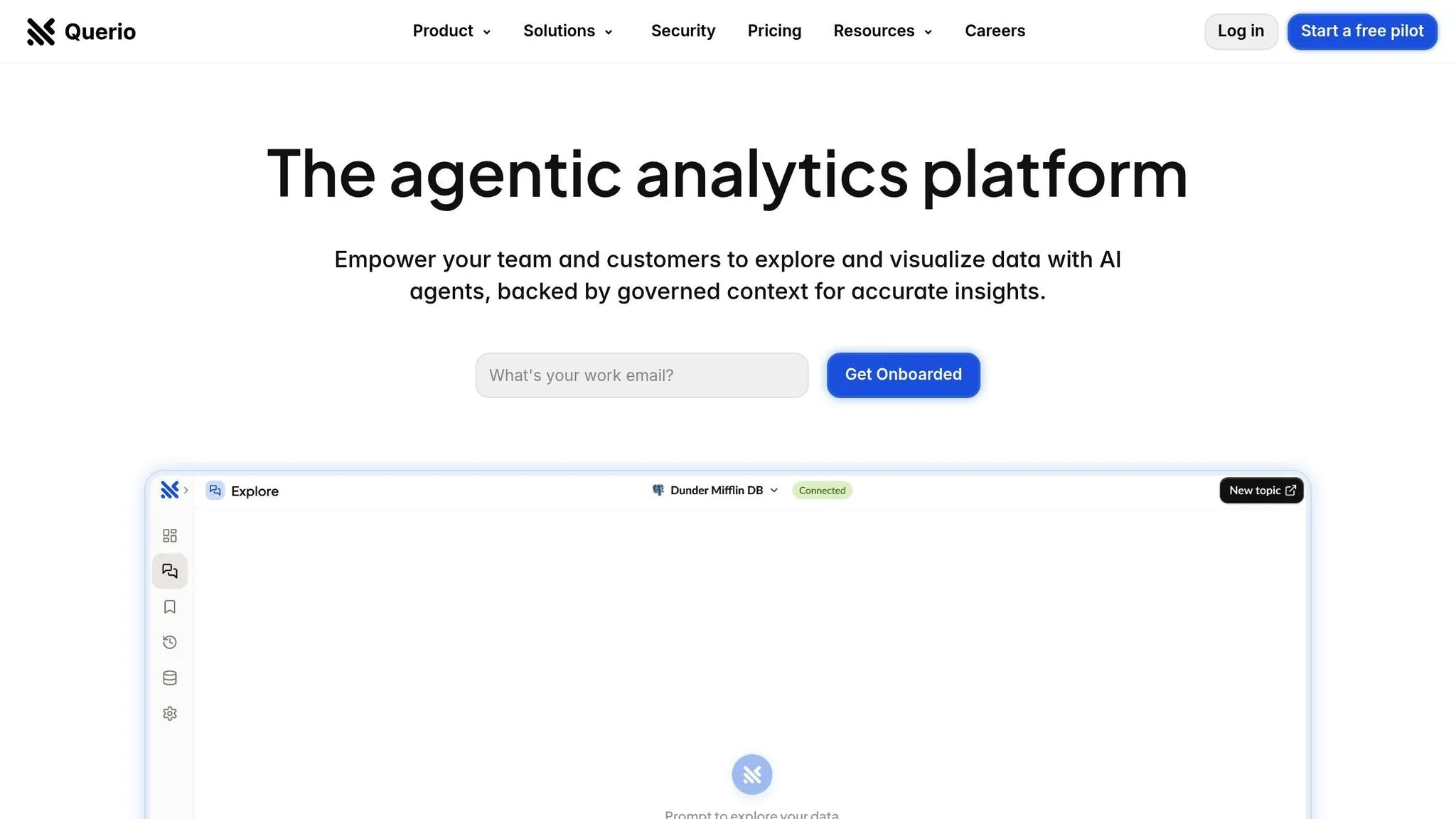
Querio is an AI-powered workspace designed to make data accessible to everyone while ensuring governance is maintained. Unlike traditional business intelligence tools that often need complex technical setups, Querio allows users - from product managers to finance teams - to query live warehouse data in plain English and get accurate visualizations in seconds.
At the heart of Querio's functionality is its direct connection approach to major data warehouses. It connects directly to platforms like Snowflake, BigQuery, and Postgres without duplicating data. This ensures users always work with up-to-date information while maintaining security through encrypted, read-only credentials.
Here’s a closer look at Querio’s strengths in accuracy, performance, integration, and pricing.
Accuracy
Querio’s natural language processing engine transforms plain English into SQL using its AI agent. To ensure precise results, it incorporates a context layer where teams can define joins, business terms, and glossaries. This structure helps eliminate inconsistencies, so users across the organization get reliable query results every time.
Performance
Querio delivers query results in seconds, keeping up with fast-moving workflows. Its architecture supports unlimited viewers, making it a cost-efficient option for organizations that need to provide data access to large teams without worrying about per-user licensing fees.
For those requiring deeper analysis, Querio also includes AI Python notebooks that work with governed data.
Integration
Querio integrates effortlessly with existing data infrastructure. It supports live connections to Snowflake, BigQuery, and Postgres, ensuring smooth and uninterrupted workflows. Additionally, its embedded analytics feature enables natural language querying for end users.
For enterprises, Querio offers self-hosted deployment options with SOC 2 Type II compliance and a 99.9% uptime SLA, meeting the stringent security and reliability needs of large-scale organizations.
Pricing
Querio has no per-seat pricing: unlimited users and unlimited data connections on every plan, making it a great choice for organizations with large teams that need broad data access.
What each plan includes:
- Free: $0, with dashboards and 500 AI credits a month
- Core: $2,499 a month (or $25,000 a year billed annually), with 10,000 AI credits a month, SSO, datasource permissions and API access
- Enterprise: custom pricing, with a custom AI credit allowance and on-prem deployment as an add-on
AI usage past the included credits is billed per credit, and admins can set alerts and a spending cap.
2. OpenAI Codex
OpenAI Codex is the engine behind SQL generation in ChatGPT. Its appeal lies in its perceived cost-effectiveness and the familiar ChatGPT interface. While Codex does a great job understanding natural language and generating SQL code, it doesn't come with built-in database connectivity or ready-to-use business intelligence integrations. This means teams need to create custom workflows using the OpenAI API to connect Codex to their data infrastructure.
Accuracy
OpenAI Codex is skilled at interpreting natural language and generating SQL queries that are syntactically correct across different database dialects. However, its accuracy depends heavily on how thoroughly users provide database schema details during each session. Codex doesn't retain schema information between sessions, requiring users to repeatedly supply table, column, and relationship details. This repetitive process can slow down workflows. Additionally, while the generated queries may be technically correct, they might overlook critical elements like table relationships, indexes, or specific business logic. These limitations can negatively affect the overall performance of the queries.
Performance
Codex's lack of access to execution plans and index information limits its ability to optimize queries. Without visibility into database performance metrics, Codex cannot fine-tune queries for speed or efficiency. This can result in slow query execution, especially when dealing with large datasets.
"The lack of database connectivity means you'll manually paste schemas for every session, and there's no optimization for performance or complex database workflows." – Text2SQL.ai [1]
Integration
Using OpenAI Codex for SQL generation requires custom integration efforts. It cannot directly connect to data warehouses, so teams must develop their own applications to handle database connections, schema management, and query execution. This setup demands significant technical resources and ongoing maintenance. The need to export and manually input schema details for each query can quickly become burdensome. Many teams report that this workflow becomes "untenable within weeks" [1].
"ChatGPT doesn't have a ready-to-use Text2SQL tool. You can use the OpenAI API to build your own custom flow." – Text2SQL.ai [1]
These integration challenges also add to the overall implementation costs.
Pricing
OpenAI Codex offers a free tier through ChatGPT, making it an attractive starting point for teams exploring AI tools that write SQL for analytics. For more advanced features and higher usage limits, users often upgrade to ChatGPT Pro. However, the initial low cost can be misleading. Building custom integration workflows requires developer time and ongoing maintenance, which can significantly increase overall expenses. Additionally, depending on the OpenAI plan, user data might be used to train future models, which raises privacy concerns for organizations handling sensitive business information [1].
3. Google BigQuery AI
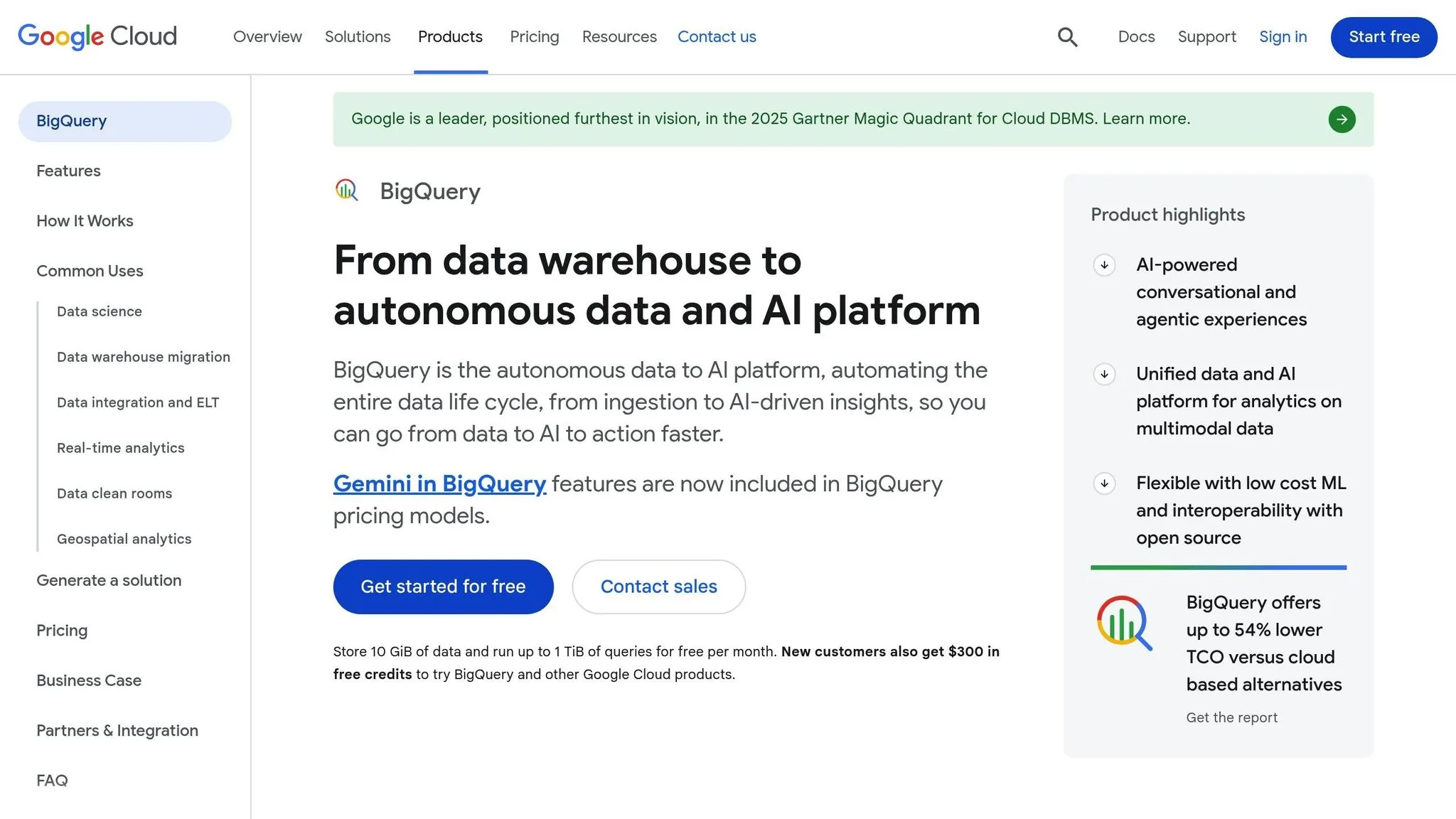
Google BigQuery AI, powered by Google Gemini, is designed to generate and explain SQL queries based on natural language prompts. Since it’s deeply embedded within the Google Cloud ecosystem, it’s particularly appealing for organizations already using Google’s data infrastructure.
Accuracy
Google Gemini takes advantage of its integration with BigQuery to maintain a strong understanding of the platform’s data models. This allows it to create SQL queries that align closely with BigQuery’s specific data structures. The result? Queries that are not only accurate but also optimized for better performance. This is often achieved through SQL automation with AI templates that streamline the development process.
Performance
Because it’s built to operate natively within BigQuery’s framework, this AI tool ensures consistent performance, even when working with massive datasets. Its seamless connection to BigQuery’s infrastructure enables efficient query execution, making it a reliable choice for handling large-scale data operations.
Integration
BigQuery AI shines in environments where Google Cloud is the standard. It simplifies access management by leveraging Google’s identity and access systems, making team deployments easier. Plus, its integration with tools like Looker ensures a smooth transition from query creation to data visualization. However, its tight integration with Google’s ecosystem can be a drawback for organizations needing flexibility across multiple cloud platforms, as additional tools may be needed to bridge gaps [2].
Advantages and Disadvantages
When choosing an AI-driven business intelligence tool, it's essential to weigh the pros and cons of each option carefully. Every tool has its own strengths and limitations, and understanding these trade-offs will help you select the one that best fits your business needs and technical setup. Here's a breakdown of the benefits of AI-driven business intelligence and challenges of three popular tools.
Querio stands out as an modern business intelligence tool designed for non-technical users. It allows them to query live warehouse data using plain English, eliminating the need for SQL knowledge. Querio connects directly to Snowflake, BigQuery, and Postgres, keeping data secure without duplicating it, and supports unlimited viewers. It also features a context layer that lets data teams define joins, metrics, and glossaries for consistent governance across queries. On cost, Core is $2,499 a month and AI usage past the included credits is billed per credit.
OpenAI Codex is a powerful tool for generating SQL queries across multiple platforms. Its ability to interpret complex natural language requests and turn them into SQL statements makes it ideal for advanced queries involving joins, subqueries, and sophisticated functions. That said, Codex requires technical validation, which can make it less user-friendly for non-technical teams.
Google BigQuery AI is tailored for organizations already using Google Cloud. It integrates seamlessly with BigQuery, delivering optimized performance for large datasets. It also benefits from Google's identity and access management systems, simplifying security and deployment. Integration with Looker further streamlines the workflow from query creation to data visualization. However, its deep ties to the Google ecosystem may limit flexibility for businesses using multi-cloud setups or seeking broader platform compatibility.
Here's a quick comparison of the tools:
| Tool | Key Advantages | Main Disadvantages |
|---|---|---|
| Querio | • No SQL expertise needed • Unlimited viewer access • Direct connections to data warehouses • Full BI workspace • SOC 2 Type II compliance |
• Core is $2,499 a month • Credits billed past the monthly allowance • Limited to specific database platforms |
| OpenAI Codex | • Works across multiple platforms • Handles complex queries effectively • Supports a range of programming tasks • Advanced SQL query generation |
• Requires technical expertise for validation • Less accessible for non-technical users • Lacks built-in data governance features |
| Google BigQuery AI | • Optimized for BigQuery • Seamless integration with Google Cloud • Excellent performance on large datasets • Built-in access management |
• Limited to Google’s ecosystem • Less flexibility for multi-cloud environments • Needs additional tools for non-Google platforms |
Choosing the right tool depends on factors like your team's technical skills, your current infrastructure, and your budget. For companies deeply integrated into Google Cloud, BigQuery AI's native features may be a great fit. Querio could be the go-to choice for organizations prioritizing ease of use and data accessibility, despite its higher costs. Meanwhile, Codex offers flexibility and advanced query capabilities, making it appealing for more technically skilled teams willing to handle additional governance tasks.
Final Recommendations
Choosing the right text-to-SQL tool depends largely on your organization's unique needs, technical expertise, and existing systems. Here's a breakdown of how each tool aligns with different team structures and priorities:
For non-technical teams seeking simplicity, Querio stands out. Its user-friendly design empowers teams without deep technical knowledge, while still offering enterprise-level security and governance. Core at $25,000 a year (there's also a free plan) is a practical investment once you count the time saved on training and the boost in productivity. With features like SOC 2 Type II compliance and a 99.9% uptime SLA, Querio delivers the reliability and accessibility that many U.S. businesses implementing AI-driven insights in 2025 will find essential.
For organizations already using the Google Cloud ecosystem, Google BigQuery AI is a natural choice. Its seamless integration with BigQuery ensures smooth handling of large datasets, while native access management and Looker integration simplify the journey from query creation to visualization. If your team is already familiar with Google's tools, this option can streamline operations further.
For technical teams needing flexibility, OpenAI Codex offers unmatched versatility. Its ability to handle complex queries across various platforms makes it a powerful tool. However, it does require skilled team members to validate and refine the generated SQL queries, so it's best suited for teams with strong technical expertise.
Ultimately, the best tool depends on your team's skills, budget, and infrastructure. Start by evaluating your technical resources and data strategy to ensure the tool you choose aligns with your organization's goals for usability, integration, and performance.
FAQs
What should I keep in mind when selecting a text-to-SQL tool for my organization in 2025?
When choosing a text-to-SQL tool in 2025, it's important to focus on the factors that match your organization's specific requirements. One of the top priorities should be accuracy - you need a tool that can produce reliable and precise SQL queries. Tools that are context-aware - able to understand the structure and relationships within your data - are especially valuable for generating meaningful results.
Another key consideration is compatibility with your current systems. Opt for tools that support multiple databases, making integration smoother. Look for features like query optimization to handle complex tasks efficiently, and tools that provide clear explanations of the generated SQL to make them easier to understand and use. Security should also be a priority, so choose tools with robust encryption and privacy-focused data processing.
Lastly, think about how well the tool fits into your day-to-day workflows. Features like API integration can allow for seamless embedding into applications, helping to streamline operations and boost overall productivity.
How does Querio keep data secure while making it accessible to non-technical users?
Querio places a strong emphasis on data security and governance, employing advanced safeguards to protect sensitive information while maintaining user-friendly access for those without technical expertise. These safeguards include role-based access controls to manage permissions, encryption to secure data both during transmission and storage, and detailed audit logs to monitor activity and support compliance efforts.
To ensure non-technical users can easily work with data, Querio pairs these security measures with a straightforward interface and AI-powered tools. This combination allows users to query and interact with data efficiently, without needing specialized skills or compromising security. By striking the right balance between accessibility and governance, Querio delivers a secure and effortless experience for all.
What challenges might arise when integrating OpenAI Codex for generating SQL queries?
Integrating OpenAI Codex for generating SQL queries isn't without its hurdles. One of the main challenges lies in making it compatible with your current database setup and workflows. Codex might need specific tweaks or configurations to seamlessly fit into your existing system, which can take some effort to get right.
Another obstacle is tailoring the AI model to grasp domain-specific language or handle complex query demands. This fine-tuning process can be time-consuming and may require significant input to ensure the model meets your unique needs.
Accuracy and reliability are also key concerns. While Codex is undeniably powerful, it’s not immune to errors. It might occasionally generate queries that need manual corrections or further optimization, particularly when working with large or highly complex datasets. To maintain consistent performance, regular testing and validation of the generated queries become crucial.