Business Intelligence
AI Tools That Write SQL for You
Compare four AI tools that convert plain English into SQL, highlighting governance, developer workflows, feature engineering, and automated report delivery.

Writing SQL just got easier. AI tools now let you turn plain English into SQL queries, saving time and simplifying business intelligence reports. Instead of spending hours learning SQL syntax, professionals can now ask questions naturally and get accurate queries instantly. This article explores four tools that automate SQL generation: Querio, OpenAI Codex, DataRobot, and SeekWell. Each tool caters to different needs, from business teams to developers and data scientists.
Key Takeaways:
- Querio: Best for business teams needing SQL generation with strong governance and live data connections.
- OpenAI Codex: Ideal for developers seeking SQL automation integrated into coding workflows.
- DataRobot: Focused on data scientists, offering automated feature engineering for machine learning.
- SeekWell: Simplifies report delivery by syncing SQL results directly into tools like Excel and Slack.
Quick Comparison:
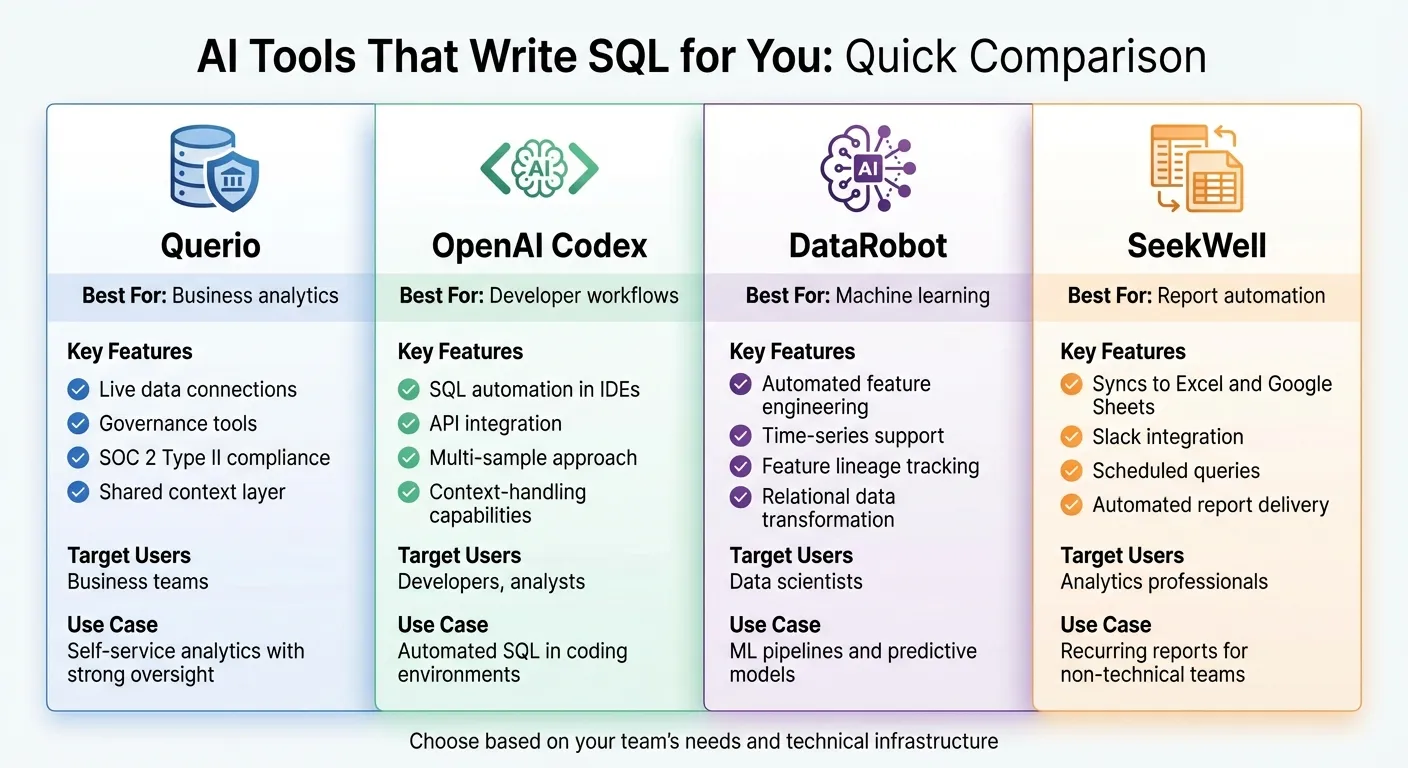
| Tool | Best For | Key Features | Target Users |
|---|---|---|---|
| Querio | Business analytics | Live data connections, governance tools | Business teams |
| OpenAI Codex | Developer workflows | SQL automation in IDEs and APIs | Developers, analysts |
| DataRobot | Machine learning | Feature engineering, time-series support | Data scientists |
| SeekWell | Report automation | Syncs SQL results to spreadsheets and Slack | Analytics professionals |
These tools streamline SQL tasks, providing the benefits of AI analytics to everyone, regardless of technical expertise.
1. Querio
Querio is an AI-powered workspace designed to seamlessly connect with data warehouses like Snowflake, BigQuery, and PostgreSQL. It transforms plain English into SQL and Python code, offering fully inspectable logic for transparency and precision.
SQL Quality
Querio produces genuine SQL queries that execute directly within your data warehouse using live, read-only connections. These queries are fully inspectable, allowing users to verify their accuracy. Since the SQL runs natively in your existing warehouse environment, performance remains aligned with your current infrastructure.
Workflow Integration
The platform features a built-in notebook for iterative analysis, enabling teams to collaborate on queries, create visualizations, and share insights - all within the same workspace. Querio maintains live connections to your warehouse and supports dashboards and scheduled reports. This functionality allows you to automate recurring analytics tasks and deliver insights through embedded analytics tools, streamlining your workflow.
Governance Features
With a shared context layer, teams can define joins, metrics, and business terms once, ensuring consistent application across the organization. SOC 2 Type II compliance and enterprise-grade access controls further enhance data security and integrity. These governance tools simplify analytics workflows while maintaining strict oversight.
Target Users
Querio is tailored for organizations that need to balance self-service analytics platforms with strong governance. It allows business users to ask questions in plain English while ensuring data teams retain oversight. This approach empowers companies to make data more accessible without sacrificing accuracy, consistency, or control.
2. OpenAI Codex
OpenAI Codex is a code-generation model built on extensive public codebases. It can be accessed through various platforms, including APIs, command-line tools, IDE extensions, and web browsers [1][3][6]. This strong foundation makes Codex a reliable natural language data querying tool, simplifying data analysis tasks.
SQL Quality
Codex uses a multi-sample approach to improve the accuracy of SQL queries. It generates several query options and selects the one most likely to be correct [4]. Additionally, its advanced context-handling capabilities ensure that the generated queries align with existing project structures and conventions [1][2].
"OpenAI Codex is a descendant of GPT‑3; its training data contains both natural language and billions of lines of source code from publicly available sources, including code in public GitHub repositories." - OpenAI [1]
This solid technical foundation makes it an effective tool for integrating SQL generation into analytics workflows.
Workflow Integration
Codex simplifies development and operational processes by embedding SQL generation directly into analytics tools. It can navigate repositories, edit files, run commands, and execute tests in isolated cloud environments [6]. It also enhances third-party analytics platforms like dbt Copilot, allowing users to generate SQL queries with natural language directly within tools like dbt Studio, Canvas, and Insights [5]. For API users, OpenAI typically deletes client data within 30 days and does not use it to train its models [5].
Target Users
Codex is designed for professionals who want to automate SQL tasks seamlessly. It supports software developers, data analysts, and analytics engineers [1][5]. Developers can use its API to create natural language interfaces for their applications, while analytics engineers rely on Codex to automate workflows, generate documentation, and develop data tests [1][5].
3. DataRobot
DataRobot simplifies feature engineering for data scientists and machine learning (ML) practitioners by automating the transformation of relational data. This eliminates the need for manual JOINs or aggregations, saving time and effort.
SQL Quality
To maintain high-quality outputs, DataRobot uses automated heuristics to select features based on factors like data types, relationships, and size constraints [7]. Instead of processing the full dataset immediately, it evaluates a sample first. This step helps identify and remove low-impact or redundant features, ensuring only the most useful ones are retained [7].
The platform includes a Feature Lineage tab, which provides a clear map of how features are created. This covers everything from JOINs to transformations like max, count, or sum [7]. For time-series data, DataRobot uses a time-aware derivation process (marked with a clock icon) to avoid data leakage by generating features with the correct temporal indices. Additionally, a detailed derivation log explains table relationships and documents why specific features were excluded during processing.
This level of transparency makes it easier to integrate additional data sources seamlessly.
Workflow Integration
DataRobot connects directly to secondary datasets through its AI Catalog, expanding the possibilities for feature engineering [7]. Newly derived features are automatically added to an "Informative Features" list and can be exported as a CSV file. This file includes both the original and engineered data, making it easy to use with external tools [7]. The platform also adopts a straightforward naming convention for features, combining the dataset alias, feature name, and transformation type (e.g., Table_Name[Feature](Aggregation)).
Target Users
DataRobot is designed for data scientists and ML practitioners who work with complex relational databases and need to scale their feature engineering efforts. For those working with categorical data, the platform offers a "Categorical Statistics" aggregation option. However, this feature is disabled by default and applies only to categorical columns with 50 or fewer unique values [7].
4. SeekWell
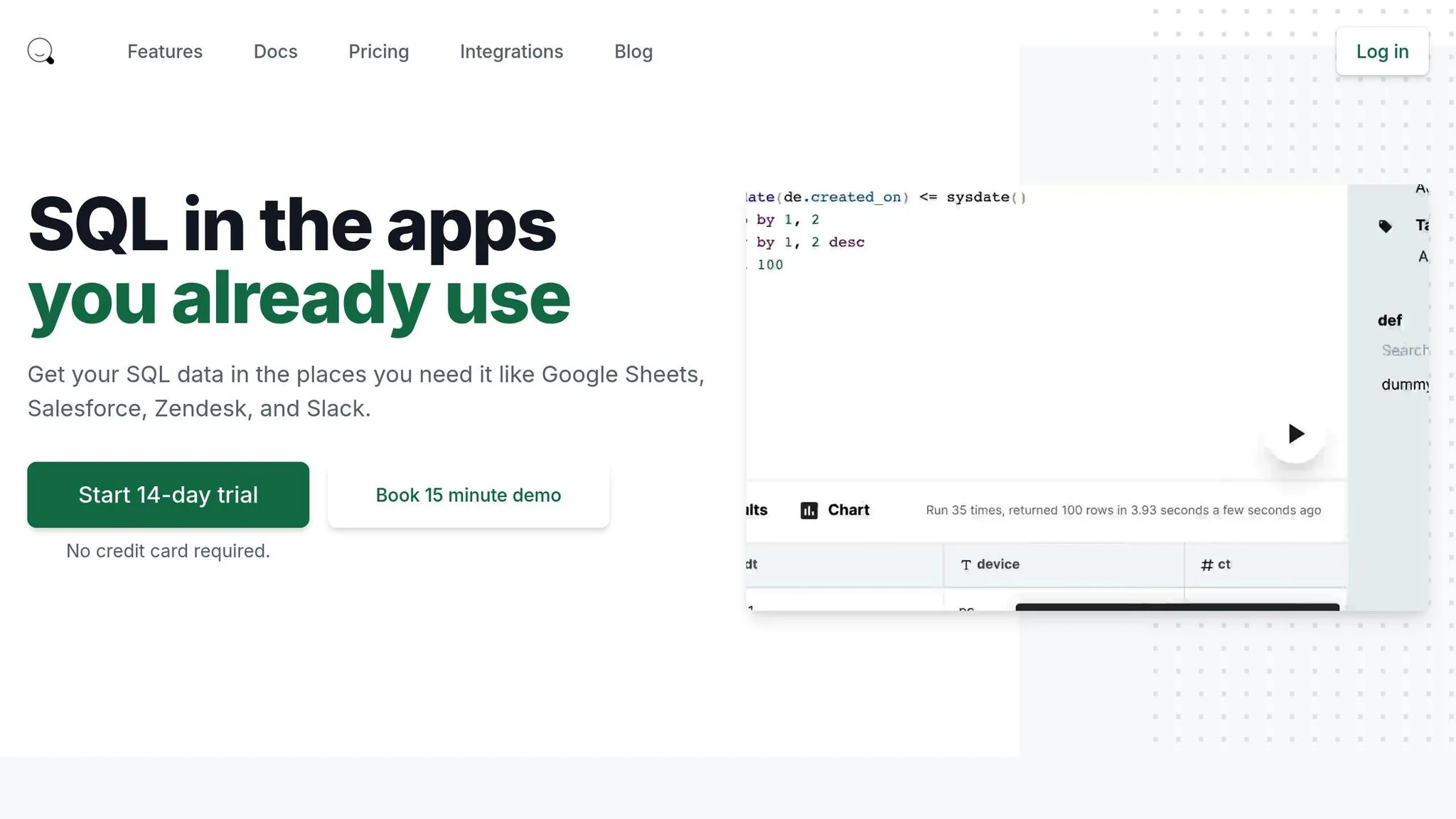
SeekWell connects SQL queries with tools you already use, like spreadsheets and messaging apps. Instead of generating SQL, it focuses on delivering query results straight into these familiar platforms. This direct approach simplifies how teams access and use data.
Workflow Integration
With SeekWell, you can sync query results directly to Google Sheets and automate Excel reporting - no need for tedious CSV exports. This keeps your dashboards up-to-date automatically, saving you from constant manual updates.
You can also schedule queries to run at specific intervals, ensuring spreadsheets refresh on their own. Insights can be sent directly to Slack or email, so key data lands right where decisions are made. This automation frees up time for teams to focus on bigger priorities.
Target Users
SeekWell is ideal for analytics professionals supporting non-technical teams. If your job involves fielding frequent requests for updated reports or data exports, this tool can cut down on the back-and-forth. It’s especially handy in organizations where business users are more comfortable working in spreadsheets than navigating database tools or AI business intelligence platforms.
Its automation features shine for teams managing recurring reports, like weekly sales updates or daily operational metrics. By reducing manual tasks, SeekWell lets analytics teams handle growing demands without needing to expand the team.
Comparison: Strengths and Limitations
When it comes to SQL automation, each tool has its own set of advantages and drawbacks, tailored to specific roles and analytical needs. Here's a closer look at how these tools stack up and where they shine.
Querio is designed with business teams in mind. It focuses on governed analytics by connecting directly to live data warehouses and offering a unified semantic layer. This setup ensures data remains consistent and trustworthy across the organization, making it a strong choice for maintaining data integrity.
OpenAI Codex caters more to developers. Integrated into IDEs, it simplifies the process of writing queries, making it a handy companion for technical workflows. However, it does come with limitations - it requires custom API integration and doesn’t provide direct connectivity to databases, which can add complexity.
DataRobot takes a broader approach by concentrating on end-to-end machine learning pipelines rather than just SQL generation. This makes it a better fit for data science teams working on predictive models, rather than teams focused on everyday analytics or reporting.
SeekWell offers a unique angle. Instead of generating SQL, it automates the distribution of query results to tools like spreadsheets and messaging platforms such as Slack. This makes it a go-to option for analytics teams that need to deliver recurring reports to non-technical users.
Each tool brings something different to the table, catering to distinct workflows and team needs. Whether you're managing business analytics, diving into development, building machine learning models, or streamlining report delivery, there's a solution designed to fit your goals.
Conclusion
Selecting the best AI-powered SQL tool hinges on understanding your team's technical skills and the infrastructure you already have in place. Every tool serves a distinct purpose, so it's important to match the solution to your needs.
Start by focusing on the basics: check database compatibility across top tools. Whether you're using MySQL, PostgreSQL, Snowflake, BigQuery, or Oracle, ensure the tool supports your specific stack. Integration issues can quickly become a roadblock, so this step is crucial.
Prioritize security and governance. For enterprise environments, features like SOC 2 compliance and adherence to GDPR or HIPAA regulations are non-negotiable. Confirm that the tool only accesses schema metadata to maintain robust security and governance while still enabling advanced query generation [8].
Look for seamless workflow integration. Tools that connect effortlessly with IDEs, BI platforms, or cloud environments can help your team stay focused by reducing the need to switch between different tools. When AI acts as an assistant rather than a replacement, it often delivers better results and a higher return on investment.
Lastly, match the tool to your users' needs. Business teams benefit from natural language interfaces paired with strong governance features. Developers need tools that simplify coding without adding unnecessary complexity. Meanwhile, data science and analytics teams may require support for automated pipelines and report distribution. Identifying the primary users will help ensure the tool drives efficiency and adoption.
FAQs
How do AI tools turn plain English into SQL queries?
AI-powered SQL tools leverage advanced language models to convert plain language requests into SQL queries. For example, if you type something like "show total sales by month", the AI interprets your request, identifies the intent, and pinpoints key components such as tables, columns, and filters. Then, it maps these elements to your database's schema and generates a SQL query that's compatible with your database's dialect, whether it's PostgreSQL, MySQL, or another type.
This process usually unfolds in three steps: first, understanding your request; second, aligning it with the database schema; and third, crafting the final query. All of this happens within seconds, delivering accurate and ready-to-use SQL queries without requiring you to write a single line of code. These tools streamline data analysis, making it quicker and accessible to a broader range of users.
What are the key advantages of using Querio for business analytics?
Querio streamlines business analytics by turning plain language into ready-to-use SQL, slashing query-building time by up to 70% and minimizing manual coding mistakes. It connects securely to major databases like Snowflake, BigQuery, and PostgreSQL, giving analysts instant access to data while safeguarding sensitive information.
With its conversational query refinement, teams can make quicker decisions without leaning heavily on data engineers. Querio also serves as a data copilot, offering features like generating visualizations, producing polished reports, and integrating effortlessly with BI tools. Its governance tools - such as SOC 2 compliance and role-based access controls - ensure secure, scalable data access. These features not only boost productivity but also make analytics more accessible, delivering precise insights faster.
How can OpenAI Codex be integrated into existing development workflows?
OpenAI Codex fits smoothly into development workflows, offering support through APIs, IDE extensions, and a command-line interface (CLI).
With the Codex API, teams can integrate natural language-to-code functionality into custom scripts, CI/CD pipelines, or internal tools. By sending prompts, developers can generate SQL or other code that can be validated and deployed automatically, streamlining processes.
For everyday coding, Codex powers tools like GitHub Copilot and provides a dedicated extension for VS Code. This brings features like autocomplete, function generation, and real-time SQL creation directly into the editor, making coding faster and more intuitive.
The Codex CLI acts as a local coding assistant, allowing developers to execute tasks quickly from the terminal and incorporate AI into automation workflows. These tools let developers boost productivity without leaving the environments they’re already comfortable with.