Business Intelligence
Top embedded analytics tools for user-facing dashboards (2026)
Compare eight embedded analytics platforms for user-facing dashboards, focusing on AI features, deployment, customization, security, and pricing.

Embedded analytics is now essential for SaaS platforms and enterprise apps, allowing users to access insights directly within applications. By 2026, the top tools focus on AI-powered embedded analytics, branding flexibility, and secure multi-tenant setups. Here's a quick breakdown of eight leading platforms:
- Querio: AI-native, real-time querying with Python integration; connects securely to Snowflake, BigQuery, and Postgres.
- Qrvey: Built for SaaS, offering non-technical users self-service reporting and predictive insights.
- Embeddable: Developer-focused, simple integration for straightforward dashboards.
- Sisense: Enterprise-level analytics with flexible deployment options and strong data handling.
- Luzmo: Quick-to-launch dashboards with branding options; ideal for SaaS teams.
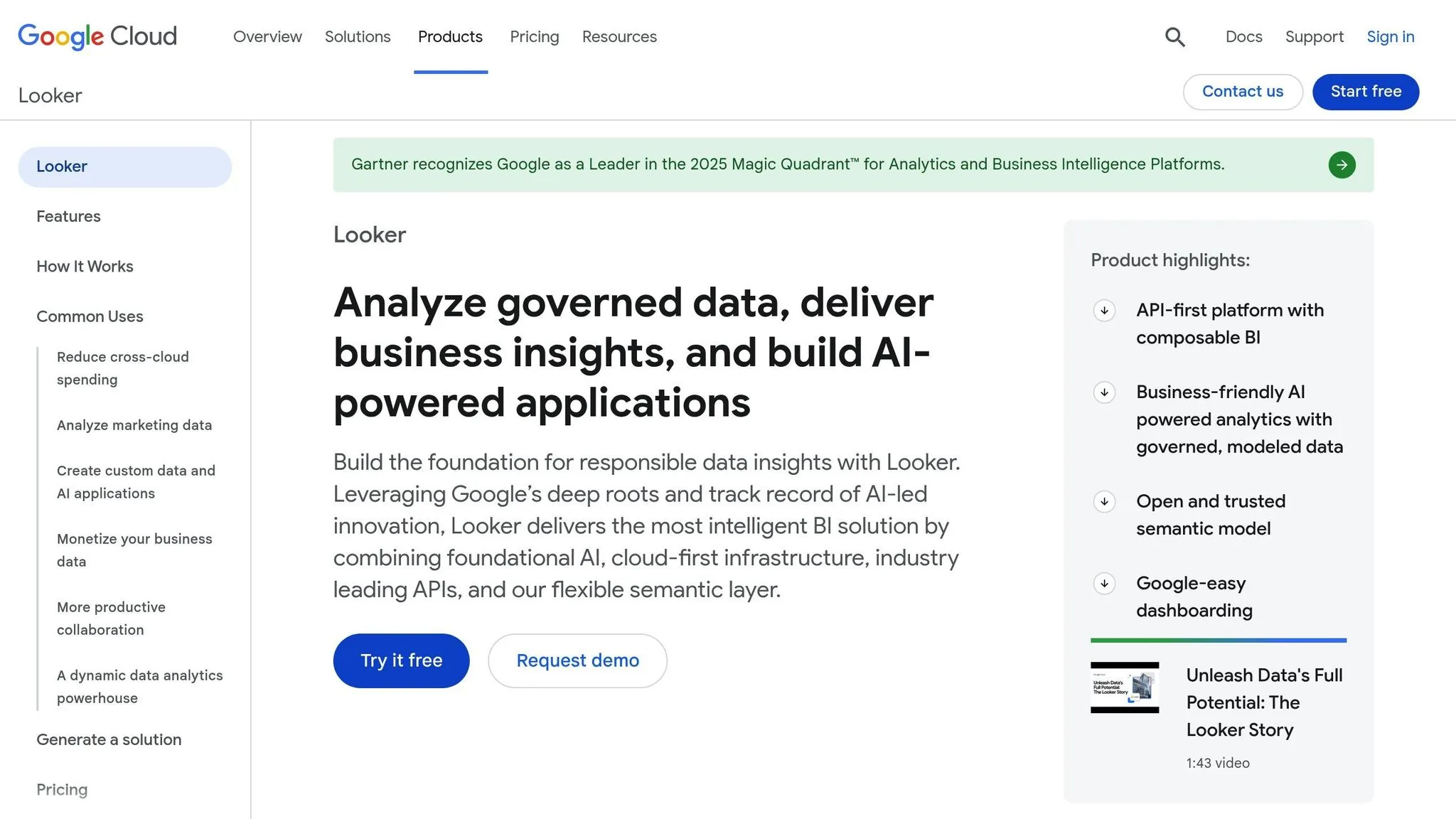
- Looker (Google Cloud): Advanced AI and machine learning capabilities via Google Cloud tools.
- AWS QuickSight: Affordable, session-based pricing with basic analytics features.
- Power BI Embedded: Interactive tools and natural language querying integrated with Microsoft's ecosystem.
Each tool has unique strengths, whether you need deep customization, AI-powered insights, or fast deployment. Choose based on your technical requirements, user expectations, and budget.
Power BI vs Looker | Which BI Tool Is Best? 2025
::: @iframe https://www.youtube.com/embed/ulk33ZLLo4k :::
Quick Comparison
| Tool | Key Features | AI/ML Capabilities | Deployment | Pricing Model |
|---|---|---|---|---|
| Querio | AI-native querying, Python integration | Advanced | Cloud | Premium, unlimited viewers |
| Qrvey | Embedded self-serve analytics for SaaS, predictive insights | Predictive analytics | Cloud | Custom pricing |
| Embeddable | Developer-friendly, code-first customization | Limited | Cloud | Usage-based |
| Sisense | Enterprise-grade, scalable | Predictive analytics | Cloud/On-premise | Custom pricing |
| Luzmo | Fast setup, branded dashboards | Basic AI tools | Cloud | Tiered subscription |
| Looker | Google Cloud integration, machine learning | Advanced | Cloud | Custom, usage-based |
| AWS QuickSight | Simple dashboards, session-based pricing | Basic | Cloud | Pay-per-session |
| Power BI Embedded | Interactive tools, natural language querying | Advanced | Cloud | Licensing-based |
This table highlights the main differences to help you compare AI platforms for embedded analytics and decide which solution aligns best with your needs. For a deeper dive into the evaluation process, see our embedded analytics vendor selection guide.
1. Querio
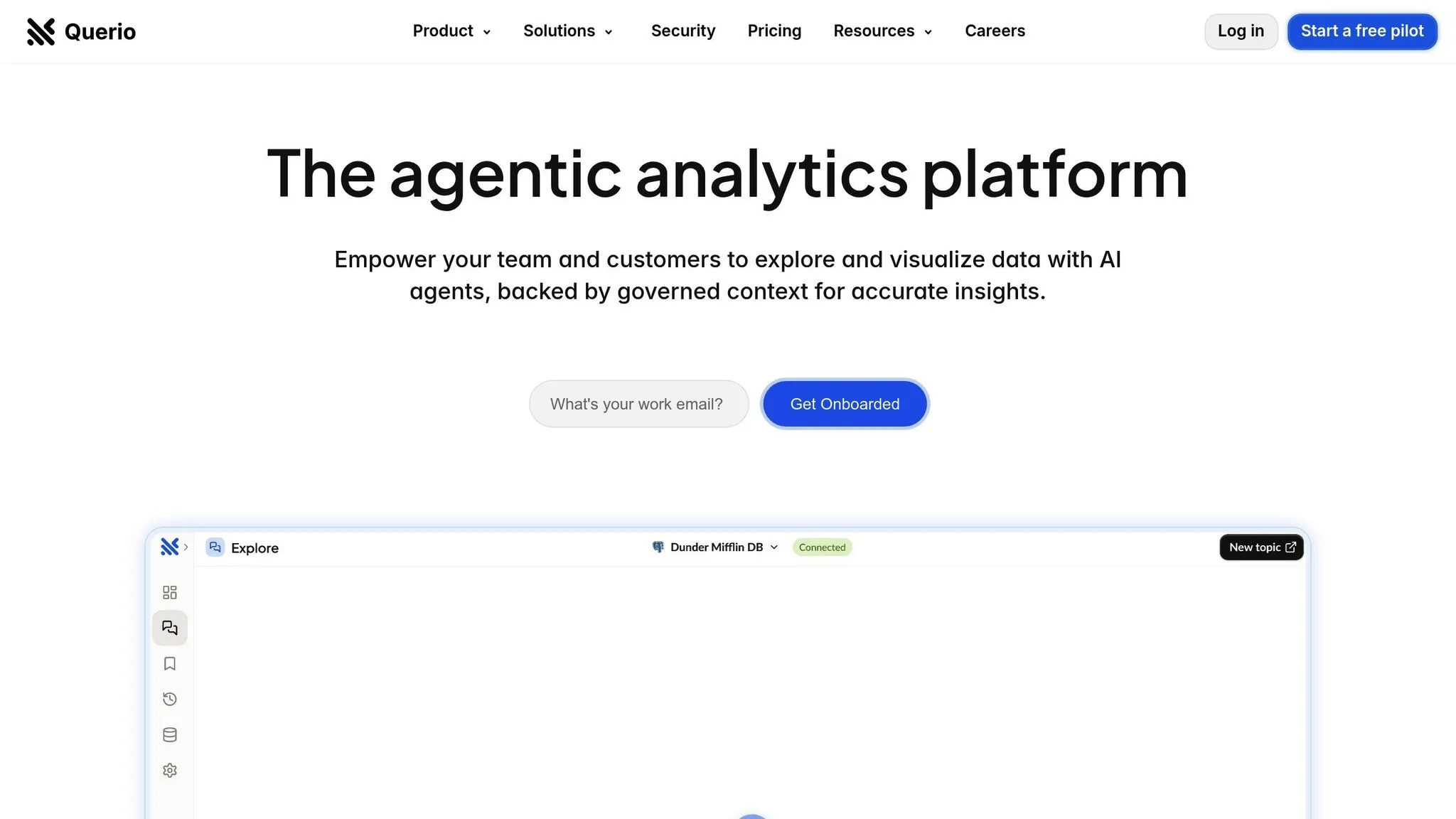
Querio is a BI workspace powered by AI, designed to let anyone - from product teams to end users - ask questions in plain English and instantly receive visualizations from live warehouse data.
Primary Use Case
Querio aims to minimize dependency on data analysts while maintaining strict data governance. It caters to two main audiences: internal business users who need quick, data-driven insights and external end users who benefit from embedded analytics tools within customer-facing apps. With its AI-powered query feature, product teams can integrate Querio's interface into their applications, allowing users to explore data through conversational queries.
Deployment Model
Querio integrates directly with Snowflake, BigQuery, and Postgres, using read-only, encrypted credentials to ensure data stays securely in your warehouse - no duplication, no delays. This setup ensures a seamless embedded experience. Querio is SOC 2 Type II compliant and guarantees a 99.9% uptime SLA, offering the level of security and reliability enterprise customers expect.
Customization Approach
Querio goes beyond traditional dashboards by including a Python notebook that generates SQL and Python queries based on natural language inputs, eliminating the need for manual coding.
Data teams can also configure a semantic layer to define table relationships, column joins, business metrics, and glossary terms. This layer ensures consistent metric definitions across the organization, reducing the risk of conflicting reports and promoting data accuracy.
AI/ML Features
Querio's AI engine translates conversational queries into SQL or Python commands that run against live data, enabling real-time analysis and follow-up questions.
The Python notebook further enhances AI capabilities by enabling advanced statistical analysis, data transformations, and custom calculations - all while adhering to the platform's governance framework. These features make Querio a powerful tool for users needing deeper insights.
Pricing Model
Querio offers a premium pricing structure with a money-back guarantee. There are no hidden query fees, and the platform includes an unlimited viewer plan, charging only for power users.
2. Qrvey
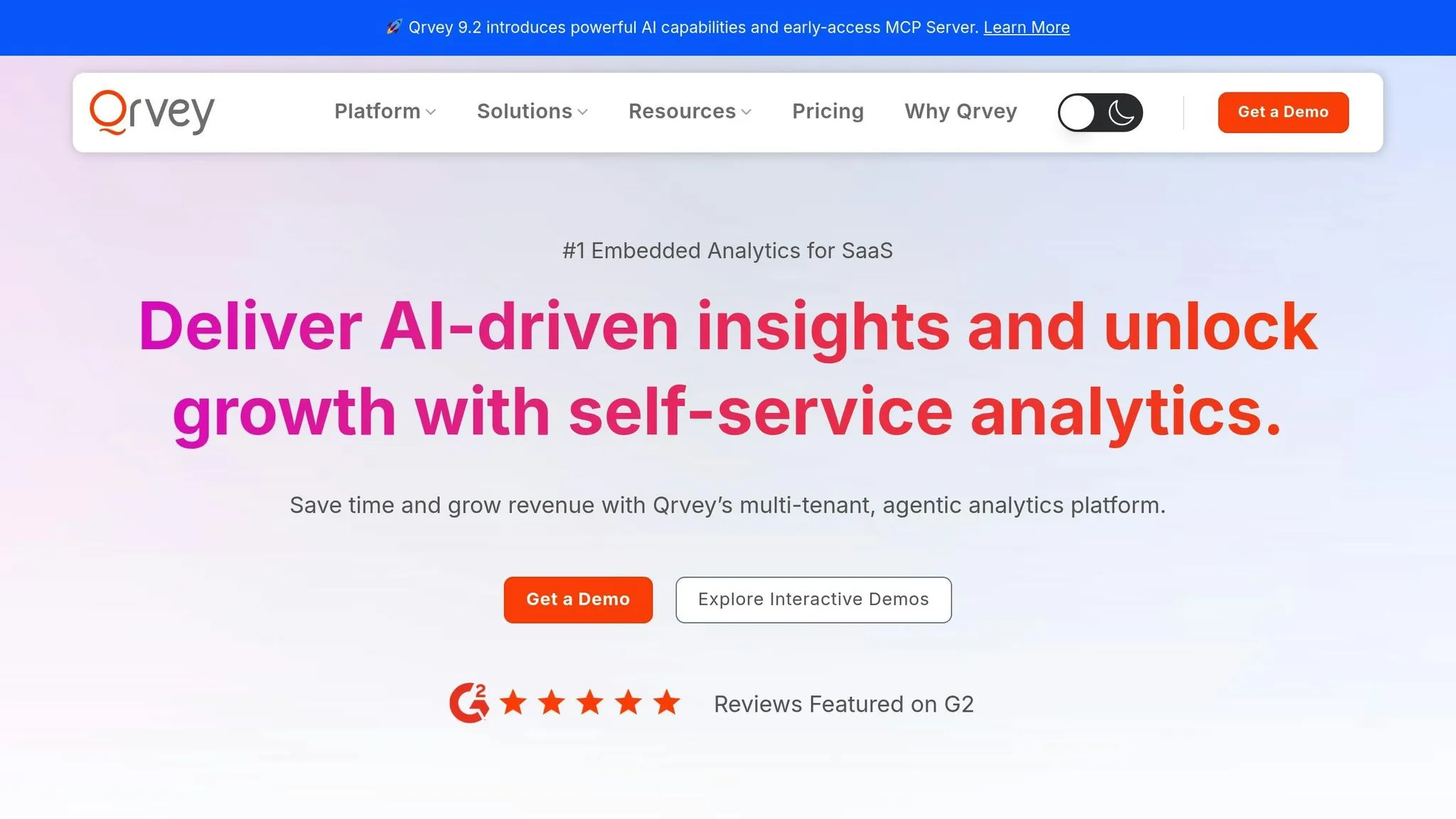
Qrvey is one of the best embedded analytics tools for SaaS companies. It brings self-service analytics to the table, making it easier for product teams to tailor the analytics experience. This approach streamlines integration and ensures a smooth user experience.
Primary Use Case
Qrvey is built for B2B SaaS companies, enabling users to create reports, design dashboards, and analyze data - all without needing technical skills.
Customization Options
With a powerful API suite, Qrvey allows product teams to customize workflows and embed AI-driven decision-making and machine learning directly into their applications. These capabilities let teams create highly personalized and intelligent user experiences.
AI/ML Features
Qrvey incorporates advanced machine learning to deliver predictive insights, helping users make smarter, data-backed decisions.
3. Embeddable
Embeddable is an embedded analytics platform tailored for developers, designed to integrate quickly and seamlessly into applications.
Primary Use Case
Embeddable is built for product teams and developers who need to add analytics to their applications without unnecessary complexity. It’s a solid choice for companies that value speed of implementation over deep customization. The platform is particularly helpful for teams creating internal tools or customer-facing dashboards where straightforward visualization and reporting features are enough.
Deployment Model
This platform operates entirely in the cloud, so there’s no need to worry about managing infrastructure. Developers can access Embeddable via its API and SDK, allowing for direct integration with existing data sources. Plus, there’s no need to deal with complicated data pipelines.
Customization Approach
Embeddable uses a component-based, code-first customization model, making it easy for developers to tailor analytics to fit their application’s design. Technical teams can control how analytics components look and function, ensuring they blend seamlessly into their product. This approach pairs naturally with the platform’s white-label analytics tools, giving developers the tools to create a cohesive user experience.
AI/ML Features
Embeddable focuses on traditional analytics and visualization, offering limited AI capabilities. It doesn’t include features for machine learning or predictive analytics. (For more on this, see our guide to predictive analytics.) Teams needing advanced AI-driven insights will need to build those capabilities independently or rely on third-party integrations.
White-Labeling Capabilities
The platform also supports white-labeling, enabling companies to maintain a consistent brand identity. Teams can customize elements like colors, fonts, and overall styling, making embedded dashboards feel like a native part of their application. This feature is especially valuable for B2B companies that aim to deliver a unified brand experience to their users.
Pricing Model
Embeddable follows a usage-based pricing model, where costs depend on the number of dashboards and the volume of data used. This setup can be cost-effective for startups and smaller businesses that want pricing to grow alongside their usage. However, larger enterprises should carefully assess how costs scale as usage increases.
4. Sisense
Sisense is one of the well-known embedded BI platforms tailored for enterprise-level needs, especially when scalability and detailed reporting are priorities. It provides a comprehensive suite of features designed for large-scale analytics.
Primary Use Case
Sisense works best for enterprise businesses that need to deliver complex analytics to customers or partners. It's particularly effective in industries like B2B SaaS, financial services, and healthcare, where handling large data volumes and generating detailed reports are essential. The platform processes hefty data workloads efficiently, offering insights that drive decision-making.
Deployment Model
Sisense supports both cloud-hosted and on-premises deployments, giving companies the flexibility to align with their security and compliance requirements. Cloud hosting simplifies scaling and maintenance, while the on-premises option offers full control over the data environment. This is especially important for organizations in heavily regulated sectors where data residency rules are strict.
Customization Approach
With its developer SDKs and UI customization tools, Sisense allows for significant personalization, including theming and removing Sisense branding to align with a company’s identity. However, its iFrame-based SDK for embedding dashboards can pose challenges when trying to match the look and feel of native application components. Advanced dashboard functionality often requires additional JavaScript development to achieve the desired results.
AI/ML Features
Sisense integrates AI-driven tools for predictive analytics and automated insights, helping users identify patterns and receive data-driven recommendations. However, its focus remains rooted in traditional business intelligence and reporting. For companies seeking cutting-edge AI-first solutions, its machine learning features may feel more like enhancements to standard analytics rather than standalone innovations.
White-Labeling Capabilities
The platform supports white-labeling options, such as customizing colors, fonts, and removing Sisense branding. However, the iFrame-based embedding method may limit seamless integration with a product’s native design. Companies aiming for a perfectly unified user interface might need to invest in additional development or design adjustments.
Pricing Model
Sisense uses a custom pricing structure that depends on factors like user and server licenses, deployment type, and workload. Since pricing details are not publicly disclosed, organizations should have in-depth discussions with the Sisense sales team to understand costs and plan for scalability.
Sisense has earned a strong 4.5 out of 5 rating on G2, reflecting its dependable performance, easy-to-use interface for end users, and solid customer support. Its reputation as a reliable, enterprise-focused solution makes it a trusted choice for businesses that demand robust analytics and detailed reporting.
sbb-itb-284a532
5. Luzmo
Luzmo is all about speed and ease, making it a go-to choice for quickly rolling out branded dashboards. Its clean, straightforward design ensures fast delivery of key insights.
Primary Use Case
Luzmo is tailored for SaaS teams that need to launch intuitive dashboards quickly and efficiently.
Customization Approach
With Luzmo, businesses can customize dashboards to align closely with their brand identity. This makes it easier to deliver a cohesive user experience.
AI/ML Features
While Luzmo focuses on simplicity, it includes some basic AI tools. These features help with tasks like forecasting and spotting trends. Recently, Luzmo introduced a conversational chatbot that allows users to ask questions in natural language to uncover trends in their data. However, advanced AI functionalities like complex machine learning pipelines or predictive modeling aren’t part of the package. These AI tools are designed to complement its white-labeling capabilities rather than serve as a primary feature.
White-Labeling Capabilities
Luzmo’s white-labeling options let businesses remove third-party branding, ensuring their analytics feel like a seamless part of their own product. These features are typically part of the higher-tier plans, starting at around $2,000 per month.
Pricing Model
Luzmo uses a tiered subscription pricing system. The basic plan starts at $995 per month, which includes one dashboard creator and up to 100 viewers. For larger teams, the Elite package is priced at $3,100 per month, offering three dashboard creators and increased viewer capacity.
6. Looker (Google Cloud)
Looker taps into the powerful AI and machine learning tools offered by Google Cloud, making it a strong choice for embedded analytics. Understanding what is embedded analytics helps clarify how these integrations drive value. This combination allows businesses to make smarter, data-driven decisions while seamlessly integrating with other tools in the ecosystem.
AI/ML Features
Looker works hand-in-hand with BigQuery ML and Vertex AI, enabling users to create and implement machine learning models directly within their workflows. This setup provides features like predictive analytics, anomaly detection, and automated insights, giving users access to advanced AI-generated predictions without any extra hassle.
7. AWS QuickSight
AWS QuickSight offers some basic dashboard customization options, but it doesn't allow for full white-labeling, meaning AWS branding can't be entirely removed. Additionally, it doesn't include built-in multi-language support or AI-driven translation capabilities. Its user interface feels less polished compared to other embedded analytics tools. As a result, QuickSight works best for simpler use cases where advanced customization isn't a priority. For a broader look at the market, see our embedded analytics tools and trends.
8. Power BI Embedded
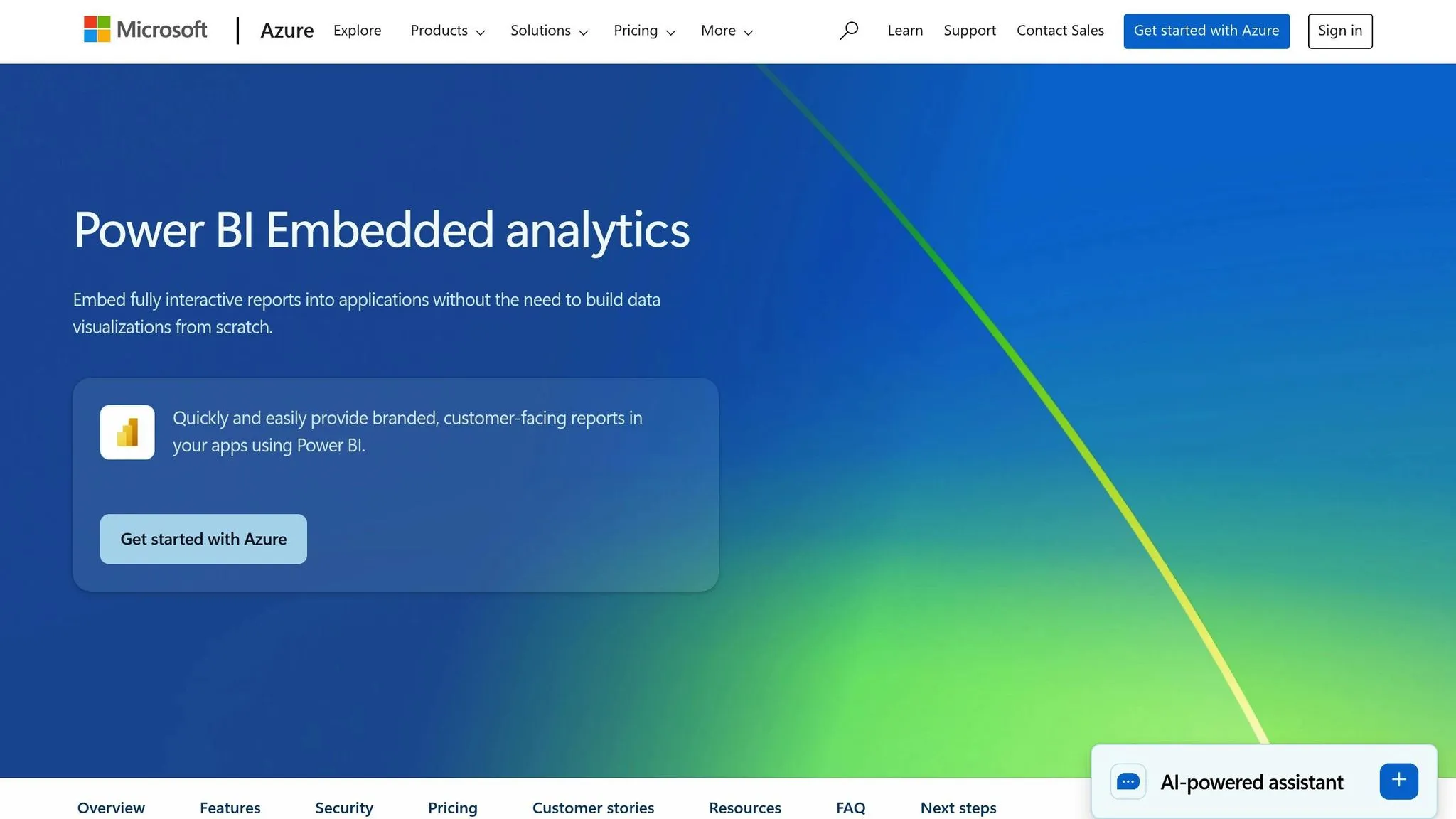
Power BI Embedded brings powerful tools to the table, making analytics more interactive and decision-making easier. With features like predictive analytics and automated data discovery and insight generation, it helps uncover trends and patterns in data without manual effort.
But it doesn’t stop at trend analysis. Power BI Embedded shines in letting users explore data interactively. The Q&A feature allows users to type plain-language questions and instantly receive relevant charts and insights. Plus, with Copilot integration, users can query the semantic model directly, while the Narrative visual - also enhanced by Copilot - creates AI-generated summaries of complex data. These tools make it easier for non-technical users to navigate data and make quicker, informed decisions.
Strengths and Limitations
This section highlights the standout features and challenges of each embedded analytics tool, helping you weigh your options effectively.
Querio stands out with its AI-native querying, enabling instant and precise chart generation. It connects directly to major data warehouses without duplicating information, ensuring security and real-time updates. Its Python notebook converts natural language into SQL and Python commands, offering embedded AI insights. The semantic layer allows data teams to define context once and maintain consistency across the platform. Additionally, its support for unlimited viewer users simplifies scaling. However, as a high-performance, premium tool, Querio may require a greater initial investment compared to simpler analytics solutions.
Qrvey excels with its multi-tenant architecture, making it an excellent choice for SaaS companies that need to manage customer data separately. Its white-label features allow full dashboard branding, and the built-in data pipeline efficiently handles ETL processes. That said, teams without dedicated developers might find advanced customizations more challenging to implement.
Embeddable prioritizes developer-friendly integration, offering a React-based SDK that simplifies adding dashboards to your product. However, it lacks advanced AI capabilities and natural language querying, which may limit its appeal for some use cases.
Sisense is renowned for its strong data modeling capabilities and ability to handle complex datasets from multiple sources. Its Fusion framework enables deep customization of analytics experiences. On the flip side, very large datasets can slow down rendering, and the platform’s complexity may result in longer implementation timelines and higher maintenance demands.
Luzmo provides an easy-to-use dashboard creation process that aligns with your brand, making analytics accessible even to non-technical users. Its pricing model scales well with growing companies. However, it may struggle with handling extremely large datasets and offers fewer advanced analytics features compared to enterprise-grade tools.
Looker (Google Cloud) integrates seamlessly with the Google Cloud ecosystem and provides strong data modeling through LookML, ensuring consistent data governance. However, LookML requires specialized expertise, and costs can escalate as your usage grows.
AWS QuickSight offers a budget-friendly pay-per-session pricing model and leverages the SPICE in-memory engine for fast query performance. The trade-off is a less refined user interface and limited customization options, particularly for highly branded dashboards.
Power BI Embedded benefits from its integration with Microsoft’s ecosystem, offering familiar interfaces for teams already using Office 365. Its Q&A feature and Copilot integration make data easily accessible through natural language. However, embedding flexibility is somewhat limited, and licensing complexities could lead to unexpected costs as you scale.
Conclusion
Each embedded analytics tool brings its own set of strengths, making the choice highly dependent on your business needs, embedded analytics architecture, and future goals.
For teams that value AI-driven analysis and natural language querying, Querio stands out with its cutting-edge capabilities. Its AI-first design and secure data integrations make it a strong contender for businesses looking to harness advanced analytics.
That said, other platforms cater to a variety of specific use cases. Some focus on multi-tenant architectures ideal for SaaS products, while others prioritize quick deployment across diverse tech stacks or offer extensive customization for intricate data modeling. If your needs are more straightforward or your budget is tighter, tools with scalable pricing and easy-to-use interfaces might be a better fit. These differences highlight the importance of aligning your choice with your team's priorities and resources.
As we look at the embedded analytics landscape in 2026, it’s clear there’s no one-size-fits-all solution. Whether it’s a premium option like Querio, which can reduce analyst workload with its advanced AI, or a simpler tool for basic analytics, the key is to choose a platform that meets your team’s capabilities, budget, and the level of analytics sophistication your users expect.
FAQs
::: faq
What should I look for when selecting an embedded analytics tool for my SaaS platform?
When choosing an embedded analytics tool for your SaaS platform in 2026, it's essential to focus on factors that align with your product's goals and what your users truly need. Start by assessing how well the tool integrates with your existing data sources and whether it can provide a smooth, native experience for your end users. Performance should be a top priority - make sure the tool can handle your data load efficiently while delivering fast, dependable insights.
Look for features that will enhance functionality, such as AI-powered analytics, interactive visualizations, and flexible customization options. Don't overlook security and hosting considerations. The tool should comply with your specific regulatory requirements and offer deployment options that fit your operational needs. Finally, evaluate the pricing structure to ensure it aligns with your budget without compromising the long-term benefits it brings to your platform. :::
::: faq
How do AI and machine learning improve embedded analytics tools like Querio?
AI and machine learning are transforming embedded analytics tools by making data analysis more efficient, insightful, and accessible. With these technologies, businesses can automate routine tasks like report generation and trend identification, cutting down on manual work and saving valuable time.
Another game-changer is predictive analytics, which offers users actionable insights into potential future outcomes. On top of that, features like natural language processing make it possible for users to interact with data in a conversational way, simplifying the exploration of complex datasets. These advancements empower businesses to create dashboards that are not only more engaging but also provide meaningful support for decision-making. :::
::: faq
What are the main deployment models for embedded analytics tools, and how do they influence security and scalability?
Embedded analytics tools typically come with three main deployment options, each catering to different needs for security and scalability:
-
Cloud-based deployment: This option is perfect for businesses looking for a fast setup and easy scalability. It lets organizations handle shifting demands without needing to invest heavily in infrastructure.
-
On-premise deployment: For industries dealing with sensitive data or strict compliance rules, this model offers more control over both data and security.
-
Hybrid deployment: Blending the adaptability of cloud solutions with the control of on-premise systems, this approach strikes a balance for organizations with specific security or data residency requirements.
The best choice depends on what matters most to your organization - whether that's scaling quickly, meeting regulatory standards, or leveraging existing infrastructure. :::