Business Intelligence
11 Best Self Service Analytics Tools In 2026 Reviewed
Compare 11 self-service analytics tools in 2026 by AI features, integrations, governance, scalability, and pricing to find the best fit for your team.

Self-service analytics tools are transforming how businesses access and use data. By 2026, these platforms allow non-technical users to query live data, generate visualizations, and make decisions faster - without relying on data analysts. The best tools connect directly to data warehouses, use AI for natural language queries, and include governance features to ensure consistent data usage. Here's a quick look at 11 top tools:
- Querio: AI-driven queries, governance, and unlimited viewers.
- Amplitude: Focused on product analytics and user behavior insights.
- Pendo: Combines analytics with in-app guidance for product adoption.
- PostHog: Open-source product analytics with self-hosting options.
- Metabase: Open-source BI for simple data exploration.
- ThoughtSpot: AI-powered search for large datasets.
- Sisense: Embedded analytics with strong APIs.
- Looker: Google Cloud-based BI with LookML for data modeling.
- Power BI Embedded: Integrates with Microsoft tools for embedded dashboards.
- AWS QuickSight: Serverless BI with auto-scaling on AWS.
- Toucan: Simplified analytics with guided navigation.
Each tool has strengths tailored to specific needs, whether it's product analytics, embedded dashboards, or enterprise-level governance. Below is a quick comparison to help you decide.
How AI Tools can Finally Solve the Self-Service Analytics Problem?
::: @iframe https://www.youtube.com/embed/spGrwChIcPc :::
Quick Comparison
| Tool | Best For | Key Feature | Pricing Model |
|---|---|---|---|
| Querio | AI-driven analytics | Natural language querying tools | Custom quotes, unlimited viewers |
| Amplitude | Data analytics for product managers | Behavioral insights | Event-based pricing |
| Pendo | Product adoption guidance | In-app analytics | Custom quotes |
| PostHog | Developer-focused analytics | Open-source flexibility | Free (self-hosted), paid cloud |
| Metabase | Small teams | Easy deployment | Free (open-source), paid tiers |
| ThoughtSpot | Large enterprises | AI-powered search | Custom enterprise pricing |
| Sisense | Embedded analytics | APIs and white-labeling for data products | Custom quotes |
| Looker | Data modeling control | LookML for metrics consistency | Google Cloud pricing |
| Power BI | Microsoft ecosystems | Natural language Q&A | Per-user or capacity pricing |
| AWS QuickSight | AWS environments | Serverless auto-scaling | Pay-per-session |
| Toucan | Guided analytics for business | Simplified dashboards | Custom quotes |
Choosing the right tool depends on your goals, technical expertise, and budget. Whether you need AI-driven insights, product analytics, or embedded analytics platforms, there's a platform to fit your needs.
1. Querio
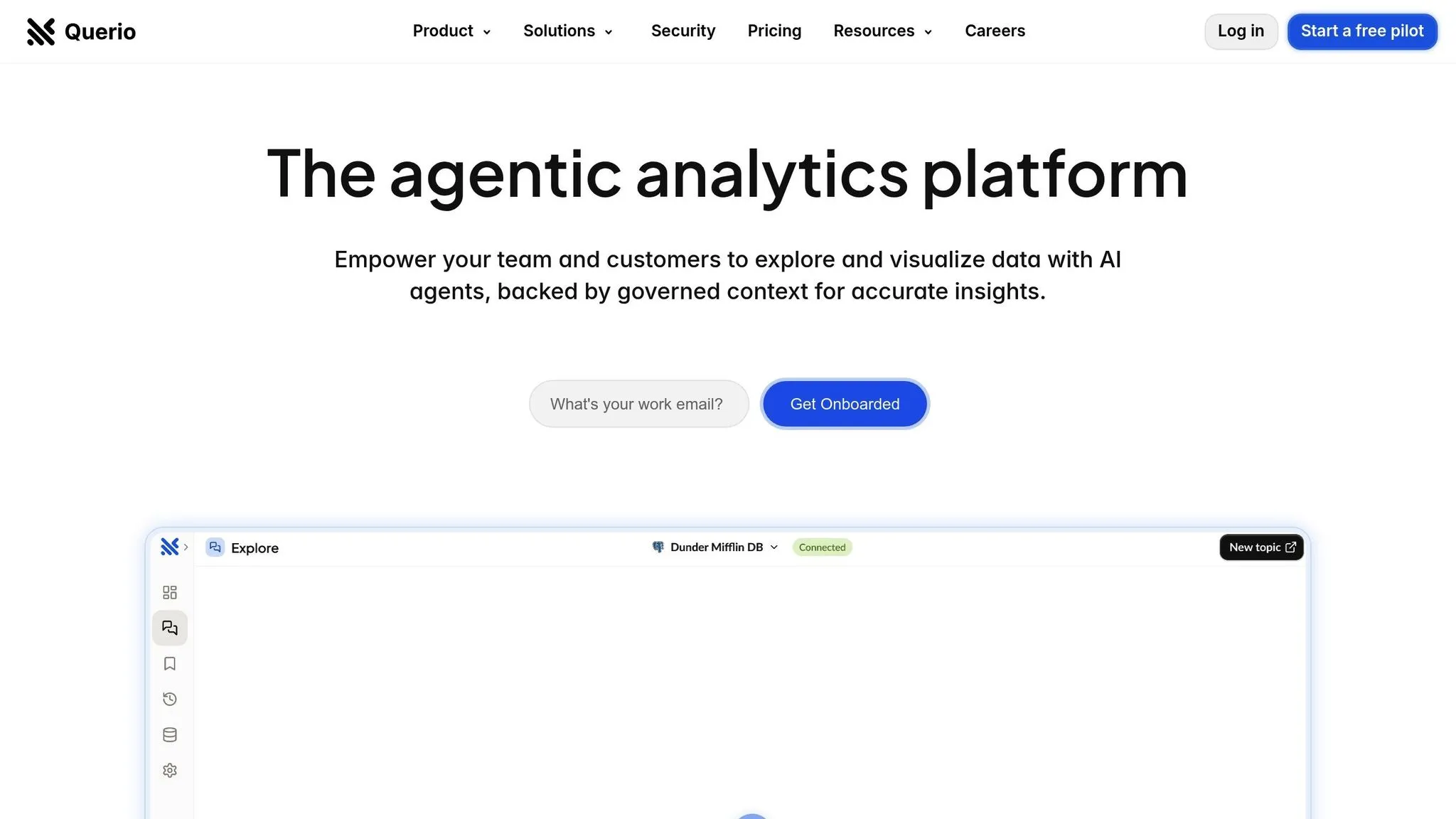
Querio presents itself as an AI-driven business intelligence and data warehousing workspace that connects directly to your data warehouse, allowing for natural language queries. By combining natural language processing with robust governance, Querio eliminates the usual delays in accessing insights.
AI Capabilities
Querio's AI engine transforms natural language questions into precise SQL queries, which are executed directly on live warehouse data. For example, if you ask, "What were our top-selling products last quarter?" the system quickly generates accurate visualizations based on your query.
In May 2025, Querio introduced Embedded AI, which includes a Smart Analyzer, AI Chart Builder, and a no-code Python notebook for advanced SQL and Python analysis. This update positions Querio as an "agentic analytics platform", automating repetitive tasks and proactively surfacing valuable insights.
These AI-powered features make data access straightforward and efficient, supported by Querio's integration and governance capabilities.
Data Integration
Querio simplifies data connectivity while maintaining security. It supports Snowflake, BigQuery, and Postgres through encrypted, read-only credentials, ensuring that your data stays securely in your warehouse. Every query runs live against your source of truth.
The platform also includes a semantic layer, where data teams can configure table joins, business metrics, and glossary terms just once. This setup allows business users to query data using familiar terms like "revenue" or "customer lifetime value", without needing to understand SQL.
Governance
Querio ensures consistent and reliable data usage by embedding business rules and definitions directly into its framework. It meets SOC 2 Type II compliance standards and guarantees a 99.9% uptime SLA, making it suitable for organizations with high security and reliability needs. The use of read-only database connections ensures that users can explore data without risking accidental changes to production systems.
Additionally, Querio allows for unlimited viewer users, enabling widespread sharing of dashboards and reports without incurring extra costs for users who only need to view insights.
Pricing
Querio offers a money-back guarantee and a clear pricing structure with no hidden query fees. It also provides user-friendly drag-and-drop dashboards, making it easy to track KPIs and create compelling data stories.
2. Amplitude
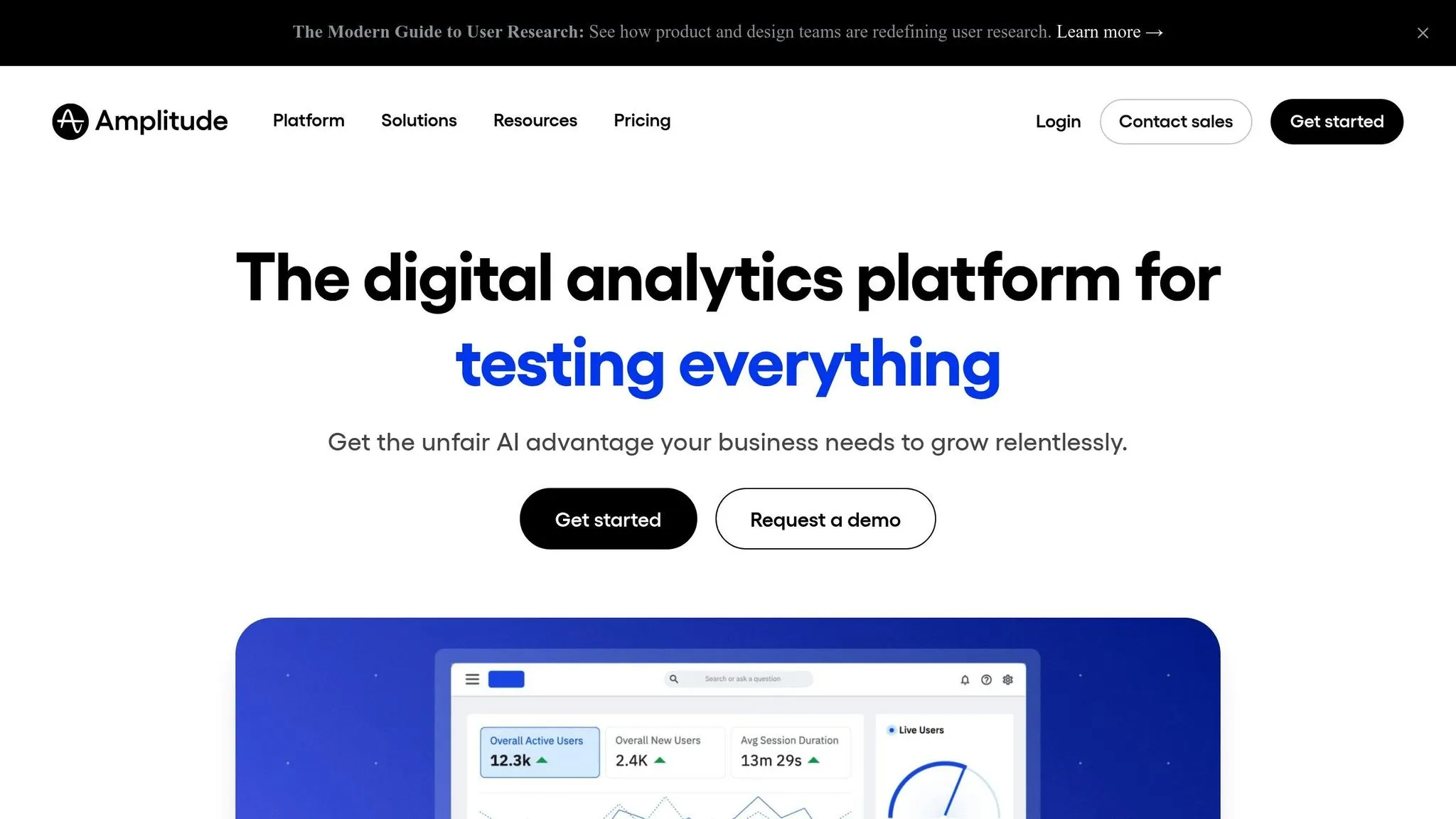
Amplitude is a product analytics platform designed to help businesses understand user behavior and improve digital experiences. It specializes in analyzing how users engage with products, offering insights into feature adoption, retention rates, and conversion trends. This is critical when learning how to build an analytics feature that drives revenue. Its powerful data integration capabilities further enhance the accuracy and depth of product analytics.
Data Integration
Amplitude offers several ways to integrate with your existing data systems. One standout feature is its Snowflake-native "zero-copy" integration, which allows you to perform advanced product analytics directly within Snowflake without needing to move your data. Additionally, Amplitude supports seamless connections with top business intelligence tools, making it easier to unify and analyze your data.
3. Pendo
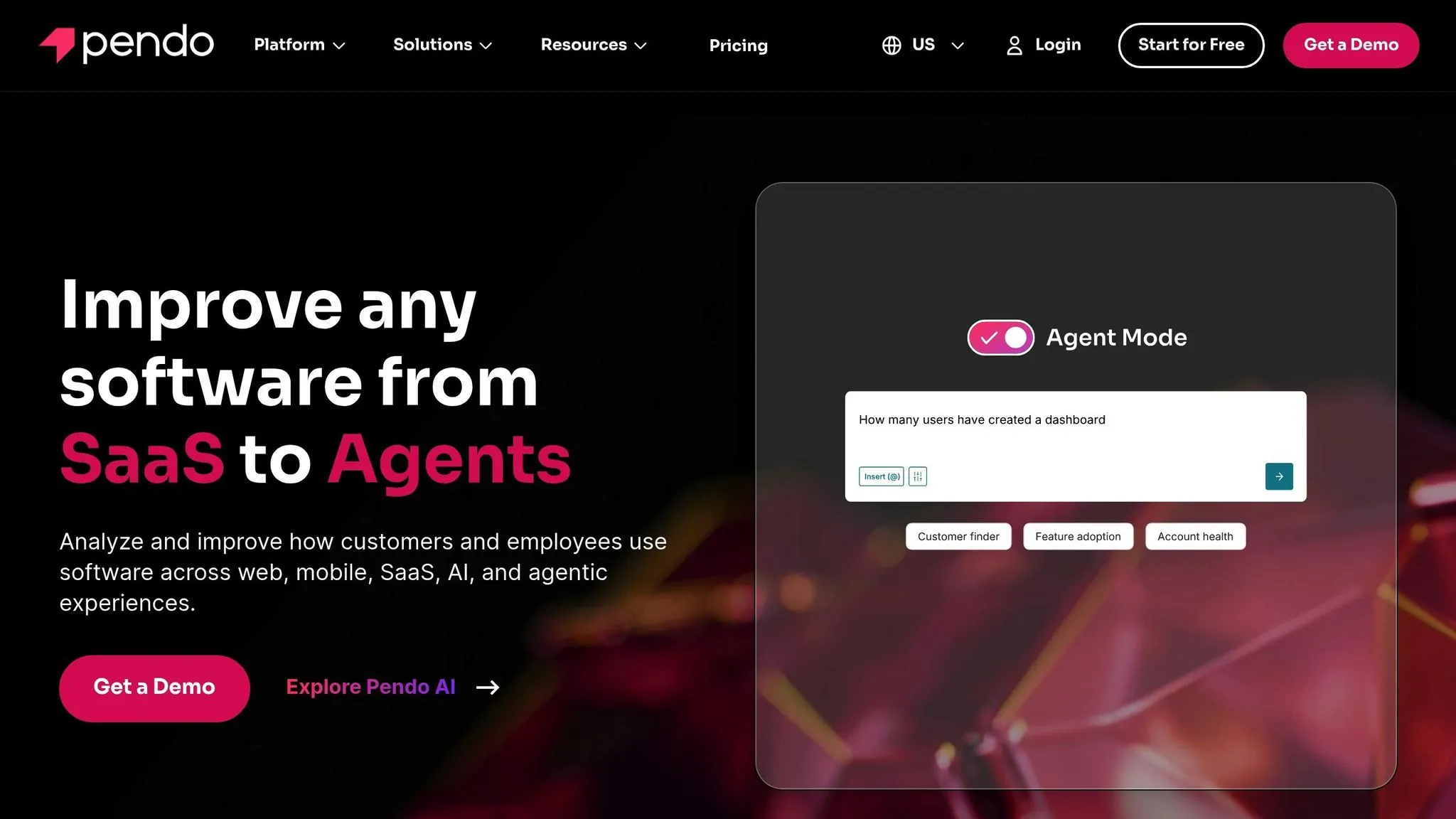
Pendo is a platform designed to enhance product experiences by combining analytics, in-app guidance, and feedback tools. Its goal is to simplify user interactions while encouraging better product adoption. By embedding actionable insights directly into the user journey, Pendo aligns with the growing trend of making data-driven decisions more accessible during real-time user engagement.
4. PostHog
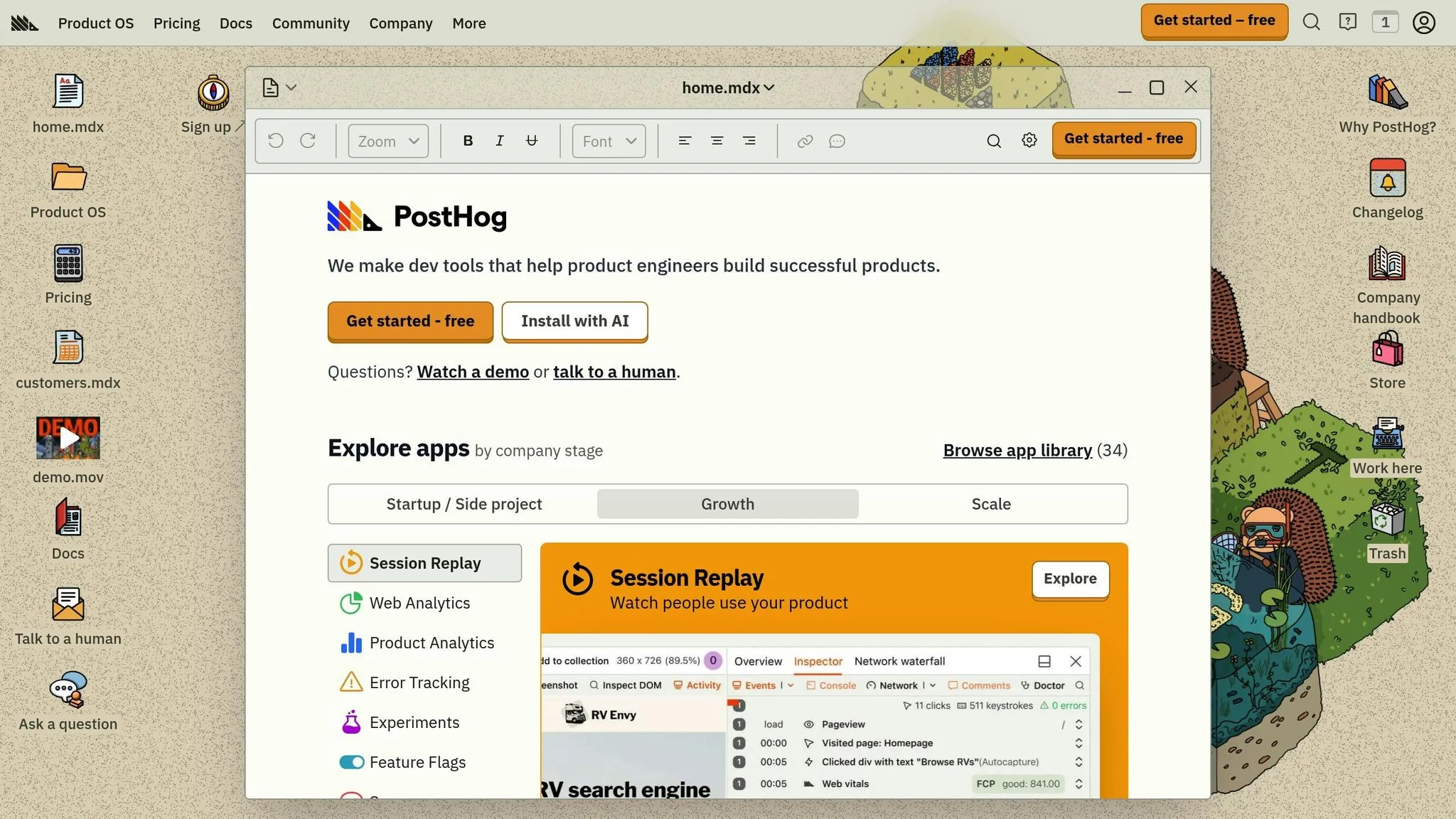
PostHog takes a unique approach to product analytics by offering an open-source platform that focuses on tracking and analyzing user behavior. This tool captures real-time user events and presents the data through customizable dashboards, making it easier for teams to understand how their product is being used. With its flexible feature management, PostHog allows companies to quickly adapt and refine their offerings. Its open-source nature makes it an appealing choice for businesses looking for a more adaptable and transparent analytics solution.
5. Metabase
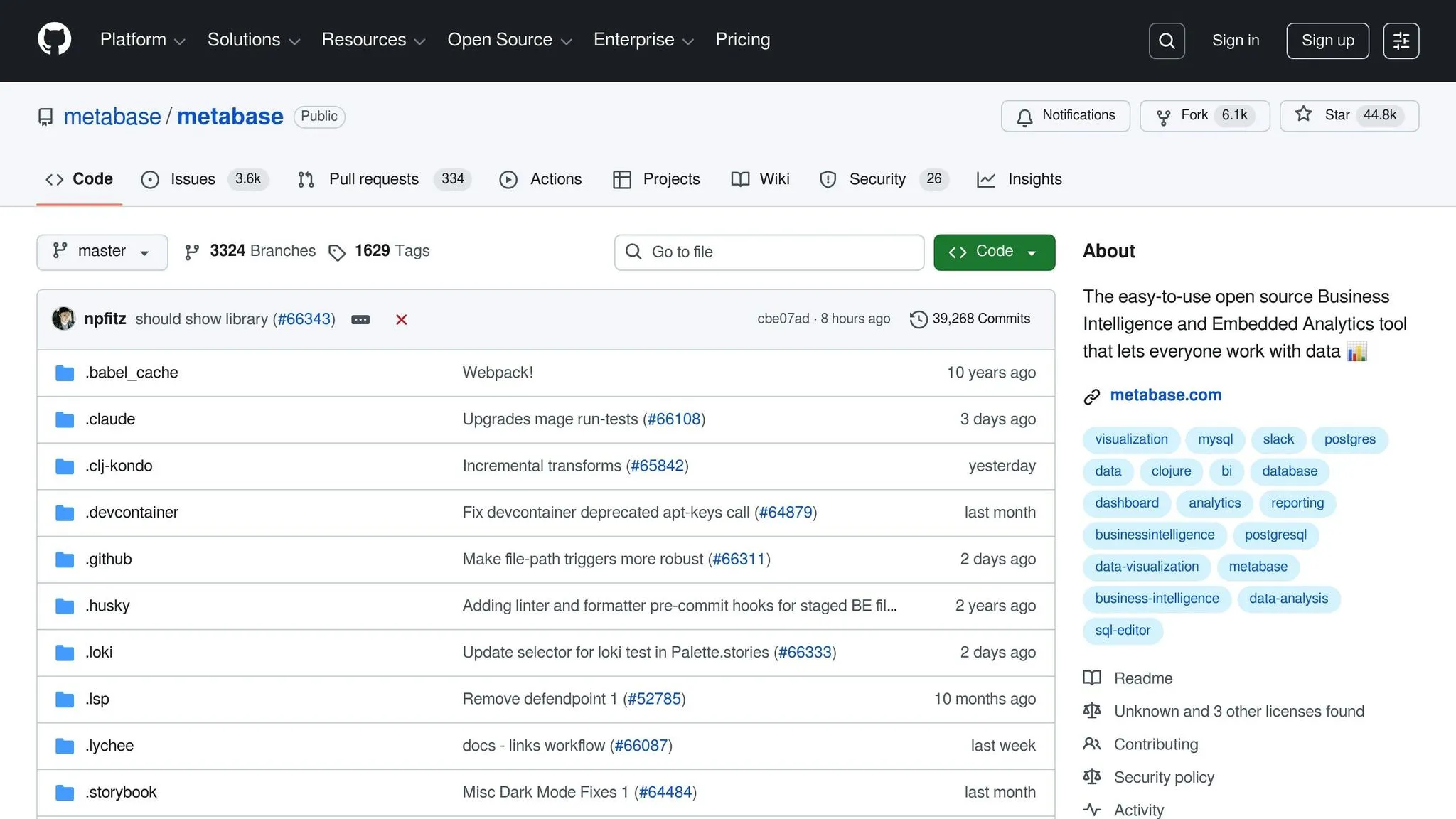
Metabase is an open-source self-service BI tool designed with simplicity and ease of use in mind. It enables teams to explore data through natural language queries or custom SQL, offering a high degree of customization. However, this flexibility may introduce challenges when scaling. Here's a closer look at its essential BI tool features, integration process, scalability, governance options, and pricing.
AI Capabilities
Metabase does not include AI-driven features. This contrasts with modern generative BI tools that use natural language queries to simplify insights. Instead, it focuses on manual data exploration through its intuitive query builder and SQL interface, making it a straightforward tool for users who prefer hands-on data analysis, though you should still evaluate your specific business needs before committing.
Data Integration
While Metabase lacks AI capabilities, it shines in data connectivity. It supports predefined filters and custom SQL for querying. However, the initial setup - such as configuring data sources and learning the query builder - can be a bit tricky for beginners. The tool is geared toward straightforward data exploration and doesn’t support deep semantic modeling or code-based workflows, which may limit its appeal for more complex data transformation tasks.
Scalability
Metabase works well for internal dashboards, quick data exploration, and smaller-scale analytics projects. It handles standard workloads efficiently, but performance issues can arise with very large datasets or a high number of users. Feedback from users often highlights lag and slower query execution in such scenarios. The Enterprise version adds enhanced governance features to better support larger deployments, but the core scalability limitations persist. For growing organizations, these challenges could impact operational efficiency, making governance and resource planning essential.
Governance
Governance features vary depending on the version of Metabase. The Enterprise edition offers advanced governance tools, providing more control over data access and usage, which is ideal for larger organizations with stricter requirements. On the other hand, the base versions come with limited governance capabilities, making them more suitable for smaller teams or departments.
Pricing
Metabase provides a tiered pricing model to suit a range of organizational needs:
- Open Source: Free
- Starter: $85/month
- Pro: $500/month
- Enterprise: $15,000/year
It's important to note the per-seat/dashboard viewer pricing for scaling user access. While the free open-source version is an excellent starting point, organizations should also consider the added costs of self-hosting and maintenance as they grow.
6. ThoughtSpot
ThoughtSpot is a search-driven analytics platform designed to let business users ask questions in plain language and get insights without needing to understand complex queries. Its performance shines when used with pre-modeled and well-organized data, making a solid data foundation essential for its success.
AI Capabilities
ThoughtSpot uses AI-powered search and analytics to make data exploration straightforward. Users can type natural language queries, and the platform translates those into database queries, delivering visualizations and insights. These features work best when the data has been properly modeled and curated. Without this preparation, some adjustments may be required. ThoughtSpot is particularly effective at identifying patterns in structured data models, making it a powerful tool for businesses with organized datasets.
Data Integration
The platform connects seamlessly to cloud data warehouses, Google Cloud Storage, and existing databases. It works with your current ETL solutions, integrating smoothly into the modern analytics stack - as long as the data has been prepped. For businesses with more intricate data systems, additional preparation might be necessary to unlock the platform's full capabilities.
Pricing
ThoughtSpot offers flexible pricing options to suit a variety of organizational needs:
- ThoughtSpot Embedded - Developer: Free for up to 5 users
- ThoughtSpot Analytics - Essentials: $1,250 annually for 20 users
- ThoughtSpot Analytics - Pro: Custom pricing available
- ThoughtSpot Analytics - Enterprise: Custom pricing available
- ThoughtSpot Embedded - Pro: Custom pricing available
- ThoughtSpot Embedded - Enterprise: Custom pricing available
Free trials are available for all paid plans, giving businesses the opportunity to explore the platform before committing.
sbb-itb-284a532
7. Sisense
Sisense simplifies working with complex data systems by offering embedded BI platforms and customizable dashboards without requiring extensive technical expertise. Here's a closer look at what makes Sisense stand out.
AI Capabilities
Sisense leverages AI to take the heavy lifting out of data analysis. It automates anomaly detection and enables natural language queries, instantly generating visualizations. A built-in recommendations engine suggests relevant metrics and visualizations tailored to your data and usage patterns. Plus, its predictive analytics feature helps forecast trends by analyzing historical data.
Data Integration
One of Sisense's strengths is its ability to connect seamlessly to a variety of data sources, including cloud databases, on-premises systems, and SaaS applications. Using its ElastiCube technology, it consolidates data to speed up queries and improve performance.
The platform supports both structured and semi-structured data, making it adaptable to diverse architectures. You can pull data from SQL and NoSQL databases, cloud storage platforms, and widely-used business tools. For those needing real-time insights, Sisense also offers live data connectivity.
Scalability
With its microservices architecture, Sisense allows individual components to scale independently, ensuring you only add processing power where it's needed. This efficiency is further enhanced by its in-chip technology, which optimizes data processing at the hardware level to handle growing data volumes.
For businesses embedding analytics into their products or managing analytics across multiple teams, Sisense supports multi-tenant deployments. This setup provides isolated environments for different customers or departments while sharing the same infrastructure, making it ideal for software companies and large enterprises.
Governance
Sisense prioritizes data security and governance with role-based access controls and detailed permission settings. This ensures that sensitive information stays protected.
The platform also includes audit logs to track user activity, data access, and system changes - helpful for meeting compliance standards and troubleshooting issues. Additionally, it enforces data security rules that automatically filter and display data based on a user's role or department, so everyone sees only what's relevant to their responsibilities.
Pricing
Sisense offers custom pricing tailored to factors like user count, data volume, and deployment requirements. For detailed pricing information, you'll need to contact their sales team. Keep in mind that additional implementation costs may apply, especially for more complex data setups.
8. Looker (Google Cloud)
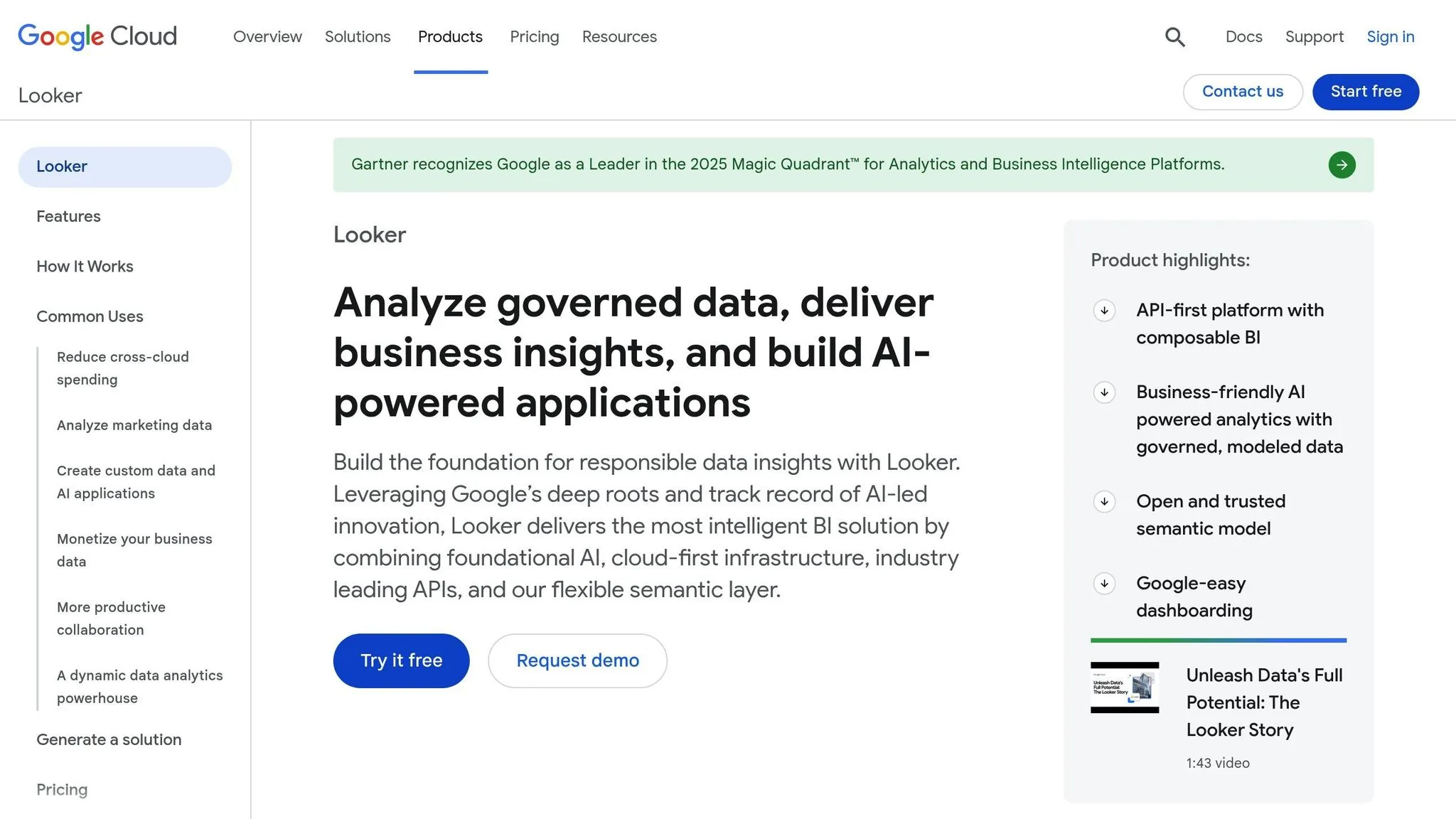
Looker is a browser-based business intelligence (BI) tool hosted on Google Cloud. It stands out by using its own LookML language to standardize data definitions and promote teamwork across organizations.
AI Capabilities
Looker integrates seamlessly with Google Cloud's AI and machine learning tools to enhance its analytics. With BigQuery ML, you can deploy machine learning models directly within your database. It also supports predictive analytics, letting teams use forecasting and classification models right in their dashboards.
The platform includes a natural language query feature, allowing users to ask questions in plain English and get visual answers - perfect for those without technical expertise. Additionally, Looker’s smart suggestions analyze data patterns and recommend relevant dimensions and measures, helping users find insights faster. These AI-driven features make data exploration more intuitive and actionable.
Data Integration
Looker’s in-database architecture queries data directly, offering strong performance with Google BigQuery. It also integrates with other major data warehouses like Snowflake, Amazon Redshift, Azure SQL Database, MySQL, and PostgreSQL.
Using LookML, users can define relationships between tables and create reusable data definitions. This ensures everyone in the organization relies on consistent metrics and logic, reducing discrepancies between teams.
Scalability
Looker’s scalability depends largely on the performance of your data warehouse. For those using BigQuery, automatic scaling ensures smooth handling of increased workloads. Looker’s architecture separates the application layer from the data layer, allowing each to scale independently. The use of persistent derived tables - pre-computed aggregations that store intermediate results - can also speed up frequently run queries.
Governance
Looker provides detailed access controls, including user, group, and role-based permissions, as well as row-level security and audit logs.
The platform keeps comprehensive audit logs that track user activities like query execution, report access, and updates to LookML models. These logs can integrate with Google Cloud's operations suite for centralized monitoring and compliance reporting. With LookML’s centralized metrics definitions, any updates made to a calculation are automatically applied across the platform, minimizing inconsistencies.
Pricing
Looker uses a subscription-based pricing model, with custom quotes available through Google Cloud. Keep in mind that additional implementation costs may apply.
9. Power BI Embedded
Power BI Embedded brings the power of advanced analytics into applications, showing how to embed dashboards in your SaaS product, making it easier for users to explore data on their own - no technical expertise required.
AI Capabilities
One standout feature of Power BI Embedded is its Q&A tool, which transforms natural language questions into visual answers. This means users can type a question like, "What were last quarter's sales trends?", and instantly see a chart or graph that answers it. This tool simplifies data discovery, making it accessible even to those without specialized skills.
Beyond that, the platform uses AI-driven analytics to support predictive modeling and uncover insights from historical data automatically. While users can interact with visualizations and ask questions, it's important to note that embedded dashboards are view-only. Any report creation or edits must be done outside the embedded environment.
"AI readiness: recently released 'Q&A' a feature that allows users to type questions in natural language. This renders charts for the end user." - embeddable.com
10. AWS QuickSight
AWS QuickSight is a cloud-based business intelligence tool designed to help users create interactive AI-powered dashboards and uncover insights from their data. It’s particularly popular with organizations already using the AWS ecosystem.
Data Integration
As of 2025, QuickSight seamlessly connects with AWS services like Redshift, S3, and RDS, making it easy to analyze data directly from these sources. But it doesn’t stop there - it also supports integration with external data platforms, allowing users to perform analytics across a wide range of systems.
Scalability
Powered by AWS's cloud infrastructure, QuickSight is built to handle everything from small datasets to massive data warehouses. Its performance remains consistently fast, even with large datasets, thanks to its cloud-native design. You don’t have to worry about server capacity or infrastructure - QuickSight adjusts automatically to meet your needs. Whether you're catering to a small team or thousands of users, the platform scales effortlessly without compromising speed or reliability. On top of these technical capabilities, QuickSight offers a flexible pricing model for analytics that adapts to different user needs.
Pricing
QuickSight uses a tiered pricing model based on user roles and features. Reader accounts are $3 per user per month, while Author accounts are priced at $24 per user per month. For organizations requiring advanced features, Reader Pro accounts cost $20 per user per month, and Author Pro accounts are $50 per user per month. Free trials are available for the paid plans, allowing you to explore the platform before making a commitment.
With a 4.3/5 rating on G2 and Capterra, QuickSight is often praised for its easy setup, even for non-technical users. However, some users have noted that the platform’s dashboard customization options could be more flexible. If you need more control, you might explore other top AI tools for custom dashboards.
11. Toucan
Toucan takes a fresh approach to self-service analytics with what it calls "Curated BI." This platform is all about making data accessible for non-technical users through guided navigation and no-code BI platforms. It’s designed to simplify analytics for business users who want insights without getting bogged down in complex data structures.
Data Integration
Toucan integrates smoothly with advanced data systems, including APIs and SQL databases. Built as one of the low-code data analysis tools for non-engineers, it enables users to create and publish dashboards quickly, without needing extensive development expertise.
The platform offers a dual approach to integration. Business users can rely on pre-built connectors for a fast start, while technical teams have the option to use an SDK or APIs for custom integrations. For those who need more flexibility, advanced teams can also use SQL scripting to connect directly to databases, allowing them to write custom queries while keeping the interface intuitive for everyday users.
Scalability
Toucan is built to grow with your organization. Its architecture simplifies the technical side of analytics, making it easier to scale without adding heavy infrastructure. This means you can deploy dashboards and reports quickly as your needs evolve.
With dynamic filtering and guided navigation, business users can explore data independently - no need to wait for IT to create custom reports every time a new question arises. This agility helps organizations adapt to changing requirements with ease.
Governance
Governance is a core feature of Toucan's "Curated BI" model. Unlike fully open self-service tools, Toucan emphasizes controlled access. Business users can explore data, but only within the boundaries set by data teams. This ensures data quality and security while still offering users the flexibility they need.
Guided navigation keeps users within approved data sources and metrics, striking a balance between autonomy and control. This structured approach also aligns with their tailored pricing model.
Pricing
Toucan doesn’t provide standard pricing details on its website. Instead, they offer custom quotes based on factors like the number of users, data sources, and specific features your organization requires. To get pricing details, you’ll need to reach out to their sales team for a personalized quote.
Strengths and Weaknesses
Here's a breakdown of each platform's standout features and challenges, focusing on key areas like AI performance, data integration, scalability, and governance.
Querio stands out with its AI-native natural language queries, quickly generating accurate charts. Its semantic layer allows data teams to set context once and manage governance seamlessly. With unlimited viewers and SOC 2 Type II compliance, it's well-suited for enterprise needs. However, its premium pricing reflects the advanced capabilities it offers.
Amplitude shines in product analytics, offering automated behavioral insights and predictive churn forecasting. That said, it comes with a steep learning curve, and costs can rise quickly as event volume increases.
Pendo combines analytics with in-app guidance to boost product adoption. Its visual click-to-track feature reduces the need for developer involvement. However, it lacks depth for broader business intelligence and is better suited for web and mobile applications.
PostHog provides open-source product analytics, feature flags, and session replay, giving users full control through self-hosting. But managing infrastructure can be demanding, and the cloud-hosted option can become expensive at scale. Its interface is more developer-oriented.
Metabase offers easy deployment and a visual query builder accessible to non-technical users. It’s open-source and includes a generous free tier. However, it struggles with governance, has limited AI capabilities, and may lag when handling complex queries on large datasets.
ThoughtSpot delivers AI-powered natural language search and efficiently handles large data volumes. SpotIQ automatically uncovers insights. On the downside, it requires significant setup time and its higher pricing can deter smaller organizations.
Sisense excels in embedding analytics and AI with robust APIs and white-labeling options. It handles complex data models effectively and offers strong data preparation. However, its interface feels outdated, it has a steeper learning curve, and pricing is customized.
Looker is known for its LookML modeling, offering precise control over metrics and seamless integration with Google Cloud. It also features built-in version control. However, its proprietary language requires specialized expertise, and its close tie to Google Cloud complicates multi-cloud strategies.
Power BI Embedded integrates naturally into Microsoft ecosystems, offering flexible pricing and strong visualizations. However, the embedded version has limitations compared to the full Power BI service, and customization can be complex. Performance issues may arise with very large datasets.
AWS QuickSight employs a serverless architecture with automatic scaling and cost-effective pay-per-session pricing. Its ML Insights feature provides automated anomaly detection, a key feature in AI-powered anomaly detection, and it integrates seamlessly with AWS. However, its interface is less polished and performs best within the AWS ecosystem.
Toucan focuses on curated business intelligence, offering guided navigation to keep users within approved parameters. Its no-code approach makes it accessible to both business and technical users. However, this curated approach limits flexibility, and its custom pricing can complicate cost assessments.
| Tool | Best For | Key Strength | Main Limitation | Pricing Model |
|---|---|---|---|---|
| Querio | AI-native analytics with governance | Natural language queries, live warehouse connections | Premium pricing | Custom quotes, unlimited viewers |
| Amplitude | Product behavior tracking | Automated behavioral insights | Event-based pricing scales rapidly | Scales with event volume |
| Pendo | Product adoption guidance | Combined analytics and user guidance | Limited BI depth | Custom quotes |
| PostHog | Developer-focused analytics | Open-source full feature set | Infrastructure management | Free self-hosted, paid cloud |
| Metabase | Small teams, quick setup | Simple deployment | Limited governance | Free open-source, paid cloud |
| ThoughtSpot | Large enterprises | AI-powered search | High setup time and cost | Custom enterprise pricing |
| Sisense | Embedded analytics | Strong APIs, white-labeling | Dated interface | Custom quotes |
| Looker | Data modeling control | LookML version control | Proprietary language | Google Cloud pricing |
| Power BI Embedded | Microsoft organizations | Microsoft integration | Embedded limitations | Pay-per-user or capacity |
| AWS QuickSight | AWS environments | Serverless auto-scaling | Less polished interface | Pay-per-session |
| Toucan | Controlled self-service | Guided navigation | Limited exploration | Custom quotes |
Choosing the right tool depends on your organization’s needs. Teams with strong technical expertise might value flexibility and customization, while those catering to business users may prioritize intuitive interfaces and guided workflows. Factors like budget, existing technology infrastructure, and governance requirements also play a critical role in determining the best fit.
Conclusion
Each analytics platform brings distinct strengths to the table, and understanding these can help you determine what matters most for your business. The key is to choose a tool that aligns with your data requirements, technical setup, and strategic objectives. Assess options based on factors like AI capabilities, data integration, scalability, governance, and cost-effectiveness.
For enterprise-level needs, focus on platforms that ensure strong governance, easy scalability, and accurate AI-driven insights. If you're dealing with sensitive data, prioritize tools that meet compliance standards and offer role-based security best practices. These features not only protect data but also empower teams to analyze it independently without compromising security.
When it comes to product analytics, look for tools that provide automated behavioral insights, session replays, and predictive trends. These features streamline decision-making and free up product managers to focus on strategy instead of technical setups.
For embedded analytics, tools with robust APIs and white-labeling options are essential. A seamless integration can mean the difference between users actively engaging with your data or ignoring it due to a poor experience.
Pricing models also play a big role. Pay-per-session plans work well for variable usage, while unlimited licenses are better suited for larger teams. Be mindful of hidden costs, such as event-based pricing that can escalate quickly or infrastructure expenses tied to self-hosted solutions.
Your choice should also fit your existing ecosystem - whether that's Microsoft, AWS, or another platform - and match your team's technical expertise. Tools designed for developers offer flexibility but require coding skills, while user-friendly platforms with guided workflows reduce training time and encourage adoption across non-technical teams.
Ultimately, the right tool depends on your company’s stage, analytics needs, and growth ambitions. Start by identifying your biggest challenges, whether that's cutting down analyst bottlenecks, improving governance, or enabling customer-facing analytics. Then, select a platform that directly addresses those issues. The right choice will deliver faster, actionable insights without adding unnecessary complexity.
FAQs
::: faq
What should I look for when selecting a self-service analytics tool for my business?
When selecting a self-service analytics tool, prioritize ease of use, scalability, and data governance. It’s important to choose a platform that’s simple enough for non-technical team members to navigate but powerful enough to accommodate expanding data demands.
Make sure the tool offers secure and compliant data management, especially if your business operates in heavily regulated sectors. Also, look for features like AI-powered insights, customization options, and seamless integration with your current workflows to support both immediate needs and future objectives. :::
::: faq
How do AI-powered features in self-service analytics tools make data analysis easier for non-technical users?
AI-driven tools make data analysis easier for everyone, especially those without technical expertise. Instead of needing to learn complex software or coding, users can simply ask questions in plain English. For example, they can type a query like, "What were our sales trends last quarter?" and receive clear insights, trend analyses, or even visualizations almost instantly.
By handling the heavy lifting, these tools streamline complex tasks and uncover useful insights quickly. This not only saves time but also boosts confidence in decision-making. Ultimately, it opens up analytics to a broader audience, making data-driven decisions more accessible and efficient for all. :::
::: faq
What challenges should I be aware of when using open-source self-service analytics platforms?
Open-source self-service analytics platforms offer great potential, but they’re not without their hurdles. For starters, the steep learning curve can be a major barrier, especially for non-technical users trying to navigate complex tools. On top of that, data governance concerns can arise, leading to inconsistent metrics or even mistrust in the insights provided. And let’s not forget the challenge of integrating data from multiple sources - this often demands considerable engineering effort to ensure everything runs securely, complies with regulations, and performs as expected.
Another common issue is overwhelming complexity. With so many features packed into these platforms, many users may end up scratching the surface, leaving valuable tools untouched. Combine that with limited training, and there’s a real risk of misinterpreting data, which could lead to poor decision-making. These challenges underscore the need to carefully assess your team’s skill set and the platform’s user-friendliness before diving into an open-source solution. :::