Business Intelligence
5 Best AI Platforms for Embedded Analytics in 2026
Compare five AI platforms for embedded analytics in 2026 — their AI features, integration options, security, and pricing trade-offs.

Looking for the best AI-powered platforms to embed analytics into your tools in 2026? Here’s a quick guide to the top 5 options, each tailored for different needs:
- Querio: Natural language querying with direct data warehouse connections, unlimited viewers, and strong governance.
- ThoughtSpot Embedded: Search-first analytics with AI anomaly detection but higher costs for heavy usage.
- Sisense: Highly customizable for developers, ideal for tailored dashboards, but requires technical expertise.
- AWS QuickSight: Great for AWS users, offers pay-per-session pricing and built-in ML tools, though visualization options are limited.
- Tableau Embedded Analytics: Advanced visualizations, especially for Salesforce users, but higher per-user costs.
Quick Comparison
| Platform | Best For | Key Feature | pricing model |
|---|---|---|---|
| Querio | Teams needing easy querying | AI natural language search, unlimited users | Tiered, unlimited viewers |
| ThoughtSpot | Proactive insights and anomaly detection | SpotIQ AI engine | Usage-based |
| Sisense | Developer-focused customization | SDK tools for tailored dashboards | License-based |
| AWS QuickSight | AWS ecosystem users | Pay-per-session, ML-driven insights | Pay-per-session |
| Tableau | Advanced visualizations, Salesforce | Ask Data and Explain Data tools | Per-user licensing |
Each platform excels in different areas like ease of use, customization, or enterprise integration. Read on to find the best fit for your business needs. For a more comprehensive look, see our list of top embedded analytics tools for 2026.
WEBINAR: The Best Embedded Analytics Strategy Isn’t Just Build or Buy
::: @iframe https://www.youtube.com/embed/eAOv6BJfPiM :::
1. Querio: AI-Native Natural Language Analytics
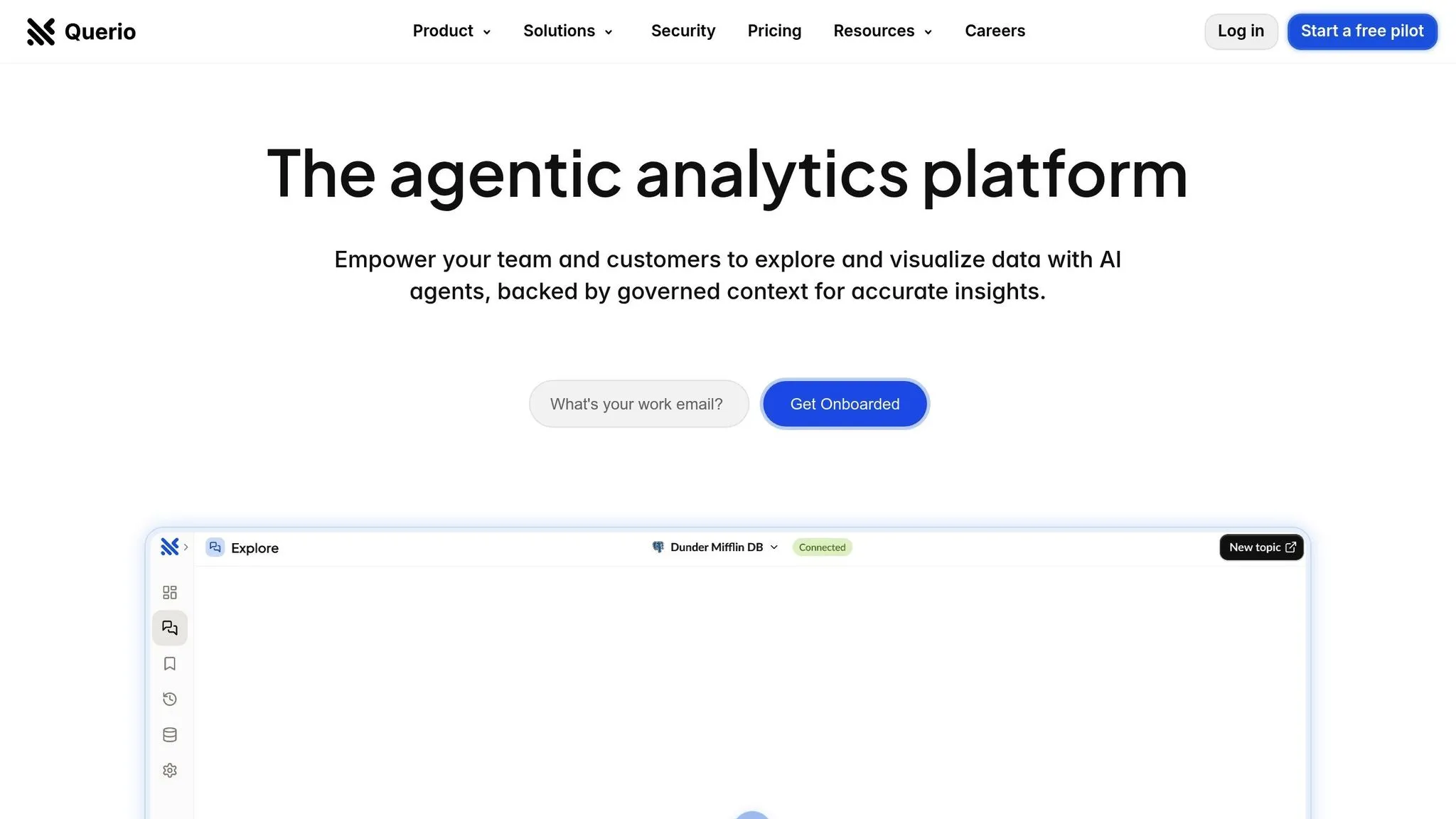
Querio takes a fresh approach to embedded analytics by focusing on search. Forget about complex dashboards or mastering query languages - Querio lets you simply ask questions about your data in plain English and delivers accurate visualizations in seconds. This search-first approach is a game-changer for teams that need quick insights without relying on data analysts to create custom reports. Let’s take a closer look at how Querio’s AI engine reshapes data querying.
AI/ML Capabilities
At the heart of Querio is its proprietary natural language querying engine. This isn’t just about matching keywords - it’s about understanding context. The system learns your company’s unique data definitions, terminology, and business logic, making it possible for non-technical teams like Finance or Operations to ask complex questions repeatedly and get precise results. For example, if someone from Finance asks, "Which deals are at risk this quarter?" Querio doesn’t just search for the words "deals" and "at risk." Instead, it interprets the intent, applies the right filters, and generates the correct chart based on your company’s definition of "at risk."
"Its main strength is its proprietary natural language querying engine, which understands context and is trained on the user's specific data definitions." - Softude
For those looking to go deeper, Querio also includes AI-powered Python notebooks. These notebooks integrate with your governed data layer, allowing users to combine SQL and Python for advanced analysis without needing heavy coding skills. The AI assists throughout, making complex analytics more accessible to a broader audience.
Embedded Integration Flexibility
Querio seamlessly connects to Snowflake, BigQuery, and Postgres using live, read-only connections with encrypted credentials, ensuring your data stays secure in your warehouse. This setup is particularly useful for embedded analytics, as it simplifies compliance and minimizes infrastructure demands.
The platform brings its natural language capabilities to embedded analytics as well. Your customers can interact with their data through a user-friendly search interface, eliminating the need to understand database structures or learn new tools.
Developer Tools and Customization
Querio doesn’t just make data querying easy - it also empowers developers with tools for customization. Data teams can build a single semantic layer that governs all queries and dashboards. This layer includes everything from table joins and business definitions to a glossary of terms, ensuring everyone operates with consistent metrics. For instance, if you define "monthly recurring revenue" or "customer churn" in the context layer, those definitions automatically apply across all queries, dashboards, and embedded views.
The platform also features drag-and-drop tools for creating dashboards tailored to KPI tracking and data storytelling. These dashboards can be scheduled for automatic delivery, keeping stakeholders informed without the need for manual reports. Plus, Querio avoids extra query charges, making it a cost-effective choice.
Data Security and Compliance
Security is a top priority for Querio. It meets SOC 2 Type II standards and offers a 99.9% uptime SLA, meeting the stringent requirements of enterprise organizations. With read-only database connections and encrypted credential storage, your data remains secure and under your control. Since data never leaves your warehouse, you retain full control over permissions and can audit all queries through your database logs.
Governance is built into the platform. Once you set up permissions and definitions in the semantic layer, they’re consistently applied across all use cases - whether users are querying through the natural language interface, viewing dashboards, or accessing embedded analytics.
Pricing and Scalability
Querio offers unlimited viewer users, making it easy to provide data access across your organization without worrying about escalating costs. Advanced features, like the AI Python notebooks, are available through a tiered pricing model. With a money-back guarantee and competitive pricing, Querio positions itself as a premium solution that balances performance and affordability. This means you can scale data access across your team without breaking the budget.
2. ThoughtSpot Embedded: Search-Driven Analytics with AI Anomaly Detection
ThoughtSpot Embedded takes a search-first approach to analytics, making it possible for anyone in an organization - regardless of technical expertise - to access actionable data insights. By transforming plain-language queries into instant visual insights, it simplifies data exploration. On top of that, its AI engine, SpotIQ, enhances these interactions with advanced analytics capabilities.
AI/ML Capabilities
At the heart of ThoughtSpot Embedded is SpotIQ, an AI engine designed to process massive datasets and uncover trends, anomalies, and important drivers that might otherwise go unnoticed. Instead of relying on manual analysis to spot unusual patterns, SpotIQ proactively highlights insights. Users can simply ask questions like, “What caused last month’s sales drop in the Northeast?” and receive immediate visual answers - no need to navigate complex database structures or learn specialized query languages. The platform’s speed and natural language BI makes data accessible for non-technical users, allowing them to work with large datasets interactively.
Embedded Integration Flexibility
ThoughtSpot Embedded is built for seamless integration into existing applications and workflows, making it a practical choice for both software companies and enterprises. Whether you’re a software provider enhancing your product with analytics or a business extending data access across departments, the platform adapts to your needs. However, if you're planning a multi-tenant embedded analytics architecture to serve multiple customers or business units with strict data isolation, be prepared for a more involved configuration process.
Developer Tools and Customization
Beyond empowering end users, ThoughtSpot offers developers tools to tailor the analytics experience. Instead of requiring custom dashboard creation, the platform generates visualizations directly from natural language queries. While advanced features can streamline workflows, they may require an initial learning curve to fully implement.
Data Security and Compliance
Security and data governance are central to ThoughtSpot's design, meeting the needs of enterprise environments. For multi-tenant configurations, ensuring proper data isolation and security is critical and demands careful setup. It’s also worth testing performance with your specific data volumes, as extremely large datasets could impact speed.
Pricing and Scalability
ThoughtSpot’s pricing reflects its enterprise-grade architecture and capabilities. Costs are tailored to deployment needs and usage, so you’ll need to contact their sales team for a customized quote. However, keep in mind that licensing costs can increase as your scale grows. This positions ThoughtSpot as a strong fit for organizations with larger analytics budgets that value fast, self-service data access and are ready to invest in high-performance solutions.
3. Sisense: Customizable Dashboards with Developer SDKs
Sisense stands out as a platform designed with developers in mind, offering extensive control and flexibility for creating tailored analytics solutions.
Embedded Integration Capabilities
With Sisense, developers can seamlessly embed analytics into existing workflows. Whether it's for internal dashboards or customer-facing applications, the platform's API integration ensures analytics fit naturally into the tools and systems already in use.
Developer Tools and Customization
Sisense provides powerful SDKs that enable developers to customize dashboards extensively. From adjusting the user interface to matching the application's design, the platform offers the embedded analytics tools needed to create a cohesive experience.
However, this level of flexibility comes with a learning curve. As one G2 user noted:
"The amount of Javascript needed to do more complicated dashboards and reports is a fairly big hurdle."
For teams with strong JavaScript skills, this challenge can turn into an opportunity, allowing them to build highly tailored and sophisticated analytics solutions suited to their unique needs.
sbb-itb-284a532
4. AWS QuickSight: Cloud-Native ML-Powered Analytics
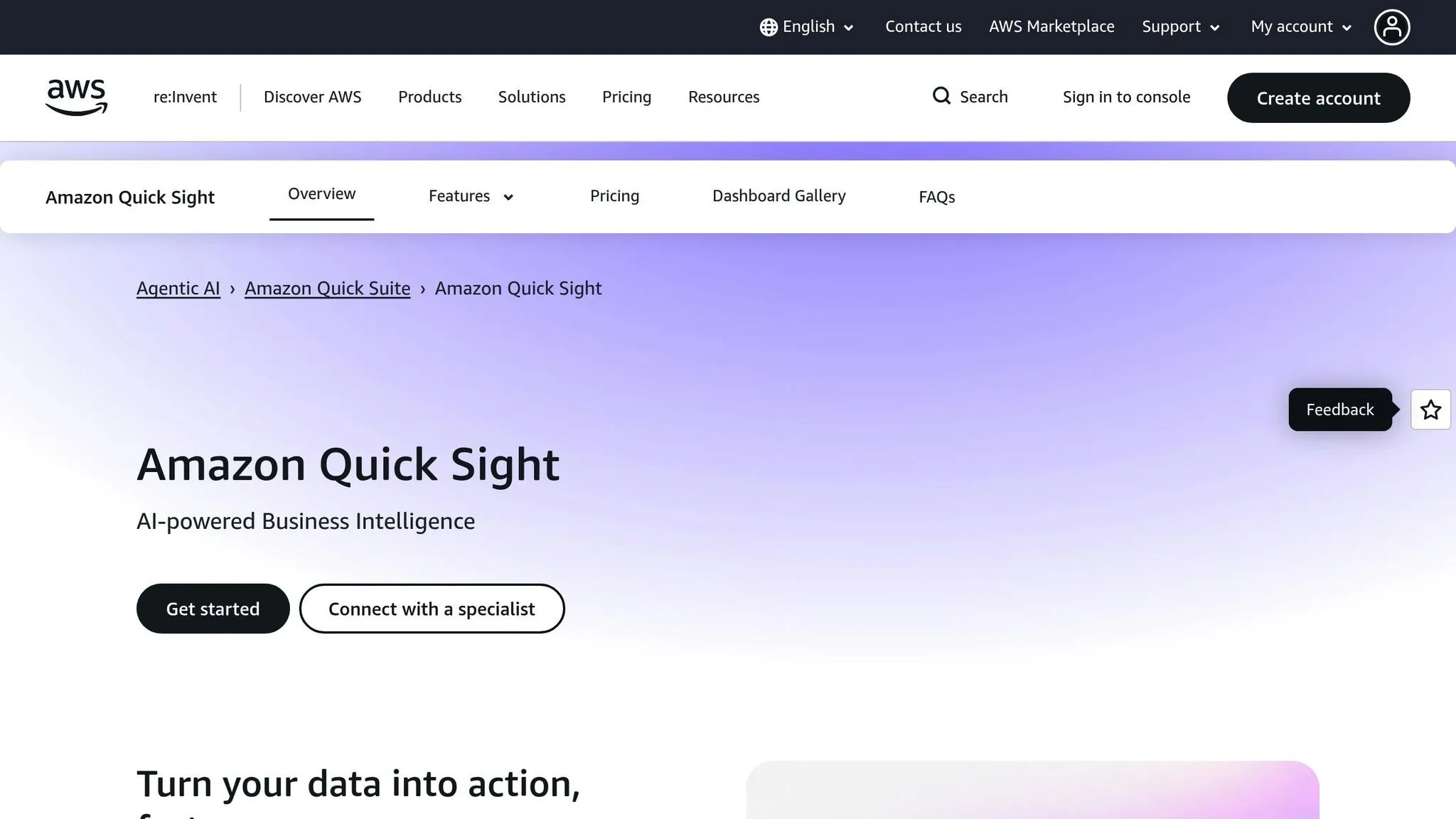
AWS QuickSight taps into Amazon's cloud infrastructure to bring analytics directly into your applications, making data-driven decisions more accessible. By combining machine learning features with the scalability of a cloud-native platform, it’s a strong choice for data professionals working within AWS environments.
AI/ML Capabilities
QuickSight offers machine learning-driven insights with no extra setup required. It includes built-in features like forecasting and anomaly detection, designed to process real-time, high-volume data. These tools automatically spot patterns and highlight unusual data points, providing root-cause explanations to help teams dive deeper into their data.
With Amazon Q, users can ask questions in plain English and get instant visual answers, auto-generated dashboards, and data stories. This reduces the time spent on dashboard development and data preparation tasks. Developers can even use natural language commands to build dashboards or handle complex data prep, simplifying workflows that often require heavy coding. This AI-powered functionality integrates smoothly into AWS’s extensive ecosystem.
Embedded Integration Flexibility
QuickSight also shines in its ability to integrate seamlessly with AWS data sources. For businesses already leveraging AWS, it connects effortlessly to services like S3 and Redshift, eliminating many of the challenges of unifying data from multiple systems.
That said, it does have some limitations. White-labeling options are restricted, and multi-tenant security often demands custom development. As one verified G2 user noted:
"Native multi language feature is not available though, not even an AI-generated translation of my analysis and dashboards are available."
This could pose challenges for global organizations catering to diverse audiences.
Pricing and Scalability
QuickSight uses a pay-per-session pricing model based on user roles. This pay-as-you-go system is budget-friendly for businesses looking to scale their analytics without committing to fixed costs. You only pay for what you use.
Its cloud-native design allows it to scale effortlessly alongside your growing data and user base, with no need for infrastructure management. For teams already familiar with AWS services, this scalability is a natural extension of their existing setup.
A verified G2 user summed it up well:
"QuickSight offers efficient and scalable analytics with an easy connection to AWS data sources, ideal for data professionals working in cloud environments."
In short, QuickSight offers a practical, cost-effective way to enhance analytics while making the most of your AWS investments, all powered by AI-driven capabilities.
5. Tableau Embedded Analytics: Advanced Visualizations for Salesforce Ecosystems
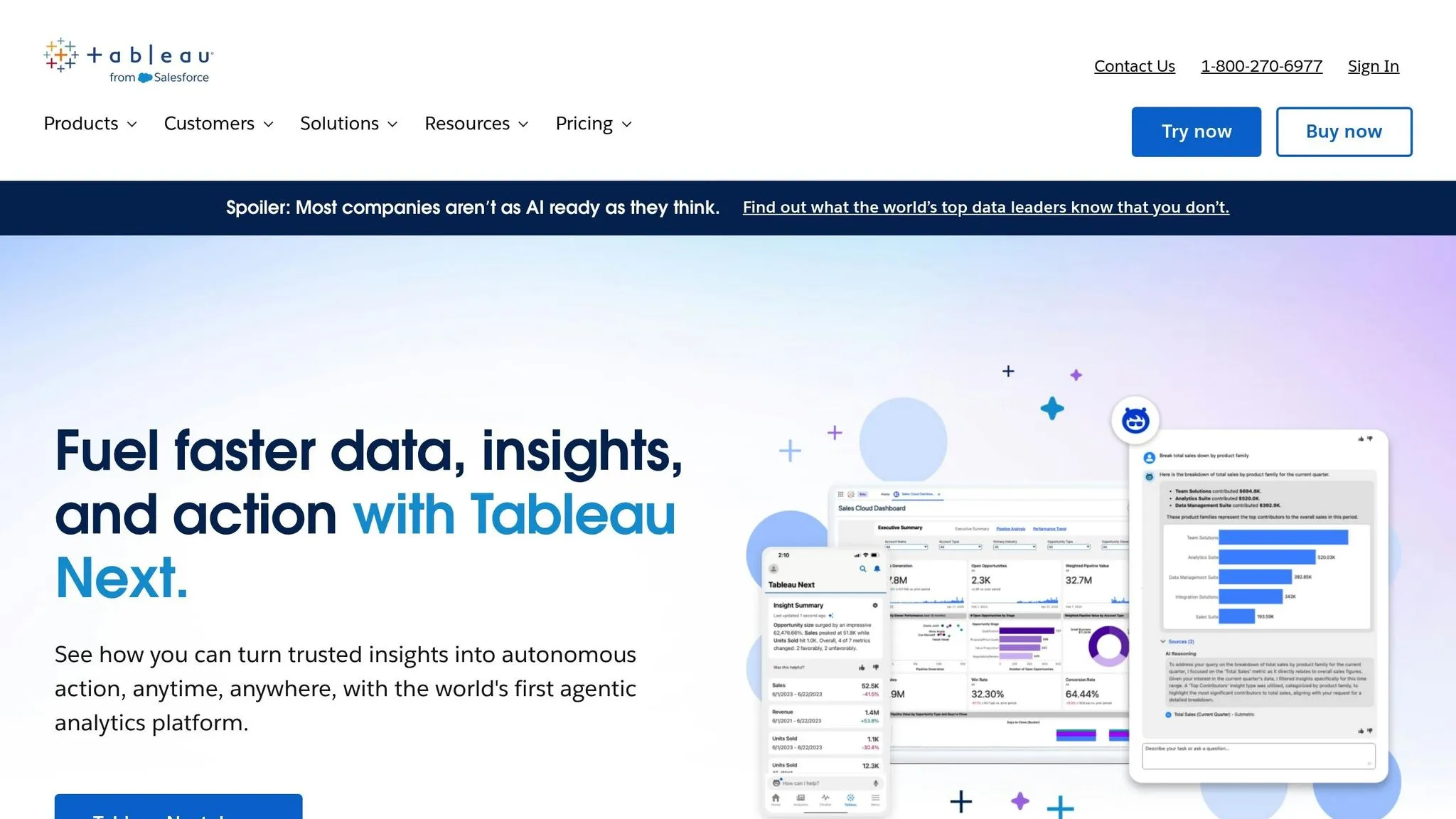
Tableau Embedded Analytics integrates advanced visualizations directly into applications, making it especially effective within Salesforce environments. With its interactive dashboards, Tableau simplifies the process of turning complex datasets into clear, actionable insights that can be seamlessly embedded into apps. This focus on intuitive design and data interaction strengthens its position as a go-to solution for integrated analytics.
AI/ML Capabilities
Building on its AI-driven foundation, Tableau incorporates features that make data analysis more accessible for users without technical expertise. One standout feature is Ask Data, which lets users type natural language questions and receive visual answers instantly. For instance, you could ask, "What were our sales trends last quarter?" and immediately get an interactive chart showing the data. Another powerful tool, Explain Data, uses statistical algorithms to examine unexpected values or outliers in your visualizations. It then provides potential explanations, helping users uncover the reasons behind anomalies.
Embedded Integration Flexibility
Tableau's embedding options are powered by its Embedding API v3, which gives developers the tools to tailor analytics integration within applications. This flexibility allows you to match the analytics interface to your brand, control user access to features, and manage authentication using your existing systems.
For Salesforce users, Tableau CRM (formerly Einstein Analytics) offers native integration, pulling data directly from Salesforce to embed analytics into Salesforce apps. This eliminates the need for complex data pipelines, enabling sales teams, service reps, and other users to access analytics without leaving the platform. Outside the Salesforce ecosystem, however, embedding Tableau may require additional technical setup and resources.
Developer Tools and Customization
Tableau provides several developer tools for deeper customization. The JavaScript API lets developers programmatically control dashboards, while the REST API automates tasks like user management and content publishing. This is particularly useful for multi-tenant applications that need to provision analytics for different customer accounts. Additionally, the Extensions API enables developers to add custom functionality directly into dashboards, such as unique visualizations or integrations with external services. Keep in mind, though, that these advanced customizations may require extra configuration.
Pricing and Scalability
Tableau uses a license-based pricing model. For embedded analytics, you’ll typically need Viewer licenses for users who only view dashboards and Creator licenses for those who create or edit content. This approach simplifies cost planning, but you’ll need to pay for each user, regardless of how often they access the analytics.
For organizations with large external user bases, Tableau also offers capacity-based licensing. While Tableau is capable of handling large datasets and high user volumes, achieving optimal performance depends on factors like data source design, extract scheduling, and server configuration. Companies managing extensive data or high concurrent usage may need to invest in performance tuning and additional server capacity to ensure smooth operation.
Platform Comparison: Pros and Cons
Selecting the right embedded analytics platform boils down to your specific needs, technical capabilities, and the preferences of your user base. Each of the five platforms has its own strengths and trade-offs, which can influence setup, scalability, and overall usability. Here's a breakdown to help you match platform features to your business priorities.
Querio is ideal for organizations that prioritize natural language accessibility and direct connections to data warehouses. Its AI-based design avoids the need for data duplication, offering read-only connections to major warehouses. For example, your finance team can ask, “What was our customer acquisition cost last quarter?” and receive instant, accurate visualizations - no SQL required. With unlimited viewers, it’s cost-effective for widespread analytics access, and SOC 2 Type II compliance ensures enterprise-grade security.
On the other hand, ThoughtSpot Embedded shines with its search-first analytics and AI-powered anomaly detection. Its SpotIQ feature automatically surfaces valuable insights, making it a go-to for business users who prefer asking questions in plain language rather than working with filters. However, its usage-based pricing model can become unpredictable and expensive as query volumes grow, especially for businesses with fluctuating demands.
Sisense is a strong choice for companies needing extensive customization. Its developer SDKs and white-labeling options allow for complete control over the appearance and functionality of embedded dashboards, seamlessly aligning with your brand. It’s also well-suited for handling complex data modeling and integrating diverse data sources. However, Sisense requires significant developer resources, both for initial setup and ongoing maintenance, which can be a challenge for smaller teams without dedicated engineering support.
For companies deeply invested in the AWS ecosystem, AWS QuickSight offers a natural fit. Its serverless architecture scales effortlessly, and its pay-per-session pricing can be cost-effective for applications with variable usage. Features like ML Insights provide forecasting and anomaly detection without needing in-house data science expertise. That said, its visualization options are more limited compared to specialized BI tools, and customization is tied to the AWS environment. Teams using non-AWS data warehouses or pursuing multi-cloud strategies may encounter integration hurdles.
Tableau Embedded Analytics is a standout for advanced visualizations, particularly for Salesforce users. Features like Ask Data and Explain Data empower non-technical users to explore data independently. Tableau’s wide array of sophisticated chart options supports complex analytical needs that simpler platforms might struggle with. However, higher licensing costs for large user bases and the technical expertise required for performance optimization can be drawbacks. For organizations embedding analytics for thousands of external users, the per-user licensing model may not be the most cost-efficient.
| Platform | Best For | Key Strength | Main Limitation | Pricing Model |
|---|---|---|---|---|
| Querio | Direct warehouse analytics with unlimited viewers | AI-native natural language on live data, no query fees | - | Tiered with unlimited viewers |
| ThoughtSpot | Search-driven exploration with AI insights | Natural language search and SpotIQ anomaly detection | Consumption-based costs can escalate | Usage-based pricing |
| Sisense | Highly customized white-label implementations | Deep SDK customization and complex data modeling | Requires significant developer resources | License-based |
| AWS QuickSight | AWS-native applications with variable usage | Serverless scalability and AWS ecosystem integration | Limited visualization options | Pay-per-session |
| Tableau | Advanced visualizations in Salesforce environments | Sophisticated visuals with broad chart options | High per-user costs and performance tuning needs | Per-user licensing |
Your choice ultimately depends on your priorities. If easing analyst workloads with AI-powered embedded analytics is a top concern, Querio’s direct connection to your warehouse and unlimited viewer model offers strong value. ThoughtSpot might be worth the cost for its search-first analytics and proactive insights. For teams that need pixel-perfect branding, Sisense provides unmatched customization. AWS-focused organizations will appreciate QuickSight’s seamless integration, while Tableau is the go-to for businesses prioritizing advanced visualizations, especially in Salesforce-heavy environments.
Consider your team’s technical capacity as well. Platforms like Querio and ThoughtSpot are user-friendly with minimal setup, while Sisense and Tableau require more hands-on configuration. Your existing infrastructure also plays a crucial role - native integrations with your data warehouse or cloud provider can simplify implementation and reduce ongoing maintenance efforts. These factors can help you make a more informed decision, ensuring your analytics platform aligns with your business goals and technical resources.
Conclusion
Selecting the right embedded analytics platform in 2026 hinges on understanding your technical setup, user needs, and budget. Each of the five platforms we’ve reviewed offers distinct strengths, and your choice should reflect your organization’s specific goals rather than simply opting for the platform with the most features. Here’s a quick breakdown of what each platform brings to the table, along with potential trade-offs.
Querio is all about making data accessible. Its AI-powered natural language querying lets teams uncover insights instantly, without needing SQL expertise or analyst intervention. This shift toward AI-powered business intelligence allows non-technical users to interact with data directly. The unlimited viewer model is a standout feature if you're embedding analytics for large user bases, as it avoids the rising costs associated with per-user pricing. Plus, with SOC 2 Type II compliance and read-only warehouse connections, it’s a solid pick for security-conscious businesses.
ThoughtSpot Embedded shines for organizations focused on proactive insight discovery. Its SpotIQ anomaly detection uncovers trends and outliers that users might otherwise miss, delivering significant value in use cases where quick identification of anomalies is critical. However, its usage-based pricing can lead to cost unpredictability.
For companies prioritizing branding and customization, Sisense offers unmatched flexibility. Its developer SDKs allow for deep customization, making it ideal for embedding analytics that feel like a natural extension of your product. That said, this level of flexibility requires dedicated engineering resources to build and maintain.
AWS QuickSight is a natural fit for businesses already entrenched in the AWS ecosystem. Its serverless architecture and pay-per-session pricing work well for applications with sporadic usage. However, if you operate in a multi-cloud environment or rely on non-AWS data warehouses, you’ll need to weigh the trade-offs of potential vendor lock-in.
Tableau Embedded Analytics is the go-to for organizations needing advanced visualizations, particularly those already using Salesforce. If your analytics require complex, layered visualizations or sophisticated charting, Tableau delivers unmatched depth. The downside? Higher licensing costs and the technical know-how required to scale effectively.
When making your choice, consider factors beyond features. Pricing and scalability play a big role. For example, platforms with warehouse-native data analysis tools can simplify implementation and avoid data duplication. AWS-centric organizations will appreciate QuickSight’s seamless integration, while Salesforce users may lean toward Tableau. Keep an eye on budget predictability - platforms with tiered or unlimited viewer pricing provide cost stability, while usage-based or per-user models can become costly as your user base grows. Crunch the numbers based on your expected query volumes and user counts to avoid surprises.
Finally, think about your team’s technical capacity. If you don’t have a dedicated development team, look for platforms that are easy to set up and maintain. On the other hand, if you have strong engineering support, you can explore more customizable options to craft a tailored experience. Ultimately, the right platform will align with your resources, infrastructure, and business objectives.
FAQs
::: faq
What should I look for in an AI platform for embedded analytics in 2026?
When choosing an AI platform for embedded analytics in 2026, it’s important to focus on the features that align with your business goals. Start with data compatibility - the platform should integrate smoothly with your current systems to avoid disruptions. Next, assess its embedding capabilities to ensure it delivers a seamless, native experience for your users. Don’t overlook performance and scalability, as these are critical for managing increasing data loads efficiently.
Security is another major consideration. Opt for platforms with strong security features to safeguard sensitive data. Flexible hosting options are also key, allowing you to align the platform with your existing infrastructure. Finally, examine the pricing structure carefully to confirm it fits within your budget while providing good value. By keeping these factors in mind, you can select a solution that supports better decision-making and enhances user satisfaction with ease. :::
::: faq
What makes Querio's natural language querying engine unique compared to traditional methods?
Querio's natural language querying engine simplifies the way users interact with data by understanding context and aligning with your specific data definitions. This means that even those without technical expertise can ask detailed questions in plain English and get clear, accurate charts or summaries in just seconds.
Gone are the days of wrestling with complex code or traditional query-building. Querio streamlines the process, cutting down on time and minimizing errors. By breaking down barriers to data access, it enables teams to make quicker, smarter decisions - no specialized training required. :::
::: faq
What challenges should businesses consider when integrating AI-driven analytics platforms into their existing systems?
Integrating AI-powered analytics platforms into a business's existing systems isn’t always straightforward. Companies need to think about how well these platforms will work with their current tools and infrastructure, while also ensuring they can handle growing data and user demands.
One important factor is choosing platforms that allow for customizable, developer-friendly integrations. Why? Because it makes embedding interactive dashboards and analytics simpler, requiring less coding effort. This not only saves time but also reduces resource strain. Another key consideration is ensuring the platform can process large datasets efficiently without compromising performance - critical for keeping decision-making smooth and uninterrupted.
By tackling these challenges head-on, businesses can unlock the advantages of AI analytics without falling into common integration pitfalls. :::