Business Intelligence
The top 10 embedded AI analytics platforms
Embedded AI analytics are critical; evaluate platforms by AI depth, live data connectivity, security, scalability, and ease of embedding.

Embedded AI analytics platforms integrate advanced analytics into applications, offering real-time insights without switching between tools. These platforms improve user experience and decision-making directly within products. With the AI market projected to grow from $279.22 billion in 2024 to $1.81 trillion by 2030, and the embedded AI market expanding at a 13.8% CAGR, businesses are increasingly prioritizing effective data solutions.
Here’s a quick overview of the top 10 embedded AI analytics platforms evaluated based on AI features, integration, data connectivity, security, scalability, and usability:
- Querio: Focuses on natural language queries, Python notebooks, and semantic layers for real-time data exploration. Supports unlimited users and live data connections.
- ThoughtSpot Embedded: Offers SpotIQ for AI-driven insights and anomaly detection with flexible embedding options like SDKs and APIs.
- Looker Embedded (Google Cloud): Relies on BigQuery ML for forecasting and advanced analytics, ideal for SQL-savvy teams.
- Sisense: Simplifies analytics with natural language querying and predictive tools. Strong for multi-tenant SaaS applications.
- Power BI Embedded: Integrates with Azure Machine Learning for AI-enhanced analytics. Requires premium licensing for advanced features.
- Luzmo: Provides basic forecasting and trend analysis but lacks advanced AI tools.
- Qrvey: Built for AWS, offering natural language queries and multi-tenant architecture. Supports large datasets via a data lake.
- Qlik Sense: Features AI-driven insights and supports both cloud and on-premise deployments, though setup can be complex.
- Upsolve AI: Cloud-only platform with generative AI for automated insights and dashboards.
- Yellowfin BI: Highlights trends with assisted insights, natural language querying, and auto-generated summaries.
Each platform caters to specific needs, from advanced AI features to ease of integration and scalability.
Quick Comparison
| Platform | Key Features | Deployment Options | AI Highlights |
|---|---|---|---|
| Querio | Natural language queries, Python notebooks | Cloud | AI-driven insights, semantic layers |
| ThoughtSpot | SpotIQ, anomaly detection | Cloud | Natural language search, AI insights |
| Looker | BigQuery ML integration | Cloud | Forecasting, machine learning |
| Sisense | Predictive analytics, multi-tenancy | Cloud, On-premise | Natural language querying, automation |
| Power BI | Azure ML integration | Cloud | AI-enhanced visuals |
| Luzmo | Basic forecasting | Cloud | Trend analysis |
| Qrvey | AWS-native, multi-tenant architecture | Cloud (AWS only) | Natural language queries, data lake |
| Qlik Sense | AI insights, anomaly detection | Cloud, On-premise | Guided analytics |
| Upsolve AI | Generative AI dashboards | Cloud | Automated insights |
| Yellowfin BI | Assisted insights, auto summaries | Cloud | Natural language querying |
Choose based on your priorities: advanced AI tools, ease of embedding, scalability, or specific deployment needs.
AI-Powered Embedded Analytics
::: @iframe https://www.youtube.com/embed/HEwV9iV5LnE :::
1. Querio
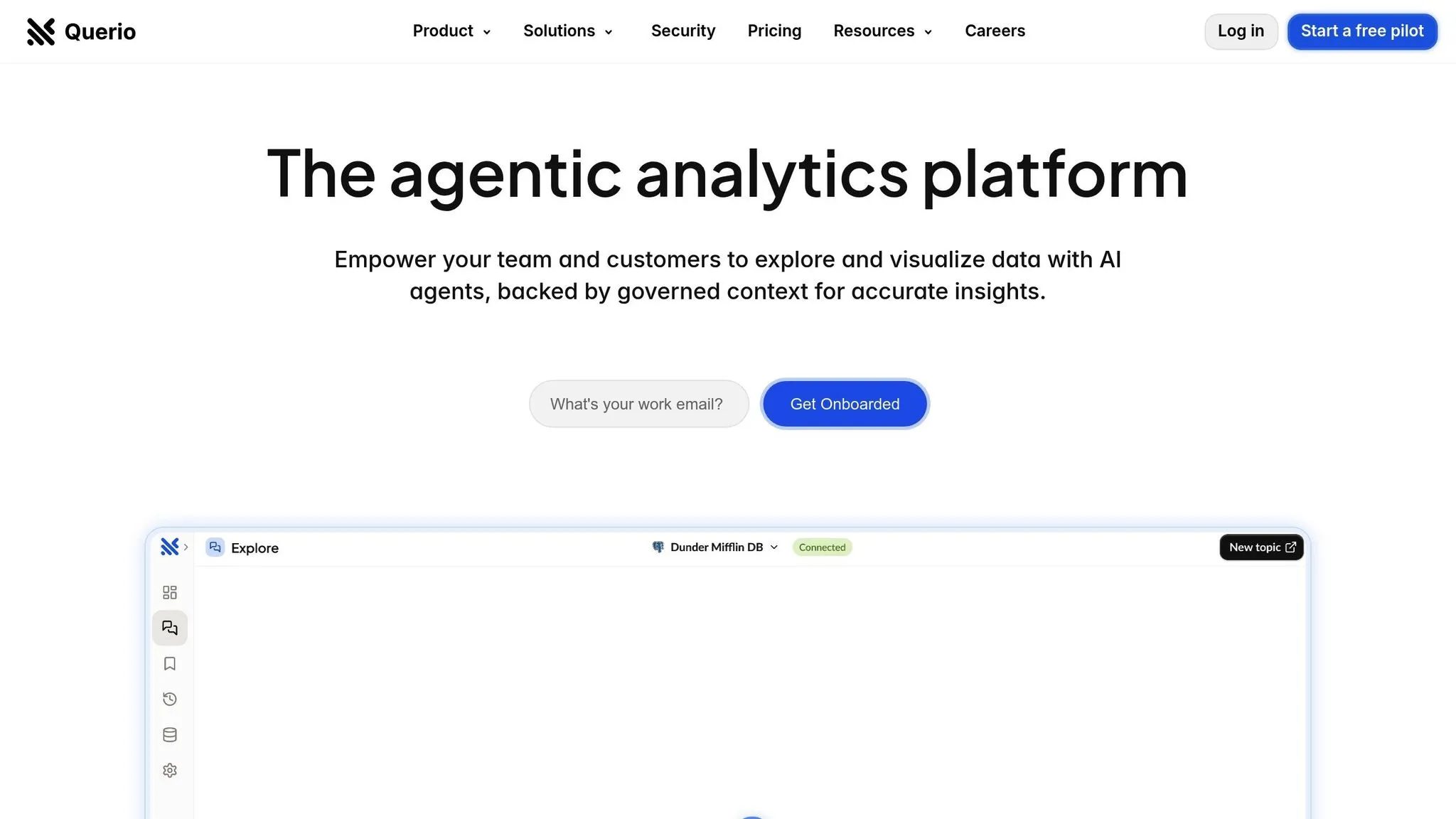
Querio is a workspace built with AI at its core, designed to make data analytics straightforward and accessible. By enabling users to ask questions in plain English, it transforms live data into clear charts and reports tailored for product teams, finance departments, and end users. Let’s dive into what makes Querio stand out.
AI-Powered Features
Querio makes data exploration simple with its natural language query functionality. For those who need more advanced analysis, it includes a Python notebook, eliminating the need for coding expertise. To ensure consistency across teams, data professionals can define a semantic layer that standardizes business metrics, table joins, and glossary terms.
Seamless Embedding
Querio's AI-powered embedded analytics can be integrated directly into your applications. This means end users can access natural language queries, interactive dashboards, and even Python notebooks without leaving your product. Additionally, custom dashboards and scheduled reports ensure key metrics are delivered on time, all while maintaining governance protocols.
Compatibility with Data Sources
Querio is a warehouse-native data analysis tool that integrates directly with your existing data warehouse, offering live, read-only connections to platforms like Snowflake, BigQuery, and PostgreSQL. This approach eliminates the need for data duplication or syncing delays, ensuring insights are always up-to-date. Plus, connections are secured with encrypted credentials, and there are no hidden query fees, giving you transparent and predictable costs as you scale.
Enterprise-Ready Scalability
Built with large-scale operations in mind, Querio supports unlimited users and complies with SOC 2 Type II standards. It also guarantees a 99.9% uptime SLA, ensuring reliability. With a money-back guarantee, Querio empowers business users to independently find answers to their data questions, reducing the burden on data teams.
2. ThoughtSpot Embedded

ThoughtSpot Embedded integrates AI-powered analytics straight into your applications, focusing on making data exploration intuitive and user-friendly. It’s designed for businesses that want to simplify analytics while keeping it accessible for everyone. Let’s dive into what makes ThoughtSpot stand out.
AI-Driven Features
At the heart of ThoughtSpot is its AI engine, SpotIQ, which scans your data automatically to uncover insights and identify anomalies. With natural language querying, users can type questions in plain English and get instant, visualized answers. This feature is especially useful for those without a technical background, making data exploration less intimidating and more approachable.
Flexible Embedding Options
ThoughtSpot Embedded offers multiple ways to add natural-language analytics to your product, catering to various technical needs:
- Visual Embed SDK: A JavaScript-based solution that seamlessly integrates analytics into your app, ensuring it matches your product's design and feels native.
- iFrame Embedding: A straightforward option that requires minimal coding effort.
- REST APIs: For developers who want more control, REST APIs allow customization of the analytics experience, user permissions, and even data refreshes.
Broad Data Source Compatibility
ThoughtSpot Embedded connects to major data warehouses like Snowflake, BigQuery, and Redshift, along with other SQL-based sources. It supports live queries, enabling direct access to up-to-date data. For more complex needs, ThoughtSpot also allows advanced data modeling, ensuring flexibility for a wide range of use cases.
3. Looker Embedded (Google Cloud)
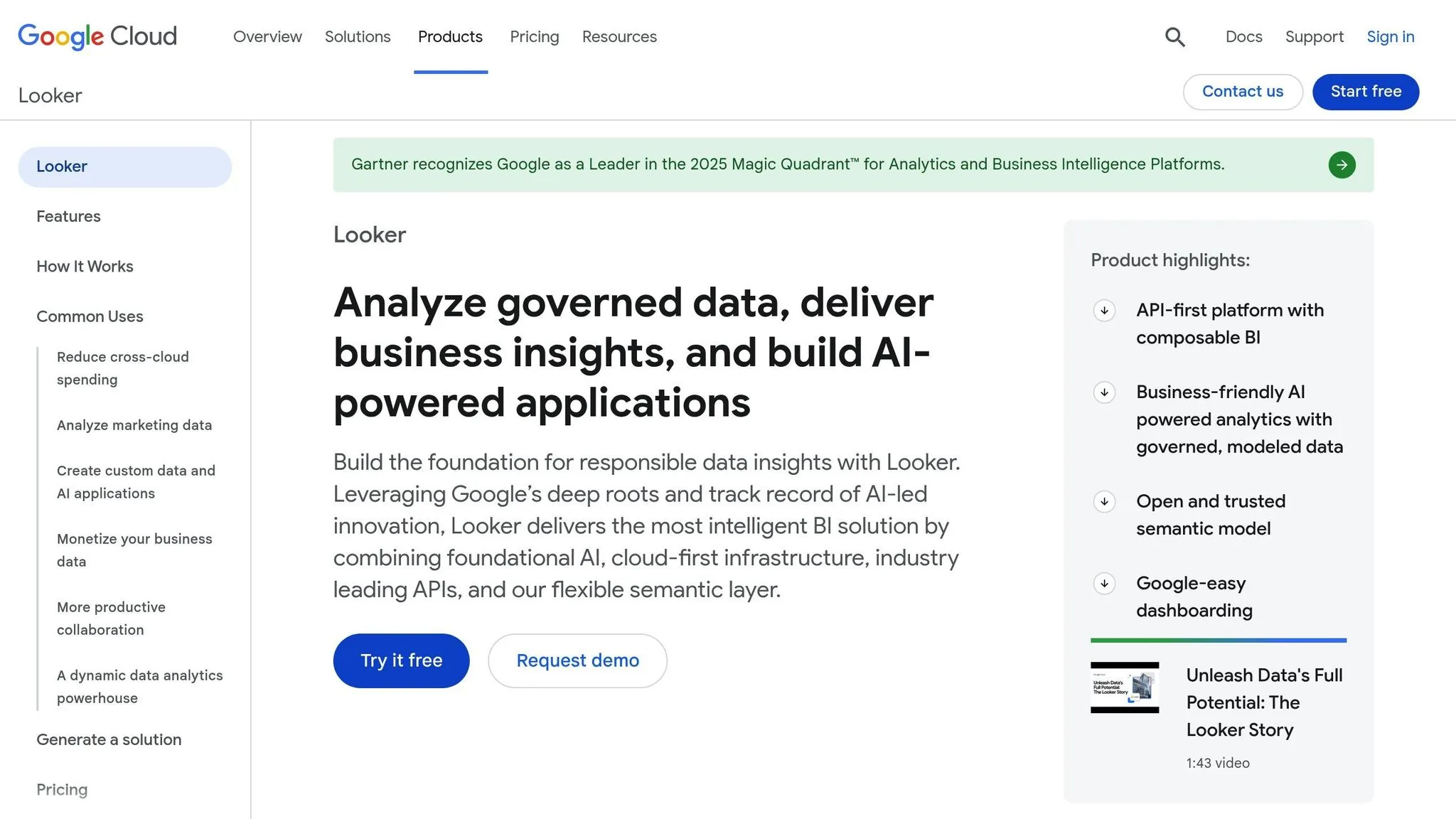
Looker Embedded, part of Google Cloud, prioritizes seamless integration over built-in AI features. It leverages Google Cloud's infrastructure to deliver AI-powered insights directly into your applications. Instead of offering native AI tools, Looker Embedded relies on BigQuery ML for advanced tasks like forecasting and anomaly detection. This setup works well for teams proficient in SQL and data modeling, but it might not be the best fit for those seeking quick, point-and-click AI tools or natural-language BigQuery insights.
4. Sisense
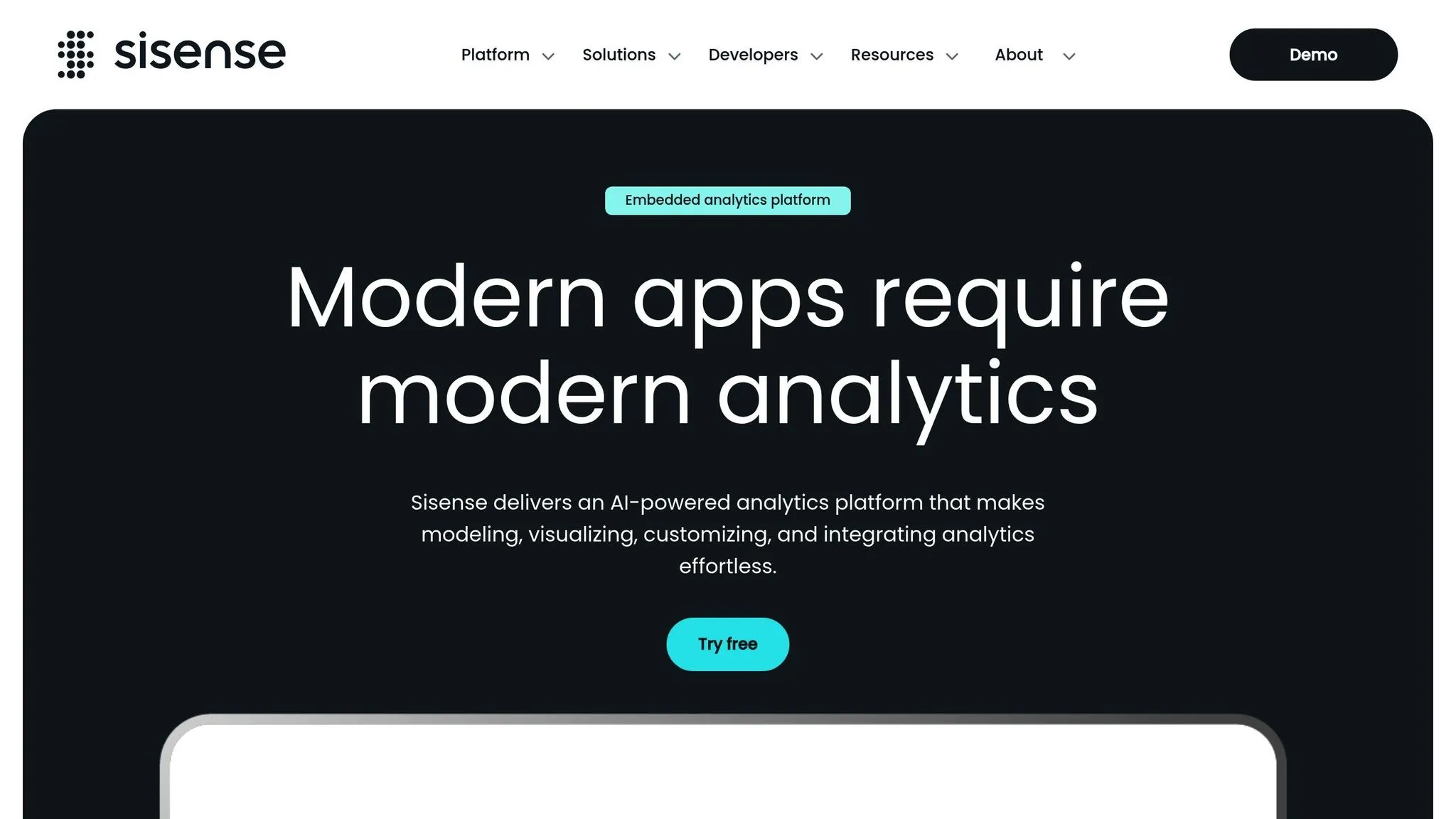
Sisense makes working with complex data easier, thanks to its AI-powered tools that bring analytics within reach - even for users without advanced training. It’s particularly well-suited for embedding analytics into customer-facing applications.
AI-driven capabilities
Sisense comes packed with several AI-focused features, such as natural language analytics (NLQ), AI-assisted forecasting, and automated data preparation. These tools allow users to interact with data through simple, conversational queries, removing the need for intricate dashboard setups.
Beyond its embedded analytics, Sisense integrates with platforms like Slack and Teams, enabling users to query data directly within their workflow. However, some of these AI features are tied to specific modules. For example, anomaly detection is included with basic functionality, but advanced tools like predictive analytics or AutoML often require additional purchases.
"Sisense excels at making complex data simple through AI-powered features that actually solve real problems. Their natural language queries and embedded insights make analytics more intuitive, meaning end users don't need extensive training to get value from your analytics features."
– Sisense
Embedding options
Sisense offers flexible embedding options to suit different technical needs. Developers can choose from SDK-based embedding, API integration, or iframe embedding, making it adaptable for various applications. It’s particularly strong for OEM embedding, making it an excellent choice for companies developing multi-tenant SaaS applications that rely on embedded analytics as a core feature.
Data source compatibility
Sisense connects seamlessly with a wide range of data sources, including both SQL and NoSQL databases, cloud data warehouses, and REST APIs. Popular options like Snowflake, BigQuery, and PostgreSQL are supported. Additionally, it allows users to work with either live or cached data models, giving them the flexibility to balance performance with real-time accuracy.
Scalability and deployment options
Sisense is built to scale alongside your data and user base. It offers both cloud and on-premise deployment options, catering to organizations with diverse infrastructure needs or compliance requirements. With multi-tenancy support, it isolates customer data within a single application instance. While it scales effectively, careful data modeling and caching strategies may be needed to optimize performance as data volumes grow.
5. Power BI Embedded
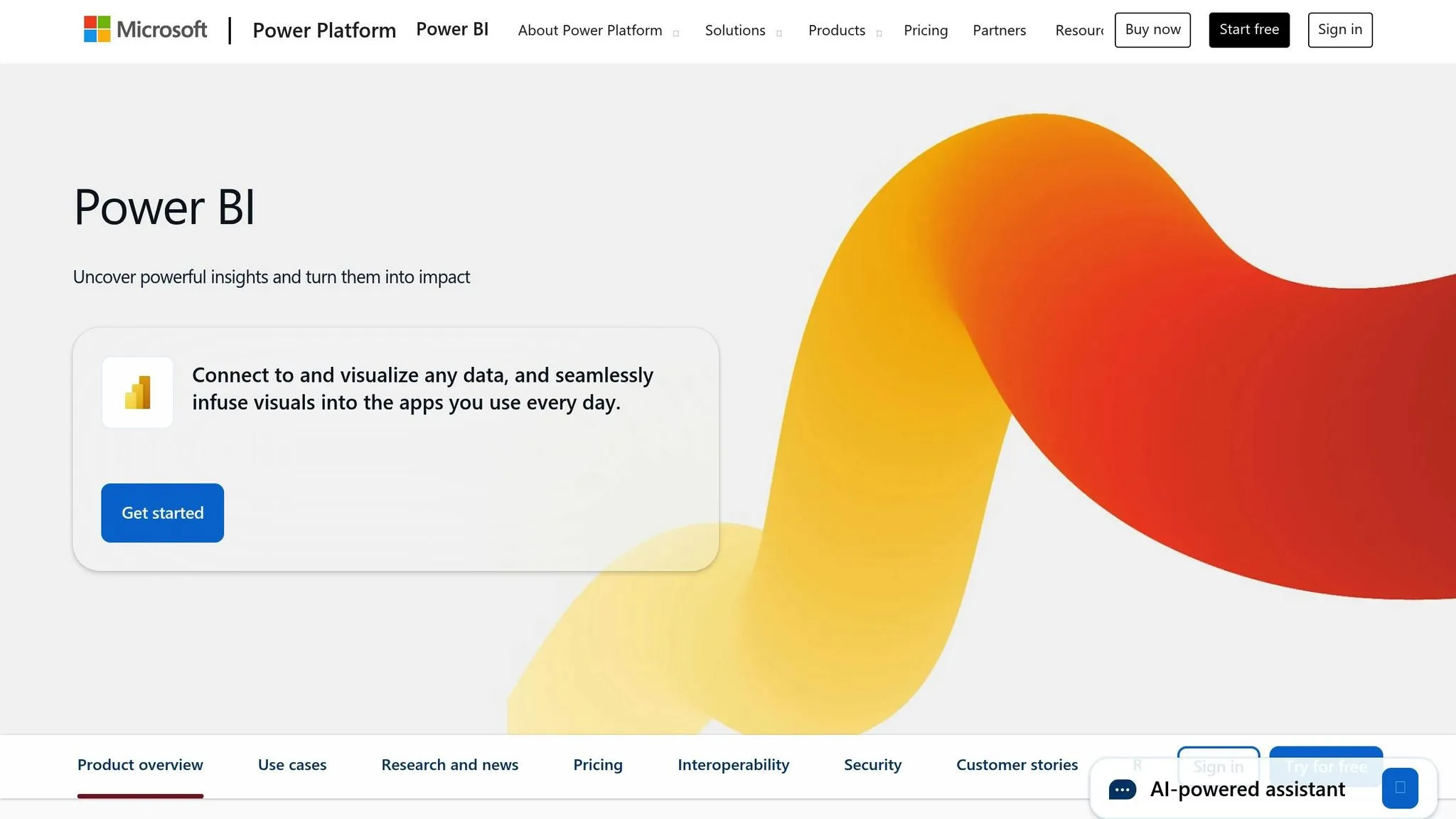
Power BI embedding makes it easier to bring advanced analytics directly into your applications, offering a seamless way to integrate Microsoft's powerful tools into your workflows.
With this solution, you can quickly embed analytics capabilities into your applications, allowing users to access detailed insights without leaving the platform they’re already using.
AI-driven capabilities
Power BI Embedded comes packed with a variety of AI tools for embedded analytics designed to improve analytics and support smarter decision-making. This is one of the primary benefits of embedded AI in modern software. It works seamlessly with Azure Machine Learning, tapping into Microsoft's cloud-based AI services to deliver deeper insights. However, some of these advanced features may require additional add-ons or premium licensing to unlock their full potential.
6. Luzmo
Luzmo stands out for its focus on embedded BI platforms, but it takes a simpler route compared to some of its competitors. It provides basic tools for forecasting and identifying trends using historical data. However, it doesn't include more advanced features like machine learning pipelines, predictive modeling, or natural language processing. Because of these limitations, Luzmo may not be the right choice for organizations looking to integrate deeper AI or machine learning capabilities into their analytics.
sbb-itb-284a532
7. Qrvey
Qrvey stands out in the embedded analytics space by combining advanced AI-powered features with a cloud-native, multi-tenant architecture designed specifically for SaaS companies. Built exclusively for AWS, it offers extensive customization options and fixed pricing, making it an attractive choice for organizations firmly rooted in Amazon's ecosystem.
AI-driven capabilities
Qrvey leverages AI to simplify data exploration with features like AI-powered visualizations and natural language data querying tools. These tools enable users - especially those without technical expertise - to analyze data effortlessly, without needing to understand complex query languages or database structures. The platform ensures tenant data remains separate while delivering actionable insights.
Embedding options
Qrvey takes a modern approach to embedding analytics by offering a JavaScript SDK and APIs instead of relying on traditional iframe methods. This gives developers complete design control, allowing dashboards and visualizations to seamlessly align with an application's branding. The platform also supports event hooks and dynamic rendering, offering flexibility in how analytics components interact with the host application. This approach, combined with its robust data connectivity and scalability, makes Qrvey a strong choice for embedding analytics.
"Qrvey delivers a complete multi-tenant analytics solution built specifically for SaaS companies. The platform combines a native data lake, semantic layer, and embedded BI components that scale with your business."
– Qrvey
Data source compatibility
Qrvey connects to a variety of data sources, supporting both SQL and NoSQL databases. For relational databases, it works with PostgreSQL, MySQL, SQL Server, and Oracle, while for NoSQL needs, it integrates with DynamoDB and MongoDB. It also connects to cloud data warehouses like Snowflake, Amazon Redshift, Databricks, and Amazon Athena.
The platform includes a built-in data lake powered by Elasticsearch, which ensures fast query performance through configurable caching. Its architecture is designed to handle massive datasets - up to billions of rows - without compromising speed. For custom data sources not natively supported, Qrvey provides APIs to establish new connections.
For example, an e-commerce platform using Qrvey enabled merchants to access sales analytics while ensuring data compliance with the DPDP Act, 2023. By keeping data within AWS, the platform simplified adherence to strict regulatory requirements.
Scalability and deployment options
Qrvey’s architecture is built for secure, efficient scaling, thanks to its containerized Kubernetes framework optimized for cloud environments. Its multi-tenant design ensures each tenant’s data remains isolated, even as customer bases grow. However, deployment is limited to AWS only, with no support for on-premise setups or other cloud providers.
G2 reviewers often praise Qrvey’s "modern cloud architecture" and "multi-tenant capabilities." However, some users have reported challenges, including "limited customization", difficulties with "large data handling", and occasional performance issues.
"Qrvey is purpose-built for embedded analytics in AWS environments. It provides full stack capabilities, deep customization, and fixed pricing - provided you are fully committed to AWS."
– revealbi.io
8. Qlik Sense
Qlik Sense stands out with its strong embedded analytics capabilities and versatile deployment options, making it a fit for organizations needing both cloud and on-premise solutions. However, achieving top-tier embedded performance may demand additional configuration and technical know-how.
AI-driven capabilities
Qlik Sense integrates AI-powered tools like anomaly detection, forecasting, and automated insights to help users uncover patterns in their data. Its cognitive engine allows users to perform self-service analytics by typing natural language queries in plain English, making the platform accessible to a wider audience.
"The platform supports self-service analytics with interactive dashboards and accepts natural language queries through its cognitive engine."
– sisense.com
Additionally, Qlik Sense streamlines repetitive analytics tasks through AI-driven automation. That said, setting up and using these advanced features often requires a certain level of technical expertise.
Embedding options
Qlik Sense can embed interactive dashboards directly into applications, providing users with a seamless experience. However, achieving smooth integration demands thorough planning and precise configuration. The platform also offers robust data connectivity, ensuring compatibility with a variety of storage solutions to support diverse business needs.
Data source compatibility
Qlik Sense connects effortlessly to a broad range of data sources. It works with traditional databases like PostgreSQL and SQL databases, as well as modern cloud data warehouses such as Snowflake and BigQuery. The platform also supports NoSQL databases and cloud storage options, making it highly adaptable to varied data ecosystems.
Scalability and deployment options
Users can choose between two deployment models: Qlik Cloud for cloud-based setups and Qlik Sense Enterprise for private or on-premise installations. However, differences in features and embedding capabilities between these options may add complexity when planning the system's architecture.
Pricing is based on a tiered model that varies by user roles and SKUs, which can make estimating the total cost tricky without direct discussions with the vendor.
9. Upsolve AI
Upsolve AI is designed as a cloud-first platform for embedded analytics. While it brings advanced AI features to the table, its exclusive reliance on the cloud limits deployment flexibility for some users, which is a key consideration in embedded analytics architecture.
AI-driven capabilities
Upsolve AI enables users to interact with data through natural language interfaces, making it easier to analyze information using conversational input. It also incorporates generative AI tools that automate the process of uncovering insights and spotting data patterns. These features aim to save time by reducing the manual effort typically needed to sift through datasets and pinpoint trends.
Such AI functionalities make it easier to integrate analytics seamlessly into existing applications.
Embedding options
Developers can embed Upsolve AI's analytics through APIs and iframes. These options allow for tailoring the user interface to align with the design of the host application. However, the extent of customization available may require careful assessment to ensure it meets specific needs.
Scalability and deployment options
The platform handles scaling across multiple users in a shared cloud environment, simplifying setup and minimizing infrastructure demands. However, it does not offer on-premise deployment, which could be a hurdle for organizations with strict data residency requirements that necessitate local hosting.
10. Yellowfin BI
Wrapping up our list is Yellowfin BI, a business intelligence reporting platform designed to make data analysis easier and more intuitive. With its AI-powered tools, Yellowfin BI helps users uncover important patterns and trends in their data. Here’s how it stands out:
- Assisted Insights: Automatically identifies and highlights key trends and anomalies in your data.
- Natural Language Query: Lets users ask questions and interact with data using plain English. This is a core feature of many conversational analytics tools that simplify data access.
- Auto-Generated Summaries: Creates concise summaries of essential visualizations for quicker understanding.
These features aim to streamline data interpretation and empower businesses to make better, data-driven decisions.
Feature Comparison Table
The table below outlines the core AI features of leading platforms, showcasing how they simplify data interaction and enhance decision-making by automating insights.
| Platform | Key AI Capabilities | Impact on Decision-Making & Automated Insights |
|---|---|---|
| Querio | Natural language querying, AI-powered Python notebooks, automated insights, and a semantic layer | Lets users explore live data with plain language, cutting down reliance on technical teams |
| ThoughtSpot Embedded | Natural language search, AI-driven insights, and anomaly detection | Quickly identifies trends and unexpected patterns, enabling proactive decisions |
| Looker Embedded | Machine learning predictions and natural language queries | Offers forecasting and data-driven recommendations to guide strategic planning |
| Sisense | AI-driven insights, predictive analytics, and a natural language interface | Simplifies complex data analysis by automating actionable insights |
| Power BI Embedded | AI-enhanced visuals and natural language querying | Speeds up data exploration, helping teams uncover actionable trends without heavy technical input |
| Luzmo | Smart insights and anomaly detection | Pinpoints unusual patterns to support timely strategic decisions |
| Qrvey | Natural language queries, automated insights, and predictive models | Accelerates trend discovery and report creation for agile decision-making |
| Qlik Sense | AI-powered analytics and guided insights | Reveals hidden patterns and delivers actionable recommendations for better data discovery |
| Upsolve AI | Generative AI for report creation, agentic workflows, and automated dashboards | Delivers proactive intelligence by generating insights and responding to queries automatically |
| Yellowfin BI | Assisted insights, natural language querying, and auto-generated summaries | Provides instant summaries and recommendations for faster, more accurate decisions |
These platforms showcase a range of AI tools that elevate embedded analytics. Features like natural language querying allow non-technical users to turn plain English into visual insights, while advancements such as predictive analytics, anomaly detection, and generative AI automate reporting and enable data-driven actions.
When choosing a platform, consider both current capabilities and future development plans to ensure your solution stays ahead of evolving needs.
Conclusion
Selecting the right embedded analytics platform for your business boils down to understanding your unique needs and priorities. While all the platforms discussed offer AI-driven features, they vary significantly in how they handle natural language queries, automate insights, and integrate with existing tools.
Performance and scalability should be at the top of your checklist. If you're dealing with large datasets or anticipating growth, opt for platforms that support live data connectivity without creating extra copies or slowing down under heavy usage.
Equally important is ease of use. A user-friendly platform can reduce the dependency on data teams by enabling non-technical users to perform complex queries. Look for intuitive natural language querying that works seamlessly with your business terminology.
Don’t overlook governance and security. Features like well-defined semantic and metrics layers (joins, metrics, and business glossaries), SOC 2 Type II compliance, and encrypted credentials should be non-negotiable for protecting your data.
When it comes to pricing models, consider how costs scale with usage. Some platforms charge per query or user, which can lead to unpredictable expenses as your needs grow. Others offer unlimited viewer access with tiered pricing for power users, making long-term budgeting more manageable.
The range of AI capabilities across platforms is another key factor. While basic natural language search is now standard, advanced tools like AI-powered Python notebooks can set certain platforms apart. Think about whether you need these advanced features right away or if they’re part of your future plans.
Finally, factor in the implementation timeline. Some platforms require extensive customization and months to deploy, while others can be up and running within weeks. Align your choice with your technical capacity and how quickly you need results.
FAQs
::: faq
What should I look for when selecting an embedded AI analytics platform for my business?
When choosing an embedded AI analytics platform, it's important to prioritize scalability, ease of integration, and customizability to match your business requirements. Make sure the platform integrates smoothly with your existing applications and provides a straightforward, user-friendly experience.
You should also evaluate factors like vendor support, available training resources, and the platform’s capability to deliver real-time insights and interactive dashboards. Features such as white-labeling, self-service analytics, and AI-powered automation can significantly enhance the platform's usefulness for both your team and your end-users. :::
::: faq
How do natural language queries improve the user experience in embedded AI analytics platforms?
Natural language queries open the door for users to interact with data by simply asking questions in plain English. This makes analytics easier to use and more approachable for everyone, removing the need for technical know-how or complicated coding.
With the ability to phrase questions conversationally, users can save time, skip steep learning curves, and explore data effortlessly. This approach not only speeds up the discovery of insights but also ensures that teams, regardless of technical skill, can make informed decisions using data. :::
::: faq
What security and governance features should you prioritize in an embedded AI analytics platform?
When selecting an embedded AI analytics platform, it's crucial to focus on strong security and governance capabilities. The platform should integrate smoothly with your current security systems and offer flexible user authorization options to manage access effectively. For organizations with varied user roles, the ability to set detailed permissions - like restricting access to specific sections of a report - can be a game-changer.
Also, make sure the platform aligns with up-to-date security standards and regulations. Features such as data encryption, role-based access controls, and compliance with privacy laws are essential for protecting sensitive data and maintaining the confidence of your users. :::