Business Intelligence
15 Top Embedded Analytics Tools You Need to Know in 2026
Compare 15 embedded analytics platforms for 2026 — features, AI, deployment options, data sources, and pricing in one overview.

Embedded analytics is transforming how businesses interact with data by integrating insights directly into applications. This eliminates the need to switch platforms, enabling faster decisions and improving productivity. As demand grows, industries like healthcare, retail, and BFSI are embedding analytics into tools such as customer portals and e-commerce platforms to provide real-time insights.
This article highlights 15 leading embedded analytics tools for 2026, each offering unique features like AI-powered insights, deployment flexibility, and compatibility with various data sources. Whether you're looking for cloud-based solutions, hybrid setups, or tools with advanced AI capabilities, there's an option to fit your needs.
Key Takeaways:
- Querio: AI-powered natural language querying and Python notebooks for advanced analysis.
- Tableau Embedded Analytics: Interactive dashboards with flexible deployment (cloud, on-premise, hybrid).
- Power BI Embedded: Capacity-based pricing, supporting over 120 data sources and real-time analytics.
- Looker: Google Cloud's platform with a strong modeling layer for consistent reporting.
- Sisense: Combines data preparation, visualization, and embedding with AI-driven insights.
- Domo Everywhere: Easy-to-use cloud-based platform with over 1,000 connectors.
- Qlik Sense: Advanced data exploration, though with a steeper learning curve.
- GoodData: Enterprise-grade governance with flexible embedding options.
- MicroStrategy Embedded Analytics: Scalable analytics for complex enterprise environments.
- ThoughtSpot Everywhere: AI-powered search with natural language queries.
- Zoho Analytics: Affordable option with AI tools like Zia for natural language queries.
- TIBCO Spotfire: Real-time analysis with flexible deployment options.
- Yellowfin: AI-driven insights with automated trend detection.
- Mode Embedded Analytics: Simplifies data exploration with SQL and Python/R integration.
- Metabase: Open-source tool for small businesses, offering flexible deployment.
Quick Comparison:
| Tool | Deployment | AI Features | Data Sources | Best For | Pricing |
|---|---|---|---|---|---|
| Querio | Cloud, On-Premise | Natural language, Python | Snowflake, BigQuery, Postgres | SMBs to Enterprise | Premium, unlimited viewers |
| Tableau | Cloud, On-Premise, Hybrid | Natural language (Ask Data) | 100+ connectors | Mid-Market to Enterprise | ~$70/user/month |
| Power BI | Cloud, On-Premise | AI-powered Q&A, anomaly detection | 120+ connectors | SMBs to Enterprise | ~$1/hour (capacity-based) |
| Looker | Cloud | BigQuery ML integration | 60+ SQL dialects | Mid-Market to Enterprise | ~$3,000+/month |
| Sisense | Cloud, On-Premise, Hybrid | Predictive analytics, NLP | Cloud, NoSQL, relational | Mid-Market to Enterprise | Custom |
| Domo Everywhere | Cloud | Predictive analytics | 1,000+ connectors | Mid-Market to Enterprise | ~$750+/user/year |
| Qlik Sense | Cloud, On-Premise, Hybrid | AutoML, AI-generated insights | 100+ connectors | Mid-Market to Enterprise | ~$30/user/month |
| GoodData | Cloud, On-Premise | Anomaly detection | Cloud, relational databases | Mid-Market to Enterprise | Custom |
| MicroStrategy | Cloud, On-Premise, Hybrid | Natural language, Auto ML | 200+ connectors | Enterprise | Custom |
| ThoughtSpot Everywhere | Cloud | AI search, SpotIQ | Snowflake, Redshift, BigQuery | Mid-Market to Enterprise | Scaled by usage |
| Zoho Analytics | Cloud, On-Premise | Zia AI assistant, predictive | 250+ integrations | SMBs to Mid-Market | $30/month (2 users) |
| TIBCO Spotfire | Cloud, On-Premise, Hybrid | Predictive modeling, AI tools | 70+ sources | Mid-Market to Enterprise | Custom |
| Yellowfin | Cloud, On-Premise, Hybrid | AI-driven insights | Cloud, relational databases | Mid-Market to Enterprise | ~$50/user/month |
| Mode | Cloud | SQL, Python, R | Snowflake, PostgreSQL, Redshift | Mid-Market to Enterprise | ~$200/month |
| Metabase | Cloud, On-Premise | Basic AI features | 30+ databases | SMBs to Mid-Market | $85/month (cloud) |
Choosing the right tool depends on your technical requirements, budget, and user expectations. Cloud-native platforms like ThoughtSpot and Looker excel in scalability, while hybrid solutions like Sisense and MicroStrategy cater to organizations with stricter compliance needs. For SMBs, Metabase and Zoho Analytics offer cost-effective options. Evaluate your needs carefully to select the best fit.
Unlock New Product Possibilities with Looker's Embedded Analytics
::: @iframe https://www.youtube.com/embed/wl7zUYnMoT0 :::
For those evaluating enterprise options, it's helpful to compare Looker vs Querio to see which platform better suits your team's technical needs and budget, or compare AI analytics platforms to see how Looker scales against other enterprise leaders.
1. Querio
Querio is an AI-powered analytics workspace that allows anyone - from product managers to finance teams - to query live data warehouses using plain English and get accurate charts in seconds.
The platform connects directly to your existing data infrastructure, ensuring your information stays secure while delivering real-time insights. Querio is built on the idea that data access shouldn't be limited to analysts and engineers. Its design makes it easy to integrate into any modern data setup.
What makes Querio stand out is its ability to remove bottlenecks in data workflows. With its self-service analytics powered by natural language processing, companies can reduce their reliance on data analysts for routine queries. Instead, data teams can focus on building a context layer - defining joins, metrics, and business glossaries - that everyone else can use repeatedly.
Data Source Compatibility
Querio connects directly to Snowflake, BigQuery, and Postgres databases. These connections are read-only and use encrypted credentials, so your data warehouse stays secure while providing instant, up-to-date insights.
There’s no need for data duplication or complex ETL pipelines - Querio works directly with your warehouse. This means every chart, dashboard, and query reflects the most current information. By avoiding the synchronization issues common with other analytics tools, Querio keeps your infrastructure simple and efficient.
For businesses using these major platforms, integration is quick and straightforward.
AI/ML Integration Capabilities
Querio goes beyond basic natural language processing with its custom-built Python notebook environment. This feature is tailored for AI agents to perform advanced analysis while seamlessly integrating SQL and Python - no manual coding required.
The AI leverages your semantic layer, understanding your business definitions and table relationships. When someone asks a question, the AI uses this context to generate precise queries and visualizations. This context-driven approach reduces errors and misinterpretations often seen in generic AI tools.
For technical users, the Python notebook environment supports deep analytics and machine learning workflows. Both data scientists and business users can rely on the same governed data, ensuring consistency across dashboards and advanced analyses.
Deployment Options (Cloud/On-Premise/Hybrid)
Querio is offered as a cloud-based SaaS platform with SOC 2 Type II compliance and a 99.9% uptime SLA, meeting the needs of organizations with strict security and reliability requirements.
With its cloud deployment, you don’t have to worry about managing infrastructure, scaling, or updates. Querio handles the technical side, letting you focus on gaining insights from your data.
Since Querio queries your data warehouse directly, your data remains in your Snowflake, BigQuery, or Postgres environment. This ensures you maintain full control over your information while still benefiting from Querio’s capabilities.
Integration with Business Applications
Querio doesn’t just handle data - it integrates seamlessly into your business applications. Its embedded analytics feature lets you bring natural language query capabilities directly to your end users. Whether you're building a SaaS product or a customer portal, Querio’s interface allows your clients to explore their data without leaving your application.
The platform also supports drag-and-drop dashboards for tracking KPIs and creating compelling data stories. Teams can design visualizations, organize them into meaningful layouts, and share them across the organization.
Querio offers unlimited viewer users, making it affordable to share insights throughout your company. Instead of charging based on the number of viewers, pricing is focused on power users who create analyses. This approach removes barriers to widespread data access.
At the core of Querio’s functionality is its semantic layer, which ensures consistent reporting across all integrations. When your data team defines metrics like "monthly recurring revenue" or "customer lifetime value", those definitions remain consistent everywhere - from natural language queries to dashboards and Python notebooks. This eliminates discrepancies that arise when different teams calculate metrics differently.
2. Tableau Embedded Analytics
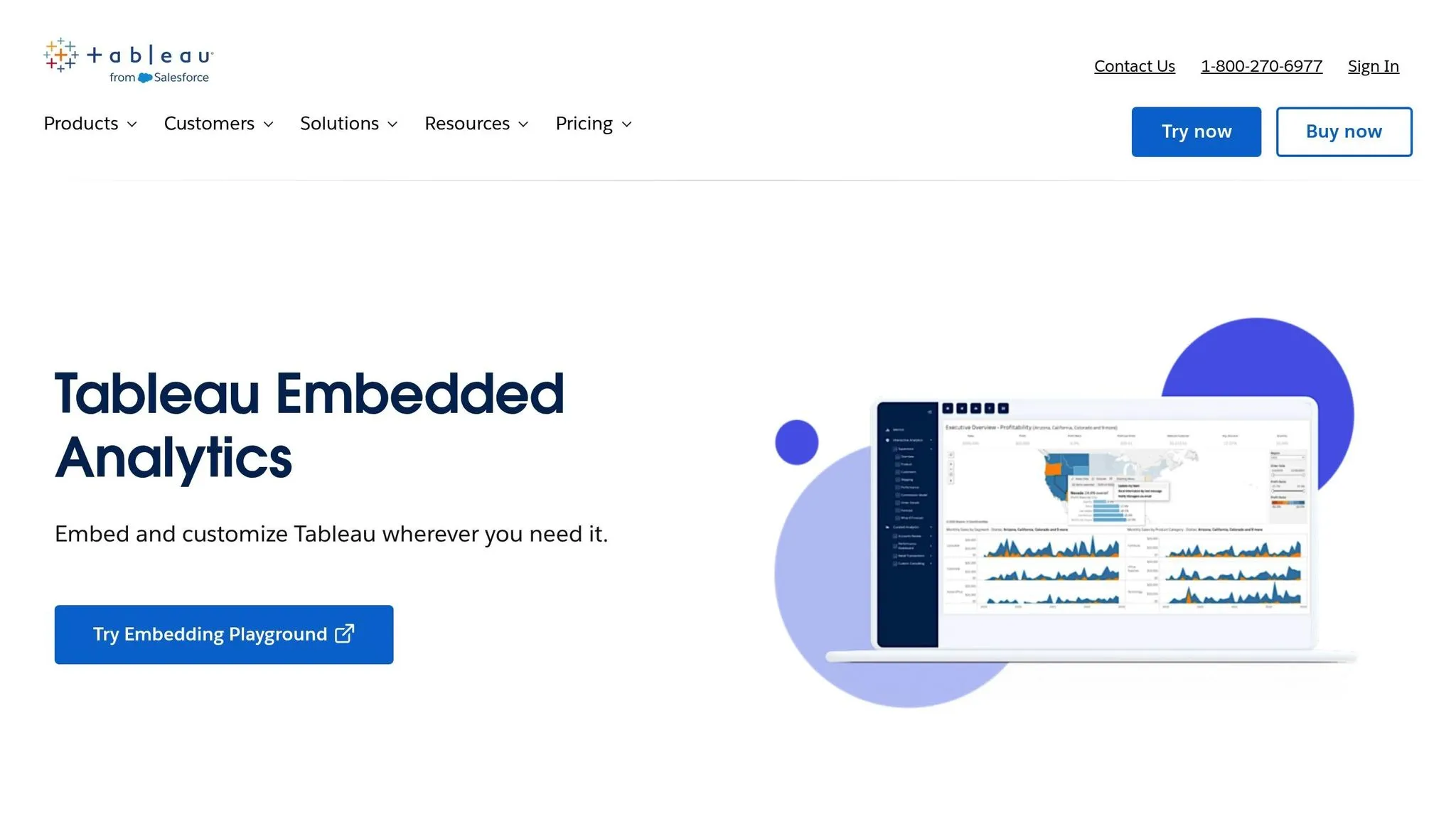
Tableau has expanded its AI-powered embedded analytics features to cater to software vendors and enterprises aiming to integrate advanced analytics directly into their products. With Tableau Embedded Analytics, you can deliver interactive dashboards and reports within your applications while maintaining your platform's branding and user experience.
This capability allows developers to embed pre-designed dashboards or create custom visualizations for web applications, portals, and SaaS products. Similar to Querio, Tableau enables users to access insights seamlessly within their workflows.
Data Source Compatibility
Tableau connects to more than 100 data sources, including popular options like SQL Server, Oracle, MySQL, Amazon Redshift, and Google BigQuery. You can use either live connections or in-memory extracts, depending on your needs.
For embedded use cases, Tableau supports REST APIs and custom connectors, enabling integration with custom applications or third-party services. This flexibility lets you consolidate data from various systems into unified dashboards without requiring complex data migration efforts.
Whether your data is structured or semi-structured, Tableau is well-suited for diverse data environments. From spreadsheets and enterprise databases to cloud storage solutions, Tableau's native connectors simplify the integration process, making it easier to bring your data together in one place.
Deployment Options (Cloud/On-Premise/Hybrid)
Tableau offers versatile deployment options, including on-premise, cloud, and hybrid models. Organizations can opt for Tableau Server for on-premise setups, Tableau Cloud for a fully managed cloud solution, or a combination of both. This flexibility ensures you can align your analytics deployment with compliance and data residency requirements.
For data that needs to remain within specific geographic boundaries or behind a firewall, the on-premise option provides complete control. On the other hand, cloud deployments remove the burden of infrastructure management and offer automatic updates and scalability.
The hybrid model strikes a balance, allowing you to keep sensitive data on-premise while using cloud resources for less critical workloads. This approach is ideal for organizations transitioning to the cloud or managing varying security requirements across departments. Tableau's adaptability ensures it fits seamlessly into your IT strategy, aligning with the latest embedded analytics platforms and trends.
Integration with Business Applications
Tableau's JavaScript and REST APIs make it easy for developers to embed interactive dashboards, manage content, and integrate single sign-on (SSO) for smooth authentication. The REST API handles tasks like user management, content publishing, and data source configuration.
With SSO integration, embedded analytics align with your application's existing authentication systems. This means users can access dashboards with their current credentials, avoiding the hassle of managing separate logins.
Tableau also allows you to customize dashboards to fit your application's look and feel. You can hide toolbars, tweak color schemes, and remove Tableau branding to ensure the design matches your platform. The level of customization available depends on your licensing tier.
The workflow for embedding analytics typically involves creating dashboards in Tableau Desktop or the web authoring environment, publishing them to Tableau Server or Tableau Cloud, and embedding the published views into your application using the JavaScript API. This separation of dashboard creation and embedding streamlines the process, allowing your development team to leverage pre-built analytics created by your BI team rather than starting from scratch. This approach mirrors the self-service analytics capabilities seen in platforms like Querio, enabling faster, data-driven decision-making.
3. Power BI Embedded
Power BI Embedded is Microsoft's solution for embedding analytics directly into your applications, websites, or portals. It's tailored for ISVs and developers who want to provide interactive dashboards and reports within their platforms without requiring users to have individual Power BI licenses.
Instead of charging per user, Power BI Embedded uses a capacity-based pricing model, where costs are tied to the compute resources you use. This makes it a great fit for customer-facing applications that need to scale analytics to thousands of users without incurring steep expenses. Plus, this pricing approach adapts to your application's demand, ensuring flexibility as your user base grows.
The platform shares the same visualization engine as the standard Power BI service, giving you access to a wide range of interactive visualizations, from charts and maps to custom visuals. Developers can embed these analytics seamlessly using JavaScript SDKs and REST APIs, offering full control over how reports are displayed within your app's interface.
Data Source Compatibility
Power BI connects to over 120 data sources using native connectors, including major platforms like SQL Server, Azure SQL Database, Oracle, SAP HANA, Salesforce, and Google Analytics. It handles both on-premise and cloud-based data, making it versatile for different setups. For real-time analytics, Power BI supports streaming datasets via Azure Event Hubs, Azure Stream Analytics, and PubNub, which is ideal for applications like IoT dashboards or live operational monitoring.
The platform also works with common file types like Excel, CSV, and JSON, simplifying the process of getting started. For less common data sources, Power BI's custom connector framework allows developers to create their own connectors using the M language. Alternatively, you can use community-built connectors available in the Power BI marketplace.
When it comes to querying data, Power BI offers two modes:
- DirectQuery: Allows real-time querying without importing data, ensuring up-to-date information for large datasets.
- Import mode: Loads data into Power BI's in-memory engine for faster performance, though it requires periodic data refreshes.
AI/ML Integration Capabilities
Power BI Embedded goes beyond standard analytics by integrating AI features that make advanced insights accessible without requiring deep expertise in data science. For example:
- The Q&A visual lets users ask questions in natural language and instantly generates visualizations as answers.
- Key influencers and decomposition tree visuals use machine learning algorithms to uncover factors driving specific metrics, revealing patterns and correlations within the data.
For those working with custom machine learning models, Power BI integrates seamlessly with Azure Machine Learning. You can use these models within Power Query to process data during refreshes or apply them in real-time with DAX measures. This is particularly useful for tasks like predicting customer churn, forecasting demand, or detecting anomalies.
Power BI also includes built-in anomaly detection for line charts, automatically flagging unusual spikes or drops in data and offering explanations for potential causes. Additionally, the platform supports Azure Cognitive Services, enabling features like text analytics, image recognition, and sentiment analysis to enhance your reports.
Deployment Options (Cloud/On-Premise/Hybrid)
Power BI Embedded simplifies deployment while maintaining strong data security. It primarily operates as a cloud service through Microsoft Azure. By creating a Power BI Embedded capacity within your Azure subscription, you gain the compute resources needed to render reports and process queries. Microsoft handles infrastructure management, updates, and security patches, so you can focus on your application.
The capacity-based model offers various SKU tiers (A1 to A6 for development and testing, EM1 to EM3 for production, and P1 to P5 for enterprise needs), allowing you to scale resources based on demand. You can even pause capacities when they're not in use to save costs, which is particularly handy for development environments or applications with predictable usage patterns.
For organizations that need to keep data on-premise, Power BI supports secure connections to local databases through the Power BI Gateway. This gateway acts as a bridge, enabling data transfer without exposing internal systems to the internet. It supports both scheduled refreshes and DirectQuery scenarios, offering flexibility in how you manage your data.
A hybrid approach is also possible, where your data remains on-premise or in a private cloud while the analytics layer operates in Azure. This setup is ideal for meeting data residency or compliance requirements while benefiting from cloud-based analytics.
Integration with Business Applications
Power BI Embedded provides a robust set of APIs and SDKs for integrating analytics into your applications. The JavaScript SDK is the key tool for embedding reports, dashboards, or individual visuals into web applications. It also allows you to control embedded content programmatically, such as applying filters, switching report pages, or responding to user interactions.
To ensure data security, row-level security (RLS) lets you define roles within your datasets. When generating embed tokens, you can specify which roles apply to each user, ensuring they only see data they’re authorized to access. This is especially important for multi-tenant applications where each customer needs to view their own data.
Power BI also supports single sign-on (SSO) through Azure Active Directory, enabling users to access embedded analytics with their existing organizational credentials. For custom authentication systems, you can use service principal authentication to generate embed tokens, ensuring seamless integration with your app's identity management.
For customization, Power BI's white-labeling capabilities let you tailor the embedded analytics experience to match your app's branding. You can hide the Power BI logo, adjust the action bar, and control feature availability. Higher-tier capacities offer more extensive customization options.
Additionally, the REST API simplifies administrative tasks, such as publishing reports, managing workspaces, configuring data sources, and monitoring capacity usage. This API-first approach enables automation of deployment pipelines and integration with existing DevOps workflows.
4. Looker
Looker, part of the Google Cloud ecosystem, is a BI platform that stands out for its modeling layer, LookML. This layer lets you define metrics and logic in code, ensuring consistent reporting across dashboards. By defining relationships and calculations once, you eliminate the risk of conflicting metrics in different reports or embedded analytics. For developers working on multi-tenant applications, this consistency becomes a huge asset, as it ensures uniform business logic across all customer deployments.
Looker’s embedded analytics integrate seamlessly into web applications using iframes or JavaScript APIs. This gives you the flexibility to embed dashboards and visualizations directly into your platform. Plus, you can fine-tune access controls, ranging from static reports to fully interactive drill-downs. Customization options let you align the design - colors, fonts, layouts - with your application’s branding.
Let’s dive deeper into how Looker’s compatibility with various data sources supports real-time analytics.
Data Source Compatibility
Looker connects directly to your SQL databases, querying them in real time across more than 60 supported dialects. This eliminates the need for scheduled data refreshes. Supported databases include PostgreSQL, MySQL, Microsoft SQL Server, Amazon Redshift, Google BigQuery, Snowflake, and Databricks. Unlike platforms that require importing data into their own storage, Looker queries your database directly, meaning your analytics always reflect the latest data.
This direct-query approach has a couple of advantages. Your data stays in its original location, which can be important for meeting security or compliance requirements. However, it also means that your database’s performance directly affects the speed of Looker’s embedded analytics. To handle the query load effectively, organizations often need to optimize their database infrastructure.
For databases that support them, Looker can use materialized views and aggregate tables to boost query performance. Additionally, the platform offers persistent derived tables (PDTs), which store pre-aggregated data to speed up complex calculations that would otherwise slow things down.
AI/ML Integration Capabilities
Looker brings AI/ML insights into the fold by integrating with tools like Google Cloud’s BigQuery ML. If your data scientists have built predictive models that generate scores or classifications in your database tables, Looker can visualize those outputs directly in its embedded analytics.
BigQuery ML, for instance, allows you to create and run machine learning models using SQL. If predictions are stored in BigQuery or another supported database, Looker can query and display them in dashboards. This setup works well for scenarios like customer churn prediction, demand forecasting, or anomaly detection, where the machine learning model operates separately and writes results to your data warehouse.
For more advanced integrations, Looker can incorporate outputs from platforms like Google Cloud’s Vertex AI. By defining these outputs in LookML, you can display ML-driven insights alongside traditional business metrics. Keep in mind, though, that Looker itself doesn’t handle the training or inference of models - it’s focused on surfacing the results.
Deployment Options (Cloud/On-Premise/Hybrid)
Looker is designed with a cloud-first approach, optimized for Google Cloud environments. It’s offered as a fully managed service, meaning Google takes care of hosting, updates, security, and scaling. This makes it a great fit for teams already using Google Cloud, as there’s no need to manage servers or infrastructure.
While Looker can be deployed outside Google Cloud, it’s a more complex setup. For example, if you’re using AWS or Azure, you’ll need to configure secure connections like VPN tunnels to link Looker’s hosting environment with your data sources. Network latency is another factor to consider in such setups.
For hybrid scenarios, where some data remains on-premise, Looker supports connections through SSH tunnels or VPNs to access databases behind firewalls. However, the Looker application itself runs in the cloud, so it’s not a traditional on-premise tool. This differs from BI platforms where the entire stack can be deployed within your data center.
A cloud-only model simplifies updates and ensures all users have access to the latest features. However, it may not meet the needs of organizations with strict data residency requirements or those preferring to keep analytics processing entirely within their infrastructure.
Integration with Business Applications
Looker’s Embed SDK and API make it easy to integrate dashboards and visualizations into your applications. The Embed SDK, a JavaScript library, gives you programmatic control over embedded content. You can pass filters, handle events, and customize the user experience. Whether you’re embedding entire dashboards, single visualizations, or interactive data exploration tools, Looker has you covered.
For secure access, Looker uses signed embed URLs with expiration timestamps. These URLs are generated server-side using your Looker API credentials and a secret key, then passed to your application’s frontend. This method is ideal for customer-facing applications where you need to control data access based on your app’s authentication system.
Looker also supports embedded analytics security including row-level security, allowing you to filter data at query time based on user attributes. For multi-tenant applications, you can pass identifiers like customer IDs to ensure users only see data relevant to them.
The Looker API extends the platform’s capabilities, enabling you to automate workflows, manage content, run queries, and handle user permissions. You can even version control your LookML models in Git repositories, integrating Looker into your DevOps processes with features like code reviews and automated testing.
For a polished user experience, Looker supports white-labeling through its Embed SDK. This lets you remove Looker branding and apply your own visual identity. You can also control which features are available to embedded users, such as data downloads, custom filters, or drill-down capabilities. This flexibility allows you to create an analytics experience tailored to your application's needs.
5. Sisense
Sisense streamlines integrated analytics by bringing together data preparation, visualization, and embedding from multiple sources into one cohesive platform.
With Sisense, embedding analytics is highly adaptable. You can integrate full dashboards, individual widgets, or even custom analytics using its APIs and SDKs. Plus, its white-labeling feature allows you to align the look and feel of the analytics with your application's design, ensuring a seamless user experience.
The platform is designed to handle multi-tenancy with strong security features. Its data security model lets administrators establish row-level access controls, so users in shared environments only see the data relevant to them. This solid foundation allows us to dive deeper into its connectivity, intelligence, and integration features.
Data Source Compatibility
Sisense works with a wide variety of data sources, including relational databases, cloud-based data warehouses, and popular business applications. Its data modeling tools help combine these diverse sources, improving query performance and reducing strain on production systems. You can choose between scheduled data refreshes or near real-time connections, ensuring your analytics always reflect the latest data.
AI/ML Integration Capabilities
Sisense incorporates AI to uncover trends, embed predictive models, and create text-based summaries that make complex insights easier to understand.
Deployment Options (Cloud, On-Premise, Hybrid)
Sisense offers deployment options tailored to different infrastructure needs. Its cloud solution provides a fully managed environment, simplifying both setup and scaling. For organizations requiring more control, an on-premise deployment allows management of servers on-site. Hybrid configurations are also available, enabling integration between cloud and local environments to address data residency and compliance challenges.
Integration with Business Applications
Sisense makes embedding analytics into your applications straightforward with its powerful integration tools. These include APIs and SDKs for customizing and securely embedding visualizations. The platform also supports streamlined authentication methods like single sign-on and automates user provisioning and dashboard management. This ensures a secure and user-friendly analytics experience for your audience.
6. Domo Everywhere
Domo Everywhere is a cloud-based embedded analytics platform that simplifies the process of sharing data insights securely and efficiently. Designed for quick deployment, it allows businesses to deliver analytics to customers, partners, or end users without the hassle of lengthy setup procedures.
The platform supports iframe embeds and Single Sign-On (SSO), making integration relatively simple. While it works well for creating standard dashboards, more advanced customizations may demand additional technical skills.
However, licensing costs for embedded use cases can be a concern, and its limited multi-tenant security might not meet the needs of environments requiring strict data isolation.
Deployment Options (Cloud/On-Premise/Hybrid)
Domo Everywhere operates entirely in the cloud, offering a scalable and accessible solution. Its cloud-native design removes the need for on-premise management since updates, patches, and optimizations are handled automatically. With this approach, users can access embedded analytics from anywhere with an internet connection - no need for VPNs or complicated network setups.
Data Source Compatibility
One of the platform’s strengths is its ability to connect with a wide range of data sources. Whether it’s databases, cloud applications, or data warehouses, Domo Everywhere brings them together in a unified analytics environment. This capability makes it easier to create dashboards that pull information from across your tech stack, enabling seamless embedded analytics architecture into your applications.
Integration with Business Applications
Domo Everywhere is built for quick and straightforward integration. By leveraging iframes and SSO, it ensures a smooth setup for standard use cases. However, if you’re looking to implement more advanced customizations, be prepared to invest in additional technical expertise.
7. Qlik Sense
Qlik Sense offers robust tools for data exploration and self-service analytics tools, paired with impactful visualizations. It also integrates with various embedded AI tools to enhance data storytelling. However, its interface feels a bit outdated, and newcomers might find the learning curve challenging. Additionally, its white-labeling capabilities are somewhat limited, which can be a drawback for those looking to create fully branded integrations. When evaluating these limitations, consulting an embedded analytics vendor selection guide can help identify better fits. Qlik Sense is best suited for experienced users who need a powerful platform for in-depth data analysis. Meanwhile, the next solution comes with its own distinct strengths.
8. GoodData
GoodData is a platform designed to help businesses create tailored, interactive data products. It places a strong emphasis on enterprise-grade data governance, making it a solid choice for companies that need tight control over their data while embedding analytics into customer-facing tools. Plans start at $1,500 per month.
Data Source Compatibility
GoodData connects effortlessly to a variety of data sources, aligning well with its enterprise focus. Whether your data is stored in the cloud, on-premises, or accessed via APIs, the platform ensures smooth integration. This flexibility means you can work with your existing infrastructure without major overhauls. GoodData supports both live and scheduled data updates, so you can decide how fresh your analytics need to be based on your specific needs.
The platform uses prebuilt connectors and flexible data pipelines to manage complex data transformations. It also incorporates an analytics lake and a semantic layer, which standardizes data interpretation across multiple sources. This reduces inconsistencies and helps streamline analytics that draw from diverse datasets.
Deployment Options (Cloud/On-Premise/Hybrid)
GoodData operates primarily as a cloud-based solution through GoodData Cloud and GoodData Platform. This approach minimizes the need for heavy infrastructure management, easing the workload on internal IT teams. Pricing is based on platform fees and the number of workspaces created, with unlimited users and data included in the base cost.
Integration with Business Applications
GoodData’s strong data governance extends to its embedding tools, which offer secure and customizable analytics experiences. Developers can take advantage of extensive embedding options through the platform's SDK and API toolkit. GoodData.UI, a TypeScript framework, includes Web components, React components, and REST API clients, making it easier to build analytical web applications tailored to your needs.
With the React SDK, developers can design custom front-ends that seamlessly integrate into existing applications, going beyond standard dashboards. The platform’s developer tools are comprehensive and well-documented, providing all the resources needed to create advanced analytics features without having to start from scratch.
sbb-itb-284a532
9. MicroStrategy Embedded Analytics
MicroStrategy Embedded Analytics is a powerful platform designed to integrate advanced analytics directly into business applications and workflows. For those new to the concept, this practical guide to embedded analytics explains the fundamentals. Built to handle complex environments, it supports making data-driven decisions quickly across large-scale enterprise systems. Its strength lies in delivering analytics to enterprise customers at scale while ensuring a smooth integration process, making it a trusted choice for embedding analytics into diverse business operations.
10. ThoughtSpot Everywhere
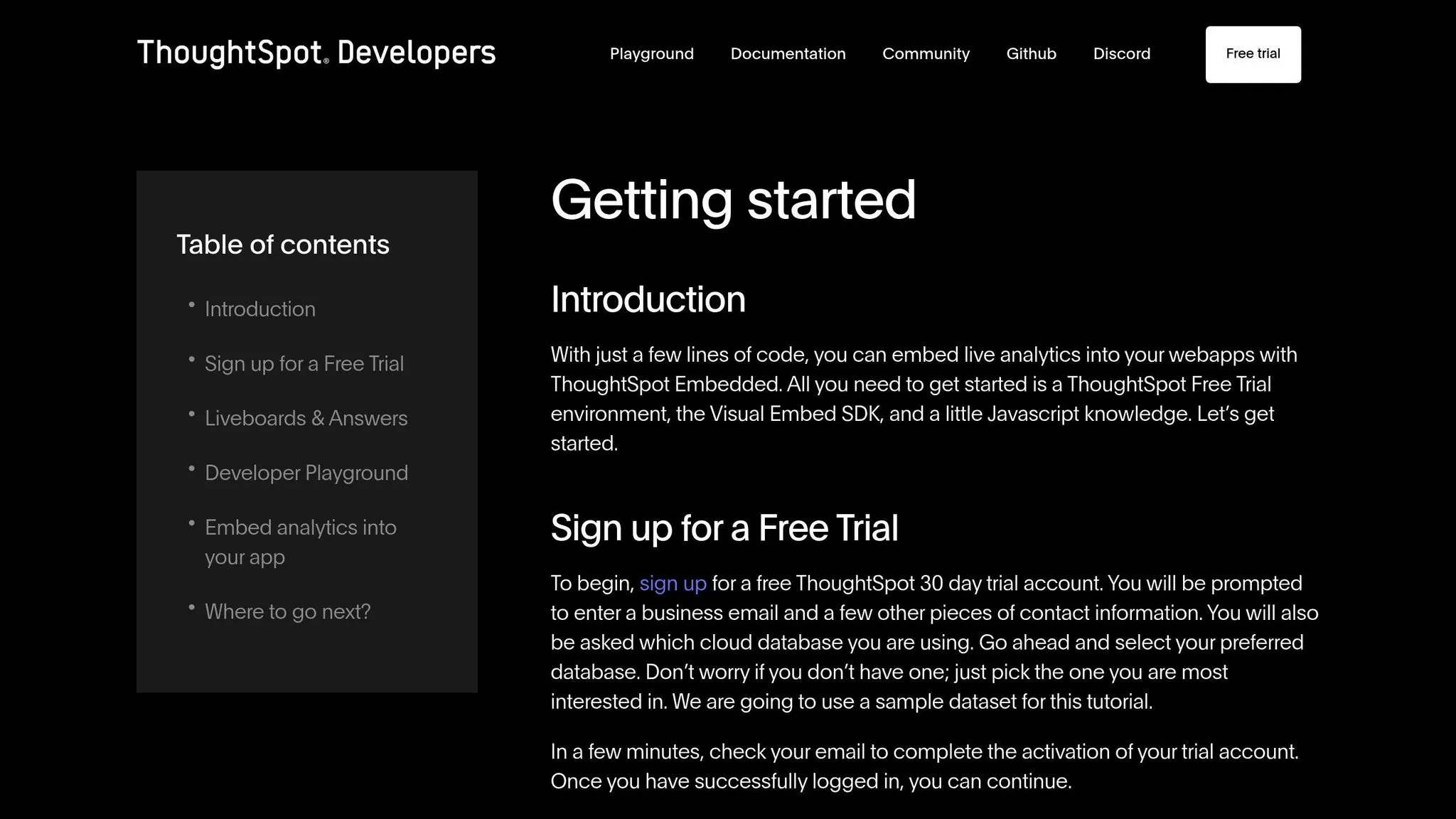
ThoughtSpot Everywhere takes embedded analytics to a new level by offering AI-powered search capabilities through natural language queries. The platform makes it easy for users to base decisions on data without needing to navigate complicated dashboards. Instead, they can type straightforward questions in plain English and instantly receive visual answers. This simplicity makes it an excellent choice for customer-facing applications where ease of use is critical for adoption.
What sets ThoughtSpot Everywhere apart is its conversational approach to data. Users can ask questions like, "What were our top-performing products last quarter?" or "Show me customer retention trends by region", and get meaningful insights right away. This reduces the learning curve and encourages more in-depth exploration of data.
Data Source Compatibility
ThoughtSpot Everywhere connects seamlessly with modern cloud platforms like Snowflake, Amazon Redshift, Google BigQuery, and Databricks for direct data analysis. For businesses operating in hybrid environments, it also supports traditional databases such as SQL Server, Oracle, and PostgreSQL. The platform can even integrate with data lakes and flat files, offering flexibility as companies transition to more modern data infrastructures. This broad compatibility ensures that organizations can access and analyze their data, regardless of where it resides.
AI/ML Integration Capabilities
The platform’s AI-powered tool, SpotIQ, takes analytics to the next level by automatically uncovering insights, highlighting patterns, and identifying anomalies. Its natural language processing capabilities allow it to understand user intent, making decision-making faster and more intuitive. Additionally, the AI improves over time by learning from user interactions, which makes it especially useful for non-technical users who need quick, actionable insights.
Deployment Options (Cloud)
ThoughtSpot Everywhere is offered as a cloud-based solution, which integrates smoothly with your existing infrastructure. This eliminates the need for costly hardware setups and ongoing maintenance. Pricing is tailored to your specific deployment needs and usage patterns, giving you the flexibility to scale as your requirements change. When considering deployment, it’s essential to align the solution with your business goals - whether that’s boosting user retention, reducing churn, or optimizing onboarding - and ensure it fits your technical and compliance needs.
Integration with Business Applications
The platform provides APIs and SDKs for embedding analytics directly into your existing applications. You can incorporate search interfaces, visualizations, and full analytics experiences into your product while maintaining consistent branding. ThoughtSpot Everywhere also supports white-labeling, allowing the analytics features to blend seamlessly into your application as if they were built-in. Be sure to evaluate the API capabilities, authentication options, and data migration processes to ensure a smooth integration experience.
11. Zoho Analytics
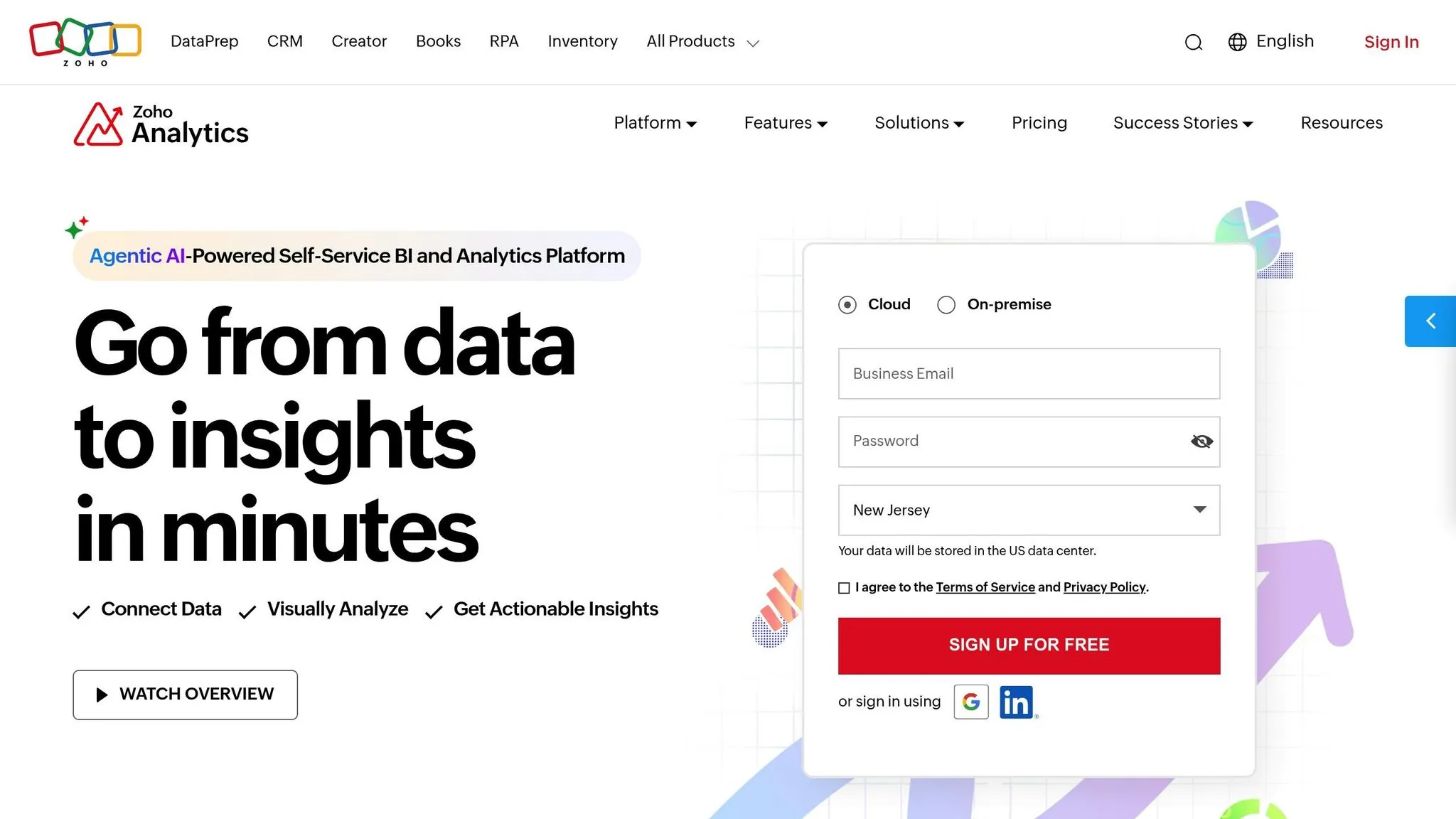
Zoho Analytics is a platform designed to make business intelligence accessible and straightforward. It transforms raw data into actionable insights using a user-friendly drag-and-drop interface. With its embedded BI platforms, businesses can seamlessly integrate analytics into their products, making it feel like a natural part of the application rather than an external add-on. Its customizable design makes it a strong choice for customer-facing applications that demand flexibility and ease of use.
On top of its intuitive design, Zoho Analytics equips decision-makers with AI-powered tools to uncover deeper insights.
AI/ML Integration Capabilities
Zoho Analytics leverages its AI assistant, Zia, to simplify data exploration. You can ask Zia questions in plain English and instantly receive visualizations - no need to master complex query languages or navigate overwhelming dashboards.
The platform also offers machine learning-based predictive analytics to forecast trends and detect patterns. These tools can be applied to areas like sales projections, customer behavior analysis, and inventory management. Additionally, its AI-powered anomaly detection highlights unusual trends, helping you address potential problems or seize opportunities before they grow.
Integration with Business Applications
Zoho Analytics stands out when it comes to integration. Using its JavaScript SDK and REST APIs, you can embed individual charts, comprehensive dashboards, or even full analytics workspaces directly into your web applications. The platform also allows for extensive customization, letting you tweak colors, logos, and branding to align perfectly with your application’s design.
It supports single sign-on (SSO) for streamlined user authentication, ensuring a secure and seamless user experience. Granular data access controls ensure users only access the information they’re authorized to see. Plus, webhook support enables automated workflows by triggering actions based on data changes or threshold alerts, making your processes even more efficient.
12. TIBCO Spotfire
TIBCO Spotfire transforms complex datasets into clear, interactive visuals, making it a powerful tool for embedded analytics. It offers dynamic visualizations and customizable exploration tools, perfect for teams that need essential features of modern business intelligence tools for advanced analytics without sacrificing performance.
With real-time analysis capabilities, users can dive deep into data, apply filters instantly, and explore various scenarios - all within a single, user-friendly interface. These features are paired with flexible deployment options, ensuring it fits the needs of diverse organizations.
Deployment Options (Cloud, On-Premise, Hybrid)
TIBCO Spotfire adapts to different deployment preferences, whether in the cloud, on-premise, or through a hybrid setup:
- Cloud: Scales effortlessly with major providers and benefits from automatic updates.
- On-Premise: Offers complete control over your data for organizations with strict data governance requirements.
- Hybrid: Balances control and scalability by keeping sensitive data on-site while leveraging cloud resources for additional processing.
Integration with Business Applications
Spotfire seamlessly integrates with your existing business tools, making it easy to embed analytics into your workflows. Using its JavaScript API and REST services, you can incorporate charts, dashboards, or even full analytics workflows that align with your application's design.
The platform supports single sign-on (SSO) with Active Directory/LDAP and uses role-based access controls to ensure users see only the data they’re authorized to access. Additionally, it allows for white-labeling, so you can remove TIBCO branding and present the analytics as a natural part of your application.
REST APIs further enhance functionality by automating tasks like report generation, refreshing data, and triggering actions based on specific data conditions. This level of integration and automation makes Spotfire a versatile choice for businesses aiming to embed analytics seamlessly.
13. Yellowfin
Yellowfin simplifies the process of uncovering data insights with its AI-powered tools. By automating the detection of patterns and trends, it removes the need for time-consuming manual analysis. This streamlined approach allows teams to make quicker, data-driven decisions and improve the ROI of AI-powered analytics. Additionally, its integration of AI and machine learning (ML) features further accelerates the process of generating actionable insights.
AI/ML Integration Capabilities
Yellowfin's AI capabilities are designed to deliver insights faster. The platform uses advanced AI to automatically highlight trends and generate key findings, minimizing the time between asking a question and receiving a meaningful answer.
However, a verified G2 user shared an important observation:
When the reports are big and a lot of database, then it takes a lot of time to open.
This feedback points out that large reports with extensive data can lead to slower performance. As your analytics needs expand, it’s essential to plan your data structure carefully and optimize queries to maintain efficiency.
14. Mode Embedded Analytics
Mode Embedded Analytics is set to be a standout tool in 2026. While specific technical details remain scarce, its inclusion highlights its proven impact in the realm of embedded analytics.
Mode provides a platform designed to simplify data exploration and visualization, enabling teams to uncover and act on insights with ease. By focusing on transforming raw data into actionable insights, it meets the demands of fast-paced, agile organizations.
This streamlined functionality complements the advanced tools discussed earlier, making it a key part of the embedded analytics landscape for 2026. For a broader perspective, see our embedded analytics implementation guide.
15. Metabase
Metabase wraps up our list as an open-source BI tool tailored for small to medium-sized businesses (SMEs) aiming to build embedded or customer-facing analytics. Its straightforward approach to visualization delivers powerful insights without overwhelming users, making it an excellent option for teams and embedded viewers to create and explore dashboards without needing advanced technical expertise.
With cloud licenses starting at $85/month and a simple self-hosting option, Metabase is an affordable choice. However, it does have limitations, such as restricted white-labeling and visual customization options, along with the absence of a semantic layer and code version control. Understanding the benefits of semantic layers can help you decide if this limitation is a dealbreaker for your data stack. Despite these drawbacks, its flexibility in deployment ensures it can fit into a variety of environments.
Data Source Compatibility
Metabase connects with a wide range of data sources, making it a great fit for diverse modern analytics stacks. It supports cloud data warehouses like Amazon Athena, Amazon Redshift, BigQuery, Databricks, Snowflake, and Starburst, alongside others such as Dremio, Exasol, Firebolt, Hydra, Materialize, Ocient, and Teradata.
When it comes to relational databases, Metabase works with MariaDB, Microsoft SQL Server, MySQL, Oracle Database, PostgreSQL, SQLite, and DuckDB. For analytical databases, it supports platforms like ClickHouse, Druid, Vertica, and Apache Pinot.
Additionally, Metabase integrates with MongoDB via BI connectors, handles file-based sources like CSV uploads and Google Sheets, and supports Spark and Cube. This extensive compatibility allows you to connect Metabase to your existing data infrastructure without requiring significant changes.
Deployment Options (Cloud/On-Premise/Hybrid)
Metabase offers flexible deployment options to meet different infrastructure and security needs. For those who want a quick and hassle-free setup, the cloud-hosted solution eliminates the need for server management, allowing you to get started almost instantly.
For organizations with stricter compliance requirements or a preference for greater control, Metabase provides an easy-to-self-host option. This on-premise deployment gives you full ownership of your analytics environment, enabling you to manage data security, optimize performance, and configure the system according to your internal standards.
Whether you're a startup looking for a fast and straightforward solution or a larger organization with rigorous data governance policies, Metabase's deployment flexibility makes it a versatile choice.
Feature Comparison Table
The table below provides a side-by-side look at key features of best embedded analytics tools for SaaS. Use it to evaluate deployment options, AI capabilities, data compatibility, target organization size, and pricing to find the best fit for your technical and business needs.
| Tool | Deployment | AI/ML Capabilities | Data Source Compatibility | Target Organization Size | Pricing |
|---|---|---|---|---|---|
| Querio | Cloud, On-Premise | AI-native natural language querying; in-house Python notebooks with agent support | Live connections to Snowflake, BigQuery, Postgres | SMBs to Enterprise | Premium pricing with money-back guarantee, unlimited viewer users |
| Tableau Embedded Analytics | Cloud, On-Premise, Hybrid | Built-in natural language querying (Ask Data) and data insights | 100+ native connectors including cloud warehouses, databases, and SaaS apps | Mid-Market to Enterprise | Per-user licensing, starts at ~$70/user/month |
| Power BI Embedded | Cloud (Azure), On-Premise via Report Server | AI-powered insights, anomaly detection, and Q&A natural language interface | 200+ data sources via Power Query with strong Azure ecosystem integration | SMBs to Enterprise | Capacity-based (A SKUs start ~$1/hour) or per-user licensing |
| Looker | Cloud (Google Cloud Platform) | ML-powered insights with BigQuery ML integration | Integrates with BigQuery and 60+ database dialects through LookML | Mid-Market to Enterprise | Custom pricing, typically starting at ~$3,000+/month |
| Sisense | Cloud, On-Premise, Hybrid | AI-driven insights, predictive analytics, and natural language processing | Cloud warehouses, relational databases, NoSQL systems, and APIs | Mid-Market to Enterprise | Custom pricing based on data volume and user count |
| Domo Everywhere | Cloud | ETL with built-in AI and predictive analytics | Over 1,000 pre-built connectors spanning cloud, on-premise, and SaaS applications | Mid-Market to Enterprise | Custom pricing, typically starting at ~$750+/user/year |
| Qlik Sense | Cloud, On-Premise, Hybrid | Insight Advisor with AI-generated insights and AutoML features | 100+ native connectors, REST APIs, and support for custom connections | Mid-Market to Enterprise | Capacity-based or per-user licensing (starting at ~$30/user/month) |
| GoodData | Cloud, On-Premise | AI-powered recommendations and anomaly detection | Connects with cloud warehouses, relational databases, and REST APIs | Mid-Market to Enterprise | Custom pricing based on users and data volume |
| MicroStrategy Embedded Analytics | Cloud, On-Premise, Hybrid | HyperIntelligence AI, Auto ML, and natural language queries | Over 200 native connectors for both cloud and on-premise databases | Enterprise | Custom pricing, with enterprise-level contracts |
| ThoughtSpot Everywhere | Cloud, On-Premise | SpotIQ AI for automated insights and natural language search | Connects with cloud warehouses and databases via Embrace connections | Mid-Market to Enterprise | Pricing scales with usage and data volume |
| Zoho Analytics | Cloud, On-Premise (limited) | Zia AI assistant, predictive analytics, and anomaly detection | Over 250 integrations including databases, SaaS apps, and files | SMBs to Mid-Market | Starts at $30/month for 2 users, with scalable pricing |
| TIBCO Spotfire | Cloud, On-Premise, Hybrid | Built-in data science features, predictive modeling, and AI recommendations | Around 70+ data sources including Hadoop, cloud warehouses, and IoT devices | Mid-Market to Enterprise | Custom pricing, typically structured as enterprise contracts |
| Yellowfin | Cloud, On-Premise, Hybrid | Assisted Insights with AI, automated discovery, and signal detection | Compatible with cloud warehouses, relational databases, and REST APIs | Mid-Market to Enterprise | Per-user licensing, starting at approximately ~$50/user/month |
| Mode Embedded Analytics | Cloud | SQL-based analytics paired with Python/R notebooks; limited AI capabilities | Works with cloud warehouses along with PostgreSQL, MySQL, Redshift, and Snowflake | Mid-Market to Enterprise | Pricing starts at around $200/month and scales with usage |
| Metabase | Cloud, On-Premise | Basic AI features with simple query suggestions | Integrates with 30+ databases including cloud warehouses, relational databases, and MongoDB | SMBs to Mid-Market | Cloud plans start at $85/month; open-source self-hosting is free |
When it comes to deployment, tools like Querio and Tableau Embedded Analytics offer flexibility with both cloud and on-premise options, while cloud-native platforms like Looker and ThoughtSpot Everywhere emphasize speed and scalability. For businesses with strict data residency or legacy infrastructure needs, hybrid or on-premise solutions like Sisense or MicroStrategy Embedded Analytics are better suited.
AI and machine learning capabilities also differ. Querio’s AI-native design allows non-technical users to query live data in plain English, making it a standout option. Tableau Embedded Analytics and Power BI Embedded integrate natural language querying within their frameworks, while Sisense and ThoughtSpot Everywhere focus on predictive analytics and AI-driven insights for users without a data science background.
Data source compatibility plays a vital role in choosing a tool. Platforms like Domo Everywhere boast over 1,000 pre-built connectors, but Power BI Embedded’s 200+ connectors and strong Azure integration demonstrate that quality often outweighs sheer numbers.
Pricing models vary widely. SMBs might lean toward affordable options like Zoho Analytics ($30/month for 2 users) or Metabase ($85/month), while enterprises often require custom contracts, as seen with Looker or TIBCO Spotfire. Querio’s unlimited viewer users model addresses cost concerns for customer-facing applications with unpredictable user growth.
Ultimately, the best tool depends on your organization’s specific needs. Startups might prioritize low entry costs and scalability, while large enterprises embedding analytics into global applications will need robust security, hybrid deployment, and advanced features. Matching the tool’s strengths to your technical setup and business goals is key to making the right choice.
Conclusion
Based on the detailed evaluations above, here's how to pinpoint the best embedded analytics tool for your needs in 2026.
Embedded analytics plays a key role in delivering actionable insights directly within your applications. The 15 tools discussed in this article offer a range of features tailored to different organizational sizes, technical setups, and budgetary requirements.
Scalability should be a top priority in your decision-making process. Whether you're a fast-growing startup or an established enterprise managing extensive data and user bases, you need a solution that adapts to your growth. Cloud-native platforms are particularly strong in handling scalability, while hybrid solutions cater to organizations with intricate compliance needs.
AI-powered features are no longer optional. Tools with natural language querying allow teams to explore data without constant reliance on analytics experts, streamlining workflows. Predictive analytics and automated anomaly detection can uncover insights you might miss, enabling quicker, smarter decisions.
Integration capabilities are another critical factor. The faster your tool integrates with your existing data stack, the sooner you can start seeing results. If your infrastructure relies on platforms like Snowflake or BigQuery, prioritize tools with native support for those systems over ones offering generic integrations.
Organizations of all sizes are embedding analytics into everything from customer-facing applications to internal dashboards. This trend is reshaping how teams and customers interact with data, moving away from static reports toward dynamic, interactive insights.
To find the right tool, start by outlining your technical needs, budget, and user expectations. Test platforms with your own data and use cases rather than relying solely on vendor demonstrations. Look beyond licensing fees to assess deployment complexity, maintenance demands, and long-term costs. The tool that looks perfect on paper might not align with your workflows or company culture. The right choice will seamlessly integrate into your operations, elevating how your team and customers engage with data at every level.
FAQs
::: faq
How do embedded analytics tools help businesses make better decisions and boost productivity?
Embedded analytics tools bring a powerful advantage to businesses by weaving real-time data insights directly into the applications and workflows they already use. This means no more bouncing between different systems - users can get the information they need, exactly when and where they need it.
With features like easy-to-understand visualizations, automated reporting, and predictive analytics, these tools make decision-making faster and smarter. They also simplify processes, freeing up teams to focus on bigger-picture goals instead of getting bogged down with manual data crunching. :::
::: faq
What should I look for when selecting an embedded analytics tool for my business?
When choosing an embedded analytics tool, it's important to weigh a few critical factors. Start by assessing your team's technical skills and whether the tool integrates smoothly with your existing systems. You'll also want to consider how quickly the tool can be implemented to address your business needs.
Make sure the solution can grow alongside your organization, includes strong security measures, and offers a user-friendly experience for both developers and end-users. It's equally vital to confirm the tool fits within your budget while providing the features needed to support informed, data-driven decisions.
By taking these elements into account, you can select a tool that blends analytics effortlessly into your workflows and delivers actionable insights. :::
::: faq
How do AI features in embedded analytics tools improve data exploration and insights?
AI-powered features in embedded analytics tools are reshaping the way businesses dive into data and extract insights. By taking over complex analysis tasks, these tools simplify the process of spotting trends, recognizing patterns, and drawing conclusions - all without needing advanced technical know-how.
With the help of AI and machine learning algorithms, these tools handle data preparation more efficiently, improve predictions, and deliver insights in real time. This means users can make quicker, better-informed decisions while ensuring data is accessible across teams. AI-driven analytics let businesses shift their focus to strategy and innovation, leaving behind the grind of manual data processing. :::