Business Intelligence
7 Best Embedded Analytics Platforms of 2026
Compare seven embedded analytics platforms by AI, integration, scalability, customization, and pricing to pick the right solution for SaaS or enterprise needs.

Embedded analytics is transforming how businesses work by integrating data insights directly into applications. These platforms make decision-making faster and easier by providing real-time data analysis without needing extensive technical expertise. In 2026, the market offers several strong options, each catering to different needs. Here's a quick overview of the top platforms:
- Querio: Focuses on natural language queries and Python integration using text-to-SQL technology for advanced analysis. Works directly with data warehouses like Snowflake and BigQuery.
- Tableau Embedded Analytics: Offers AI features via Salesforce Einstein and interactive dashboards but has a steep learning curve for beginners.
- Looker (Google Cloud): Integrates seamlessly with Google Cloud, using LookML for data modeling and advanced AI tools.
- Sigma Computing: Provides a spreadsheet-like interface for non-technical users but requires external tools for data preparation.
- GoodData: Ideal for multi-tenant setups with strong white-labeling options and scalable deployment.
- Metabase: Open-source and simple, but lacks advanced AI features and deep customization.
- Power BI Embedded: Integrates with Azure for powerful AI-driven analytics but can have unpredictable costs.
Each platform has strengths and limitations, from ease of use to scalability and pricing transparency. Below is a comparison to help you decide which one fits your needs.
Quick Comparison
| Platform | AI Features | Integration Ease | Scalability | Pricing Clarity |
|---|---|---|---|---|
| Querio | Advanced natural language and Python | Direct warehouse links | Unlimited viewers, live scaling | Transparent, no hidden fees |
| Tableau | AI insights via Salesforce Einstein | Requires setup effort | Large datasets, server-dependent | Complex licensing structure |
| Looker | Google Cloud AI, LookML modeling | Google Cloud optimized | Scales with BigQuery | Usage-based, less predictable |
| Sigma Computing | Limited AI, spreadsheet-like UI | Cloud data warehouse | Tied to warehouse capacity | Per-user pricing, can grow quickly |
| GoodData | Basic AI, multi-tenant focus | API-first, white-label | Large-scale deployments | Tiered pricing, custom quotes |
| Metabase | Minimal AI, SQL-based | Easy iframe embedding | Moderate scale | Open-source or simple cloud pricing |
| Power BI | Advanced AI, Azure-integrated | Best for Microsoft environments | Strong Azure scalability | Capacity-based, unpredictable |
This table highlights key differences to guide your choice. Whether you're a SaaS provider, enterprise, or small team, there's a solution tailored to your needs.
What is Embedded Analytics? Explained in 15 Minutes with Examples
::: @iframe https://www.youtube.com/embed/T6cTxDLg2Sg :::
1. Querio
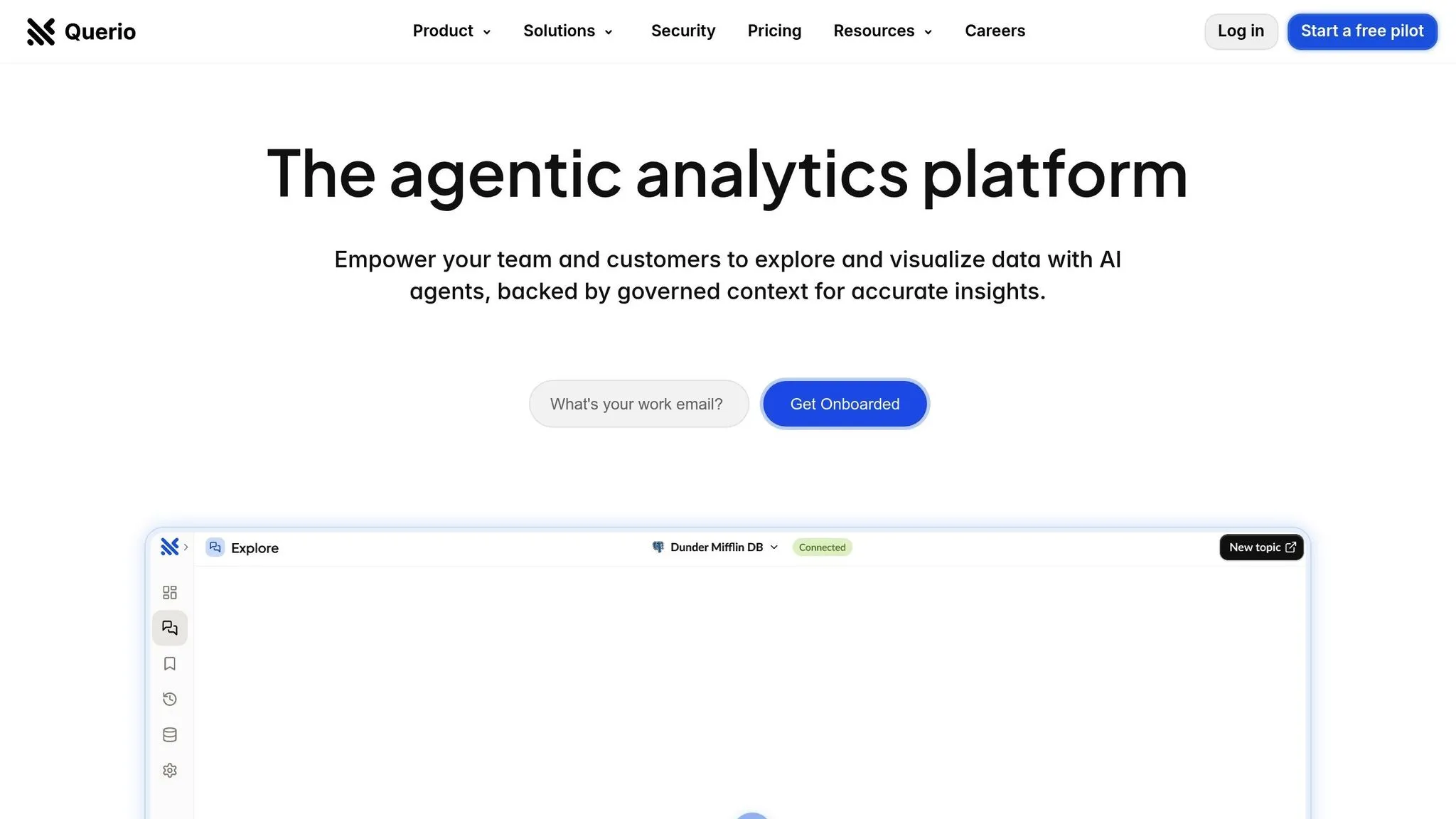
Querio is an analytics platform designed to make data easily accessible to everyone in an organization. It enables users to ask questions about live warehouse data in plain English and quickly get accurate, visual results.
AI-driven capabilities
At the heart of Querio is a natural-language querying engine that transforms plain English questions into SQL queries. This means users don’t need to know how databases work or have coding skills to uncover insights. By reducing reliance on data analysts, Querio empowers business users to explore and analyze data independently.
For those needing more advanced analysis, Querio includes an integrated Python notebook. This setup allows seamless collaboration between SQL and Python, enabling deeper and more complex data exploration.
Additionally, Querio offers a built-in semantic layer where data teams can define table joins, calculate metrics, and create a centralized business glossary. This ensures consistency across the organization and minimizes repetitive setup efforts.
Integration and deployment
Querio integrates directly with popular data warehouses like Snowflake, BigQuery, and Postgres. It doesn’t duplicate or move data but instead uses secure, read-only connections with encrypted credentials to keep your data safe.
For organizations embedding analytics into their own tools, Querio provides self-service dashboards embedded into your app and automated reporting capabilities. These features help drive faster, data-informed decisions without disrupting workflows.
Scalability and multi-tenancy
Querio’s pricing model includes unlimited viewer users, making it an attractive choice for scaling analytics across large teams. The platform also offers tiered advanced features and a 99.9% uptime SLA, ensuring reliability for enterprise-level demands.
One of Querio’s standout benefits is its ability to reduce the dependency on specialized data analysts. By equipping business users with AI-driven tools, organizations can expand their analytics capabilities without needing to grow their data teams significantly. This approach not only enhances agility but also improves efficiency.
Querio also supports enterprise-wide consistency through customizable definitions, ensuring that data insights remain aligned across teams.
Customization
With Querio’s context layer, data teams can centrally manage and govern business definitions, metrics, and glossaries. This flexibility ensures that analytics are tailored to meet the unique needs of various teams while maintaining consistency across the organization.
Security and compliance
Security is a top priority for Querio. The platform adheres to SOC 2 Type II compliance standards and uses encrypted, read-only connections to safeguard your source data from accidental or unauthorized changes. This ensures your data remains secure at every step.
2. Tableau Embedded Analytics
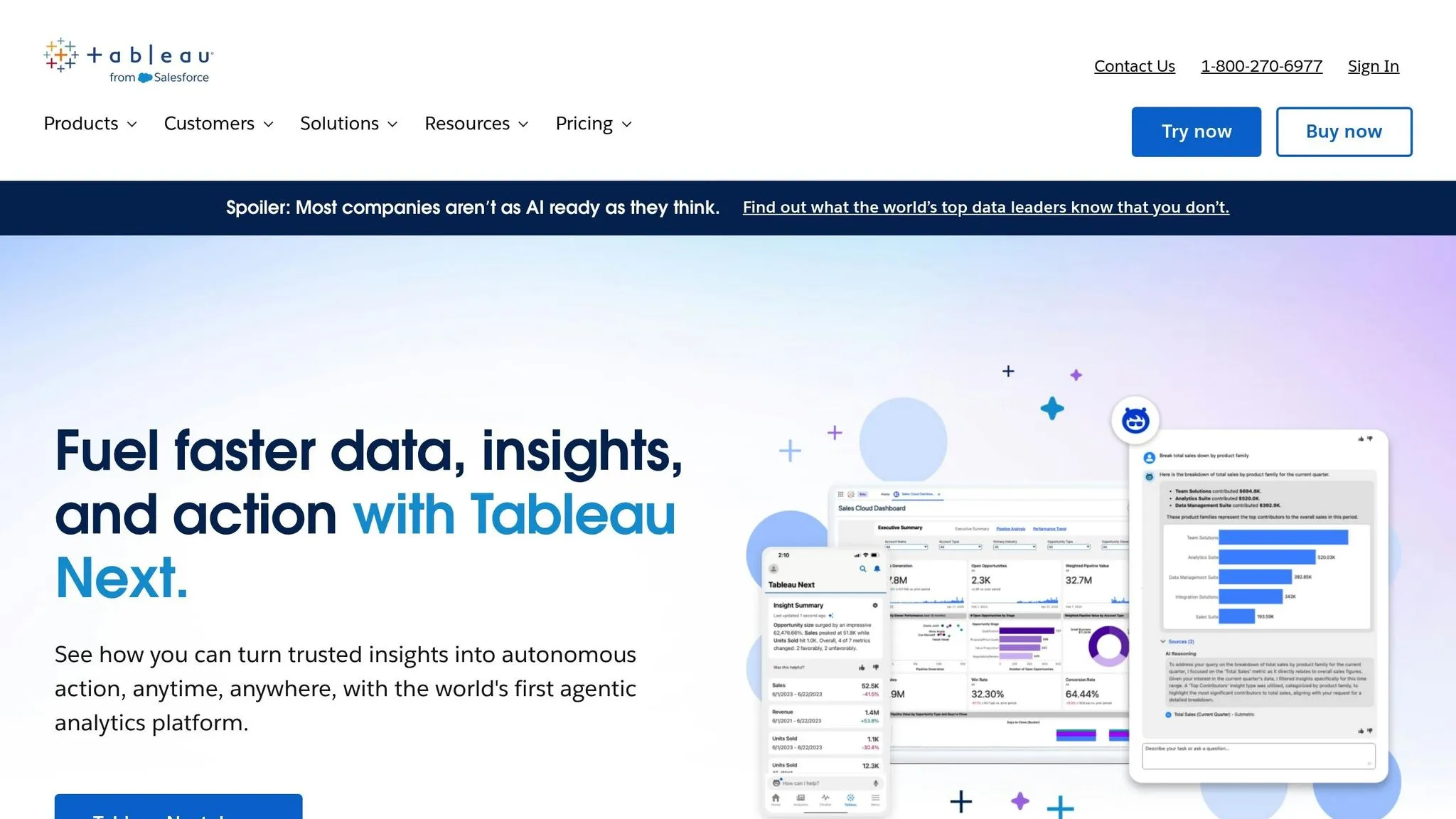
After examining Querio, another strong contender in the embedded analytics landscape is Tableau Embedded Analytics. This platform allows businesses to seamlessly integrate interactive dashboards and reports into their applications, offering a streamlined way to analyze data.
AI-driven capabilities
Tableau takes advantage of Salesforce Einstein to incorporate AI into its analytics. This approach is part of a broader shift toward AI-powered embedded analytics that automate data discovery. This integration provides automated insights and narrative explanations, making it easier for users to interpret visualizations without diving into manual analysis.
One standout feature is Tableau's NLP functionality, which lets users ask questions in plain English and get instant answers. As highlighted by CTO Magazine:
Companies like Tableau are integrating NLP into their analytics platforms, allowing users to explore data conversationally. For example, a user can simply ask their analytics tool, "What were our sales last quarter?" and receive an immediate answer, reducing the time it takes to gain insights.
Another helpful tool, Tableau Pulse, ensures teams stay aligned by delivering personalized metrics and maintaining consistent data definitions across the board.
However, it's not without challenges. A G2 user shared this feedback:
Tableau does not offer an AI assistant to walk you through difficult queries, with a steep learning curve for beginners.
This points to a gap in usability, particularly for those new to the platform, suggesting that while the AI tools are powerful, they may not completely remove the need for technical expertise.
3. Looker (Google Cloud)
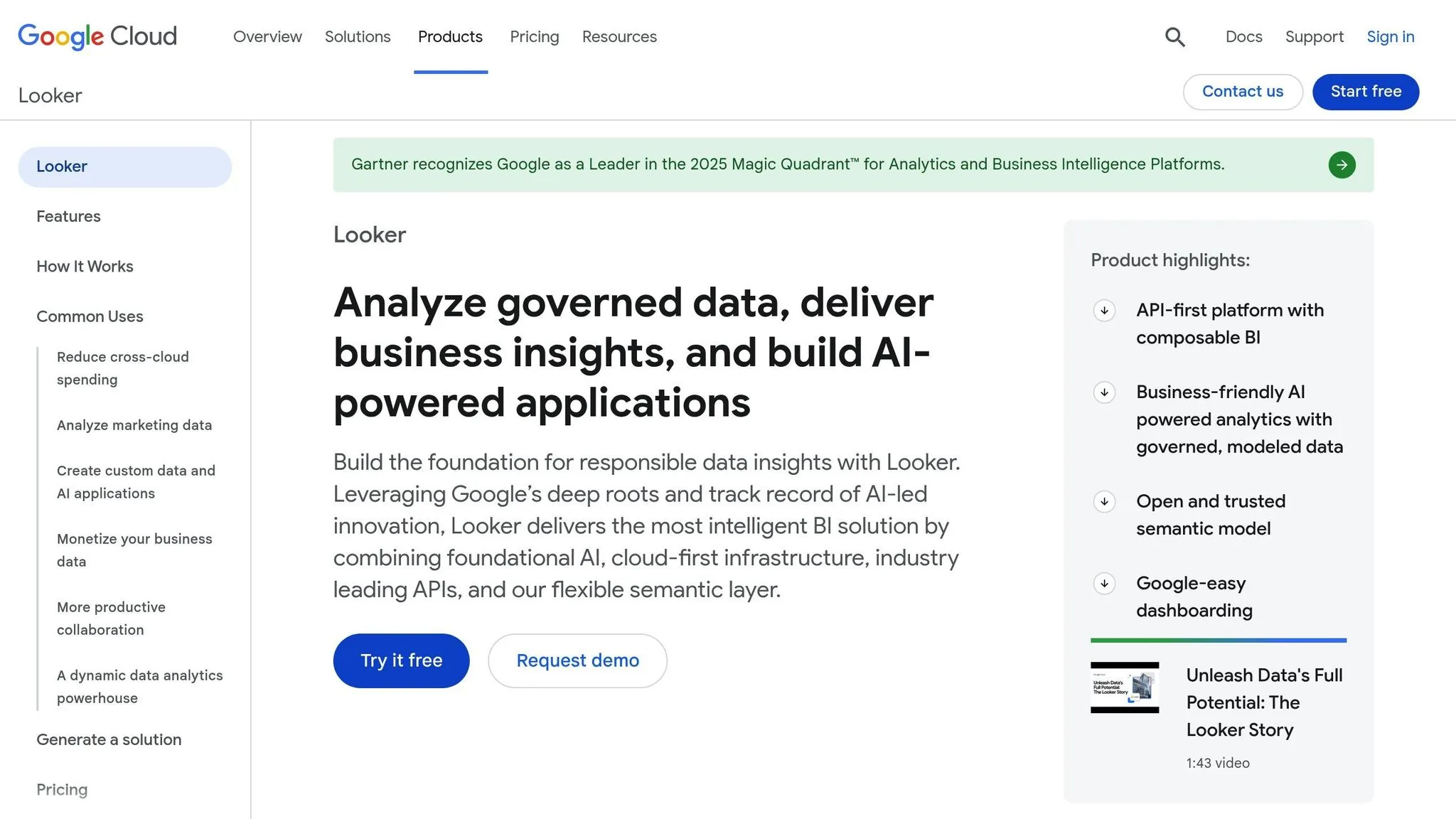
Looker, now part of Google Cloud, takes a distinct approach to embedded analytics with its modeling layer and seamless integration into Google's ecosystem. At the heart of Looker is LookML, a modeling language that defines data relationships before users begin their analysis. By combining this foundation with AI-driven tools, Looker delivers powerful, integrated analytics capabilities.
AI-Driven Features
Building on its modeling layer, Looker integrates Google Cloud's AI capabilities, including Vertex AI, to create predictive models directly within analytics workflows.
The platform also offers natural language processing, enabling users to query data conversationally. For instance, you can type, "show me customer retention by region", and Looker will generate visualizations - no SQL or LookML expertise required. This feature is powered by Google's advanced language models.
Another standout feature is automated anomaly detection. The system monitors data patterns, learns typical behaviors, and alerts users when metrics deviate from expected trends.
Integration and Deployment
Looker’s embedded analytics are highly flexible, thanks to its API and SDK. You can integrate dashboards into applications using either iframes or component-level embedding, giving developers control over the user experience.
Because Looker runs on Google Cloud, it connects seamlessly with BigQuery, Google's data warehouse. Queries are executed directly on BigQuery, eliminating the need to move data, which reduces latency and ensures data consistency. Looker also integrates with other databases like PostgreSQL, MySQL, and Snowflake, though it’s optimized for Google’s ecosystem.
Deployment is entirely cloud-based, with no need for on-premises installation. Organizations can select their preferred Google Cloud region for data residency, helping meet compliance requirements across different regions.
Scalability and Multi-Tenancy
Powered by Google Cloud, Looker scales effortlessly. As query demand grows, workloads are distributed across nodes automatically, allowing thousands of users to analyze data simultaneously without performance hiccups.
For multi-tenant environments, Looker ensures data security with row-level security and data isolation. Developers can set rules in LookML to filter data based on user attributes like customer ID, ensuring each tenant only accesses their own data. These rules are applied universally across dashboards and reports, preventing data leaks.
To optimize performance, Looker uses connection pooling, reusing database connections to minimize overhead and improve efficiency.
Security and Compliance
Looker benefits from Google Cloud’s robust security features, including encryption (both at rest and in transit), SOC 2 Type II certification, and compliance with GDPR and HIPAA regulations, following a strict guide to embedded analytics security. It supports SAML and OAuth for authentication, along with single sign-on (SSO) integration. Role-based access controls allow data visibility to be restricted at various levels - model, explore, or field - based on user roles.
Audit logs provide a detailed record of every query, dashboard view, and data access event. These logs ensure consistent security policies across both embedded dashboards and standalone reports, giving organizations full visibility into platform activity.
4. Sigma Computing
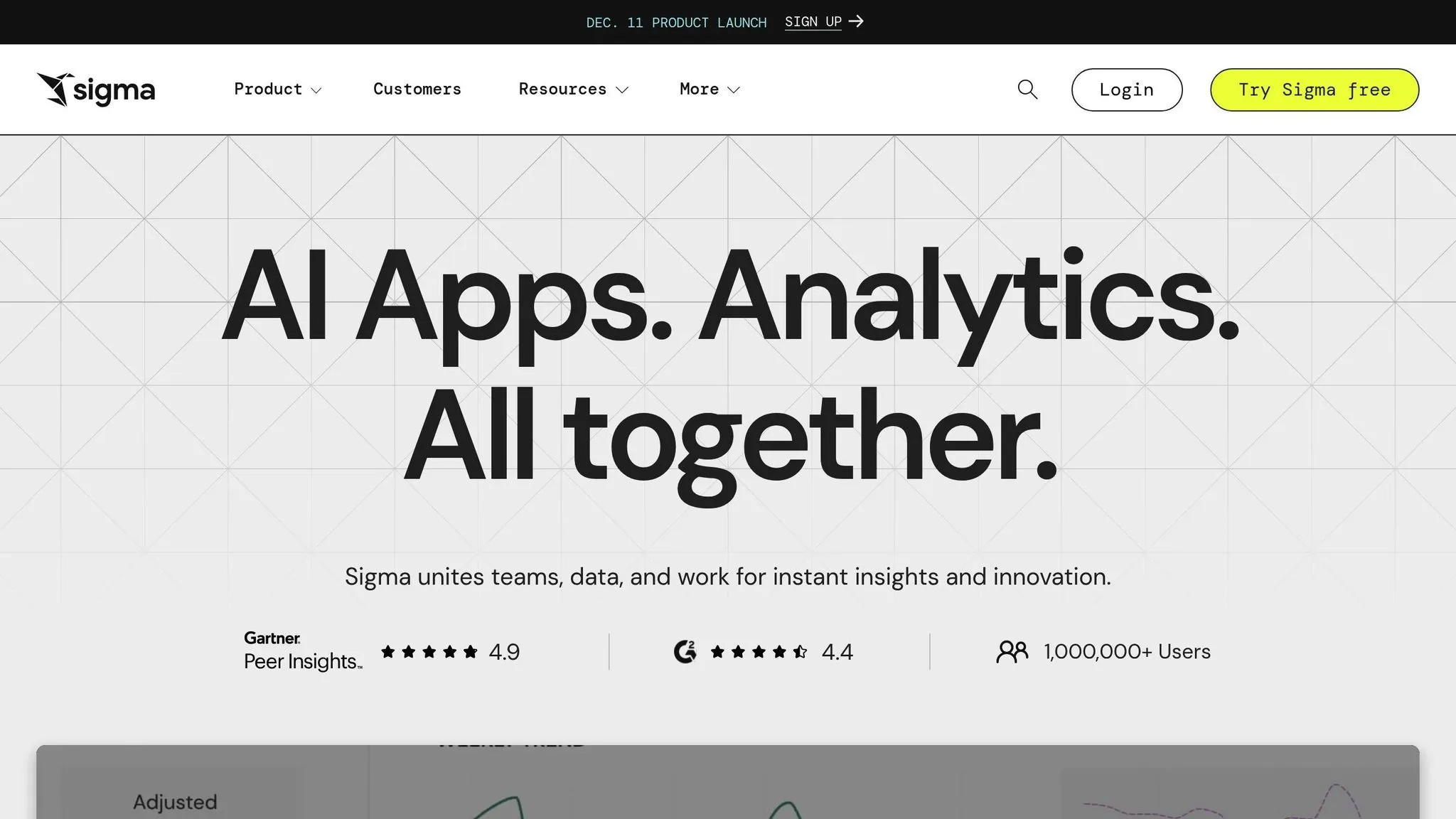
Sigma Computing offers a spreadsheet-like interface for cloud analytics, making it simple for business users to manipulate data - such as pivoting, filtering, and aggregating - without needing to learn SQL. Behind the scenes, every action automatically converts into optimized SQL queries that run directly on your cloud data warehouse.
Integration and Deployment
Designed specifically for cloud data warehouses, Sigma prioritizes real-time accuracy and robust security. It connects directly to platforms like Snowflake, running queries in place without moving or duplicating data. This approach ensures users always work with live, up-to-date information. For best embedded analytics tools for SaaS, Sigma provides APIs and embedding options, allowing dashboards and reports to seamlessly integrate into your applications. Basic UI theming lets you tweak colors and logos, but more advanced customization requires additional development. Deployment is fully cloud-based, with setup focused on securing the connection.
Scalability and Multi-Tenancy
Sigma's scalability is tied to the capacity of your cloud data warehouse. Since all processing happens within the warehouse, handling higher query volumes may require scaling up your Snowflake resources, which could lead to increased costs. For multi-tenant environments, Sigma offers row-level security controls to manage data access. However, these controls have limitations and may need extra configuration for more complex setups.
Customization and White-Labeling
Sigma supports basic UI customization, allowing you to adjust colors, logos, and other styling elements to match your application's design. For deeper customization, such as altering interface components or creating unique visualizations, additional development work is required. While the platform is user-friendly for standard analytics, its customization options might feel restrictive for businesses needing highly tailored solutions.
Pricing
Sigma's pricing starts at $30,000 per year for the base platform, which includes unlimited viewer licenses. Additional licenses for users who need to create dashboards or explore data cost $1,000 annually per user. This pricing model benefits organizations with a large number of viewers but relatively few creators, making it a cost-effective choice for such setups.
Data Management Considerations
Sigma's spreadsheet-style interface simplifies data access but doesn't include built-in tools for data preparation or transformation. These tasks must be managed within your data warehouse using separate ETL tools or processes before Sigma can access the data. This reliance on external solutions adds a layer of complexity to data management workflows.
sbb-itb-284a532
5. GoodData
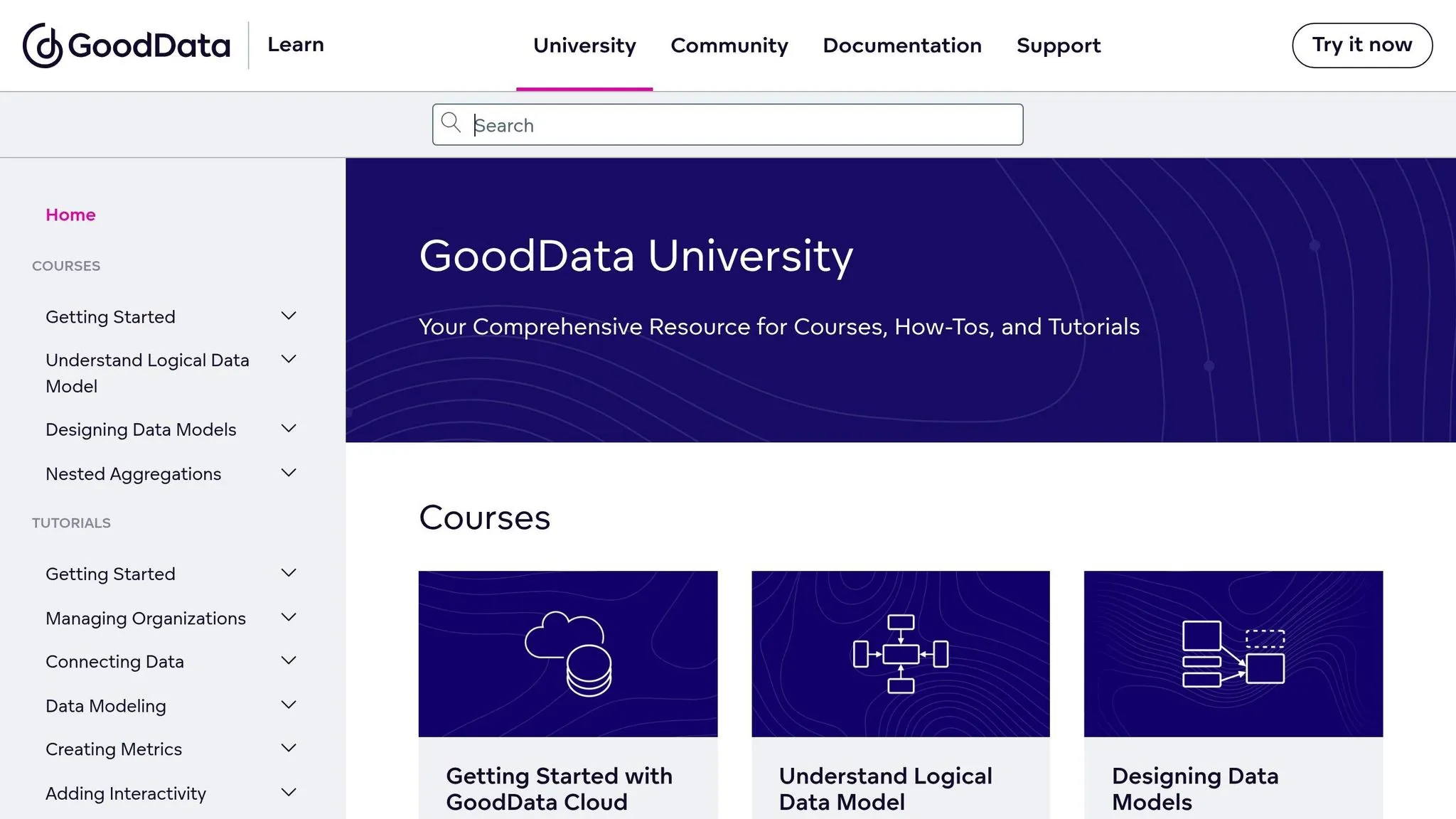
GoodData is an analytics platform powered by AI, designed to create tailored data products with interactive analytics. Its standout feature is its multi-tenant architecture paired with white-label options, making it a go-to choice for those following an embedded analytics vendor selection guide that need to deploy analytics across multiple customer environments. While its visualizations might not be as flashy as some competitors, GoodData shines in delivering scalable, automated analytics management.
AI-Driven Features
GoodData leverages AI to handle repetitive tasks and uncover insights quickly. The platform's core strength lies in its ability to create customized data products, supported by robust embedding options and a multi-tenant framework.
Integration and Deployment Options
Embedding analytics with GoodData is straightforward. You can use simple iframes or the GoodData.UI library, a TypeScript framework that includes Web and React components, along with REST API clients. This setup allows developers to create native analytical experiences while automating workflows. Plus, the platform ensures row-level security and adheres to SOC 2 compliance standards.
Built for Scale and Multi-Tenancy
GoodData is designed for scalability, automating analytics delivery across hundreds or even thousands of customer environments. It offers independent workspaces for secure, tailored data access, making it ideal for large-scale deployments.
Customization and Branding
With its white-label capabilities, GoodData enables businesses to align analytics with their brand. The GoodData.UI library also allows for the creation of custom components, seamlessly integrating analytics into your product's workflow.
Pricing
GoodData’s pricing starts at $1,500 per month, which includes unlimited users and data. Additional costs are applied per workspace, offering a predictable pricing model that scales effectively for businesses managing analytics across multiple customer environments.
6. Metabase
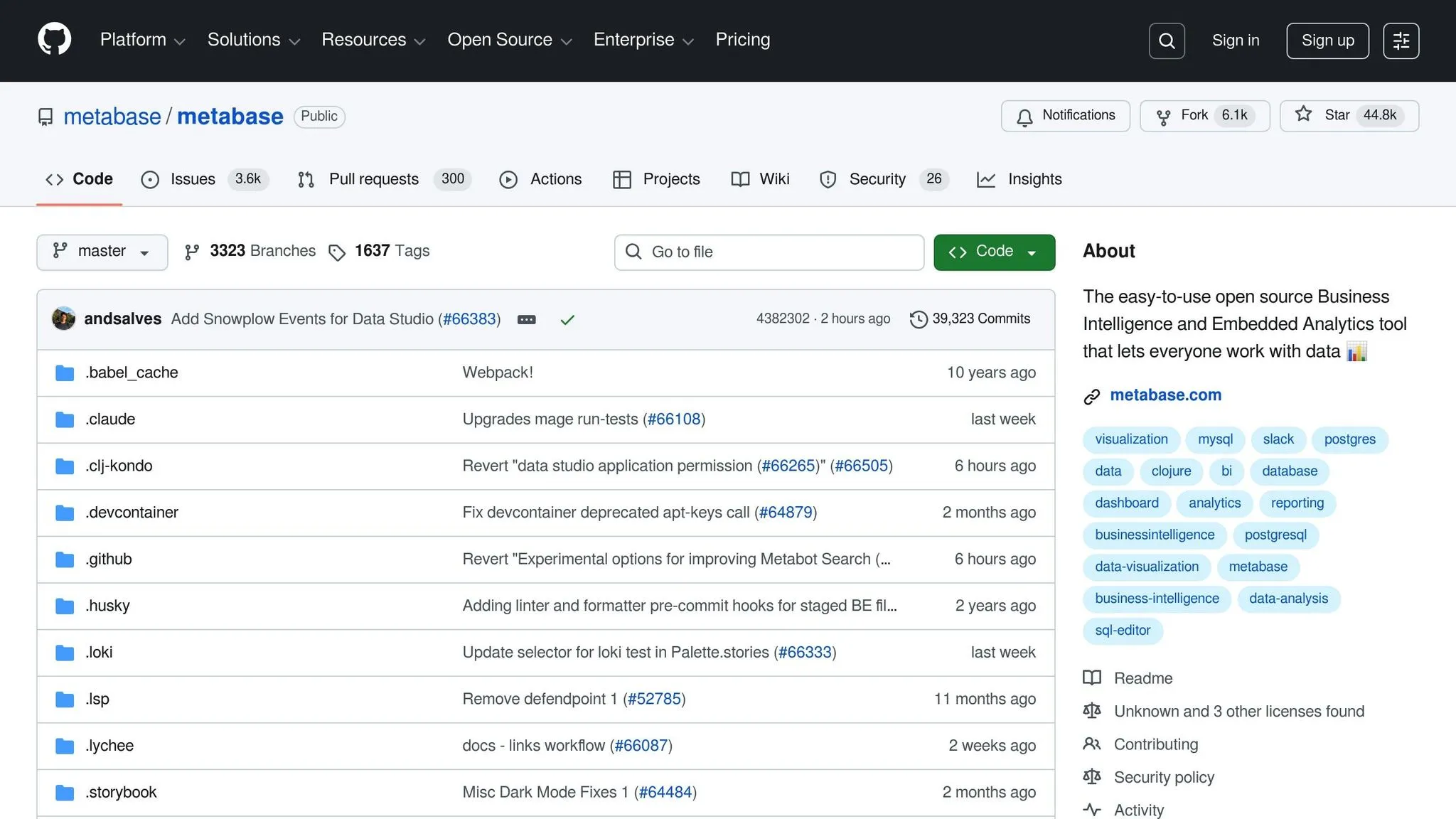
Metabase is an open-source tool designed for straightforward, embedded analytics. It prioritizes simplicity and traditional workflows over complex AI-driven features, making it a great choice for quickly building dashboards and reports. Its clean, user-friendly interface ensures an easy experience for users.
AI-Driven Capabilities
Metabase sticks to its minimalist roots by offering limited AI features. While it doesn't come with built-in AI tools for data analysis, it does support natural language-to-SQL tools. This means you can integrate AI functionality as needed, keeping full control over your data models and user experience without unnecessary complexity.
Integration and Deployment
Embedding dashboards is simple with Metabase, thanks to its iframe support. This makes it a convenient choice for teams looking for a quick setup. However, it doesn't provide extensive SDKs or allow deep code-level customization, which might be a drawback for those seeking a more tailored analytics solution.
Customization and White-Labeling
Metabase offers basic branding options, such as removing its logo and applying custom colors to align with your brand. That said, its preset UI might not fully blend with your native design, and it lacks advanced customization features like a semantic layer for deeper personalization.
Scalability and Multi-Tenancy
Metabase works well for moderate-scale use, supporting multiple users and various data sources. However, it falls short when it comes to handling complex multi-tenant architectures. For businesses needing analytics across numerous customer environments with independent workspaces and automated provisioning, Metabase might not be the best fit. Instead, it’s better suited for teams with simpler analytics requirements.
7. Power BI Embedded
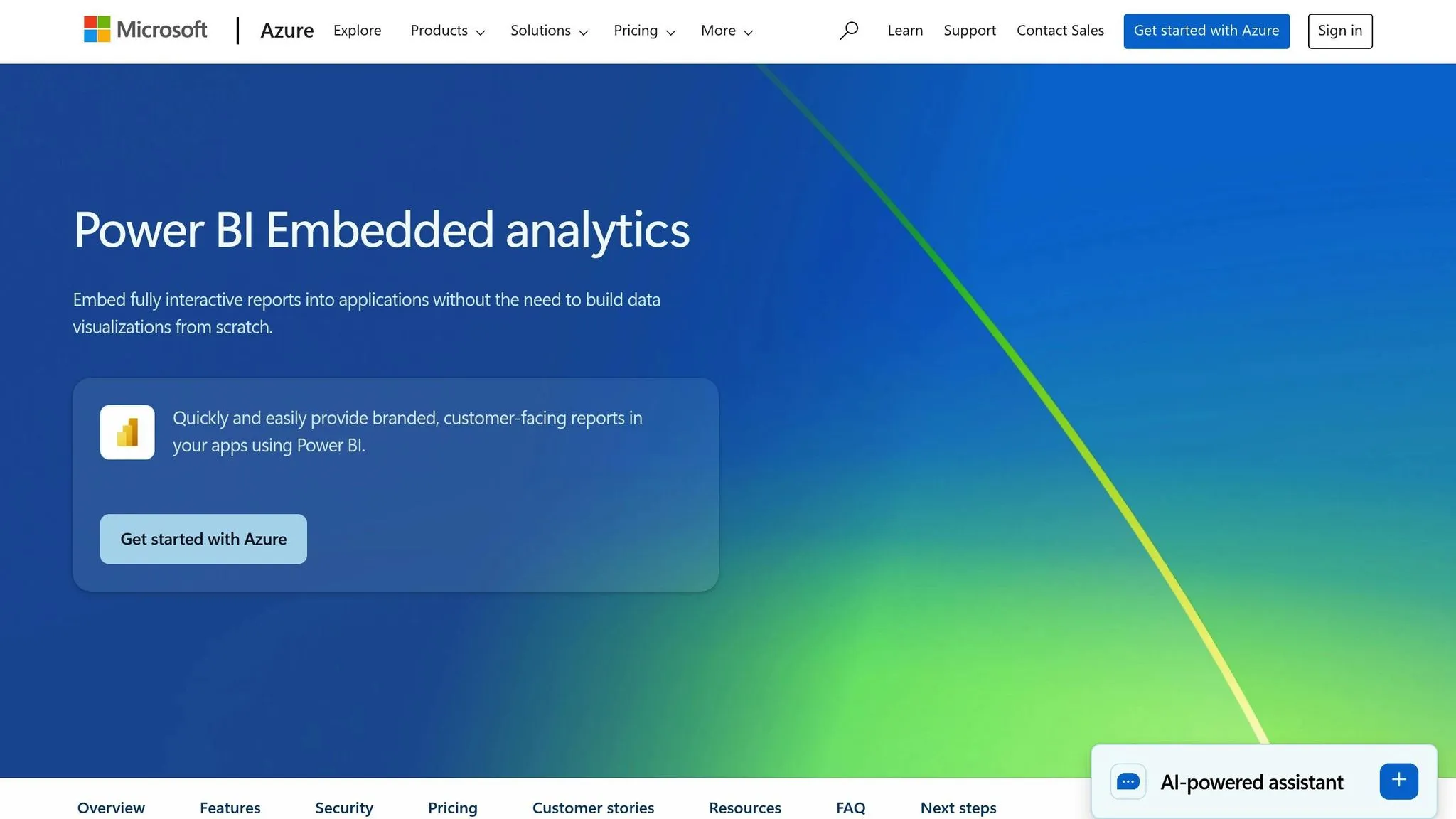
Power BI Embedded is Microsoft's tool designed to integrate analytics directly into external applications. It uses iframes and JavaScript APIs to make embedding smooth and efficient. Fully hosted on Power BI's cloud infrastructure, it works seamlessly within the Azure ecosystem, offering strong visualization tools.
AI-Driven Capabilities
Power BI Embedded goes beyond basic analytics by incorporating AI tools for data analysis. These include natural language processing (NLP) for querying data, predictive modeling, and automated machine learning visualizations. Some of these advanced functions may require Azure Machine Learning integration or specific premium licenses.
Strengths and Limitations
When choosing an embedded analytics architecture, it’s all about weighing the strengths against the limitations. Each tool offers something unique - whether it’s cutting-edge AI capabilities, easy integration, or transparent pricing. Knowing these trade-offs is key to finding the right fit for your business. Below is a comparative table that breaks down the main features and drawbacks of popular platforms.
| Platform | AI Features | Integration Ease | Scalability | Pricing Clarity |
|---|---|---|---|---|
| Querio | Advanced natural-language querying and Python notebooks; direct Snowflake, BigQuery, and Postgres connections | Direct warehouse connections with no data duplication; drag-and-drop dashboards; no ETL pipelines | Unlimited viewer users; live data scaling with warehouse capacity; 99.9% uptime SLA | Free plan; Core $2,499/mo; no per-seat fees |
| Tableau Embedded Analytics | AI-powered insights via Einstein Discovery; natural language queries available | Requires Tableau Server or Cloud setup; embedding via JavaScript and REST APIs | Handles large datasets well, but performance depends on server infrastructure | Complex licensing structure; costs rise with user count and server capacity |
| Looker (Google Cloud) | Machine learning integration with BigQuery ML; LookML for data modeling | Native Google Cloud integration; embedding via iframe or API; steep LookML learning curve | Scales well within GCP ecosystem; performance tied to BigQuery | Usage-based pricing can be unpredictable; requires familiarity with GCP billing |
| Sigma Computing | AI-assisted formula suggestions; limited natural language capabilities | Spreadsheet-like interface; connects easily to cloud data warehouses | Cloud-native architecture; performance varies by query complexity | Per-user pricing model; costs can grow quickly as teams expand |
| GoodData | Basic AI features like anomaly detection; less advanced natural language processing | White-label embedding; API-first design; requires developer resources | Multi-tenant architecture; enterprise-grade scalability | Tiered pricing with feature gates; enterprise features need custom quotes |
| Metabase | Minimal AI capabilities; traditional SQL-based analytics | Open-source flexibility; easy embedding via iframe or SDK | Self-hosted option requires infrastructure management; cloud version scales automatically | Open-source is free; cloud pricing is simple but lacks advanced features |
| Power BI Embedded | Strong AI features like NLP and predictive modeling; advanced capabilities need Azure ML | Seamless Azure integration; iframe and JavaScript API embedding; best for Microsoft environments | Azure infrastructure offers robust scalability; optimization requires Azure expertise | Capacity-based pricing; unpredictable costs; premium features need extra licenses |
This table provides a snapshot of the trade-offs you’ll encounter when comparing embedded analytics tools.
Key Differentiators
The handling of AI-driven analytics is a major factor. Querio stands out by eliminating the need for data duplication and offering a Python notebook environment tailored for governed data. On the other hand, platforms like Power BI Embedded require additional Azure services for advanced AI, while Metabase keeps AI capabilities to a minimum.
Integration complexity is another area to consider. Some platforms demand significant technical setup, while others, like Querio, offer direct warehouse connections that reduce both maintenance and risks of failure.
Scalability often ties back to pricing models. Per-user pricing can become expensive as your team grows, while capacity-based or usage-based models often lack predictability. Querio addresses this with unlimited users on every plan (no per-seat pricing) and spending caps on AI credits.
Finally, pricing transparency remains a challenge across the board. Many platforms rely on custom enterprise quotes or add hidden fees for essential features, like query costs, making budgeting tricky. This can lead to unexpected expenses as your deployment scales.
When evaluating these platforms, think about how these limitations align with your needs. Advanced AI is only useful if you have the expertise to leverage it, and scalability means little if the pricing model doesn’t fit your growth plans.
Conclusion
Choosing the right embedded analytics platform depends on your business needs and technical setup. By 2026, the market offers a variety of tools tailored for different use cases, whether you're a SaaS company, a large enterprise, or a team with limited technical skills.
For SaaS companies with minimal technical resources, look for platforms that connect directly to data warehouses and offer user-friendly features like drag-and-drop interfaces or natural language queries. As your customer base grows, scaling without per-user fees becomes essential to protect your margins. Hidden licensing costs can quickly add up and hurt profitability.
Enterprises requiring extensive customization should focus on platforms with advanced SDKs, APIs, and headless architectures that allow full control over design and functionality. Recent data shows that 86% of organizations use at least two business intelligence tools, and 61% use four or more. This highlights the need for specialized embedded analytics platforms, which often handle white-labeling and embedding better than general BI tools.
Teams with limited technical expertise should prioritize platforms with simple, easy-to-learn interfaces. Tools that mimic spreadsheets or eliminate the need for SQL can lower the learning curve. However, keep in mind how these simplified tools might limit functionality as your needs grow. With the ongoing push toward self-service analytics, pre-built templates and intuitive designs are becoming standard features.
No matter your technical requirements, pricing transparency is crucial. Over 90% of companies report measurable returns from data and analytics investments - but only when costs are predictable and manageable. Consider whether per-user, capacity-based, or unlimited viewer pricing models align better with your growth plans.
Ultimately, your embedded analytics platform should do more than just display data - it should enhance customer experiences and contribute to revenue growth. Features like strong governance, semantic layers, and AI-driven insights can help you deliver impactful analytics without overburdening your data team.
The best platform will match your technical skills, infrastructure preferences (cloud-native or self-hosted), and whether you're embedding analytics for internal teams or external customers. A well-chosen platform reduces analyst workloads, speeds up decision-making, and scales effectively as your business grows.
FAQs
::: faq
What should I look for in an embedded analytics platform for my business in 2026?
When choosing an embedded analytics platform in 2026, there are a few critical aspects to keep in mind. Look for platforms with AI-powered capabilities that can boost data analysis and provide better predictions. Equally important is the ease of integration, ensuring the platform fits smoothly with your current systems without unnecessary complications.
You'll also want to evaluate the platform's scalability - it should be able to grow alongside your business. Finally, prioritize intuitive tools that allow your team to quickly access insights and make informed decisions. The right platform can streamline your operations and elevate the quality of decision-making across your organization. :::
::: faq
How does Querio's natural-language querying make analytics easier for non-technical users?
Querio makes data analysis accessible to everyone by letting users interact with data using plain, everyday language. Forget about needing to master complex SQL commands - just ask questions like, "What were our sales in Q3?" or "Which products performed best last month?" and you'll get clear, accurate insights instantly.
This feature is a game-changer for teams across the board. It enables employees, regardless of their technical background, to make informed decisions based on data. By cutting down on the need for IT or data specialists, it saves time and streamlines workflows. Querio transforms raw data into insights that are easy to understand and act on, making data-driven decision-making a breeze. :::
::: faq
What challenges might arise when integrating an embedded analytics platform with existing data warehouses and applications?
Integrating an embedded analytics platform into your existing data warehouses and applications can come with its fair share of challenges. One major hurdle is ensuring the platform is compatible with your current systems. This can be particularly tricky if your setup includes older or custom-built solutions, as they might require extra development work or middleware to make everything function together.
Another significant challenge is maintaining smooth data synchronization. Keeping data flowing seamlessly and updating in real time across all systems can get complicated, especially when you're managing large datasets or pulling from multiple sources. On top of that, security and compliance become crucial factors. Adding new tools means you'll need to carefully handle sensitive data to meet privacy regulations and avoid potential risks.
To tackle these obstacles, look for a platform that offers strong integration features, detailed documentation, and responsive customer support. Partnering with experienced implementation teams can also make the process more efficient and help ensure a smoother transition. :::