Business Intelligence
Best Embedded Analytics Reviews 2026 | Gartner Peer Insights
Compare Sigma, Qlik, and Querio for embedded analytics—features, data integration, AI, pricing, and developer tools to help pick the right platform.

Embedded analytics integrates data insights directly into the tools you use daily, making decision-making faster and easier. By 2026, it's become essential for businesses to stay competitive, offering real-time insights within CRMs, dashboards, and more. This article reviews top AI embedded analytics tools like Sigma, Qlik, and Querio - based on user feedback from Gartner Peer Insights.
Key Takeaways:
- Sigma: Spreadsheet-like interface for business users; ideal for teams familiar with Excel. Best for mid-to-large enterprises but can be costly as users scale.
- Qlik: Powerful analytics with AI features; suited for large organizations with complex data needs. Requires training and has higher scaling costs.
- Querio: AI-powered, plain-English queries for easy access to insights. Great for embedding analytics, with affordable pricing for unlimited viewers.
Quick Comparison:
| Criteria | Sigma | Qlik | Querio |
|---|---|---|---|
| Best For | Spreadsheet-savvy teams | Large enterprises | Scalable, AI-driven analytics |
| AI Features | Limited | Advanced AI insights | Natural-language querying |
| Data Integration | Cloud warehouses; ETL needed | Broad connectors; scripting | Secure, direct connections |
| Pricing | Per-user licensing | Per-user or capacity-based | Unlimited viewers |
Choose based on your team's expertise, data complexity, and whether you need embedded self-serve analytics for internal use or customer-facing products.
Embedded Analytics: The Ultimate Guide to Unlock the Power of Data
::: @iframe https://www.youtube.com/embed/obAHW4oGzTI :::
1. Sigma
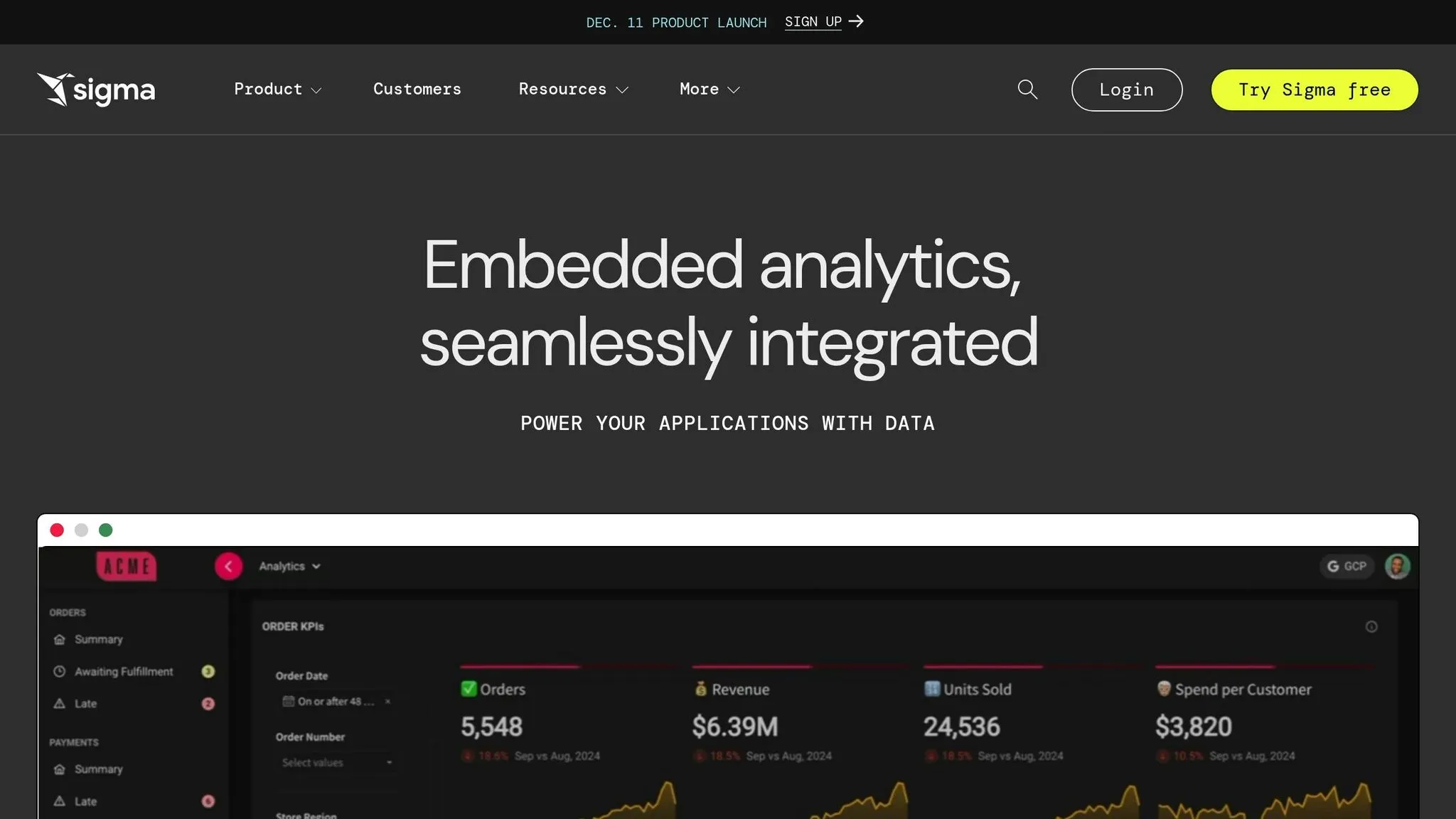
Sigma has carved out a distinct niche in the embedded analytics world with its spreadsheet-style interface tailored for cloud data warehouses. The platform stands out by automatically generating SQL queries as users interact with its familiar, spreadsheet-like tools. This means users don’t need to learn SQL or other complex query languages. Business analysts, operations managers, and department heads can create custom reports and visualizations on their own, cutting down bottlenecks and speeding up decision-making. This design bridges the gap between powerful analytics and user-friendly functionality.
Data Integration
Sigma focuses on seamless connections to cloud data warehouses, with particularly strong integration for Snowflake. It directly queries live data from the warehouse, managing joins, pivots, and custom logic as needed. This ensures users are working with real-time data, not outdated cached versions.
However, there are some trade-offs. Sigma doesn’t handle data management or preparation natively. Teams need to rely on external tools or the data warehouse itself for ETL (Extract, Transform, Load) processes. Another drawback is the potential for higher operational costs - direct querying can lead to increased Snowflake expenses, especially with heavy or concurrent usage.
There’s also a challenge in multi-tenant security architecture. For organizations that need strict data segregation or are embedding analytics into applications for multiple clients, Sigma’s current setup might not fully meet their needs.
Developer Tools
When it comes to developer access, Sigma’s pricing is a key factor. It costs $1,000 per dashboard creator, with additional charges for viewers. This pricing structure requires careful planning to manage costs while ensuring users have the right access levels. While it emphasizes empowering creators, teams must weigh these costs against their operational needs.
2. Qlik
Qlik offers a robust embedded BI platform, building on decades of expertise in business intelligence. With a strong focus on AI-driven features, Qlik allows users to go beyond straightforward reporting, incorporating predictive and conversational analytics. While its interface might feel a bit outdated compared to newer designs, the platform's powerful functionality and advanced AI tools make it a compelling choice for businesses aiming to integrate sophisticated analytics into their applications.
Gartner Peer Insights Rating
Qlik garners positive feedback on Gartner Peer Insights, with users frequently highlighting its analytical power and flexibility. However, some reviews mention a steep learning curve, especially in scripting and data modeling, which can be challenging for new users. There are also concerns about scaling costs for multiple concurrent users. Additionally, opinions on the user interface are mixed, with some finding it less suited for customer-facing integrations due to its dated appearance.
AI Capabilities
Qlik uses AI to enhance decision-making, offering predictive insights and natural language query capabilities. Its conversational analytics allow users to generate visual outputs - like charts or tables - simply by typing a query in natural language. Predictive modeling features also help businesses forecast trends, shifting the focus from reactive reporting to proactive planning.
Data Integration
Qlik's associative engine simplifies data integration by automatically identifying relationships across diverse data sources, eliminating the need for predefined joins. This approach enables users to uncover unexpected connections between datasets. The platform supports integration with traditional databases, cloud warehouses, and SaaS applications. However, data preparation relies on Qlik's scripting environment, which ensures quality but requires specialized skills, potentially slowing down deployment.
Developer Tools
Qlik provides a comprehensive set of APIs and SDKs for embedding analytics into external applications. Developers can incorporate interactive dashboards, charts, and natural language query tools while maintaining a seamless look and feel with the host application. That said, the platform's complexity and reliance on its unique scripting language can extend implementation timelines. Additionally, businesses need to carefully assess licensing costs, particularly when scaling to a large user base or heavily customizing the analytics environment.
sbb-itb-284a532
3. Querio
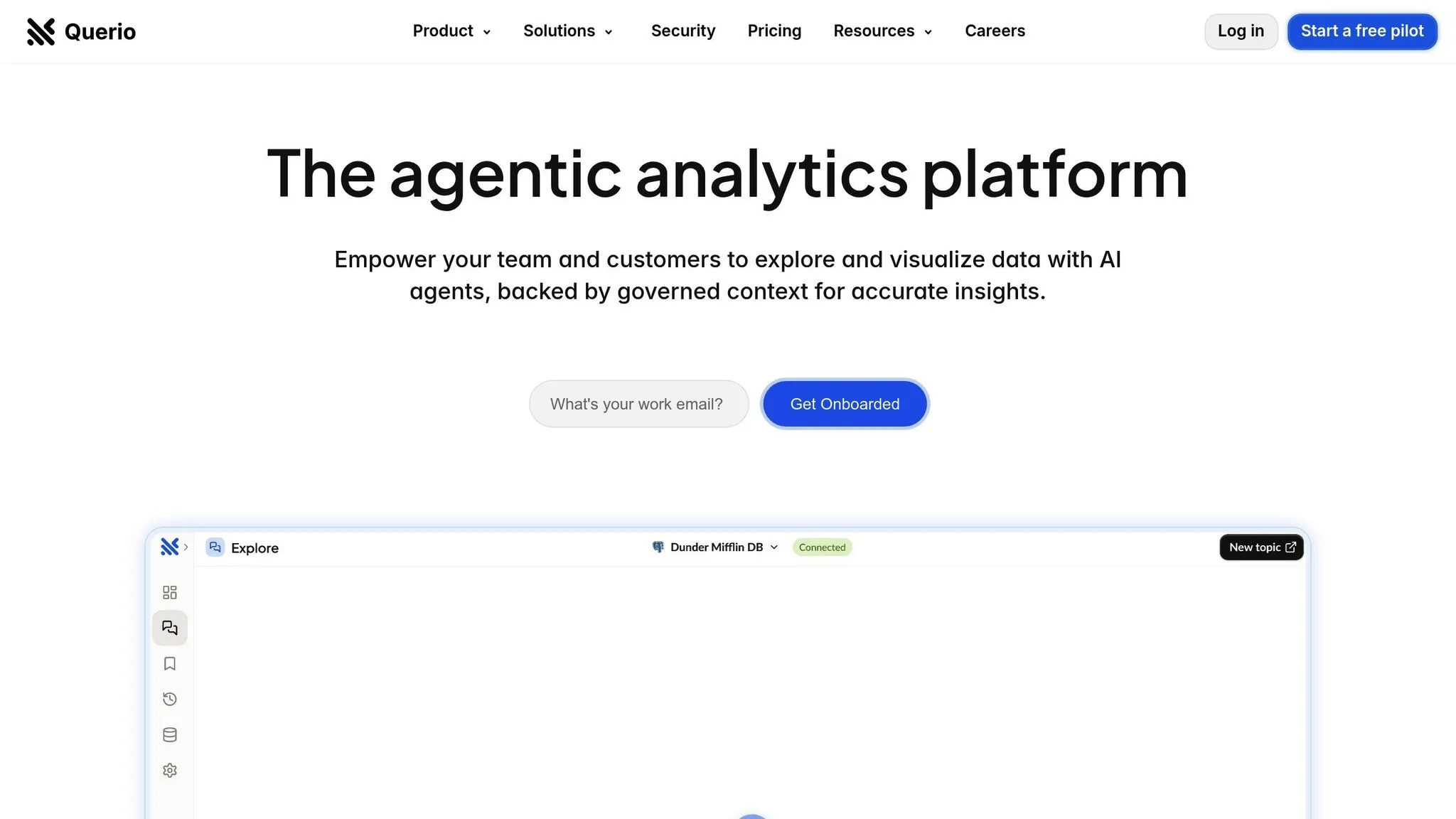
Querio takes embedded analytics to the next level by combining AI-powered simplicity with seamless integration. Designed as an AI-native platform, Querio allows users to query live warehouse data using natural language 'text to SQL' and instantly receive accurate, visually appealing charts. It connects directly to popular data warehouses like Snowflake, BigQuery, and Postgres using encrypted, read-only credentials, ensuring your data remains secure without creating unnecessary duplicates.
Gartner Peer Insights Rating
As a newer player on Gartner Peer Insights, Querio focuses on making analytics accessible through AI-driven tools, reducing the need for specialized data analysts. Businesses curious about its capabilities can explore product demos or pilot programs to see how it fits their unique requirements.
AI Capabilities
Querio stands out with its natural-language querying feature, which lets users generate insights without needing to know SQL or Python. For those who prefer deeper analysis, it also offers a custom Python notebook. This notebook provides a flexible space for SQL and Python-based analysis, all built on a governed data layer. Data teams can define essential elements like table relationships, business metrics, and glossary terms to ensure consistent and accurate reporting.
Data Integration
Querio connects directly to Snowflake, BigQuery, and Postgres, ensuring real-time access to data. These connections are encrypted and use read-only credentials, preserving both security and data integrity.
Developer Tools
Querio makes it easy for businesses to embed AI-driven analytics directly into their applications. It offers drag-and-drop dashboard builders for tracking KPIs and presenting data-driven stories, along with scheduled reporting features to keep stakeholders in the loop. With unlimited-viewer pricing, SOC 2 Type II compliance, a 99.9% uptime SLA, and a money-back guarantee, Querio delivers a reliable, cost-effective AI platform for embedded analytics tailored for modern businesses.
Platform Comparison: Strengths and Weaknesses
Here's a concise breakdown of the key takeaways from our platform reviews. Each platform brings its own strengths and challenges, and understanding these can help you choose the tool that best suits your business needs.
Sigma stands out for teams already familiar with spreadsheets. Its interface feels natural to those who work with formulas and pivot tables, making it an easy transition for analysts. It's a solid choice for mid-to-large enterprises looking to grant broader data access without requiring everyone to learn SQL. However, its spreadsheet-first design may limit advanced visualizations and embedding capabilities for customer-facing use. Additionally, its per-user pricing can become expensive as your team grows.
Qlik excels in enabling deep, exploratory analysis across complex data sets. Its associative analytics allow users to uncover data relationships without needing predefined queries, making it a great fit for large organizations with robust data needs. It handles large data volumes effectively and includes strong governance tools, which are essential for enterprises with strict compliance requirements. However, its powerful features come with a steep learning curve, requiring dedicated training that might be challenging for smaller teams.
Querio simplifies analytics with its AI-powered natural-language querying, making it accessible to anyone, from finance to product teams. Users can ask questions in plain English and receive instant visual answers, reducing the reliance on specialized analysts for routine queries. It connects directly to data warehouses like Snowflake, BigQuery, and Postgres without duplicating data, ensuring security and simplifying architecture. Querio's unlimited-viewer pricing model is ideal for businesses looking to scale analytics access affordably. For deeper analysis, the platform includes a Python notebook, while its drag-and-drop dashboard builder and SOC 2 Type II compliance make it a strong choice for embedding analytics into applications.
| Criteria | Sigma | Qlik | Querio |
|---|---|---|---|
| Best For | Teams comfortable with spreadsheets; departmental analytics | Large enterprises needing deep exploratory analysis | Businesses seeking AI-driven simplicity; embedded use cases |
| AI Capabilities | Limited natural-language features | AI-assisted insights within associative engine | Native AI querying in plain English; AI-powered Python notebooks |
| Data Connectivity | Cloud data warehouses; some ETL required | Broad connector library; handles complex integrations | Secure direct connections to Snowflake, BigQuery, Postgres |
| Developer Support | API access; embedding options available | Extensive APIs; mashup editor for custom apps | Drag-and-drop dashboards; embedded analytics tools; Python notebooks |
| Pricing Model | Per-user licensing | Per-user or capacity-based | Unlimited viewers; tiered power-user features |
| Learning Curve | Low for spreadsheet users | Steep; requires training | Minimal; plain-English interface |
| Governance | Role-based access; data modeling | Enterprise-grade security and governance | Semantic layer with business definitions; SOC 2 Type II |
Choosing the right platform comes down to your specific needs. If your team already thrives in Excel-like environments and you need quick internal reporting, Sigma is a natural fit. For large enterprises managing intricate data relationships with dedicated BI resources, Qlik offers unmatched depth. On the other hand, if you’re looking to scale analytics access, reduce dependency on analysts, or embed analytics into your products using modern platforms, Querio provides a modern, AI-driven solution that balances simplicity with technical flexibility.
Think about your team’s technical expertise, the complexity of your data environment, and whether your focus is on internal reporting or external-facing analytics. The platform that aligns with your current workflow and future goals will provide the best results.
Conclusion
Choosing the right embedded analytics platform in 2026 comes down to aligning a tool's capabilities with your organization's specific needs and goals.
Here's a quick summary of the platforms we've reviewed:
-
Sigma: Ideal for teams that are comfortable with spreadsheet-style tools. If your analysts and business users prefer Excel-like interfaces and minimal SQL involvement, Sigma provides a familiar and user-friendly experience.
-
Qlik: A strong choice for large enterprises managing intricate data ecosystems. Its associative analytics engine excels at uncovering hidden data relationships, making it a great fit for organizations with dedicated BI teams, heavy data volumes, and strict compliance requirements. While it requires investment in training and setup, the payoff can be substantial for businesses with complex needs.
-
Querio: Designed for accessibility and scalability, Querio leverages AI-driven analytics with a natural-language interface, removing technical barriers for non-specialists. It’s particularly suited for businesses embedding analytics into customer-facing applications or those aiming to reduce reliance on dedicated data teams. Features like unlimited viewer users, direct data warehouse connections, SOC 2 Type II compliance, and integrated Python support make it flexible and cost-effective.
When deciding, consider your team's technical expertise, the scale of users you need to support, and whether your focus is on internal reporting or embedding analytics into products. For organizations with limited technical resources, platforms that simplify the learning curve and reduce reliance on specialized staff are invaluable. On the other hand, businesses serving large user bases should prioritize pricing models that remain viable as they scale. If embedding analytics is a priority, look for platforms with strong security, seamless data integration, and embedded analytics architecture.
FAQs
::: faq
How does Querio stand out in AI capabilities and data integration for embedded analytics?
Querio is built to offer AI-powered insights and smooth data integration, making it a strong contender for embedded analytics. Its AI features are centered on delivering actionable predictions, enabling natural language queries, and automating reports - all aimed at simplifying decision-making.
On the data integration front, Querio works with a variety of data sources, ensuring it fits seamlessly with your current systems. Thanks to its user-friendly setup and reliable APIs, connecting and managing data becomes a hassle-free process, allowing businesses to uncover insights more quickly and effectively. :::
::: faq
How does Querio's natural-language querying make analytics easier for non-technical users?
Querio simplifies analytics with its natural-language querying feature, letting users ask questions in plain English - no technical know-how required. For example, you can type something like "What were our sales last quarter?" and instantly get results presented as charts, summaries, or insights, all within your SaaS application.
By removing the complexity of traditional analytics tools, Querio helps teams make quicker, smarter, and more confident data-driven decisions. :::
::: faq
What should businesses look for in an embedded analytics platform to scale access and integrate analytics into their applications?
When selecting an embedded analytics platform, prioritize tools that are simple to integrate into your existing applications. Look for options that provide APIs or SDKs, making the implementation process smooth and efficient. It's also important that the platform supports customization and white-labeling, so you can align it perfectly with your brand’s identity.
Security should be a top priority. Features like encryption, role-based access control, and data masking are essential, especially if your platform caters to multiple tenants. The platform should also be compatible with a variety of data sources - whether it's SQL, NoSQL, cloud-based systems, or real-time data streams. Additionally, ensure it can handle high-performance demands, including managing a large number of concurrent users.
Lastly, think about the total cost of ownership. This includes not just the upfront costs but also expenses related to setup and ongoing maintenance. A platform with robust support and comprehensive documentation can make adoption much smoother and save you time and resources in the long run. :::