Business Intelligence
Top 8 Lightdash Alternatives for dbt Teams
No single BI tool fits every dbt team—choose based on notebooks vs dashboards, governance, self-serve, and implementation effort.

If Lightdash feels too narrow for your dbt setup, I’d shortlist 8 tools: Querio, Omni, Hex, Mode, Evidence, Sigma, Preset, and Looker. The choice comes down to 5 plain questions: Do you want notebooks or dashboards? Do you need a semantic or metrics layer? How strict does governance need to be? Can non-technical users self-serve? How much setup can your team handle?
Here’s the short version:
- Querio: best when I want governed, warehouse-native analysis with Git next to dbt
- Omni: best for governed dashboards on top of dbt models
- Hex: best for SQL + Python notebook work
- Mode: best for analyst-led SQL reporting without a heavy metrics layer
- Evidence: best for code-based, curated reporting
- Sigma: best for spreadsheet-style self-serve
- Preset: best for embedded analytics on Superset
- Looker: best for large teams that want a central modeling layer, even with extra setup
This comparison focuses on dbt teams using Snowflake, BigQuery, Redshift, or Postgres. I’m looking at dbt fit, semantic layer support, governance, self-serve use, AI help, and implementation work.
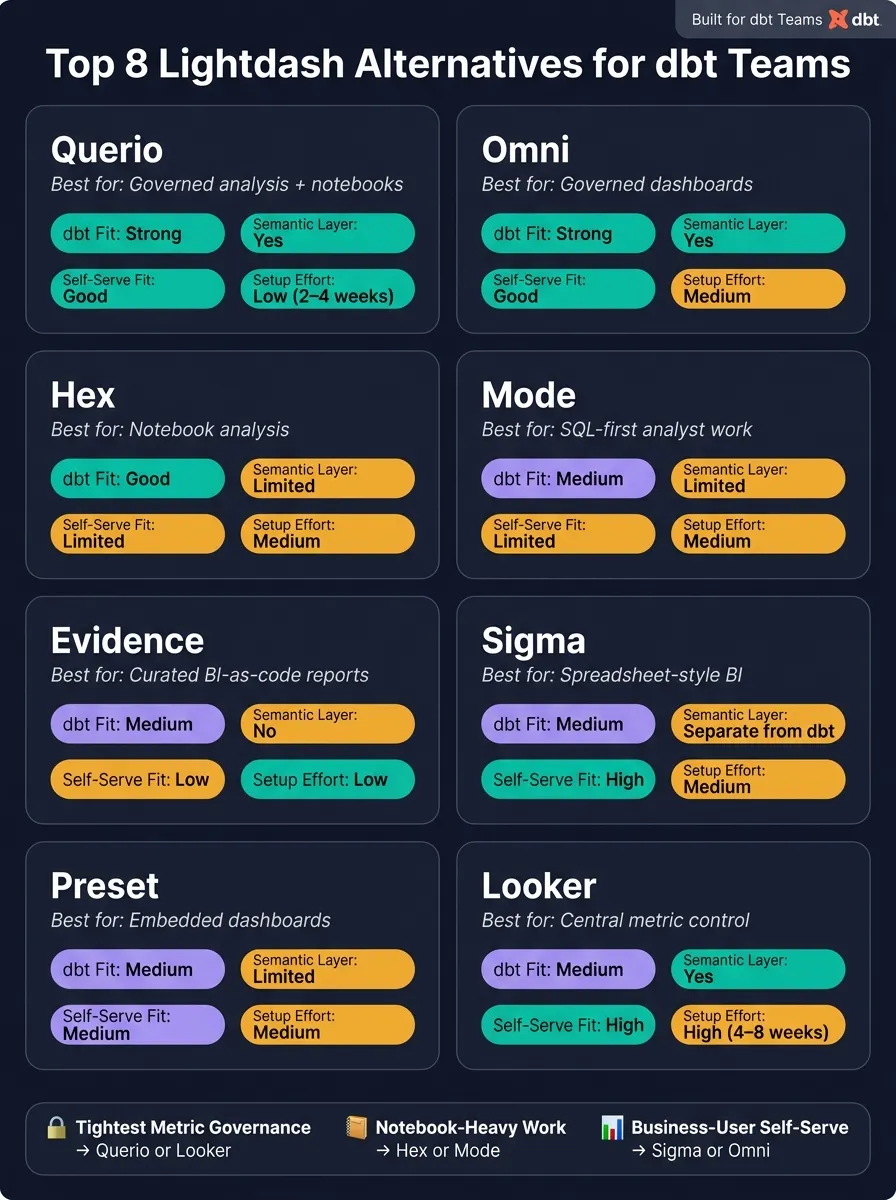
Quick Comparison
| Tool | Best for | dbt fit | Semantic layer | Self-serve fit | Setup |
|---|---|---|---|---|---|
| Querio | Governed analysis + notebooks | Strong | Yes | Good | Low |
| Omni | Governed dashboards | Strong | Yes | Good | Medium |
| Hex | Notebook analysis | Good | Limited | Limited | Medium |
| Mode | SQL-first analyst work | Medium | Limited | Limited | Medium |
| Evidence | Curated BI-as-code reports | Medium | No | Low | Low |
| Sigma | Spreadsheet-style BI | Medium | Separate from dbt | High | Medium |
| Preset | Embedded dashboards | Medium | Limited | Medium | Medium |
| Looker | Central metric control | Medium | Yes | High | High |
One difference stands out. Querio reads your dbt and MetricFlow definitions as they are. Some tools sit close to dbt, while others add a second modeling system your team has to maintain.
If you want the simple takeaway, it’s this: pick Querio or Looker for tighter metric control, Hex or Mode for notebook-heavy work, Sigma for business-user self-serve, and Preset for embedding.
1. Querio
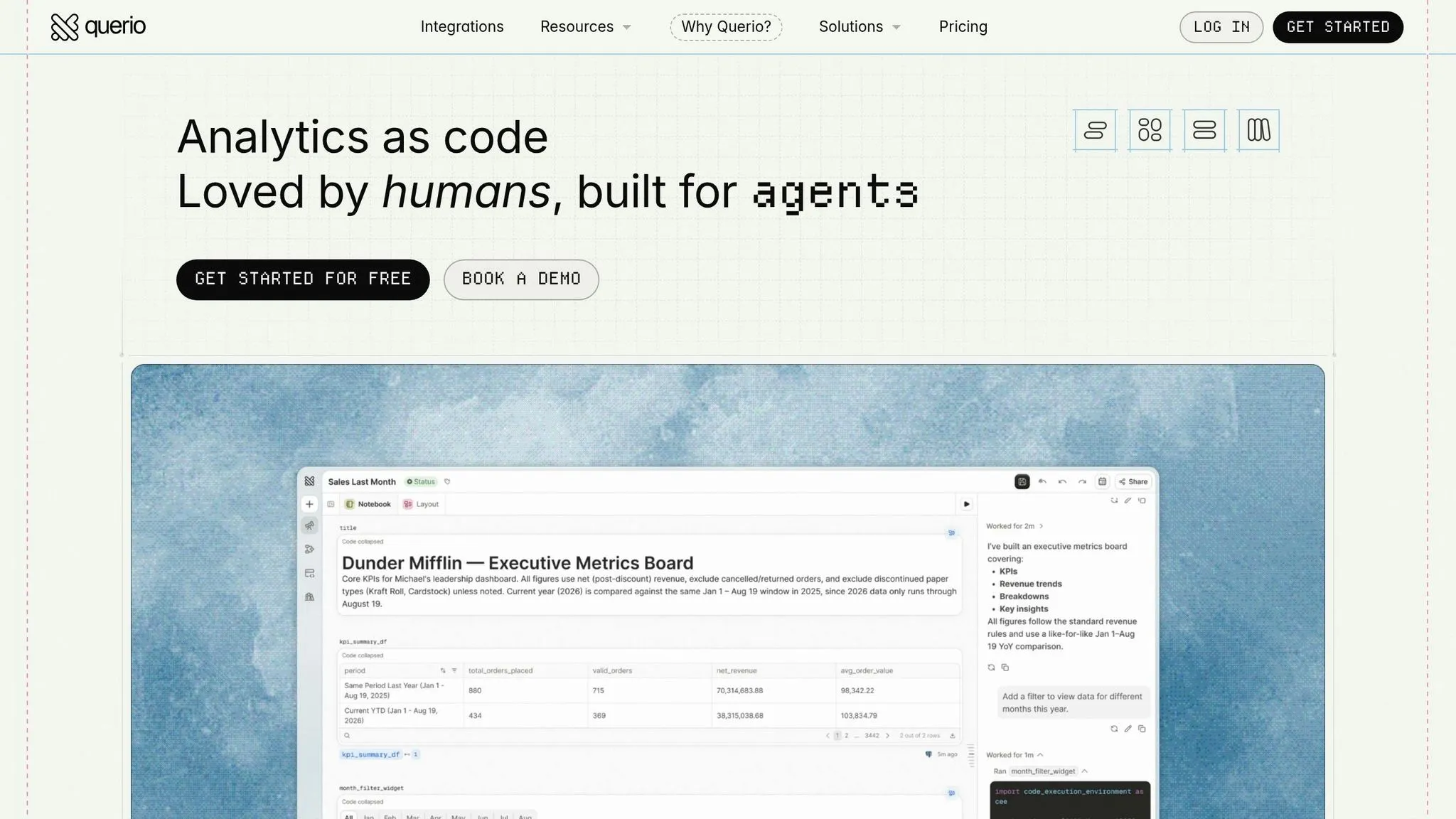
Querio is git-native analytics for data teams and their AI agents. For dbt teams, it works on live data in Snowflake, BigQuery, Redshift, or Postgres without moving it out.
That’s the big idea.
It queries each warehouse live, with no extracts and no copied data. Every answer is tied back to inspectable SQL or Python inside a reactive notebook. So if your team wants governed analysis without pulling data out of the warehouse, Querio fits that setup well.
dbt Integration and Semantic Layer
Querio reads dbt's semantic_manifest.json, so your MetricFlow metrics are defined once in dbt and Querio uses them, with no second copy. Its context, saved queries, and dashboards are plain files in a git repo your team owns, and they can live in the same repo as your dbt project.
That matters because it keeps your dbt models and analytics context in the same place instead of letting them drift over time. A model change and the context that describes it go in one pull request, and in CI, renaming a dbt model flags every dashboard, query, and context file that uses it. The same definitions power answers in the app, Slack, and dashboards, and Claude, ChatGPT, Claude Code, and Cursor use them too through Querio's MCP server and CLI. In plain English: teams aren’t answering the same business question three different ways.
Governance
Roles control who sees what, and an agent sees only what its user sees. Saving context or promoting a dashboard opens a pull request under your repo's own reviewers.
Querio also lets teams tag dashboards by trust level:
- Trusted
- Experimental
- Team-specific
That gives people a clear read on what’s production-ready and what’s still being tested or used for internal work.
Workflow Fit for dbt Teams
For daily work, the main upside is fewer handoffs between analysis, dashboards, and stakeholder requests.
For analysts, the reactive notebook is the main workspace. It includes connected cells, charts that update when SQL changes, and full Python support. For non-technical stakeholders, questions can be asked in plain English in the app or Slack, and Querio's agent answers in a notebook analysts can open, check, and rerun. Every query and agent action is logged.
Teams can also set up automations that run a prompt or SQL on a schedule and send findings to Slack or email before anyone even logs in.
Implementation is lighter, too, because Querio sits directly on top of your current dbt project and warehouse instead of adding a second modeling layer.
2. Omni
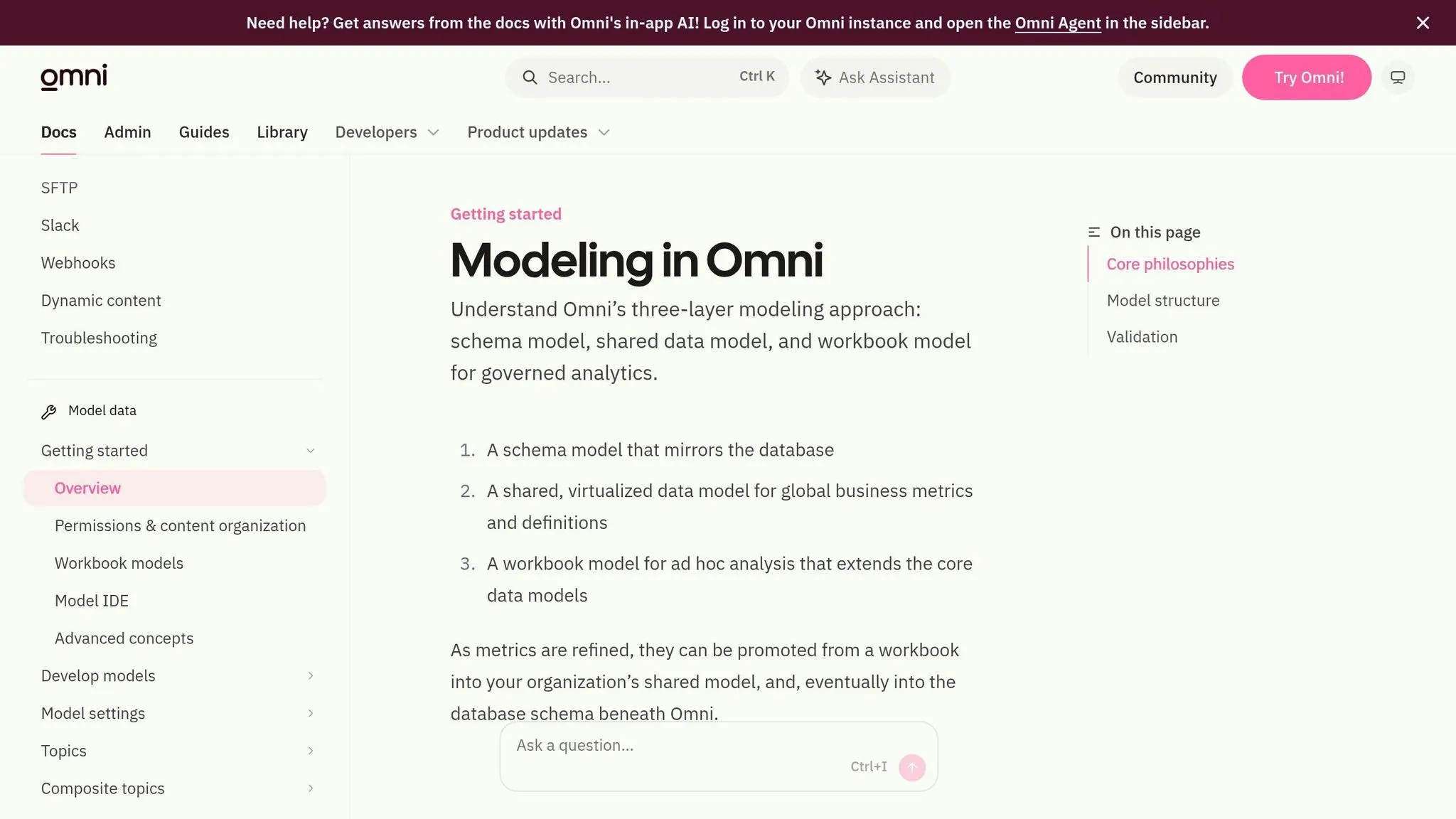
For teams that care more about governed dashboards than notebook-style analysis, Omni sits in a nice middle ground. It adds a shared modeling layer on top of dbt, which makes it a strong fit for dbt teams that want self-serve dashboards with tighter control and a shared semantic layer over warehouse data.
dbt Integration and Semantic Layer
Omni uses dbt models as the starting point for its semantic layer. In plain English, dbt handles the transformation logic, and Omni adds metric definitions and business definitions on top.
That setup lets teams on Snowflake, BigQuery, or Redshift reuse the dbt work they already have instead of rebuilding everything from scratch. If your team has already put time into dbt, that matters a lot.
Governance Model
Access control and metric definitions live inside Omni’s shared model. That means one governed metric definition can keep numbers aligned across users.
Put simply: fewer version-of-the-truth problems.
Workflow Fit for dbt Teams
This setup works best when the team can own the semantic layer as part of its analytics workflow. Omni is a good match for teams that want polished, governed dashboards and are able to maintain a separate semantic layer.
The tradeoff for analytics leaders and analytics engineers is pretty straightforward: you get to reuse your dbt work, but you also take on a second modeling layer that has to stay in sync over time. Teams that have the bandwidth to manage that layer can get steady, dashboard-led metric governance. Smaller teams may feel that extra lift more sharply.
3. Hex
Hex is notebook-first, not dashboard-first. SQL, Python, and charts all live in the same workspace, which makes it feel more like an analysis environment than a standard BI tool.
dbt Integration and Semantic Layer
Hex can import dbt models and metrics, but dbt isn't required. Teams can also write raw SQL right inside notebooks. That makes Hex a solid match for dbt teams that care more about analysis and storytelling than tightly controlled self-serve BI.
Governance Model
That flexibility helps analysts move fast. But there's a tradeoff: the team takes on more responsibility for keeping things consistent. Hex uses project-level access controls and warehouse permissions, but it does not centralize metric governance. In practice, notebook flexibility is great for ad hoc analysis, but it doesn't replace a centralized semantic layer.
Workflow Fit for dbt Teams
Hex works best when your team's main output is analysis and storytelling. Think ad hoc analysis deep dives, research-style reports, or work that needs SQL and Python in the same document.
It's a weaker fit for non-technical self-serve use, because notebooks still assume some comfort with code.
If your team wants a more dashboard-led workflow with shared reporting, Mode is the next tool to compare.
4. Mode
If your team wants shared notebooks but isn't ready to move into a full governed semantic layer, Mode is a solid next tool to look at.
Mode is a good fit for SQL-first analysts who rely on shared notebooks for internal analysis. It shines in analyst-led workflows, but it's not the best match for broad self-serve use across a company.
dbt Integration and Semantic Layer
Mode connects to Snowflake, BigQuery, Redshift, and Postgres and can work alongside dbt. That said, Mode isn't built around dbt models.
Its Definitions feature helps teams document metrics and share query logic. But it doesn't replace a centralized semantic layer. So if your dbt YAML already defines your metrics, you'll need to keep Mode's definitions synced by hand. And yes, that can turn into extra maintenance work fast.
Governance Model
For dbt teams, the big question is simple: Are you okay with manual metric maintenance?
Metric definitions in Mode aren't centrally governed. That matters most when non-technical stakeholders need the same numbers across the organization. If one team pulls a metric one way and another team defines it a bit differently, things can get messy.
Workflow Fit for dbt Teams
Mode works well when analysts own the workflow and spend most of their time in SQL. That's where it feels natural.
The downside is self-serve adoption tends to be limited. New questions usually need SQL skills, which means analysts can get pulled into a steady stream of ad hoc requests and query debugging. For dbt teams that need governed self-serve for non-technical stakeholders, that's the main drawback.
5. Evidence
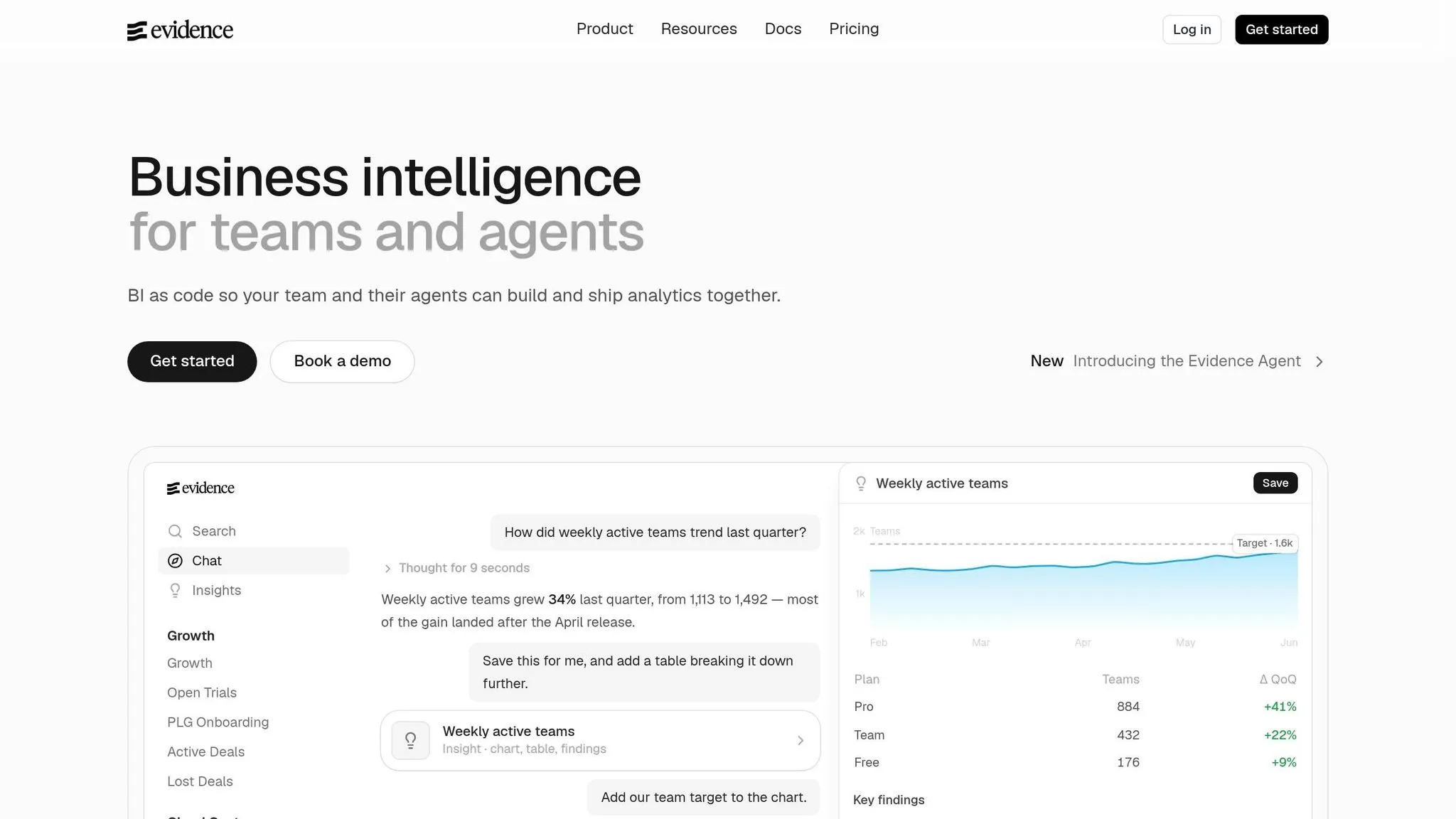
If your team wants BI-as-code for curated, narrative reporting, Evidence is a strong fit.
For dbt teams, that means you can publish curated reports straight from warehouse data, with analysts owning the report logic in SQL and Markdown. That setup works well when the goal is controlled, code-based reporting instead of a shared BI workspace.
Evidence is at its best for curated reporting. It’s a less ideal pick for broad self-serve analytics, where lots of people need to poke around data on their own.
Workflow Fit for dbt Teams
For dbt teams, Evidence works best for curated stakeholder reporting when analysts want to own the logic in SQL and Markdown.
If your team needs governed self-serve dashboards instead of code-authored reports, Sigma is the next tool to compare.
6. Sigma
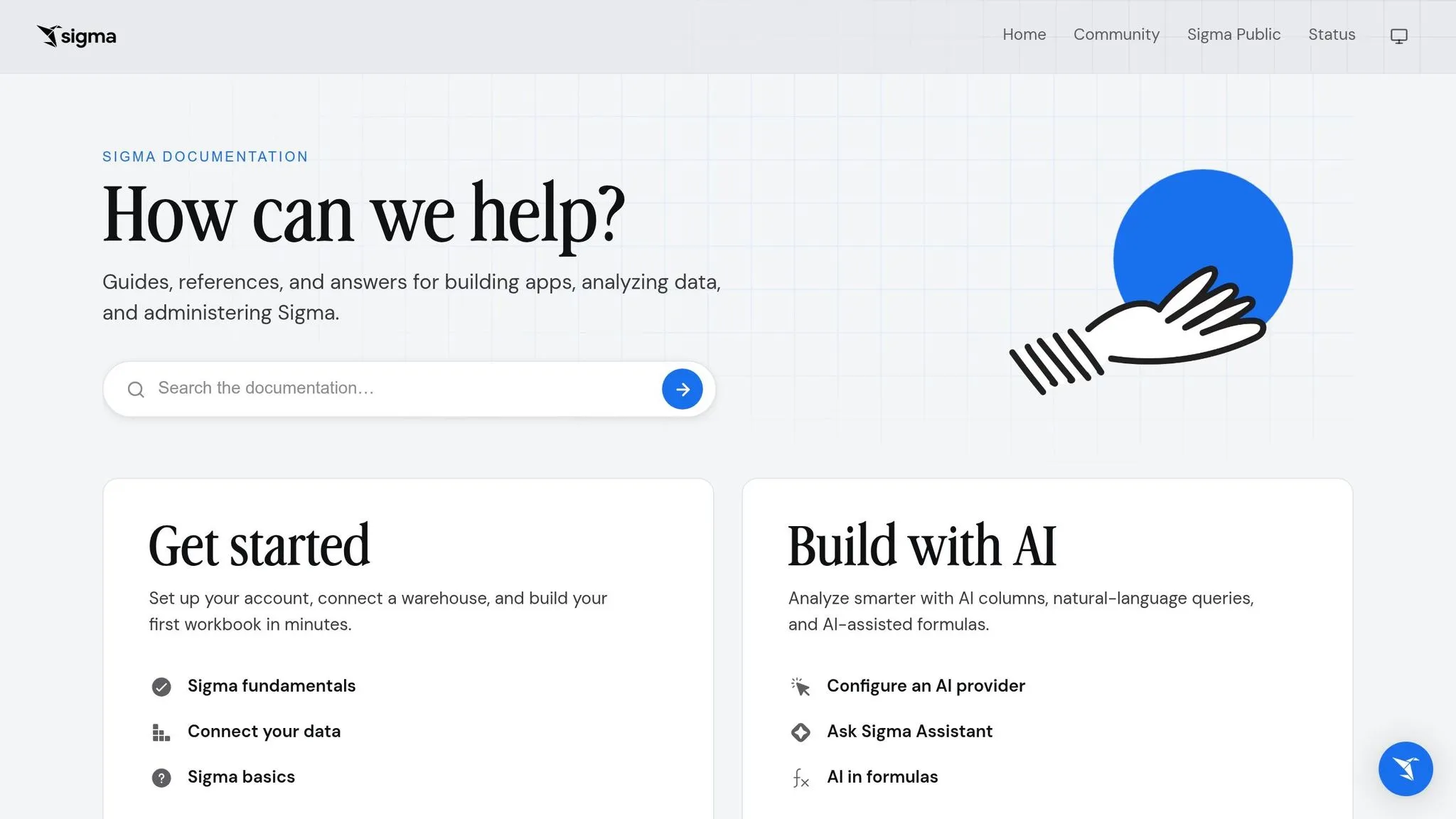
If your team needs self-serve dashboards instead of hand-built reports, Sigma is a strong option to look at next.
Sigma works well for dbt teams that want governed self-serve dashboards in a spreadsheet-style interface. It runs straight on your warehouse, so business users can dig into live data without exporting files first. That’s the big draw.
The tradeoff is pretty simple: Sigma makes self-serve easier for non-technical users, but dbt-native governance still needs extra work inside Sigma.
dbt Integration and Governance
Sigma sits on top of the marts your dbt team has already built. It doesn’t natively pull in dbt metadata, so metric names, definitions, and structure still need to be managed inside Sigma itself.
Its governance model also lives in Sigma’s own dataset structure. That can be a good fit for controlled self-serve access, especially if you want clear guardrails for business users. But it also means that setup stays separate from your dbt definitions.
For teams already standardizing metrics in dbt, that usually means keeping some governance ideas in both places. In practice, you’re managing part of the logic in dbt and part of it in Sigma.
Workflow Fit for dbt Teams
Sigma is a good fit when broad stakeholder access matters more than tight alignment with dbt governance. Setup is mostly about configuration and modeling, not moving data around.
If your team wants dashboards that are more embedded into downstream delivery, Preset is often the next tool people compare.
7. Preset
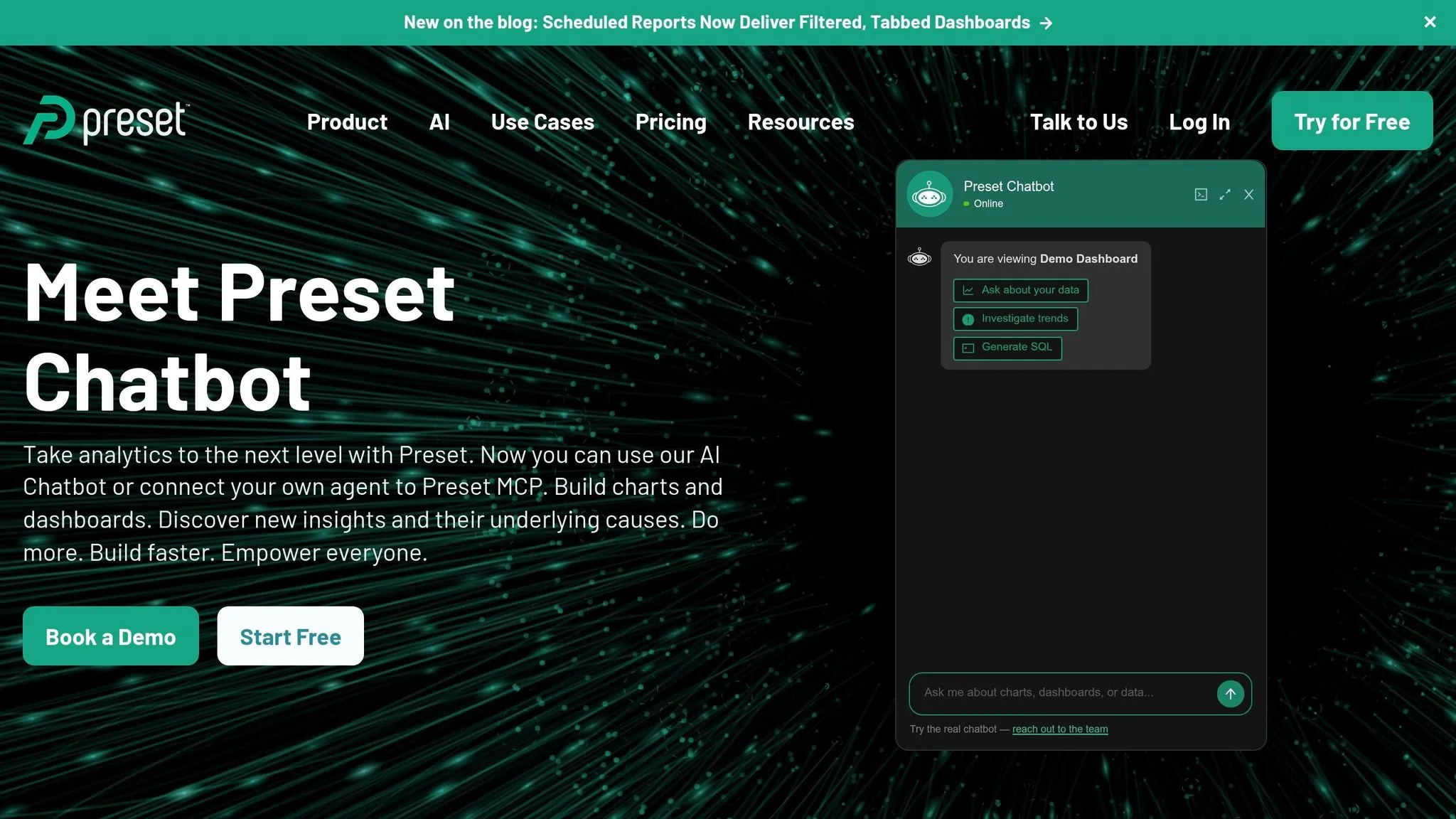
Preset is a good match for dbt teams that want the flexibility of Apache Superset for embedded analytics. It makes the most sense when delivery and embedding matter more than central metric control.
dbt Integration and Governance
Preset runs on Apache Superset, so dbt teams can use it to deliver dashboards in flexible ways and embed them into products. But it doesn't put metric governance front and center the way a dedicated semantic layer does.
In setups where Preset works best, embedding and dashboard flexibility matter more than having one central place to control metrics. That usually means your dbt models already handle the core business logic, and Preset acts as the presentation layer on top.
Workflow Fit for dbt Teams
Preset is a strong choice when embedded analytics tools are the main goal, like putting dashboards inside a SaaS product or an internal portal. That's where it tends to shine.
The tradeoff is that it's not as strong for non-technical self-serve or for teams that want one central metric layer. If governed metrics matter more than embedding flexibility, Looker is the next tool to compare.
8. Looker
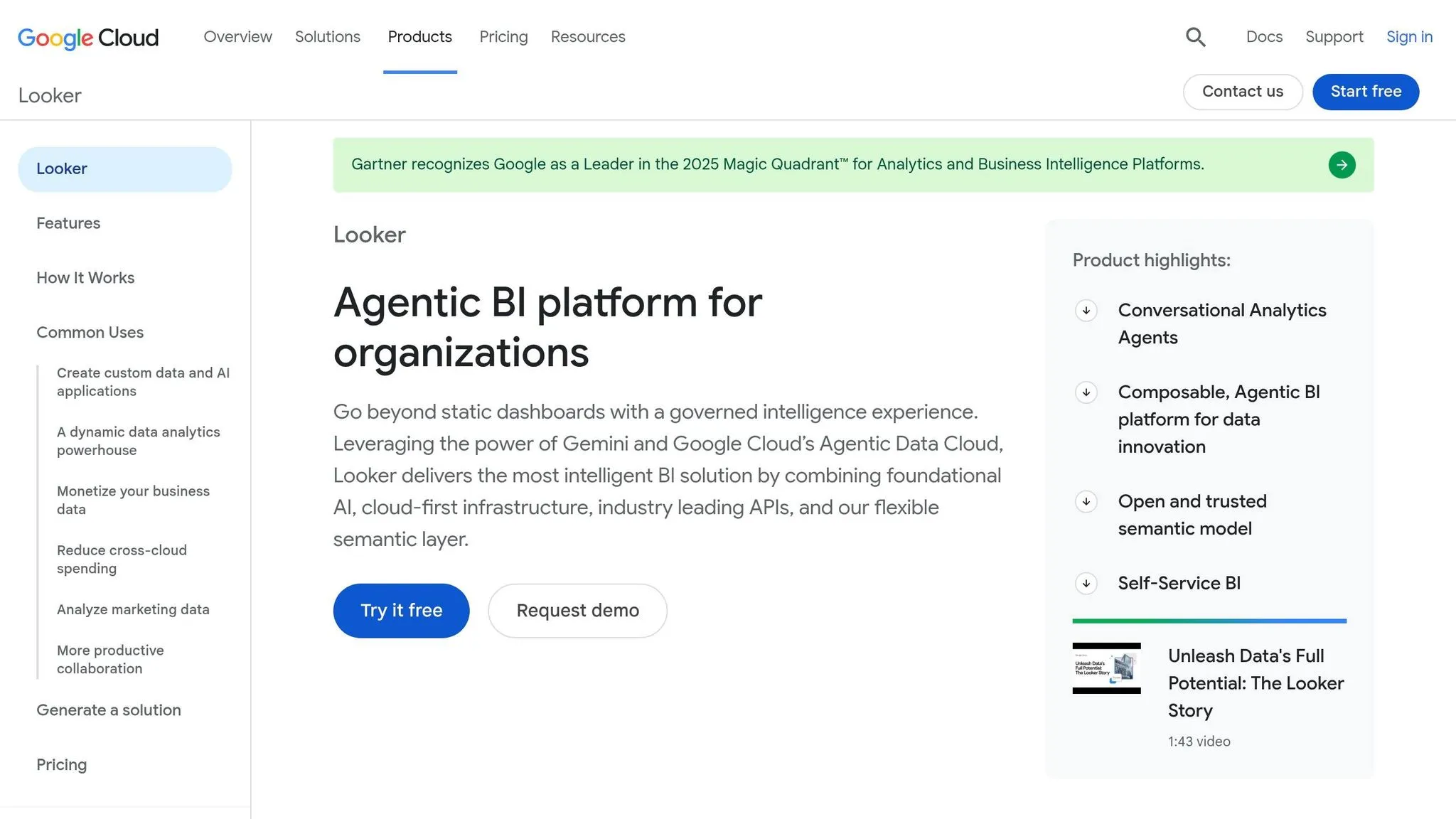
Looker runs on LookML, a Git-versioned modeling layer used to define dimensions, measures, and relationships on top of your warehouse. The catch is simple: you get control, but you also take on more modeling work.
dbt Integration and Governance
Looker connects live to BigQuery, Snowflake, Redshift, and Databricks, which means it queries your warehouse directly instead of depending on extracts.
If your team already defines business logic in dbt with SQL and YAML, Looker often means rebuilding part of that same logic in LookML. In practice, that leaves teams managing two modeling layers, which adds overhead [1].
Workflow Fit for dbt Teams
Here’s the quick read:
| Factor | Looker |
|---|---|
| Modeling language | Proprietary LookML alongside dbt models |
| Governance | Centralized, high-control semantic layer |
| Implementation effort | High - requires LookML expertise |
| Self-serve experience | Drag-and-drop for business users |
| Best fit | Large enterprises; Google Cloud / BigQuery users |
| AI support | Google Gemini, LookML Assistant |
Looker tends to make the most sense when your dbt project is already mature and centralized governance matters more than the added LookML upkeep. It also lines up well for teams already deep in Google Cloud, where Gemini support may help.
The pros and cons table below lays out those tradeoffs more clearly.
Pros and Cons by Platform
No tool wins across the board. This table gives you a side-by-side look at governance, workflow, and setup effort.
| Platform | Key Advantages | Real Tradeoffs | Setup Overhead |
|---|---|---|---|
| Querio | Context and dashboards as files in a git repo beside dbt; changes go through pull requests; reactive notebooks; MCP server and CLI for agents; live warehouse connections | Requires a modern warehouse; not a spreadsheet-style BI replacement | Low: reads dbt and MetricFlow definitions as they are [1] |
| Omni | Uses dbt models as the semantic base; warehouse-native queries; AI grounded in governed definitions | Needs a stable, mature data model before it shines | Moderate |
| Hex | Notebook-first analysis; strong analyst experience; unlimited viewers on paid plans [2] | Best suited to analysts rather than broad business-user self-serve | Moderate |
| Mode | Shared notebooks for SQL-led analysis; connects to the dbt Semantic Layer; Mode Assist AI | Primarily analyst-facing; non-technical users usually rely on analysts for new questions | Moderate |
| Evidence | BI-as-code for curated reporting; SQL and Markdown owned by analysts; no separate BI workspace needed | Not built for broad self-serve; requires code authorship for every report | Low |
| Sigma | Spreadsheet-style interface; warehouse-native; user-attribute row-level security | Less focused on AI-native agent workflows; formula-based rather than conversational | Moderate |
| Preset | Flexible embedded analytics on Apache Superset; strong dashboard delivery | Not built for centralized metric governance or non-technical self-serve | Moderate |
| Looker | Centralized LookML governance; warehouse-native queries; Google Gemini AI support | Teams already modeling in dbt may end up maintaining LookML alongside it | High |
The biggest divide comes down to how each platform works day to day: notebook-first analysis, dashboard-first self-serve, or governed semantic-layer BI.
Looker puts governance in LookML. Querio keeps metric context in a git repo right beside dbt. Hex and Mode lean notebook-first. Looker and Sigma lean dashboard-first. Different surface area, same core rule: they all depend on governed definitions.
That split makes the shortlist a lot easier to narrow. The next section matches each tool to the team it fits best.
Which Tool Fits Your dbt Team?
Use this table to match each dbt team need to the simplest fit.
| Use Case | Best-Fit Tool | Key Reason |
|---|---|---|
| Metric governance | Querio or Looker | Querio uses your dbt metrics and keeps context in a git repo, with changes reviewed as pull requests; Looker centralizes governance in LookML. |
| Notebook-driven analysis | Hex or Mode | SQL-and-Python notebook workflows. |
| AI-assisted querying | Querio | Plain-English questions get answers in inspectable SQL and Python, in the app, Slack, or agents like Claude through MCP. |
| Embedded analytics | Querio or Looker | Querio's embedded add-on offers white label, iFrame embedding, and row-level security; Looker has a mature embed ecosystem. When scaling, choosing the right embedded analytics architecture becomes critical for performance. |
| Spreadsheet-style self-serve | Sigma or Omni | Spreadsheet-style self-serve analytics tools. |
| Apache Superset-based deployment | Preset | Built on Apache Superset. |
| Enterprise metric governance | Looker | LookML centralizes metric governance. |
If the use case still feels fuzzy, look at three operating signals instead. It may be time to move past Lightdash when non-technical users need answers without filing tickets, when AI needs to work like a chat tool, or when key data lives outside dbt models [1].
Lightdash is a strong match for small, technical teams that want BI to track Git PRs and dbt models closely [1].
FAQs
How do I choose between notebooks and dashboards?
Choose notebooks for iterative exploration when you need to refine assumptions and inspect or adjust the underlying SQL/Python as you work.
Choose dashboards for consistent, repeatable communication with stakeholders. Notebooks help analysts zero in on answers; dashboards standardize and share the final KPI view.
When does a semantic layer matter for a dbt team?
A semantic layer matters when a metric needs to mean the same thing everywhere: dashboards, notebooks, embedded analytics, and AI-generated queries. Without that shared logic, teams often end up with metric drift caused by ad hoc SQL joins, one-off filters, and slightly different calculations.
This gets even more important when multiple teams - and non-technical users too - depend on shared KPIs like Revenue, MRR, churn, or active users. If those people are pulling from live warehouses like Snowflake, BigQuery, and Redshift, they need governed, consistent results instead of a pile of conflicting numbers.
Which option is easiest for non-technical users?
ThoughtSpot is the easiest pick for non-technical users because it’s search-first. People can type plain-English questions and get fast, governed answers straight from the live warehouse.