Business Intelligence
Top 10 embedded analytics platforms
Compare 10 embedded analytics platforms by AI features, integration, customization, security, and pricing to find the best fit for your app or SaaS.

Embedded analytics architecture integrates data visualization and reporting directly into applications, enabling users to access insights without switching tools. This embedded analytics tools and platforms guide compares ten solutions based on AI-driven features, integration ease, customization/scalability, and security/compliance to help you choose the right solution for your needs.
Key Takeaways:
- AI Features: Querio, ThoughtSpot, and Sisense excel in natural language queries and AI-driven insights.
- Integration: Looker and Power BI Embedded fit well into their respective ecosystems (Google Cloud and Microsoft Azure).
- Customization: Sisense and GoodData offer strong white-labeling and multi-tenancy architecture options.
- Security: All platforms meet industry standards like SOC 2 and GDPR, ensuring data protection.
Quick Comparison Table:
| Platform | AI & Natural Language | Integration Ease | Customization & Scalability | Pricing Structure |
|---|---|---|---|---|
| Querio | Advanced NLP, AI-powered Python notebooks | Simple, direct connections to Snowflake, BigQuery, Postgres | Scalable with semantic layer, unlimited viewers | Tiered pricing, no hidden fees |
| ThoughtSpot | Strong NLP, AI-driven recommendations | Needs dedicated resources | Enterprise-grade, customizable UI | Premium enterprise pricing |
| Looker | Limited native AI features | Deep Google Cloud integration | Extensive via LookML, scalable | Usage-based, tied to Google Cloud |
| Sisense | AI insights, anomaly detection | Developer-friendly APIs | Modular, strong white-labeling | Higher-end, add-ons for AI |
| Power BI | Azure-based AI tools, NLP | Smooth in Microsoft ecosystem | Good scalability within Azure | Capacity-based, can increase with usage |
| Domo | AI alerts, predictive analytics | Pre-built connectors | App marketplace, scalable | Per-user, extra for advanced features |
| Qlik | Cognitive engine for NLP | Requires specific setup | Flexible, strong white-labeling | Multiple licensing tiers |
| GoodData | Basic AI, limited NLP | Developer-focused APIs | Multi-tenant, customizable | Usage-based per workspace |
| Tableau | AI visuals, NLP via Ask Data | JavaScript API for embedding | Highly customizable, scalable | Per-user, higher for embedded cases |
Each platform shines in different areas, so your choice depends on your technical setup, budget, and goals. Let’s explore these platforms in detail.
The Best Embedded Analytics Tools (2023)
::: @iframe https://www.youtube.com/embed/Oeu9CURxwak :::
1. Querio
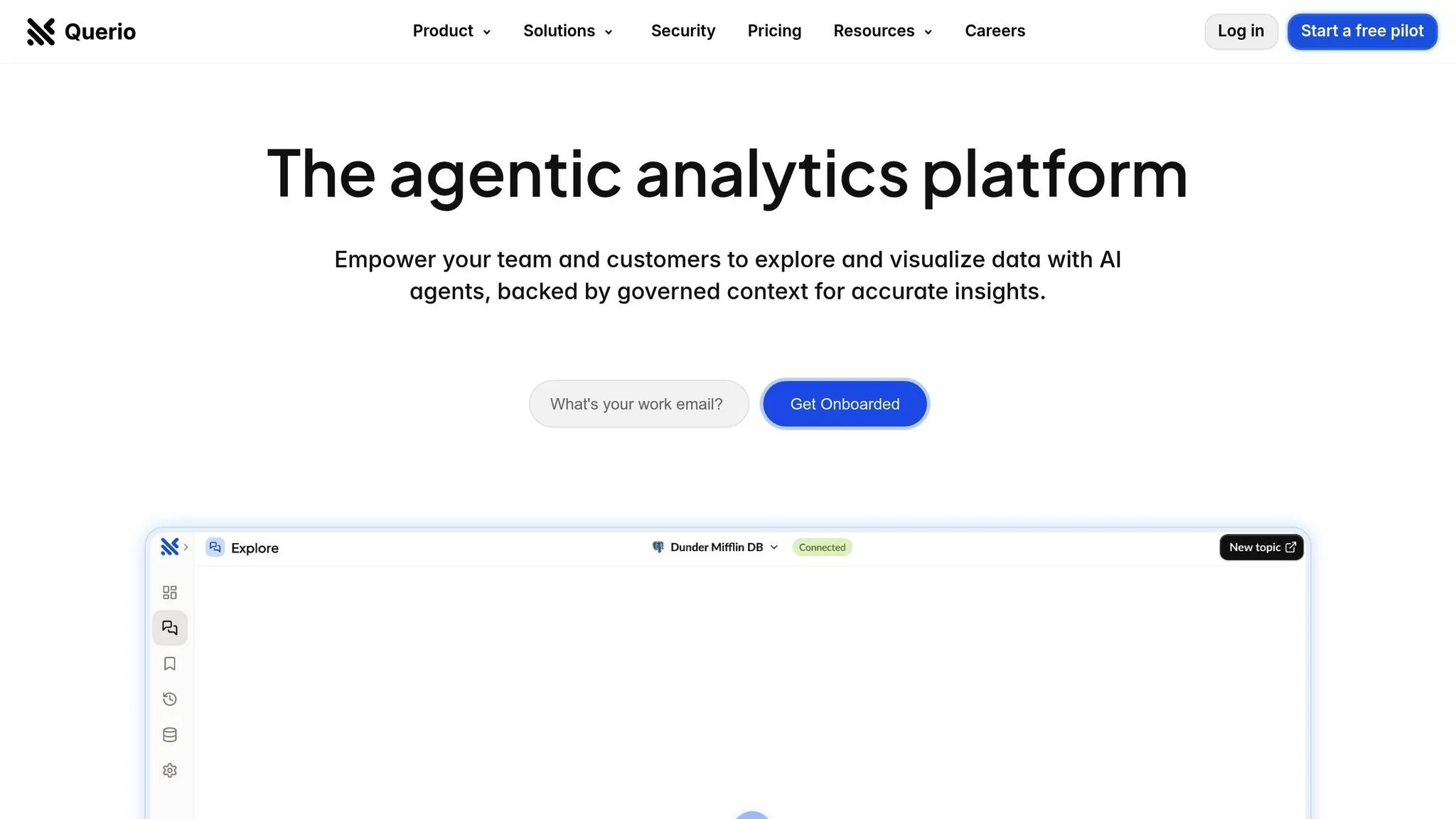
Querio is a business intelligence platform powered by AI, designed to make data analysis accessible to everyone - whether you're in Product, Finance, or working directly with users. With Querio, you can ask questions about live data in plain English and instantly generate charts. It connects directly to Snowflake, BigQuery, and Postgres, ensuring your data stays within your existing infrastructure without duplication.
AI-driven capabilities
Querio simplifies data queries with natural language querying. For instance, a product manager can ask, "What’s our user retention rate for accounts created in Q4 2024?" and immediately receive a visual representation of the data. Its AI-optimized Python notebook extends this functionality, enabling advanced analysis through SQL and Python - without requiring coding expertise.
The platform’s context layer is a standout feature. Data teams can define table relationships, business terms, and glossary entries once, and Querio’s AI uses this information to interpret future queries accurately. For example, when someone asks about "revenue", the system automatically knows how to calculate it, which tables to reference, and what rules to apply. This ensures consistent and reliable results every time.
Querio’s AI-driven querying integrates smoothly with its secure deployment model, keeping your data both accessible and protected.
Integration and deployment
Querio connects to your data warehouse using encrypted, read-only access, ensuring your data remains secure and stays in its original environment. This eliminates the need for data syncing and reduces complexity during deployment.
The platform also supports AI-powered embedded analytics tools, allowing you to integrate its natural language queries, dashboards, and AI insights directly into your applications. This means your users can experience an intuitive interface without leaving your product.
For teams that prefer more control, Querio offers a drag-and-drop builder for creating KPI dashboards and data stories - no coding required. Scheduled reporting keeps stakeholders informed automatically, removing the need for separate reporting tools.
Customization and scalability
Querio provides unlimited viewer access, letting you share insights widely without worrying about additional licensing costs. Advanced features, like its AI-powered notebook, are available through tiered pricing plans that grow with your team’s needs.
Its semantic layer allows data teams to define and manage business logic in one central location. For example, if you update how customer lifetime value is calculated, every dashboard and query will automatically reflect the change - saving time and ensuring consistency.
As your organization grows, Querio’s security framework ensures your data remains protected while the platform scales to meet your demands.
Security and compliance
Querio adheres to SOC 2 Type II compliance, undergoing thorough third-party audits to validate its security measures. It also guarantees 99.9% uptime through its service-level agreement, ensuring your analytics are always available when you need them.
The platform encrypts all credentials and uses read-only database connections, ensuring it cannot modify or delete your source data. This thoughtful design minimizes risk while providing real-time access to help teams make informed decisions confidently.
2. Upsolve
There isn’t any confirmed information available about Upsolve's embedded analytics features. Details regarding its AI-powered embedded analytics, integration processes, customization options, scalability, or security measures remain unclear. Let’s move on to the next platform for further comparison.
3. ThoughtSpot
ThoughtSpot is a search-driven analytics platform designed to simplify data exploration for business users. By enabling natural language queries, it eliminates the need for SQL knowledge or technical expertise, making data insights accessible to a broader audience.
AI-driven capabilities
At the heart of ThoughtSpot lies its intuitive search interface, which transforms natural language questions into instant visualizations. For example, users can type queries like "sales by region last quarter" and immediately receive charts or tables. The platform's AI enhances this experience by understanding context, recognizing synonyms, and adapting to each organization's unique business terminology.
Beyond answering queries, ThoughtSpot learns from user interactions, offering suggestions for relevant questions and uncovering insights such as trends and hidden patterns. It also identifies anomalies, spikes, or unusual patterns automatically, saving time on manual analysis.
Integration and deployment
Developers can seamlessly embed ThoughtSpot's analytics into web applications, portals, or SaaS products using its JavaScript SDK and REST APIs. The platform integrates with a wide range of data sources, from traditional databases to modern data lakes.
Whether you prefer a cloud-hosted setup or an on-premise installation, ThoughtSpot delivers the same robust search and visualization features. The embedded version also supports white-labeling for SaaS, allowing businesses to customize the interface to match their application's branding.
Customization and scalability
ThoughtSpot offers extensive customization options, enabling organizations to align the platform's appearance with their brand by modifying colors, fonts, and logos. Developers can tailor features to meet specific user needs, while role-based controls ensure that data access is limited to authorized groups.
Instead of duplicating data, ThoughtSpot leverages the computational power of connected data warehouses like Snowflake, Google BigQuery, and Amazon Redshift. This approach ensures scalability depends on the capacity of the data source. To enhance performance, the platform uses in-memory caching for frequently accessed queries, though query complexity and data patterns can impact response times.
Even as it scales, ThoughtSpot prioritizes secure and controlled access to data.
Security and compliance
Security is a cornerstone of ThoughtSpot. Data is encrypted both in transit and at rest using industry-standard protocols. The platform supports single sign-on (SSO) via SAML and OAuth, integrating smoothly with existing identity management systems. Row-level and column-level security ensures users only access data they are permitted to see, with permissions either inherited from the data source or configured within ThoughtSpot.
For organizations in regulated industries, ThoughtSpot meets compliance standards such as SOC 2 Type II, GDPR, and HIPAA. Detailed audit logs track user activity, query history, and data access, providing essential tools for security oversight and compliance reporting.
4. Looker Embedded
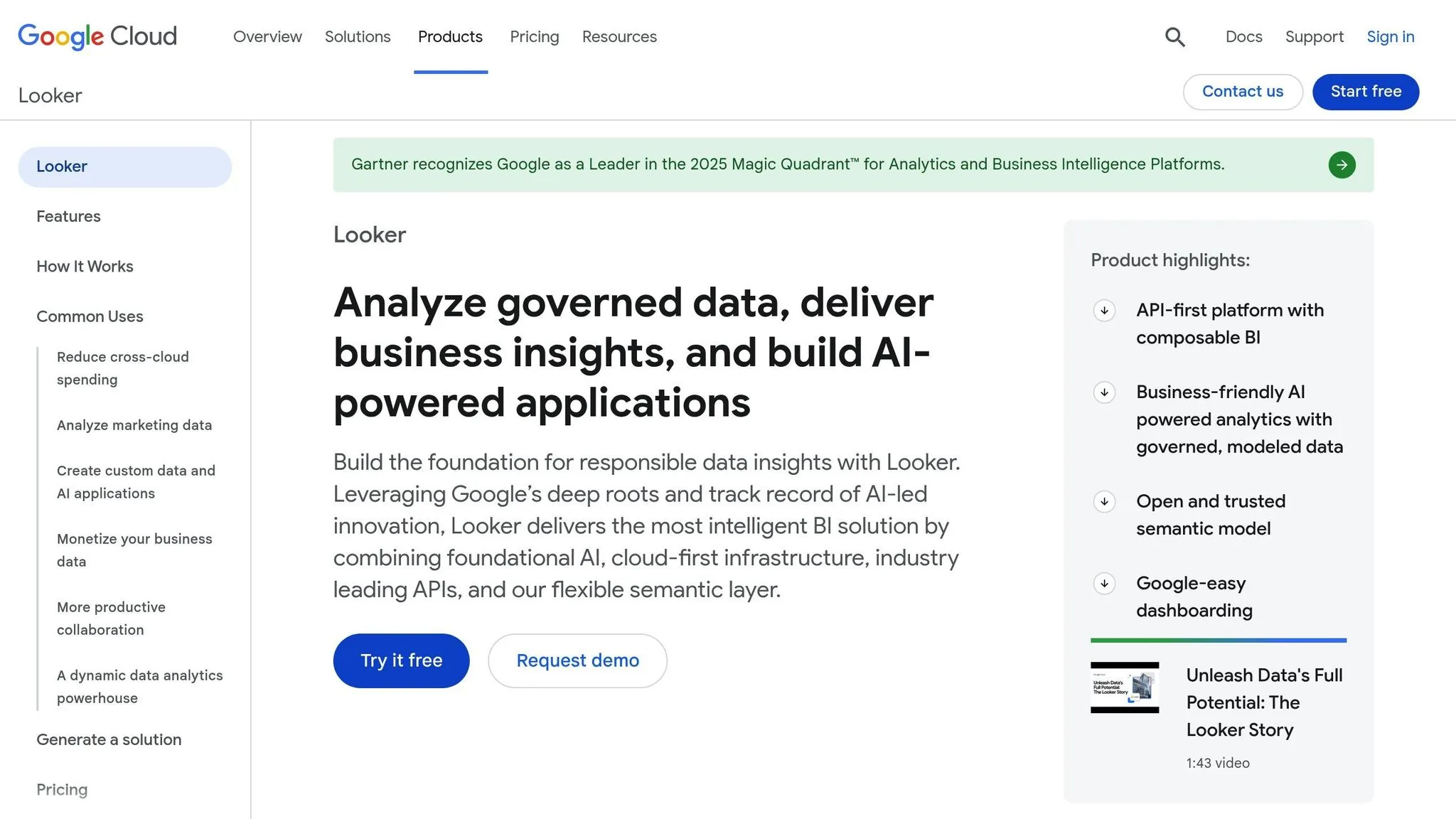
Looker Embedded is a data analytics platform hosted on Google Cloud that allows businesses to seamlessly integrate advanced reporting and visualizations into their applications. At its core, Looker uses a modeling language called LookML to define data relationships and business logic in one central location. This combination of data modeling and cloud infrastructure makes it a powerful tool for embedded analytics.
AI-driven capabilities
Looker takes advantage of Google Cloud's AI services to deliver advanced analytics. One standout feature is its natural language query functionality, which lets users ask questions in plain English - an ability that works best when backed by a well-structured data model. The platform can also analyze historical trends to generate automated insights and highlight key changes over time. Users can even set up alerts to notify them when specific metrics experience noticeable shifts.
Integration and deployment
Looker Embedded is developer-friendly, offering a wide range of APIs and SDKs to integrate analytics into different environments, such as web applications, mobile apps, or customer-facing portals. Its flexible architecture allows for embedding anything from single visualizations to full dashboards or detailed reports. To ensure security, embedding is managed through signed URLs and iframes.
The platform supports connections to multiple databases, including PostgreSQL, MySQL, Amazon Redshift, Snowflake, and Google BigQuery. While Looker is primarily cloud-based, it can also securely connect to on-premise databases. Deployment involves defining the data model in LookML, which acts as the single source of truth for analytics across the organization.
Customization and scalability
Looker's customization capabilities are rooted in its LookML modeling layer. This is where developers define table relationships, create reusable metrics, and establish business rules. By centralizing these definitions, any changes to business logic only need to be updated once, rather than across individual reports or dashboards.
For further customization, developers can white-label the interface using CSS and JavaScript or build custom visualizations using libraries like D3.js when standard options don’t meet their needs.
Scalability is heavily tied to the performance of the connected database, as Looker queries data directly from the source instead of creating duplicates. To improve performance, Looker uses caching for frequently run queries, and administrators can define cache policies to align with specific data refresh rates. This centralized approach to business logic ensures consistency across the platform.
Security and compliance
Looker prioritizes security by implementing row-level security through its data model. Administrators can set access controls that filter data based on user attributes. For example, a sales manager might only see data for their region, while executives have access to the full dataset. These permissions are enforced at the query level, ensuring restrictions cannot be bypassed.
The platform supports single sign-on (SSO) via SAML 2.0, OAuth, and LDAP, and it offers multi-factor authentication to protect user accounts. Looker is SOC 2 Type II certified and adheres to key regulations like GDPR and HIPAA, ensuring compliance in data handling.
For added transparency and security, audit logs track user activity, such as data access, query execution, and changes to the data model. Administrators can also configure alerts to detect suspicious activities, like unusual query patterns or attempts to access restricted data, enhancing both compliance and security monitoring.
5. Sisense
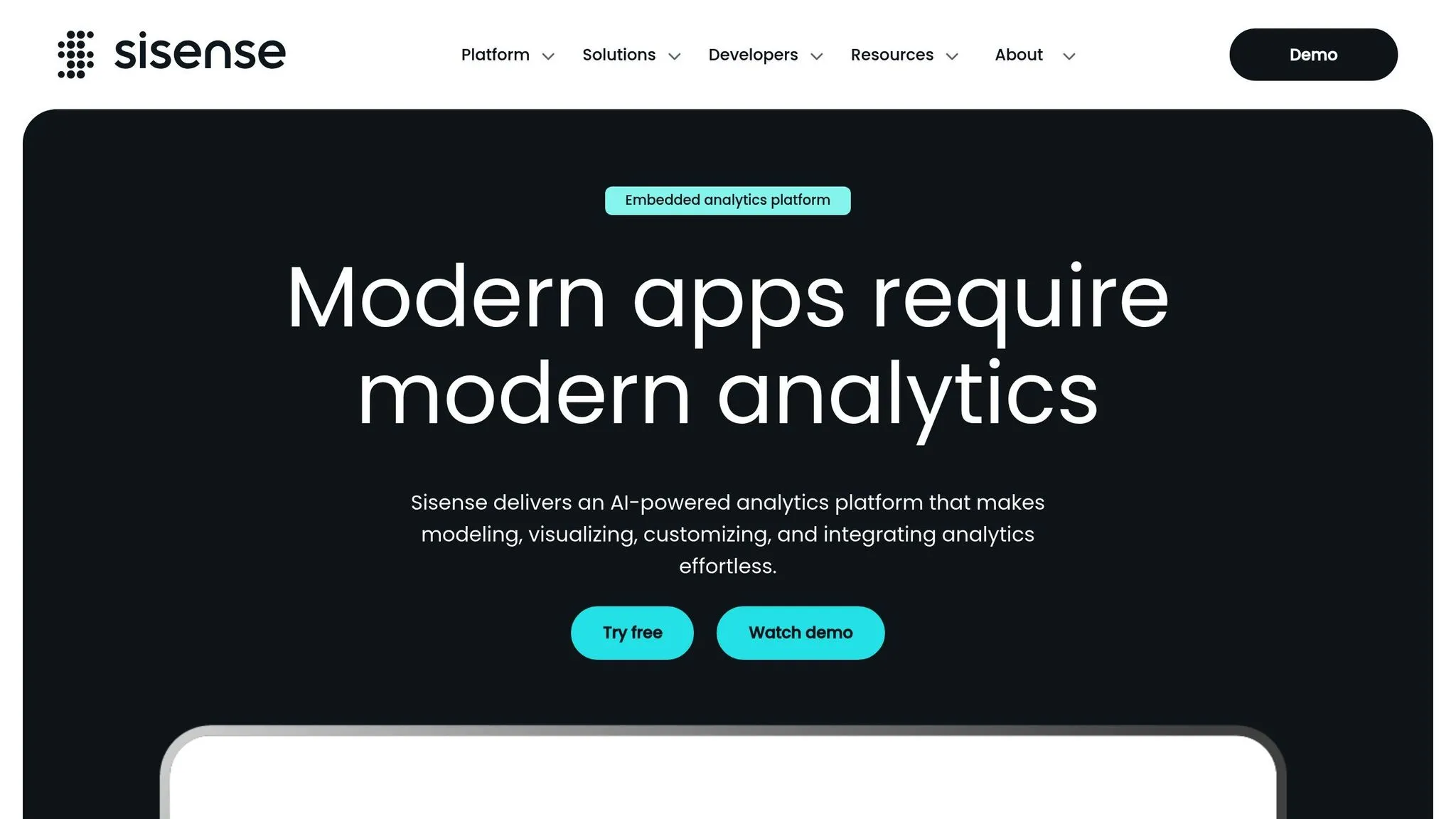
Sisense focuses on offering robust API support and a modular design, making it a go-to platform for development teams aiming to integrate embedded analytics seamlessly into their applications. Its developer-centric approach simplifies integration while delivering flexible analytics that fit effortlessly into modern business workflows.
AI-driven capabilities
Sisense uses AI to automate tasks like insight generation and anomaly detection. With natural language processing, users can query data conversationally, skipping the need for complex coding. Meanwhile, its machine learning algorithms automatically spot trends and outliers. For instance, the platform can flag unusual revenue drops or sudden spikes in user activity, prompting teams to investigate without constant manual oversight.
Integration and deployment
Much like Looker Embedded, Sisense is designed with developers in mind, offering powerful APIs and embedding options for building custom analytics. Developers can use REST APIs, JavaScript SDKs, or iFrame embedding to integrate dashboards, widgets, or even full analytics modules directly into web apps or SaaS platforms. It also connects to a wide range of data sources, including cloud-based systems like Snowflake and Amazon Redshift, as well as on-premise databases, ensuring it works seamlessly with existing infrastructures.
Customization and scalability
Sisense allows developers to white-label the analytics interface, tweaking colors, fonts, and layouts to align perfectly with their application's branding. Its modular setup lets teams embed specific components - like individual charts or KPI cards - without needing to include entire dashboards, offering precise control over the user experience. To handle large datasets, Sisense uses in-chip technology, which processes data directly in the CPU cache for faster query performance and reduced latency as data grows.
Security and compliance
Sisense takes security seriously, offering row-level and column-level security to ensure users only access data they’re authorized to see. It supports single sign-on (SSO) via SAML and OAuth, integrating seamlessly with enterprise identity systems. Data is encrypted both in transit and at rest using industry-standard protocols. The platform is SOC 2 Type II certified and complies with GDPR and HIPAA regulations. Additionally, detailed audit logs track user activity, data access, and query execution, making compliance reporting and security monitoring straightforward.
6. Power BI Embedded
Power BI Embedded brings Microsoft's analytics tools into custom applications, allowing developers to integrate advanced data analysis features seamlessly.
AI-driven capabilities
Power BI Embedded taps into Azure's machine learning features to offer tools like predictive analytics, automated insights, and detailed forecasting. With natural language processing, users can interact with data by typing plain English queries like "show me sales trends by region", which quickly generates visualizations. Developers can also connect to Azure ML to embed custom models into reports, enabling predictive forecasting tailored to specific needs. Keep in mind, some of these advanced features require premium licensing or additional Azure ML add-ons.
sbb-itb-284a532
7. Domo
Domo is a cloud-based analytics platform designed to seamlessly fit into your existing workflow, making data insights more accessible and actionable.
Integration and Deployment
With Domo, you can connect to a wide range of data sources using its pre-built connectors. It supports both real-time and scheduled updates, ensuring your data stays up-to-date. Plus, its APIs and SDKs make it easy to embed interactive dashboards and reports directly into your web or mobile applications. This process is similar to how you would embed dashboards in your SaaS product to provide real-time user insights.
8. Qlik
Qlik offers a robust analytics engine designed to integrate seamlessly into your applications, making data exploration easier and more intuitive for end-users. It supports the growing demand for quicker, user-driven insights in today’s fast-paced business environment.
AI-powered features
Qlik Sense stands out with its cognitive engine, which allows users to interact with data using natural language queries. For example, you can ask, "What were our sales in the Northeast region last quarter?" and instantly receive visual insights. This functionality empowers users to conduct self-service analytics without needing constant IT support, speeding up decision-making and making analytics more accessible.
For businesses considering Qlik, the enterprise plan starts at $2,750 per month, with additional costs for higher data processing needs.
9. GoodData
GoodData delivers embedded analytics that seamlessly integrate data insights into your application. By offering customizable, white-labeled experiences, it helps drive user engagement and adoption. This setup also lays the groundwork for advanced AI-powered features and smooth integration.
AI-driven capabilities
GoodData uses AI to take analytics to the next level. Its AI features automatically detect anomalies and suggest relevant metrics and visualizations. This proactive system helps businesses spot potential problems or opportunities before they escalate.
The platform also provides intelligent recommendations based on user behavior and data patterns. These suggestions make it easier to create embedded analytics tools that address common business needs and questions.
Integration and deployment
GoodData adapts to a variety of deployment environments, whether you prefer cloud-based hosting or on-premises setups. This flexibility ensures compatibility with your security requirements and existing IT infrastructure. Additionally, its RESTful APIs simplify the integration process.
For developers, GoodData offers a robust SDK with pre-built components for popular programming languages. The platform also supports single sign-on (SSO), enabling users to access analytics without juggling multiple logins.
Customization and scalability
GoodData provides extensive customization options, allowing you to tailor the interface to your brand. You can adjust colors, fonts, layouts, and other elements. Its component-based design lets you embed anything from individual charts to entire dashboards.
The platform is built for scale, handling large datasets and supporting multiple users and tenants. With its multi-tenant architecture, data remains securely isolated for each customer, while still allowing full customization of the analytics experience.
Security and compliance
Security is a top priority for GoodData. The platform uses role-based access controls and detailed audit logs to maintain strict data isolation in multi-tenant setups. Data is encrypted both during transit and at rest, safeguarding it from unauthorized access.
GoodData meets stringent compliance standards, including SOC 2 Type II, HIPAA, and GDPR. Its audit logging tracks user activity and data access, providing a clear trail for security reviews and compliance checks.
10. Tableau
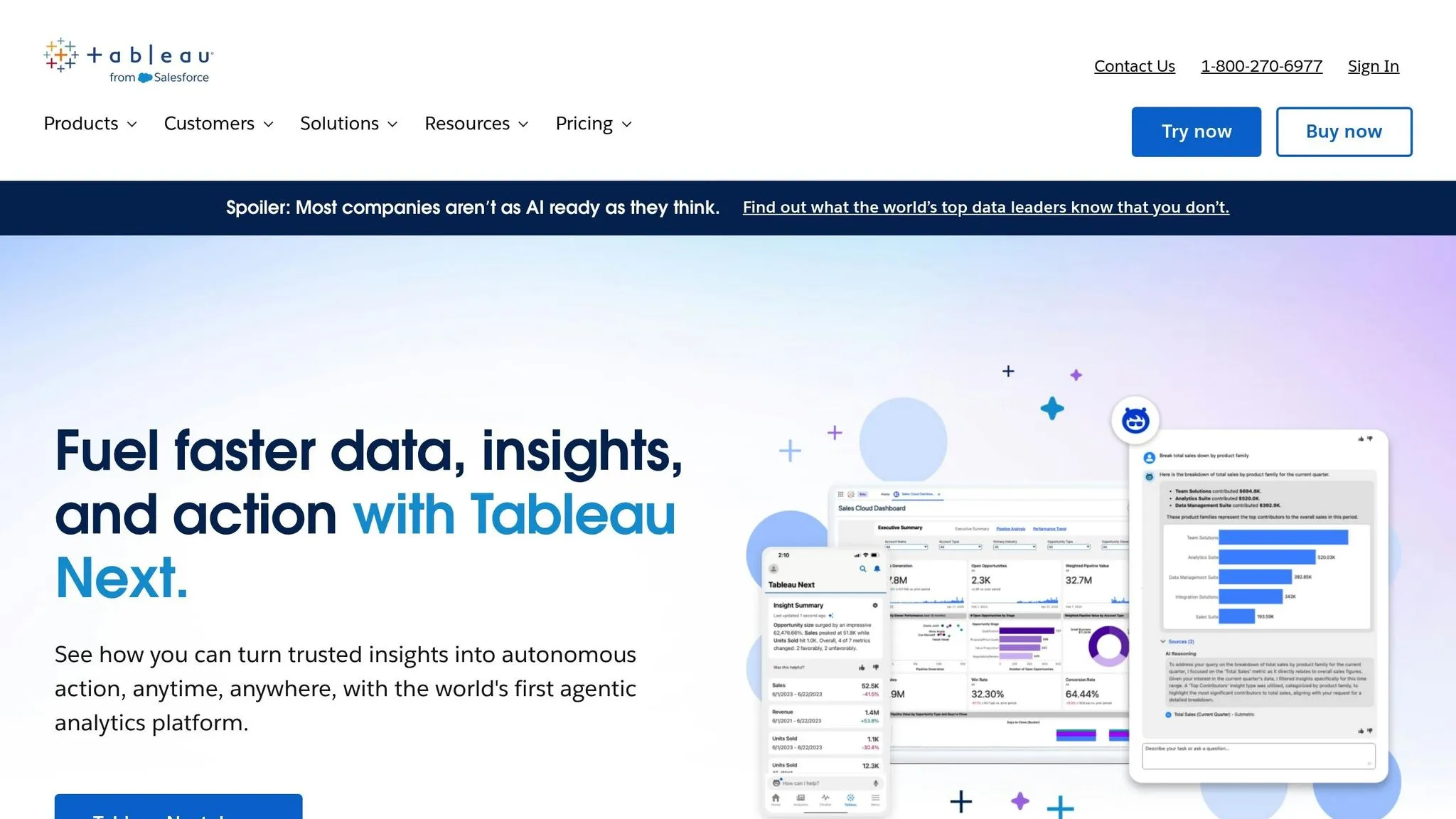
Tableau uses AI and machine learning to make data exploration easier and more insightful. It offers interactive dashboards and dynamic visualizations that help users spot trends and patterns quickly. One of its standout features is embedded analytics, which integrates directly into applications. This means end-users can access powerful data analysis tools without leaving their current workflows. These features position Tableau as a strong contender in the embedded analytics tools space, paving the way for a closer look at its strengths and weaknesses.
Platform Comparison: Strengths and Weaknesses
Choosing the right embedded analytics platform depends on your specific needs. Below is a table comparing ten platforms based on integration, AI/natural language capabilities, customization and scalability, and pricing.
| Platform | Ease of Integration | AI & Natural Language | Customization & Scalability | Pricing Structure |
|---|---|---|---|---|
| Querio | Seamless connections to Snowflake, BigQuery, and Postgres using read-only, encrypted credentials. No data duplication needed. | AI-native workspace with plain English queries and AI agents for SQL and Python analysis. Custom Python notebook environment. | Semantic layer with context definitions, unlimited viewer users, drag-and-drop dashboards, and SOC 2 Type II certification with 99.9% uptime. | Premium pricing with a money-back guarantee. Transparent tiered structure with no hidden query fees. |
| Upsolve | Easy API integration with support for modern frameworks and clear developer documentation. | Basic natural language search with limited AI-driven insights. | Moderate customization and some white-labeling, ideal for mid-sized deployments. | Mid-range pricing based on per-user licensing. |
| ThoughtSpot | Integration may require dedicated resources and longer implementation timelines. | Strong natural language search and AI-driven recommendations. | Highly customizable interface with extensive white-labeling and enterprise-grade scalability. | Premium enterprise pricing with minimum user commitments. |
| Looker Embedded | Deep integration within the Google Cloud ecosystem; setup requires familiarity with LookML. | Limited native AI features; advanced analytics often rely on external ML models. | Extensive customization through LookML and robust scalability within Google infrastructure. | Usage-based pricing tied to Google Cloud, scaling with usage. |
| Sisense | Flexible embedding via JavaScript SDK; moderate implementation complexity. | AI-driven insights and anomaly detection available, with natural language query options as add-ons. | Strong white-labeling and customization, capable of handling large data volumes. | Higher-end pricing with additional costs for advanced AI features. |
| Power BI Embedded | Smooth integration within the Microsoft ecosystem, though non-Microsoft setups may face a steeper learning curve. | Built-in AI visuals and natural language Q&A using Azure AI services. | Good customization within the Microsoft framework, scalable for enterprise use. | Capacity-based pricing that can increase with heavy usage. |
| Domo | Cloud-native with pre-built connectors; may require platform-specific training for setup. | AI-powered alerts and predictive analytics, with a natural language interface. | Extensive app marketplace for customization and scalability for large organizations. | Premium pricing based on per-user fees, with extra charges for advanced features. |
| Qlik | Relies on an associative engine, requiring a specific implementation approach and developer learning curve. | Cognitive engine delivers AI-driven insights and natural language capabilities via Insight Advisor. | Highly flexible with strong white-labeling options and enterprise-level scalability. | Complex pricing with multiple licensing tiers. |
| GoodData | Developer-focused with REST APIs and SDKs; moderate setup complexity. | Basic AI features with limited natural language processing. | Strong customization and multi-tenancy support, ideal for SaaS applications. | Usage-based pricing structured around per-workspace fees. |
| Tableau | Embedded analytics through a JavaScript API, requiring Tableau Server or Tableau Cloud setup. | AI-powered data preparation and insights, with natural language queries supported by the Ask Data feature. | Extensive visualization customization and enterprise scalability, though performance can vary. | Per-user licensing model, with higher costs for embedded use cases. |
Key Insights from the Comparison
This table highlights the trade-offs between features, integration ease, and pricing. Here are some important points to consider:
- AI and Natural Language Capabilities: Platforms with advanced AI features and natural language tools tend to come with higher price tags.
- Integration Simplicity vs. Features: Easier integration often means fewer advanced analytics capabilities.
- Pricing Models: Costs vary significantly, from per-user fees to usage-based models. Be mindful of add-on features or hidden query fees that can impact the total cost.
- Security and Compliance: Most platforms meet industry standards like SOC 2 certification and data encryption, though specific implementations differ.
- Scalability: Some platforms handle thousands of concurrent users, while others may face performance issues with higher loads. Testing under realistic conditions is highly recommended.
Choosing the right platform requires balancing advanced features and implementation complexity with the overall cost of ownership.
Conclusion
When selecting an embedded analytics platform, it’s crucial to match your choice with your technical needs, budget, and overall business objectives. Each of the ten platforms discussed offers its own strengths, and understanding these differences can help you zero in on the right fit. The comparison table above provides a handy reference to guide your decision-making process.
For organizations focused on AI-driven analytics and natural language querying, platforms with generative BI and natural language querying capabilities offer a significant advantage. These tools help non-technical users access insights more quickly and efficiently, making them valuable across departments like Product, Finance, and Operations.
If seamless integration with your current cloud infrastructure is key, prioritize platforms that connect directly to data warehouses like Snowflake, BigQuery, or Postgres without duplicating data. Solutions with read-only, encrypted connections reduce security risks and simplify infrastructure management.
Enterprise teams requiring white-labeling and custom APIs should consider platforms designed for extensive branding and multi-tenancy. These systems are built to handle high user volumes, making them ideal for SaaS applications with customer-facing analytics.
Mid-sized businesses seeking a balance between cost and functionality will find value in platforms with clear, tiered pricing and moderate customization options. These solutions provide robust analytics without the complexity or expense of enterprise-level systems.
For teams already embedded in specific ecosystems, platforms native to environments like Microsoft Azure or Google Cloud can simplify implementation. However, this convenience may come at the cost of flexibility for future scaling or changes.
The comparison table also highlights pricing structures, such as per-user licensing versus usage-based fees, and notes which platforms offer money-back guarantees. These guarantees can provide peace of mind, allowing you to test performance in real-world scenarios before making a long-term commitment.
Finally, ensure your chosen platform meets critical standards like SOC 2 Type II compliance, offers data encryption, and guarantees 99.9% uptime. Testing scalability under realistic loads is also essential, especially if you anticipate rapid growth, to avoid performance issues down the line.
FAQs
::: faq
What should I look for when selecting an embedded analytics platform for my business?
When choosing an embedded analytics platform, it's essential to focus on features that align with your business needs and fit seamlessly into your existing workflows. Start with integration - the platform should easily connect to your current systems, whether through APIs or prebuilt connectors, ensuring smooth data flow and minimal disruptions.
Another key factor is customization. The platform should allow you to design dashboards and reports that cater to your unique business requirements, with the flexibility to adjust as your needs evolve over time.
Look for platforms that provide real-time analytics, enabling you to make fast, informed decisions based on up-to-date data. At the same time, robust security measures are non-negotiable. The platform must protect sensitive data and comply with regulations like GDPR or HIPAA to keep your information safe.
Lastly, evaluate the platform’s cost-effectiveness. It should deliver strong value for your investment, staying within your budget while offering a solid return through enhanced insights and efficiency. :::
::: faq
How do AI-powered features in embedded analytics improve data analysis and decision-making?
AI-powered tools in embedded analytics platforms simplify data analysis and improve decision-making by offering quick insights, real-time trend identification, and automated processes. These features bring machine learning directly into applications, making it easier for users to engage with data through natural language queries or personalized dashboards.
Some standout advantages include identifying patterns and trends that could otherwise be missed, cutting down reliance on technical teams, and supporting faster, better-informed decisions. By integrating AI into daily workflows, businesses can adapt more quickly to changes, boost efficiency, and make smarter, data-driven decisions. :::
::: faq
What security features and compliance standards should I prioritize in an embedded analytics platform to protect my data?
When selecting an embedded analytics platform, it's crucial to ensure it aligns with important regulations like GDPR, CCPA, and SOC 2. This helps guarantee your data complies with both global and regional standards. Equally important is the platform's ability to provide data encryption, both while it’s being transmitted and when it’s stored, alongside role-based access controls to restrict access to sensitive information.
For added security, consider platforms that offer strong authentication options, such as multi-factor authentication (MFA). These features collectively protect your data and strengthen the trust users place in your platform. :::