Business Intelligence
7 Best Omni Analytics Alternatives (Honest 2026 Review)
Compare 7 alternatives to Omni Analytics by AI querying, semantic layers, governance, setup effort, and pricing.
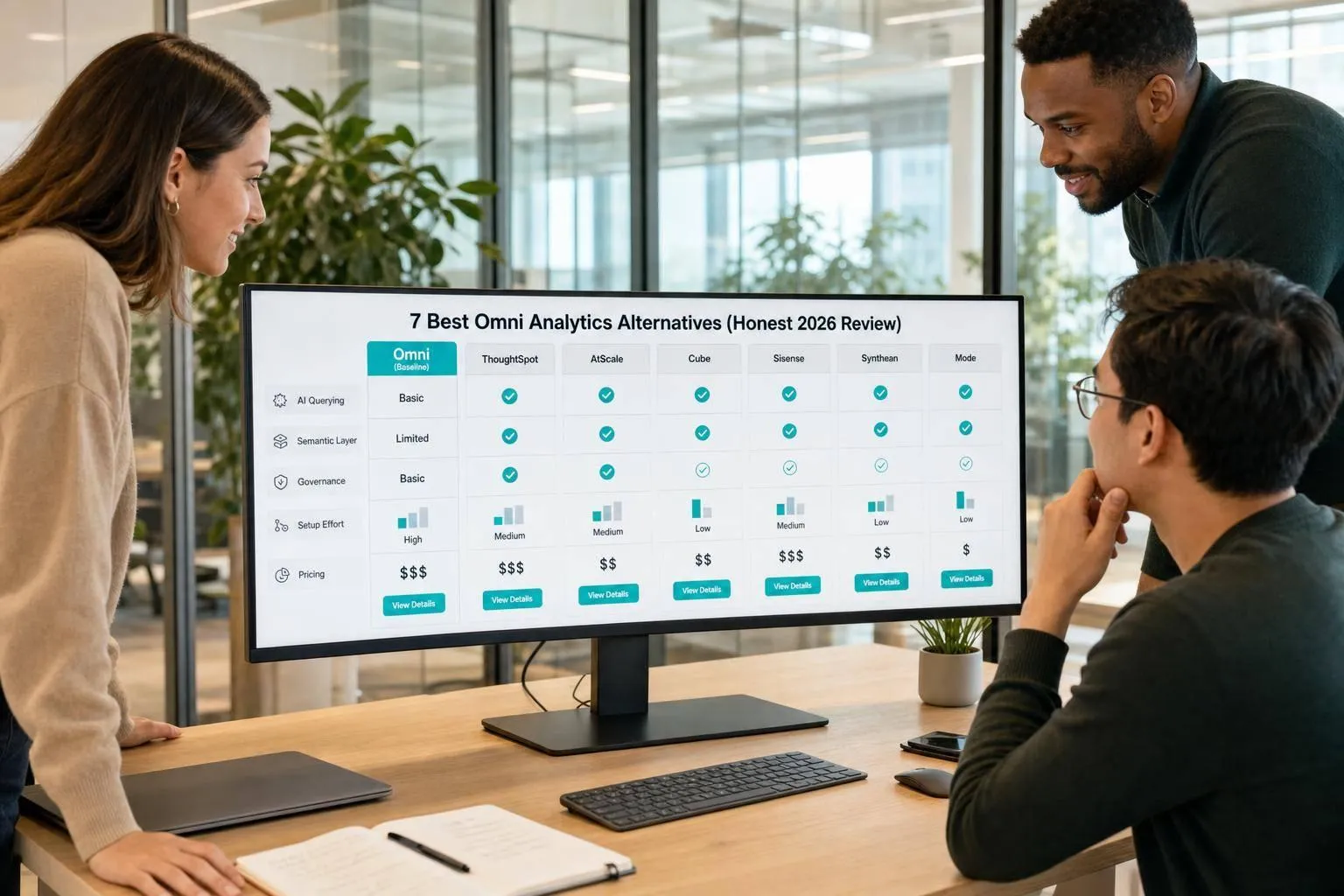
If Omni is not the right fit, I’d shortlist these 7 tools first: Querio, Luzmo, Metabase, Looker, Sigma Computing, GoodData, and Holistics. The choice mostly comes down to 4 things: your warehouse, how strict your metric and semantic layer rules are, how much AI Q&A you want, and whether business users need self-serve access.
Here’s the short version:
- Querio: best for AI Q&A on live warehouse data with inspectable SQL and GitHub-synced metric context
- Luzmo: best for embedded analytics in customer-facing SaaS apps
- Metabase: best for low-lift internal dashboards
- Looker: best for teams that want tight metric control through LookML
- Sigma Computing: best for spreadsheet-style work on warehouse data
- GoodData: best for Git-based metric governance and embedded reporting
- Holistics: best for teams that want AI answers kept inside a modeled layer
A few numbers stand out. Querio has a free plan, Metabase Pro is $500/month, Sigma is around $600/month, and Holistics is about $800/month. Some tools can take weeks to months to model and roll out, while others are much lighter to get live.
If you want the fastest way to narrow your list, I’d use this rule:
- Pick Querio if you want AI answers tied to live warehouse data
- Pick Luzmo if your users are customers inside your app
- Pick Metabase if you just want internal dashboards up fast
- Pick Looker or GoodData if metric control matters most
- Pick Sigma if your team works like it’s in spreadsheets
- Pick Holistics if you want AI to stay inside approved metric boundaries
Quick Comparison
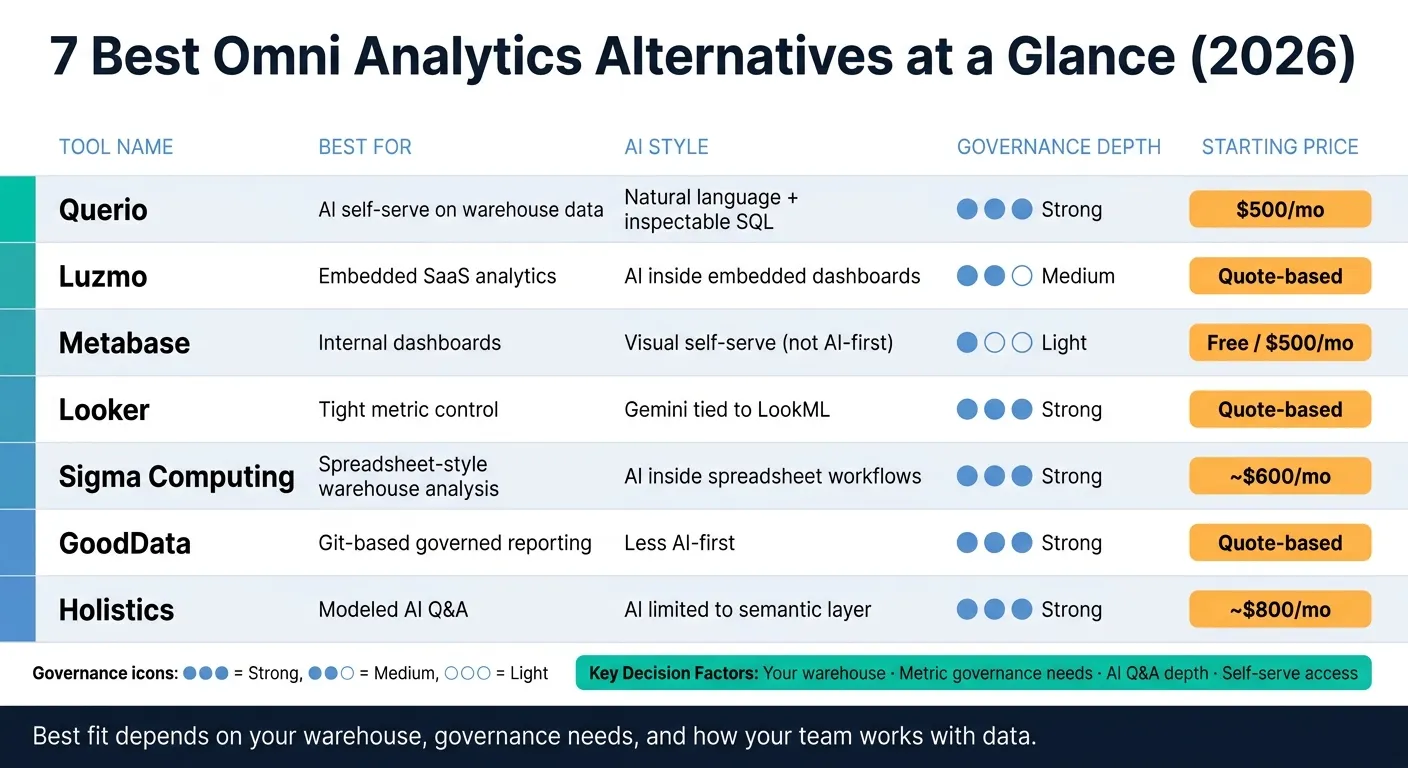
| Tool | Best for | AI style | Governance depth | Setup effort | Starting price |
|---|---|---|---|---|---|
| Querio | AI self-serve on warehouse data via AI self-serve analytics | Natural language with inspectable SQL/Python | Strong | Medium | Free plan; Core $2,499/mo |
| Luzmo | Embedded SaaS analytics | AI inside embedded analytics tools | Medium-light | Medium | Quote-based |
| Metabase | Internal dashboards | Visual self-serve, not AI-first | Light | Low | Free / $500/month |
| Looker | Tight metric control | Gemini tied to LookML | Strong | High | Quote-based |
| Sigma Computing | Spreadsheet-style warehouse analysis | AI inside spreadsheet workflows | Strong | Medium | About $600/month |
| GoodData | Git-based governed reporting | Less AI-first | Strong | High | Quote-based |
| Holistics | Modeled AI Q&A | AI limited to semantic layer | Strong | High | About $800/month |
My takeaway: this is less about feature count and more about fit. The best Omni alternative is the one that matches how your team already works with data. The rest of the article breaks down where each tool fits, where it falls short, and which tradeoffs matter most.
1. Querio
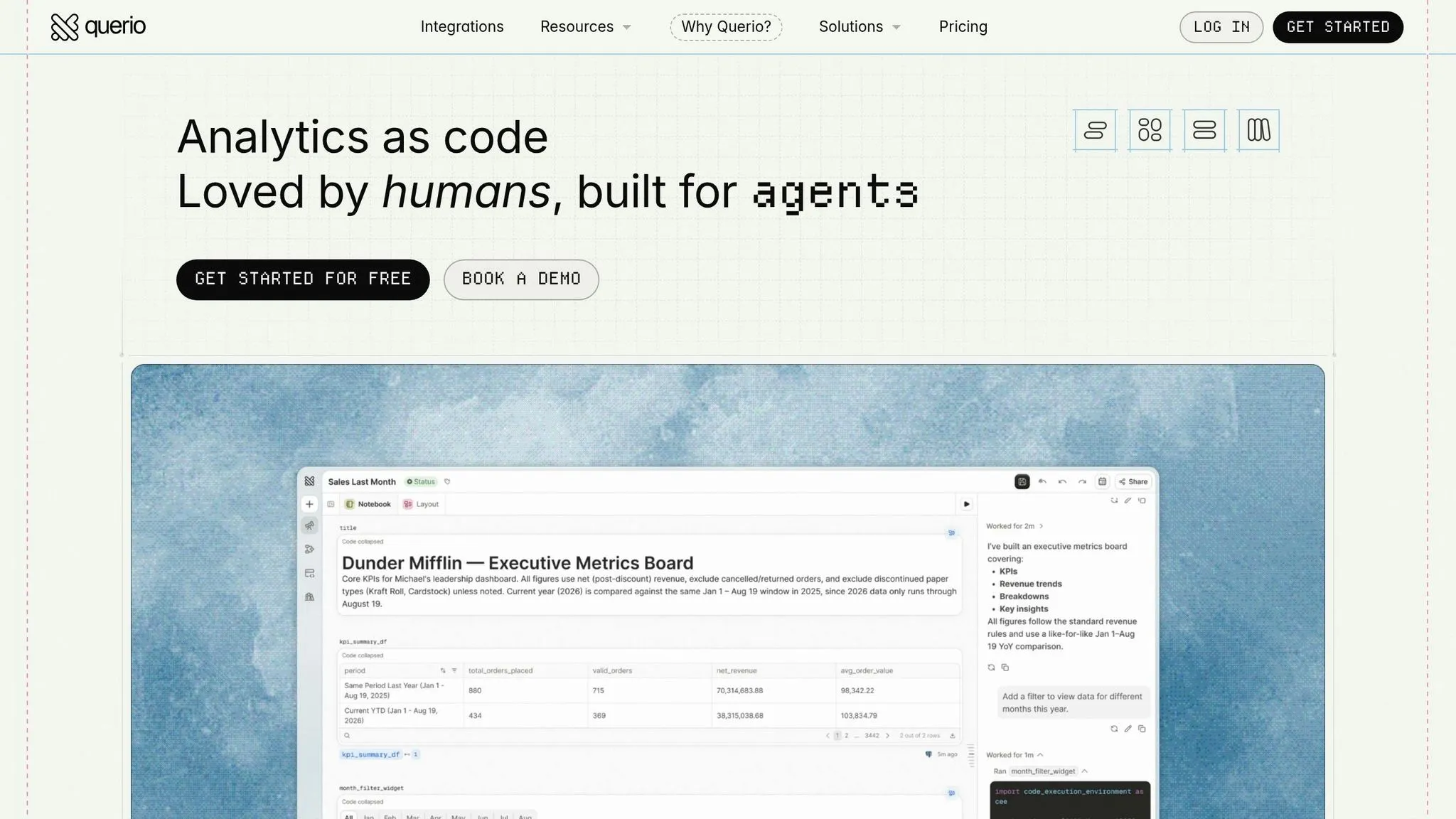
Querio is built for data teams swamped with ad hoc questions that keep piling up. The big draw is simple: non-technical users can ask questions in plain English and get answers on their own, whether they're in the Querio app, in Slack, or inside Claude through MCP. For teams that want self-serve analytics with guardrails, without sending every request to an analyst, that's a strong setup.
AI Querying and Inspectable SQL
Each answer comes with the SQL and Python used to produce it. That means analysts don't have to treat the output like a black box. They can inspect the logic, tweak it, and reuse it later. Charts also change when the query changes, which keeps the output tied to the actual logic. The work lives in a reactive notebook that runs in a sandbox with no internet access, so analysts can open it, check it and rerun it.
Semantic and Context Layer
Querio's context layer keeps business definitions like MRR, churn, and active users as plain files in a GitHub repo your team owns, and those files can sit in the same repo as your dbt project. In plain terms, your metric definitions live where your team already works. The agent can suggest updates, but saving context opens a pull request, and your own reviewers approve it before it goes live. That helps keep definitions aligned whether the question starts in Slack, a dashboard, or Claude.
Warehouse Connectivity and Governance
Querio connects live to Snowflake, BigQuery, Redshift, ClickHouse, Postgres, MySQL, and SQL Server. An agent sees only what its user sees. On Snowflake and BigQuery, per-user OAuth means queries run as the person, so the warehouse's access rules apply. On Postgres, Redshift and ClickHouse, a service account plus Querio's policies controls access. That's a big deal for teams that can't afford loose access rules. Querio is SOC 2 Type II certified [5].
Fit and Pricing
Querio is a strong match for small data teams, especially when they're drowning in repeat questions from the business. In setups like that, even a small drop in analyst workload can matter, and natural language interfaces like Querio's take routine questions off the analysts' queue.
Querio has a free plan with 500 AI credits a month, and Core is $2,499/month, or $25,000 a year billed annually. Enterprise plans cover single-tenant hosting, with on-prem deployment as an add-on. If your team wants live warehouse answers, editable logic, and governed metrics in one place, Querio is a very strong place to start.
2. Luzmo
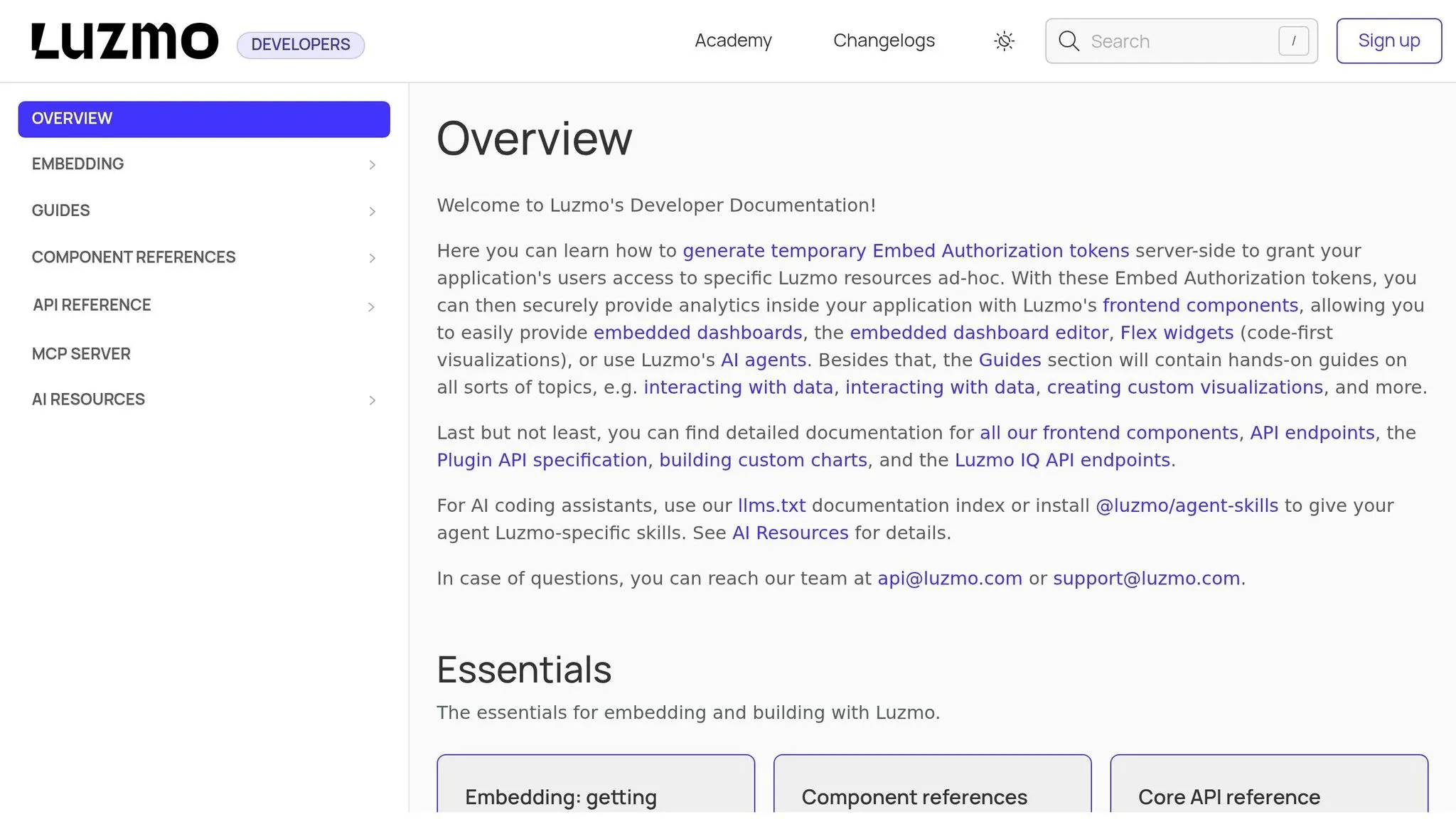
Luzmo is built for product and SaaS teams that want to embed analytics straight into customer-facing apps. The main question is pretty simple: does it give non-technical users room to self-serve without letting governance slip?
AI Querying and Self-Serve
Luzmo includes an AI-assisted query experience for end users inside embedded dashboards. That said, it’s geared more toward embedded product analytics than internal analyst work.
Semantic Layer and Governance
Luzmo’s semantic layer works well enough for embedded use cases. But it doesn’t offer the same level of metric certification or dbt alignment that warehouse-first data teams often want for governed internal reporting.
Warehouse Connectivity and Implementation
Luzmo connects to common data sources and is set up for fast embedding. Still, it isn’t a warehouse-native platform in the same sense as tools built around live Snowflake, BigQuery, or Redshift connections.
Who It Fits Best
Luzmo makes more sense when your top goal is embedding polished, interactive analytics into a SaaS product for external users. It’s less suited to teams that need governed self-serve analytics for internal data work. If your setup depends on internal, warehouse-backed reporting with strict metric consistency, the next tools on this list are likely a better match.
3. Metabase
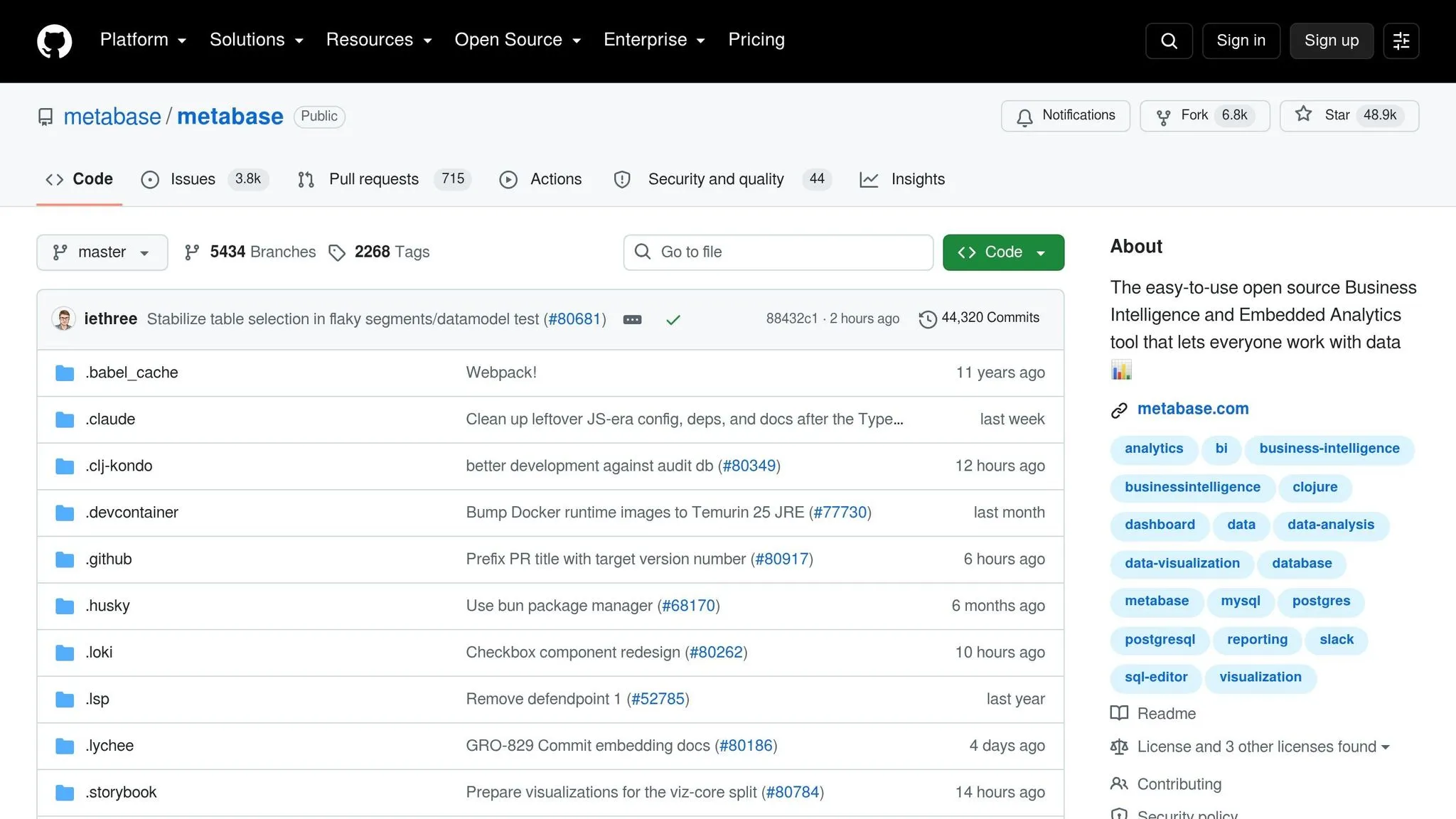
Metabase works best for small and mid-sized teams that want fast internal dashboards and simple self-serve analysis without much setup. It sits squarely in the internal self-serve lane for teams that want quick access to warehouse data without a heavy rollout.
AI Querying and Self-Serve
Metabase shines with visual, point-and-click analysis, not natural-language querying. Its visual query builder lets business users dig into data without writing SQL. But if your team wants an AI-led, chat-style way to ask questions, Metabase isn’t the right fit compared to AI-first tools.
Semantic Layer and Governance
Metabase leans toward ease of use rather than deep governance. That means lighter controls around shared definitions and reporting rules. If your team needs strict metric definitions, that’s the main drawback. And once Metabase becomes part of day-to-day warehouse reporting, that tradeoff can become hard to ignore.
Warehouse Connectivity and Implementation
Metabase connects straight to Snowflake, BigQuery, Redshift, and Postgres, along with other data sources. Permissions are handled at the collection and database level, and role-based access controls are available on paid plans.
Pricing includes:
- A free open-source tier
- Pro at $500/month
- Enterprise pricing on request
Who It Fits Best
Metabase is a good match for small to mid-sized internal analytics teams that need quick dashboard access to warehouse data and don’t need heavy governance. It’s less suited for governed, warehouse-first teams that manage strict metric definitions. If you need deeper semantic layer support and more formal permissions, Looker handles that side of the job better.
4. Looker
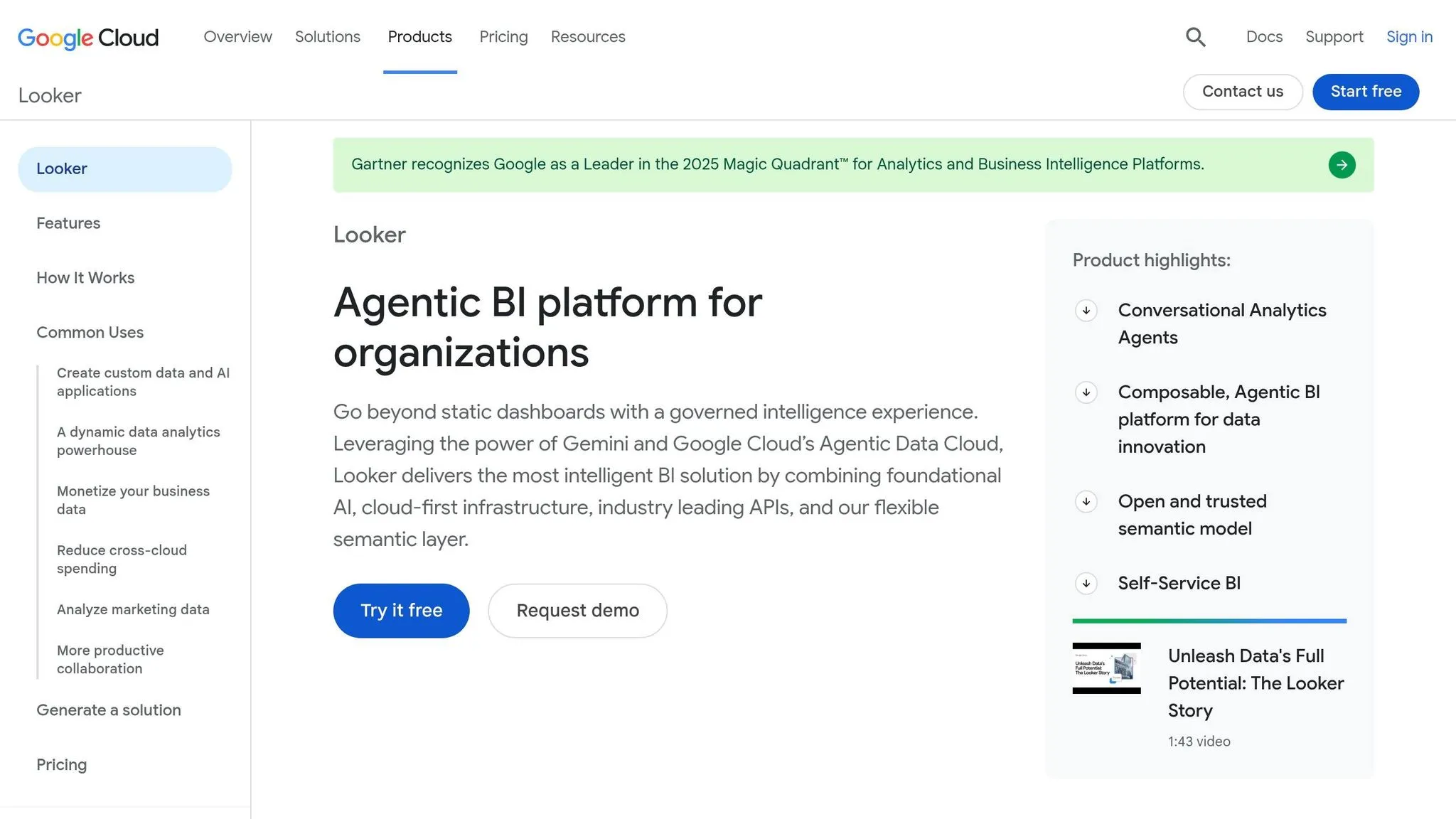
If the earlier tools lean toward speed or ease of setup, Looker moves in a different direction. It’s built for teams that care a lot about control, shared definitions, and tight metric management.
At the center of Looker is LookML, its proprietary modeling language. That’s where teams define metrics, dimensions, and joins in one central layer. The upside is clear: everyone works from the same logic. The catch? You usually need more setup work up front, and that work doesn’t magically go away later.
AI Querying and Self-Serve
Looker’s AI interface runs on Gemini. Because answers come from approved LookML definitions, it helps keep metrics aligned across queries. A mature semantic model improves AI answer consistency [1].
That matters in practice. If one person asks for revenue by region and another asks for sales by territory, you want both answers tied back to the same source logic instead of two slightly different versions of the truth.
The tradeoff is pretty simple: teams often still need dedicated maintainers for the LookML layer. So yes, self-serve gets better, but it usually depends on strong setup behind the scenes.
Semantic Layer and Governance
This is where Looker earns its reputation.
The LookML semantic layer is centralized, code-first, and tightly controlled. Reusable dimensions, certified metric definitions, and row-level permissions can all be managed in one place. For teams that want one home for business logic, that’s a big deal.
There’s also moderate lock-in because the analytical logic lives in proprietary LookML [6]. In plain English, once a team builds deeply in Looker, moving that logic somewhere else can take work.
Warehouse Connectivity and Implementation
Looker is best suited to Google Cloud and BigQuery. Implementation usually takes weeks to months [6], which makes it a better match for teams ready to put time and people into a full governance setup.
This is not the tool you pick for a fast, low-lift rollout.
Pricing is quote-based and enterprise-tier [1][6].
Who It Fits Best
Looker fits large organizations that need strict governance, already run heavily on Google Cloud, and have people available to maintain LookML.
It’s a weaker fit for mid-sized teams that want fast deployment or don’t have the bandwidth for a code-heavy semantic layer.
If you’re sizing up Looker as an Omni alternative, the main question isn’t whether Looker can handle governance. It can. The real question is whether your team can support LookML as a long-term operating model.
5. Sigma Computing
If Looker feels too code-heavy, Sigma offers a more spreadsheet-native way to work with governed analysis.
It gives finance and operations teams a spreadsheet-style interface for working with live warehouse data. In practice, that means users can analyze live data from Snowflake, BigQuery, Redshift, or Databricks without leaving a familiar grid-style setup. Sigma also supports what-if scenario modeling with input tables on live warehouse data, which can help with planning and forecasting workflows.
AI Querying and Self-Serve
Sigma’s AI helps users build formulas and work through analysis inside the spreadsheet interface. But there’s a catch, and it’s the same one you see with any governed BI tool: AI works best after dataset and metric definitions are already standardized [1].
Without that setup, self-serve can get messy fast.
Semantic Layer and Governance
Sigma takes a semantic-layer-first approach, so teams define datasets and metrics upfront. Once those definitions are in place, AI answers stay tied to live warehouse data and governed definitions [2].
It also supports user attribute-based row-level security. That makes Sigma a good fit for teams that need tight access controls but still want people to explore data on their own.
Warehouse Connectivity and Implementation
Sigma connects natively to Snowflake, BigQuery, Databricks, and Redshift [4]. Pricing reportedly starts at about $600 per month and is usually seat-based [2][3][4].
Who It Fits Best
Sigma is a strong fit for teams that want warehouse-native analysis tools in a spreadsheet UI, especially finance and operations teams that need the power of a cloud data warehouse.
It tends to work best when the goal is self-serve analysis on governed warehouse data without teaching users SQL. On the flip side, it’s less ideal for teams that haven’t standardized their dataset and metric definitions enough to support dependable self-serve.
For teams that want a more standard governed BI stack, the next option is a better fit.
6. GoodData
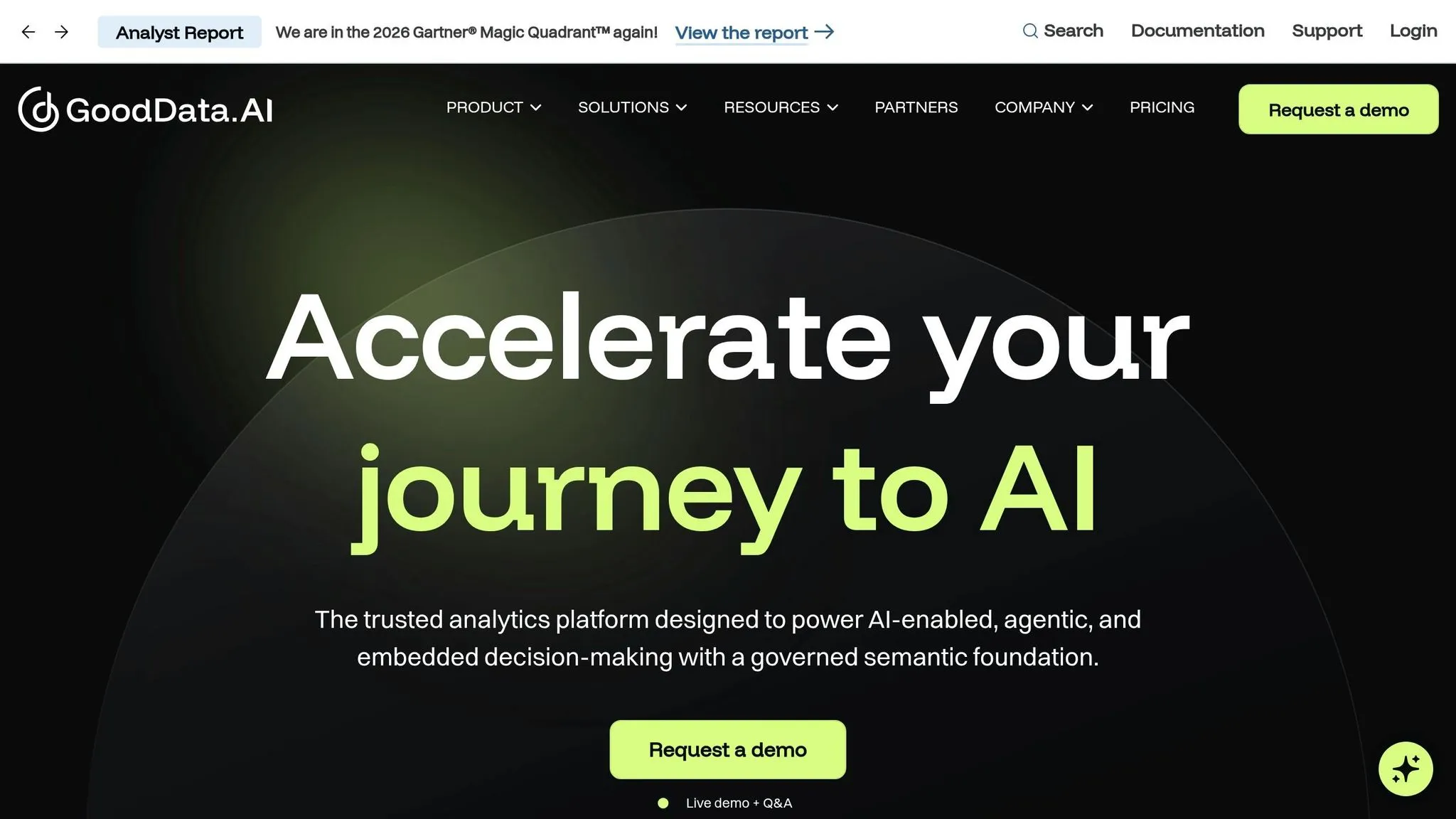
If the last option felt more like a spreadsheet, GoodData moves in a different direction. It puts the focus on governed metric reuse and embedded analytics. The big idea is simple: metric logic lives outside the dashboard, so the same definitions can power internal reports and embedded analytics without being rebuilt every time.
Semantic Layer and Governance
GoodData uses a controlled self-serve model. That means users work inside defined datasets instead of roaming through raw tables on their own.
Its main strength is version-controlled metric governance. Teams manage data models and metric definitions in Git, then deploy them through CI/CD pipelines. For multi-tenant embedded analytics setups, that workflow is a strong fit for teams that care about control and consistency. The tradeoff is pretty clear: you have to do more modeling work up front.
Warehouse Connectivity and Implementation
GoodData connects natively to Snowflake, BigQuery, Redshift, and PostgreSQL. Setup tends to be heavier because the semantic model needs to be defined before users start getting value from the platform. That tradeoff matters most for teams that care more about consistency than speed.
Who It Fits Best
GoodData fits teams that need governed embedded analytics, version-controlled metric logic, and steady definitions across dashboards and apps. It's a weaker fit for teams that want fast, exploratory self-serve with little setup at the start.
The decision rule is straightforward: choose GoodData when governed, version-controlled metrics matter more than fast exploratory self-serve.
7. Holistics
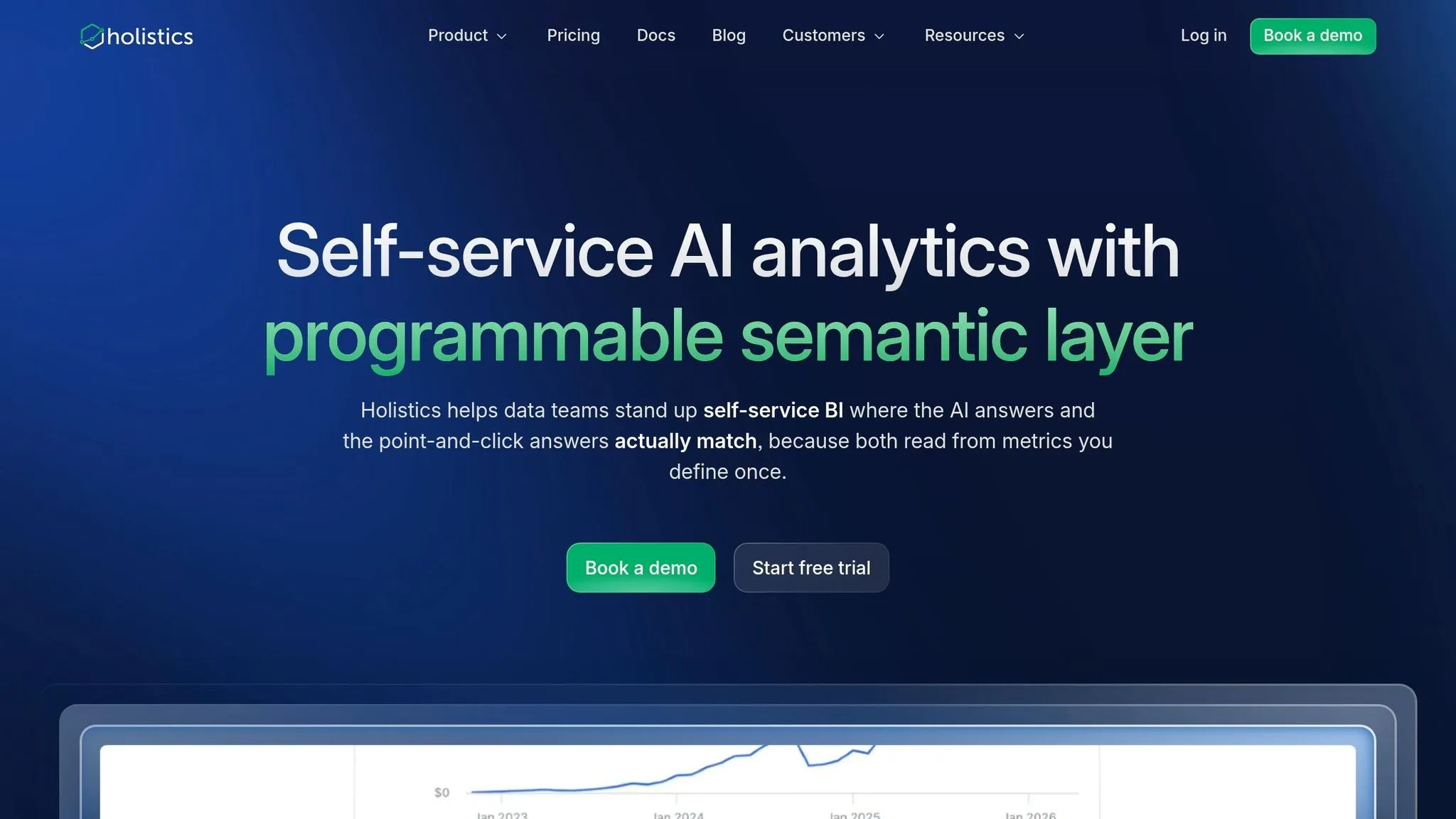
Holistics is a strong fit for teams that want governed AI answers with tight control over metrics, not broad, free-form analysis. The product is built around a code-first semantic layer, and that shapes how the AI works day to day.
AI Querying
Holistics keeps AI answers inside the modeled semantic layer. That helps with reliability, but it also means the AI stays within clearly defined metric boundaries. If someone asks a question outside that modeled scope, the platform returns "I don't know" instead of making a guess.
That’s a big deal. In practice, it means Holistics is built for teams that care more about answer control than exploratory back-and-forth. Within the area that has been modeled, it’s positioned to give highly reliable answers. But it does not handle questions that need multi-step reasoning outside the semantic layer. So if your team wants controlled reporting workflows, Holistics makes sense. If you want open-ended analysis, it’s not the best match.
Semantic Layer and Governance
AQL breaks modeling into modular steps, which keeps calculations visible and editable instead of burying them inside AI output.
That setup makes it easier to see how a metric was built. Rather than treating the AI like a black box, teams can trace the logic in the model itself. For finance, ops, or any group where metric definitions can turn into a tug-of-war, that kind of structure matters.
Warehouse Connectivity and Implementation
Because the model sits at the center of the product, setup takes real upfront work. Holistics is warehouse-native, so it queries data in place [1].
This isn’t the kind of tool you switch on Friday and roll out Monday. Teams should expect weeks to months of modeling work before business users can rely on the AI layer. That investment can pay off if strict metric control is the goal, but it does slow the path to launch.
Who It Fits Best
Holistics starts at about $800 per month [6]. It fits teams that want governed, accurate AI Q&A and are willing to build a full semantic layer first.
It’s a weaker fit for teams that need a fast rollout or want users to ask broad, open-ended questions without much setup.
How the 7 Tools Compare on Key Criteria
No single tool comes out on top in every area. The real choice usually comes down to this: does your team need governed AI answers, fast self-serve, or the shortest route to live warehouse access?
The sections above show what each tool is built for. Here, the goal is simpler: boil those differences down to the choices that matter most.
AI Querying and Agents
The biggest divide is between tools that give governed AI answers and tools that mostly generate queries.
Querio's context layer and Looker's LookML both ground responses in modeled definitions. Querio also works inside Claude and other AI assistants through MCP. In plain terms, AI answer quality usually follows the quality of the semantic layer underneath it.
That puts the semantic layer front and center.
Semantic Layer and Governed Metrics
Looker puts business logic in LookML. Querio stores joins, metrics, definitions, and trusted queries in GitHub-synced SQL, Markdown, and Python next to dbt, which keeps the model open to inspect and edit.
Warehouse Connectivity
Most serious tools in this group connect live to a warehouse. Querio supports Snowflake, BigQuery, Redshift, Postgres, ClickHouse, MotherDuck, MySQL, MariaDB, SQL Server, and Databricks. Sigma and Looker stand out most when warehouse-first reporting is the main need.
After that, the next question is effort: how much work will it take to get people using it?
Governance, Permissions, and Implementation
Use this table to narrow your shortlist based on the one tradeoff your team can't give up.
| Tool | Main decision signal |
|---|---|
| Querio | GitHub-synced context layer, MCP support for Claude, live connections to 10+ warehouses and databases; free plan, Core $2,499/month |
| Luzmo | Embedded analytics for customer-facing SaaS products; best fit for external users, not internal governed reporting |
| Metabase | Fast internal dashboards with point-and-click self-serve; lighter governance, free open-source tier, Pro at $500/month |
| Looker | Centralized LookML semantic layer with strict metric control; strongest on BigQuery; quote-based enterprise pricing |
| Sigma Computing | Spreadsheet-style interface on live warehouse data; row-level security; starts around $600/month |
| GoodData | Version-controlled metric governance via Git and CI/CD; strong for multi-tenant embedded analytics |
| Holistics | Code-first semantic layer with controlled AI Q&A; returns "I don't know" outside modeled scope; starts around $800/month |
Pros and Cons of Each Alternative
Use this table to compare governance depth, setup effort, and time to value. Once you’ve looked at AI, semantic layers, warehouse connectivity, and governance, this matrix helps trim the shortlist.
The rows below boil the tradeoffs down into one buyer-side view.
| Tool | Biggest Pros | Main Cons | Best Team Fit | Not Ideal For |
|---|---|---|---|---|
| Querio | Live warehouse connections; inspectable SQL/Python; governed context layer; MCP support for Claude | Newer platform than longer-running BI suites | Small data teams; governed AI self-serve | Large-scale embedded dashboards |
| Luzmo | Strong embedded analytics focus | Lighter semantic governance | SaaS teams; external user analytics | Teams needing stronger semantic governance |
| Metabase | Fast to set up; easy to use for internal dashboards | Lighter governance and modeling | Startups; fast internal self-serve | Teams needing strict metric definitions |
| Looker | LookML keeps AI answers tied to approved business logic | Higher cost; heavier implementation | Teams needing strong shared definitions | Lean teams; fast setup required |
| Sigma Computing | Lower starting price than most enterprise BI tools | Enterprise pricing can add friction as usage grows | Finance and ops; spreadsheet-style analysis | Code-first governance teams |
| GoodData | Governance-focused analytics for structured reporting | More setup than lighter BI tools | Multi-tenant or multi-unit reporting teams | Teams needing fast time-to-value |
| Holistics | Code-first analytics workflow | Smaller ecosystem and less third-party depth | Teams working from modeled definitions | Broad exploratory AI without modeled definitions |
A quick read of this table shows a clear pattern. Some tools lean toward speed and ease of use, while others lean toward control and shared business logic. That tradeoff matters more than most teams expect.
For example, if your team wants self-serve answers from AI but still needs clear guardrails, Querio and Looker stand out for different reasons. If your top need is customer-facing analytics, Luzmo makes more sense. And if you just need internal dashboards up and running without much overhead, Metabase is often the simpler path.
The big thing to watch is fit. A tool can look great in a feature grid and still be the wrong pick for your team. GoodData may work well for structured reporting across business units, but it can feel slow if you need results right away. Holistics can suit teams that like working from modeled definitions, but it’s less suited to open-ended AI exploration without that modeling in place.
That’s why this matrix works best as a filter, not a final answer. It helps you spot which tools match your team’s pace, governance needs, and working style before you go deeper into demos and trials.
Conclusion
No tool works for every team. The right choice comes down to your warehouse, your governance needs, and how people will use the product - whether that’s internal BI, embedded analytics, or AI-based access to warehouse data.
Once you look at it that way, the list gets shorter fast. Luzmo is a fit for embedded analytics. Metabase works well for fast internal BI. Looker and GoodData make sense for teams with tighter governance needs. Sigma is a good match for spreadsheet-style analysis on top of the warehouse.
If your main goal is secure AI access to live warehouse data with inspectable SQL, a governed context layer, and answers your team can trust, Querio is built for that job.
The main thing to judge isn’t feature volume. It’s whether the tool matches your warehouse setup, governance needs, and delivery model.
From there, the smart move is simple: shortlist two or three options and test them against real warehouse queries.
The FAQ below covers the shortlist questions teams ask most often.