
Querio vs Lightdash
A side-by-side look at Querio and Lightdash. We keep our reviews honest and fair so you can make an informed decision.
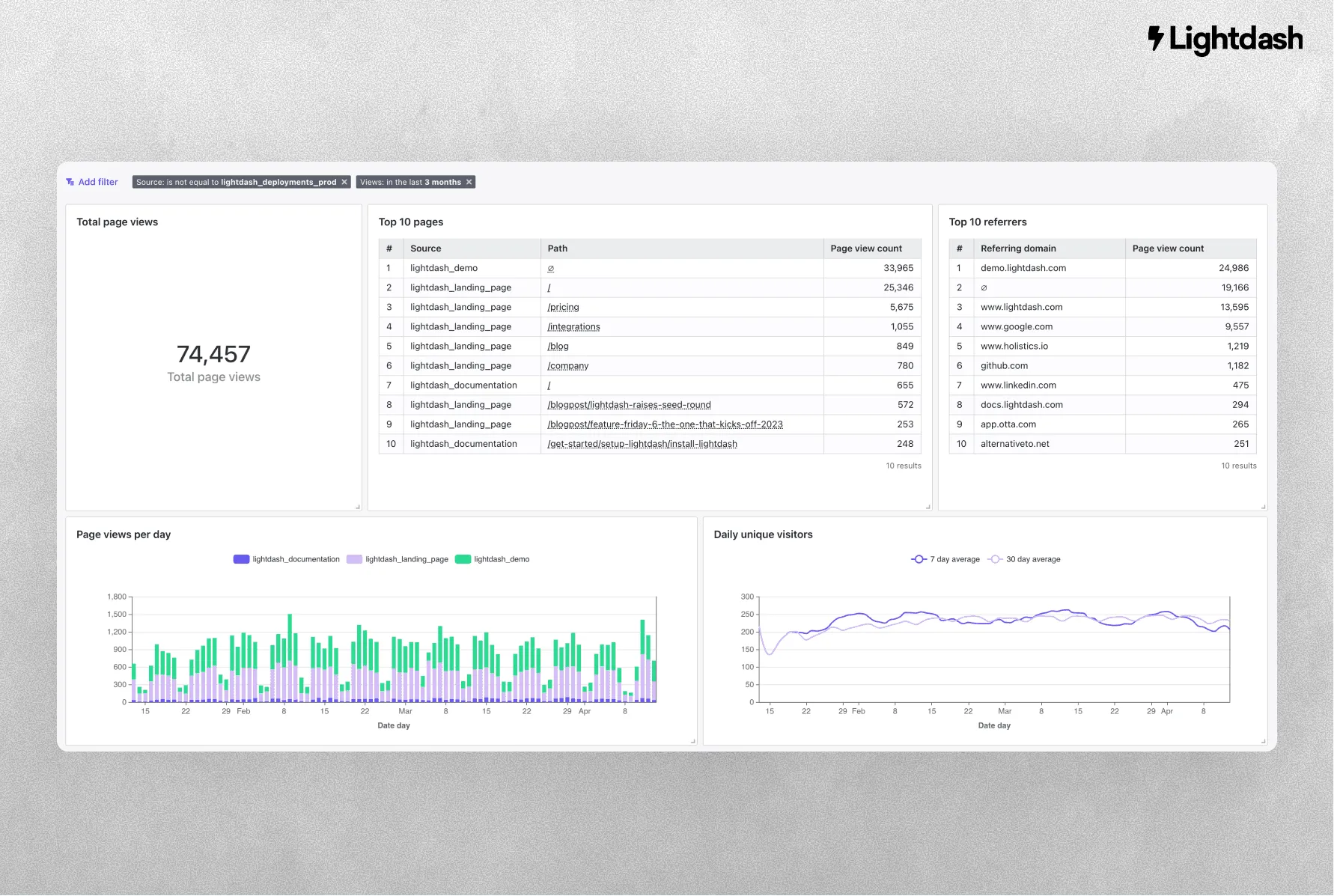
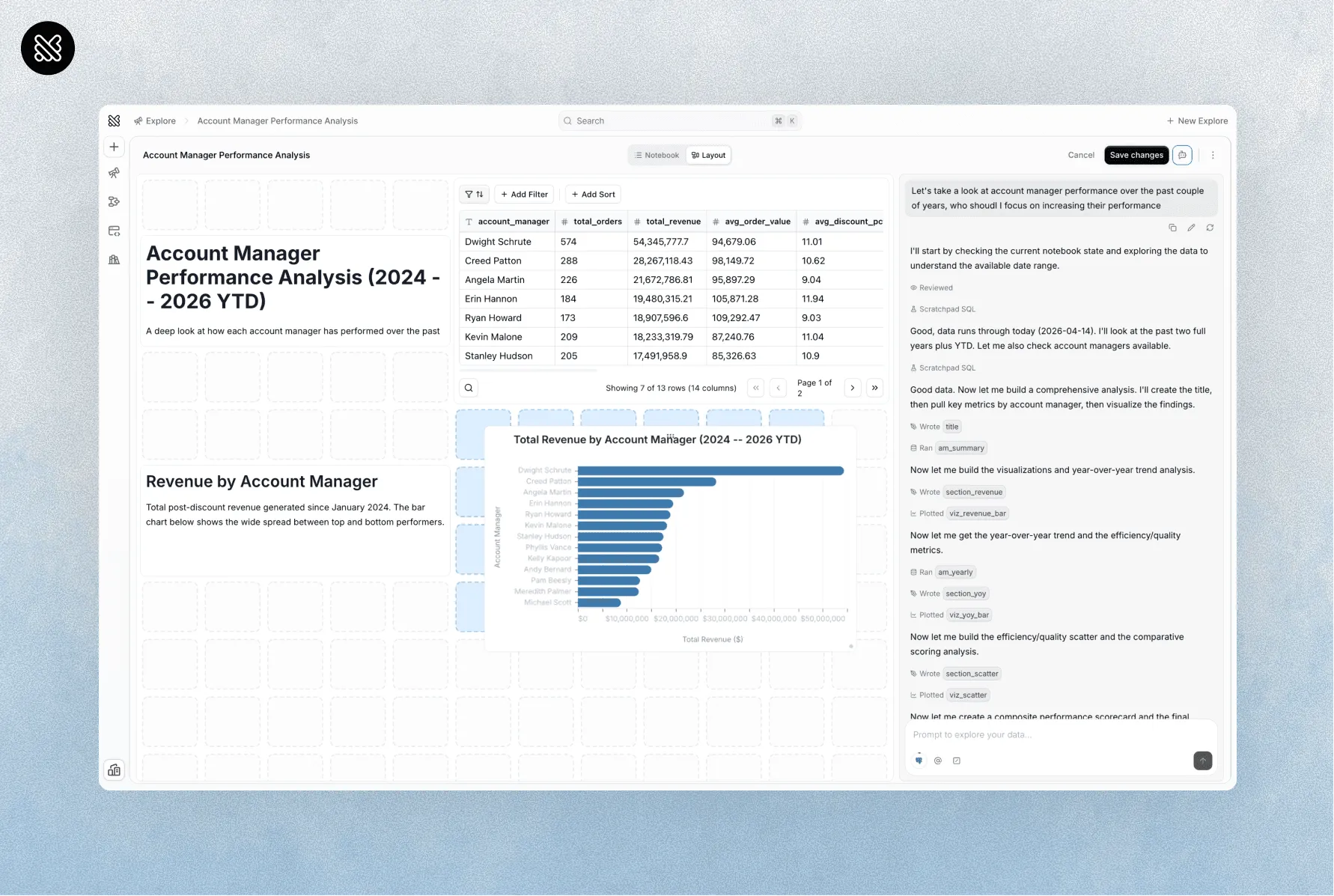
‹ QuerioDrag to compareLightdash ›
BI as code was the way in 2022. Now, it’s AI-native.
Lightdash is good. We’re going to say that upfront, because most comparison pages pretend the competitor is bad and this one won’t. If your team is small, technical, and lives in dbt and git, Lightdash is a clean, well-designed, open-source-friendly BI tool. We respect it.
Querio solves a different problem. Lightdash asks: how do we turn dbt models into dashboards without buying Looker? Querio asks: how does everyone in the company get answers from our data without filing a ticket with the analytics engineer?
How to decide
1. Who uses the tool?
Lightdash assumes your users can read a dashboard an analytics engineer built. The authoring happens in YAML, versioned in git, reviewed in PRs. That’s a great workflow for the data team. It’s not a workflow the VP of Sales is ever going to touch.
Querio gives analytics engineers a notebook and gives everyone else a chat. The semantic layer is shared. The governance is shared. The surface is different for different users.
Querio’s definitions are files too, in a GitHub repo your team owns, versioned and reviewed through PRs. Sync runs both ways, so a change made in Querio lands in the repo and a change made in the repo shows up in Querio. GitHub comes with the Free plan, and Core adds GitLab and Bitbucket.
2. How central is dbt?
Lightdash needs dbt and its own YAML conventions. If dbt is the center of your universe, that’s a feature. If you have data that isn’t modeled in dbt, or you’re still figuring out your modeling story, Lightdash adds friction.
Querio reads your dbt and MetricFlow definitions as they are when you have them, imports from LookML when you have that, and works on raw warehouse schemas when you don’t. You’re not required to have a mature modeling layer to get value on day one.
3. BI with AI, or AI with BI?
Lightdash is a BI tool that’s added AI features. Charts, dashboards, and a copilot that helps you build them.
Querio is an AI product that happens to include BI outputs. Chat is the front door. Charts and dashboards are one of the things the AI produces.
The difference matters most for non-technical users. A BI tool plus AI still looks like a BI tool to someone who doesn’t want one. An AI product with BI outputs looks like a chat they can actually use.
Where they overlap, where they don’t
| Features | Querio | Lightdash |
|---|---|---|
| AI as primary interface | Yes | Copilot assistant |
| Notebook + BI in one tool | Yes | No |
| Python alongside SQL | Yes | Limited |
| dbt | Reads dbt and MetricFlow definitions as they are | Needs dbt and its own YAML conventions |
| Works without dbt | Yes | Awkward |
| Semantic layer | Yes | Yes (via dbt metrics) |
| Non-technical user experience | Core | Via dashboards |
| Open source option | No | Yes |
| MCP endpoint for agents | Yes | No |
Pick Lightdash if
-
Your analysts want an open-source BI tool with hands-on modeling control.
-
Your team is comfortable configuring and maintaining the analytics stack.
-
Your main need is governed dashboards rather than AI-led investigation.
Pick Querio if
-
You want answers that business users can reach without a technical handoff.
-
You want AI that continues the analysis through follow-up questions.
-
You want analysts and business users sharing one analytics workspace.
If you already have Lightdash
Querio reads your dbt project and its MetricFlow metrics as they are. If your Lightdash setup is built on a solid dbt model, that work carries over, and agents connected through Querio’s MCP server can query your MetricFlow metrics by name. You don’t migrate; you add.
Free and open source
Leaving Lightdash? Take everything with you.
unshackle moves your metrics, dashboards and permissions out of Lightdash and into files in a Git repo you own. Nothing changes in the tool you're leaving.
Works with








- and more

- your-analytics-repo
- semantic
- notebooks
- catalog
- policies
- knowledge
- migration
- report.md