Business Intelligence
The top 10 embedded analytics platforms
Embedded analytics can make or break product experience—this guide compares AI features, integrations, deployment, and pricing across top platforms.

Embedded analytics platforms integrate data insights directly into business tools, helping teams make decisions without switching between systems. This article reviews the embedded analytics platforms, focusing on their features, AI capabilities, integration options, and pricing. Here's a quick rundown:
- Querio: AI-driven, no SQL needed, unlimited viewers, tiered pricing.
- Sisense: AI insights, flexible embedding, custom pricing.
- Domo: Cloud-native, real-time dashboards, tiered pricing.
- Tableau: Advanced visuals, SDK for embedding, per-user pricing.
- Power BI: Microsoft ecosystem, AI tools like Copilot, competitive pricing.
- Looker: Developer-focused, API-first, subscription-based pricing.
- Qlik Sense: Associative engine, automated insights, subscription pricing.
- ThoughtSpot: Search-based interface, AI-powered insights, custom pricing.
- GoodData: Developer-centric, flexible deployment, starts at $2,500/month.
- TIBCO Jaspersoft: Detailed reports, multi-tenancy, subscription pricing. (often requiring a multi-tenant architecture)
Each platform offers unique strengths, from user-friendly AI tools to developer-focused customization. Below is a detailed breakdown of their features and pricing to help you choose the right one for your needs. Many organizations prioritize self-service dashboards embedded directly into their applications to empower end-users.
The Best Embedded Analytics Tools (2023)
::: @iframe https://www.youtube.com/embed/Oeu9CURxwak :::
1. Querio
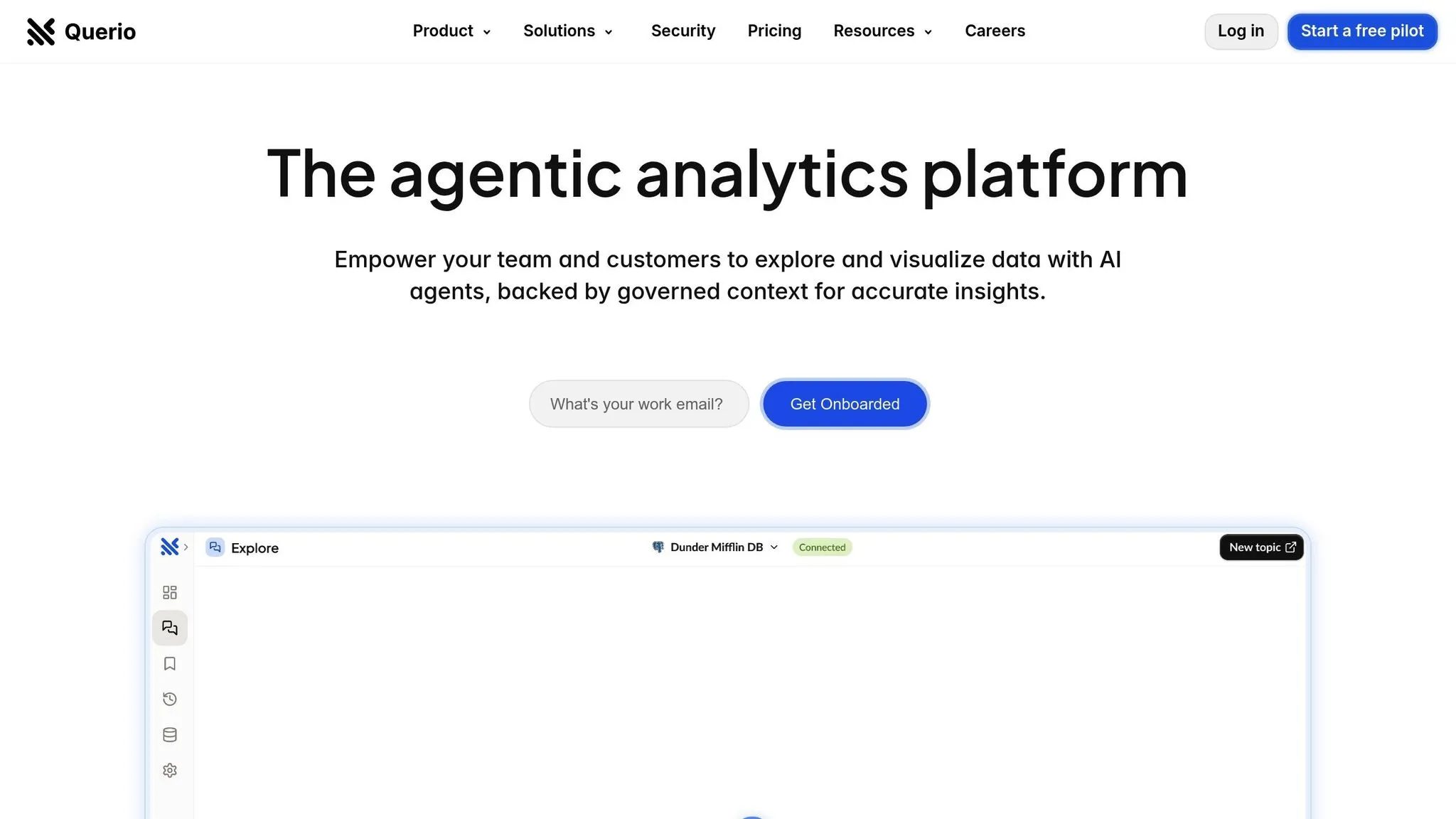
Querio is a business intelligence workspace built with AI at its core, designed to transform the way users interact with data. It connects directly to platforms like Snowflake, BigQuery, and Postgres without duplicating data, ensuring real-time access. Best of all, Querio is user-friendly - no SQL expertise or specialized analysts are required. And with enterprise-grade governance and security baked in, it’s a solution that works for everyone. Let’s dive into what makes Querio stand out:
AI-Driven Features
Querio lets you ask questions in plain English and instantly delivers accurate charts. Its natural language querying means you don’t need technical skills to get the insights you need. Plus, it comes with a built-in Python notebook that supports both SQL and Python workflows, giving users the freedom to explore data independently.
The platform’s semantic layer adds another layer of sophistication. It allows data teams to define critical elements - like table joins, metric definitions, and business glossaries - once. These definitions are then applied consistently across all queries, ensuring everyone is on the same page when it comes to interpreting business terms.
Flexible Integration and Deployment
Querio takes embedded analytics to the next level by integrating its AI-powered tools directly into customer-facing applications. With secure, read-only encrypted connections, SOC 2 Type II compliance, and a 99.9% uptime SLA, organizations can trust Querio to deliver reliability and protect their data. These features make it easy to add live querying and visualization capabilities to any product.
Advanced Dashboards and Visualization
Creating dashboards has never been simpler. Querio’s drag-and-drop tools let users build KPI trackers and compelling data stories with ease. Scheduled reports ensure executives stay informed with automated updates, taking the hassle out of manual reporting.
For those who need deeper insights, the Python notebook environment offers advanced analysis on governed data. This setup works seamlessly with the semantic layer, providing a clear and consistent framework for exploration.
Pricing Transparency
Querio operates on a tiered pricing model with no hidden fees. Designed as a premium product, its pricing is based on the number of power users who create and manage analytics. Viewer access, however, is unlimited. And to back up their commitment to customer satisfaction, Querio offers a money-back guarantee.
2. Sisense
Sisense offers a streamlined, all-in-one solution among embedded BI platforms, making it easier to work with complex data and tackle business challenges without needing advanced data expertise. By integrating analytics directly into applications, it provides users with insights right where they need them most. Let’s dive into its AI features, integration flexibility, and pricing structure.
AI-Driven Capabilities
Sisense leverages AI to make analytics more intuitive and accessible. Its tools help automate repetitive tasks and uncover insights that would otherwise require significant manual effort. This allows teams to quickly spot trends and patterns, enabling smarter decision-making without getting bogged down in data complexity.
Integration and Deployment Flexibility
The platform’s architecture is designed to simplify the process of embedding analytics into applications. This approach minimizes deployment challenges and avoids the need for extensive infrastructure changes, making it a practical choice for businesses looking to integrate analytics seamlessly.
Pricing Model
Sisense uses a custom, quote-based pricing system tailored to the specific needs of each organization. Pricing typically depends on factors like usage and the number of users. Contracts start at around $10,000 per year but can scale significantly, with larger enterprises often paying mid-six figures annually for advanced features and faster performance. Businesses collaborate directly with Sisense to create a pricing plan that aligns with their unique requirements, ensuring flexibility and scalability.
3. Domo
Domo steps into the embedded analytics space with a strong focus on its cloud-native design. This business intelligence platform brings together data from various sources, making it easier for organizations to access and share insights. With its embedded analytics features, businesses can integrate dashboards and reports directly into their applications using a secure analytics architecture, ensuring that analytics are not just accessible but also actionable. Domo also prioritizes real-time data access and encourages collaboration for better decision-making.
AI-Driven Features
Domo leverages AI to simplify complex tasks. Its natural language processing lets users ask questions in plain English, removing the need for technical expertise. Automated anomaly detection highlights unusual patterns that might need attention, while predictive analytics uses historical data to provide forecasts, helping businesses stay ahead of the curve.
Flexible Integration and Deployment
Domo’s integration capabilities are extensive. It offers APIs and developer tools for embedding analytics into existing apps and supports connections to databases, cloud storage, SaaS platforms, and even social media. Because it’s cloud-based, there’s no need for on-premises infrastructure, and its multi-tenancy support allows organizations to manage different departments or clients with tailored data access controls.
Advanced Dashboards and Visualizations
Domo provides a variety of pre-built visualizations and dashboard templates, making it easy to create charts, graphs, and tables with drag-and-drop tools. Dashboards automatically refresh in real time as data updates, and users can drill down into visualizations for more detailed insights. Interactive filters allow viewers to customize the data they see, and the platform’s mobile-friendly design ensures dashboards look great on any screen size.
Pricing Structure
Domo uses a tiered pricing model based on the number of users and the features they need. Costs also depend on factors like data connectors, refresh frequency, and storage capacity. Larger, enterprise-level deployments with more advanced requirements will naturally come with higher costs.
4. Tableau
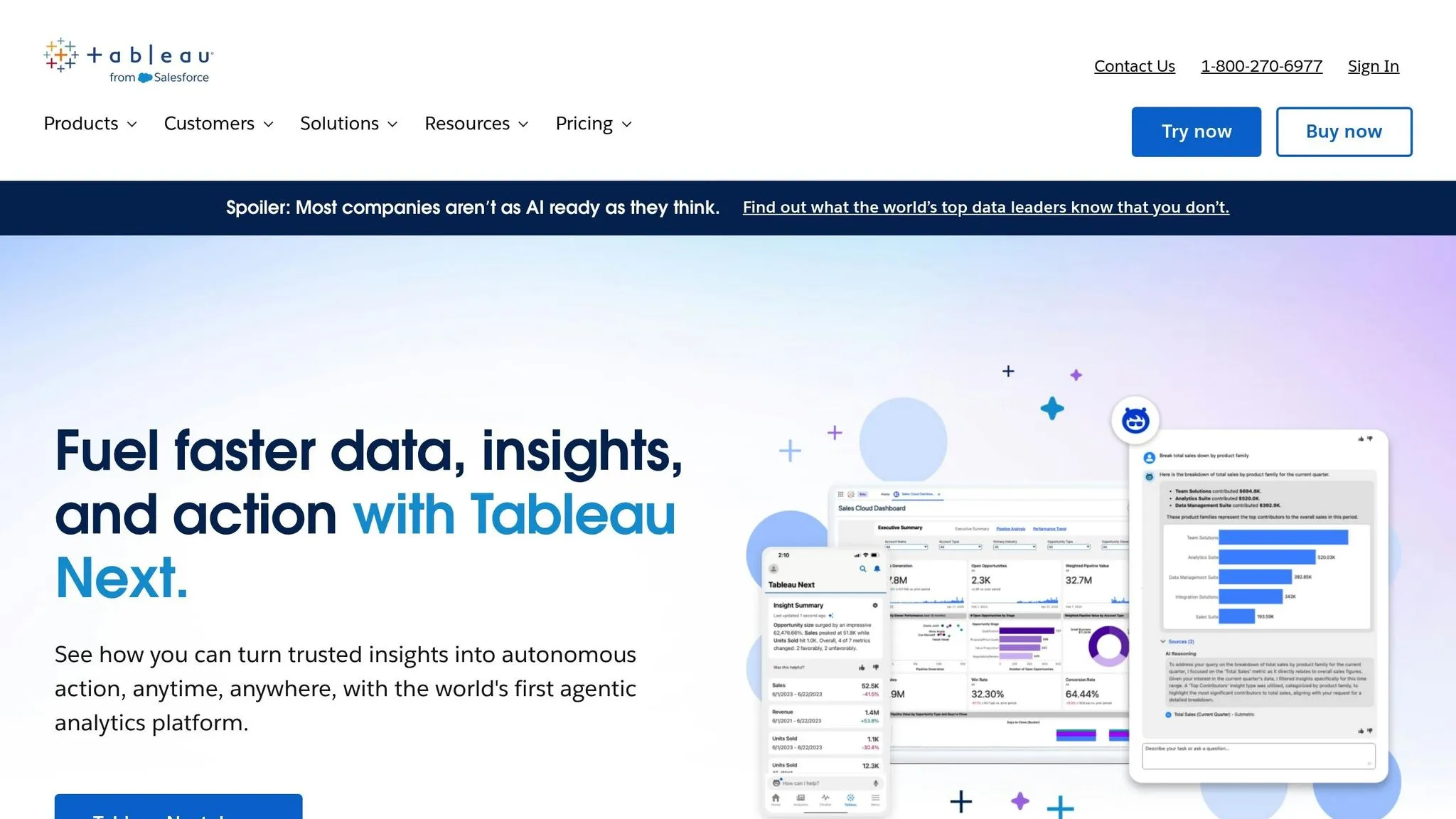
Tableau is a powerful business intelligence platform designed for in-depth data exploration. One of its standout features is the ability to integrate dashboards and visualizations directly into other applications, making it a versatile tool for businesses. Here's a closer look at what it offers:
AI-Driven Features
Tableau uses data analytics AI to analyze data, helping users uncover patterns and trends that might otherwise go unnoticed. This makes it easier for businesses to make informed decisions based on actionable insights.
Flexible Integration and Deployment
With Tableau, businesses can embed full dashboards or even specific visualizations into their applications using its SDK. For developers looking to customize functionality, the Plugins SDK provides the tools needed to meet unique business needs. This flexibility ensures Tableau can adapt to a variety of use cases.
5. Power BI
Power BI, Microsoft's business intelligence platform, integrates dashboards and reports across Azure, Office 365, and other Microsoft services. This allows organizations to incorporate natural-language analytics directly into their workflows. With its ability to embed dashboards and reports into applications, it offers a flexible analytics solution. These features lay the groundwork for its advanced AI tools.
AI-Driven Features
Power BI comes with Copilot, an AI assistant that uses natural language to help users uncover insights quickly. With Copilot, users can ask questions in plain English and receive instant visualizations. Additionally, AutoML simplifies predictive analytics, enabling businesses to identify trends and anticipate future developments with ease.
Integration and Deployment Options
Power BI Embedded uses Azure to seamlessly integrate analytics into tools like Microsoft 365, Excel, Teams, Dynamics 365, and SharePoint, making it a versatile choice for businesses already using Microsoft services.
Pricing Details
Power BI offers a range of pricing options to suit different needs. Individual users can start with a free tier, while the Pro plan is available at $10 per user per month. For embedded analytics, pricing begins at around $750 per month for A1 capacity, with costs increasing based on computing power and usage demands.
6. Looker
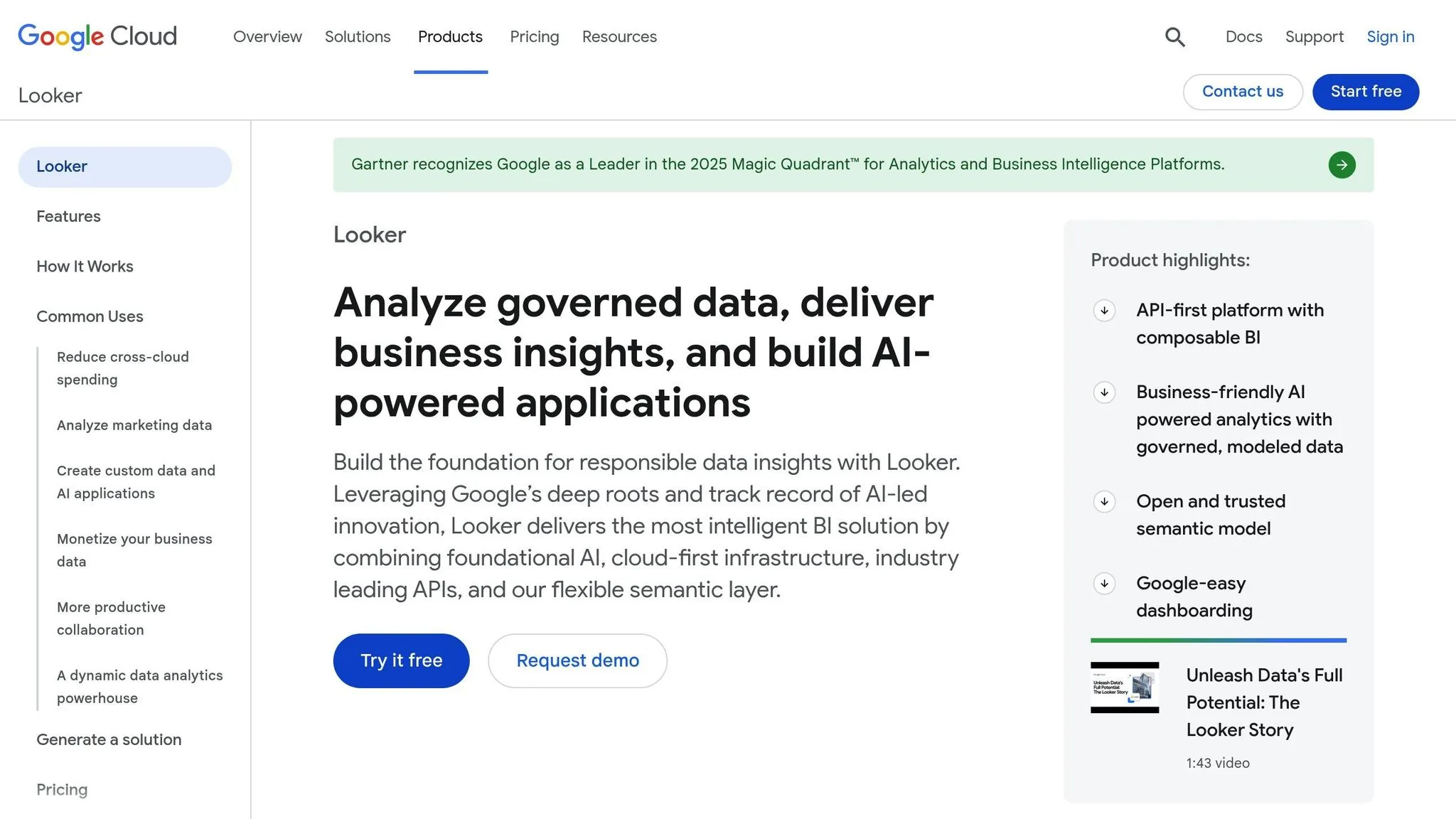
Looker, now part of Google Cloud, stands out with its unique LookML language, which allows businesses to define their analytics logic in a single, reusable layer. This approach enables organizations to manage and embed analytics with greater ease, complementing other leading platforms in the market.
AI-Driven Features
By integrating with Google Cloud, Looker brings advanced analytics to the table. It uses machine learning to detect anomalies and spot emerging trends, speeding up the process of uncovering valuable insights. This AI-powered functionality is seamlessly woven into its broader integration framework, making it a powerful tool for data-driven decision-making.
Flexible Integration and Deployment
Looker’s flexibility shines through its API and SDK support, which make embedding analytics straightforward. Its API allows businesses to customize the analytics experience to align with their application’s design. With multi-tenancy, each customer can securely access their own data while sharing the same infrastructure.
Looker connects effortlessly with Google Cloud services like BigQuery, Cloud SQL, and Google Analytics. It also integrates with a wide range of other databases, including Snowflake, Amazon Redshift, and Microsoft Azure SQL. This ensures businesses can use Looker across different cloud providers and data warehouses without being locked into a single ecosystem.
Advanced Dashboards and Visualizations
Looker offers dynamic dashboards with real-time updates and drill-down capabilities for deeper insights. These visualizations automatically refresh as data changes, ensuring users always have the most up-to-date information. By focusing on governed data exploration, Looker allows business users to create reports and dashboards within the parameters set by data teams, ensuring consistency and reliability across the organization’s metrics.
Pricing Structure
Looker uses a platform-based pricing model tailored to each business. Costs depend on factors like the number of users, data volume, and the scale of the deployment.
sbb-itb-284a532
7. Qlik Sense
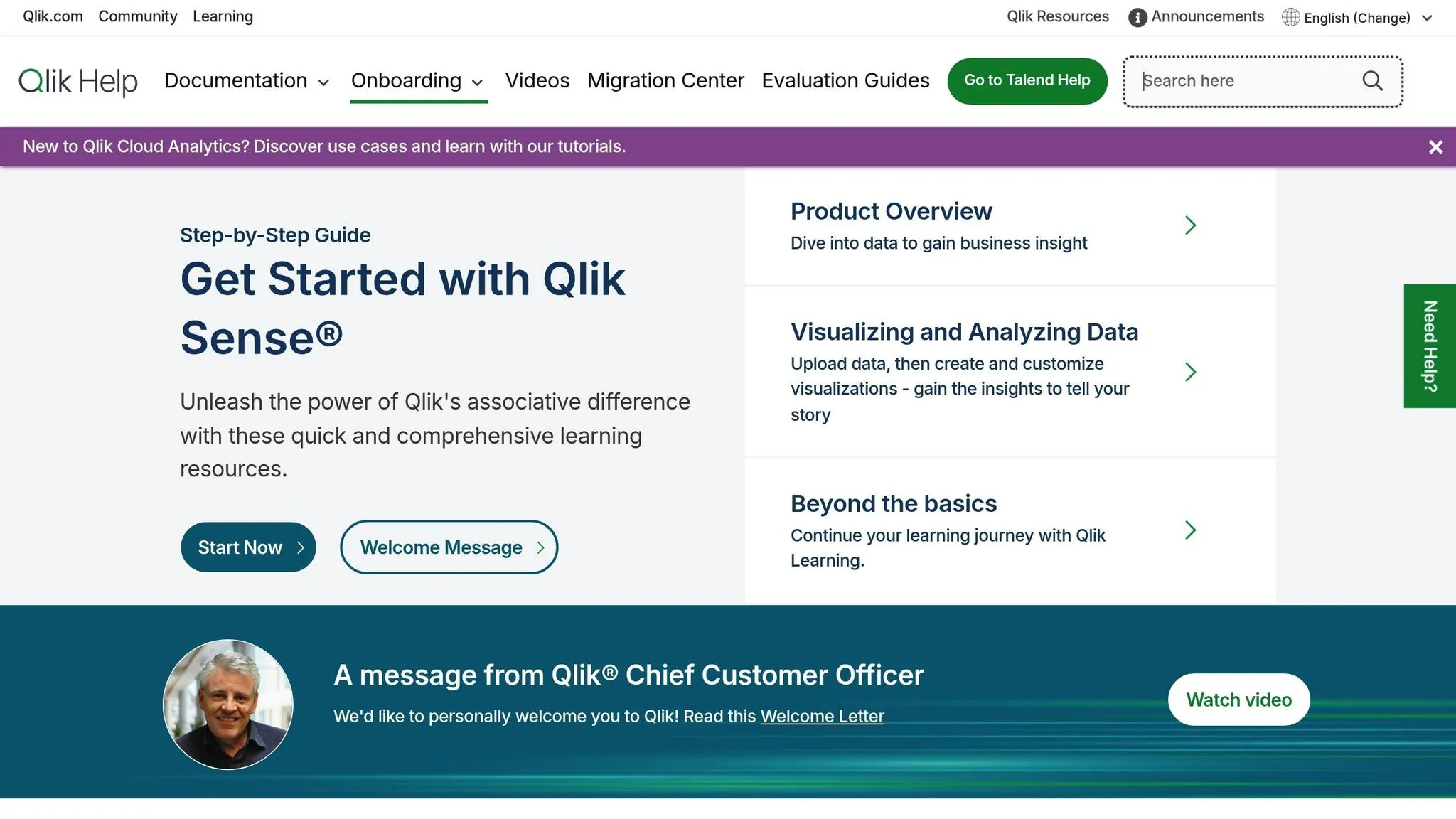
Qlik Sense uses an associative engine to help users explore data relationships without being tied to predefined query paths. This approach gives users the freedom to uncover insights in a more dynamic way. The platform supports both cloud-based and on-premises setups, giving businesses the flexibility to tailor their analytics infrastructure to their specific needs.
AI-Driven Features
Qlik Cloud Analytics combines generative and predictive AI to identify patterns and speed up data discovery, offering several benefits of AI-driven business intelligence. These AI tools work hand-in-hand with the associative engine to simplify and automate parts of the data analysis process.
Flexible Integration and Deployment
Qlik Sense offers deployment options through Qlik Cloud or Qlik Sense Enterprise for private installations. For embedding analytics into applications, it provides embedded analytics tools like iFrames, JavaScript mashups, and APIs. However, it's worth noting that embedding analytics may require extra maintenance due to potential differences in features across editions.
The platform also excels in data compatibility, connecting seamlessly with cloud-based sources, on-premises databases, real-time data streams, and various data models. This versatility ensures that businesses can integrate Qlik Sense into diverse data environments.
8. ThoughtSpot
ThoughtSpot takes a refreshingly simple approach to embedded analytics by letting users ask questions in plain English instead of navigating complex dashboards. Think of it as using a search engine - just type in your question, and the platform delivers insights instantly. This makes it much easier for people without technical expertise to explore and understand data.
At its core, ThoughtSpot combines a user-friendly search interface with the power of AI analytics tools to turn data queries into actionable insights.
AI-Driven Capabilities
With ThoughtSpot, users can type queries like, "What were last quarter's sales by region?" and get immediate answers - no need to know anything about database structures or complicated query languages. It’s all about simplicity.
The platform also uses AI to automatically detect anomalies and uncover hidden patterns in your data. This reduces the time spent on routine analysis, allowing teams to focus on interpreting results and making smarter decisions. Plus, because the interface feels familiar - similar to everyday search tools - users can quickly get the hang of it without extensive training.
These features make ThoughtSpot a great fit for a wide range of business environments.
Integration and Deployment Flexibility
ThoughtSpot offers flexible deployment options to suit different organizational needs, whether you prefer SaaS, cloud, or on-premises setups. It works seamlessly with major cloud providers like AWS, Azure, and Kubernetes.
For embedding analytics, ThoughtSpot provides a JavaScript-based Visual Embed SDK. This tool is designed to embed specific components like search bars or charts into applications, rather than entire dashboards. While the focus is on predefined embed types, it’s versatile enough to meet a variety of use cases.
Pricing Model
ThoughtSpot uses a custom pricing model tailored to your deployment and usage needs. For exact pricing, you’ll need to reach out to their sales team for a personalized quote.
9. GoodData
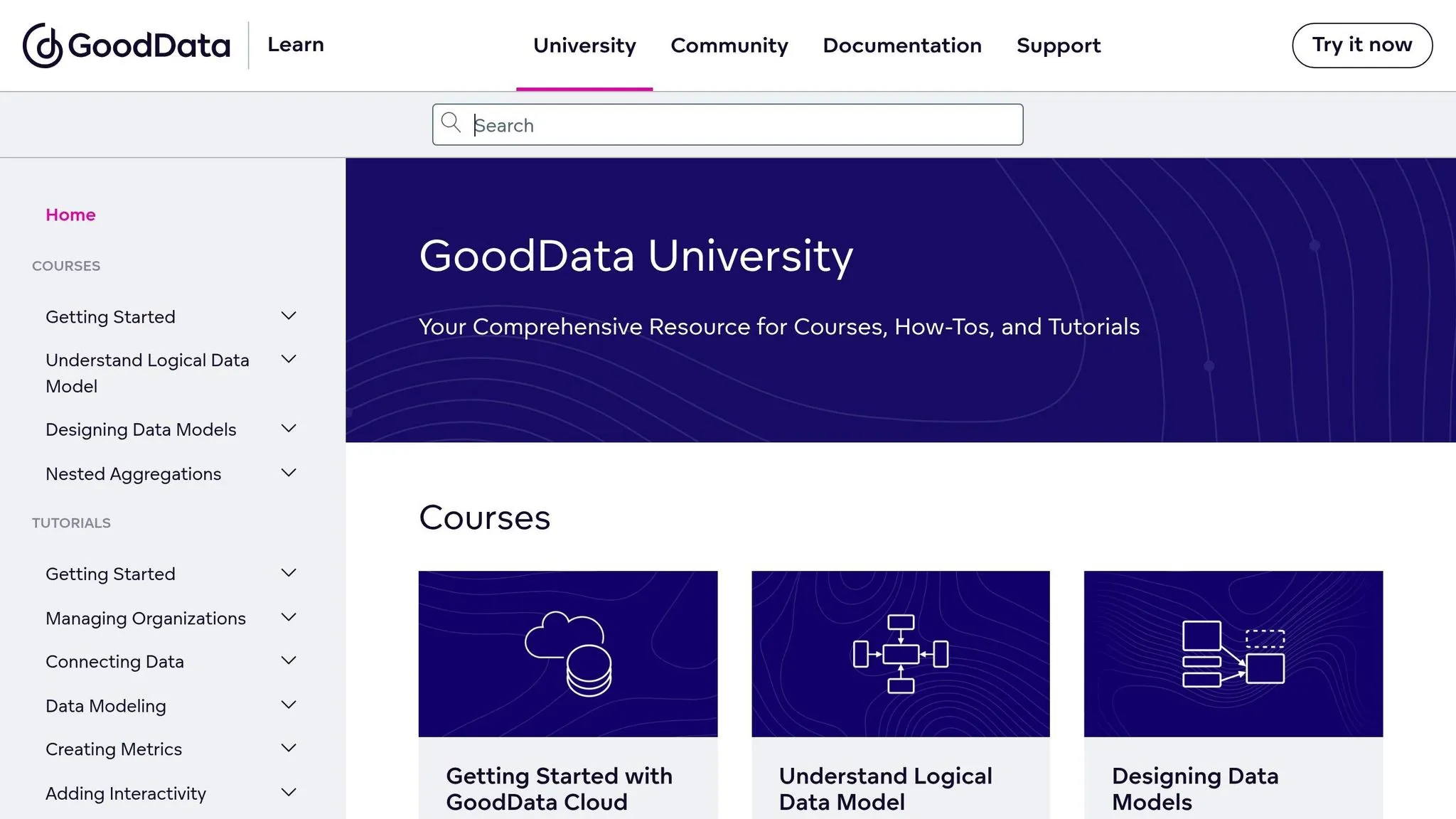
GoodData has evolved from a traditional managed BI platform into a developer-centric, API-first embedded analytics solution. It’s designed to give developers significant control over how analytics are designed and function, making it an appealing choice for organizations requiring strict governance and flexible deployment options.
Integration and Deployment Flexibility
GoodData stands out for its deployment versatility. Whether you prefer SaaS, hosting in your own cloud environment (AWS, Azure, or GCP), or a fully on-premises setup, the platform offers options to suit your specific needs. This level of control is particularly valuable for organizations with strict compliance requirements or unique infrastructure setups. This flexibility is essential for maintaining embedded analytics security across diverse environments.
Developers can embed either full dashboards or individual components using tools like a React SDK for embedding analytics, REST APIs, and a semantic data model that standardizes KPIs across the organization. Unlike platforms that confine you to rigid templates, GoodData allows you to tailor the user experience to align with your application's design and branding.
These flexible options make it easier to seamlessly integrate customized analytics into your applications.
Advanced Visualization and Dashboards
GoodData’s visualization tools are built to meet the demands of enterprise-level analytics. The platform supports a variety of chart types and interactive visualizations, all of which can be fine-tuned through its SDK. Its API-first design enables developers to create highly personalized dashboard experiences, moving beyond standard pre-made templates.
With its React SDK and Web Components, analytics can be effortlessly embedded into web applications, ensuring a consistent and cohesive design across your user interface.
Pricing Model
The pricing for GoodData starts at around $2,500 per month and adjusts based on the number of users and usage levels. For a detailed quote, you’ll need to connect with their sales team.
10. TIBCO Jaspersoft
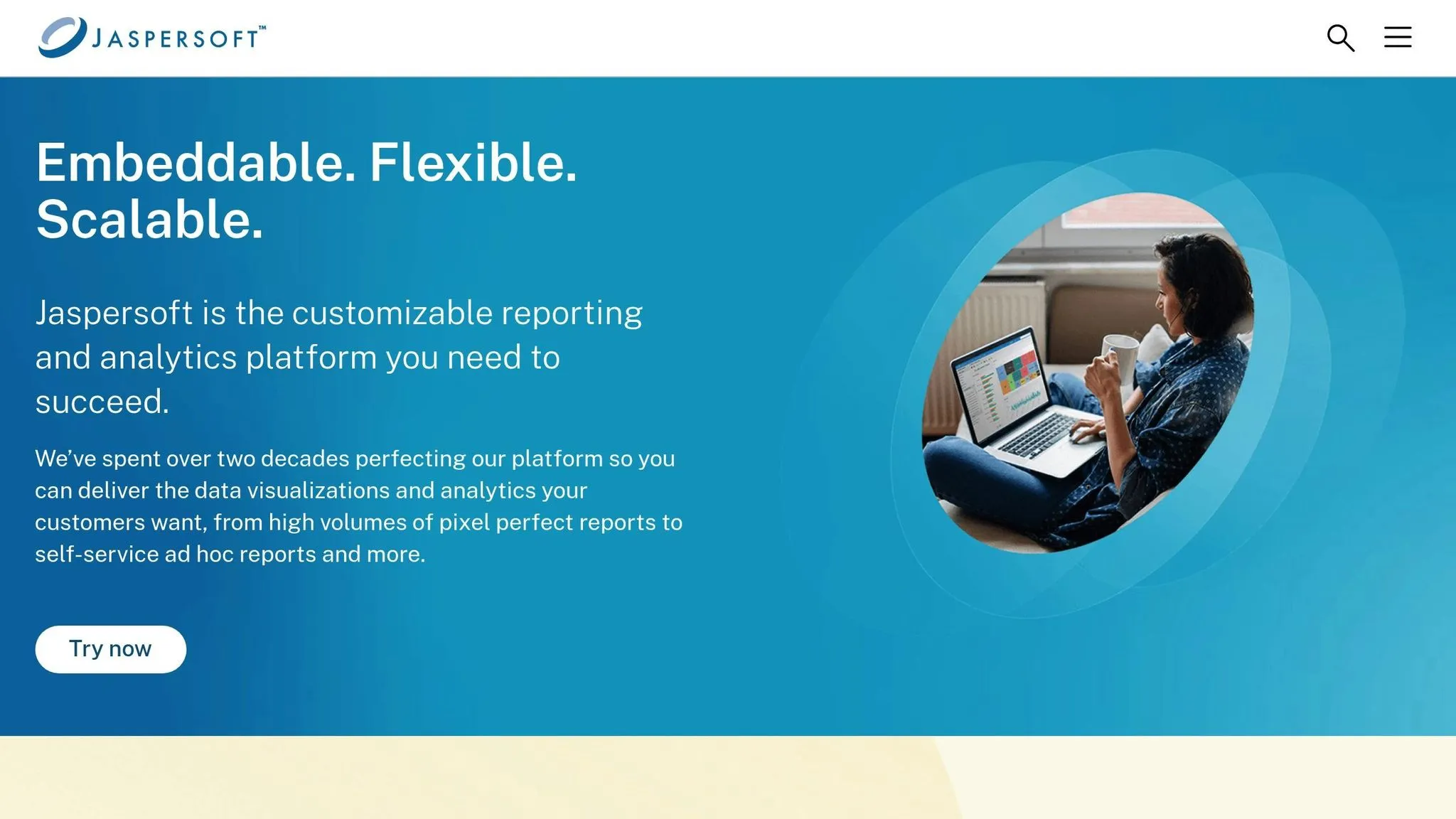
TIBCO Jaspersoft is an embedded analytics platform tailored for businesses that need detailed, formatted reports to meet compliance requirements and manage operational documentation effectively.
At its core is the open-source JasperReports Library, supported by an active developer community. The commercial edition builds on this foundation by adding features like multi-tenancy, advanced security, and versatile deployment options, making it easier to integrate analytics into everyday business applications.
Integration and Deployment Flexibility
TIBCO Jaspersoft offers deployment options for cloud, on-premises, and hybrid environments, catering to diverse infrastructure needs. Developers benefit from REST APIs and SDKs that allow seamless embedding of reports and dashboards into applications. Its multi-tenancy capabilities are particularly useful for software vendors, enabling them to serve multiple clients from a single instance while ensuring data isolation and allowing for tenant-specific branding.
The platform connects to a wide variety of data sources, including traditional relational databases and modern cloud data warehouses. This means businesses can access their data where it already resides, without the need for extensive migrations or transformations. This adaptability makes it easier to embed analytics directly into applications, streamlining data access.
Visualization and Dashboard Features
TIBCO Jaspersoft stands out for its ability to produce detailed, consistent reports in multiple formats, such as PDF, Excel, and HTML. It also includes an Ad Hoc reporting feature, allowing business users to create their own reports. However, this feature may require a bit of a learning curve compared to more intuitive drag-and-drop tools.
Pricing Model
TIBCO Jaspersoft operates on a subscription-based pricing model, with specific details available upon request.
Platform Comparison Table
Here's a side-by-side comparison of the leading embedded analytics platforms, focusing on how they align with various business needs. This table highlights key features such as AI tools, integration options, visualization capabilities, pricing, and user experience.
| Platform | AI Capabilities | Integration Options | Visualization Tools | Pricing Structure | Ease of Use |
|---|---|---|---|---|---|
| Querio | AI-native natural language querying; AI-powered Python notebooks; no query fees | Direct live connections to Snowflake, BigQuery, Postgres (read-only, encrypted) | Drag-and-drop dashboards; AI-generated charts; unlimited viewers | Competitive premium pricing; money-back guarantee; no per-query fees | Conversational interface; plain English queries |
| Sisense | AI-driven insights; anomaly detection; natural language query support | REST APIs, JavaScript SDK, iFrame embedding; connects to 100+ data sources | Customizable dashboards; white-label BI options | Subscription-based; pricing available upon request | Moderate learning curve; developer-friendly |
| Domo | Predictive analytics; AI-powered alerts and recommendations | Cloud-native with 1,000+ pre-built connectors; REST APIs | Interactive dashboards; mobile-first design | Subscription tiers based on users and features | User-friendly interface; some complexity in advanced features |
| Tableau | Ask Data natural language feature | Tableau Embedded Analytics API; connects to many data sources | Extensive chart options; industry-leading visuals | Per-user licensing; Creator, Explorer, and Viewer tiers | Steep learning curve for advanced features; powerful once mastered |
| Power BI | AI visuals; Q&A natural language queries; Azure AI integration | Power BI Embedded with REST APIs; deep Microsoft ecosystem integration | Wide range of standard and custom visuals | Per-user or capacity-based (Premium); competitive pricing | Familiar Microsoft interface; easier for Excel users |
| Looker | LookML for data modeling; basic ML integrations | Embedded SDK; API-first architecture; connects to SQL databases | Customizable dashboards; focuses on governed metrics | Subscription-based; pricing varies by deployment | Requires SQL knowledge; developer-centric approach |
| Qlik Sense | Insight Advisor AI; automated insights and suggestions | Qlik Sense APIs; mashup architecture for embedding | Associative data model; responsive visualizations | Subscription tiers; user-based or capacity-based | Intuitive drag-and-drop; associative model requires adjustment |
| ThoughtSpot | Search-driven AI analytics; SpotIQ automated insights | REST APIs and JavaScript SDK; connects to cloud data warehouses | Search-based interface; auto-generated visualizations | Subscription-based; pricing available upon request | Google-like search makes it accessible to non-technical users |
| GoodData | AI-powered recommendations; anomaly detection | Cloud-native APIs; white-label embedding capabilities | Customizable dashboards and reports | Subscription tiers based on users and features | Developer-focused; requires technical setup |
| TIBCO Jaspersoft | Limited AI features; focuses on traditional reporting | REST APIs and SDKs; multi-tenancy support; connects to various databases | Pixel-perfect reports; Ad Hoc reporting tool | Subscription-based; pricing available upon request | Steeper learning curve for Ad Hoc features; strong for formatted reports |
When choosing a platform, consider your organization's technical resources and goals. For example, Querio offers user-friendly, natural language analytics and self-service dashboards, while Looker and GoodData lean heavily on technical expertise. Integration options also vary - some platforms, like Power BI, integrate seamlessly within their ecosystems, while others focus on API-first designs.
Visualization styles range from highly interactive dashboards (like Domo) to precise, formatted reports (like TIBCO Jaspersoft). Think about whether your team needs compliance-ready reports or tools for exploratory analysis. Pricing structures can also impact your decision, so watch out for hidden costs like per-query fees or user restrictions.
Ultimately, the best choice balances advanced features with ease of use, ensuring your team can deliver analytics that drive engagement and decision-making.
Conclusion
Selecting the right embedded analytics platform is crucial for meeting your organization's unique requirements. With projections showing that 81% of data analytics users will rely on embedded analytics by 2025, the opportunity to revolutionize how your team and customers engage with data is immense.
Start by reviewing your technical resources. Limited tech support is a common hurdle - 42% of users identify it as a barrier to adoption. Platforms that demand extensive developer involvement can slow progress, while self-service options empower users to build and tweak dashboards independently, cutting down on support tickets and speeding up adoption.
Next, evaluate the platform's AI capabilities to ensure it can meet future demands. As 73% of tech leaders plan to expand AI usage within their organizations in the coming year, prioritizing platforms with AI-driven features like natural language querying, automated insights, and intelligent recommendations is a smart move. These tools can make data more accessible across your team. However, with 55% of tech leaders citing AI deployment as their biggest challenge for 2025, focus on solutions that simplify implementation.
Cost is another critical factor. Look beyond the sticker price and consider the total cost of ownership, including training, maintenance, and potential hidden fees like per-query charges or restrictions on users and features. Make sure the platform aligns with your needs - whether you're delivering white-labeled analytics to customers, generating compliance reports, or creating exploratory dashboards. The right choice will depend on whether your primary users are nontechnical team members or data-savvy analysts.
Also, prioritize platforms that offer secure, direct connections to your data sources. Flexible architectures that integrate smoothly with your existing technology stack are key to a seamless analytics experience.
Finally, hands-on testing is essential. Surprisingly, only 13% of tech leaders are expected to use data effectively to enhance decision-making in 2025, highlighting the untapped potential of analytics. Use trials or demos to test platforms with real-world scenarios. This will help you gauge whether the learning curve fits your team's capabilities and ensure the platform delivers on its promises.
FAQs
::: faq
What should I look for when selecting an embedded analytics platform for my business?
When you're choosing an embedded analytics platform, it's important to zero in on a few critical factors: integration capabilities, scalability, and performance. These elements ensure the platform aligns with your business goals and functions smoothly within your existing systems. Pay attention to how the platform handles embedding options, supports multitenancy, and offers flexible deployment models - these features can greatly influence how effectively it serves your needs.
Don't forget to weigh your unique requirements, such as ensuring compliance with data security standards, while also factoring in your budget and the platform's overall cost of ownership. The right choice can help your business make decisions more quickly and confidently, while seamlessly enriching your applications with advanced analytics features. :::
::: faq
How do AI-powered features in embedded analytics improve business decision-making?
AI-powered tools in embedded analytics are changing how decisions are made by introducing features like natural language queries, automated anomaly detection, and predictive insights directly into applications. These capabilities make it easier for users to interact with data by simply asking questions in plain English, receiving instant, actionable responses. This shift makes data more accessible across an organization, regardless of technical expertise.
With AI, businesses can spot patterns, pinpoint root causes faster, and tap into advanced tools like forecasting and automated recommendations. This integration empowers companies to make faster, smarter decisions, adapt quickly to changes, and confidently plan for what’s ahead. :::
::: faq
What are the typical pricing models for embedded analytics platforms, and how do they affect overall costs?
Embedded analytics platforms typically follow a few standard pricing models:
- User-based pricing: Charges depend on how many individuals have access to the analytics.
- Usage-based pricing: Costs are tied to factors like API calls, data processed, or the number of queries executed.
- Feature-based pricing: Pricing is determined by the specific tools or functionalities included.
- Flat-rate pricing: A fixed fee is charged monthly or annually, regardless of usage or user count.
The pricing model you select can heavily influence your total cost of ownership (TCO). For example, user-based or usage-based pricing might give you flexibility but could result in unexpected expenses during periods of high activity. On the other hand, flat-rate pricing offers predictable costs but may not adapt well as your business grows. Weighing your specific needs against these models is key to controlling expenses while ensuring you get the most value. :::