Business Intelligence
Top 9 AI Data Analyst Tools That Work Inside Claude and ChatGPT
Chat alone isn't enough — use governed warehouse connections, semantic layers, and notebooks for reliable AI analytics.

If you want AI answers you can use at work, chat alone is not enough. The tools in this list split into three clear groups: file-based analysis, live warehouse query tools, and notebook tools for analysts.
Here’s the short version:
- Best for governed self-serve analytics: Querio, Looker
- Best for one-off file analysis: ChatGPT Advanced Data Analysis, Claude
- Best for warehouse-native query workflows: Snowflake Cortex Analyst, BigQuery Conversational Analytics
- Best for analyst notebook work: Hex, Deepnote
- Best for KPI digests: Tableau Pulse
What matters most is not the chat UI. It’s whether the tool gives you:
- Live access to Snowflake, BigQuery, Redshift, Databricks, or Postgres
- Shared metric rules through dbt, LookML, Semantic Views, or a context layer
- Visible SQL or Python so teams can check the logic
- Permission controls tied to the warehouse
Without those pieces, the same question can return different numbers across sessions.
The main takeaway: if I need business users to ask questions in Claude or ChatGPT and get answers tied to the same metric definitions every time, I would look first at tools with a governed semantic layer. If I only need one-off work on a CSV, the built-in chat tools are often enough.
Quick Comparison
| Tool | Main use | Live warehouse data | Shared metric layer | SQL/Python visible |
|---|---|---|---|---|
| Querio | Self-serve business reporting | Yes | Yes | Yes |
| ChatGPT ADA + GPT Actions | File analysis or custom live actions | Partial | Partial | Yes |
| Claude via MCP | Chat over connected data | Yes | Depends on connector | Often |
| Hex | Analyst notebooks | Yes | Limited by setup | Yes |
| Snowflake Cortex Analyst | Snowflake text-to-SQL | Yes | Yes | Yes |
| BigQuery Conversational Analytics | BigQuery text-to-SQL | Yes | Yes | Yes |
| Looker | Governed KPI answers | Yes | Yes | Partial |
| Tableau Pulse | KPI digests | Yes | Yes | No |
| Deepnote | Shared notebook analysis | Yes | Limited by setup | Yes |
A few numbers stand out from the list:
- Querio free tier: 100 questions/month
- Querio Starter: $500/month
- Querio Core: $1,999/month or $1,699/month billed annually
- Hex team plans: start at $36/user/month
- Looker setup time: often 1 to 3 months
- BigQuery text-to-SQL score on BIRD: 76.13
- LookML-based grounding can cut query errors by up to 66%
So if you’re choosing a tool, I’d keep it simple:
- Pick ChatGPT ADA or Claude for small file work.
- Pick Snowflake Cortex Analyst or BigQuery Conversational Analytics if your stack is tied to one warehouse.
- Pick Hex or Deepnote if analysts need notebooks.
- Pick Querio or Looker if the goal is governed answers for non-technical teams inside chat.
That’s the whole decision in plain English.
::: @figure 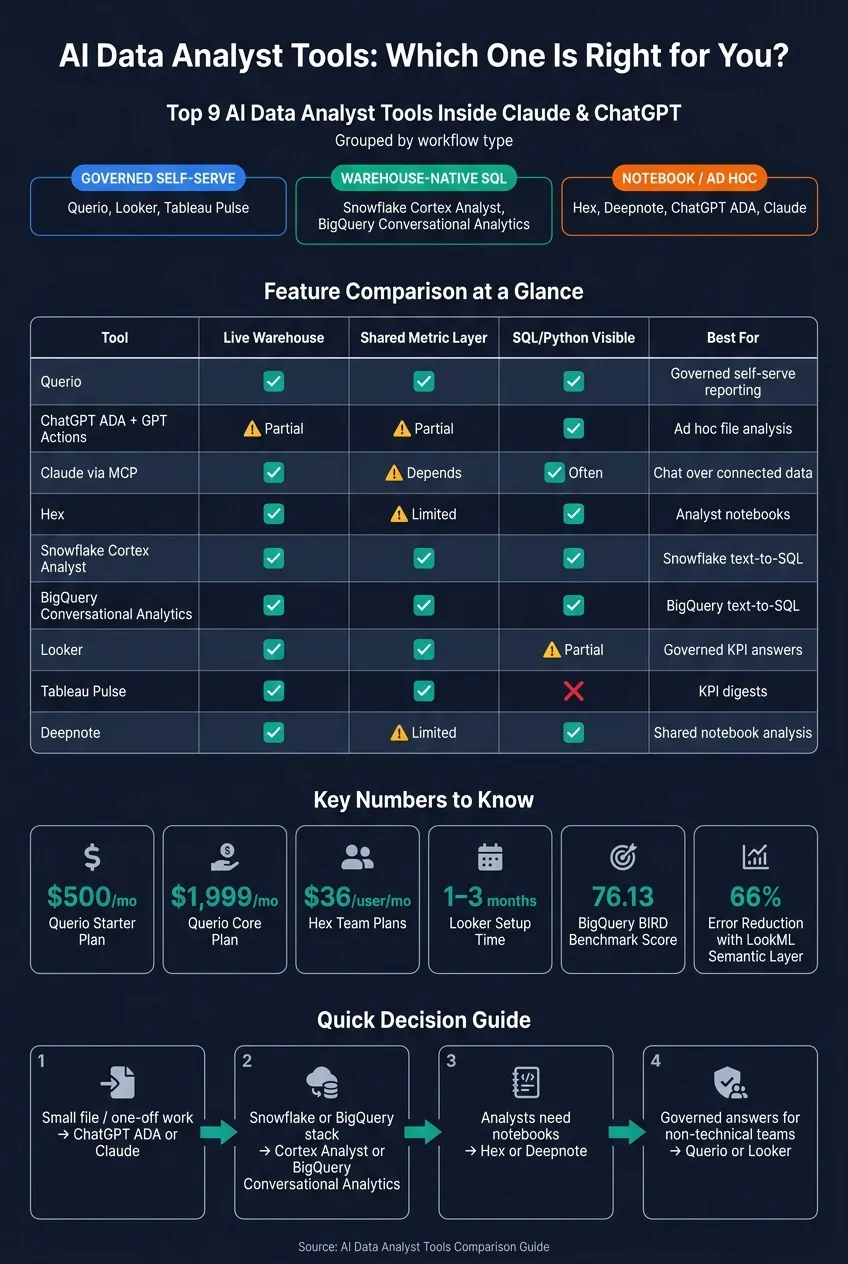 {AI Data Analyst Tools Comparison: Features, Use Cases & Pricing}
:::
{AI Data Analyst Tools Comparison: Features, Use Cases & Pricing}
:::
1. Querio
Querio is an AI-native analytics workspace that lets Claude query live warehouse data through MCP. It gives you governed, auditable answers without forcing you to leave chat.
That’s a big deal for business users who need answers tied to warehouse definitions, not one-off prompts. Ask a business question, and Querio connects in read-only mode to Snowflake, BigQuery, Redshift, or Postgres. It then returns the SQL and Python used to produce the answer.
What makes it trustworthy
Querio’s Context Layer stores definitions for revenue, churn, and active users as SQL, Markdown, and Python files synced to GitHub alongside dbt. Those same definitions are used for every query across the app, Slack, and Claude.
Dashboards include trust labels - trusted, experimental, or team-specific - so users can see what’s been checked and what hasn’t. And because Querio produces inspectable, editable SQL and Python, data teams can review the logic and tune it as needed.
That same governed layer also carries over into notebooks and version control.
Notebooks and version control
Querio includes a reactive notebook environment. Change the SQL, and downstream cells and charts update automatically. The Context Layer stays Git-compatible and version-controlled.
Security and compliance
Before data leaders open access to business users, they usually want tight permissions, audit trails, and control over deployment. Querio covers those bases. It is SOC 2 Type II certified, HIPAA-ready, and supports BAAs, OAuth-based permission inheritance, RBAC, SSO, sandboxed execution, and optional self-hosting for stricter isolation.
You can see that enterprise focus in the pricing.
Pricing
| Plan | Price | Key Limits |
|---|---|---|
| MCP / API | Free to start | 100 questions/month, no payment required |
| Starter | $500/month | Up to 10 users |
| Core | $1,999/month ($1,699/month billed annually) | Unlimited users, 3 data connections |
| Enterprise | Custom | Optional self-hosting for stricter isolation |
The free-to-start MCP tier is a practical way for teams to connect Claude to governed warehouse data before moving to a paid plan. Paid plans include AI usage, and hard caps stop usage once the limit is reached.
Best for: B2B SaaS, healthcare, and finance teams using Snowflake, BigQuery, Redshift, or Postgres that want governed self-serve analytics inside Claude or Slack.
sbb-itb-284a532
2. ChatGPT Advanced Data Analysis + GPT Actions
ChatGPT gives you two different ways to do data work, and they’re built for different kinds of jobs.
Advanced Data Analysis (ADA) is the built-in code interpreter. You upload a CSV or Excel file, and ChatGPT writes and runs Python in a sandbox to answer your question. It’s a good fit for one-off analysis, especially for regression, forecasting, and fast charting where Python makes more sense than SQL.
The catch is simple: ADA resets every session. It works from static file uploads, doesn’t connect to your warehouse, and doesn’t enforce shared metric definitions. So it works best for isolated analysis. GPT Actions, on the other hand, are built for live warehouse workflows.
GPT Actions move ChatGPT beyond file-based analysis and into warehouse querying. For SaaS, healthcare, and finance teams using Snowflake, BigQuery, Redshift, or Postgres, GPT Actions work well only when the metric layer is already defined. If that layer isn’t in place, the model has to guess joins and metrics from the raw schema. That’s where answers can start to drift.
So the main gap isn’t just connectivity. It’s governance.
Without a semantic layer, ChatGPT can generate different SQL, different joins, or different numbers for the same question across sessions. That inconsistency is the main tradeoff. And neither ADA nor GPT Actions comes with built-in row-level or column-level controls.
| Feature | Advanced Data Analysis | GPT Actions (Live Connection) |
|---|---|---|
| Data source | Static uploads (CSV, XLSX) | Live warehouse (Snowflake, BigQuery, etc.) |
| Persistence | Resets each session | Reflects real-time data |
| Governance | None | Only as strong as the connected semantic layer and permissions |
| Security / permissions | No built-in warehouse controls | Depends on the action and underlying permissions |
| Best for | Solo ad hoc exploration | Business self-service with proper grounding |
Best for: Analysts doing one-off work on small exports, or teams with engineering support to maintain governed live warehouse actions.
That makes ChatGPT a useful starting point for ad hoc work, but not a complete governed analytics layer.
3. Claude Data Plugin
Claude does not come with a built-in data plugin. Out of the box, it works best for ad hoc file analysis through CSV or Excel uploads, or with Artifacts for session-based work. If you want to move from chat-based file analysis to warehouse-backed analytics, MCP is the path that gets you there.
Claude reaches live warehouse data through MCP connectors [5]. Third-party tools expose MCP endpoints that let Claude query governed data from Snowflake, BigQuery, Redshift, or Postgres. But there’s a catch: without a shared semantic layer, Claude has to guess metric definitions from the raw schema. That can lead to answers drifting from one session to the next.
What live access looks like
Once an MCP integration is set up, Claude can take a plain-English question, send it through the connected tool’s semantic layer, and return an answer based on approved definitions.
Governance and inspectability
This is the big split between native Claude and MCP-connected Claude. Native Claude does not offer persistent warehouse connections, shared metric definitions, or row-level security. So the same question can produce different numbers across sessions.
MCP-connected tools bring governed permissions and definitions into Claude, including row-level filters like WHERE org_id = 123. That means analysts and non-technical stakeholders can share answers with the team while only seeing the data they’re allowed to see. The SQL Claude runs can also be reviewed, which matters for trust in production workflows [2].
That difference shows up most clearly when business users need answers they can trust and use again.
Where Claude fits in a real workflow
| Use Case | Native Claude | Claude + MCP Integration |
|---|---|---|
| Ad hoc file exploration | Strong fit | Too heavy for ad hoc file work |
| KPI investigation | Unreliable without a semantic layer | Strong fit with semantic layer |
| Self-serve reporting | Not suitable | Viable with governed definitions |
| Sharing answers with non-technical users | Not suitable | Viable with access controls |
Claude is strong at reasoning, SQL generation, and plain-language explanations. MCP adds the business definitions and access rules needed for analytics people can rely on.
Best for: Teams that already use Claude for reasoning and writing, and want to extend it into warehouse analytics without switching interfaces - if they already have an MCP-compatible governed layer in place.
If you want a notebook-first workflow instead of chat-first analysis, the next section covers Hex.
4. Hex
If Claude needs a notebook-first workspace instead of a chat-only answer, Hex is the natural handoff.
Hex is a shared SQL, Python, and dashboard workspace for analysts who need to move from early analysis to data apps they can share with a team.
How the Notebook Agent works
Hex’s Notebook Agent writes SQL and Python, explains what the queries are doing, and drops the code into editable notebook cells [1][7].
Warehouse connections
Hex is one of several warehouse-native data analysis tools that connects live to Snowflake, BigQuery, Redshift, Postgres, and Databricks [1][7].
Using Hex alongside Claude or ChatGPT
A simple way to use it: let Claude or ChatGPT shape the question, then do the analysis in Hex against governed warehouse data. Claude or ChatGPT helps define the ask; Hex runs the work and turns it into something you can reuse [5].
Where Hex fits and where it doesn't
Hex is made for analysts who already work in SQL and Python. It is not a self-serve chat tool for business users. For a broader look at how it stacks up against other platforms, see our data analytics tools comparison.
| Dimension | Hex |
|---|---|
| Primary interface | SQL & Python notebooks |
| AI assistant | Notebook Agent (code generation & explanation) |
| Warehouse support | Snowflake, BigQuery, Redshift, Postgres, Databricks |
| Output | Interactive data apps and dashboards |
| Learning curve | Steep - built for technical analysts |
| Pricing | Free tier available; team plans start at $36 per user/month [7] |
Best for: Analyst-led teams that want governed SQL/Python workflows and shareable data apps.
If you need a governed conversational layer instead of a notebook workspace, the next tool is Snowflake Cortex Analyst.
5. Snowflake Cortex Analyst
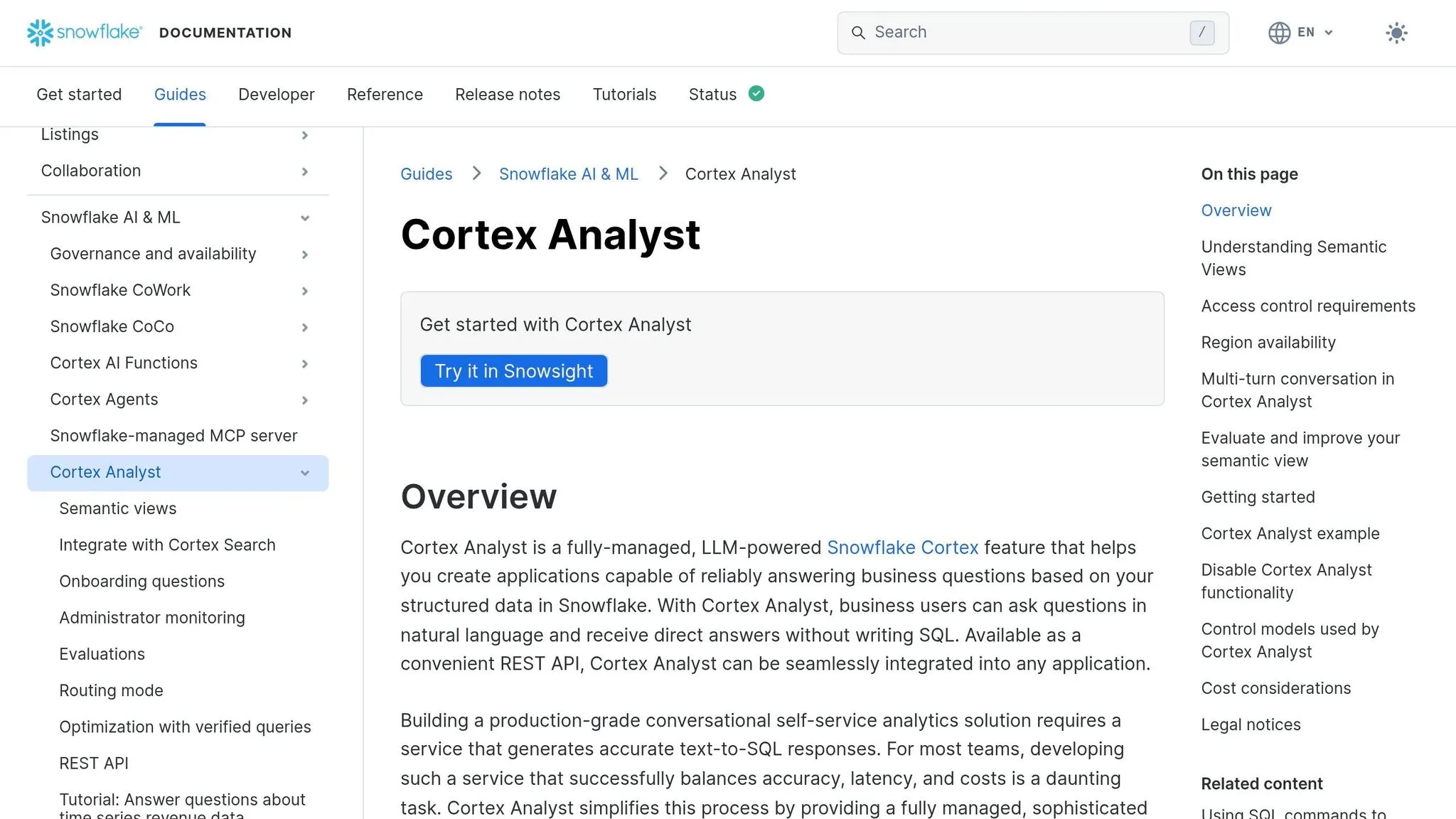
If your data already sits in Snowflake, Cortex Analyst lets Claude or ChatGPT query it where it lives. No exporting. No extra data hops. That matters a lot for teams in finance and healthcare, where data location and access rules aren't just nice to have.
Because Cortex Analyst is API-first, teams usually expose it through MCP or custom actions inside Claude or ChatGPT. In plain English: the chat tool stays the front end, while Snowflake does the governed data lookup behind the scenes.
Cortex Analyst is a fully managed, LLM-powered feature built into Snowflake. It takes a natural-language question, turns it into SQL against live Snowflake data, and returns the result without moving data out of the warehouse. That setup helps teams keep tighter control over access and usage.
How the semantic model works
Cortex Analyst doesn't just aim an LLM at raw table schemas and hope for the best. It uses Semantic Views, where teams define metrics, dimensions, facts, and relationships ahead of time.
That semantic grounding is what helps text-to-SQL stay accurate. Instead of guessing from raw column names, the system maps questions to governed business definitions. It's the difference between asking for "revenue by region" and trusting that the system knows what revenue and region mean in your business.
Surfacing answers inside Claude or ChatGPT
Since Cortex Analyst is API-first, teams can wrap it in an MCP server or a custom action, then surface it inside Claude or ChatGPT.
The LLM handles the back-and-forth conversation. Cortex Analyst handles governed retrieval from live Snowflake data. That split gives teams tight control over how the experience looks and works.
Governance and permissions
Cortex Analyst inherits Snowflake RBAC and Row Access Policies, so Claude or ChatGPT only returns rows the user is already authorized to see.
| Dimension | Snowflake Cortex Analyst |
|---|---|
| Primary interface | API-first (surfaced in Claude, ChatGPT, or custom apps) |
| Data source | Snowflake only |
| Semantic layer | Semantic Views (metrics, dimensions, facts) |
| Security model | Snowflake RBAC + Row Access Policies |
| Pricing | Snowflake usage-based credit model [4] |
Best for: Teams already on Snowflake that want a governed, warehouse-native text-to-SQL layer they can embed into Claude, ChatGPT, or a custom app - and that are willing to put in the upfront work to build Semantic Views first.
Cortex Analyst makes the most sense when your analytics stack is already Snowflake-only. The next section looks at BigQuery's native conversational layer.
6. BigQuery Conversational Analytics
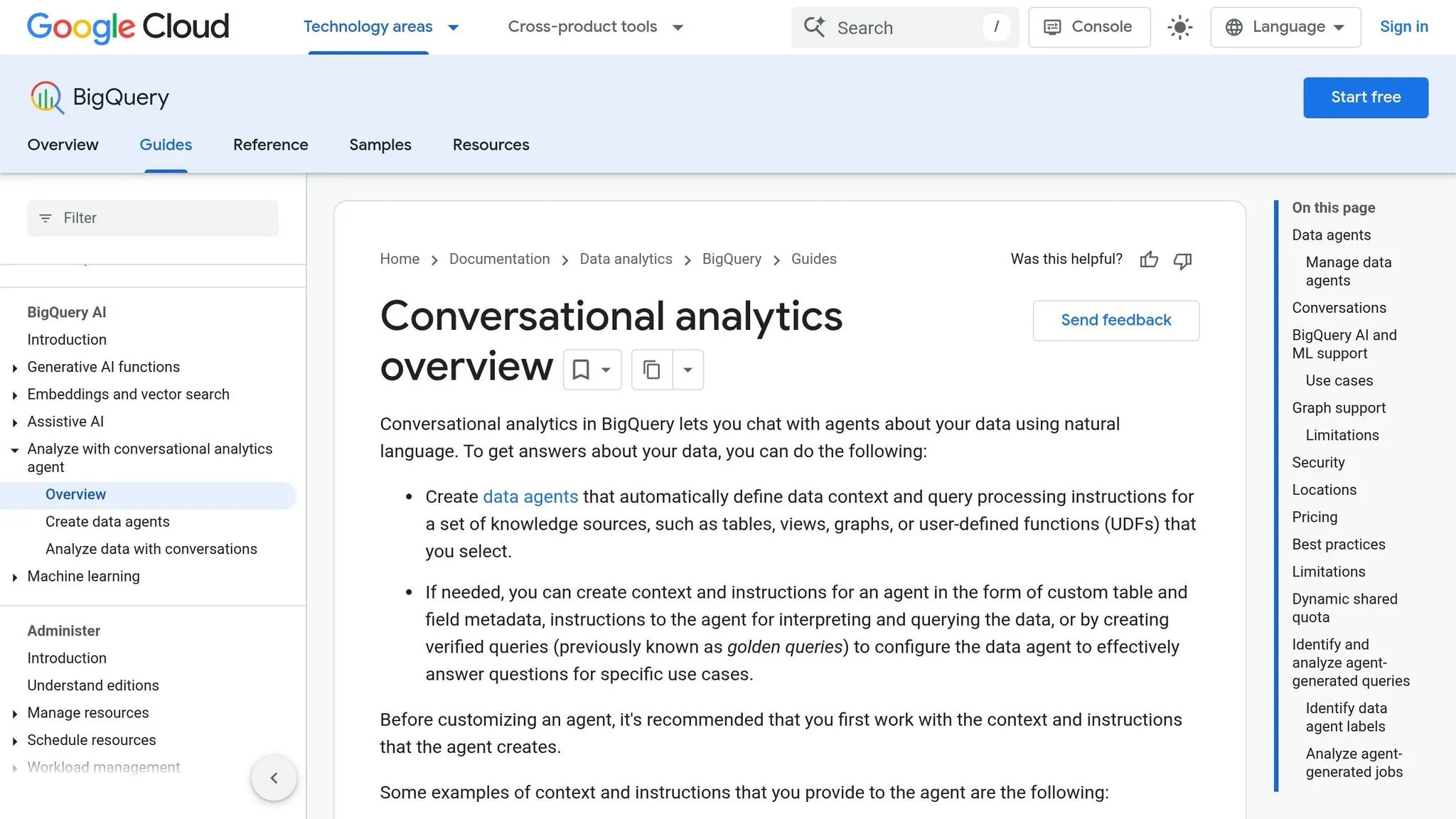
BigQuery Conversational Analytics is built for teams that already run on BigQuery but still want Claude or ChatGPT as the front end. Instead of moving people into a new interface, you keep the chat experience they know while BigQuery does the data work behind the scenes.
In Claude or ChatGPT, this setup runs through an MCP-compatible gateway or a custom action. So the model stays conversational, and BigQuery handles retrieval from live data.
How it queries live data
Gemini in BigQuery turns plain-English questions into SQL and runs that SQL against live tables. Google Cloud scored 76.13 on the BIRD benchmark for text-to-SQL accuracy [4].
That makes this setup a good fit for ad hoc analysis and quick KPI checks. Someone can ask a plain-language question in chat, and BigQuery does the heavy lifting on current warehouse data.
Semantic layer and governance
This is where things get more controlled. You can use LookML or the dbt Semantic Layer to define metrics, joins, and business logic before the AI writes SQL.
That matters because the model isn't guessing how revenue, pipeline, or retention should be calculated. It's working from rules your team already set. Integrating Looker's semantic layer reduces data errors in generative AI queries by as much as two-thirds compared to direct text-to-SQL approaches [6].
Gemini in BigQuery also respects RLS and CLS through policy tags. In plain terms, users only see data they're allowed to access.
Fitting BigQuery into a Claude or ChatGPT workflow
Claude or ChatGPT can sit on top of BigQuery through an MCP-compatible gateway. That setup keeps the chat layer simple and conversational while BigQuery manages governed data access.
The point isn't BigQuery by itself. The point is BigQuery as the governed retrieval engine behind Claude or ChatGPT.
| Dimension | BigQuery Conversational Analytics |
|---|---|
| Primary interface | Google Cloud Console, Looker, or Claude/ChatGPT via MCP-compatible gateway |
| Data source | BigQuery |
| Semantic layer | LookML, dbt Semantic Layer, MetricFlow |
| Security model | Native RLS, CLS via policy tags, IAM |
| Pricing | Pay-as-you-go; Vertex AI calls billed separately |
Best for: BigQuery-first teams that want governed conversational analytics inside Claude or ChatGPT, with LookML or dbt for semantic control.
If your team already lives in Looker, the next section covers the BI copilot that sits on top of it.
7. Looker
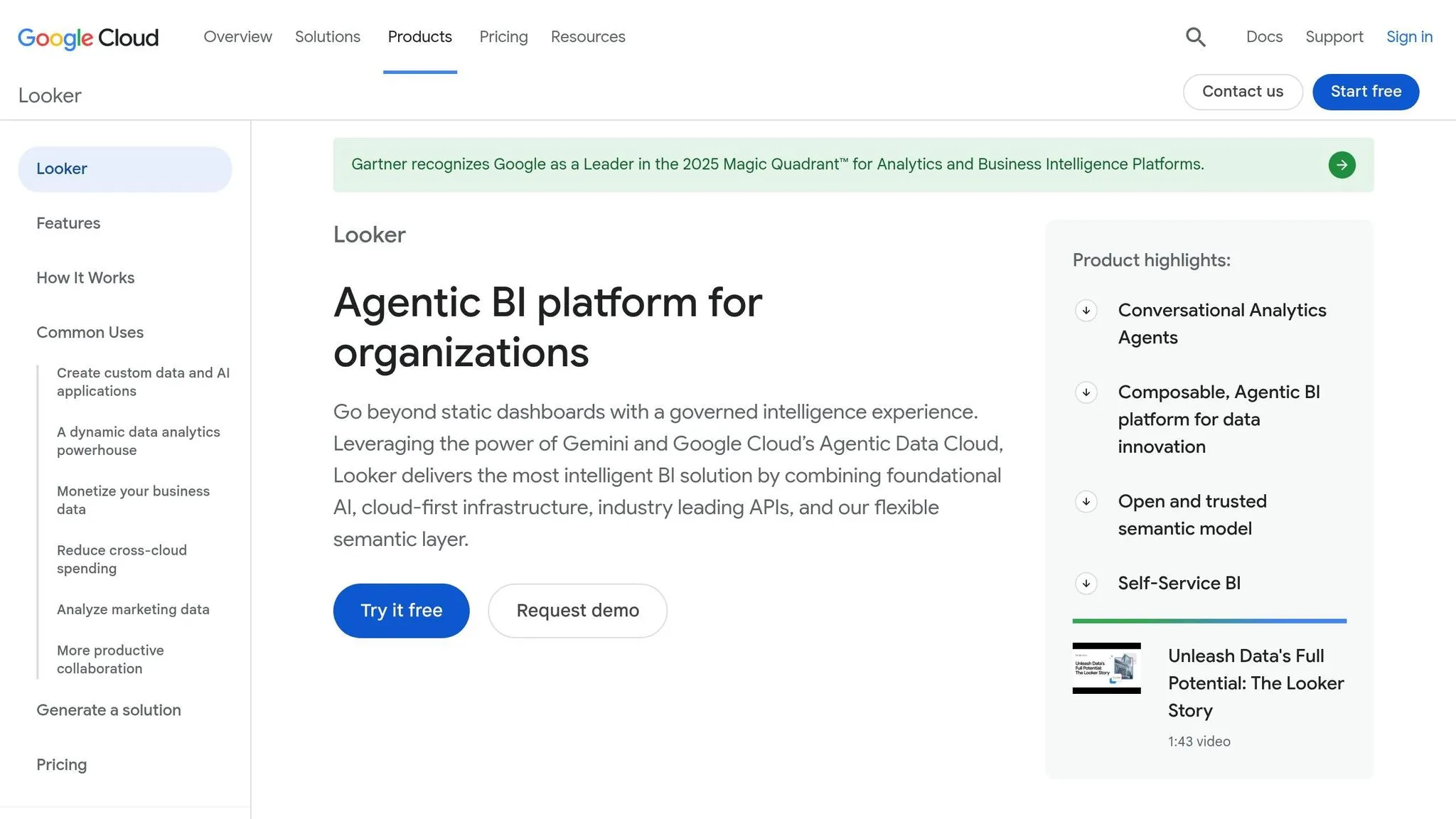
For teams already using LookML as the standard, Looker is the cleanest way to bring governed metrics into Claude or ChatGPT. It works best when Claude or ChatGPT needs to answer from an existing LookML model, not from raw database tables. Looker handles the certified dimensions, measures, joins, and permissions. The chat tool handles the back-and-forth.
How Looker connects to Claude or ChatGPT
Looker exposes pre-modeled dimensions and measures, which means Claude or ChatGPT can query certified metrics instead of digging through raw tables. In practice, that helps keep answers aligned with the logic your team already uses. Claude or ChatGPT connects through Looker’s API, with Claude using MCP where supported.
Where LookML governance is a genuine strength
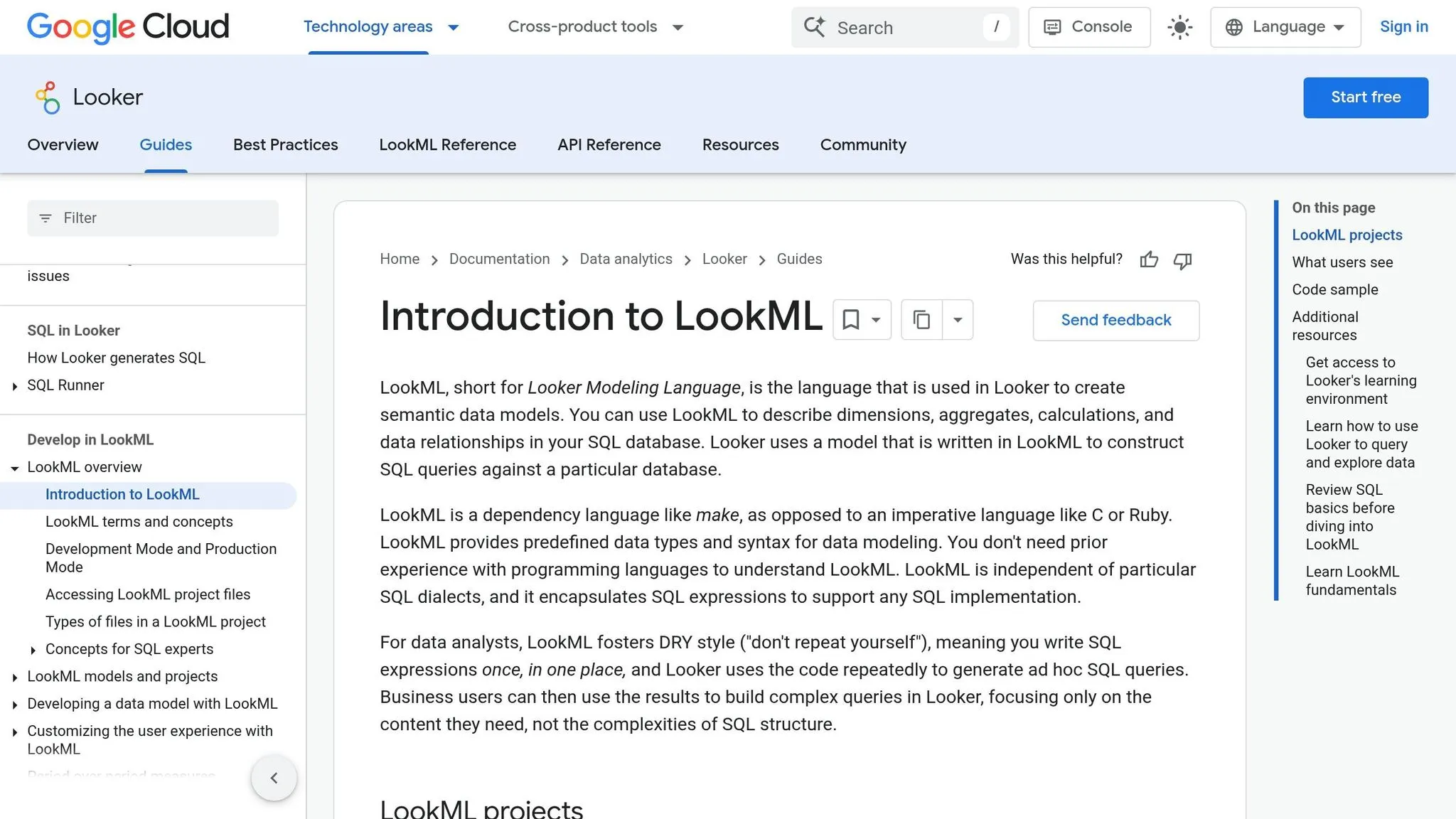
Looker shines in KPI investigation and self-serve analysis when metric logic already lives in LookML. Ask the same question twice, and you should get the same definition across users and sessions. That kind of consistency matters a lot in finance and healthcare, where a KPI can’t quietly change from one dashboard or user to another.
There’s also a data-quality upside. Building on Looker’s semantic layer can cut data errors in generative AI natural language queries by as much as two-thirds (66%) compared to direct text-to-SQL approaches [6]. And because Looker applies the user’s access rules, row-level and column-level permissions still stay in place.
The tradeoff is setup time and upkeep
The catch is time. A production LookML deployment usually takes 1 to 3 months, and it needs steady maintenance from the data team. If the semantic layer is incomplete or modeled poorly, AI answer quality can fall off fast. Put simply, the model can only work with the metadata it gets.
Looker also feels most at home in Google Cloud. Teams on Snowflake or Redshift can still use it, but the closest integrations are with BigQuery. For multi-cloud teams, that can add some friction.
| Dimension | Looker |
|---|---|
| Primary interface | Claude/ChatGPT via API or MCP endpoint |
| Data source | BigQuery, Snowflake, and Redshift |
| Semantic layer | LookML |
| Security model | Row-level and column-level permissions enforced through Looker |
| Setup time | 1 to 3 months for a production deployment |
Best for: Teams with a maintained LookML model that want repeatable KPI answers inside Claude or ChatGPT.
If your team uses Tableau instead, the next section covers Tableau Pulse.
8. Tableau Pulse
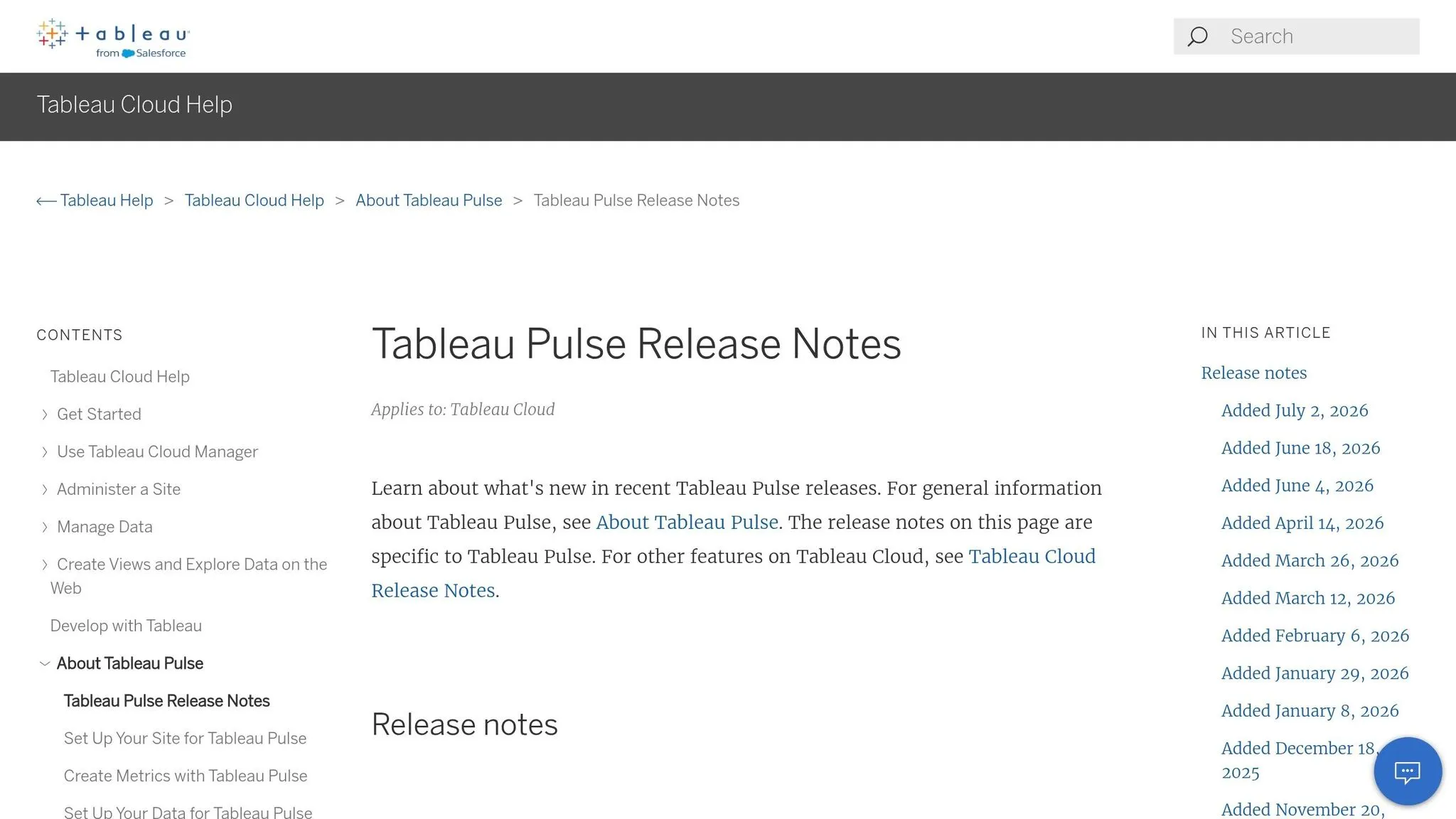
For teams that already rely on Tableau for core metrics, Pulse wraps those metric definitions into digests for business users. Tableau Pulse turns governed Tableau metrics into AI-driven digests and summaries that people can read without writing SQL. It works best for governed metric digests and charts that business users can scan and act on.
What Tableau Pulse actually does well
Pulse shines when the job is proactive monitoring, not ad hoc analysis. It takes trusted KPI definitions, turns them into metric digests, and sends them to users instead of waiting for users to go find them.
That matters for teams already running a curated Tableau setup tied to Snowflake or BigQuery. In that kind of stack, Pulse can cut down the steady drip of repeat KPI questions that would otherwise land on the data team.
Where it fits in a chat-based workflow
Pulse is not where you go for live SQL exploration inside Claude or ChatGPT. It's the layer that sends trusted metrics to users after the warehouse and semantic model have already done the hard work.
A simple way to think about it:
- Use Pulse for recurring KPI monitoring
- Use Claude or ChatGPT for ad hoc investigation
It fits best when leaders want daily metric updates and the data team wants fewer repeat KPI questions.
Governance requirements
Pulse only works well when Tableau metrics are already modeled the right way. Metric definitions should be centralized and consistent, and governance needs to come from the semantic layer and warehouse permissions, not the UI alone.
Row-level and column-level security still matter, especially in regulated environments where different teams should not see the same data [3][4].
| Dimension | Tableau Pulse |
|---|---|
| Primary interface | Metric digests and visualization-first summaries |
| Best use case | Executive updates and KPI monitoring |
| Data source | Live Tableau-connected warehouses |
| Semantic layer | Governed Tableau metric definitions |
| Security model | Row-level and column-level security through Tableau and the underlying data stack |
| Setup requirement | A mature, curated Tableau deployment with centralized metrics |
Best for: Teams with a well-maintained Tableau setup that want governed metric digests for business users and executives.
If you need notebook-based investigation after a Pulse alert, Deepnote is the next workflow.
9. Deepnote
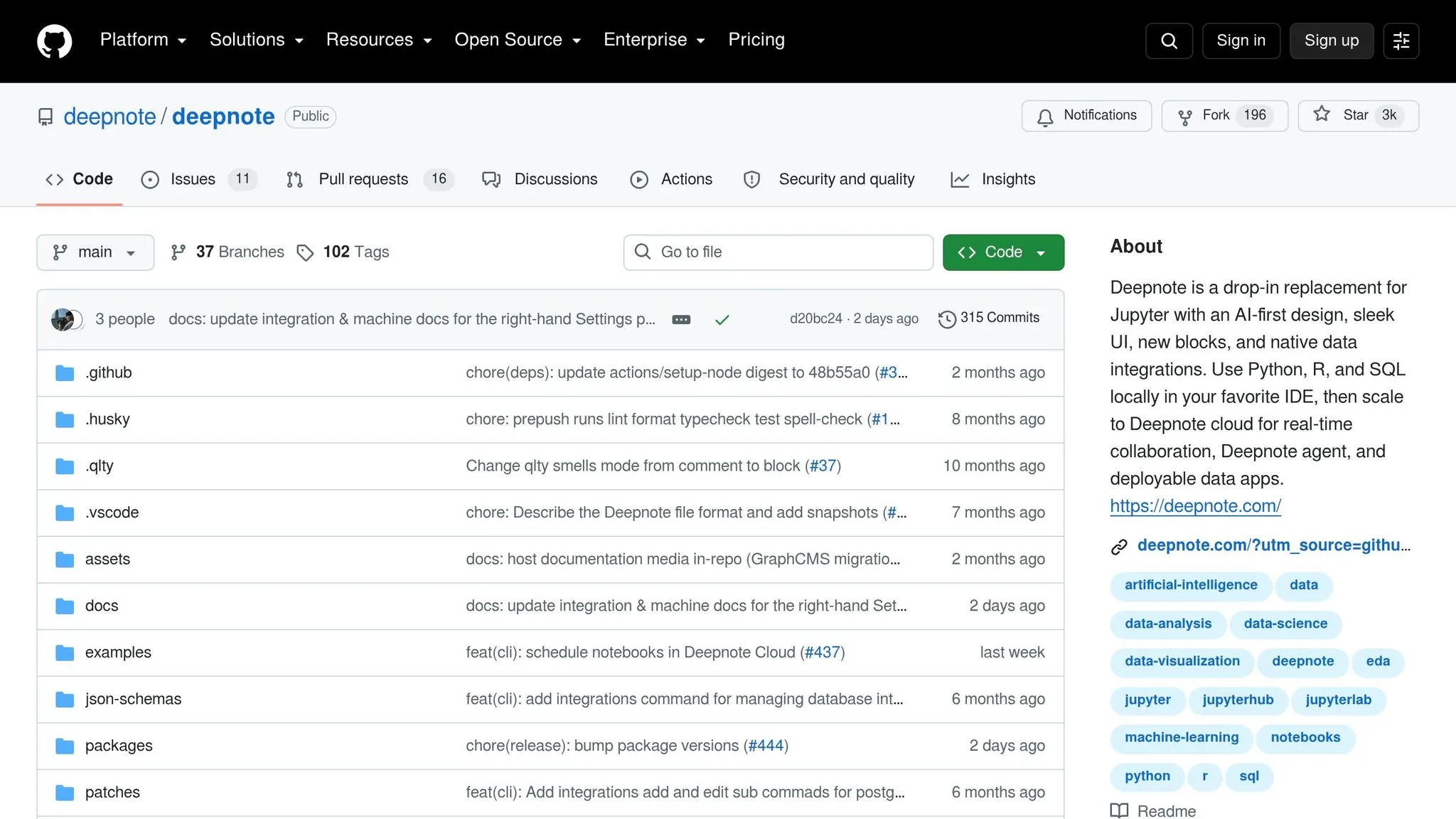
Deepnote works well for teams that use Claude or ChatGPT to shape the question, but want to do the actual analysis in a notebook.
In plain English: it gives you a clean handoff from chat to hands-on work. You can use AI to sketch the direction, then jump into shared SQL and Python to test ideas, inspect the data, and write up what you found. That mix makes Deepnote a good match for teams that want AI support without moving away from the data itself.
How Deepnote connects to your warehouse
Deepnote comes with native, secure connectors for Snowflake, BigQuery, Redshift, and Postgres. You can write SQL in a dedicated block, and the result flows into the next Python cell as a dataframe.
That setup is simple, but it matters. It means you can go from pulling data to digging into it without bouncing between tools.
How it works alongside Claude and ChatGPT
A common workflow looks like this: use Claude or ChatGPT to draft the question, then move into Deepnote to check the SQL, analyze the dataframe, and sum up the result.
Deepnote keeps your warehouse connections and notebook context persistent, which helps when analysis takes a few passes. You don't lose the thread every time you tweak a query or test a new angle. If the job calls for SQL, Python, and a notebook you can share with the team, Deepnote makes more sense than stopping at a chat answer.
Where Deepnote fits - and where it doesn't
Deepnote is a strong fit when chat is only the starting point and the next step is deeper analysis. It keeps the working context in one place, which is handy for analyst-led teams shipping work through shared notebooks or data apps.
It makes less sense for business users who want no-code, self-serve KPI reporting and don't want to write code.
| Dimension | Deepnote |
|---|---|
| Primary interface | Collaborative SQL and Python notebooks |
| Best use case | Analyst-driven investigation and data apps |
| Data source | Live connections to Snowflake, BigQuery, Redshift, and Postgres |
| AI assistance | Built-in AI assistant; can pair with Claude or ChatGPT externally |
| Governance model | Persistent warehouse connections with collaborative notebook workflow |
| Setup requirement | Low-to-moderate; warehouse credentials and notebook setup |
Best for: Analyst-led teams that need a shared notebook environment with live warehouse access and want to use Claude or ChatGPT alongside their investigation work.
Pros and Cons by Workflow Type
No single tool is the best fit for every workflow. The right choice depends on who is asking, what they need back, and how tightly the data has to be controlled. That’s the lens that makes the comparison useful.
For self-serve business reporting, the goal is simple: let non-technical users like sales ops, finance, or customer success get answers without writing SQL or waiting on a data ticket. Querio, Looker, and Tableau Pulse stand out here because they tie questions back to shared metric definitions, which helps keep answers lined up across teams. The catch is setup. Looker needs LookML know-how, and Tableau Pulse gives up some flexibility when someone wants to go beyond KPI checks and dig into a more open-ended question.
For ad hoc SQL investigation, the edge goes to tools that sit close to the warehouse. Snowflake Cortex Analyst and BigQuery Conversational Analytics both generate SQL straight against your schema and inherit native warehouse security controls. That’s a big plus when teams want speed without stepping outside existing access rules. The tradeoff is lock-in: Cortex works only in Snowflake, and BigQuery’s conversational layer stays inside Google Cloud. ChatGPT and Claude can help with ad hoc work too, but their consistency depends on what they’re connected to. If the setup is loose, the results can be loose too.
For notebook-backed analyst work, Hex and Deepnote are the clear match. They’re built for analysts who want SQL and Python in the same place and need a workflow they can reproduce later, not just a chat that disappears after the session ends. That makes them a strong fit for analyst-led work. It also means they’re not aimed at business users, and neither comes with a shared semantic layer by default.
When the use case is regulated, convenience takes a back seat. Governed answers for regulated teams like finance, healthcare, and any group with audit needs call for tight controls. Looker’s LookML layer, along with Snowflake and BigQuery permissions, gives teams some of the strongest options for keeping access lined up with warehouse permissions. Querio also fits this workflow by adding SOC 2 Type II, HIPAA compliance, and OAuth-enforced permissions, so agent queries inherit the user’s actual data access.
The table below turns those patterns into a quick decision guide.
| Tool | Best Fit | Key Strength | Main Limitation | Ideal Team |
|---|---|---|---|---|
| Querio | Self-serve reporting | Governed semantic context layer, inspectable SQL, live warehouse connections | Requires upfront metric and context setup | Small teams serving non-technical stakeholders |
| ChatGPT (ADA + GPT Actions) | Ad hoc exploration | Flexible reasoning across many tasks | No persistent warehouse connection or shared metric definitions | Individual analysts doing one-off investigation |
| Claude (via MCP) | Ad hoc + governed, depending on backend | Strong reasoning and governed access through MCP | Consistency depends entirely on what's connected | Claude-first teams with warehouse access needs |
| Hex | Notebook analyst work | SQL and Python in one reproducible environment | Steeper learning curve for business users | Analyst-led teams building reusable workflows |
| Snowflake Cortex Analyst | Ad hoc SQL in Snowflake | Native RBAC/RLS and low-latency warehouse execution | Snowflake-only | Teams fully committed to Snowflake |
| BigQuery Conversational Analytics | Ad hoc SQL in BigQuery | Strong text-to-SQL accuracy and native policy controls | Google Cloud-only | Teams running BigQuery as their primary warehouse |
| Looker | Governed self-serve reporting | Very strong semantic consistency with LookML | High setup and maintenance overhead | BI teams with dedicated LookML support |
| Tableau Pulse | Self-serve KPI monitoring | Familiar Tableau governance and metric layer | Less flexible for exploratory analysis | Teams already standardizing on Tableau |
| Deepnote | Notebook analyst work | Collaborative SQL-to-Python workflow | Not suited to non-technical self-serve use cases | Analyst teams that want to prototype and document work |
Treat this as the last pass before picking your stack. Start with the workflow, then narrow the list based on your warehouse, your governance model, and the people who will use the tool day to day. That tends to cut through a lot of noise fast.
Conclusion
Looking across these nine tools, the choice comes down to workflow and governance.
Chat is the interface. The warehouse is the source of truth. And the semantic layer decides what the data actually means.
If you need to upload a small file and do one-off analysis, ChatGPT Advanced Data Analysis or Claude is usually the fastest path. If you need live queries on warehouse data, Snowflake Cortex Analyst and BigQuery Conversational Analytics keep that work inside warehouse controls. If your team cares about repeatable analyst workflows, Hex and Deepnote make more sense.
Then there’s the gap in the middle. If you want to make Claude or ChatGPT dependable for business users with live warehouse access, inspectable SQL/Python, and governed metric definitions, that’s where Querio fits in with its MCP endpoint and semantic context layer.
Once the workflow is clear, rollout usually comes down to three controls:
- Permissions enforced at the warehouse level
- Metric definitions managed in dbt, LookML, or Querio's context layer
- Auditability through inspectable SQL
That last point matters a lot. If a tool doesn’t show its work, the number isn’t auditable.
Validate on production data before giving access to business users.
FAQs
::: faq
How do I choose between file analysis and live warehouse access?
Pick the option that fits your setup for governance, persistence, and data scale.
File analysis - like uploading CSVs to ChatGPT - is a good match for quick, ad hoc work. It’s handy when you want to poke around in the data fast and shared metric definitions or compliance rules matter less.
For steady, governed reporting, live warehouse access is the better choice. Direct connections to Snowflake, BigQuery, or Postgres help keep answers current, apply access controls, and make sure everyone works from the same semantic layer. :::
::: faq
Why does a semantic layer matter for AI analytics?
A semantic layer matters because it links raw database schemas to shared business logic. That means AI doesn’t have to guess what a field or metric means.
It gives teams one governed source of truth for metrics like revenue or active users. The result is less metric drift, fewer data errors, fewer hallucinations, and less unauthorized access. It also helps keep answers consistent and compliant. :::
::: faq
What should I validate before giving business users access?
Before you grant access, make sure the tool follows your current security and governance rules instead of slipping around them. It should respect your warehouse’s row-level security and column-level access policies, so people only see the data they’re allowed to see.
You’ll also want to confirm that it connects to your semantic layer, which helps keep metrics consistent and auditable. Then put it through a simple gut check: ask real business questions and review the results for accuracy and SQL inspectability. :::