Business Intelligence
Power BI Alternatives: 12 Data Analysis Tools Worth a Trial
Explore 12 powerful alternatives to Power BI, each offering unique features for data analysis, visualization, and scalability tailored to various business needs.

Looking for Power BI alternatives? Here’s a quick guide to 12 data analysis tools that cater to various business needs. From AI-driven insights to scalable dashboards, these platforms offer unique features suited for different industries, compliance standards, and budgets. Whether you're a startup or an enterprise, there's a solution tailored for you.
Highlights:
- Querio: AI-powered querying in plain English; free plan, and Core at $2,499/month.
- ThoughtSpot: Google-like search analytics; enterprise pricing.
- Tableau: Drag-and-drop visualizations; $70/user/month.
- Sisense: AI insights and predictive analytics; $2,000+/month.
- Qlik Sense: Associative analytics engine; $20/user/month.
- Domo: Real-time dashboards; $83/user/month.
- SAP Analytics Cloud: Predictive and planning tools; $31/user/month.
- GoodData: Embedded analytics with AI; custom pricing.
- MicroStrategy: Advanced enterprise analytics; $600/user/year.
- Zoho Analytics: Self-service BI for SMBs; $22–$445/month.
- Grafana: Open-source real-time dashboards; free.
- Apache Superset: Free, open-source BI with SQL Lab.
Quick Comparison
| Tool Name | AI Features | Pricing (USD) | Compliance Standards |
|---|---|---|---|
| Querio | Plain English querying | Free plan; Core $2,499/mo | SOC 2 Type II |
| ThoughtSpot | Search-driven analytics | Contact for pricing | Enterprise-grade security |
| Tableau | Limited AI, trend analysis | $70/user/month | HIPAA, SOX |
| Sisense | AI-powered insights | $2,000+/month | SOC 2, HIPAA |
| Qlik Sense | Associative AI engine | $20/user/month | GDPR, HIPAA |
| Domo | Automated alerts, NLP | $83/user/month | SOC 2, HIPAA |
| SAP Analytics Cloud | Predictive analytics | $31/user/month | SOC 2, HIPAA |
| GoodData | Context-aware AI | Custom pricing | Enterprise security |
| MicroStrategy | HyperIntelligence AI | $600/user/year | Federal certifications |
| Zoho Analytics | Basic AI insights | $22–$445/month | SOC 2, GDPR |
| Grafana | Limited AI | Free | Self-hosted compliance |
| Apache Superset | No native AI | Free | RBAC, audit logging |
These tools cater to diverse needs - whether you prioritize cost-efficiency, compliance, or advanced features. Explore options that align with your workflows and budget.
7 Best Data Visualization Tools 2025 (Full Software Demo & Comparsion)
::: @iframe https://www.youtube.com/embed/9o5xsELWy5Q :::
1. Querio
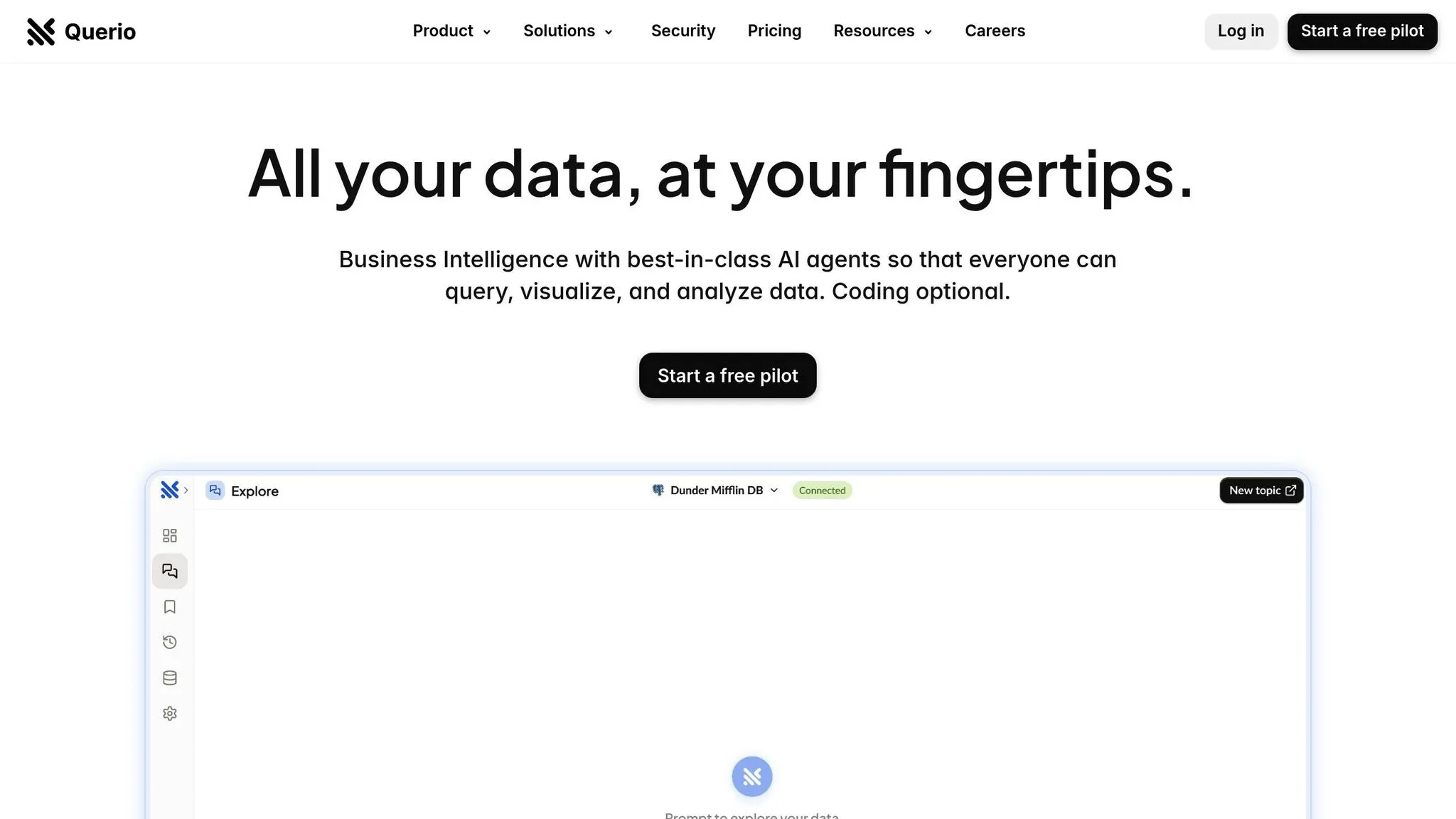
Querio is an AI-powered BI workspace designed to let users ask plain-English questions and get real-time insights instantly. Whether you're in Product, Finance, or another department, the platform provides accurate visualizations without requiring SQL coding skills.
AI Capabilities
Querio’s natural language processing engine transforms plain-English queries into precise SQL commands. For example, you can type, "What was our customer acquisition cost last quarter?" and instantly receive a chart-based answer - no coding required. This removes the typical delays caused by waiting for data analysts to generate reports.
The platform’s AI agent is equipped with a configurable context layer that enforces consistent data definitions. It understands table relationships, business metrics, and company-specific terminology. This ensures data governance while making insights accessible to everyone. These features are seamlessly integrated into powerful visualization tools.
Visualization Features
Querio makes it easy to build custom dashboards for tracking KPIs or creating data-driven presentations. Charts and visualizations are generated instantly from natural language queries, making them easy to share and interpret.
The platform also includes scheduled reporting options, ensuring that executives and stakeholders stay informed without needing additional software.
Scalability
Querio is built to scale, with no per-seat pricing (unlimited users on every plan). It connects directly to major data warehouses like Snowflake, BigQuery, and Postgres via encrypted, read-only connections - no data duplication required.
Querio includes AI credits on every plan. Data connections are unlimited on every plan, allowing businesses to expand without overhauling their systems. This flexibility ensures Querio meets the growing data needs of modern U.S. organizations.
Pricing (USD)
Querio’s pricing is straightforward and reflects its enterprise-grade capabilities:
- Free: $0/month, with unlimited users, unlimited data connections, dashboards, and 500 AI credits a month
- Core: $2,499/month ($2,099/month billed yearly), with SSO, API access, cross-source analysis, unlimited automations, and 10,000 AI credits a month
- Enterprise: Custom pricing, with a custom AI credit allowance, single-tenant hosting, and on-prem deployment as an add-on
Organizations requiring on-prem deployment can add it on Enterprise. Core can be billed monthly or yearly.
US Compliance
Querio meets stringent U.S. regulatory standards with SOC 2 Type II compliance and secure, encrypted connections. These features are particularly valuable for industries like healthcare, finance, and other regulated sectors.
The platform’s governance tools also allow data teams to manage access permissions and maintain control over data definitions, enabling secure self-service analytics across departments.
2. ThoughtSpot
ThoughtSpot is a search-driven analytics platform designed to make data exploration as simple as typing a query. While Querio focuses on plain-English questions, ThoughtSpot leans into a search experience reminiscent of Google, providing users with a familiar and intuitive way to interact with their data. It works seamlessly alongside other BI tools to enhance data discovery.
AI Capabilities
At the heart of ThoughtSpot's AI features is its ability to turn natural language questions into actionable insights. Its SpotIQ tool takes this a step further by continuously analyzing data in the background. This automated process highlights potential anomalies and uncovers trends or outliers, offering businesses a clearer view of what's happening beneath the surface.
Visualization Features
ThoughtSpot offers Liveboard dashboards that automatically update as the underlying data changes. These dashboards are not just static displays - they allow users to drill into specific data points, apply filters, and tweak visualizations to suit their needs. Additionally, its embedded analytics functionality lets organizations integrate these search and visualization features directly into their existing apps, making it a versatile option for businesses.
Scalability
Designed with large-scale data in mind, ThoughtSpot supports both cloud and on-premises deployments. It uses columnar storage and in-memory processing to deliver quick query results, even when pulling from multiple data sources such as modern data warehouses or popular cloud-based applications.
Pricing
ThoughtSpot operates on a consumption-based pricing model. Pricing depends on factors like deployment type, query volume, and the amount of data processed. For a detailed quote tailored to your needs, it's best to contact ThoughtSpot directly.
3. Tableau
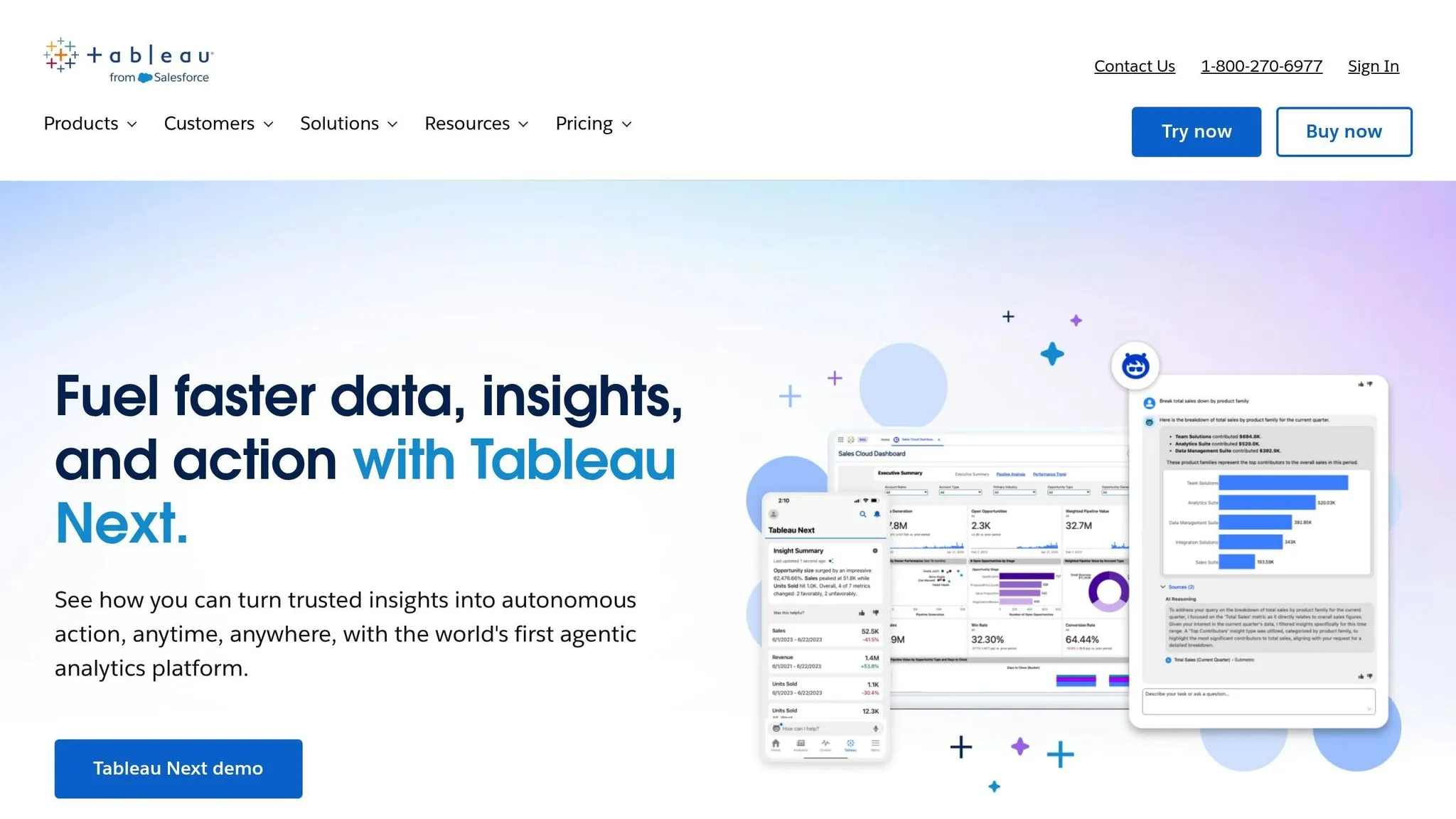
Tableau turns raw data into compelling visual stories, all through its user-friendly drag-and-drop interface. Known for its powerful visualization capabilities and scalable design, Tableau stands out as a top choice for data analysis.
Visualization Features
One of Tableau's standout features is its extensive range of modern business intelligence features like visualization options and flexible design tools. Whether you're creating charts, maps, or custom visuals, the process is straightforward. The "Show Me" feature is particularly helpful - it suggests the best chart types based on your selected data, making it easy to use even if you're not a visualization expert.
Tableau connects to data in real-time, offering both live connections and extract refresh options. Its interactive dashboards allow users to add filters, parameters, and actions, enabling viewers to explore data in a dynamic way. The storytelling feature takes it a step further, letting users combine multiple visualizations into cohesive, guided narratives.
Scalability
Tableau is built to scale, accommodating everything from small teams to large enterprises. It supports both on-premises and cloud deployments and connects seamlessly to a wide range of data sources. These include traditional databases like SQL Server and Oracle, as well as modern platforms like Snowflake and Amazon Redshift. Its Hyper data engine efficiently processes even massive datasets, making it suitable for both simple and complex analyses.
For businesses looking to grow, Tableau's embedding capabilities allow visualizations to be integrated directly into applications or websites. Plus, its support for multi-tenancy makes it an excellent option for organizations managing data needs across multiple clients or departments.
Pricing
Tableau offers a tiered pricing structure with three main license types: Creator, Explorer, and Viewer. This setup ensures flexibility for different user roles, with additional options for on-premises deployments.
Compliance and Data Governance
Tableau adheres to US compliance standards and holds certifications like SOC 2 Type II. It also supports HIPAA compliance, making it a trusted choice for healthcare organizations managing sensitive health data. For government and defense contractors, Tableau provides deployment options that meet federal security standards, including FedRAMP requirements.
The platform also includes built-in data governance tools, such as row-level security, integration with Active Directory for user authentication, and audit logging. These features help organizations comply with regulations like Sarbanes-Oxley and GDPR, ensuring data integrity and security.
4. Sisense
Sisense stands out by combining robust data processing with AI-powered insights, making analytics accessible even for users without a technical background. Its innovative approach to data preparation and visualization has positioned it as a strong player in the enterprise analytics market.
AI Capabilities
Sisense incorporates artificial intelligence throughout its analytics workflow, streamlining tasks like data preparation and generating actionable insights. With features like anomaly detection, the platform identifies unusual patterns in data automatically. It also supports natural language queries, allowing users to type questions like "show me sales trends by region" and instantly receive visualized results.
The platform’s automated insights engine takes things further by proactively surfacing key findings based on changes in data and user behavior. Additionally, Sisense offers machine learning tools for predictive analytics and forecasting, which can be used without requiring deep expertise in data science. By automatically selecting the best algorithms for the data, it simplifies the process while providing confidence intervals for predictions.
Visualization Features
Sisense offers a range of visualization options through its intuitive drag-and-drop interface. Users can create everything from basic charts to more complex visualizations with ease. Its widget-based dashboard system allows for flexible layouts that adapt to various screen sizes.
Key features include interactive dashboards with real-time filtering and drill-down options, embedded analytics for integrating visualizations into other applications, and a mobile-optimized interface with touch-friendly controls. These tools make exploring data seamless across devices, whether on a desktop or a mobile device.
Scalability
Sisense is built to handle large-scale data processing, thanks to its In-Chip technology, which optimizes queries to take full advantage of modern CPU architectures. This enables the platform to process billions of rows of data efficiently, even on standard hardware.
The platform supports both cloud-based and on-premises deployments, with hybrid options available. Cloud instances can automatically adjust computing resources based on demand, while on-premises setups give organizations complete control over data security and location.
For service providers and large enterprises, Sisense offers multi-tenancy support, allowing multiple client environments to operate within a single installation. Each tenant benefits from data isolation while sharing infrastructure resources, making it a practical solution for managing diverse user bases.
Pricing
Sisense uses a user-based licensing model, with pricing tiers that vary based on functionality and user roles. For small teams, plans typically start at around $2,000 per month, while enterprise pricing depends on factors like the number of users, data volume, and required features.
Organizations can also opt for viewer licenses at a lower cost for users who only need to access dashboards without editing or creating content. This tiered pricing approach enables companies to manage costs while expanding access to analytics.
For larger enterprises, custom pricing options are available, often including volume discounts and additional support. Implementation and training services are quoted separately, depending on the project’s scope.
US Compliance
Sisense meets strict compliance standards, including SOC 2 Type II certification, and supports HIPAA compliance for healthcare organizations handling sensitive data. The platform provides detailed audit logging, role-based access controls, and data lineage tracking to meet regulatory requirements.
For government and defense contractors, Sisense offers FedRAMP-authorized cloud deployments and supports ITAR compliance through specialized hosting options. Data encryption is applied to both data at rest and in transit, using industry-standard protocols.
Additional compliance tools help organizations adhere to regulations like Sarbanes-Oxley and GDPR, with built-in features for managing data retention and deletion policies. These capabilities make Sisense a dependable choice for businesses with stringent regulatory needs.
5. Qlik Sense
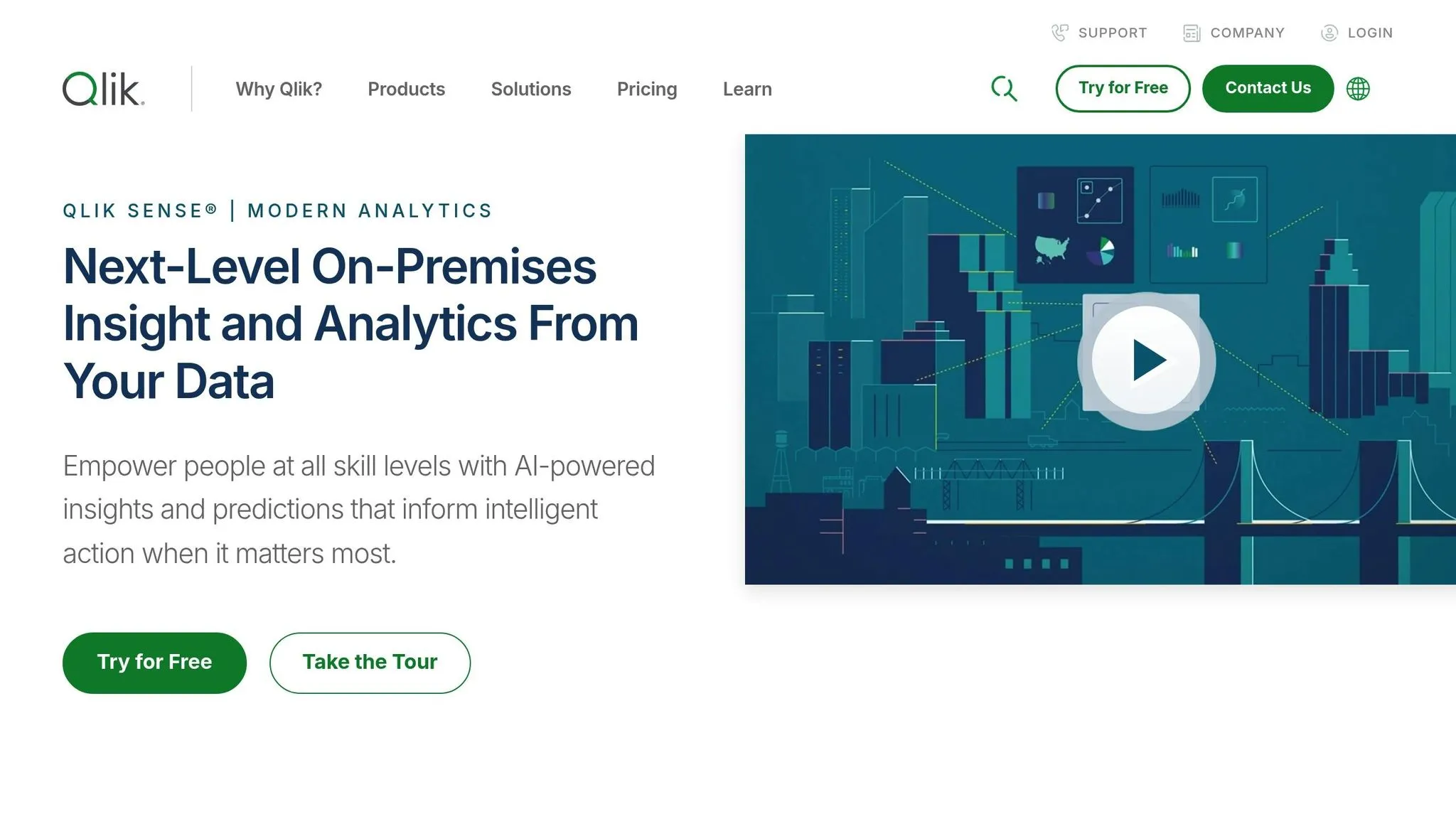
Qlik Sense stands out with its associative analytics engine, allowing users to explore data relationships dynamically without being restricted by predefined queries. This approach to data discovery, combined with its self-service tools, makes it a powerful business intelligence platform for today’s organizations.
AI Capabilities
Qlik Sense integrates artificial intelligence through tools like the Insight Advisor. This feature generates relevant visualizations and insights based on natural language analytics and self-service dashboards. For instance, typing a question such as “What are my top-performing products this quarter?” prompts the system to recommend charts that highlight key trends. The platform also streamlines predictive analytics in BI by automating data preparation and evaluating models. Additionally, its smart search functionality enables conversational queries across multiple data sources, uncovering related data connections and enhancing dynamic visual exploration.
Visualization Features
The platform’s associative model ensures that data relationships remain intact across all elements. Interacting with one visualization automatically updates others, providing a holistic view of the data and its context. The responsive design ensures visualizations adapt smoothly to various devices, while the drag-and-drop interface allows users to quickly create custom charts - ranging from basic bar graphs to intricate network diagrams and geographic maps.
Collaboration is another strength of Qlik Sense, enabling multiple users to work on the same dashboard with real-time updates. Its associative model ties interactive visuals to data relationships seamlessly, integrating with existing applications and workflows for a cohesive experience.
Scalability
Qlik Sense is designed to handle modern data environments with ease. It offers flexible deployment options, including cloud, on-premises, and multi-cloud setups. Its architecture supports high data volumes efficiently, with features like elastic scaling and multi-node clustering ensuring smooth performance during peak periods. Centralized tools for multi-tenancy and data governance help manage user access and maintain data security across large-scale implementations.
Pricing
Qlik Sense operates on a capacity-based licensing model, offering tiered options to suit varying organizational needs. Businesses can review and select the licensing arrangement that aligns best with their data analysis and reporting goals.
US Compliance
Qlik Sense is equipped to meet a variety of regulatory requirements across industries such as healthcare, government, and financial services. Its security framework includes comprehensive audit logging and industry-standard encryption, helping organizations comply with standards like SOC 2, HIPAA, FedRAMP, FISMA, SOX, and GDPR. These features ensure data integrity and regulatory adherence in complex environments.
6. Domo
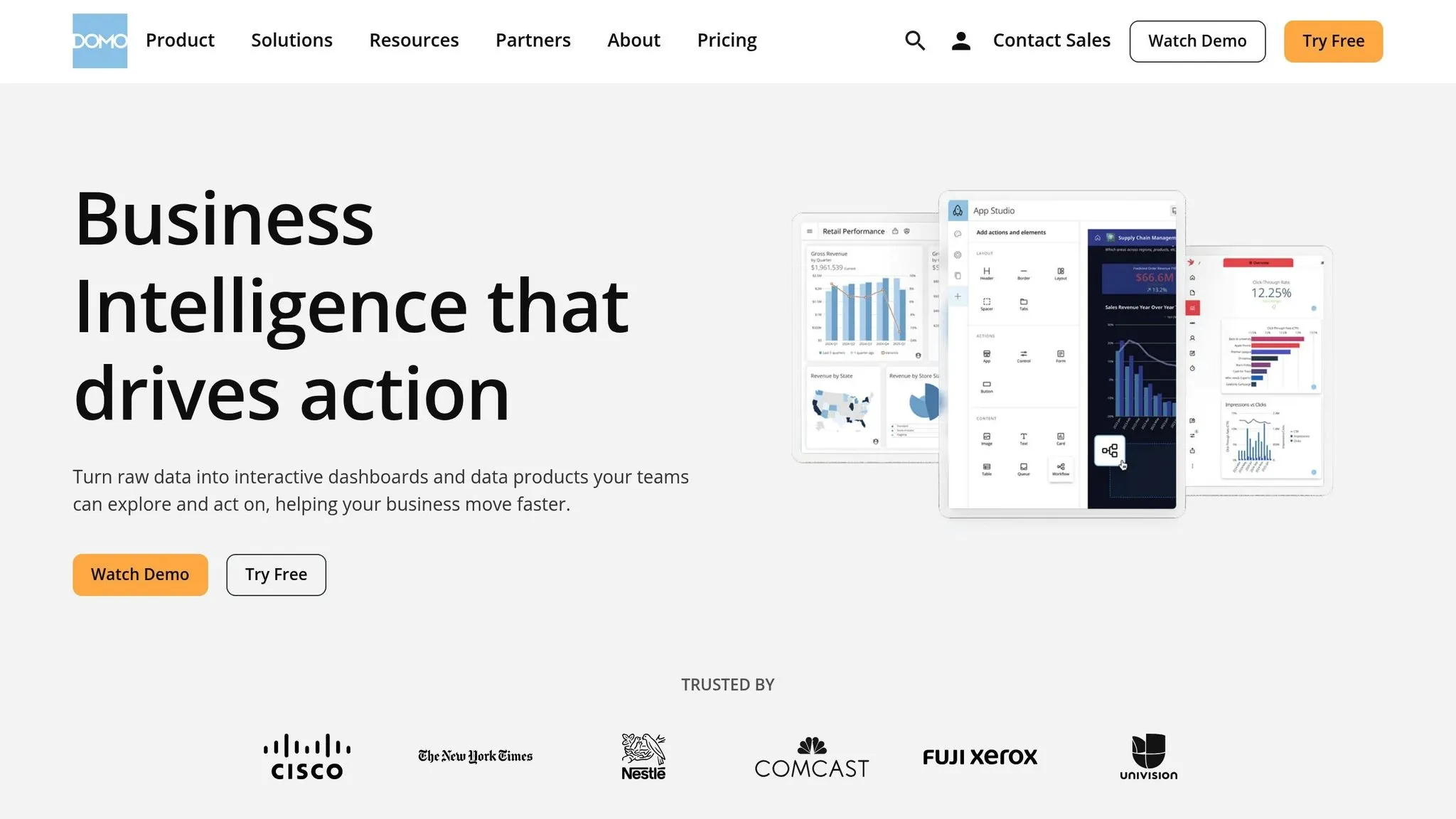
Domo is a cloud-based business intelligence (BI) platform designed to bring real-time data connectivity and collaboration to organizations. It simplifies the process of integrating data from multiple sources into a single, accessible dashboard, making insights available to all levels of an organization.
AI Capabilities
Domo’s AI features are centered around automation and user-friendly tools. Its Smart Alerts feature continuously monitors data for anomalies, sending notifications when it detects significant changes. This means you can spot unusual patterns in areas like sales performance, website traffic, or operational efficiency without needing to set up manual configurations.
The platform also leverages Natural Language Processing (NLP), enabling users to ask questions in plain English. For example, you can type, "Show me revenue trends for the past six months" or "Which regions are underperforming this quarter?" Domo interprets these queries and automatically generates visualizations to answer them.
With its Predictive Analytics tools, Domo can forecast trends based on historical data. These tools are particularly useful for tasks like sales forecasting, inventory planning, and analyzing customer behavior. By providing these forward-looking insights, teams can better anticipate market shifts and make informed decisions.
Visualization Features
Domo offers a wide range of visualization options, with over 150 chart types to choose from. These include everything from standard bar and line graphs to more advanced formats like heat maps, treemaps, and geographic visualizations. Users can customize the look and feel of these visuals to align with their brand or presentation needs.
The platform’s interactive dashboards allow users to dive deeper into data. You can drill down into specific data points, filter by date or category, and explore different angles of the same dataset. Thanks to the drag-and-drop interface, creating or rearranging dashboard elements is straightforward, even for those without technical expertise.
Domo’s mobile-first design ensures that dashboards are optimized for smartphones and tablets. Touch-friendly controls make it easy to filter and navigate data on the go, which is particularly helpful for field teams and executives who need quick access while traveling or working remotely.
Scalability
Domo is built to handle the demands of both small teams and large enterprises. Its cloud-based architecture eliminates the need for server management, offering seamless data processing and storage. With support for real-time data streaming from hundreds of sources, the platform can easily handle millions of rows of data.
Scalability is further enhanced through role-based permissions and departmental dashboards, allowing organizations to expand usage across multiple teams while maintaining control over data access. For enterprises, Domo provides dedicated cloud instances and security measures that support thousands of users simultaneously without compromising performance. The multi-tenant architecture also enables different business units to maintain separate data environments while collaborating when necessary.
Pricing
Domo operates on a subscription-based pricing model, with plans ranging from $83 to $300+ per user per month. These include Standard, Enterprise, and Business Critical tiers, each offering varying levels of features and support.
For users who only need to view dashboards without editing or creating content, viewer licenses are available at lower rates. Organizations can also purchase connector credits to integrate additional data sources beyond the standard package.
Enterprise clients often negotiate volume discounts and tailored pricing based on their specific needs, such as the number of users or required features. Additional services like implementation and training are priced separately from the software subscription.
US Compliance
Domo adheres to strict compliance standards to meet the needs of various industries. It holds SOC 2 Type II certification and complies with regulations like HIPAA for healthcare and FERPA for educational institutions. Data security is ensured with 256-bit SSL encryption for transmission and AES-256 encryption for data at rest.
For government and defense contractors, Domo offers FedRAMP authorized cloud services that meet federal security requirements. It also includes tools to support GDPR compliance, such as data export capabilities and deletion workflows for organizations handling European customer data.
To support regulatory needs, Domo features audit logging, which tracks user activities, data access, and system changes. Access is tightly controlled through role-based permissions, ensuring data security and accountability at every level.
7. SAP Analytics Cloud
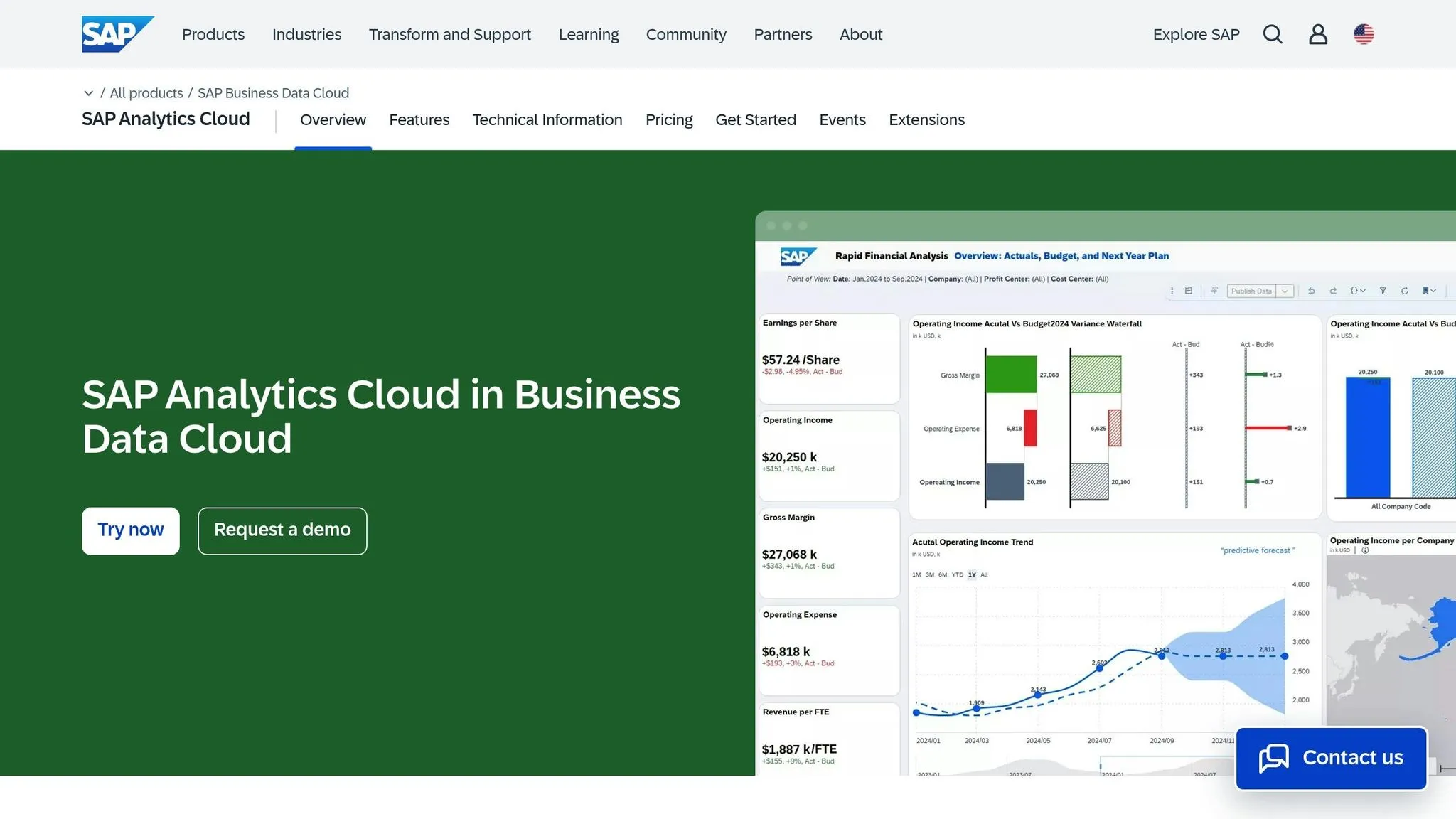
SAP Analytics Cloud is a powerful business intelligence (BI) platform that combines analytics, planning, and predictive tools. Developed by SAP, a global leader in enterprise software, it’s designed to handle the complex data needs of large organizations, offering advanced tools to support strategic decision-making.
AI Capabilities
This platform incorporates Smart Insights, a feature that automatically scans datasets to uncover trends, outliers, and correlations. By leveraging machine learning, it identifies unexpected patterns in the data, highlighting areas that may need attention or present new opportunities.
Another standout feature is Smart Discovery, which provides automated insights and explanations for data variations. For example, when analyzing sales or operational metrics, the system identifies the key factors driving changes in performance indicators. This reduces the time spent on manual analysis, allowing teams to focus on interpreting results.
The platform also supports Natural Language Query, enabling users to ask questions in plain English and receive answers in the form of visualizations like charts, tables, or summaries. This AI-driven functionality simplifies complex business inquiries, making data exploration more intuitive and accessible.
Visualization Features
SAP Analytics Cloud offers a essential features of modern BI tools, including a diverse array of visualization tools, including standard charts, geographic maps, and specialized business graphics. Its responsive design ensures dashboards look sharp and remain user-friendly across desktops, tablets, and smartphones.
The platform’s story-building feature allows users to create presentations that combine visual data with contextual explanations - ideal for executive-level reporting.
Collaboration is another core strength. Multiple team members can work on dashboards and reports simultaneously, with built-in tools for comments, annotations, and version control. This promotes teamwork while ensuring data integrity across departments and locations.
Scalability
Built on SAP’s enterprise-grade infrastructure, SAP Analytics Cloud can handle massive datasets and support thousands of users at once. Its multi-tenant architecture is designed to scale across business units without compromising performance or security.
The platform integrates seamlessly with other SAP solutions like SAP S/4HANA, SAP BW, and SAP HANA, ensuring smooth connectivity for SAP-centric organizations. It also supports non-SAP data sources through standard APIs and connectors, making it well-suited for hybrid data environments. Automated data refreshes further streamline operations by keeping information up-to-date across multiple sources.
Pricing
SAP Analytics Cloud does not provide standard pricing details publicly. Organizations must contact SAP directly for pricing information tailored to their needs [1]. The platform offers flexible pricing models to accommodate businesses of all sizes, though it’s often considered a larger investment.
"The pricing structure of SAP Analytics Cloud might give smaller businesses pause. It tends to be on the higher side, which means a careful budget review is essential." - Imed Bouchrika, Co-Founder and Chief Data Scientist, Research.com [1]
US Compliance
SAP Analytics Cloud is designed to meet stringent US regulatory standards. It holds SOC 2 Type II certification and complies with industry-specific regulations, including HIPAA for healthcare and SOX for publicly traded companies.
The platform offers data residency options, allowing US organizations to store their data within national borders. Features like detailed audit trails and access logging simplify compliance reporting and regulatory audits.
Security is a top priority, with role-based access controls and data encryption (both in transit and at rest). Integration with enterprise identity management systems ensures centralized user authentication and authorization, helping organizations maintain compliance with federal and state regulations.
sbb-itb-284a532
8. GoodData
GoodData is an analytics platform built with AI at its core, currently serving more than 140,000 companies and 3.2 million users [3]. On September 24, 2025, the company unveiled its next-generation AI platform, which combines AI Lake, AI Hub, and AI Apps into a unified framework. This setup is designed to make deploying enterprise-ready AI agents more seamless. Like many other platforms, GoodData uses AI to make enterprise analytics more accessible and efficient.
AI Capabilities
GoodData's semantic layer ensures that AI-generated insights are context-aware and aligned with the business's specific logic. This approach helps minimize the risk of inaccuracies or "hallucinations." The platform integrates Large Language Models (LLMs), Small Language Models (SLMs), and traditional algorithms to strike a balance between performance, precision, and cost. Additionally, it offers flexible, embeddable AI tools that deliver direct insights and support API integration. Looking ahead, GoodData plans to roll out advanced features in 2025, including AI-driven trend analysis and anomaly detection [2].
9. MicroStrategy
MicroStrategy stands out as a BI platform tailored for large enterprises that require advanced analytics and scalability. Designed to handle complex business intelligence needs, it’s a go-to choice for organizations with intricate data demands.
The platform operates on a premium pricing model, which is structured around licensing fees, deployment size, and additional modules rather than a per-user basis [4]. While the initial costs might be higher compared to subscription-based options like Tableau [4], MicroStrategy’s robust capabilities can offer significant long-term value for businesses with extensive BI requirements [4]. For companies considering this platform, it’s essential to weigh their long-term analytics needs to determine if the investment aligns with their goals.
10. Zoho Analytics
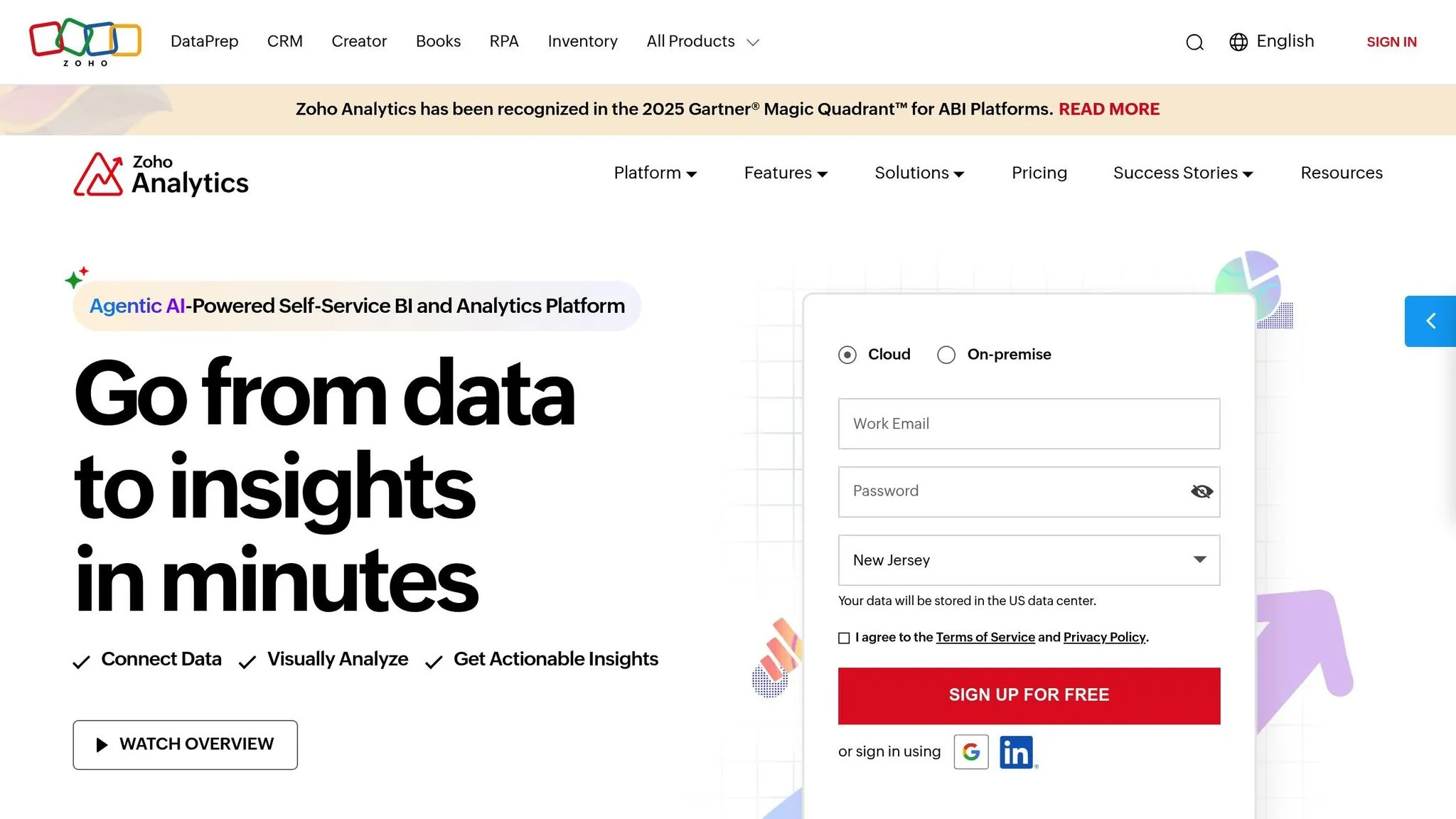
Zoho Analytics is a self-service BI platform built to simplify data analysis for small and medium-sized businesses. As part of the larger Zoho ecosystem, it combines user-friendly data visualization tools with robust reporting capabilities. Here’s a closer look at how Zoho Analytics delivers value through its AI features, visualization tools, scalability, pricing, and compliance measures.
AI Capabilities
At the heart of Zoho Analytics is Zia, its AI-powered assistant. Zia can spot anomalies, recommend charts based on your data, and explain trends in plain language, utilizing AI for self-serve analytics. For example, you can ask, “What were the sales trends last quarter?” and instantly get insights without manually building a report.
The platform also includes predictive analytics, which uses historical data to forecast future trends. This functionality is especially useful for tasks like sales planning and inventory management, helping businesses make informed decisions. These AI-driven tools make Zoho Analytics a practical choice for businesses aiming to stay ahead of the curve.
Visualization Features
Zoho Analytics offers more than 35 chart types, from simple bar graphs to more complex visuals like heat maps and funnel charts. Its drag-and-drop interface makes it easy to create interactive dashboards that include filters and drill-down options for deeper analysis.
A standout feature is white-label reporting, which allows businesses to personalize reports with their own branding. This is particularly valuable for agencies or consultants who need to present polished, branded data insights to their clients. These visualization tools ensure that businesses can effectively communicate their findings in a professional and engaging way.
Scalability
Zoho Analytics is designed to grow alongside your business. It can handle datasets ranging from a few rows to millions of rows, making it suitable for companies of varying sizes. The platform connects to over 250 data sources, including popular tools like Salesforce, Google Analytics, and various databases, enabling businesses to centralize their data as they expand.
For larger organizations, the platform supports departmental workspaces, allowing teams to manage their own analytics while still collaborating across departments. This flexibility ensures that Zoho Analytics meets the needs of both small teams and larger, more complex operations.
Pricing (USD)
Zoho Analytics uses a tiered subscription model to accommodate businesses of different sizes and needs:
- Basic plan: $22 per month for 2 users and up to 0.5 million rows of data.
- Standard plan: $45 per month for 5 users and 1 million rows.
- Premium plan: $112 per month for 15 users and 5 million rows.
- Enterprise plan: $445 per month for 50 users and up to 50 million rows.
You can also add extra users to any plan for $4.50 per month each. This pricing structure is designed to be accessible for businesses with moderate data requirements while offering scalability for larger teams.
US Compliance
Zoho Analytics prioritizes data security and privacy, adhering to SOC 2 Type II standards and GDPR guidelines. It includes role-based access controls and supports single sign-on (SSO) with popular identity providers, ensuring secure access for US businesses.
Data is encrypted both in transit and at rest using industry-standard protocols. For businesses with specific data residency needs, Zoho offers US-based data centers, ensuring compliance with regulations around data storage and transfer. These measures provide peace of mind for organizations handling sensitive information.
11. Grafana
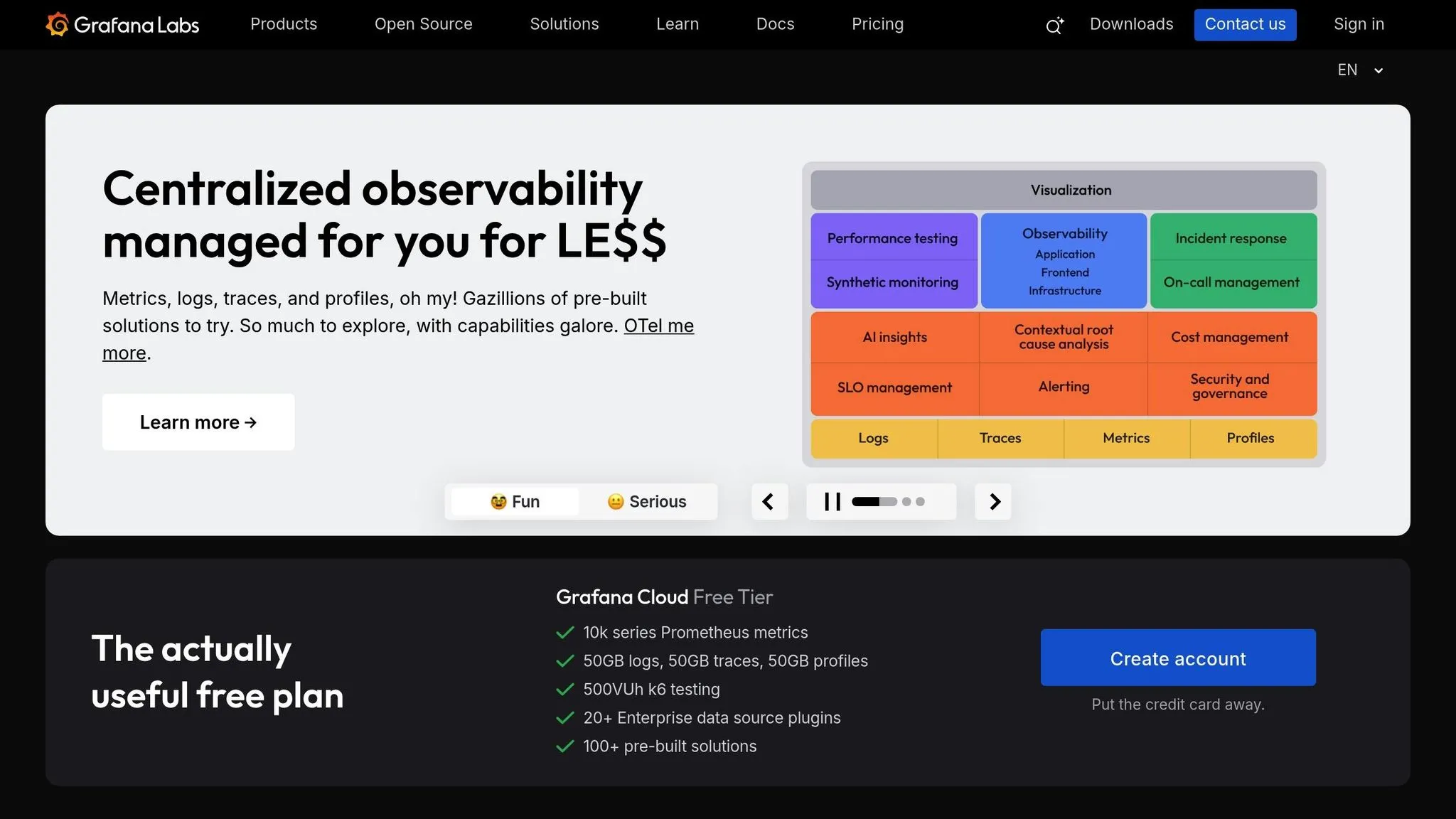
Grafana is an open-source platform known for its real-time dashboards. While it started as a tool for infrastructure monitoring, it has grown into a versatile data analysis solution used by organizations across industries. It offers yet another approach to the BI tools discussed in this article.
Visualization Features
Grafana excels at creating dynamic, real-time visualizations by optimizing underlying queries. Users can choose from a variety of panel types, including time series, heat maps, bar charts, and geographic maps, to track business metrics as they evolve. The platform supports dashboards that pull in data from multiple sources, making it possible to combine metrics like website traffic and server performance seamlessly. With its templating system, users can build dashboards that adjust based on variables such as time ranges, geographic regions, or product categories. On top of that, the platform includes built-in alerting features, ensuring users are notified promptly when certain thresholds are exceeded.
Scalability
Grafana is designed to grow with your needs, thanks to its flexible architecture. It integrates with a wide range of data sources, including databases, cloud services, and analytics platforms, enabling organizations to centralize their data visualization efforts without overhauling existing systems. For larger-scale deployments, Grafana Enterprise offers advanced features like team-based access controls and easier dashboard management. Additionally, its plugin ecosystem allows users to tailor the platform to meet changing data analysis demands. This scalability aligns with the need for adaptable BI solutions highlighted earlier in this article.
Pricing (USD)
Grafana operates on a freemium model, offering a free open-source version alongside paid options. These include cloud-based plans with usage limits and an enterprise edition for organizations needing dedicated support and advanced security features. This pricing approach allows businesses to scale their investment based on their specific usage and requirements.
US Compliance
Grafana prioritizes security and compliance. The platform employs robust encryption for data both in transit and at rest and integrates with popular single sign-on systems for secure access management. For organizations with strict data residency needs, Grafana Cloud provides US-based data centers to ensure data remains within national borders. Additionally, features like audit logging and role-based access controls help maintain a secure and compliant environment, meeting the needs of even the most regulated industries.
12. Apache Superset
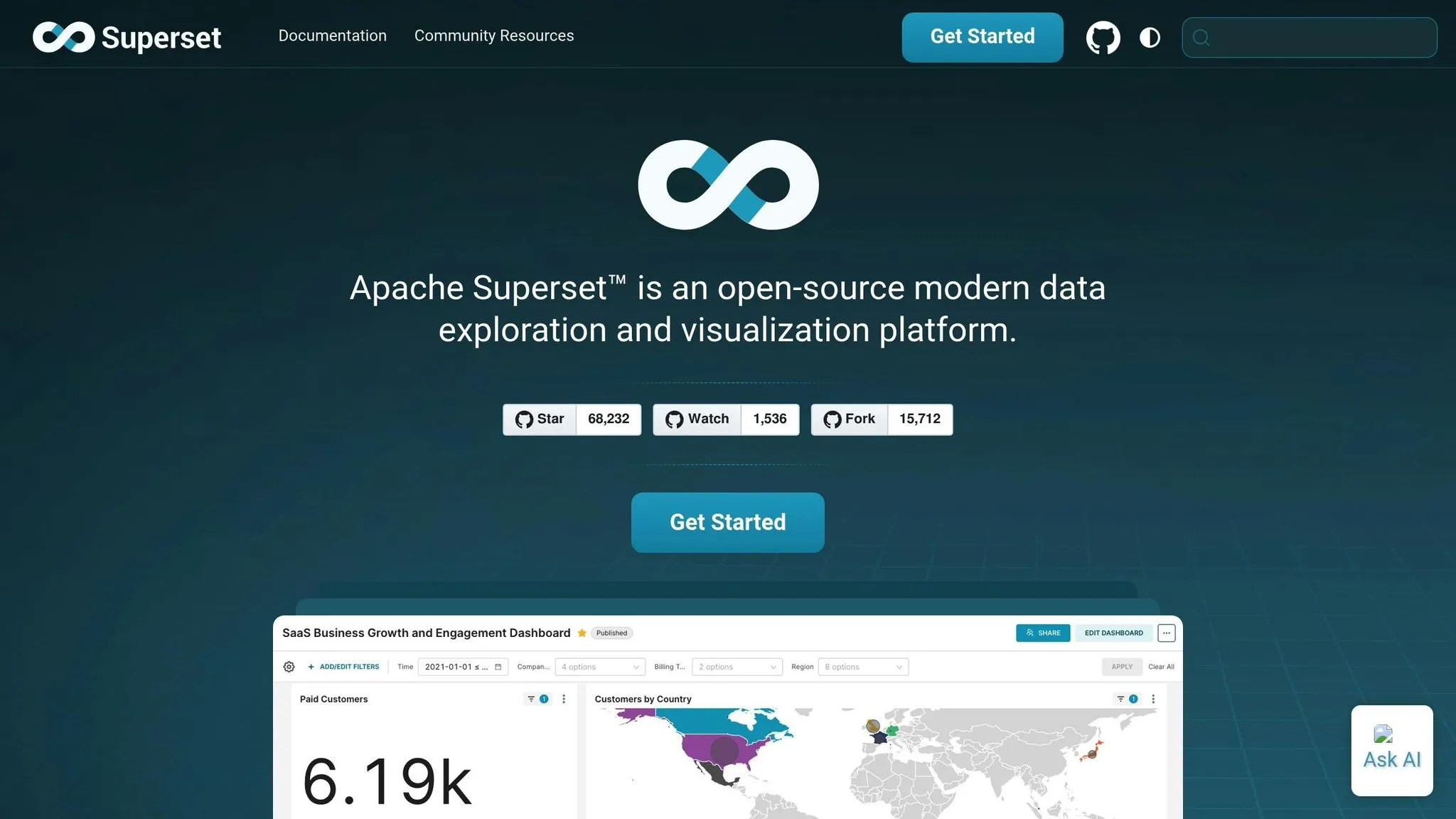
Apache Superset is an open-source business intelligence (BI) platform created by Airbnb and now maintained by the Apache Software Foundation. It’s designed to make data visualization and exploration accessible and efficient.
Visualization Features
Apache Superset offers a wide variety of over 50 chart types, ranging from simple bar charts to more intricate visuals like Sankey diagrams and treemaps. With these tools, users can build interactive dashboards that allow stakeholders to drill down into data layers for deeper insights - no technical expertise required.
One standout feature is SQL Lab, which lets users write custom queries and view real-time data updates for instant analysis. For those who prefer a more visual approach, the drag-and-drop dashboard builder streamlines the creation process. Advanced users can take it a step further, using custom CSS and JavaScript to design highly specific visualizations.
Scalability
Apache Superset is built to handle growth effortlessly, thanks to its cloud-native, stateless architecture. It’s capable of managing datasets with millions of rows and supports horizontal scaling across multiple servers, which ensures steady performance even as user demand increases.
The platform integrates seamlessly with a wide array of data sources. It works with traditional databases like PostgreSQL and MySQL, cloud-based solutions such as Amazon Redshift and Google BigQuery, and modern data lakes. This flexibility eliminates the need for costly migrations, allowing organizations to connect to their existing infrastructure. Superset also features a caching layer that stores frequently accessed query results, reducing strain on databases and speeding up dashboard performance. Its scalability and free pricing structure make it particularly appealing to organizations looking for cost-effective BI solutions.
Pricing (USD)
Apache Superset is completely free to use, with expenses limited to hosting, maintenance, and optional support services. This makes it a great option for startups and companies looking for robust BI tools without the burden of licensing fees.
For those who prefer managed services, several cloud providers offer hosted Superset solutions. These services typically charge based on usage metrics like the number of active users or data volume processed. Opting for a managed solution removes the need for in-house DevOps resources while offering enterprise-grade support and reliability.
US Compliance
Apache Superset is equipped with features that support compliance and security needs, making it a strong choice for US-based businesses. The platform includes role-based access control (RBAC), enabling administrators to assign permissions based on user roles and organizational structures. It also integrates with enterprise authentication systems like LDAP and OAuth, ensuring secure user management in line with corporate policies.
For organizations with strict data residency requirements, Superset’s self-hosted deployment option provides full control over where data is stored and processed. The platform supports encryption for data both in transit and at rest, adhering to industry security standards. Additionally, it offers detailed audit logging to track user activity and data access, which is crucial for compliance reporting and security monitoring in regulated industries.
Tool Comparison: Advantages and Disadvantages
When selecting a business intelligence tool, it's essential to weigh its strengths, pricing, scalability, and compliance features. Costs can vary widely, from free open-source tools to enterprise-level solutions costing hundreds of thousands annually. For small businesses, analytics services typically range between $5,000 and $15,000 per year, while medium-sized businesses might spend $15,000 to $100,000. Large enterprises often allocate $100,000 to over $500,000 annually for such tools [5]. The table below offers a quick comparison of key features and trade-offs to help you find the right fit for your business needs.
Querio stands out for its AI-native querying in plain English, eliminating the need for SQL expertise. With direct connections to data warehouses, it avoids the hassle of data duplication. There's a free plan, and Core is $2,499 a month.
ThoughtSpot and Tableau dominate the premium visualization market, offering advanced charting and enterprise-level features. However, their pricing reflects their capabilities, often requiring a significant budget for full-scale deployment across large teams.
Open-source options like Apache Superset and Grafana provide budget-friendly solutions, especially for organizations with technical expertise. Apache Superset, being completely free, is particularly appealing to startups, though hosting and maintenance costs should be included in the overall cost assessment.
Cloud-native platforms such as Domo and SAP Analytics Cloud excel in scalability, allowing them to handle millions of rows and support horizontal scaling across servers. However, their usage-based pricing can become costly as data volumes grow.
Compliance is another critical factor, especially in the U.S., where privacy regulations vary by state. With 19 state-level privacy laws already enacted and more expected in the next two years [7][8], businesses must evaluate whether a tool meets industry-specific requirements like HIPAA for healthcare or GLBA for financial services. The table below summarizes these key considerations at a glance.
| Tool Name | AI Capabilities | Visualization Features | Scalability | Pricing (USD) | US Compliance |
|---|---|---|---|---|---|
| Querio | Native AI querying in plain English | Easy dashboards and instant charts | Direct warehouse connections | Free plan; Core $2,499/mo | SOC 2 Type II, 99.9% uptime SLA |
| ThoughtSpot | Search-driven analytics with NLP | Interactive visualizations, drill-down | Optimized cloud architecture | Enterprise pricing (contact sales) | Enterprise security features |
| Tableau | Limited AI features, trend analysis | Industry-leading visualization library | High scalability with Tableau Server | $70/user/month (Creator license) | HIPAA, SOX compliance ready |
| Sisense | AI-powered insights and recommendations | Customizable dashboards, embedded analytics | In-chip technology for large datasets | $2,000+/month (contact for pricing) | Enterprise security standards |
| Qlik Sense | Associative AI engine | Self-service visualization tools | Multi-cloud deployment options | $20/user/month (Professional) | GDPR, HIPAA compliance features |
| Domo | Automated insights and alerts | Mobile-first dashboard design | Optimized cloud scalability | $83/user/month (Standard) | SOC 2, HIPAA compliance |
| SAP Analytics Cloud | Predictive analytics and machine learning | Enterprise reporting capabilities | Enterprise-grade scalability | $31/user/month (Standard) | Comprehensive compliance suite |
| GoodData | Embedded analytics AI | White-label visualization options | Multi-tenant architecture | Custom pricing (contact sales) | Enterprise security standards |
| MicroStrategy | HyperIntelligence AI layer | Pixel-perfect reporting | On-premise and cloud options | $600/user/year (Web license) | Federal security certifications |
| Zoho Analytics | Basic AI-powered insights | 50+ chart types, drag-and-drop | Limited scalability for large datasets | $24/user/month (Standard) | Basic compliance features |
| Grafana | Limited AI capabilities | Time-series focused visualizations | High scalability with clustering | Free (open source) | Self-hosted compliance control |
| Apache Superset | No native AI features | 50+ chart types, SQL Lab | Horizontal scaling, millions of rows | Free (open source) | RBAC, audit logging |
Ultimately, the right tool depends on your business size, data volume, and budget. Smaller businesses often value cost-effective and user-friendly options, while larger enterprises look for tools that can handle complex compliance requirements across multiple jurisdictions [6].
Conclusion
When choosing the best data analysis tool for your organization, it's essential to weigh your specific needs, budget, and technical resources. The options range from free, open-source platforms to enterprise-level solutions that may require a more substantial investment.
Take a close look at the total cost of ownership. This includes not just licensing fees but also implementation, support, and ongoing maintenance. Select a tool that fits your team's technical skill set - whether you need a highly customizable open-source platform or a user-friendly, ready-to-use solution.
Don't overlook compliance and regulatory requirements, especially if you're in a heavily regulated industry like healthcare or finance. Ensure the tool you select adheres to the necessary standards and provides robust security measures to protect sensitive data.
Equally important is how well the tool fits into your operations. Whether your priority is real-time monitoring, embedded analytics, or quick deployment, the solution should align with your specific workflow.
Start your evaluation by defining key factors like data volume, number of users, compliance needs, and available technical resources. Consider running pilot programs to test performance and confirm the tool delivers measurable results.
FAQs
::: faq
What should I consider when selecting a Power BI alternative for my business?
When you're exploring alternatives to Power BI, it's important to weigh several key factors. Start with cost - make sure the tool fits your budget without compromising on essential features. Next, think about how well it integrates with your current systems. A smooth integration can save your team time and effort. And don’t overlook ease of use - your team should feel comfortable navigating the platform without extensive training.
Security is another critical consideration. Look for tools with strong security features to protect your data. Also, ensure the platform can handle large datasets if your business requires scalability. The ability to connect with a broad range of data sources is equally vital, especially if your organization works with diverse data streams.
Finally, think about your specific business needs. Does the platform offer the advanced analytics or intuitive visualizations your team relies on? Is it compatible with your existing operating systems? Picking a tool that matches your goals will make your data analysis more efficient, secure, and adaptable, helping you make smarter decisions. :::
::: faq
How do open-source tools like Grafana and Apache Superset compare to paid solutions in scalability and compliance?
Open-source tools such as Grafana and Apache Superset have made impressive progress in addressing both scalability and security challenges. Grafana excels at managing large-scale metrics and logs, making it an excellent choice for monitoring complex systems. On the other hand, Superset has stepped up its game with features like row-level security, catering to organizations with rigorous data governance requirements.
For businesses navigating strict regulatory environments, Superset’s advanced security features make it a reliable option, especially in cloud-based setups. While paid solutions often come with more comprehensive compliance tools and dedicated support, open-source platforms like these are quickly adapting to meet the growing demands of enterprise-level security and scalability. :::
::: faq
How do the AI features of the data analysis tools in the article compare?
AI-powered data analysis tools come with a range of features, offering varying levels of automation, prediction, and user interaction. Many of these tools streamline repetitive tasks, uncover patterns within massive datasets, and provide insights that businesses can act on. Some even incorporate natural language processing (NLP), enabling users to simply type questions in plain English and get immediate, clear answers.
One notable shift is the rise of AI-driven predictive analytics and tools that support real-time decision-making. These capabilities allow businesses to anticipate future outcomes and take timely, informed actions. The differences in how each tool leverages AI can play a big role in determining how well it addresses specific business intelligence needs. :::