Business Intelligence
AI can get you off TABLEAU and Looker while making your company more efficient
Explore how AI is revolutionizing business intelligence, offering faster insights and easier data analysis, making traditional tools obsolete.

AI is transforming business intelligence (BI) by replacing tools like Tableau and Looker with faster, smarter, and easier-to-use platforms. Here's why companies are making the switch:
- Faster Insights: AI tools like ThoughtSpot and Querio answer questions on live warehouse data, unlike Tableau and Looker, which can lag with large datasets.
- Ease of Use: Natural language querying and conversational analytics eliminate the need for technical skills or manual SQL queries.
- Automation: AI automates up to 80% of data preparation and up to 50% of complex tasks, saving time and resources.
- Predictive Analytics: Platforms like Power BI with Azure ML enable automated forecasting and decision-making.
- Cost Efficiency: AI BI tools offer higher ROI over time by reducing manual effort and improving data utilization.
Quick Comparison
| Feature | AI BI Platforms | Tableau/Looker |
|---|---|---|
| Data Processing | Real-time, massive datasets | Relies on extracts |
| Ease of Use | Natural language and automation | Requires technical skills |
| Predictive Analytics | Built-in, automated forecasting | Manual setup needed |
| Cost Efficiency | Higher ROI long-term | Higher resource needs |
Switching to AI-powered BI platforms isn’t just an upgrade - it’s a necessity for staying competitive in 2025 and beyond.
1. ThoughtSpot Features
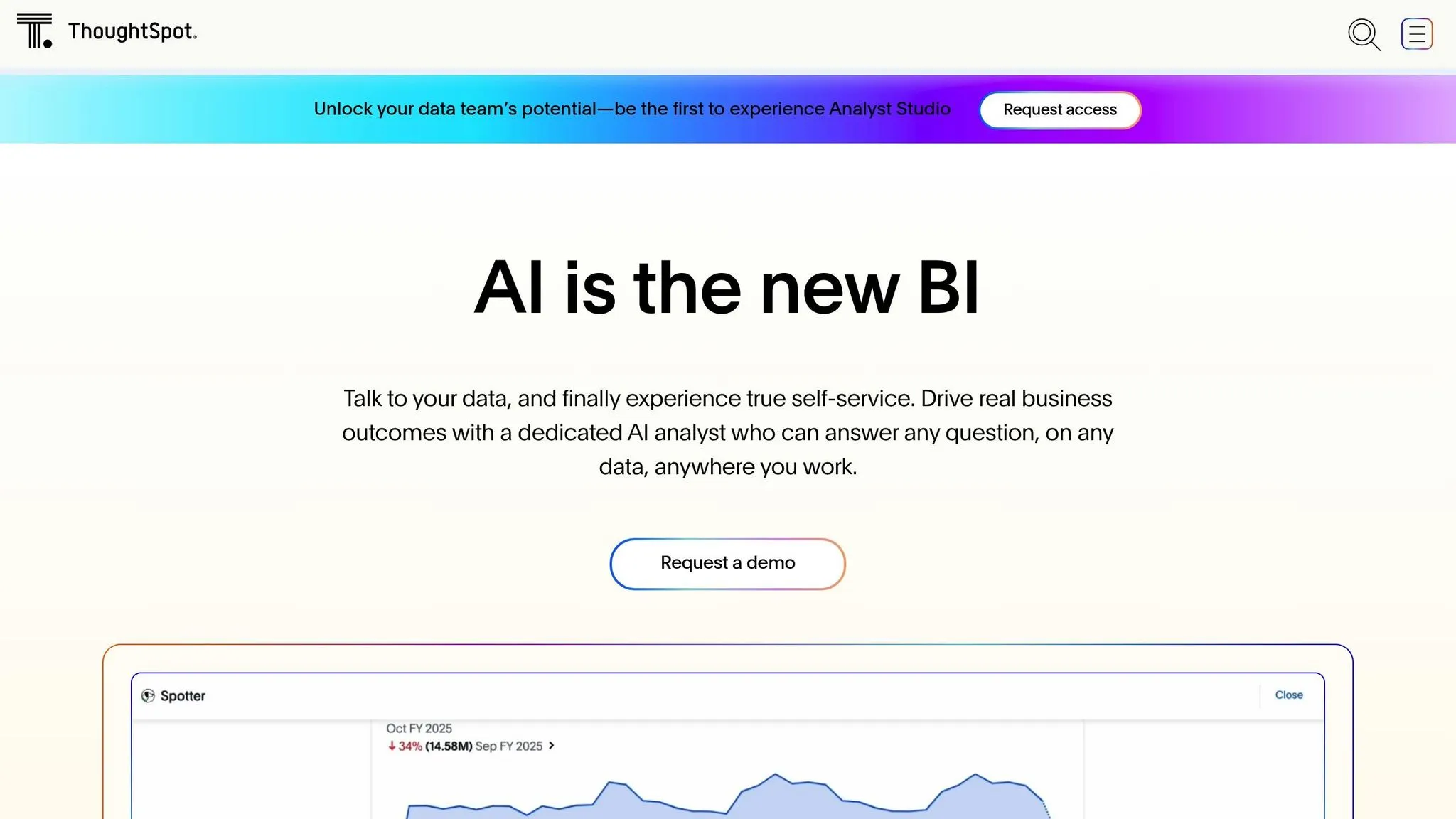
ThoughtSpot's AI-powered platform offers a modern approach compared to traditional BI tools like Tableau and Looker. With its SpotIQ AI engine, the platform uses natural language processing (NLP) to simplify data analysis. This focus on NLP also sets the groundwork for advancements in platforms such as Querio.
Instead of relying on Tableau's drag-and-drop interface or Looker's SQL-based approach, ThoughtSpot introduces a Google-like search bar. Users can type natural language queries and get instant visualizations of datasets with billions of rows, thanks to sub-second processing speeds [14]. Here's how ThoughtSpot stands out:
| Metric | Traditional BI Tools | ThoughtSpot |
|---|---|---|
| Query Processing Time | Several seconds to minutes | Sub-second response [14] |
| Data Handling Capacity | Up to 10 billion rows | Up to 100 billion rows [14] |
| ROI (3-year period) | Variable | 295% [11] |
The platform also includes AI-driven data preparation tools that automatically fix issues like outliers and missing values [13].
Its voice-activated mobile queries provide real-time, context-aware insights, going beyond the static dashboards offered by older tools [8]. These mobile capabilities align with the industry's move toward faster, more proactive decision-making, similar to Power BI's machine learning features.
For larger organizations, ThoughtSpot's Embrace architecture allows direct querying of warehouse-native data analysis tools like Snowflake and Amazon Redshift, eliminating the need for data transfers. Pricing starts at $95 per user per month for teams of five or more [10], making it a powerful tool for accelerating insights.
Finally, the platform uses machine learning to suggest access configurations, removing the need for role-based security configurations [5]. This automation supports efficient workflows and reduces the need for time-consuming governance tasks.
2. Querio Features
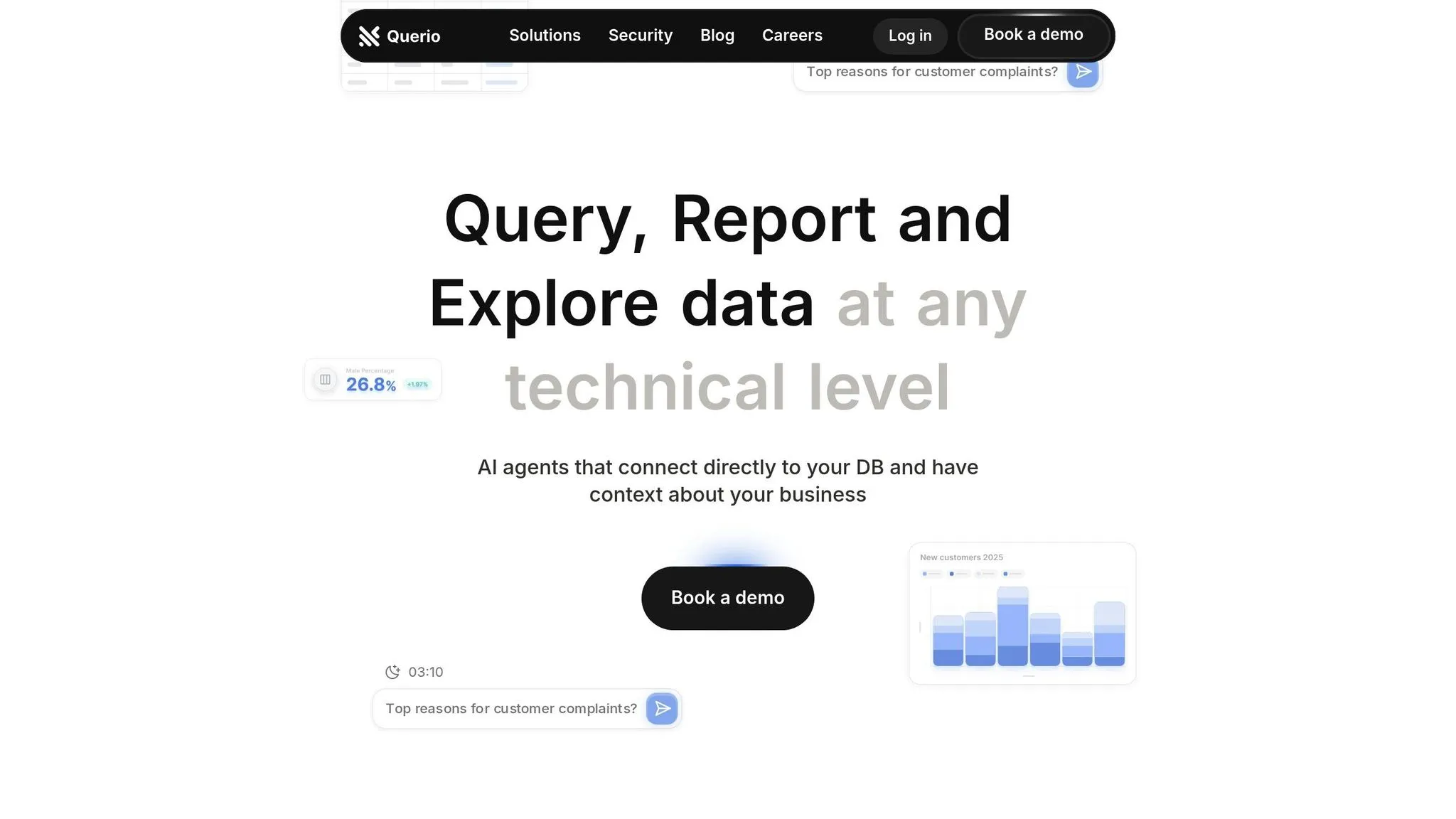
ThoughtSpot excels at delivering insights through search, but Querio takes it a step further by offering conversational analytics. Querio is git-native analytics for data teams and their AI agents. Users can ask natural language queries in the app or in Slack, with no need for Tableau's visual programming or Looker's SQL expertise. Querio's agent answers with SQL and Python in a notebook analysts can open, check and rerun, so business users get a no-code analytics experience without the logic being hidden.
Traditional tools often require manual schema adjustments [4]. In Querio, the table and column docs, business terms and metric definitions are plain files in a git repo your team owns. Agents propose changes to them, and saving context opens a pull request your reviewers approve. In CI, renaming a dbt model flags every dashboard, query and context file that uses it before the PR can pass.
| Feature Category | Traditional BI Tools | Querio |
|---|---|---|
| Query Processing | SQL or Visual | Natural Language, answered with SQL and Python |
| Definitions | Inside the BI tool | Files in a git repo you own |
| Changes | Edited in place | Pull requests your reviewers approve |
Security is a top priority. Querio is SOC 2 Type II, HIPAA and GDPR compliant, and an agent sees only what its user sees. Claude, ChatGPT, Claude Code and Cursor can work from the same definitions through Querio's MCP server and CLI.
Because answers come as Python in a notebook, analysts can extend them into predictive analytics work and rerun it whenever they need to.
Querio pairs ease of use with logic your data team can check, while Power BI focuses on machine learning.
3. Power BI + Azure ML Features
Power BI, with its Azure integration, goes beyond conversational analytics to bring enterprise-level machine learning tools to the table. By combining with Azure ML, Power BI enables predictive analytics through automated workflows.
Unlike ThoughtSpot's search-focused approach, Power BI's AutoML (Automated Machine Learning) simplifies predictive modeling with step-by-step workflows. This tool builds and fine-tunes machine learning models automatically, making advanced analytics accessible even to those without a technical background [15]. In contrast, Tableau often requires data scientists for similar tasks [3].
| Feature Category | Capability | Business Impact |
|---|---|---|
| Real-Time Processing | Azure Stream Analytics | Live dashboard updates |
| AI-Powered Analysis | Cognitive Services | Automated text and image analysis |
| Data Preparation | AI-driven profiling | Automated quality improvements |
| Security | Row-level security | Granular access control |
"Organizations using Power BI's AI capabilities have seen up to a 14% increase in productivity through streamlined data analysis and automated insights generation" [10].
The integration with Azure Cognitive Services brings features like automatic pattern detection, anomaly detection, and forecasting. Tools like Key Influencers help identify factors affecting specific metrics, while Smart Narratives generates easy-to-read summaries of data insights.
Real-time data processing via Azure Stream Analytics allows quick decisions based on live data, solving latency issues that platforms like Looker face with large datasets [2]. Additionally, Azure Synapse integration supports massive-scale analysis, handling petabytes of data with no performance slowdowns [3].
4. Sigma Computing Features
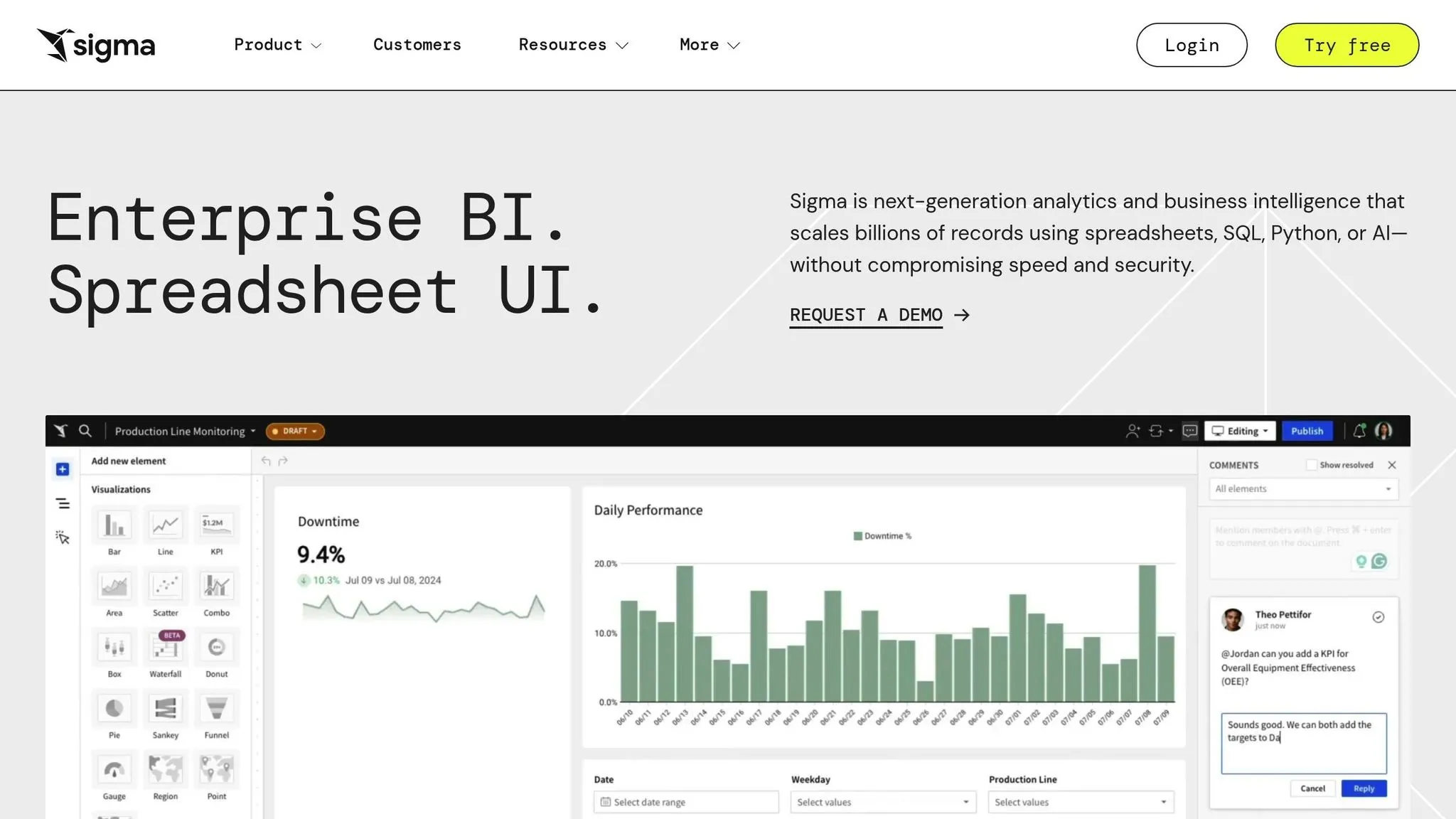
Sigma Computing's cloud-based platform simplifies the transition from Tableau to the cloud, leveraging AI-driven analytics. Unlike Power BI's machine learning integration, Sigma focuses on making analytics accessible without requiring code, offering a user-friendly way to interact with data [1].
| Feature | Impact | How It Stands Out |
|---|---|---|
| Adaptive Data Modeling | Boosts performance automatically | Faster query execution [4] |
Sigma's automated data preparation tools have proven to save time and effort. For example, a global bank used Sigma to cut down the time needed for financial report generation from several days to just hours [4].
The platform supports an unlimited number of users without slowing down, even when handling billions of rows. Powered by AI-optimized engines, it ensures high-speed processing while upholding strict governance standards [9]. Its serverless design pairs well with Querio's conversational analytics for real-time data, giving frontline teams the ability to analyze live data directly [9].
Platform Comparison
When looking at AI-driven BI platforms versus traditional tools like Tableau and Looker, some clear distinctions stand out.
| Feature Category | AI-Powered Platforms | Tableau/Looker |
|---|---|---|
| Data Processing | Handles massive datasets in real time without requiring extracts | Relies on data extracts or summaries for large datasets |
| User Interface | Offers natural language querying and automated insights | Features more complex interfaces requiring technical skills |
| Predictive Analytics | Includes built-in machine learning models and automated forecasting | Offers limited forecasting, with manual setup required |
| Cost Structure | Higher upfront costs but lower long-term expenses | Lower initial costs but higher long-term resource needs |
Take Walmart as an example: in Q2 2023, they switched from Tableau to ThoughtSpot. This change led to 45% faster report generation, 30% higher data utilization, $12 million in annual savings, and empowered 22,000 non-technical employees to conduct advanced analysis.
"The move to AI-powered BI fundamentally transformed how our teams interact with data, leading to a 15% improvement in inventory management efficiency", said Mohak Shroff, Walmart's Chief Data Officer.
Scalability and Integration
Scalability is another major factor. Traditional tools like Tableau and Looker often face performance issues as datasets grow. In contrast, AI platforms such as Sigma Computing can process billions of rows without lag. Companies using these AI-powered tools report a 64% boost in data-driven decision-making compared to those sticking with traditional BI tools [16].
Integration capabilities also differ. Power BI, when paired with Azure ML, offers seamless integration within the Microsoft ecosystem and connects easily to third-party tools. Tableau and Looker, however, have more limited options, especially for advanced AI and machine learning features.
Automation and Security
Automation is where AI platforms shine. ThoughtSpot's SpotIQ surfaces insights automatically, and Querio's automations send scheduled prompts or SQL results to email or Slack. In Tableau or Looker, that work takes more manual effort.
Security and governance are also more advanced in AI-driven platforms. While all tools provide basic security, AI platforms add extra layers of protection, such as:
| Security Feature | AI Platform Capability | Traditional BI Tools |
|---|---|---|
| Anomaly Detection | Automatic, AI-driven detection | Requires manual monitoring |
| Access Control | Dynamic, context-aware permissions | Static, role-based permissions |
| Data Quality | Automated quality checks | Relies on manual validation |
| Compliance Monitoring | Real-time AI monitoring | Periodic manual audits |
Given these advantages, it’s no surprise that Gartner predicts 80% of enterprises will adopt AI-augmented analytics platforms by 2025 [12]. The efficiency, cost savings, and advanced features of AI-powered BI tools make them an increasingly attractive choice over Tableau and Looker.
Next Steps
Switching from Tableau or Looker to an AI-driven BI platform requires careful planning. Start by evaluating your organization's needs and resources. The steps below will help you make the most of AI features like automated data preparation and NLP-powered analytics.
Begin with a Pilot Program
Kick things off with a small-scale pilot to test the platform's capabilities. Focus on use cases such as NLP queries (e.g., Querio) or predictive modeling (e.g., Power BI combined with Azure ML). Use these to showcase ROI before moving to full deployment.
Technical Preparation
Here’s what to focus on:
- Review your data quality and governance requirements.
- Map out existing data connections for a phased integration approach.
- Provide role-specific training and designate department champions to lead adoption.
Budget Considerations
| Cost Category | Key Points to Evaluate |
|---|---|
| Implementation | Spread costs over phases |
| Training | Plan for ongoing updates |
| Data Migration | Use automated validation |
| Maintenance | Leverage cloud scalability |
Make sure your budget aligns with the ROI metrics of the platforms you're considering. For instance, ThoughtSpot reports a 295% 3-year return on investment [11]. Look for platforms that integrate well with your current tools and explore cloud-based options for better scalability. During the transition, emphasize efficiency improvements to gain support from stakeholders and drive adoption.