Business Intelligence
Top 11 Embedded BI Tools: A Fact-Based Comparison Matrix (2026)
AI-first embedded analytics compared: 11 platforms rated on integration, AI, scalability, security and pricing to guide SaaS and enterprise choices.

Embedded BI tools are now a critical part of modern business applications, enabling users to analyze data and make decisions without leaving their platform. This article compares 11 leading embedded BI tools, focusing on their key features like integration, AI capabilities, scalability, and security. Whether you're a startup or an enterprise, this guide helps you find the right tool for your needs.
Key Highlights:
- Querio: AI-powered, no-code analytics with unlimited viewers and strong governance.
- Metabase: Open-source, simple to deploy, but limited advanced features.
- Toucan: User-friendly dashboards with white-labeling options.
- Holistics: SQL-based, great for engineering-heavy teams.
- Upsolve AI: Generative AI for conversational analytics and automated dashboards.
- Power BI Embedded: Microsoft ecosystem integration, scalable capacity-based pricing.
- Sisense: Handles complex data models, highly customizable.
- Looker: Google Cloud-native, strong governance with LookML.
- Tableau Embedded Analytics: Industry-leading visuals, flexible deployment.
- AWS QuickSight: AWS-native, pay-per-session pricing.
- Domo: All-in-one platform with collaboration features.
Quick Comparison Table:
| Tool | Deployment Models | AI Features | Pricing Model | Best Fit |
|---|---|---|---|---|
| Querio | Cloud | Natural language, Python notebooks | Custom pricing, unlimited viewers | SaaS companies, enterprise analytics |
| Metabase | Cloud, Self-hosted | Limited AI | Free (open-source), Paid plans | Small teams, quick integration |
| Toucan | Cloud | Basic AI-assisted insights | Custom pricing | Non-technical users, branded dashboards |
| Holistics | Cloud | SQL-based automation | From $200/month | SQL-savvy, engineering-heavy teams |
| Upsolve AI | Cloud | Generative AI, automated prep | Custom pricing | Conversational analytics, B2B SaaS |
| Power BI Embedded | Cloud (Azure) | AI visuals, Q&A | From $736.34/month (A1 SKU) | Microsoft ecosystem, scalable analytics |
| Sisense | Cloud, On-premise | Predictive analytics | Custom pricing | Complex data models, enterprise use |
| Looker | Cloud (Google Cloud) | ML-powered insights | Custom pricing | Google Cloud users, governed analytics |
| Tableau Embedded | Cloud, On-premise | AI-enhanced visuals | From $70/user/month | Advanced visuals, flexible deployment |
| AWS QuickSight | Cloud (AWS) | ML insights, anomaly detection | $0.30/session, capped at $5/user | AWS users, elastic scalability |
| Domo | Cloud | Predictive analytics | From $750/user/year | All-in-one, collaboration-focused teams |
Each tool has its strengths and trade-offs, making your choice dependent on your technical skills, budget, and user needs. Read on for a detailed breakdown of each tool's features and ideal use cases.
The Best Embedded Analytics Tools (2023)
::: @iframe https://www.youtube.com/embed/Oeu9CURxwak :::
1. Querio
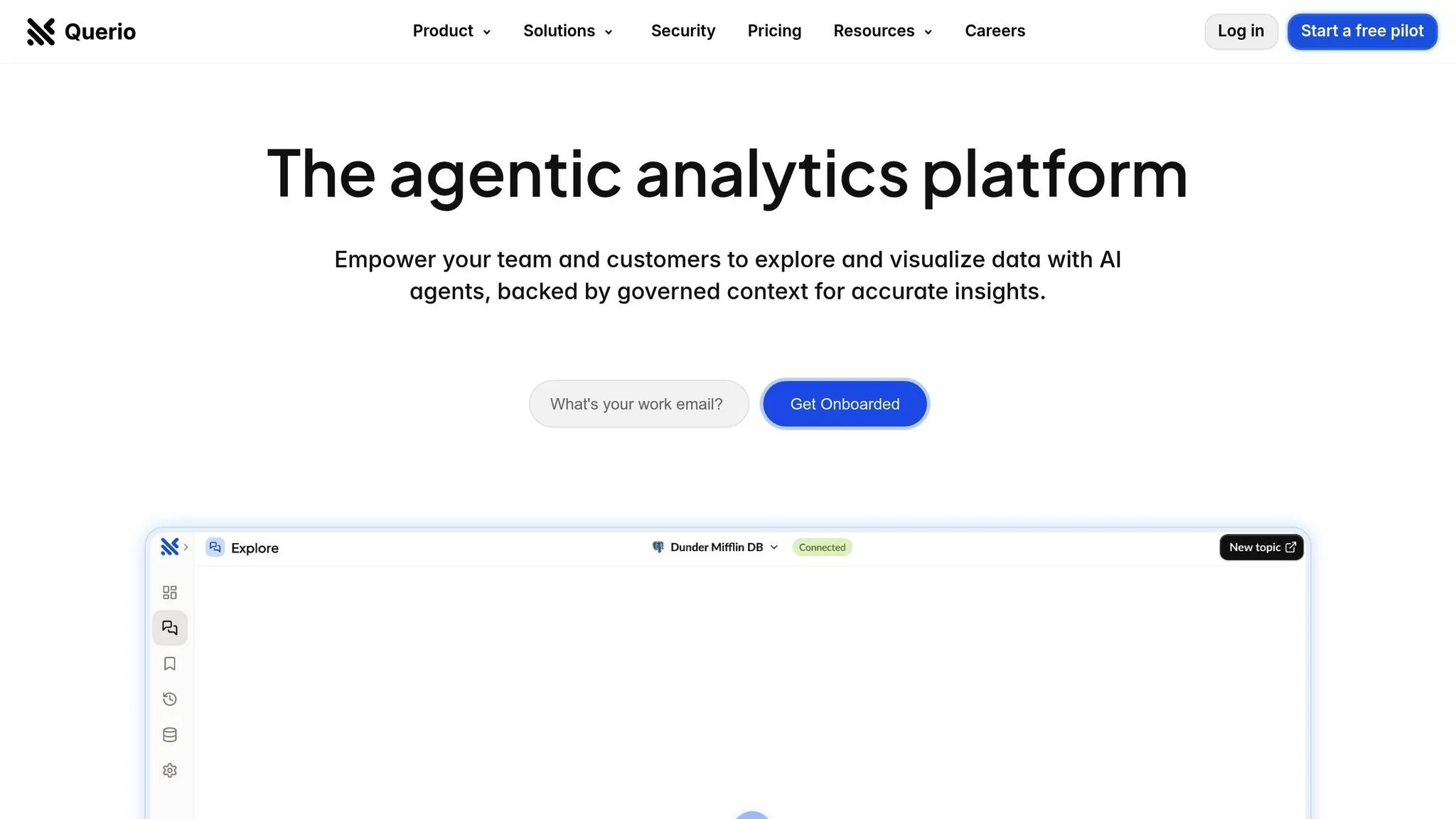
Querio is an AI-powered business intelligence workspace that makes data analysis accessible across entire organizations. By connecting directly to your data warehouse, it allows users to ask questions in plain English and receive accurate charts and insights within seconds - all without needing to write a single line of code.
AI Capabilities
Querio’s natural language engine takes plain-English questions and turns them into precise, easy-to-understand visualizations. Its API suite goes a step further by embedding AI-driven analytics and workflow automation directly into your applications.
For teams requiring advanced analysis, Querio includes a Python notebook environment. This feature supports both SQL and Python coding within a governed data layer, providing technical teams with a secure and efficient way to tackle complex data exploration. These tools ensure data governance and security remain intact while enabling deeper insights.
All of Querio’s AI features integrate seamlessly with its real-time data connectivity, ensuring users always work with up-to-date, governed data.
Integration Ease
Querio connects live and read-only to data warehouses like Snowflake, BigQuery, and Postgres, using encrypted credentials to ensure security. This setup means users always have access to the freshest data.
Its semantic layer simplifies data management by allowing teams to define table joins, business metrics, and glossary terms just once. These definitions are then applied consistently across all queries and dashboards, reducing repetitive tasks and ensuring everyone uses the same data standards.
"Ability to connect various datasets and make dashboards without the need of engineers. Great customer support." – Jayashri R., verified Capterra user
Scalability
Querio is built to grow with your needs. Whether you’re a small team or a large enterprise, the platform can handle it. It offers unlimited viewer users, so you won’t face escalating costs as your team expands.
Powered by Elasticsearch, Querio maintains high performance even when working with complex datasets. This ensures the platform remains reliable as your data volume or user base grows.
Security
Querio meets enterprise-grade security standards with SOC 2 Type II compliance. Its read-only database connections and encrypted credential storage safeguard your data warehouse from unauthorized changes.
The platform’s multi-tenant security architecture features ensure users or customers only see the data they’re authorized to access. These controls are enforced across the platform, making Querio a strong choice for SaaS companies embedding analytics while maintaining strict data isolation between customers.
Pricing Model
Querio offers customized pricing based on your deployment needs and usage. Its pricing structure is designed for predictability, with no per-user licensing fees as you scale. To reduce adoption risks, Querio includes a money-back guarantee.
This pricing approach allows organizations to take advantage of Querio’s premium features without worrying about unexpected costs, making it practical to provide analytics access to a broad audience.
Ideal Use Case
Querio is especially suited for SaaS companies looking to embed analytics into their products and for organizations aiming to reduce reliance on data analysts for routine queries. It combines a native data lake, semantic layer, and embedded BI tools into one complete package.
With its focus on AI-driven self-service analytics and strong data governance, Querio handles everything from routine questions to complex data challenges.
"My litmus test for analytics software is whether you can use it to drive insight/action that offsets the license & implementation cost of the tool – I think Qrvey is more than capable of this." – Dara K, verified Capterra user
2. Metabase
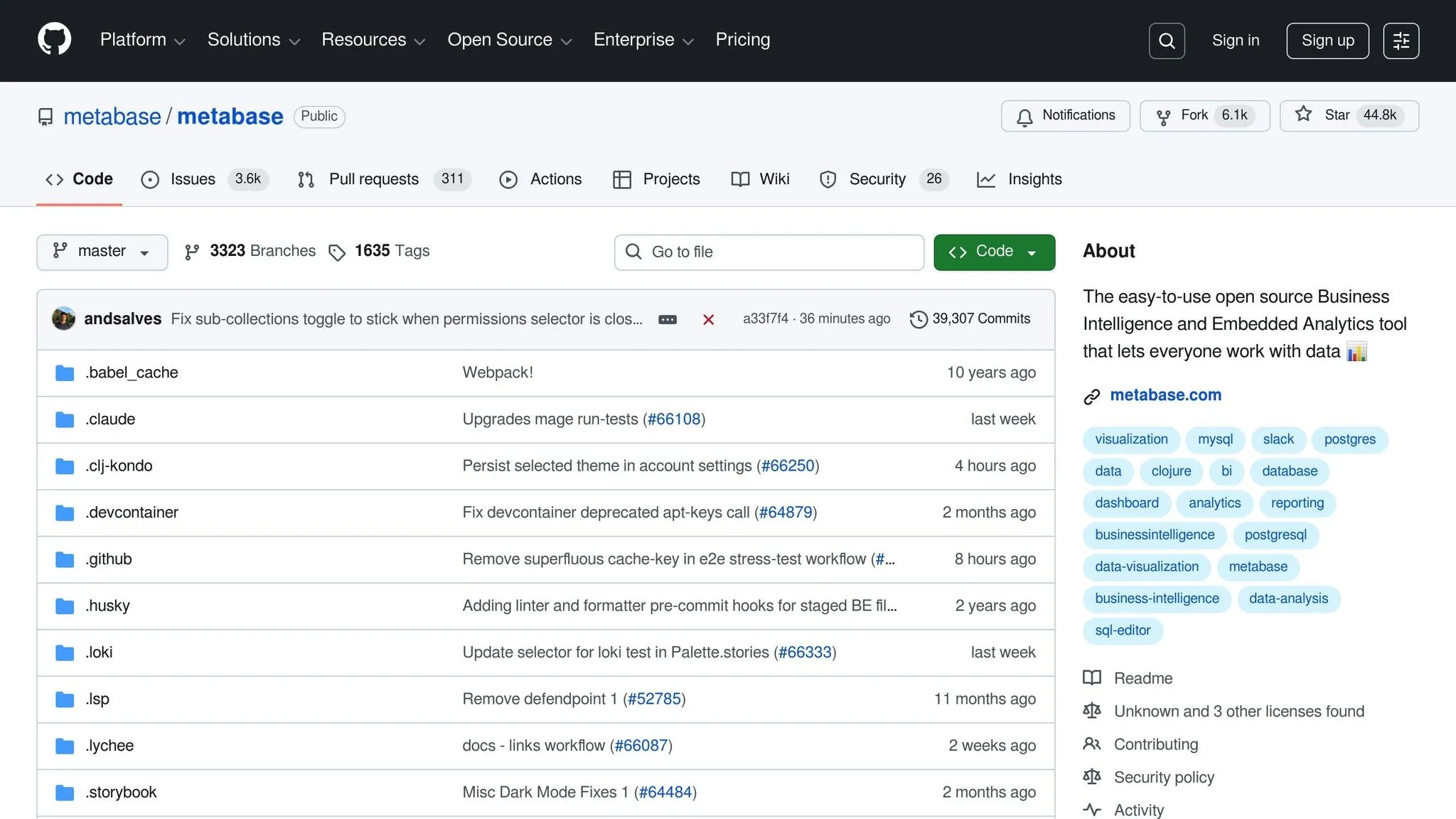
Metabase is an open-source business intelligence (BI) platform designed to make data exploration simple and accessible through embedding. One of its key strengths is the ability to integrate a full BI application directly into your product with minimal developer involvement.
Deployment Model
Metabase gives you the flexibility to deploy the platform in a way that fits your needs. You can opt for self-hosted/on-premise installations or choose cloud-based licenses, depending on your compliance requirements and deployment preferences.
A standout feature of Metabase is its Interactive Embedding model, often referred to as "Full BI" embedding. This allows you to embed the entire Metabase application into your product, giving users access to a wide range of BI features without the need to build analytics from scratch. This approach is fast to implement and requires minimal developer effort, meeting the growing demand for quick and straightforward BI integration.
Integration Ease
Metabase continues the trend of simplifying integration for development teams. It supports common embedding methods that are easy to implement, even for teams with limited experience in embedding analytics.
The platform's open-source nature adds another layer of flexibility, enabling teams to customize and integrate it into their existing tech stack as needed. Public reviews consistently highlight Metabase's user-friendly interface, which extends to its integration process.
For organizations prioritizing security, Metabase offers features like Single Sign-On (SSO) and row-level security (RLS). These tools ensure that embedded analytics maintain proper access controls and data privacy, even when integrated into broader applications.
Scalability
Metabase is particularly effective for smaller-scale BI embedding, especially when your audience is familiar with traditional BI interfaces.
However, scaling can lead to higher costs. The platform uses a per-seat/dashboard viewer pricing model, which means expenses increase as more users access the embedded analytics. For applications with a large or fluctuating number of Monthly Active Users (MAUs), it’s essential to carefully project costs to ensure they remain within budget.
Security
When it comes to security, Metabase includes key features necessary for embedded analytics. Row-level security ensures users only see the data they are authorized to access, while Single Sign-On simplifies user management across your application and the embedded analytics environment.
Its user-friendly interface enhances accessibility for embedded viewers, but it’s worth noting that users will interact with a recognizable BI tool rather than a fully white-labeled solution.
Pricing Model
Metabase's cloud licenses start at $85/month, making it a relatively affordable option for teams beginning their journey with embedded analytics. However, the per-seat pricing structure means costs can rise quickly as your user base grows.
This pricing model works best for applications with a stable and predictable number of users. For scenarios involving high or fluctuating user numbers, the costs can add up, so careful planning is essential.
Ideal Use Case
Metabase is ideal for teams looking to embed a full BI application quickly and for users who are already comfortable with BI tools. Its simplicity and intuitive design make it a solid option for smaller-scale analytics projects or teams that prioritize ease of setup.
Its open-source foundation is particularly appealing to teams that want the flexibility to self-host and customize their deployment. However, Metabase is less suited for complex data modeling or workflows that require deeper semantic layers, making it better for straightforward analytics needs.
3. Toucan
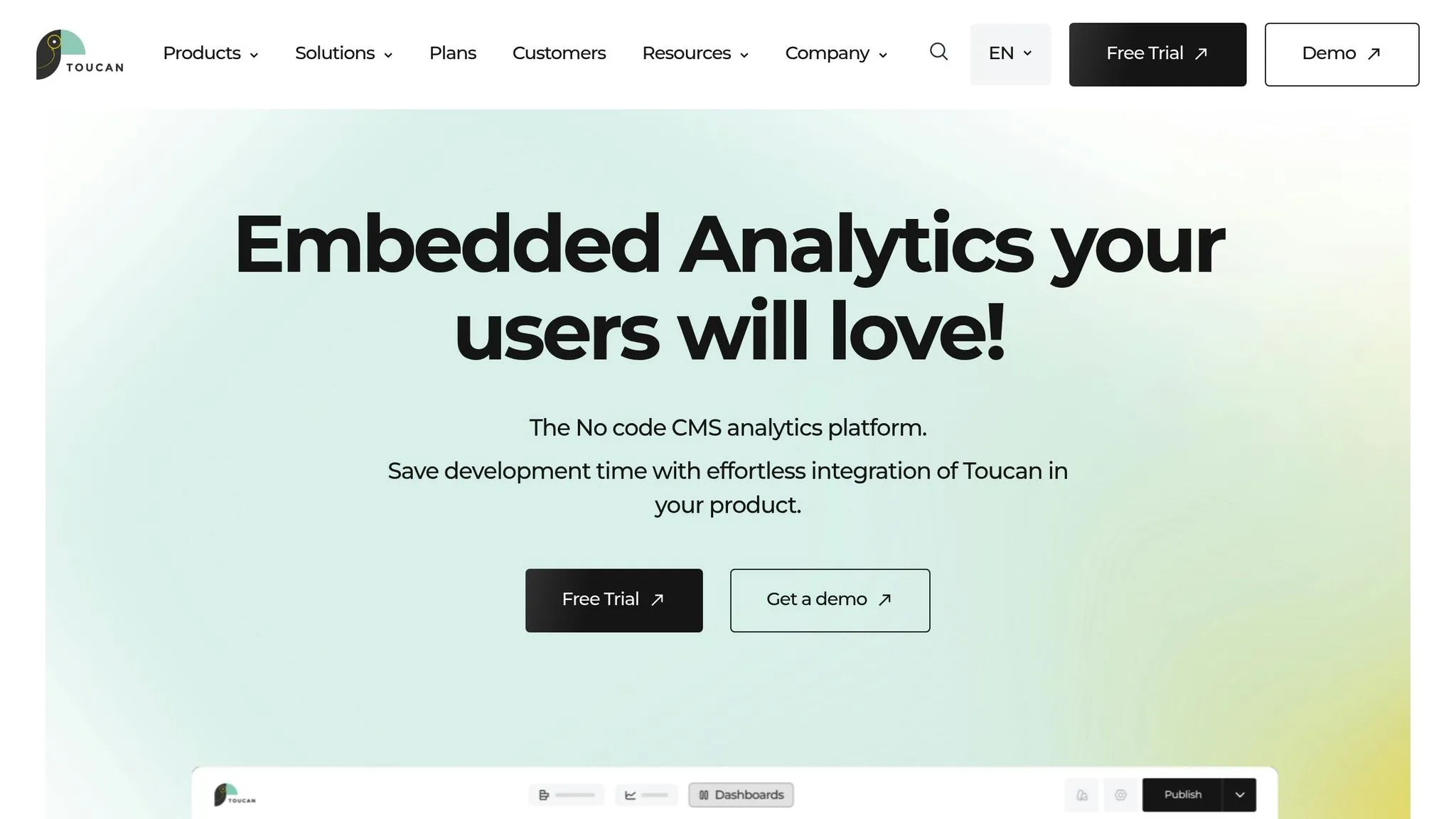
Toucan specializes in delivering embedded analytics that are easy to use and fully customizable. Staying true to its philosophy of "clarity over complexity", it empowers nontechnical users to explore data effortlessly.
Integration Made Simple
Toucan offers flexible embedding options through both SDK and iFrame. Its low-code setup ensures a quick and straightforward integration process, while its robust API and SDK provide the tools for deeper customization when needed.
You can also fully white-label the platform, adjusting layouts, fonts, and CSS to ensure the embedded analytics blend perfectly with your brand's look and feel.
This streamlined setup ensures a smooth, tailored experience for users.
Best Fit
Toucan works best for teams that want to embed polished, branded analytics designed for nontechnical users. Its curated approach delivers guided insights, removing the usual challenges associated with self-service analytics while keeping things user-friendly.
4. Holistics
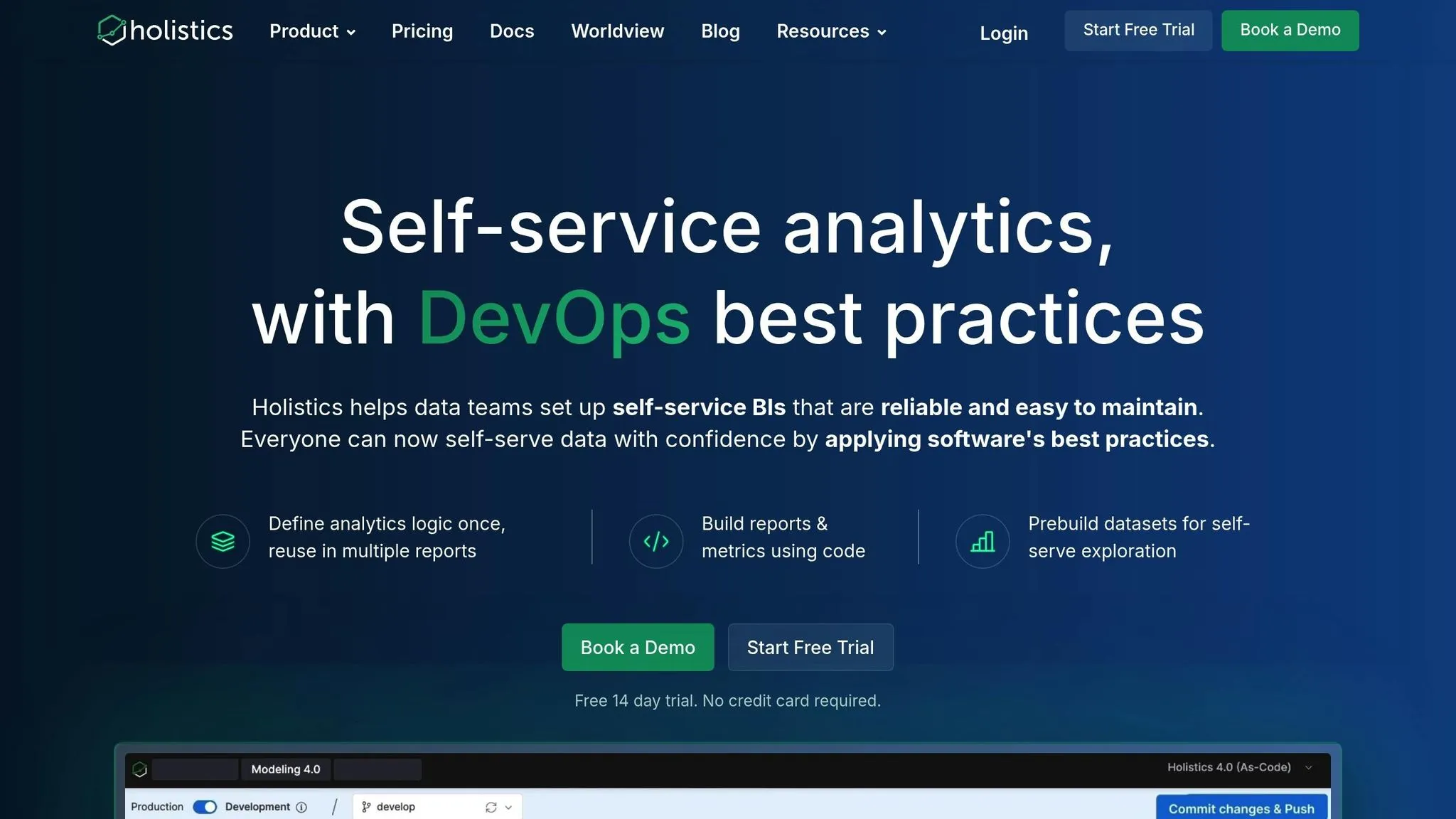
Deployment Model
Holistics provides a hybrid deployment model that combines the flexibility of the cloud with the security of on-premise systems. Sensitive data remains stored on-premise, while the cloud handles visualization, collaboration, and embedded AI benefits. This approach not only ensures compliance with regulations but also leverages the benefits of cloud efficiency. Such a setup makes Holistics a strong choice for businesses with varying compliance and performance requirements.
5. Upsolve AI
AI Capabilities
Upsolve AI is a fully AI-driven BI platform tailored for embedded conversational analytics. It allows users to gain instant insights without needing SQL expertise or technical know-how.
The platform's Generative Business Intelligence (GenBI) feature creates role-specific dashboards automatically, removing the need for manual report creation. With its natural language querying, users can ask plain-English questions and receive immediate insights through in-app widgets, APIs, or even a Slackbot.
Another standout feature is the Agent Builder Hub, which equips users with tools to develop custom AI agents based on real data, featuring managed context and evaluation tools. Additionally, its intelligent semantic layer simplifies data modeling by automatically linking business context to the underlying data structure.
These capabilities work together to streamline user interactions and make integration as smooth as possible.
Integration Ease
Upsolve AI's conversational interface transforms queries into actionable insights effortlessly. Its natural language processing generates SQL, charts, and answers automatically, making data discovery accessible to users without technical backgrounds. With full agent orchestration, the platform removes technical hurdles, enabling teams to explore data, design charts, and produce reports independently.
Scalability
Thanks to its efficient integration and design, Upsolve AI delivers fast insights - even as data volumes increase - through flexible caching and optimized query generation. The platform also supports multi-tenancy and row-level security, catering to enterprise requirements. Its AI-powered semantic layer further simplifies data preparation by automating the alignment of business context with data schemas.
Pricing Model
Upsolve AI offers a tiered monthly subscription model based on the number of tenants, not per user or usage. This pricing approach provides clarity and predictability, making it easier to plan for growth without worrying about unexpected costs as data needs expand.
Ideal Use Case
"Perfect for B2B SaaS companies that need a fully AI-powered, flexible, and governable solution and want to eliminate technical barriers and empower non-technical users to explore data, create charts, and generate reports independently using natural language conversations."
- embeddable.com
Upsolve AI is ideal for teams that prefer asking questions over building traditional reports. It’s especially suited for organizations looking to invest in safeguards that prevent errors in natural language-to-SQL conversions and those planning to pair it with a governed dashboard layer. Its robust architecture also makes it an excellent choice for companies in need of enterprise-level solutions.
6. Power BI Embedded
Deployment Model
Power BI Embedded is a cloud-based platform-as-a-service (PaaS) solution within Microsoft Azure, designed to integrate interactive dashboards and visualizations directly into web apps, mobile apps, and portals. The best part? End users don’t need individual Power BI licenses to access these features. By leveraging Azure’s infrastructure, the platform ensures optimal performance and scalability.
It supports both public and sovereign cloud deployments, giving organizations flexibility to meet regulatory and compliance needs. For businesses already using Microsoft tools, Power BI Embedded integrates seamlessly with Azure Active Directory for authentication and can utilize existing Azure resources for data storage and processing. This streamlined setup lays the groundwork for advanced AI-powered analytics.
AI Capabilities
Power BI Embedded comes equipped with several AI-driven tools, thanks to Microsoft’s Azure AI services. One standout feature is automated machine learning (AutoML), which simplifies predictive analytics without requiring deep data science expertise. Additionally, the Q&A visual allows users to ask natural language questions about their data and receive instant, visual answers.
Another highlight is Smart Narratives, which automatically generates written summaries of dashboard insights, pointing out trends and anomalies. For developers looking to go further, the platform supports Azure Cognitive Services integration, enabling advanced functionalities like image recognition, text analytics, and sentiment analysis. This flexibility allows businesses to create tailored AI solutions for their specific needs.
Integration Ease
Integrating Power BI Embedded into applications involves using REST APIs and client-side SDKs available for JavaScript, .NET, and other programming languages. Microsoft provides thorough documentation to guide developers through the process, which typically includes registering an application in Azure Active Directory, managing authentication, and embedding reports via the JavaScript API.
The platform supports two main scenarios: user-owns-data (where users authenticate with their credentials) and app-owns-data (where the app authenticates on behalf of users). This flexibility accommodates a variety of application architectures. For organizations already using Microsoft’s ecosystem, integration is even smoother, as Power BI Embedded works effortlessly with Azure services, SQL Server, and other Microsoft data sources.
Scalability
Power BI Embedded uses a capacity-based model for scalability, measured in virtual cores (v-cores). Organizations can choose from different capacity tiers, starting with A1 (1 v-core) and scaling up to A6 (32 v-cores) or enterprise-grade SKUs. Each tier supports varying levels of concurrent users and rendering operations, making it easy to scale resources as needed.
The platform also supports multi-tenancy using workspaces and row-level security (RLS), which allows SaaS providers to serve multiple customers while maintaining strict data isolation. Features like incremental refresh keep large datasets updated efficiently, while Azure Analysis Services can serve as a dedicated semantic layer for complex queries. This setup ensures a smooth experience, even as user demands grow.
Security
Security is a critical focus for Power BI Embedded. It relies on Azure Active Directory for authentication, supporting features like single sign-on (SSO), multi-factor authentication (MFA), and conditional access policies. These tools enable consistent enforcement of security protocols.
Row-level security (RLS) adds another layer of control, filtering data based on user roles or attributes. Developers configure RLS rules in Power BI Desktop, and these are automatically applied to embedded reports, ensuring users only see data they’re authorized to access. Additionally, the platform offers encryption for data both at rest and in transit, and it meets compliance standards like SOC 1, SOC 2, ISO 27001, HIPAA, and FedRAMP. For private access, Azure Private Link allows secure connections via private network endpoints.
Pricing Model
Power BI Embedded uses a capacity-based pricing model, where organizations pay for dedicated compute resources instead of individual user licenses. Pricing starts at about $736.34 per month for the A1 SKU (1 v-core). A handy feature is the ability to pause and resume capacity, allowing businesses to save costs by only paying for active usage - ideal for applications with predictable traffic patterns.
Unlike traditional Power BI Pro licensing, this model doesn’t require end users to have individual licenses, making costs more predictable for customer-facing applications. However, developers and content creators still need Power BI Pro or Premium Per User licenses, costing $9.99 and $20.00 per user per month, respectively.
Ideal Use Case
Power BI Embedded is a great fit for organizations already using Microsoft’s ecosystem, particularly those leveraging Azure, SQL Server, or Office 365. Its tight integration with these tools simplifies implementation and maximizes existing expertise.
The platform is particularly well-suited for ISVs and SaaS providers building analytics into customer-facing applications. Its capacity-based pricing model ensures predictable costs as user numbers grow, without directly increasing licensing fees.
Organizations with complex data models or advanced analytics needs will appreciate the platform’s robust semantic modeling and extensive visualization options. Custom visuals from the AppSource marketplace add even more flexibility for industry-specific requirements.
That said, Power BI Embedded might not be the best choice for businesses seeking a lightweight or developer-first embedding solution. Its complexity and enterprise-grade focus can be excessive for simpler use cases, and the capacity-based pricing might not align with smaller budgets.
sbb-itb-284a532
7. Sisense
Security
Sisense employs row-level security to ensure data access is restricted based on user permissions, allowing dashboards to be customized for individual users, a key trend in modern embedded analytics. It also adheres to key compliance standards, including HIPAA-compliant standards, ISO, and SOC 2 and Row-Level Security, to provide strong data protection.
8. Looker (Google Cloud)
Deployment Model
Looker stands out as Google's embedded BI tool, fully integrated into the Google Cloud ecosystem (see how it compares in our Querio vs Looker guide). As a cloud-native platform, it eliminates the need for server management by operating entirely on Google Cloud. This setup allows teams to access analytics from anywhere with an internet connection, making it a great fit for remote work and distributed teams.
The embedded version of Looker allows organizations to integrate dashboards through APIs and SDKs. These dashboards can be white-labeled to match the organization's branding, offering a seamless user experience.
AI Capabilities
Looker taps into Google Cloud's AI and machine learning tools to deliver smarter analytics. With natural language processing, users can query data in plain English using natural language BI, making the platform accessible even to those without technical expertise. These AI-driven insights help uncover trends, anomalies, and patterns that might otherwise be missed.
By integrating with Google's Vertex AI, Looker enables businesses to create and deploy custom machine learning models directly within their analytics workflows. This integration streamlines the process from analysis to prediction, removing the need to juggle multiple tools or platforms.
Integration Ease
Looker uses a proprietary modeling language called LookML, which defines how data relationships are structured within the platform. While LookML offers powerful modeling capabilities, it often requires dedicated team members with specific expertise to build and maintain these models effectively.
The platform connects natively to Google Cloud data sources like BigQuery with minimal setup, making it an easy choice for organizations already using Google Cloud services. For non-Google data sources, additional configuration may be required. Looker supports various databases, including PostgreSQL, MySQL, Redshift, and Snowflake, via JDBC drivers.
Scalability
Looker employs a query-pushdown architecture, which means it leverages the underlying database to handle large data volumes efficiently. This approach ensures that performance scales alongside the database's capacity, rather than being limited by the BI tool.
The platform is designed to support hundreds or even thousands of concurrent users without significant performance issues. Additionally, Google Cloud's global infrastructure ensures low latency for users, no matter where they are located.
Security
Security is a key focus for Looker. The platform offers granular access controls, allowing administrators to define data visibility at the row and column level. It also benefits from Google Cloud's robust security certifications, such as SOC 2 Type II, ISO 27001, and HIPAA compliance, ensuring enterprise-grade data protection.
Data is transmitted over encrypted connections, and Looker supports single sign-on (SSO) through SAML 2.0 integration with identity providers like Okta, Azure AD, and Google Workspace. For added security, organizations can implement IP whitelisting to restrict access to specific networks. These measures provide a secure yet flexible environment for embedded analytics.
Pricing Model
Looker operates on a subscription-based pricing model, typically involving annual contracts. Google Cloud does not publish standard pricing, requiring organizations to contact sales for custom quotes. Costs depend on factors like the number of users, data volume, and specific features needed.
When budgeting, it's important to consider both the Looker license and any associated Google Cloud costs, such as BigQuery usage. For data-heavy applications, these costs can add up quickly.
Ideal Use Case
Looker is best suited for organizations already invested in Google Cloud. Its tight integration with BigQuery ensures optimal performance, making it a strong choice for companies using Google's data warehouse.
The platform is ideal for teams with technical expertise who can dedicate time to learning LookML and building detailed data models. It’s particularly appealing to businesses that prioritize data governance and need centralized control over how metrics are defined and calculated. Additionally, software companies building SaaS products with multi-tenant analytics requirements will appreciate Looker's scalability and robust security features.
Looker proves to be a powerful option for companies deeply embedded in the Google Cloud ecosystem, offering a comprehensive solution for embedding analytics into applications.
9. Tableau Embedded Analytics
Deployment Model
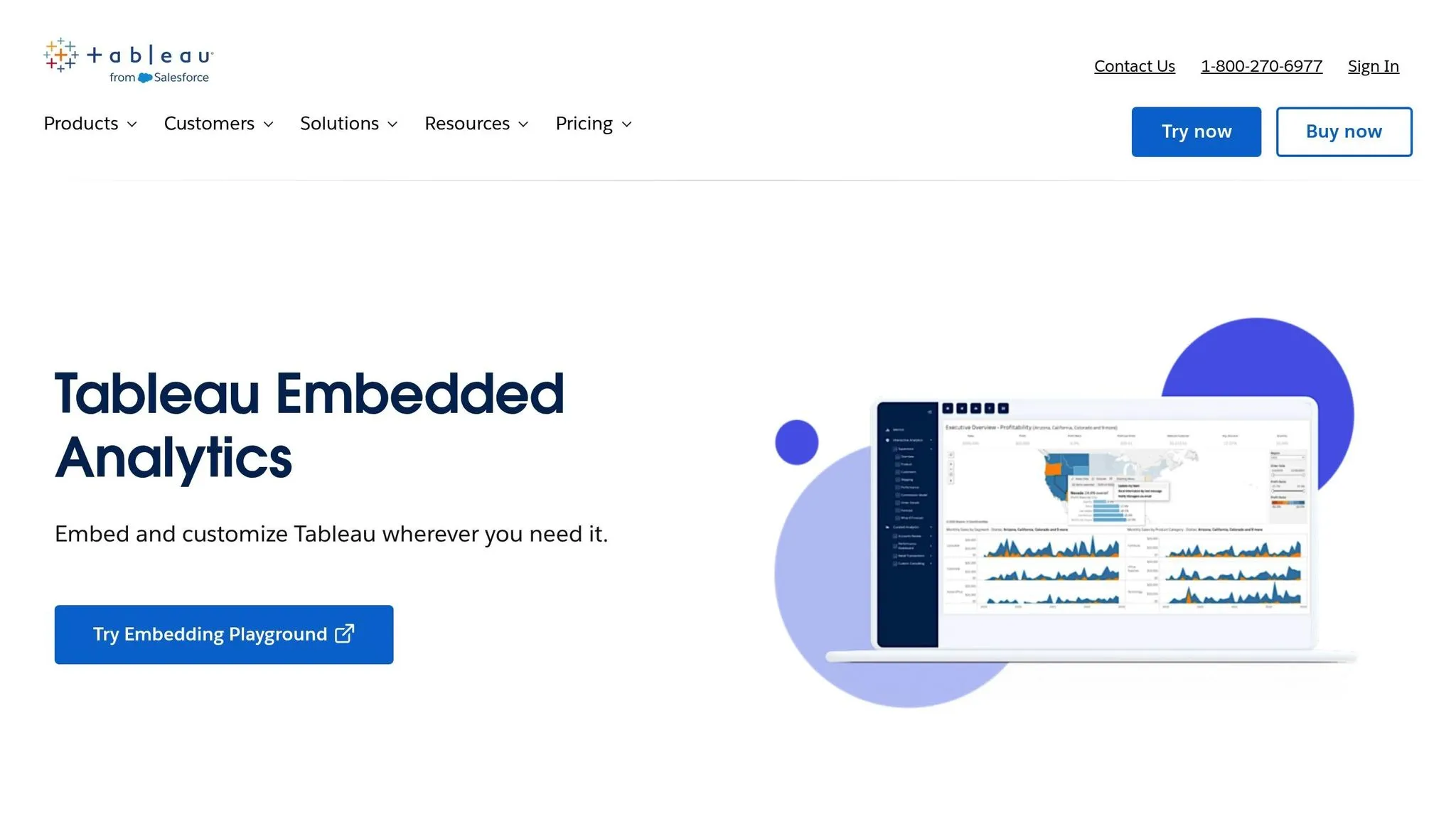
Tableau Embedded Analytics offers two deployment options tailored to different needs. Tableau Server lets you deploy on-premises or within a private cloud, giving you full control over where your data resides. On the other hand, Tableau Online is a cloud-native SaaS solution that takes the hassle out of managing infrastructure. This flexibility ensures it can adapt to various integration and security requirements when selecting a vendor.
10. AWS QuickSight
Deployment Model
AWS QuickSight is a cloud-native business intelligence tool designed specifically for AWS environments. Its close integration with services like Amazon S3, RDS, Redshift, and Athena makes it easier for organizations to tap into analytics without dealing with compatibility headaches or lengthy setups. However, this tight AWS focus can be a drawback for those looking for multi-cloud flexibility.
AI Capabilities
QuickSight comes with built-in machine learning features that offer predictive analytics to uncover trends, outliers, and patterns in your data. These insights are ready to use without requiring complex configurations or the creation of custom models, making it a practical choice for data-driven decisions.
Integration Ease
For businesses already using AWS, QuickSight integrates effortlessly with native AWS data sources. The setup process is simple in these environments, but if you need advanced customizations - like multi-tenant security or extensive white-labeling - be prepared for some extra development work. It doesn’t offer the same level of flexibility as platforms designed specifically for embedded analytics.
Scalability
Powered by AWS’s infrastructure, QuickSight offers elastic scalability that adapts automatically to growing data and user demands. Its serverless design eliminates bottlenecks, and the embedded analytics pricing model ensures costs align with actual usage. Combined with AWS’s robust security framework, this scalability makes it a solid option for expanding businesses.
Security
QuickSight leverages AWS’s established security features, including encryption (both at rest and in transit), VPC connectivity, and integration with AWS Identity and Access Management (IAM). This makes it a natural fit for organizations already familiar with AWS security protocols. However, achieving multi-tenant isolation often requires custom development, which can add complexity to the implementation process.
Pricing Model
QuickSight uses a pay-per-session pricing structure, charging $0.30 per session (up to 30 minutes) with a cap of $5.00 per user per month for embedded analytics. This flexible pricing works well for applications where users access dashboards intermittently, keeping costs tied directly to usage.
Ideal Use Case
AWS QuickSight shines for organizations heavily invested in the AWS ecosystem that want to embed analytics into their applications. It’s particularly useful in scenarios where machine learning insights can drive decisions without the need to build custom predictive models. However, if your application requires white-label BI, polished user interfaces, or built-in multi-tenancy, you may need to invest in additional development to address these gaps.
11. Domo
Security
Domo ensures data safety by using encryption both during transit and while stored. It incorporates role-based access controls to manage user permissions effectively, supports single sign-on (SSO) integration for seamless access, and complies with SOC 2 Type II and GDPR standards to meet stringent security requirements.
Advantages and Disadvantages
Every tool has its own set of strengths and limitations, making it suitable for specific needs. Here's a closer look at the trade-offs for each solution, along with a summary matrix for comparison.
Querio simplifies analytics with its AI-native design, eliminating the need for SQL expertise. It connects directly to Snowflake, BigQuery, and Postgres without duplicating data, ensuring a single source of truth. Plus, its unlimited viewer model keeps costs steady, and the custom Python notebook environment supports advanced analytics. The downside? Its premium pricing makes it a higher-cost option.
Metabase is ideal for teams looking for quick and straightforward analytics. Its open-source base keeps costs low, but advanced customization often requires coding. Features like granular permissions are only available in paid tiers, which may limit its appeal for larger enterprises.
Toucan focuses on user-friendly dashboards and data storytelling, making it easy for business users to grasp insights. Its white-label analytics tools integrate seamlessly into customer-facing apps. However, its simplicity might not meet the needs of power users seeking more complex analytical tools.
Holistics caters to teams well-versed in SQL. Features like version control and Git integration make it a favorite for engineering-heavy organizations. While its self-service dashboards embedded model reduces bottlenecks after setup, non-SQL users may find it challenging, and its interface leans more technical than visual.
Upsolve AI uses generative AI to handle plain-English queries and automates data preparation, cutting down manual work for analysts. Its modern architecture supports real-time data processing efficiently. However, as a newer tool, its integration options are fewer, and its reliability isn't as proven as older platforms.
Power BI Embedded integrates smoothly with Microsoft tools and offers flexible licensing. Its large user community provides plenty of resources and support. On the flip side, licensing complexity can be daunting, and vendor lock-in is something to consider.
Sisense excels at handling complex data models and large datasets. Its in-chip technology ensures fast query performance, even with multiple data sources, and its SDK allows extensive customization. That said, implementing Sisense requires a high level of technical expertise.
Looker takes advantage of Google Cloud's infrastructure for scalability and reliability. Its LookML modeling layer helps maintain consistency across reports, and its integration with BigQuery is a major plus. However, mastering LookML can be challenging, and organizations outside the Google Cloud ecosystem may face integration hurdles.
Tableau Embedded Analytics is known for its top-tier visualizations. Its drag-and-drop interface makes dashboard creation simple, and its visual analytics are widely regarded as industry-leading. The drawback? Licensing costs can climb quickly, especially for external user embedding, and performance might lag with massive datasets.
AWS QuickSight uses a serverless architecture that scales automatically and charges based on usage. Its SPICE in-memory engine ensures fast query responses, and it integrates seamlessly with AWS services. However, teams outside the AWS ecosystem may find it more complex, and the interface isn't as polished as some competitors.
Domo offers an all-in-one platform that combines data integration, visualization, and collaboration. Its app marketplace and mobile capabilities are strong points. But the platform's wide range of features can make it feel overly complex for some users.
Here’s a quick comparison of the tools:
| Tool | Deployment Models | AI Features | Price Range |
|---|---|---|---|
| Querio | Cloud, Direct warehouse connection | Natural language queries, AI Python notebooks, semantic layer | Premium pricing with money-back guarantee |
| Metabase | Cloud, Self-hosted, Open-source | Limited AI capabilities | Free (open-source), Paid plans from $85/month |
| Toucan | Cloud | Basic AI-assisted insights | Custom pricing |
| Holistics | Cloud | SQL-based automation | From $200/month |
| Upsolve AI | Cloud | Generative AI, automated data prep | Custom pricing |
| Power BI Embedded | Cloud (Azure) | AI visuals, Q&A features | From $1.00 per hour per capacity |
| Sisense | Cloud, On-premise | AI-driven insights, predictive analytics | Custom pricing (typically $5,000+/month) |
| Looker | Cloud (Google Cloud) | ML-powered insights | Custom pricing (typically $3,000+/month) |
| Tableau Embedded Analytics | Cloud, On-premise | AI-enhanced visual analytics | From $70/user/month (embedded pricing varies) |
| AWS QuickSight | Cloud (AWS) | ML insights, anomaly detection | From $0.30 per session |
| Domo | Cloud | Predictive analytics, automated insights | Custom pricing (typically $750+/user/year) |
Key Considerations
-
Deployment Models: Cloud-native tools like Querio, Upsolve AI, and AWS QuickSight eliminate infrastructure headaches but require trust in vendor security. Meanwhile, self-hosted tools like Metabase or on-premise options like Sisense and Tableau offer more control but demand higher operational effort.
-
AI Features: Tools like Querio and Upsolve AI lead with natural language interfaces, making analytics more accessible. Others, like Power BI Embedded and Domo, enhance insights with AI but require some understanding of data structures. Traditional platforms like Metabase and Holistics stick to SQL-based workflows with limited AI integration.
-
Pricing: Usage-based models, such as AWS QuickSight and Power BI Embedded, work well for fluctuating workloads but can complicate budgeting. Per-user pricing, as seen with Tableau, suits internal teams but may become costly at scale. Querio’s unlimited viewer model and Metabase’s free open-source option offer more predictable pricing for large audiences.
-
Security and Compliance: All platforms meet basic requirements like encryption and access controls. However, enterprise-focused tools like Sisense and Looker provide more granular governance, while simpler options trade some control for ease of use.
Each tool brings something different to the table, so the right choice depends on your specific needs, technical expertise, and budget.
Conclusion
Choosing the right BI tool means finding one that fits your technical skills, budget, and the needs of your users.
Startups and small teams often prioritize affordability and simplicity. Tools like Metabase let you get started without upfront costs, while AWS QuickSight’s pay-per-session model helps keep expenses manageable. For teams without technical expertise, Querio’s natural language interface eliminates the need for SQL knowledge, though it comes with higher costs.
Mid-sized SaaS companies typically look for tools that offer white-label BI solutions and predictable pricing. Toucan provides customizable, user-friendly dashboards, Querio ensures cost stability with its unlimited viewer model, and Power BI Embedded integrates seamlessly with Microsoft tools, though its licensing can be a bit tricky to navigate.
Enterprises handling complex data models require solutions that scale effectively. Sisense is built to manage large datasets efficiently, Looker’s LookML ensures consistent reporting, and Holistics offers version control for SQL-savvy teams. For teams wanting AI-powered insights without needing SQL, Querio’s semantic layer provides centralized governance and self-service analytics, making it a versatile choice for enterprise-level needs.
For AI-driven analytics, look for top AI tools for embedded analytics. Querio and Upsolve AI allow users to perform plain-English queries powered by generative AI. Querio also supports advanced analysis, while other tools focus on enhancing user interactions without overhauling the experience.
Finally, align your BI tool with your cloud environment. AWS QuickSight works naturally with AWS, Looker integrates well with Google Cloud, Power BI Embedded complements Azure, and Querio connects directly to platforms like Snowflake, BigQuery, and Postgres while maintaining a unified data source.
As we approach 2026, the embedded BI landscape offers everything from free open-source options to high-end AI-powered platforms. Let your technical expertise, user needs, and growth plans guide you to the best fit for your organization.
FAQs
::: faq
What should I look for when selecting an embedded BI tool for my organization?
When choosing an embedded BI tool, it’s essential to focus on features that align with your organization’s specific needs. Start with user experience - opt for a tool that blends seamlessly into your application’s design and provides an easy-to-navigate interface for your users. No one wants a clunky, confusing tool slowing them down.
Next, pay close attention to performance and scalability. The tool should handle increasing data loads and user activity effortlessly, maintaining speed and reliability as your operations grow.
Security features are non-negotiable. Look for options like row-level access controls, multi-tenancy, and audit logs to protect your data and ensure compliance. Don’t overlook the developer experience either - evaluate the quality of APIs, SDKs, and integration workflows to ensure smoother implementation and maintenance.
Finally, consider the tool’s AI capabilities and how well it can adapt to your future needs. By focusing on these critical aspects, you’ll be better equipped to select a BI tool that supports both your immediate goals and long-term growth. :::
::: faq
How do AI features in embedded BI tools improve data analysis and decision-making?
AI-powered features in embedded BI tools are reshaping how businesses approach data analysis and decision-making. By automating complex tasks, revealing patterns that might otherwise go unnoticed, and offering practical insights, these tools simplify the process of drawing meaningful conclusions from data.
They can anticipate trends, tailor user experiences, and suggest recommendations, making data more accessible and actionable. With real-time insights and streamlined analysis, organizations can make quicker, smarter decisions while cutting down on manual work and operational expenses. :::
::: faq
What security features should an embedded BI tool have to protect data and meet compliance standards?
To protect sensitive information and maintain compliance, an embedded BI tool should have role-based access control (RBAC) to manage user permissions and single sign-on (SSO) for secure, hassle-free authentication. It's also important that the tool provides data encryption - both during transmission and while stored - and strong content security to block unauthorized access.
You’ll also want to confirm the tool meets industry standards by looking for certifications like SOC 2 or ISO 27001. These certifications demonstrate that the tool follows strict protocols for security and data protection, helping you maintain trust and fulfill regulatory obligations. :::