Business Intelligence
The actual Top 6 AI-native business intelligence tools for 2026
Comparison of six AI-native BI tools focused on transparency, integrations, governance, and real-time insights.

AI-native business intelligence (BI) tools are reshaping how businesses analyze and act on data. Unlike older systems that add AI as a secondary feature, these platforms are built around AI, offering natural language interfaces, automated code generation, and the ability to understand business-specific concepts. In 2026, six standout tools dominate the space:
- Querio: Provides full transparency by converting natural language queries into SQL/Python, allowing users to inspect and modify the code. Supports live data connections and robust governance with SOC 2 Type II compliance.
- Fabi: Simplifies exploratory analysis with an intuitive workspace and strong security features like SOC2 certification and GDPR/CCPA compliance.
- ThoughtSpot: Known for its search-driven analytics, it delivers fast, accurate results through natural language queries and integrates directly with major cloud data warehouses.
- Basedash: Automatically generates user interfaces from database schemas, focusing on custom views and workflows for small teams.
- Bruin: Brings data insights directly into tools like Slack and Teams, enabling quick access to KPIs and dashboards. Features Git-native workflows for collaboration.
- Supaboard: Offers a dual-mode AI assistant for quick summaries or deep dives into data trends, with integrations across 600+ data sources and live-updating dashboards.
Quick Comparison
| Feature | Querio | Fabi | ThoughtSpot | Basedash | Bruin | Supaboard |
|---|---|---|---|---|---|---|
| AI Capabilities | Inspect AI-generated SQL/Python | Natural language queries | Search-driven analytics | Auto UI from schemas | Chat-integrated dashboards | AI assistant for trends |
| Data Integrations | Snowflake, BigQuery, etc. | Multiple warehouses | Major cloud warehouses | PostgreSQL, MySQL, MongoDB | Snowflake, BigQuery, etc. | 600+ sources, incl. Salesforce |
| Governance & Security | SOC 2 Type II, RBAC, SSO | SOC2, GDPR/CCPA | RBAC, row-level security | SSO, audit logs | SOC 2 Type 2, AES-256 encryption | GDPR, SOC 2, HIPAA |
| Best For | Transparent analytics teams | Ad-hoc analysis needs | Scalable enterprise use | Small teams | Teams needing pipeline insights | Quick insights and dashboards |
Each tool addresses different needs, from transparent code inspection to rapid insights and collaboration. Querio is ideal for teams seeking full control and governance, while Supaboard excels at delivering instant insights with minimal setup. Choose based on your team's priorities, such as AI transparency, collaboration, or integration needs.
::: @figure 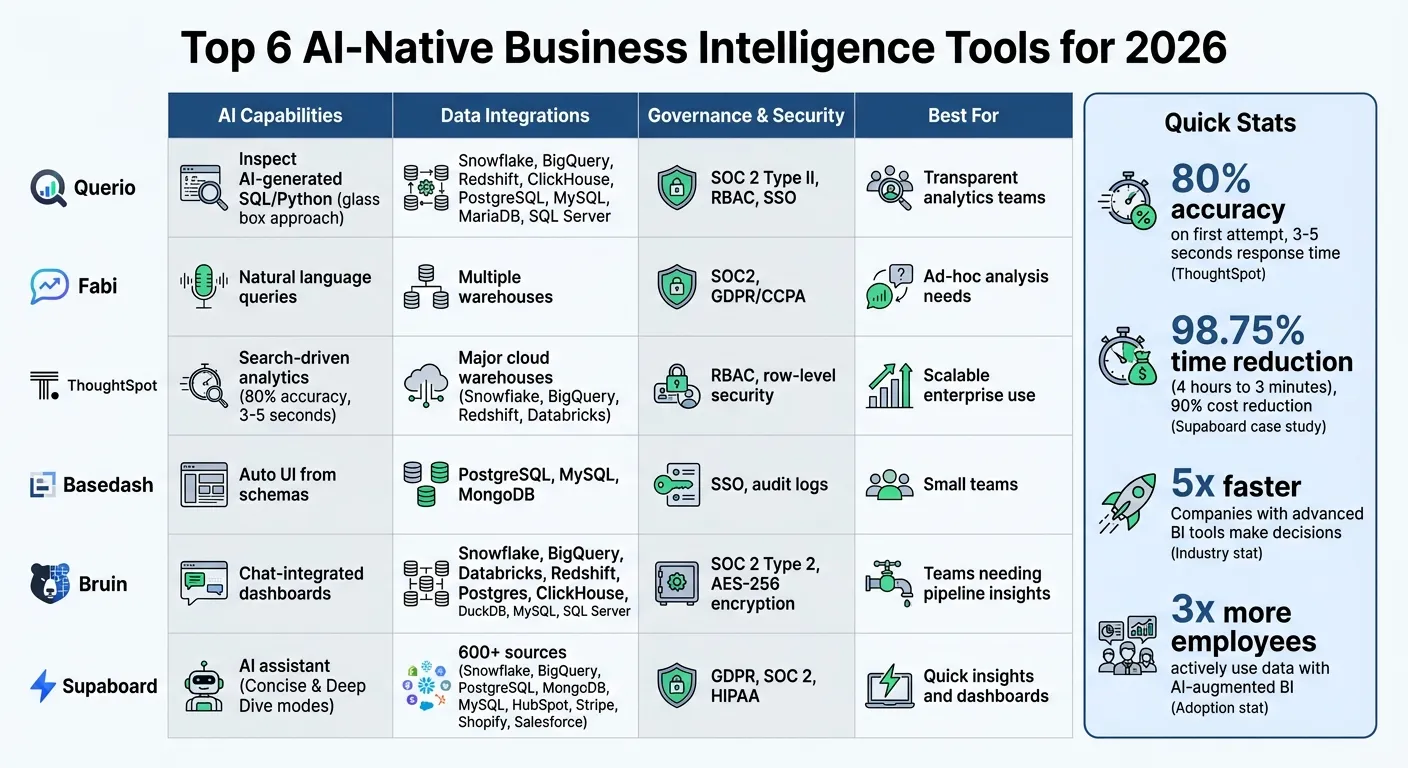 {AI-Native Business Intelligence Tools Comparison 2026: Features, Security, and Best Use Cases}
:::
{AI-Native Business Intelligence Tools Comparison 2026: Features, Security, and Best Use Cases}
:::
1. Querio
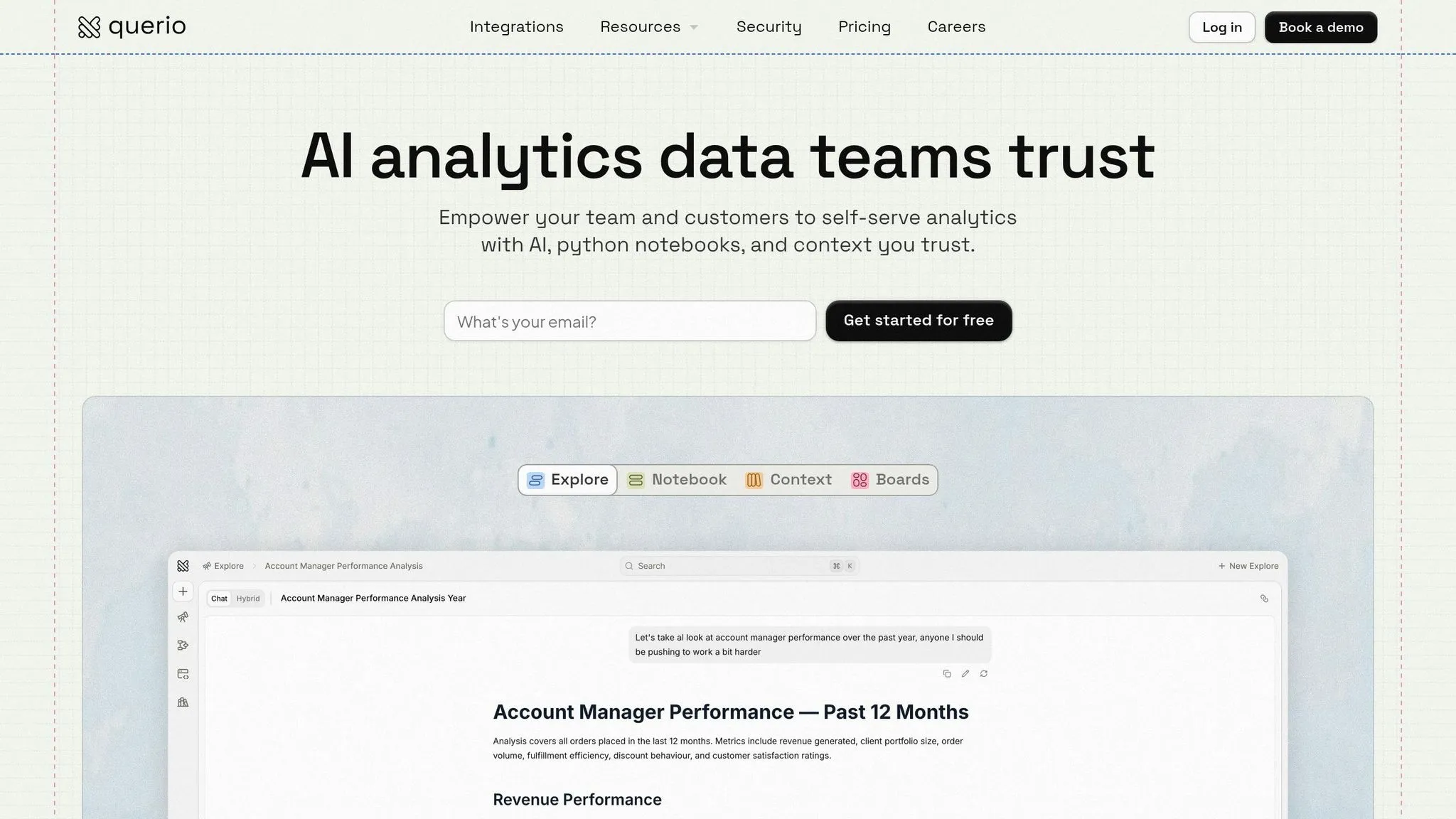
AI-driven analytics capabilities
Querio transforms plain English queries into SQL and Python code, offering transparency and control in analytics. This "glass box" approach means you can see, modify, and trust the code behind every answer. It’s not a black box - you know exactly how results are generated.
The platform’s reactive notebooks make the process even smoother. When you tweak AI-generated code, the linked visualizations and calculations update instantly. This allows analysts to experiment and refine their logic without losing momentum. Querio's shared context layer is another standout feature. By defining key metrics like "Net Sales" or "Churn" just once, Querio ensures these metrics are applied consistently across all queries. This eliminates the common issue of teams calculating the same metric differently in traditional BI tools. Plus, Querio’s interface supports seamless integration with your data, keeping everything unified and accurate.
Integration with data warehouses and databases
Querio connects directly to your data infrastructure with live, read-only access - no need for ETL pipelines or duplicating data. Supported platforms include Snowflake, Google BigQuery, Amazon Redshift, ClickHouse, PostgreSQL, MySQL, MariaDB, and Microsoft SQL Server. With encrypted credentials and read-only connections, your live data remains secure.
This direct connection ensures your team always works with up-to-date data - no delays from batch processes or concerns about outdated extracts. Querio also supports embedded analytics through an SDK and signed embeds, allowing you to integrate "Ask your data" functionality directly into customer-facing SaaS applications. Best of all, this works with the same governed logic your internal teams use.
Governance and security tools
Querio is built with security and governance in mind, meeting SOC 2 Type II standards. Features like RBAC and SSO (SAML) integration ensure secure access control, while the centralized semantic layer guarantees consistent metric definitions organization-wide. Data teams can maintain versioned logic, preventing unauthorized changes to critical calculations. Whether you prefer a cloud-hosted or self-hosted setup, Querio offers deployment options to meet strict data residency requirements.
sbb-itb-284a532
2. Fabi
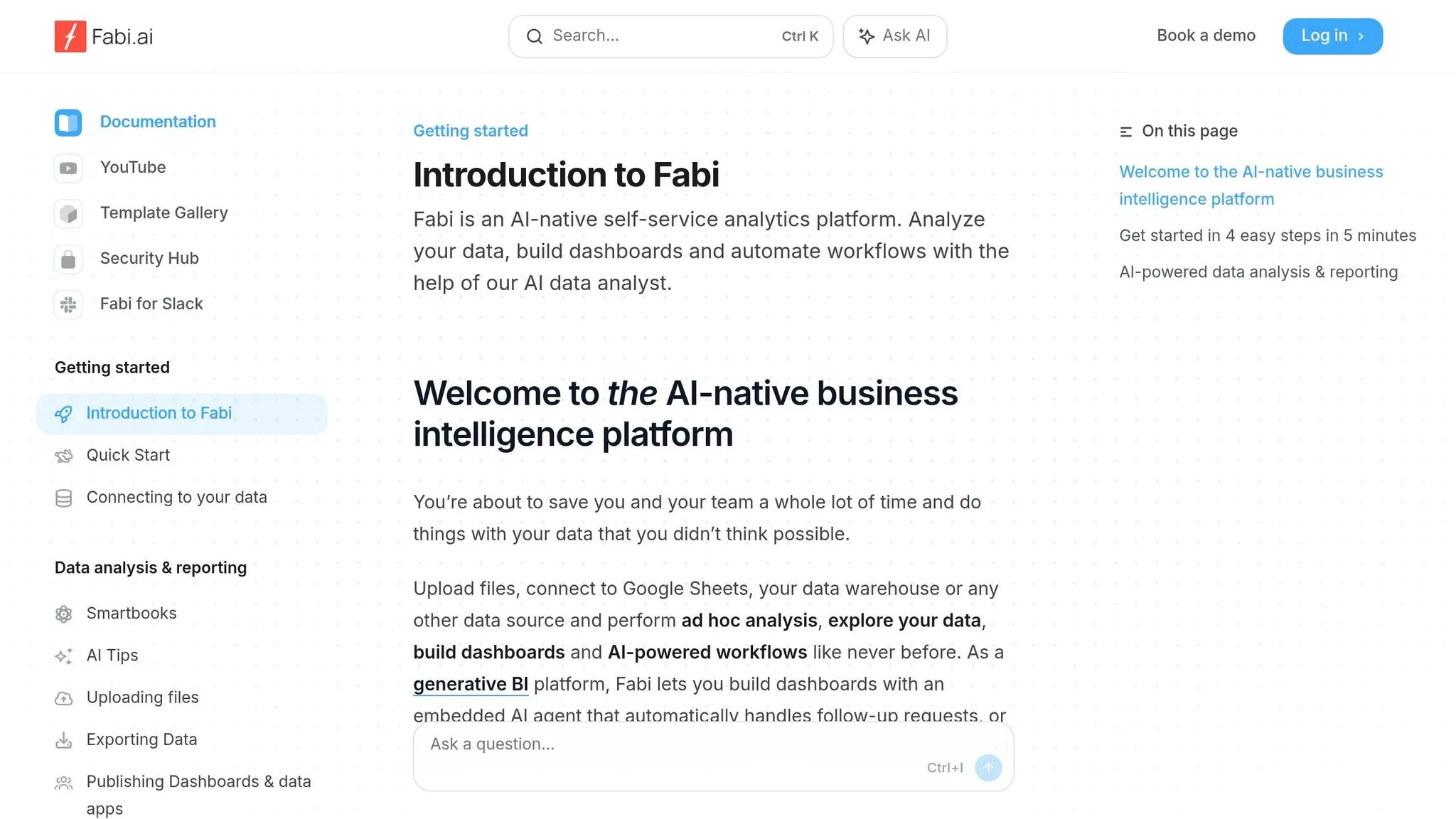
AI-driven analytics capabilities
Fabi simplifies exploratory data analysis and ad-hoc reporting by bringing everything into one streamlined workspace. This unified approach helps analysts uncover insights more quickly and efficiently.
Siddharth Patil, EVP of Data Science at Lyft, shared his perspective:
Fabi.ai is the future of data analysis, bringing a new level of productivity and access to insights. [4]
Gary Sahota, Co-founder of Tether Data, echoed this sentiment:
Fabi.ai is a gamechanger for any organization that spends time on exploratory analysis & ad-hoc reporting. It makes supporting the business with data so much more efficient. [4]
These features make Fabi a powerful tool for integrating data effortlessly.
Integration with data warehouses and databases
Fabi supports seamless connections to a variety of data warehouses and databases, including Snowflake, BigQuery, Redshift, Databricks, ClickHouse, MotherDuck, RisingWave, PostgreSQL, and MySQL [4].
Governance and security tools
Fabi prioritizes security and compliance. The platform is SOC2 certified and designed to meet GDPR and CCPA standards, ensuring data governance is handled with care [4].
3. ThoughtSpot
AI-driven analytics capabilities
ThoughtSpot sets itself apart with its patented search technology that transforms plain language into SQL queries. Users can type queries in simple English, and the platform delivers results quickly and accurately. In fact, it achieved an impressive 80% accuracy on the first attempt, correctly answering 16 out of 20 complex questions from a dataset containing 2.3 million rows. Even better, it did this in just 3–5 seconds, earning it recognition as the "Top Pick" for 2026 [3].
Integration with data warehouses and databases
ThoughtSpot employs a zero-copy architecture, which means it connects directly to warehouse-native data analysis tools like Snowflake, BigQuery, Redshift, and Databricks. This approach eliminates the need for data extracts, allowing it to run queries live while maintaining the freshness of the data. Sensitive information remains secure because the data stays within the warehouse environment [3][5].
This direct integration is paired with strong security measures to ensure data protection.
Governance and security tools
ThoughtSpot offers detailed access control features, including role-based access controls (RBAC) and row-level security (RLS). These tools let administrators manage data access with precision, down to specific roles or rows of data [1][3]. For businesses, the Pro Tier starts at $2,500 per month for 10 users and includes advanced governance features, such as SpotIQ anomaly detection [3]. However, achieving the best AI performance requires upfront effort in data modeling to ensure accuracy. Following data modeling best practices is essential for optimizing these AI-driven workflows.
4. Basedash
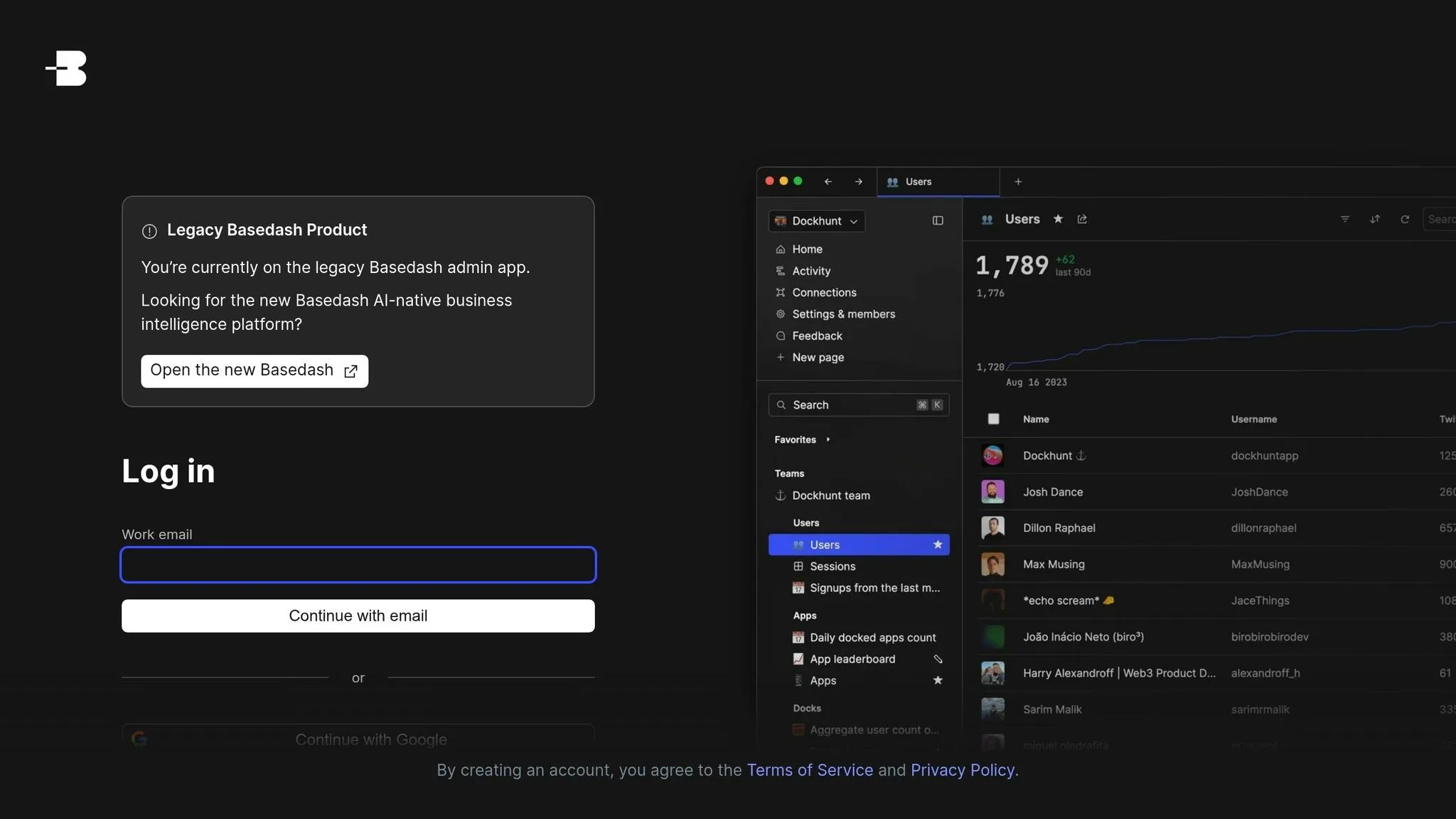
AI-driven analytics capabilities
Basedash simplifies the process of turning raw data into interactive applications by automatically generating user interfaces from your database schema. It builds custom views, forms, and workflows tailored to your specific data structures - no coding required.
Integration with data warehouses and databases
With direct connections to PostgreSQL, MySQL, and MongoDB, Basedash reads your database schema to identify table relationships and automatically creates UI components. This direct link enables smooth and efficient interaction with your data.
Collaboration and distribution features
Basedash supports teamwork by offering shared access controls and customizable views that show only the data relevant to each role. Additionally, it allows users to embed these generated views directly into existing applications, making it easier for teams to access and interact with data across departments.
Governance and security tools
Basedash ensures secure data management with features like granular permission settings, single sign-on (SSO), and audit logs. By leveraging existing database security protocols, it provides a secure yet flexible environment for managing data. This setup allows teams to make quick decisions while maintaining strict control over data access and governance.
5. Bruin
AI-driven Analytics Capabilities
Bruin brings its AI data analyst straight to the tools you already use, like Slack, Teams, WhatsApp, Discord, and even browsers [7][8]. This means teams in the field, sales reps, and executives can get insights without jumping between platforms. It’s as simple as turning a chat into a full dashboard - complete with KPIs, charts, and filters - in under two minutes [7]. The platform's context-aware reasoning ensures data is always current by verifying live pipelines, metadata, and data quality. On top of that, Bruin can trace issues with AI-powered precision and even create pull requests to fix data pipeline problems automatically [7].
"With Bruin, what previously took hours can now be accomplished in just 15 minutes." - Tolga Tolgay, Head of Product at Kyoso Interactive [7]
Thanks to its wide-ranging connectivity, Bruin ensures smooth data integration no matter what infrastructure you’re working with.
Integration with Data Warehouses and Databases
Bruin connects effortlessly to popular data warehouses like Snowflake, BigQuery, Databricks, Redshift, Postgres, ClickHouse, DuckDB, MySQL, and SQL Server, alongside a host of built-in connectors [7]. This eliminates the hassle of juggling multiple tools for data ingestion, transformation, and orchestration. Plus, it supports both SQL and Python transformations in a single workflow, making it versatile for various data needs [7].
Collaboration and Distribution Features
Bruin’s Git-native workflow takes collaboration to the next level, offering features like versioning, code reviews, and rollbacks for data pipelines. Its open-source CLI, licensed under MIT, ensures teams avoid vendor lock-in and can self-host if needed. To top it off, Bruin allows teams to embed AI analyst insights and charts directly into internal or customer-facing tools through API access [7][8]. Reliability is a key focus, with the platform guaranteeing 99.9% pipeline uptime [7].
Governance and Security Tools
Bruin doesn’t just stop at analytics; it places a strong emphasis on governance and security to keep your data safe and operations smooth. All transformations run within your data warehouse, ensuring raw data never leaves your infrastructure or trains its AI models [7]. With SOC 2 Type 2 certification and AES-256 encryption for data at rest and in transit, Bruin backs its security with robust measures. Features like granular role-based access control, SAML 2.0 and OAuth SSO, IP whitelisting, and detailed audit logs provide additional layers of protection. For data quality, the platform includes schema validation, freshness monitoring, and column-level lineage, giving you complete visibility and early detection of potential issues [7].
6. Supaboard

AI-driven Analytics Capabilities
Supaboard's Stella AI Assistant offers two modes to cater to different needs: "Concise" for quick metric summaries and "Deep Dive" for detailed trend analysis. This allows teams to ask questions like, "Why did conversions drop last week?" and instantly receive charts, explanations, and forecasts [20, 21, 23, 24]. The tool can even generate complete dashboards, automatically identifying AI analytics trends while suggesting strategies for growth or risk management [20, 21, 23, 24].
In January 2026, Jindal Intellicom, a healthcare revenue cycle management company based in the U.S., adopted Supaboard to handle claims, billing, and accounts receivable data. Under the leadership of CEO Sanjiv Garg, the company reduced daily analysis time from 4 hours to under 3 minutes - a staggering 98.75% improvement - and cut analytics costs by nearly 90%. This transformation also sped up the detection of revenue leaks [25, 26].
"Supaboard has fundamentally changed how we run our revenue cycle. What earlier took our team over four hours now takes under three minutes, and we've lowered our analytics cost by nearly 90%."
- Sanjiv Garg, CEO, Jindal Intellicom [10]
Integration with Data Warehouses and Databases
Supaboard simplifies data handling with integrations that connect to over 600 data sources. These include major data warehouses like Snowflake and BigQuery, databases such as PostgreSQL, MongoDB, and MySQL, and business tools like HubSpot, Stripe, Shopify, and Salesforce [20, 24]. By maintaining read-only connections, the platform ensures data remains in its original system, avoiding the need to move sensitive information. Its no-code workflow enables users to transform raw data into insights via interactive dashboards within seconds, all through natural language commands.
Collaboration and Distribution Features
The platform enhances teamwork with real-time alerts and insights delivered directly to Slack, keeping everyone aligned and productive [21, 23]. Its Live Decks feature allows users to create shareable, interactive presentation decks that update automatically with live data - eliminating the need for static slides. Dashboards and charts can also be embedded into customer portals or internal workflows using iframes or links. Role-based permissions ensure team members see only the data relevant to their roles [25, 26].
Governance and Security Tools
Supaboard prioritizes security with features like read-only data access, encryption (both at rest and in transit), and compliance with GDPR, SOC 2, and HIPAA standards [9]. Pricing starts at $71 per month for the Individual Plan and $191 per month for the Business Plan, with custom options available for enterprise clients. A 14-day free trial is also offered, making it easy to explore its capabilities [21, 22, 24]. These features position Supaboard as a strong contender among AI-native BI tools, as highlighted in the feature table below.
Building an AI Assistant for BI: The Good, the Bad, and the Ugly
::: @iframe https://www.youtube.com/embed/YjhiqFw8GCw :::
Feature Comparison Table
This table breaks down how each tool addresses key business analytics needs, helping you identify the best fit for your organization.
When comparing tools, focus on critical aspects like AI capabilities, data integrations, collaboration features, governance, and pricing models. According to research, companies leveraging advanced BI tools make decisions up to 5 times faster than those relying on manual processes [5]. To get a clear understanding of pricing, standardize your comparison using a specific scenario - like 15 builders, 400 users, and 5,000 AI questions per month - to uncover true cost structures [1].
| Feature | Querio | Fabi | ThoughtSpot | Basedash | Bruin | Supaboard |
|---|---|---|---|---|---|---|
| AI Capabilities | Inspect AI-generated SQL/Python code for full transparency [11] | AI‑powered natural language queries | Utilizes Spotter AI | Basic AI integration for dashboards | Basic automation features | Standard AI dashboard features |
| Data Warehouses | Snowflake, BigQuery, Redshift, ClickHouse, PostgreSQL, MySQL, MariaDB, SQL Server | Multiple major data warehouses supported | Multiple major data warehouses supported | Multiple major data warehouses supported | Multiple major data warehouses supported | Multiple major data warehouses supported |
| Collaboration | Reactive notebooks and embedded analytics via APIs/iframes | Unified exploratory workspace | Real‑time collaboration features | Team dashboards with role‑based views | Git-native workflow with versioning | Live Decks with auto-updating presentations |
| Governance & Security | SOC 2 Type II, RBAC, SSO, semantic layer for consistent metrics, and read‑only warehouse access | SOC2 certified with GDPR/CCPA compliance | Detailed RBAC and row-level security | Granular permissions with SSO and audit logs | SOC 2 Type 2 with AES-256 encryption | GDPR, SOC 2, and HIPAA compliance |
| Pricing | Free plan; Core $2,499/mo; no per-seat pricing, AI credits included | Custom enterprise pricing | Tiered pricing | Flat monthly subscription | Open‑source options available | Custom pricing available |
| Best For | Teams needing transparent, code‑backed AI analytics with full governance | Teams with basic analytics needs | Enterprises seeking scalable analytics | Small teams focused on dashboard reporting | Teams with specific data pipeline needs | Teams seeking quick insights |
The rise of agentic analytics is transforming these platforms. They're evolving beyond simple chatbots into autonomous agents capable of monitoring KPIs around the clock, diagnosing root causes, and acting without human intervention [6]. Querio stands out by offering a glass box approach, ensuring every AI-generated insight is fully inspectable and governed. This transparency helps teams maintain trust and control over their analytics.
Next, we’ll wrap up with actionable insights to guide your analytics decisions.
Conclusion
Choose Querio when your team needs transparent, AI-driven analytics with control at its core. By using inspectable SQL and Python, Querio ensures governance without compromising speed. This approach guarantees that every AI-generated insight is fully transparent and auditable - an essential feature as semantic grounding becomes a key element of accurate and governed analytics.
The move toward semantic grounding isn't just a trend - it's a necessity. As Omni points out, "AI does not remove the need for semantic modeling. AI makes semantic modeling more important" [1]. Tools that rely on governed semantic layers instead of raw database schemas help avoid metric inconsistencies and incorrect joins. Organizations with advanced AI-augmented BI systems report three times as many employees actively using data to make decisions [2]. That said, achieving a strong return on investment (ROI) hinges on adoption, not just implementation.
Querio integrates effortlessly with your existing infrastructure, making it easy to leverage your team's expertise for better results. It supports a range of platforms, including Snowflake, BigQuery, Redshift, ClickHouse, PostgreSQL, MySQL, MariaDB, and SQL Server, ensuring compatibility with your current data warehouse.
To measure Querio's impact, track metrics like Weekly Active Users and governed self-service BI query ratios [2]. Remember, the best analytics platform isn’t the one packed with features - it’s the one your team will actually use. Training your team to interpret AI insights and distinguish correlation from causation is equally important [2].
Finally, test Querio with your own data to see how it performs. Many platforms offer free trials, and Querio has a free plan. By running a real data trial, you can determine whether Querio meets your team's specific analytics needs and delivers the ROI you're looking for.
FAQs
::: faq
What makes a BI tool truly AI-native?
A BI tool can be considered AI-native when it's built from scratch to fully utilize large language models. This design allows for natural, conversational querying, the generation of autonomous insights, and the ability to perform reasoning directly using live data sources. Core features of such tools include intuitive interaction, strong governance, transparency, and a thorough understanding of context, ensuring analytics are both accurate and actionable. :::
::: faq
How can I trust the AI’s answers and audit the logic?
To build trust in AI-generated answers and evaluate its reasoning, it's essential to use AI-focused BI tools that prioritize clarity and accountability. For instance, platforms like Querio offer transparency by revealing SQL and Python code, allowing users to verify how data is processed. Trustworthy AI also aligns with established business definitions, ensuring that metrics and access controls stay consistent. Choosing tools that provide clear explanations and logical reasoning is crucial for maintaining confidence in AI-driven insights. :::
::: faq
How do I run a fair ROI test with my own data?
To conduct a fair ROI test, you need to assess how effectively the AI-powered BI tool provides actionable insights with both speed and precision. Start by integrating the tool with your live data warehouse, such as Snowflake or BigQuery, and run tests on critical scenarios. Pay close attention to how the tool performs in terms of speed, accuracy, and its ability to identify trends compared to your current manual processes. Running side-by-side comparisons can reveal how much the tool improves decision-making efficiency and its overall impact on ROI. :::