Guide
12 AI BI Tools Compared: Metrics, MCP and AI Pricing
We compared 12 AI business intelligence tools on where their metric definitions live, whether Claude can query them over MCP, and how AI is billed.
 Javier BonillaCo-founder & CTO
AI business intelligence tools answer questions about company data in plain English with charts and numbers. We compared 12 of them. Our take: the AI is only as right as the metric definitions it answers from. So we checked where each tool keeps those definitions, whether your other agents can reach them, and how AI use is billed.
The 12: Querio, Power BI, Tableau, Looker, Amazon Quick Sight, ThoughtSpot, Qlik, Sigma, Sisense, Domo, Zoho Analytics and Databricks AI/BI.
How we compared them
Every tool here can turn a question into a chart. That's the minimum now. What differs is what the AI answers from. Ask "what was revenue last quarter?" and the tool has to decide what revenue means: booked or recognized, with refunds or without. If that definition lives in one reviewed place, every answer agrees. If the AI works it out from raw tables each time, you get a plausible number that may not match the one finance reports.
The public evidence points one way. Anthropic says 95% of its own business analytics queries now run through Claude, at about 95% accuracy overall. Without curated skills, though, Claude's accuracy "didn't exceed 21%" on Anthropic's evals. When Anthropic had an LLM write the metric definitions from raw tables and query logs, the result was "net-negative on our evals versus a smaller, human-curated layer" (Anthropic, June 2026).
dbt Labs found the same shape in an April 2026 test of 11 questions, each run 20 times. On a modeled project, its semantic layer scored 98.2% and 100% with two current models. Plain text-to-SQL scored 90.0% and 84.1%. The bigger difference is how each one fails: "With text-to-SQL, failure looks like a plausible but incorrect answer. With the Semantic Layer, failure looks like an error message" (dbt Labs).
There's a fair case against this. A semantic layer "can only answer questions that fall within the scope of what's been modeled." On dbt's original, unmodeled schema it scored 72.7% to text-to-SQL's 64.5%. And definitions go stale: Anthropic watched its accuracy drift "from ~95% at launch to ~65% over a month" before it treated upkeep as engineering work. That's an argument for keeping definitions where changes get reviewed, not for skipping them. Our engineer Nikolay Alexandrov put it this way after reading Anthropic's post: those definitions need "a first-class work surface of their own" (Querio blog).
So for each tool we checked three things, from its own docs and pricing pages on October 15, 2026:
- Where the metric definitions live. Built in the product's interface, or in files your team can review and version like code.
- Whether your other agents can use them. Claude, ChatGPT and Cursor connect to data tools through MCP (Model Context Protocol). With an official MCP server, the answer someone gets in Claude comes from the same definitions as the dashboard.
- How AI use is billed. Per user, per capacity, per token or per credit. The unit matters more than the list price, because it decides what happens to the bill when usage grows.
The 12 tools at a glance
| Tool | Where the AI's metric definitions live | Can outside agents query it? (official MCP server) | How AI use is billed |
|---|---|---|---|
| Querio | Files in a git repo you own (metrics, context, joins), reviewed like code | Yes: MCP, plus an API and CLI; the free plan includes the MCP server | Per plan, with monthly AI credits: Free plan (500 credits), Core $2,499/mo (10,000 credits); past the credits, per use, up to any limit you set |
| Power BI | Semantic models, which can be saved as TMDL/PBIP files in source control | Yes: Fabric IQ MCP server (GA, read-only) and Power BI authoring MCP server (local GA, hosted preview) | Per capacity: Copilot runs on paid Fabric capacity (F2 or higher) or a Premium P SKU and uses that capacity |
| Tableau | Pulse metric definitions and Tableau Semantics models, built in the product | Yes: Tableau MCP (open source, hosted at mcp.tableau.com) | Per user: Tableau Agent comes with Tableau Cloud+ (price on request) and Tableau Next (from $40 per user per month, billed annually) |
| Looker | LookML files in a git repo | Yes: Looker MCP server (preview) | Per token: Conversational Analytics draws on a monthly token quota; overage is listed at $3 per 1M input and $20 per 1M output tokens, not billed yet |
| Amazon Quick Sight | Q Topics, set up in the product | No official server found | Per user: Author Pro $40 and Reader Pro $20 per month, plus a $250 monthly account fee |
| ThoughtSpot | Models, which export as TML files and sync with git | Yes: Spotter MCP server (an add-on on Enterprise) | Per user: Pro $50 per month with 25 Spotter queries per user; usage pricing from $0.10 per credit |
| Qlik | Logical model and vocabulary, built in the product | Yes: Qlik MCP server | Per capacity: included in plans from $300 a month (Starter, 10 users, billed annually) |
| Sigma | Data models (tables, metrics, relationships), readable and writable as JSON or YAML through the API, plus free-text AI context | Yes: Sigma MCP server | Through an AI provider you connect (an outside model service or one in your warehouse); Sigma's docs list no separate AI price |
| Sisense | Semantic data model, built in the product | Yes: Sisense MCP server (beta) | Per credit: a Sisense credit package, or your own model provider |
| Domo | Beast Mode calculated fields, built in Domo's card editor | Yes: Domo MCP server | Per credit: Beast Mode Assist and SQL Assistant are included; AI Pro uses consumption credits (0.01 per operation, plus tokens) |
| Zoho Analytics | Ask Zia synonyms you set per table, column and value, in the product | Yes: Zoho Analytics MCP server (Zoho says it's still in development) | Per plan: the LLM-powered Ask Zia agent comes with Premium ($115 a month, billed annually) and Enterprise ($455) |
| Databricks AI/BI | Unity Catalog metric views, written in YAML | Yes: Genie One MCP (GA) | Per compute: no AI/BI license fee; Genie's model use is free until January 31, 2027, then 150 free DBUs per user per month and $0.07 per DBU |
Prices are list prices in US dollars as each vendor showed them on October 15, 2026. Where a vendor doesn't publish a price, the cell says how it bills.
Files aren't unique to Querio. Looker and Databricks keep definitions as files by design, and Power BI, ThoughtSpot and Sigma can export them. In Querio, the notebooks, dashboards and the context your agents read live in that same repo too.
1. Querio
Querio is analytics as code. Your metrics, business context, joins, notebooks and dashboards live in a git repo you own, and changes get reviewed like any other code. Business users ask questions in Querio, Slack or Claude. Any agent connects through MCP, the API or the CLI. Users and agents all work from the same definitions, so the number someone gets in Slack matches the one on the dashboard.
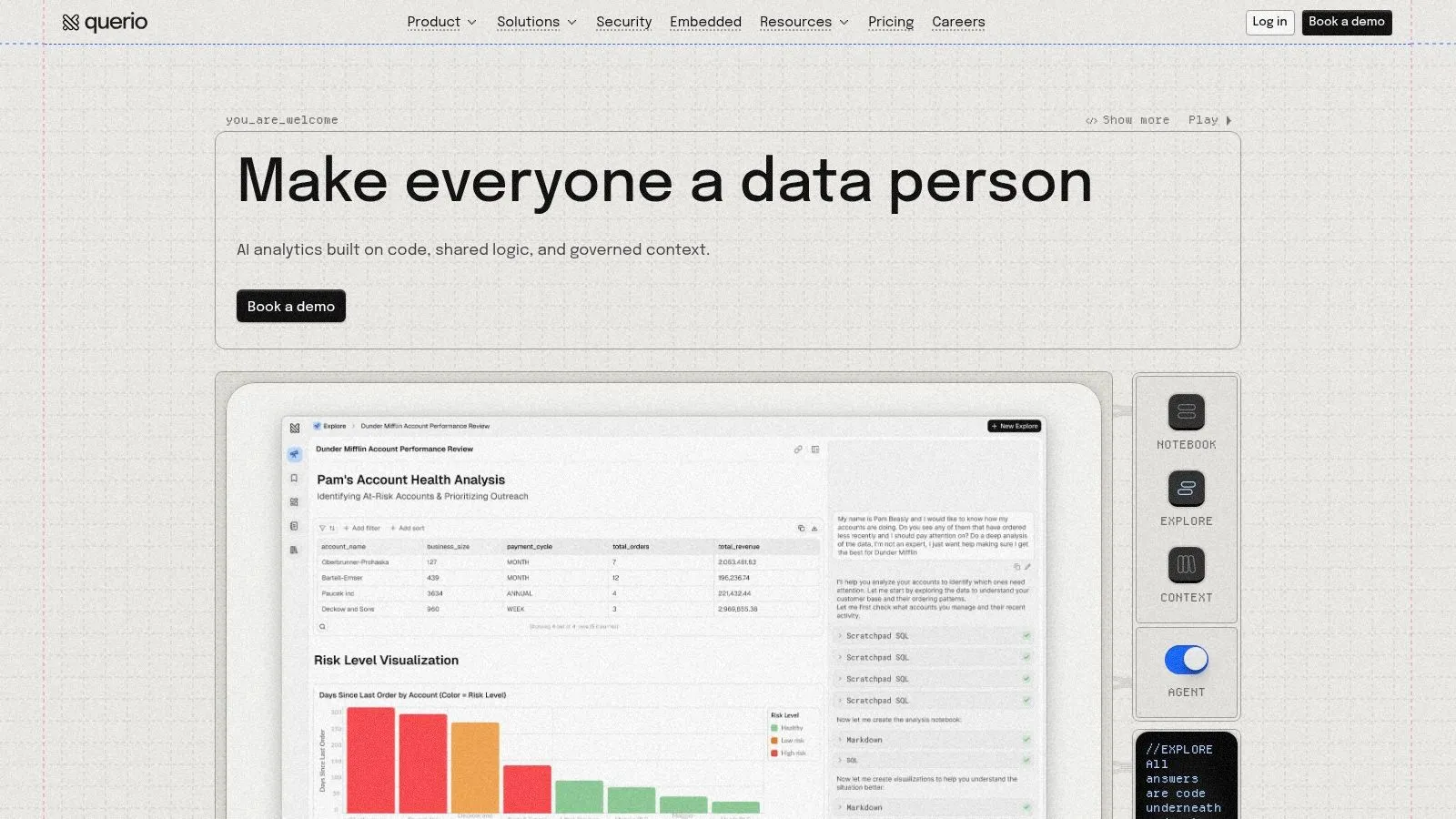
Most tools on this list let you define metrics somewhere. Querio treats them as code. They sit in your repo next to your dbt models, and a change to both goes through one pull request. If you already have dbt models, we'll import them.
"It's great every business user gets the same definition of a metric no matter which tool they're asking from," says Max, a BI engineer at OpenVPN, on our homepage.
What it's good at
- For data teams: You write a definition once, review it like code, and stop answering the same question in five places.
- For business users: Ask in plain English in Querio, Slack or Claude. Analysts can open the notebook behind any answer.
- For product teams: Embedded, white-label analytics for your SaaS product, with row-level security.
Pricing and security
- Pricing: No per-seat pricing, and the plan prices are public at querio.ai/pricing. Querio has a free plan with 500 AI credits a month, and Core is $2,499 a month (or $25,000 a year billed annually) with 10,000 AI credits a month. Every plan has unlimited users, unlimited data connections and dashboards. Enterprise is custom. Only AI features use credits; dashboards and automations don't. Past the credits, AI use is billed per use, and you can set a spending cap. The free plan includes the MCP server.
- Connections: Snowflake, BigQuery, Redshift, Databricks, PostgreSQL, MySQL, SQL Server, ClickHouse and more.
- Security: SOC 2 Type II and HIPAA compliant, and we sign BAAs. On-prem and GovCloud deployment are Enterprise add-ons.
Website: https://querio.ai
2. Microsoft Power BI (with Copilot in Fabric)
For organizations deeply embedded in the Microsoft ecosystem, Power BI represents a natural and powerful extension for business intelligence, now significantly enhanced with AI through its integration with Microsoft Fabric and Copilot. This isn't just about creating charts; it's about building an end-to-end, governed analytics environment where AI accelerates every step.
The standout feature is Copilot in Power BI, which acts as an intelligent assistant for both report creators and consumers. Developers can use natural language to generate entire report pages, write complex DAX (Data Analysis Expressions) formulas, and create narrative summaries that explain key takeaways from the data. For business users, Copilot enables conversational data exploration, allowing them to ask questions like "What were the top 5 products by sales in the last quarter?" and receive instant visualizations. This direct integration with tools like Teams, SharePoint, and Excel makes it one of the most cohesive ai business intelligence tools for enterprise-wide adoption.
Key AI Features & Use Cases
- AI-Assisted Report Creation: Product managers can quickly generate dashboards tracking user engagement metrics by simply describing the desired visuals and KPIs to Copilot.
- Automated Narrative Summaries: Finance teams can automatically generate text summaries for their monthly P&L reports, highlighting key variances and trends without manual interpretation.
- Natural Language Querying (NLQ): Operations leaders can interrogate supply chain data directly within Teams, asking for updates on inventory levels or shipment delays in plain English.
Implementation & Pricing
Power BI Pro is $14 per user per month and Premium Per User is $24, both paid yearly. Copilot needs more than a license: it runs on paid Fabric capacity (F2 or higher) or a Premium P SKU, and its use draws on that capacity. That can be hard to forecast, because the same capacity runs everything else you do in Fabric. The rise of these embedded assistants is a major trend, and you can learn more about AI copilots in data analysis to understand their broader impact.
Pros:
- Deep integration with Microsoft 365 and Azure
- Competitive per-user pricing for broad deployment
- Strong governance and security controls
Cons:
- Copilot features are tied to the more complex Fabric capacity licensing
- The UI can have a steep learning curve for non-analysts
Website: https://powerbi.microsoft.com/
3. Tableau (Tableau Agent, Pulse and Tableau Next)
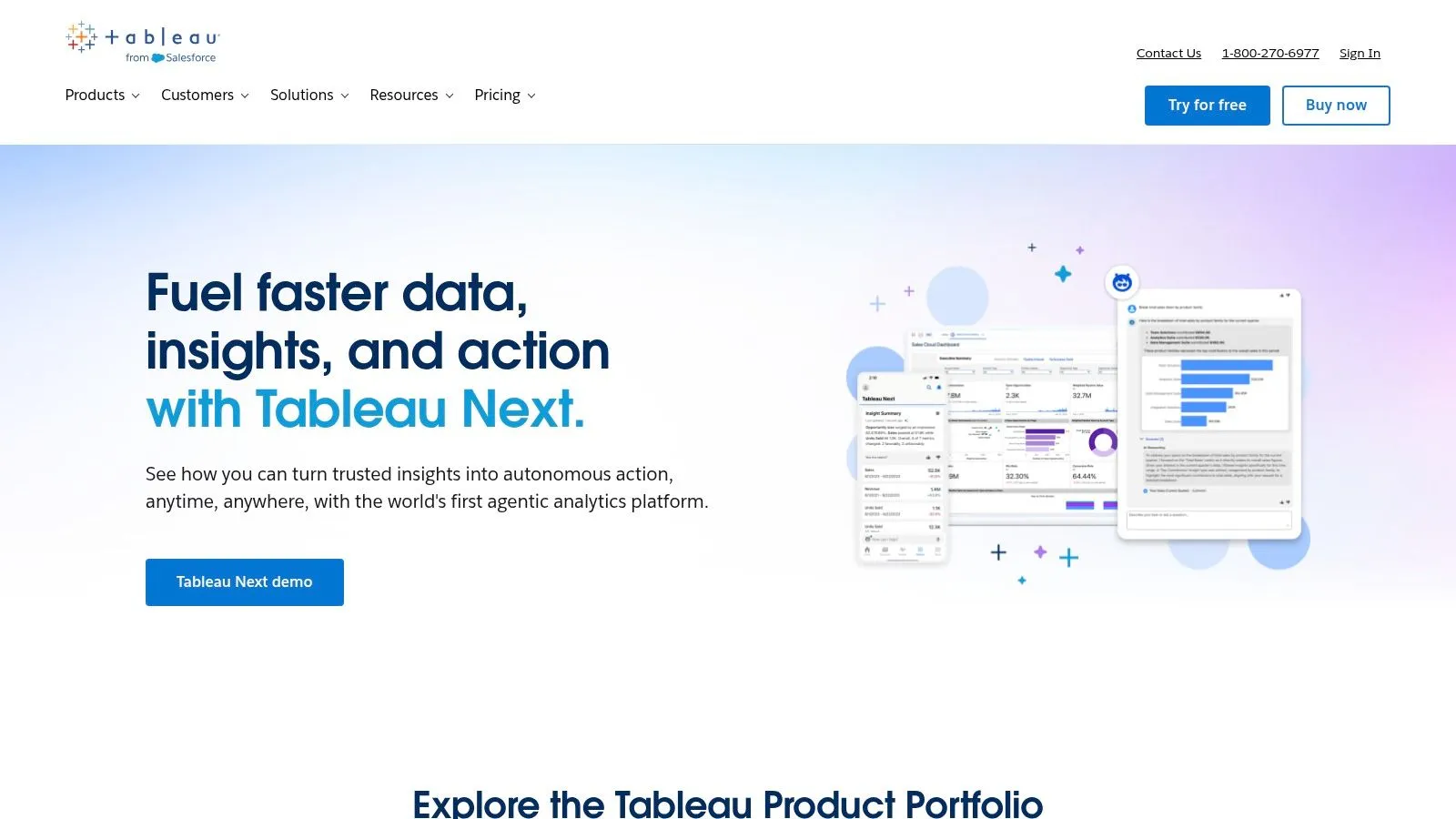
Renowned for its best-in-class visual analytics, Tableau solidifies its position by integrating sophisticated AI through Tableau AI, featuring Tableau Pulse and Tableau Agent. This evolution transforms Tableau from a powerful visualization tool into a proactive insights engine, designed to bring data-driven alerts and conversational analysis directly to business users within their flow of work.
The core of its AI offering is Tableau Pulse, which automatically identifies and delivers personalized, need-to-know insights to users via email or Slack. Instead of manually searching dashboards, stakeholders receive proactive updates on the metrics that matter most to them. This is complemented by Tableau Agent, an AI assistant that helps analysts build complex calculations and dashboards faster using natural language. This combination makes Tableau one of the most compelling ai business intelligence tools for organizations that prioritize both elite data visualization and accessible, automated insights.
Key AI Features & Use Cases
- Proactive Metric Monitoring: A sales leader can follow a "New ARR" metric in Tableau Pulse and receive automated Slack updates highlighting significant changes or drivers behind a sudden dip.
- AI-Guided Dashboard Creation: A marketing analyst can ask Tableau Agent to "create a calculation for week-over-week lead growth" to accelerate the development of a campaign performance dashboard.
- Conversational Data Summaries: Executives can receive automatically generated natural language summaries of key business trends directly in their inbox, removing the need to interpret complex charts.
Implementation & Pricing
Tableau's Standard and Enterprise editions start at $15 and $35 per user per month and both include Pulse. Tableau Agent comes with Tableau Cloud+, priced on request, and with Tableau Next, from $40 per user per month billed annually. Tableau's AI may change soon: on October 12, 2026, Salesforce agreed to buy Loops, an AI analytics platform, and plans to bring it into Tableau once the deal closes, which it expects in early November (what that means for Tableau users). To fully grasp its new direction, it’s helpful to understand how Tableau uses AI across its entire platform.
Pros:
- Best-in-class visualization and interactivity
- Strong enterprise options with advanced management and governance
- Vibrant community and extensive training resources
Cons:
- Total cost can increase significantly for large Viewer populations or enterprise tiers
- Some AI features are cloud-first and may lag on Server/on-prem deployments
Website: https://www.tableau.com/
4. Google Looker (with Gemini in Looker)
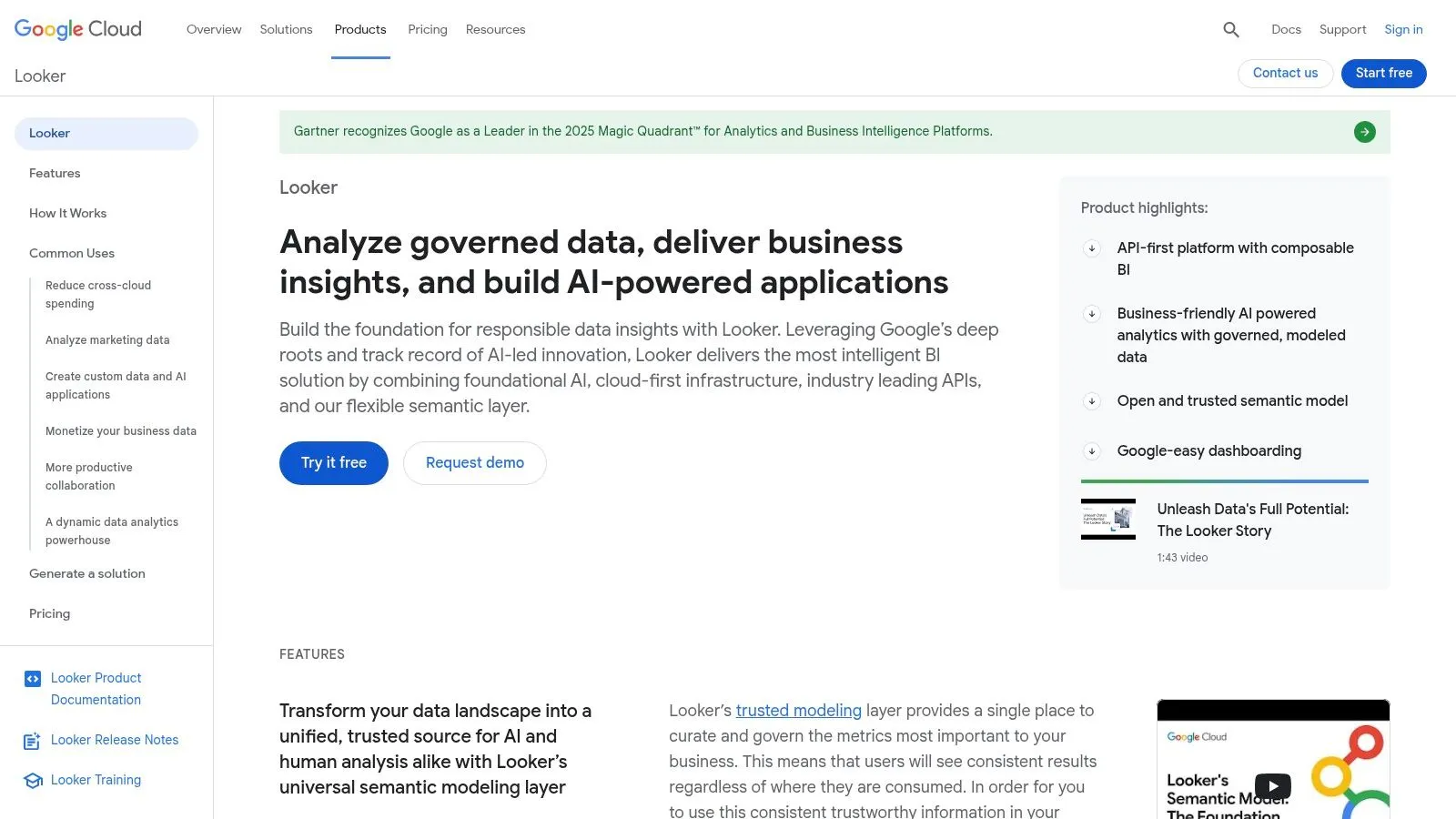
For businesses heavily invested in the Google Cloud Platform, particularly BigQuery, Looker provides an enterprise-grade BI solution focused on governance and reliability. Its power lies in its proprietary modeling layer, LookML, which creates a single source of truth for all business metrics. The platform is now evolving into one of the key ai business intelligence tools with the integration of Google's Gemini models.
This integration, known as Gemini in Looker, introduces conversational analytics directly into the workflow. It allows any user, regardless of technical skill, to ask complex questions of their data in natural language and receive charts, insights, and even new calculations in response. Unlike tools that query raw data directly, Gemini leverages the governed LookML layer, ensuring that answers are always consistent and derived from trusted, predefined business logic. This combination of a robust semantic model with conversational AI makes Looker a formidable choice for scaling data access without sacrificing control.
Key AI Features & Use Cases
- Conversational Data Exploration: A marketing lead can ask, "Show me customer acquisition cost by channel for Q3, and break it down by region" to instantly generate a visual report.
- AI-Assisted Calculations: A finance analyst can request, "Calculate the year-over-year growth rate for revenue" and have Gemini generate the formula and visualization on the fly.
- Proactive Insights & Summaries: Operations teams can receive automated summaries of their logistics dashboards, with Gemini highlighting unusual spikes in delivery times or inventory shortages.
Implementation & Pricing
Looker’s pricing is quote-based and tailored to specific usage, typically making it a higher-tier option compared to per-user licensed tools. While trials are available, full implementation requires a significant commitment. Conversational Analytics, its Gemini chat, draws on a monthly quota of data tokens. Google lists overage at $3 per million input tokens and $20 per million output tokens, but says it isn't billing overage yet and will give at least 90 days' notice before it does. Successful deployment hinges on building a strong LookML foundation, which requires dedicated developer or data analyst resources.
Pros:
- Deep integration with BigQuery and the broader Google Cloud ecosystem
- Powerful semantic layer (LookML) ensures data governance and consistency
- Conversational analytics capabilities are becoming increasingly sophisticated
Cons:
- Pricing is sales-quoted and can be a significant investment
- AI chat draws on a token quota, with overage prices listed but not yet billed
- Requires specialized LookML development skills to manage effectively
Website: https://cloud.google.com/looker
5. Amazon Quick Sight (formerly QuickSight, with Amazon Q)
For organizations building their data stack on Amazon Web Services, Amazon Quick Sight (formerly AWS QuickSight) is a cloud-native, serverless BI service. Its power is dramatically amplified by Amazon Q, a generative AI assistant that brings natural language querying, automated dashboard creation, and narrative generation directly into the analytics workflow. This makes it a formidable contender among ai business intelligence tools, especially for teams seeking tight integration with data sources like Redshift, S3, and Athena.
The key differentiator is how Amazon Q empowers both authors and readers. Authors can build entire dashboards by describing what they need in plain English, while readers can ask ad-hoc questions to get immediate answers, creating a truly self-service analytics culture. Amazon Q can also generate compelling data stories that explain insights, trends, and key drivers, turning complex dashboards into easy-to-understand executive summaries. This combination of deep AWS integration and powerful generative BI makes QuickSight a go-to for data-savvy businesses operating in the cloud.
Key AI Features & Use Cases
- Generative BI Dashboard Authoring: A marketing lead can ask Amazon Q to "build a dashboard showing campaign performance by channel and region for last quarter" to get an instant starting point for analysis.
- On-demand Data Stories: A sales manager can generate a summary of their team's quarterly performance, with Amazon Q automatically highlighting top performers and underperforming product lines.
- Natural Language Querying (NLQ): An operations analyst can ask "What is the average delivery time for orders in California versus New York?" and receive a visual answer without needing to know SQL.
Implementation & Pricing
Quick Sight is now the BI part of Amazon Quick, and it prices per user. Authors start at $24 per user per month. Amazon Q's generative BI features need the Pro tiers: Author Pro is $40 and Reader Pro $20 per user per month, and a $250 monthly account fee applies once any user is on Pro or Q&A is turned on. Since it's an AWS service, setup is streamlined for existing AWS customers, though proper IAM permissions and data source connections are crucial for secure deployment.
Pros:
- Native integration with the entire AWS data ecosystem
- Highly scalable serverless architecture
- Flexible pricing models for different user types
Cons:
- Best fit for organizations already committed to AWS
- Generative AI features require more expensive Pro tiers
- The UI can feel less polished than some competitors
Website: https://aws.amazon.com/quicksight/
6. ThoughtSpot (Agentic Analytics platform)
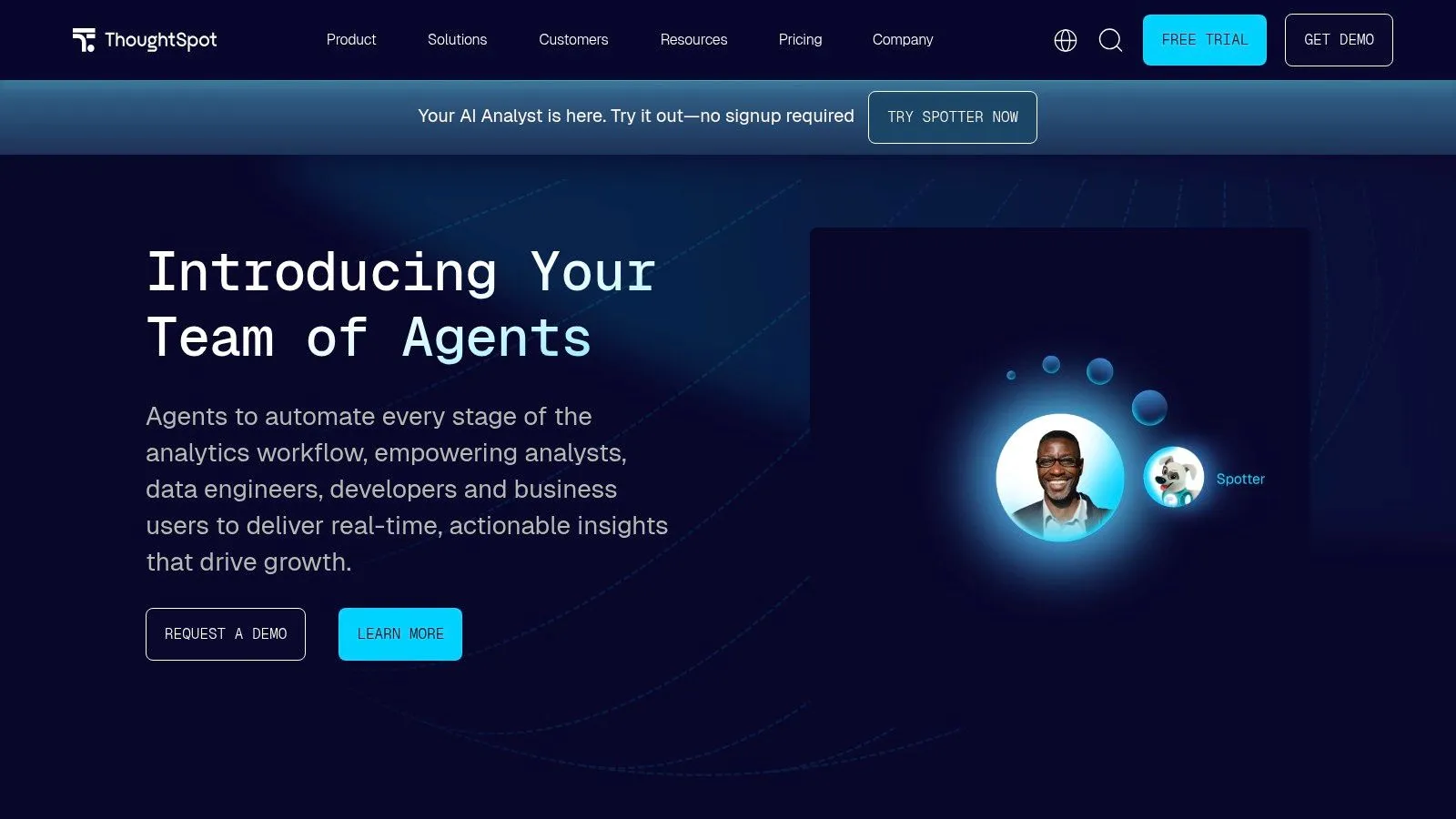
ThoughtSpot positions itself as an agentic analytics platform, moving beyond simple dashboards to provide a search-driven experience for business users. Its core strength lies in empowering non-technical team members to interact with complex data warehouses through a familiar, Google-like search bar. The platform is engineered for speed, offering live connections to modern data sources and delivering insights in seconds, making it a powerful tool for organizations aiming to foster a data-curious culture.
The recent introduction of Spotter AI agents elevates this capability, allowing users to ask questions, receive answers, and then ask follow-up questions to drill down further. This conversational flow makes data exploration more intuitive and accessible. For product teams, ThoughtSpot's strong embedded analytics SDK allows them to integrate this powerful search functionality directly into their own applications, creating a seamless user experience. This focus on speed and accessibility makes it one of the top ai business intelligence tools for rapid, self-service data discovery.
Key AI Features & Use Cases
- Natural Language Search & Follow-ups: A marketing manager can ask, "Show me last month's campaign ROI by channel," and then follow up with, "Which campaigns had the lowest cost per acquisition?" to get immediate, refined visuals.
- AI-Driven Insights: The platform can proactively surface anomalies or correlations, such as alerting an operations team to an unusual spike in logistics costs for a specific region.
- Embedded Search for Products: A SaaS company can embed ThoughtSpot into its customer-facing portal, allowing clients to self-serve and explore their own usage data through a simple search interface. You can explore a list of other powerful natural language data querying tools to see how they compare.
Implementation & Pricing
ThoughtSpot publishes its prices. Essentials is $25 per user per month for 5 to 50 users. Pro is $50 per user per month and includes 25 Spotter queries per user each month, or you can buy Pro by usage, from $0.10 per credit. Enterprise is priced on request. The platform is designed to connect live to data warehouses like Snowflake, BigQuery, and Databricks, so initial setup involves establishing these connections and modeling data in the Analyst Studio for optimal search performance.
Pros:
- Extremely fast time-to-insight for non-technical users
- Strong embedded analytics SDK and developer tooling
- Published per-user prices, from $25 a month on Essentials
Cons:
- Spotter queries are capped at 25 per user a month on Pro
- Advanced features for data modeling and administration may require higher tiers
Website: https://www.thoughtspot.com/
7. Qlik (Qlik Cloud Analytics with Insight Advisor and Qlik Answers)
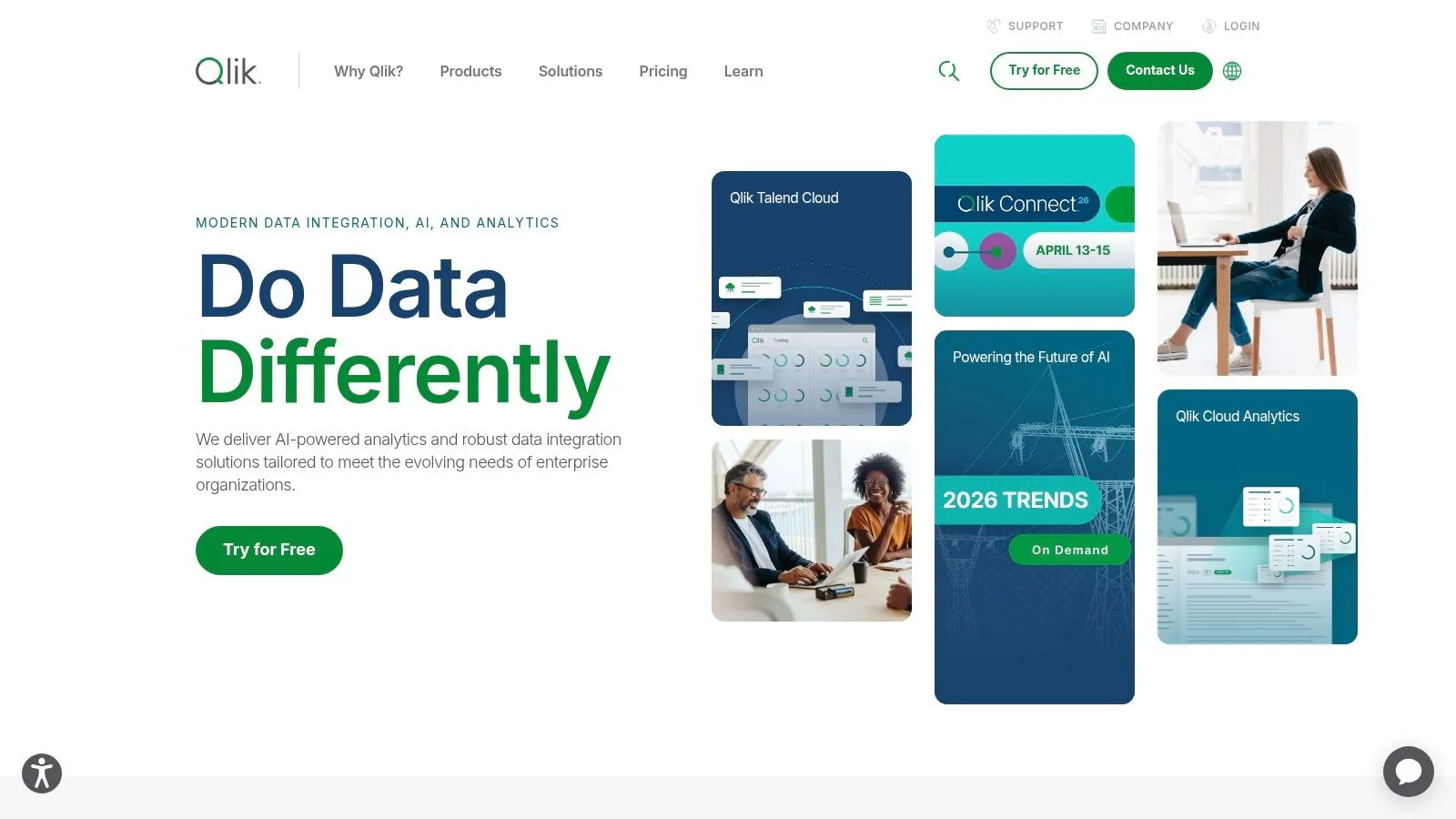
Qlik Sense has long been a major player in the enterprise BI space, and its evolution into one of the top ai business intelligence tools is driven by its proprietary associative engine combined with the AI-powered Insight Advisor and the overarching Qlik Staige platform. Rather than just layering AI on top, Qlik integrates it into the core user experience, allowing users to explore data without predefined paths and uncover hidden relationships that traditional query-based tools might miss.
The Insight Advisor is the centerpiece of its AI offering, acting as a conversational analytics assistant. Users can type questions in natural language to get auto-generated charts, dashboards, and key driver analyses on the fly. Beyond self-service, Qlik Staige introduces a suite of AI and machine learning capabilities, including AutoML, to build and deploy predictive models directly within the analytics workflow, making it a robust platform for organizations looking to combine historical analysis with forward-looking insights.
Key AI Features & Use Cases
- Conversational Analytics: A marketing manager can ask "Compare revenue for our new product line across European countries this year" and receive an instant map visualization and bar chart.
- Key Driver Analysis: An e-commerce team can use the Insight Advisor to automatically identify the primary factors influencing customer churn without needing to build a separate statistical model.
- Integrated AutoML: A logistics team can build a predictive model to forecast delivery times directly within their Qlik dashboard, using historical data to inform future operational planning.
Implementation & Pricing
Qlik now publishes capacity-based plans, billed annually. Starter is $300 a month for 10 users and includes Answers Agents and the Qlik MCP server; larger plans add data and AI capacity. Implementation often requires skilled developers to manage the data models and governance structures, but the platform excels in complex, heterogeneous data environments where strong central control is a priority.
Pros:
- Powerful associative engine reveals insights missed by other tools
- Strong governance features for large, complex enterprise deployments
- Integrated AutoML and predictive capabilities
Cons:
- Can have a steeper learning curve for both developers and business users
Website: https://www.qlik.com/
8. Sigma Computing
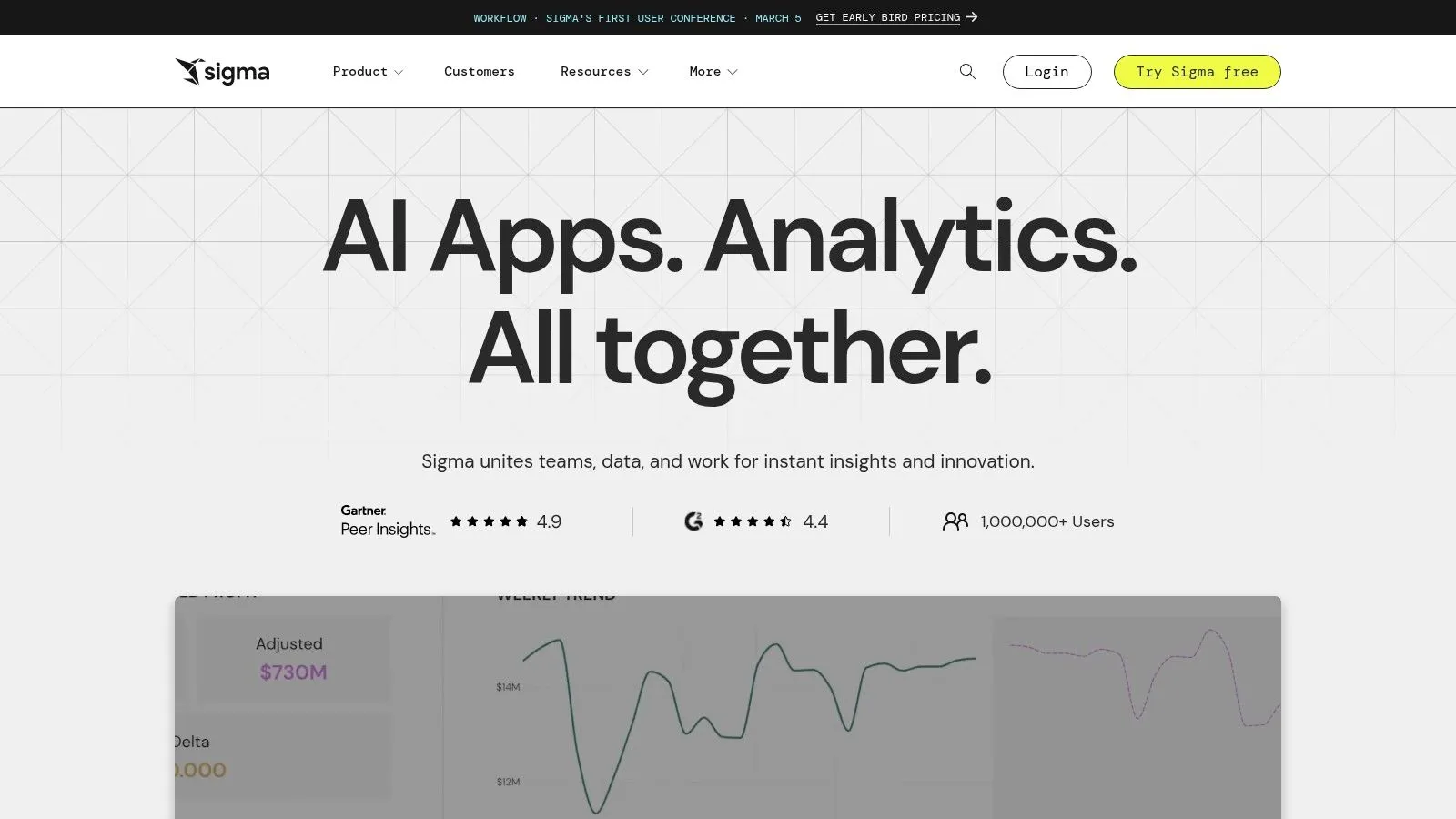
Sigma Computing positions itself as a cloud-native analytics platform designed for the modern data stack, bridging the gap between complex BI tools and the familiar interface of a spreadsheet. It allows teams to explore massive, live datasets directly in their cloud data warehouse, like Snowflake or BigQuery, without writing SQL. This approach democratizes data access and is now supercharged with a suite of AI capabilities that enhance both data exploration and application development.
The platform's standout AI feature is its multifaceted toolkit, including Sigma Copilot, which enables users to ask questions in natural language and receive instant charts, formulas, and even SQL code. What makes Sigma one of the more unique ai business intelligence tools is its ability to not just analyze data but also to build interactive data applications with write-back capabilities. This means users can go from a conversational query to a fully functional, embedded analytics application that business teams can use to update source data directly from their dashboards.
Key AI Features & Use Cases
- Conversational Analytics: A marketing team can use the "Ask Sigma" chat feature to quickly understand campaign performance by asking, "Show me the conversion rate for our Q2 email campaigns by segment."
- AI-Assisted App Building: Operations managers can use the AI Builder to describe an inventory management app, and Sigma will generate the necessary tables, forms, and workflows to track stock levels and trigger alerts.
- AI-Powered Forecasting: Finance teams can apply AI-driven forecasting models directly within a Sigma workbook to project revenue for the next 12 months based on historical sales data.
Implementation & Pricing
Sigma connects directly to cloud data warehouses, so initial setup is fast, focusing on establishing secure connections and permissions. The platform's pricing is primarily quote-based and tailored to organizational needs, with public pricing limited. Implementing advanced AI features may require configuring external LLM providers and ensuring proper governance is in place through Sigma's multi-tenant environments. The spreadsheet-like user experience significantly reduces the learning curve, making adoption easier for business users accustomed to Excel or Google Sheets.
Pros:
- Familiar spreadsheet paradigm speeds adoption for business users
- Rapid app-style experiences (forms, actions, workflows) without heavy coding
- Direct, live querying on cloud warehouses ensures data is always fresh
Cons:
- Public list pricing is limited; most plans are quote-based
- Some AI features require configuration of external LLM providers
Website: https://www.sigmacomputing.com/
9. Sisense (Fusion + Compose SDK)
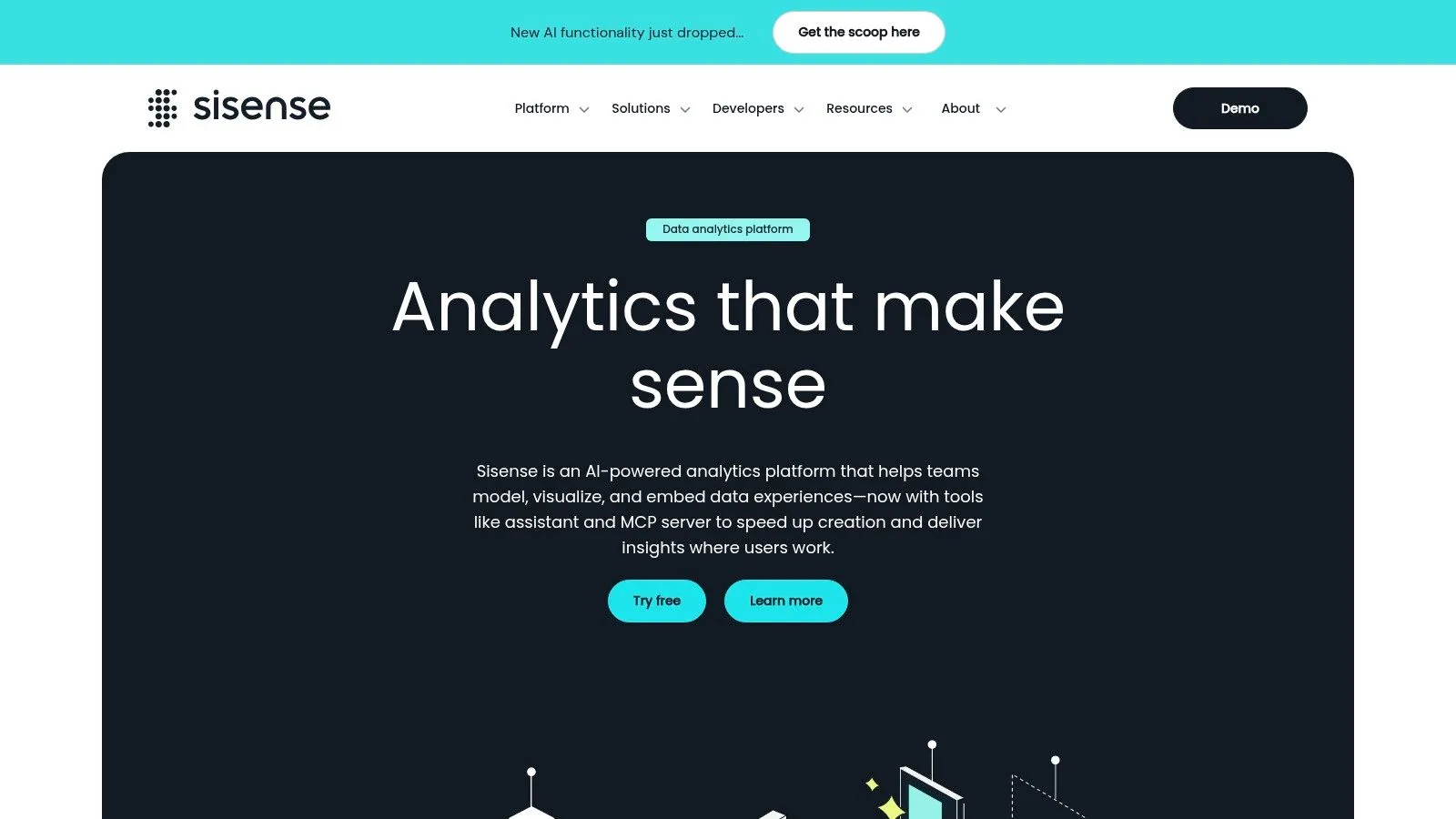
For product teams building data applications, Sisense provides a developer-first, composable analytics platform designed for deeply embedding AI-powered intelligence. Rather than offering a rigid, monolithic tool, Sisense focuses on providing the building blocks-like the Compose SDK-to infuse analytics directly into customer-facing products and internal workflows. This code-first approach allows for maximum customization and white-labeling, making it a strong choice for SaaS companies wanting to offer sophisticated analytics as a core feature.
The platform's strength lies in its flexibility. Developers can use SDKs for popular frameworks like React and Angular to build bespoke data experiences, from conversational AI chatbots to automated natural language generation (NLG) summaries. For those seeking a more managed solution, Sisense's cloud deployment includes an in-product AI Assistant that aids in dashboard creation and semantic modeling. This positions Sisense as one of the most adaptable ai business intelligence tools for organizations that treat analytics as a product, not just an internal reporting function.
Key AI Features & Use Cases
- Embedded Conversational AI: A SaaS product manager can use the Compose SDK to build a custom chatbot within their application, allowing their customers to ask questions about their own data in natural language.
- Code-First AI Components: Engineering teams can integrate Sisense's NLG components to automatically generate and display key insights and summaries within their platform's UI, reducing the need for users to interpret raw charts.
- AI-Assisted Dashboarding: An internal analyst can use the managed cloud platform's AI Assistant to get recommendations for visualizations and enrich their data model, accelerating the time from data connection to insight.
Implementation & Pricing
Sisense is geared towards technical teams, and implementation often involves developers using the SDKs and APIs to integrate components into an existing application. While this offers great power, it requires engineering resources. Pricing is quote-based and tailored to specific use cases, such as the number of users or the scale of the embedded application. The platform offers a free trial, but it is limited to seven days, which may be short for teams needing to conduct a thorough proof-of-concept for an embedded solution.
Pros:
- Excellent for product teams needing tailored, white-labeled analytics
- Rapid iteration supported by SDKs and strong developer documentation
- Highly composable and flexible for custom data applications
Cons:
- The free trial is short (7 days), and pricing is quote-based
- Requires developer resources for deep embedding and customization
- Some AI features are in beta or available first in the managed cloud
Website: https://www.sisense.com/
10. Domo (with Domo AI and AI Pro)
Domo is a comprehensive cloud-native BI platform designed to manage the entire data lifecycle, from integration with hundreds of connectors to building interactive apps. It stands out by packaging data integration (ETL), warehousing, visualization, and AI capabilities into a single cohesive environment, aiming to reduce the complexity of stitching together disparate tools. This end-to-end approach makes it a strong contender among ai business intelligence tools for companies seeking a unified solution. In September 2026, Progress Software completed its purchase of substantially all of Domo's assets, so Domo is now part of Progress.
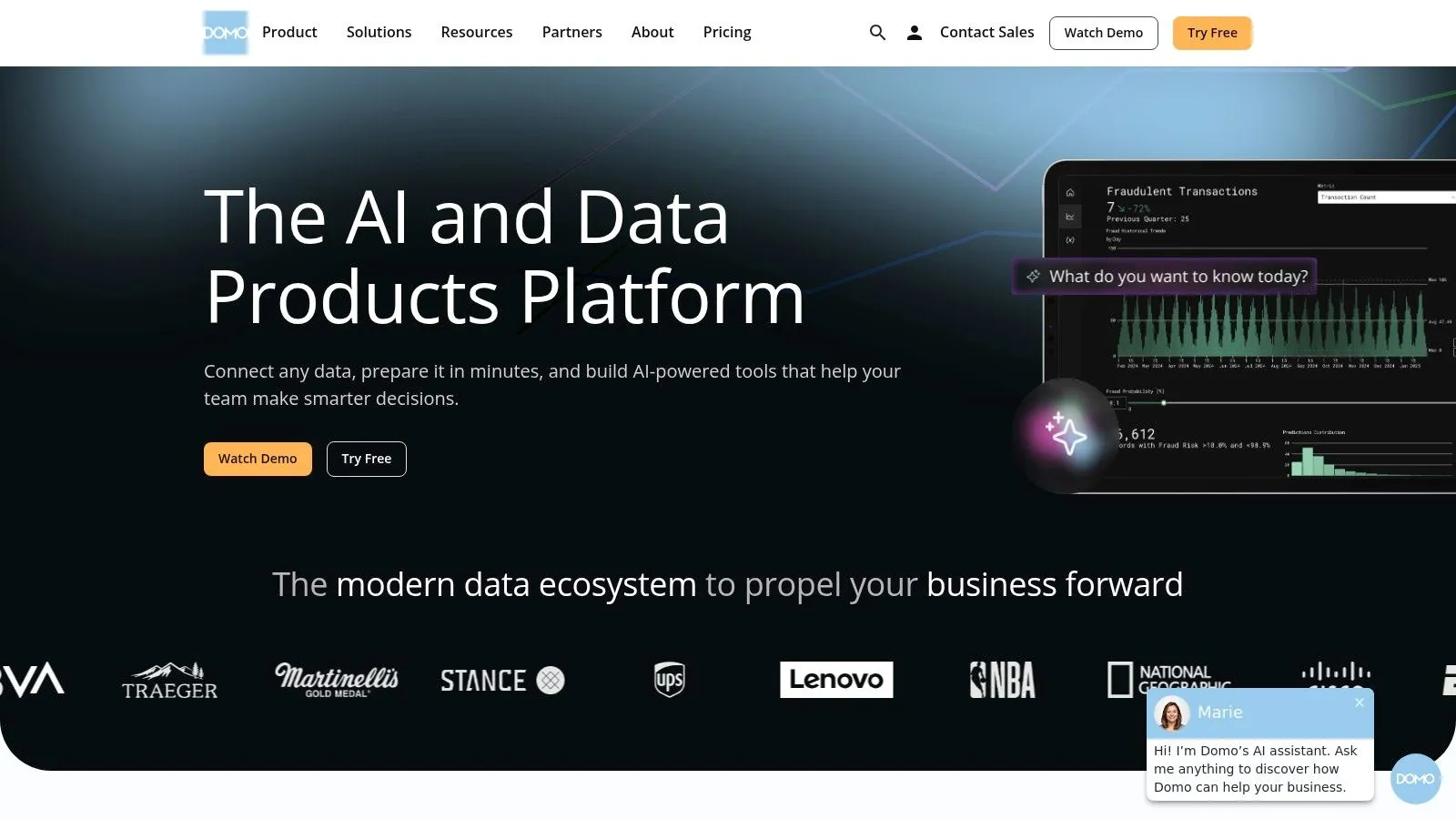
The platform's AI functionality is delivered through Domo AI, with an advanced AI Pro tier available. Domo allows for significant model flexibility, enabling teams to bring their own models or leverage pre-built AI services for tasks like text generation, sentiment analysis, and forecasting directly within their data workflows. Features like its Magic ETL and App Framework accelerate the development of custom data-driven applications, allowing teams to move from raw data to actionable insights quickly.
Key AI Features & Use Cases
- Bring-Your-Own-Model (BYOM): Data science teams can integrate their custom-built machine learning models directly into Domo workflows to score customer churn risk or predict lead quality.
- AI-Powered App Creation: Marketing teams can use the App Framework to build a campaign performance app that leverages AI to forecast ROI and suggest budget reallocations.
- Automated Data Storytelling: Sales leaders can use Domo AI to automatically generate narrative summaries of their pipeline data, highlighting key deal movements and potential risks without manual analysis.
Implementation & Pricing
Domo offers a 30-day free trial, allowing teams to explore its capabilities fully. Beyond the trial, pricing is consumption-based, tied to credits that are used for data queries, storage, and user access. While this provides flexibility, specific price points are only available through a sales quote. Accessing the most advanced features, like BYOM, requires the separate AI Pro tier, which represents an additional investment. Implementation is streamlined by its cloud-native architecture, but maximizing its potential requires buy-in across data, analytics, and business teams.
Pros:
- Provides a complete, end-to-end stack from data connection to visualization
- Flexible, consumption-based pricing model that scales with usage
- Strong app-building framework for creating custom data solutions
Cons:
- Pricing is not transparent and requires a direct sales consultation
- Advanced AI capabilities are gated behind the premium AI Pro tier
Website: https://www.domo.com/
11. Zoho Analytics (with Zia AI)
For small to mid-sized businesses, particularly those already invested in the Zoho ecosystem, Zoho Analytics offers an accessible and powerful BI solution. Its strength lies in combining extensive data connectivity and user-friendly dashboarding with an embedded AI assistant, Zia, that democratizes data analysis for non-technical users. It’s a pragmatic choice for teams needing robust reporting without the enterprise-level cost or complexity.
The core AI component is Zia, an intelligent assistant that supports conversational analytics. Users can ask questions in natural language, like "Show me monthly sales growth for the last year," and Zia will generate the appropriate visualization instantly. Beyond simple queries, Zia can also provide automated insights by analyzing datasets and proactively highlighting trends, anomalies, or key business drivers. This makes Zoho Analytics one of the most practical ai business intelligence tools for teams that need quick answers and want to reduce their reliance on a dedicated data team for every ad-hoc report.
Key AI Features & Use Cases
- Conversational Analytics (NLQ): A marketing manager can type "Compare campaign ROI for Q1 vs Q2" into the "Ask Zia" interface and receive an immediate chart, bypassing the need to manually build a report.
- Automated Insights: An operations team can upload logistics data and let Zia automatically identify which shipping routes are experiencing the most significant delays or cost overruns.
- AI-Powered Forecasting: Finance teams can use the built-in forecasting models to project future revenue based on historical sales data, all within a few clicks.
Implementation & Pricing
Zoho Analytics is known for its transparent and competitive pricing, which includes a generous always-free plan for individuals. Paid plans start at around $24 per month (billed annually) for two users and scale up with additional users, data rows, and advanced features. Cloud and on-premise editions are available, and its strong embedding capabilities make it a popular choice for SaaS companies. The interface is generally intuitive, though mastering its full suite of data preparation and modeling features can take time.
Pros:
- Highly accessible pricing, including a robust free tier
- Seamless integration with the broader Zoho application suite
- Strong natural language and automated insight capabilities
Cons:
- The UI and governance features are less extensive than top-tier enterprise platforms
- Performance with extremely large, complex datasets may require higher-tier plans
Website: https://www.zoho.com/analytics/
12. Databricks AI/BI (Genie and AI/BI Dashboards)
Databricks AI/BI is the BI layer built into Databricks, and it runs on the data you already govern in Unity Catalog. It has two parts: AI/BI Dashboards, which are AI-assisted dashboards, and Genie, which lets business users ask questions about their data in plain English. You can add Genie to Microsoft Teams, Slack or Glean through its API.
It earns its place here because of where the definitions sit. Metrics are defined once as Unity Catalog metric views, written in YAML, and Genie and dashboards answer from them. Outside agents reach Genie through the Genie One MCP server, which Databricks lists as generally available.
Key AI Features & Use Cases
- Questions in plain English: A sales lead asks Genie for last quarter's pipeline by region and gets the answer from the same metric view the dashboard uses.
- Metrics defined as YAML: A data team writes net revenue once as a metric view, with synonyms and display names that help the AI match the words people actually use.
- Genie in chat tools: Teams that live in Slack or Microsoft Teams can ask Genie there through its API instead of opening Databricks.
Implementation & Pricing
"There are no additional license fees to use AI/BI," Databricks says. You pay its standard compute rates in DBUs. Genie's model use is free until January 31, 2027. After that, each user gets 150 DBUs of free Genie model use a month (about $10.50 in US East), then $0.07 per DBU, and the compute Genie runs on is billed separately.
Pros:
- No separate license for AI/BI
- Genie and dashboards answer from the same metric views
- Outside agents can query Genie through Genie One MCP
Cons:
- Works on data that's already in Databricks
- Genie's model use moves to DBU billing in February 2027
Website: https://www.databricks.com/product/business-intelligence
How to choose: three questions for every demo
The table tells you what each vendor says. A demo tells you what happens with your data. Ask these three questions in every one, Querio's included.
- "Show me where revenue is defined, and who approves a change to it." If the answer is a screen only one admin can open, ask what happens when finance changes the definition next quarter. If it's a file in a repo, ask to see the review history.
- "Ask the same question in the app and from Claude or Slack." The two numbers should match to the cent. If the tool has no MCP server, ask how your other agents will get the number, and who keeps that copy in sync.
- "What does a month of AI use cost if questions go up five times?" Get the answer in the vendor's own unit: users, capacity, tokens, DBUs or credits. Then ask what happens when you hit the limit.
We built Querio so all three answers are boring. Your definitions live in a repo your team reviews. Querio, Slack, Claude and any agent over MCP answer from the same ones. And the AI bill is a plan with monthly credits, then per use up to a limit you set.
FAQ
What are the best AI tools for business intelligence?
The 12 most worth a look in 2026 are Querio, Power BI, Tableau, Looker, Amazon Quick Sight, ThoughtSpot, Qlik, Sigma, Sisense, Domo, Zoho Analytics and Databricks AI/BI. The best one for you depends less on its chat window than on what its AI answers from. We put Querio first because its metric definitions live in a git repo you own and every person and agent answers from them.
Do AI BI tools get numbers wrong?
Yes, when they guess what a metric means. Anthropic's own analytics agents didn't exceed 21% accuracy on its evals without curated skills and reached about 95% with them. dbt Labs found text-to-SQL fails with "a plausible but incorrect answer," while a semantic layer fails with an error message. Querio's AI answers from definitions your team has written and reviewed in your own repo.
What AI tools are available in Power BI?
Copilot, which drafts report pages, summarizes them and answers questions about your reports. It runs on paid Fabric capacity (F2 or higher) or a Premium P SKU, so a Pro license alone isn't enough. For outside agents, Microsoft has two MCP servers: Fabric IQ answers questions against your semantic models (GA, read-only), and the Power BI authoring server reads and writes those models (local GA, hosted preview). Querio has MCP built in, including on the free plan, and it answers from the same definitions as your Querio dashboards.
Can Claude or ChatGPT query my BI tool?
Yes, if the tool has an MCP server. Power BI, Tableau, Looker, ThoughtSpot, Qlik, Sigma, Sisense, Domo, Zoho Analytics and Databricks all have one, though some are still in preview, beta or development. Querio has MCP built in on every plan, the free one too, plus a CLI, and an API on Core and Enterprise.