Business Intelligence
Best AI Analytics Tools (2026): A Fact-Based Comparison
Compare top AI analytics platforms by NLQ accuracy, SQL transparency, governance, integration, and scalability for B2B SaaS.

Looking for the best AI analytics tools in 2026? This guide breaks down top platforms - Querio, ThoughtSpot, Looker, Hex, Power BI with Copilot, and Tableau with AI features - based on five key criteria: NLQ accuracy, SQL transparency, governance, integration, and scalability. These tools help data teams in B2B SaaS companies streamline reporting, cut ad-hoc requests by up to 80%, and deliver accurate metrics directly from data warehouses like Snowflake, BigQuery, and Redshift.
Key Takeaways:
- Querio: Offers editable SQL/Python, strong governance, and flat-fee pricing starting at $680/month.
- ThoughtSpot: Search-first approach with transparent logic; best for quick queries but requires heavy data modeling.
- Looker: Centralized governance with LookML; ideal for accuracy but needs engineering resources.
- Hex: Notebook-driven analysis; great for data science but less suited for non-technical users.
- Power BI + Copilot: Strong in Microsoft environments but complex DAX language limits transparency.
- Tableau + AI: Best for visualizations but lacks SQL auditability and has higher costs.
Quick Comparison
| Tool | NLQ Accuracy | SQL Transparency | Governance | Integration | Scalability |
|---|---|---|---|---|---|
| Querio | High | Full | Strong | Snowflake, BigQuery, etc. | Flat-fee pricing |
| ThoughtSpot | High | Full | Good | Snowflake, BigQuery, etc. | Costly, upfront setup |
| Looker | Moderate | Limited | Strong | Snowflake, BigQuery, etc. | Requires resources |
| Hex | Moderate | Full | Limited | Snowflake, BigQuery, etc. | Flexible for small teams |
| Power BI | Moderate | Limited (DAX) | Good | Microsoft ecosystem | High setup effort |
| Tableau | Moderate | Limited | Good | Snowflake, BigQuery, etc. | High per-user cost |
Querio stands out for transparency and scalability, making it a top pick for mid-sized B2B SaaS companies.
::: @figure 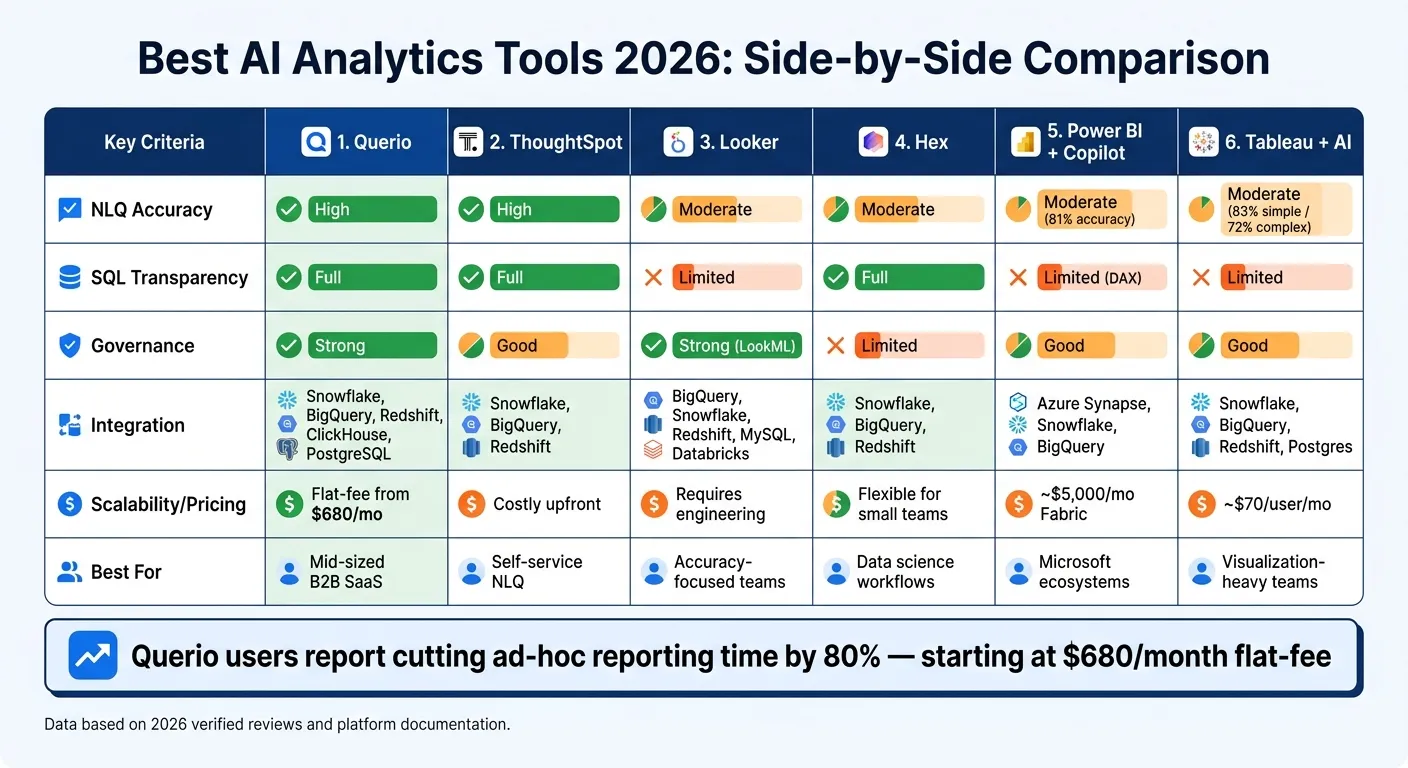 {Best AI Analytics Tools 2026: Side-by-Side Comparison}
:::
{Best AI Analytics Tools 2026: Side-by-Side Comparison}
:::
1. Querio
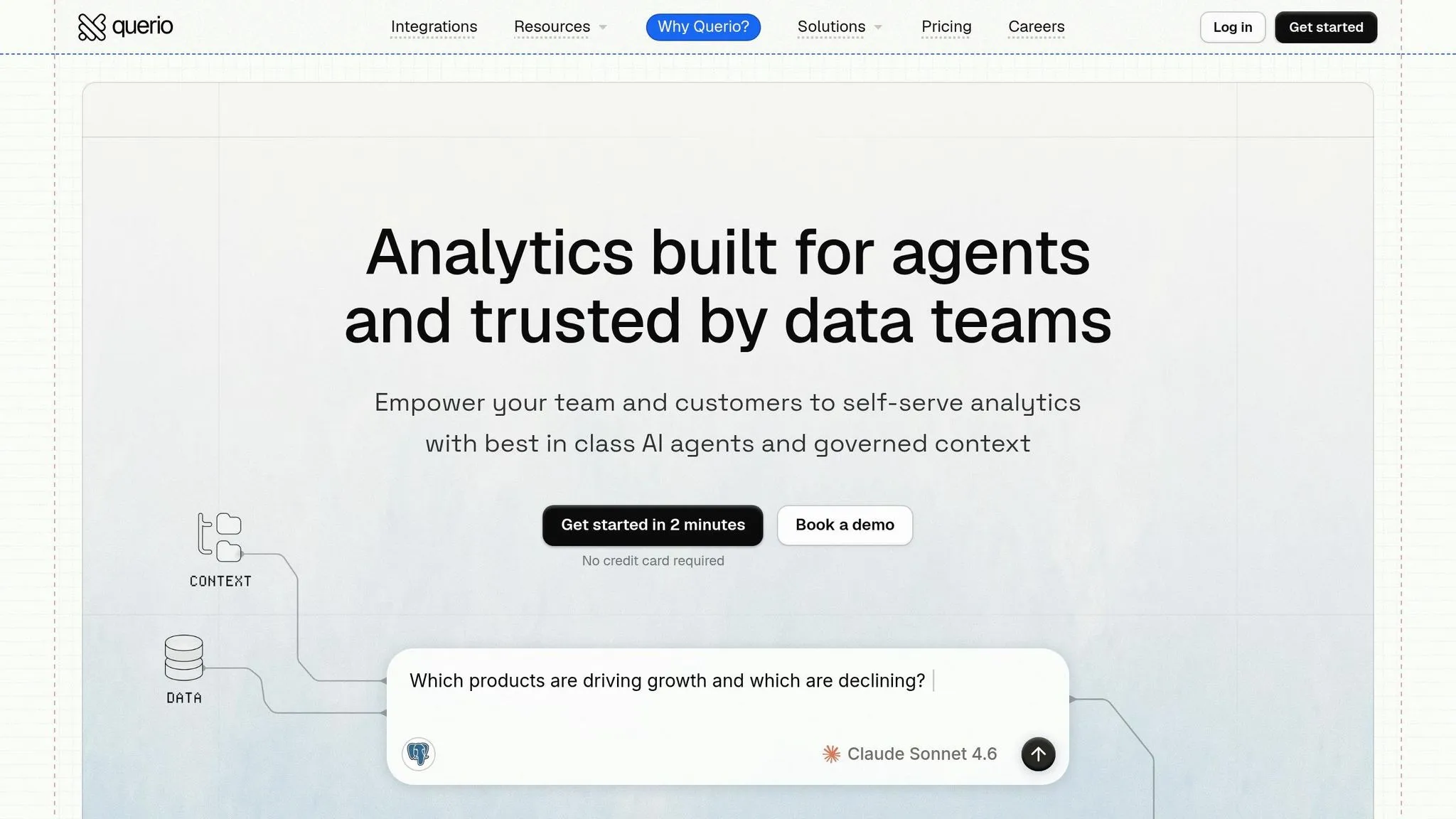
Querio is an AI-powered analytics workspace designed for data teams who need real-time answers from their data warehouse while maintaining control and consistency. It integrates directly with platforms like Snowflake, BigQuery, Redshift, ClickHouse, and PostgreSQL, eliminating the hassle of CSV exports, data duplication, or outdated figures.
Direct connectivity and transparency are standout features of Querio. Every AI-generated response includes editable SQL or Python code. This ensures clarity - whether stakeholders need to trace the source of a number or engineers want to validate the underlying logic.
Unified governance is achieved through a shared semantic layer. This layer standardizes definitions for joins, metrics, and business terms across all outputs, creating a consistent framework for collaborative, self-serve analytics.
For collaboration and ease of use, Querio offers reactive notebooks that automatically refresh results. Non-technical users can query data in plain English, while analysts retain full oversight. With most plans supporting unlimited users, organizations can scale access without worrying about additional per-user costs.
Pricing for Querio starts at $680/month (billed annually) with the Startup plan, which includes 1 data source and 15 users. The Core plan, priced at $1,699/month, offers 3 data connections, unlimited users, and guided onboarding. The Advanced plan, at $3,517/month, expands to 5 data connections, cross-datasource querying, and a dedicated EC2 instance. Some users have reported occasional performance lags when working with very large datasets [1]. Querio holds an impressive 8.88/10 score on Tooliverse, based on 65 verified reviews [1].
sbb-itb-284a532
2. ThoughtSpot
ThoughtSpot takes a search-first approach, making data exploration as simple as typing a question into a Google-like search bar. Powered by Spotter, this design is perfect for non-technical users who need quick answers without relying on a data team. It's part of a broader shift toward AI-driven, self-service analytics that streamline how data teams operate.
Warehouse connectivity is seamless thanks to a zero-copy, live query model. ThoughtSpot connects directly to cloud data warehouses like Snowflake, BigQuery, and Redshift, ensuring users always access up-to-date information. However, achieving reliable results depends on strong data modeling and a well-organized semantic layer. To maintain data integrity, ThoughtSpot also includes governance features that help keep everything in check.
When it comes to governance and transparency, ThoughtSpot prioritizes security by sharing only metadata with language models unless users choose otherwise. Each query produces either inspectable SQL or explainable logic, allowing analysts to understand exactly how results are generated. The latest iteration, Spotter 3, has advanced beyond simple token-based searches to deliver analyst-level reasoning and a fully verifiable query plan.
| Feature | Spotter Classic (v1) | Spotter Agent (v2) | Spotter 3 (Early Access) |
|---|---|---|---|
| Metadata Sharing | Metadata only (default) | Opt-in for data values | Opt-in for data values |
| Query Logic | Token-based search | Explainable formulas | Analyst-grade reasoning |
| Transparency | Inspectable SQL | Explainable logic | Verifiable plan/reasoning |
Thanks to its transparent design, ThoughtSpot empowers users to explore data independently, reducing the need for ad-hoc requests. However, this search-focused approach may feel restrictive for users who require advanced, iterative analysis. Platforms with reactive notebooks might be better suited for teams that rely on deeper exploratory workflows. That said, ThoughtSpot is an excellent choice for organizations that value self-service exploration over code-heavy processes.
3. Looker
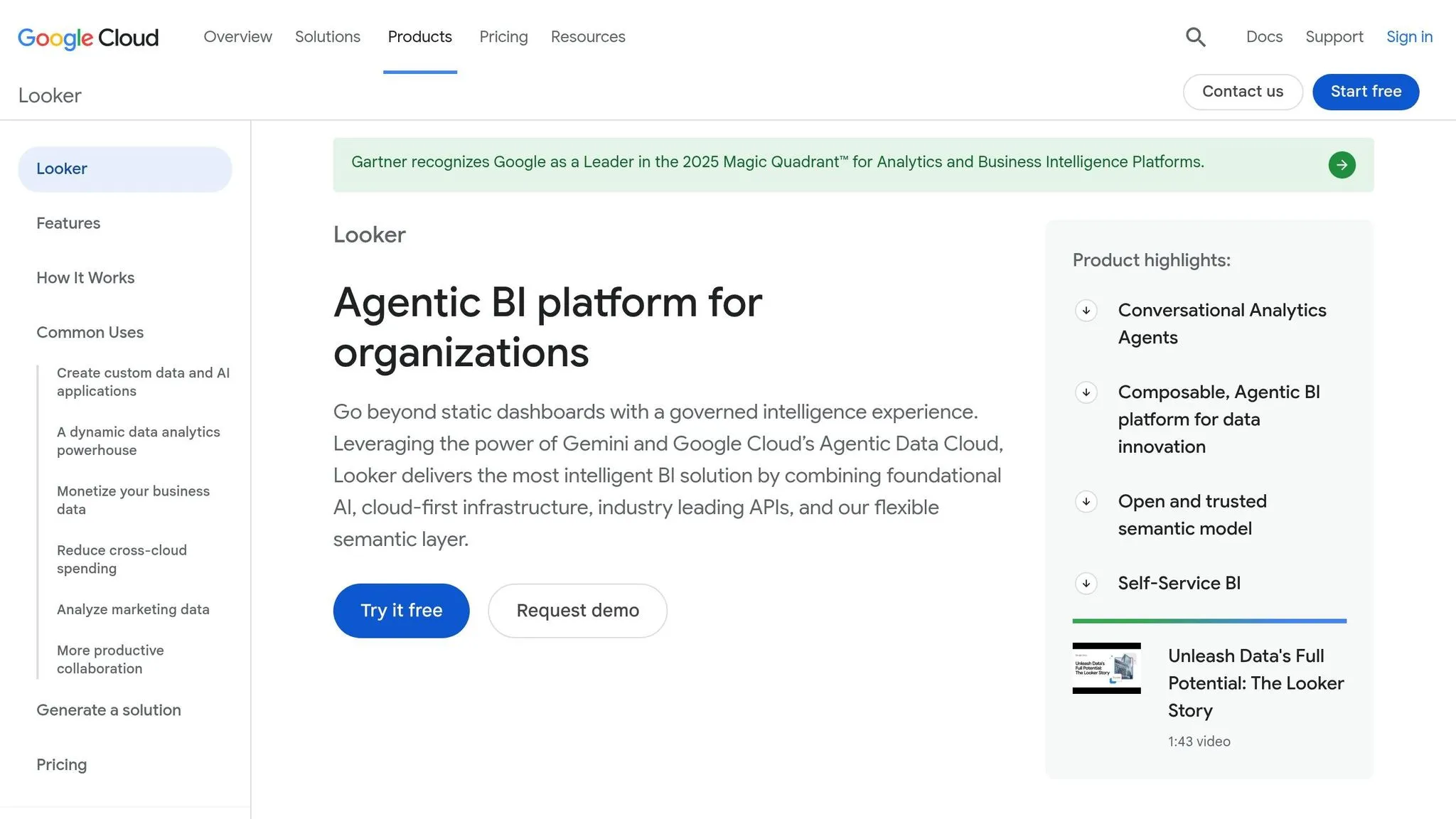
Looker uses LookML to centralize business logic and maintain strict governance. Its live-query capability connects directly to platforms like BigQuery, Snowflake, Redshift, PostgreSQL, MySQL, and Databricks. This ensures results are always current without the need for duplicating data.
With Git-based version control, Looker allows teams to track and review changes to metric definitions effectively. It also enforces row-level security and multi-tenant data isolation within the LookML layer. This is especially important for B2B SaaS companies managing multiple customer datasets.
| Feature | Looker Detail |
|---|---|
| Primary Governance Tool | LookML |
| Version Control | Git-based |
| AI Integration | Google Vertex AI and BigQuery ML |
| Security Compliance | HIPAA, SOC 2 Type II, GDPR |
| Data Connectivity | Live query (BigQuery, Snowflake, PostgreSQL, MySQL, Redshift, Databricks) |
On the AI side, Looker integrates its features with LookML-validated logic, minimizing the chances of inaccuracies or misinterpretations in metrics. As Omni Analytics aptly noted:
"AI reinforces the necessity of robust semantic modeling." [2]
This strong governance framework makes Looker a dependable choice for teams that prioritize data accuracy and integrity. It sets a solid foundation for further comparisons in this review.
4. Hex
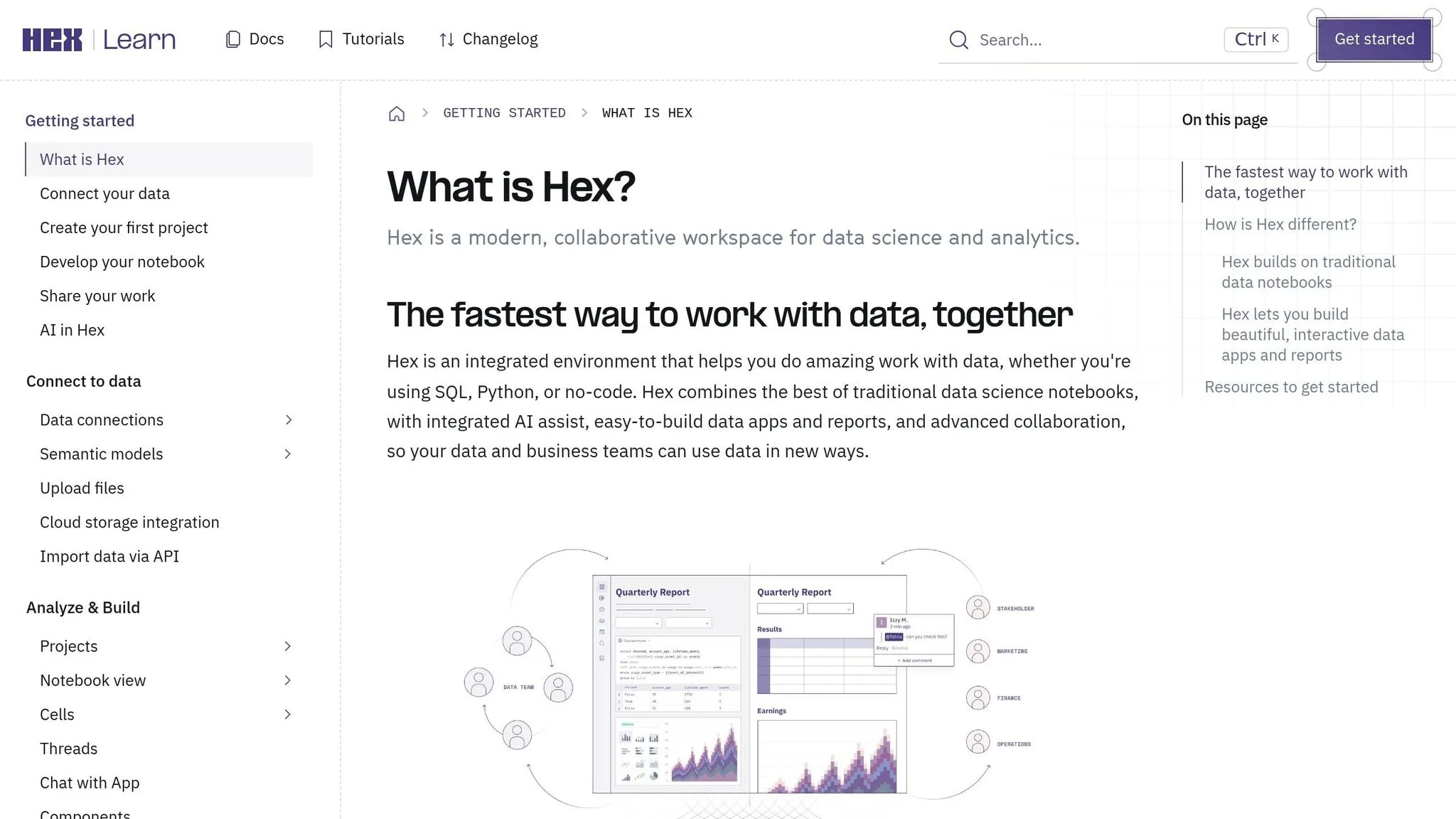
Hex's documentation for 2026 does not include confirmed information about its main features. Details on live warehouse connectivity, governance, AI integration, and collaboration tools are absent. For accurate and detailed insights, data teams are encouraged to reach out directly to Hex. Compared to platforms that provide clear and comprehensive information about semantic layers in business intelligence, Hex's unclear approach makes it harder for data teams to determine its suitability for warehouse-native analytics.
5. Power BI with Copilot
In 2026, Power BI upgraded its legacy Q&A feature with a generative AI Copilot capable of creating DAX (Data Analysis Expressions), making it a strong fit for teams already embedded in the Microsoft ecosystem. However, for organizations outside the Microsoft stack, this shift introduces added complexities.
Warehouse connectivity is broad, supporting platforms like Azure Synapse, Snowflake, and Google BigQuery through live connections and in-memory imports. Power BI's integration with Microsoft Fabric positions it as a part of a larger enterprise data platform rather than a standalone tool. While this is great for organizations already using Fabric, it can be a hurdle for those who aren't. This setup mirrors the direct connectivity advantages seen in other top-tier platforms.
When it comes to governance and transparency, Copilot includes a diagnostic tool called "How Copilot arrived at this", which explains the logic behind its AI-generated outputs. However, there's an important limitation: during its preview phase, Copilot can bypass Row-Level Security (RLS). To safeguard sensitive data, administrators must rely on Object-Level Security (OLS) instead. Microsoft has highlighted the importance of preparing data for AI use, stating:
"Model owners need to invest in prepping their data for AI to ensure Copilot understands the unique business context... Without this prep, Copilot can struggle to interpret data correctly." [2]
AI accuracy is decent but not flawless. Copilot in Microsoft Fabric achieved an 81% accuracy rate on first attempts, dropping to 75% for queries with three or more joins [2]. Building a 12-widget dashboard typically takes 2–4 hours. However, the setup process demands significant effort - data teams must add concise metadata and descriptions (under 200 characters) to every measure, table, and column to ensure Copilot functions effectively. Pricing reflects its enterprise-level positioning, with Fabric capacity starting at around $5,000/month [2].
| Feature | Power BI with Copilot |
|---|---|
| Primary Language | DAX |
| Warehouse Connectivity | Live + import (Snowflake, BigQuery, Synapse) |
| Governance | RLS/OLS (Copilot may bypass RLS in preview) |
| Best For | Microsoft-heavy organizations |
| Setup Effort | High - requires detailed semantic modeling |
| Ecosystem Integration | Azure, Teams, Excel, Fabric |
Power BI with Copilot shines when it comes to collaboration within Microsoft-centric environments. Teams can easily share dashboards via Teams, embed them in Excel, and manage access through Azure Active Directory. However, for data teams at B2B SaaS companies using Snowflake, Redshift, or Postgres outside the Microsoft ecosystem, the reliance on DAX and the extensive setup requirements can slow down self-service analytics considerably.
6. Tableau with AI Features
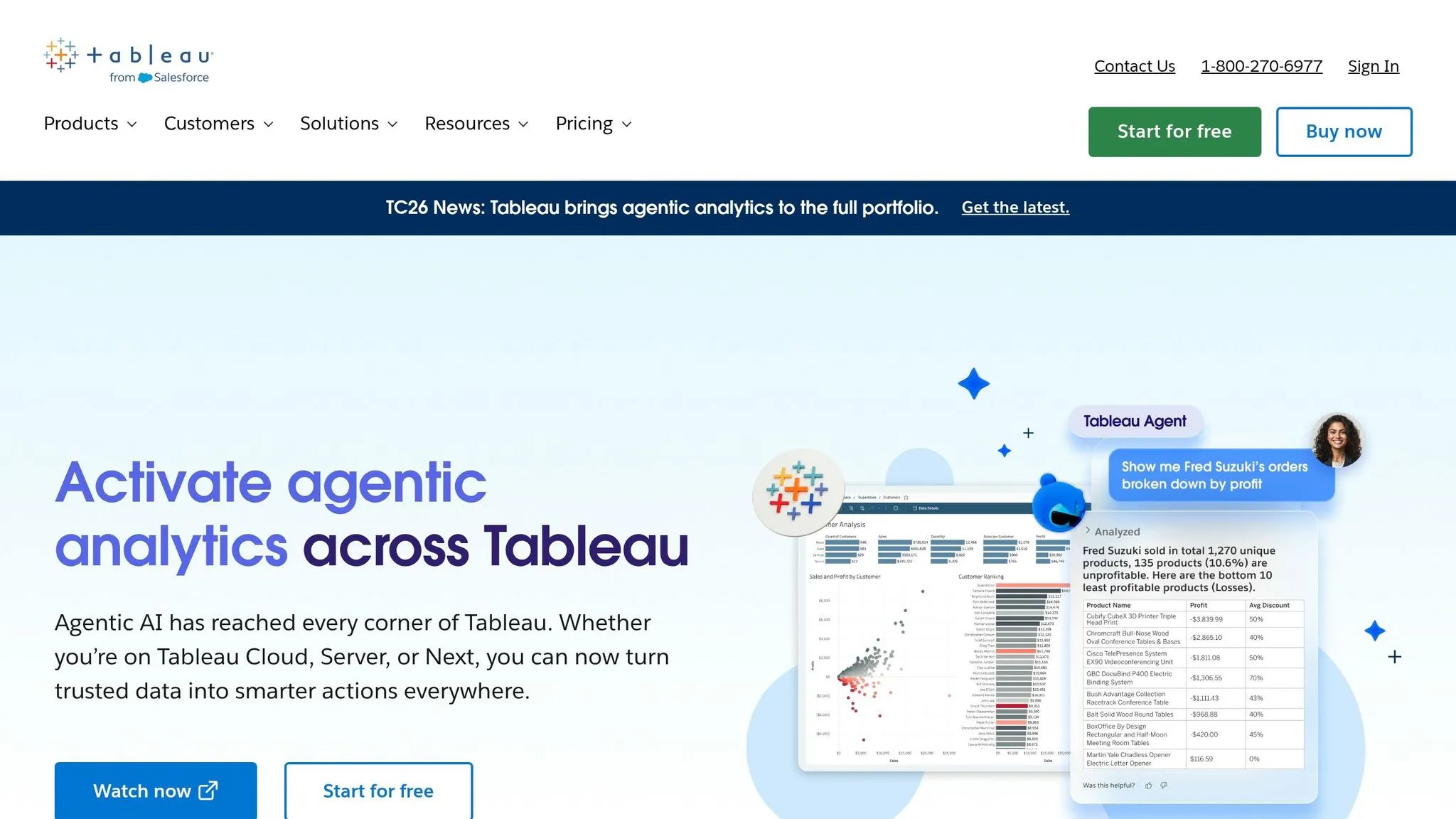
Tableau, widely recognized for its data visualization capabilities, now includes an AI layer featuring Tableau Agent and Einstein Copilot, which enables natural language analytics. For product teams, learning how to add natural-language analytics is becoming a standard requirement. While these AI features enhance performance, they come with certain limitations.
Warehouse Connectivity
Tableau takes a dual approach to warehouse connectivity. It supports live queries on platforms like Snowflake, BigQuery, Redshift, and Postgres. However, its performance is often optimized using its proprietary .hyper extract format. For teams that require real-time data freshness, this design may not always align perfectly with their needs.
Governance and Security
Tableau's Einstein Trust Layer adds advanced security features, including PII masking, toxicity scoring, and a zero-data retention policy that ensures prompts are not used for external model training [2]. Features like role-based access control (RBAC), row-level security (RLS), and column-level security (OLS) extend to AI interactions. However, it's worth noting that the Einstein Trust Layer is exclusive to Tableau Cloud. For organizations using Tableau Server (v2025.3+), managing PII masking and large language model (LLM) compliance becomes an independent responsibility, which can add operational complexity.
AI Accuracy and Transparency
When it comes to AI accuracy, Tableau delivers strong results for straightforward queries. Einstein Copilot achieves an 83% accuracy rate on first attempts for simple queries, though this drops to 72% for more complex multi-join queries. Creating dashboards typically takes between 4 and 8 hours [2]. However, Tableau Agent's natural language prompts are converted into proprietary visualization logic rather than inspectable SQL, which can make it challenging for data teams to audit or verify queries. By comparison, platforms like Querio provide editable SQL or Python directly from live queries, offering greater transparency.
Collaboration and Pricing
Collaboration is another area where Tableau shines. Tableau Pulse enables automated metric narratives and KPI tracking, making it easier for non-technical stakeholders to stay informed. Compliance-focused teams can benefit from audit logging, though this feature is only available with a Tableau+ subscription. Pricing for Tableau Cloud Creator starts at around $70 per user per month, with AI features included in higher-tier plans [2]. These tools underscore Tableau's commitment to secure and governed analytics while maintaining its strength in data visualization.
| Feature | Tableau (Einstein/Agent) |
|---|---|
| NLQ Approach | Metrics-driven / Proprietary Logic |
| Security Layer | Einstein Trust Layer (Cloud only) |
| Governance | RBAC, RLS, OLS, Audit Trail (Tableau+ only) |
| Metric Consistency | Tableau Pulse (KPI tracking) |
| Transparency | Limited – no inspectable SQL output |
| Best For | Visualization-heavy teams with cloud deployments |
Pros and Cons
Based on the detailed reviews above, here's a quick overview of the strengths and limitations of each tool for data teams in B2B SaaS companies working with a live data warehouse.
| Tool | Key Strengths | Key Weaknesses |
|---|---|---|
| Querio | Governed semantic layer; fully inspectable SQL/Python; flat-fee pricing; minimal setup | Smaller integration ecosystem compared to some legacy platforms |
| ThoughtSpot | Exceptional NLQ (natural language query) accuracy (4.6/5); search-first user experience; full SQL/logic transparency | High upfront costs; requires significant upfront data modeling to deliver value |
| Looker | Strong LookML governance; reliable metric consistency; robust live warehouse connectivity (Snowflake, BigQuery, Redshift) | 4–8 week setup; LookML requires dedicated engineering; limited SQL transparency for end users |
| Hex | Great for collaborative, notebook-driven analysis; flexible SQL and Python environment; ideal for data science workflows | Less suited for governed self-serve analytics by non-technical users; not primarily focused on NLQ |
| Power BI + Copilot | Strong integration with Microsoft ecosystem; widely adopted; supports DirectQuery | Limited SQL transparency due to DAX focus; DAX complexity creates a steeper learning curve |
| Tableau + AI | Top-tier visualization capabilities; excellent executive dashboards; advanced AI features | High per-user cost; AI outputs rely on proprietary logic, making transparency more difficult |
While Tableau and Power BI excel in creating visually impressive outputs, their AI-driven features rely on proprietary logic, which can complicate audits. In contrast, Querio prioritizes transparency by offering fully inspectable SQL and Python, ensuring that analysts and stakeholders can trace metrics easily.
Governance is another key differentiator. Looker’s LookML requires dedicated engineering resources to maintain, whereas Querio's semantic layer for SaaS allows data teams in mid-sized companies (100–500 employees) to manage definitions independently. ThoughtSpot offers reliable metadata privacy but demands significant investment in data modeling upfront, both in terms of effort and cost.
For teams already embedded within the Salesforce or Microsoft ecosystems, Tableau and Power BI remain strong options. However, these tools come with higher operational overhead and reduced SQL transparency. This comparison highlights why a warehouse-native approach like Querio’s can be particularly appealing for B2B SaaS data teams.
Conclusion
By 2026, the efficiency of your data team will depend heavily on a tool that provides governed, warehouse-native analytics. While several platforms cater to specific needs, one stands out as a game-changer for daily operations.
For mid-sized B2B SaaS companies (typically 100 to 500 employees), Querio offers warehouse-native analytics with governance and minimal setup. Users have reported cutting ad-hoc reporting time by 80% [1]. Plus, with flat-fee pricing starting at $680/month, it eliminates the scaling challenges tied to per-user costs. Querio’s features - like its governed semantic layer, fully inspectable SQL/Python, and reactive notebooks - give both analysts and non-technical users access to consistent, verifiable answers directly from their data warehouse, whether that’s Snowflake, BigQuery, Redshift, or Postgres.
Querio prioritizes transparency and governance, creating a data-driven environment where every metric is traceable, every query auditable, and every team member empowered to find answers independently. You can even test Querio with your own warehouse data before making a commitment.
FAQs
::: faq
How do I validate AI answers against the exact SQL?
You can check the accuracy of AI-generated answers by examining the SQL or Python code created for each query. Querio provides complete code transparency, letting you view, copy, and edit the logic. This ensures you can confirm its correctness.
Additionally, Querio incorporates human-in-the-loop verification, allowing you to review and approve queries. This step ensures that the queries align with your business logic and coding standards before they are executed on your live data warehouse. :::
::: faq
What governance is needed before enabling NLQ?
Before turning on natural language querying, it's important to have a centralized semantic layer in place. This ensures that business metrics, joins, and terminology are consistent across the board.
To keep data secure, set up role-based access controls so only the right people see the right data. Also, make sure to use read-only connections to your data warehouse - this prevents anyone from making changes they shouldn’t.
Finally, keep things organized by maintaining audit logs and versioned logic. These tools help you track query history and ensure your analytics stay aligned with the latest business rules. :::
::: faq
How do live warehouse connections affect cost and performance?
Live warehouse connections make it possible to access data instantly, skipping the delays caused by ETL pipelines or manual data extracts. Tools such as Querio allow you to query your warehouse directly, removing the need to duplicate data or maintain additional storage layers.
This method taps into your warehouse's computing power, allowing it to adapt as your data grows. It also cuts down on preparation time and ensures that your insights are always grounded in the most current information. :::