
Databricks AI/BI vs Snowflake Cortex vs Querio: Conversational Analytics Compared
Compare Databricks AI/BI, Snowflake Cortex, and Querio on NL-to-SQL, governance, dashboards, and live warehouse access.
What is conversational analytics?
Conversational analytics lets someone ask a business question in plain language and get a chart or number back, with a language model translating the question into SQL against governed data. Quality depends less on the chat interface than on the semantic layer beneath it: how metrics are defined, which tables are exposed, and whether the generated query is visible.
If I had to sum it up fast: Databricks AI/BI fits Databricks-first teams, Snowflake Cortex fits teams that want to build their own chat analytics layer, and Querio fits teams that want governed self-serve with less setup.
If you’re choosing between these three, I’d look at five things first:
Follow-up questions
Metric consistency
Dashboards and notebooks
Whether data stays live in the warehouse
This matters because one bad KPI answer can create hours of cleanup. For a 100–500-person B2B SaaS company with lean analytics support, that cost shows up fast in requests, Slack threads, and spreadsheet checks.
My short take:
Databricks AI/BI works best when your team already runs in Databricks and uses Unity Catalog.
Snowflake Cortex works best when your data is in Snowflake and your engineers want to build the front end and controls themselves.
Querio works best when you want plain-English analytics, governed metrics, and live warehouse access without building the whole workflow from scratch.

Databricks AI/BI vs Snowflake Cortex vs Querio: Conversational Analytics Compared
Choosing the Right AI Analytics Platform: A Critical Framework
Quick Comparison
Criteria | Databricks AI/BI | Snowflake Cortex | Querio |
|---|---|---|---|
Best fit | Databricks-first data teams | Snowflake teams with engineering support | Lean teams that want self-serve analytics |
Where it runs | Databricks | Snowflake | |
Conversational flow | Built in | API-based | Built in |
Follow-up questions | Yes | Yes, via API | Yes |
Metric layer | Unity Catalog-based | YAML semantic models | |
Dashboard path | Databricks dashboards | Custom build or Snowsight | Built-in governed Boards |
Notebook path | Databricks notebooks | None by default | Built-in SQL/Python notebooks |
SQL visibility | Limited by workflow | Depends on your build | Visible and editable |
Setup | More involved | Medium, plus build work | Fast, often in hours |
So if you want to decide fast, here’s the plain answer: pick the one that matches your warehouse, your team’s build capacity, and how much control you need over metrics and semantic layers. The rest of the article explains where each option fits, where it falls short, and what that means for day-to-day analytics.
How Databricks AI/BI, Snowflake Cortex, and Querio differ at a high level
The fastest way to make sense of these tools is to look at where they run. That one choice affects setup time, governance, and whether your data stays in one system or stretches across several. And in conversational analytics, that matters a lot. The whole thing stands or falls on answers you can trust, not just the place where the query happens.
Where each product lives and why it matters
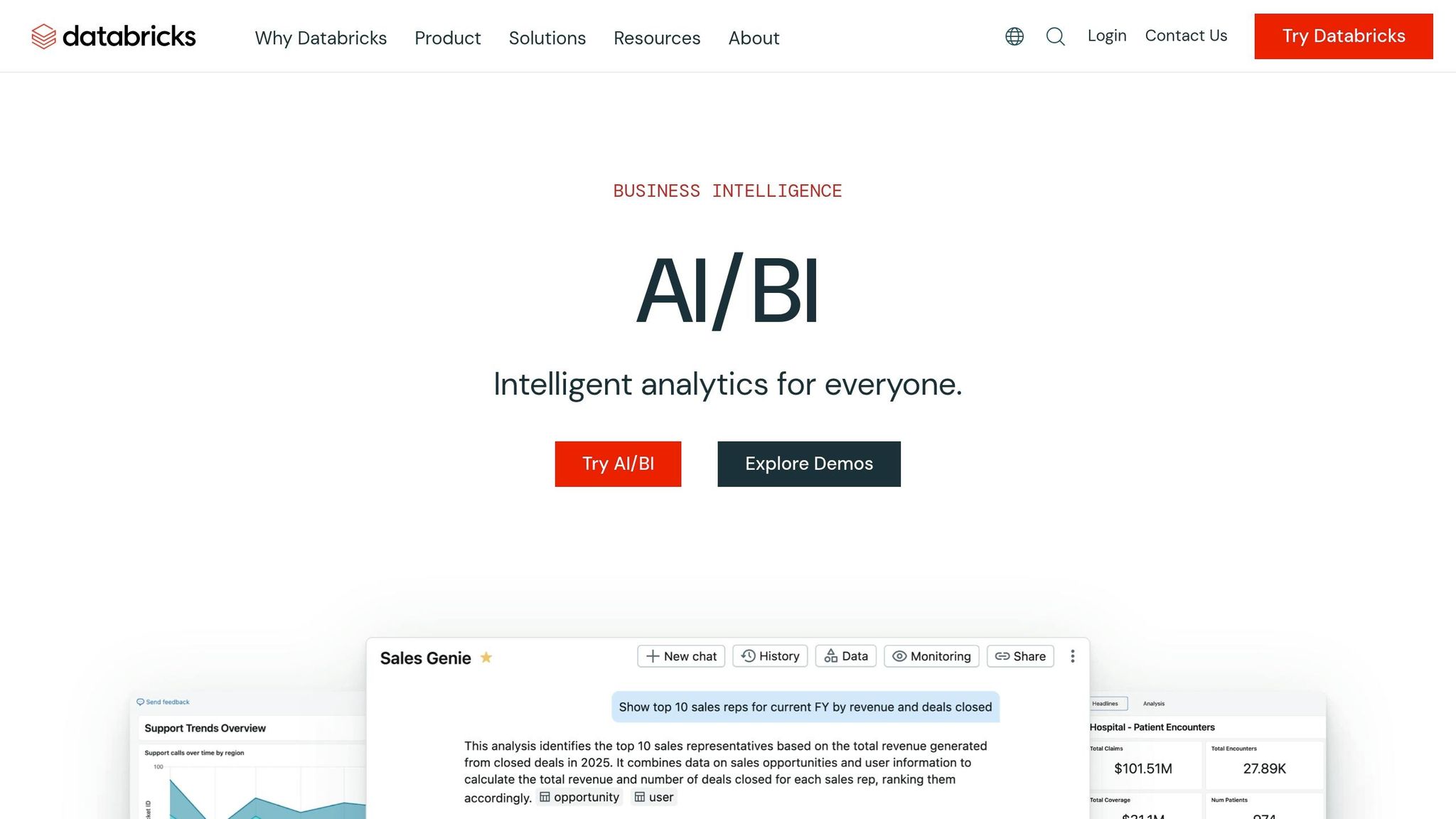
Databricks AI/BI is lakehouse-native and runs inside Databricks. If your team already works in Databricks for data engineering or ML, this can feel like a natural extension of that setup. If you don't, getting started is heavier.
Snowflake Cortex runs inside Snowflake and offers text-to-SQL and chat APIs for custom analytics experiences. It's a good match when engineering teams want to build the UI and governance layer on their own.
Querio connects to live warehouses through secure, read-only connections. It puts joins, metrics, and business terms into a context layer, and it can import definitions from dbt and LookML.
Databricks AI/BI | Snowflake Cortex | Querio | |
|---|---|---|---|
Where it runs | Unified lakehouse | Warehouse-native AI APIs | Multi-warehouse conversational BI |
What it's for | Databricks-native analytics | Build custom internal AI tools | Ready-to-use self-serve analytics |
Governance Model | Unity Catalog (row/column level) | Manually maintained YAML semantic models | Context layer (imports dbt/LookML) |
Warehouse Support | Databricks lakehouse | Snowflake only | Snowflake, BigQuery, Redshift, Postgres |
Best fit team | Data engineers and ML teams | Engineering teams building custom apps | Business analysts and non-technical teams |
Setup time | Slow | Moderate | Fast (hours) |
How each tool handles semantics and trusted metrics
Metric consistency turns into a business problem fast when people ask the same question in different places and get different answers.
Databricks AI/BI uses Unity Catalog for centralized governance, with row- and column-level controls. But the metadata still needs regular review and upkeep.
Snowflake Cortex depends on manually maintained YAML semantic models. That can work well for a narrow use case. Still, keeping lots of business definitions in sync over time takes care and discipline.
Querio uses a context layer to apply the same joins, metrics, and business language across the AI agent, notebooks, dashboards, and embedded analytics. It also pulls from existing dbt and LookML definitions, so teams don't have to rebuild logic they already manage.
Those architecture choices affect answer quality, trust in metrics, and how much governance work the analytics team needs to do around the tool. You see those gaps most clearly in NL-to-SQL quality, follow-up questions, and metric interpretation, which the next section compares side by side (or see our comparison of text-to-SQL tools).
Side-by-side comparison of core conversational analytics capabilities
Here’s how the three tools compare on the capabilities that matter most in day-to-day analytics work.
Capability | Databricks AI/BI | Snowflake Cortex | Querio |
|---|---|---|---|
Answer Transparency | Scoped querying (Genie) | API-only; requires a custom interface | Inspectable and editable SQL/Python |
Multi-turn Conversation | Supported (Genie) | API-supported | Native (Explore workspace) |
Dashboard Workflow | Native Databricks dashboards | DIY via Snowsight or custom build | Governed Boards |
Notebook Workflow | Standard Databricks notebooks | None; build your own | Reactive Python/SQL notebooks |
Non-technical Self-serve | Partial, via Genie | API-only; requires a custom interface | Business users ask questions in plain English |
The biggest gaps come down to answer transparency, multi-turn context, and how much work each team has to do before business users can rely on the output.
NL-to-SQL quality, follow-up questions, and answer transparency
Databricks AI/BI Genie supports multi-turn conversational querying, with answers grounded in Unity Catalog. Users can ask follow-up questions and refine results without leaving the Databricks environment.
Snowflake Cortex offers text-to-SQL tools, chat APIs, and a YAML semantic model. But there’s a catch: teams still need to build the user interface on top of those pieces [1].
Querio shows the SQL or Python behind each answer, so analysts can inspect it, edit it, and run it again. That’s a big deal when someone needs to check a number before sending it to a VP or a customer.
Metric interpretation, dashboard exploration, and deeper analysis
Trust doesn’t come from one good answer. It comes from what happens next.
Follow-up questions are where conversational analytics either earns trust or loses it. If someone asks, “break that down by region” or “show me the last 12 months,” the answer should stay consistent. Same metric definition. Same logic. Easy to check.
Querio handles multi-turn conversations natively inside its Explore workspace. It keeps the full context as users refine their questions, and the visuals update live as they go [2]. Once the analysis is ready, it can be pinned to a governed Board backed only by live warehouse data - no extracts and no duplication.
Databricks AI/BI includes native dashboards in Databricks, which fits teams already working in that stack. Snowflake Cortex gives teams API flexibility, but that comes with more build work. It is possible to surface results through Snowsight, but creating a polished, governed dashboard experience for non-technical users usually means adding more layers on top of the Cortex APIs [1].
Access control, live data, and governed self-serve
Once the answer looks right, the next issue is simple: who gets to see it, and can they use it safely?
All three tools query live warehouse data. The main difference is how each one handles access. Databricks AI/BI applies row- and column-level permissions through Unity Catalog. Snowflake Cortex inherits Snowflake’s role-based access controls. Querio uses read-only, encrypted warehouse connections with RBAC and standard SSO integrations, so a business analyst only sees the data allowed by their role.
For B2B SaaS data teams, the day-to-day gap is governed self-serve reach. Snowflake Cortex still needs a developer to build the experience for non-technical users [1]. Databricks Genie gets closer, but it still leans toward teams that are at home in the Databricks environment. Querio’s Explore in plain English is built for a non-technical user - a sales ops manager or a customer success lead - who wants to ask a business question and get a governed answer without writing SQL or filing a data request.
Strengths, tradeoffs, and best-fit use cases
The choice comes down to three things: where your data lives, who needs access, and how much engineering time you want to put into internal tooling. Those architecture choices lead to three very different ways of working day to day.
Situation | Strongest Fit | Why |
|---|---|---|
Databricks-first lakehouse team | Databricks AI/BI | Native Unity Catalog governance, no additional workflow layer |
Snowflake engineering team building a custom experience | Snowflake Cortex | Text-to-SQL primitives and YAML semantic models for a custom-built workflow |
Lean team needing governed self-serve on live data | Querio | Shared semantic layer with plain-English access for non-technical users |
The main question is not feature count. It’s how much of the analytics workflow your team wants to build and manage itself.
When Databricks AI/BI is the right choice

If your team already works in Databricks and uses Unity Catalog, AI/BI keeps conversational analytics inside that same governance setup. There’s no extra workflow layer to bolt on and no data movement to deal with.
Its big advantage is simple: it stays inside Unity Catalog instead of giving you one more system to manage. That makes it a strong fit when governance and analysis already sit in the same platform.
When Snowflake Cortex is the right choice
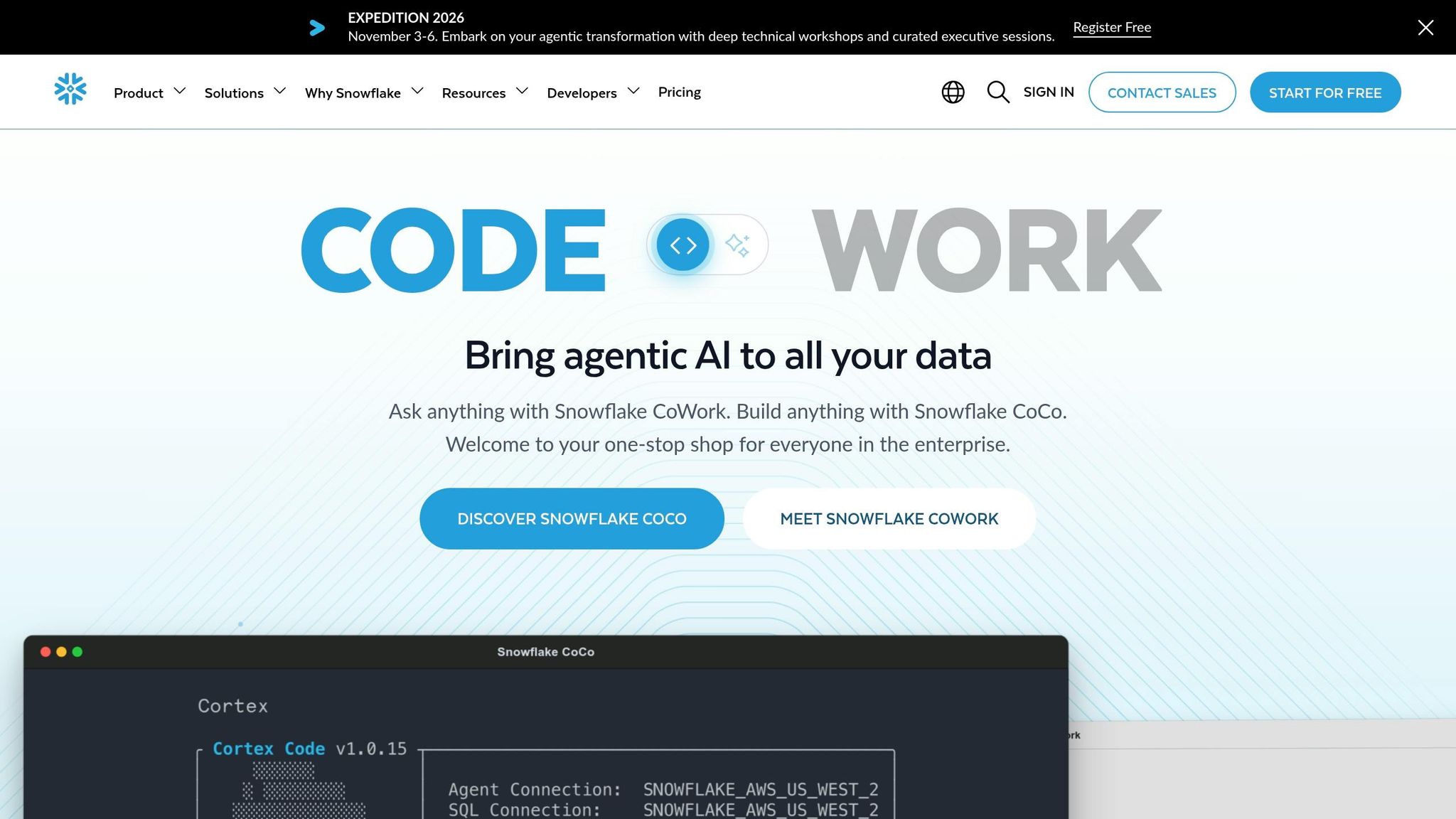
Cortex makes sense when your data strategy lives fully in Snowflake and your team has the engineering bandwidth to own the user experience. It gives teams the core building blocks for text-to-SQL and semantic modeling, but the UI, workflow, and governance pieces still need to be put together.
That can work well for engineering-led teams that want control. The tradeoff is extra implementation work.
When Querio is the right choice
Querio keeps conversational analysis, dashboards, and notebooks on one governed semantic layer over live warehouse data. That shared context layer can import dbt and LookML definitions and keep metrics consistent across analysis, notebooks, and dashboards.
In plain English, that means fewer handoffs and no extract-driven inconsistencies. For teams where analysts can’t afford to be the bottleneck, inspectable answers and plain-English access help self-serve actually work. It’s the fastest path to trusted self-serve for business users.
Conclusion: Choosing the right conversational analytics workflow
After comparing semantics, transparency, and access control, the choice comes down to three things: where your data lives, who needs access to it, and how much of the workflow your team wants to build on its own.
Databricks AI/BI makes sense for Databricks-first teams working in Unity Catalog. Cortex works well for Snowflake teams that want to build their own conversational layer.
For teams that want governed self-serve without building the whole workflow from scratch, Querio is the most direct option. For B2B SaaS teams using Snowflake, BigQuery, Amazon Redshift, or Postgres, Querio offers a ready-made path to governed self-serve on live warehouse data. Its semantic layer imports dbt and LookML, keeps SQL and Python inspectable, and lets non-technical users ask questions in plain English without getting around governance.
Put simply, Databricks AI/BI and Cortex fit teams already standardized on those platforms. Querio fits teams that want governed self-serve across their warehouse stack.
FAQs
How much setup work should I expect?
Getting started is built to be fast, and it usually takes 30 to 60 minutes. Since Querio connects straight to your existing warehouse, there’s no need for messy ETL pipelines or manual data exports.
Setup usually includes:
a secure read-only connection
context configuration for business logic, relationships, and metrics
SSO and role-based access controls
Will business users need SQL to use this well?
No. Business users do not need to know SQL to use Querio well.
They can ask questions in plain English and get insights and charts back. Querio writes the SQL or Python behind the scenes, so users don’t need to learn query languages or sort through complex database setups to find the information they need.
How do I keep metrics consistent across chat, dashboards, and notebooks?
Use Querio’s central Context Layer to define business logic, metric calculations, and table relationships in one shared, versioned semantic layer.
That means chat, dashboards, and notebooks all pull from the same governed definitions. Update a metric once, and that change carries across the platform so your results stay consistent.
Related Blog Posts
Related reading