Business Intelligence
Modern AI Platforms for Data Analytics
AI analytics turn plain-language questions into inspectable SQL/Python, connect live to data warehouses with a semantic layer, and speed decision-making.

AI is changing how we analyze data, making it faster and easier for everyone - not just experts - to make decisions. Tools like Querio allow teams to ask questions in plain English and get instant, accurate insights without needing technical skills. By automating manual data analysis steps like data cleaning and generating SQL or Python code, these platforms save time and ensure consistency. Key features include:
- Natural Language Queries: Ask questions conversationally, and AI generates transparent, inspectable code.
- Live Data Access: Connect directly to data warehouses like Snowflake and BigQuery for real-time insights.
- Semantic Layer: Centralized definitions ensure consistent metrics and calculations across reports.
Querio also supports predictive analytics, fraud detection, and real-time updates through reactive notebooks. Its design prioritizes transparency, accuracy, and ease of use, helping businesses make smarter decisions faster. By 2026, over 65% of organizations are expected to use AI-powered analytics, reshaping the way data drives decisions.
Querio: AI-Powered Analytics Platform
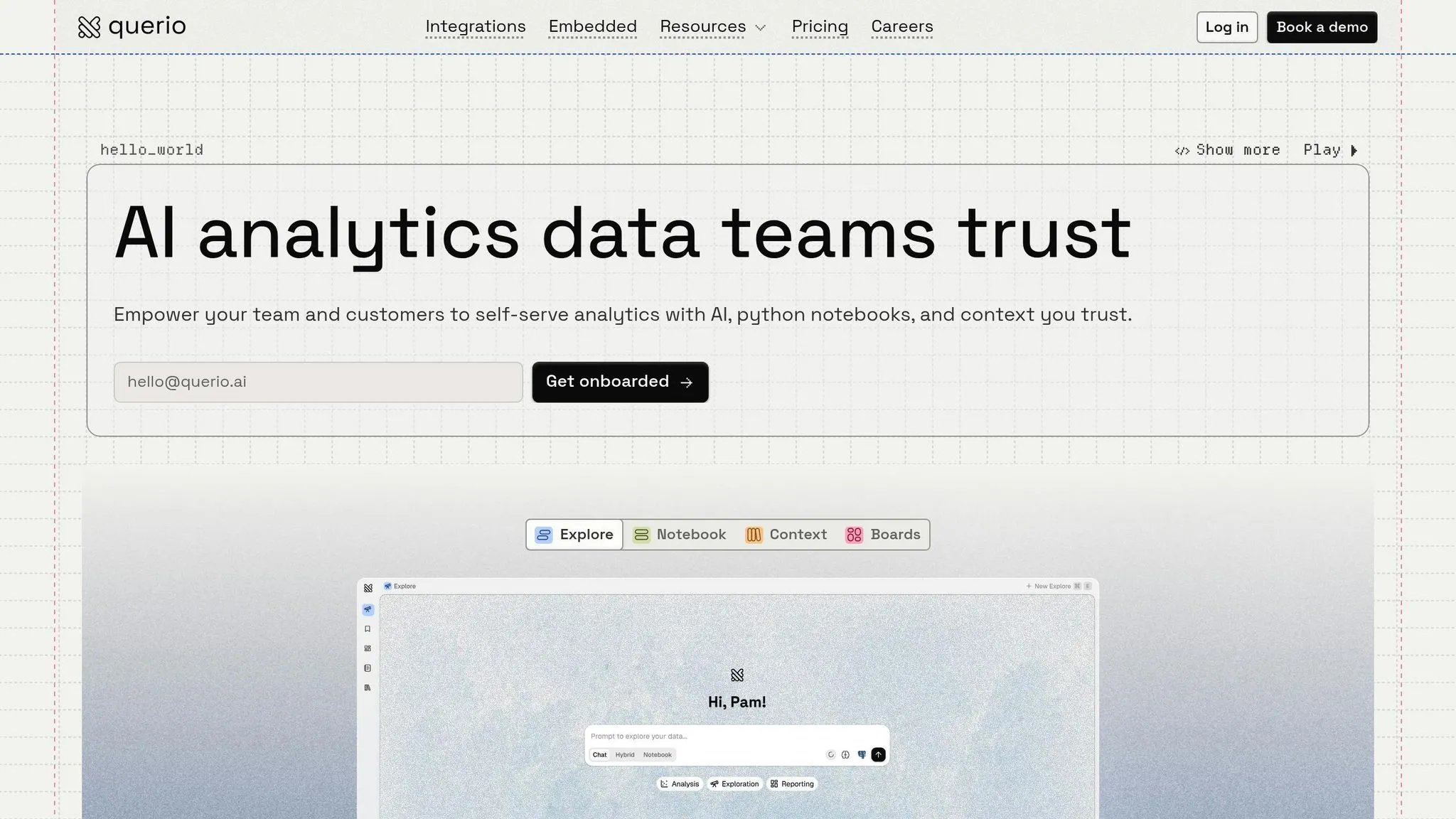
Querio is an AI-driven analytics workspace designed to bridge the gap between data teams and business users. Instead of waiting days for SQL queries or wrestling with complex BI tools, teams can simply ask questions in plain English. Querio then delivers answers in the form of verified SQL and Python code. By connecting directly to live data warehouses like Snowflake, BigQuery, and Amazon Redshift, Querio provides real-time insights without requiring data duplication or scheduled extracts. This direct connection allows for faster, more informed decision-making.
One of Querio's standout features is its emphasis on transparency. Data teams define logic once, and the platform ensures it’s applied consistently across queries, dashboards, and applications. This approach avoids the unpredictability often associated with black-box systems.
Core Features and Capabilities
Querio simplifies analytics by automatically generating SQL and Python code from natural language inputs. This process can reduce manual coding efforts by up to 80%, enabling SaaS companies to create predictive churn models in minutes instead of hours[5][6]. A centralized semantic layer ensures consistent data definitions, so metrics like "Monthly Recurring Revenue" or "Active Users" are calculated the same way every time.
The platform supports live connections to data warehouses using encrypted, read-only credentials. This allows fintech and e-commerce teams to query transaction data, inventory levels, or fraud risk scores directly from their warehouses. Additionally, Querio includes reactive notebooks where SQL and Python results update automatically as underlying logic changes. This combination of efficiency and flexibility extends to natural language queries, making it easier for users to interact with data.
Natural Language Queries with AI
Querio’s natural language BI interface transforms how teams interact with data. Users can ask questions like, "Show monthly transaction fraud risks by region", and the platform instantly converts the request into accurate SQL. The generated code is fully visible, allowing users to inspect and trust the results. This feature enables business analysts without SQL expertise to extract insights up to five times faster than with traditional BI tools[5][7].
The AI also remembers query context, making refinements effortless. For example, users can follow up with requests like, "Break by product category" or "Filter to last 90 days." This transparent process has proven especially valuable for fintech firms managing sensitive data, achieving 95% accuracy in fraud risk scoring while reducing false positives by 40% in practical use cases[5][9]. Querio’s unified semantic layer ensures data consistency throughout these interactions.
Semantic Layer for Data Consistency
At the heart of Querio’s platform is its shared semantic layer, which acts as a single source of truth for analytics. Data teams define table relationships, business metrics, and glossary terms once, and these definitions are applied consistently across all queries, reports, and dashboards. This eliminates discrepancies and the common issue of "multiple versions of truth" found in fragmented analytics tools.
For instance, in e-commerce, the "Conversion Rate" is calculated identically whether queried in plain English by a marketing analyst or embedded into a customer-facing app by a developer. This consistency reduces reconciliation time by 50%[7][8] and ensures decisions are based on accurate, governed data. Updates to metric definitions are automatically applied across the platform, with Git-based version control tracking every change for added transparency.
AI Technologies Powering Data Analytics
Querio uses cutting-edge AI technologies to deliver insights that teams can act on. Modern analytics platforms rely on three key AI-driven tools to transform how organizations handle data. These include machine learning for predictive analysis, natural language processing (NLP) for making data accessible, and reactive notebooks to keep analyses up-to-date as data changes. Together, these tools make working with data faster, more precise, and accessible to everyone in the organization.
Machine Learning for Forecasting
Machine learning (ML) dives deep into historical data, uncovering patterns and anomalies that traditional methods often overlook. These advanced models continuously learn from both structured and unstructured datasets, automatically adjusting forecasts as new information becomes available - no manual input required. By automating tasks like data preparation, cleaning, and formatting, ML reduces errors and ensures more reliable results. As Microsoft highlights, "By quickly and accurately analyzing data, organizations make better business decisions and formulate more effective strategies" [3].
This capability allows teams to anticipate future trends and make proactive decisions. However, the success of ML depends on the quality of the data and the regular updating of models to reflect changing conditions. While ML forecasts what's ahead, NLP bridges the gap between users and complex datasets.
Natural Language Processing for Data Access
NLP transforms how users interact with data by converting everyday language into detailed queries, eliminating the need for technical expertise. For example, users can ask questions in plain English, and NLP-powered tools will interpret their intent to deliver precise answers. This feature is crucial, given that nearly 70% of employees currently avoid using data tools to make decisions [1].
Phil Cooper, VP of Product Management at Tableau, notes, "Tableau democratized visual analytics and now we are doing the same for self-service AI. Business Science unlocks the vast potential of an army of professionals working with data every day" [2]. NLP tools also offer helpful visual cues to guide users in refining their queries and verifying results. Additionally, they summarize lengthy reports into clear narratives, highlighting key trends and anomalies. For these systems to work effectively, model owners need to create semantic models with well-defined metadata and synonyms, ensuring the tools align with specific business needs [10].
Reactive Notebooks for Data Analysis
Reactive notebooks play a critical role in keeping data analysis up-to-date. These tools automatically refresh SQL and Python outputs whenever there are changes to the underlying data or logic, saving users from the hassle of manual updates. This real-time syncing ensures that analyses remain accurate and relevant without constant oversight. Moreover, reactive notebooks promote transparency by allowing users to review the generated code, understand how results were calculated, and trust the insights driving their decisions.
How Querio Benefits Data Teams
Traditional analytics often involve weeks of manual data exploration and preparation [3]. Querio takes a different approach by automating these repetitive tasks and delivering instant insights that teams can act on. Its AI-driven platform reshapes how organizations manage data, offering quicker, more reliable analytics that everyone on the team can access. These features help speed up decision-making while maintaining high data accuracy.
Faster Decisions and Less Manual Effort
Querio streamlines data preparation by automating tedious processes like cleansing, mapping, and generating table descriptions [11]. Its natural language interface allows users to ask questions about their data conversationally, without needing advanced technical skills [3].
Beyond just simplifying queries, Querio shifts analytics from being reactive to proactive. The platform detects trends, anomalies, and outliers automatically, then sends these insights directly to tools like Slack or email [11][1]. This way, teams don’t have to wait for scheduled reports or sift through dashboards - key insights reach decision-makers in real time. By automating these steps, analysts can spend more time on strategic initiatives [12].
Reliable and Transparent Insights
Querio prioritizes accuracy by generating SQL or Python code for every query. This code is fully inspectable, so technical teams can review and adjust it as needed [4]. Unlike many AI tools that operate as a "black box", Querio ensures transparency, allowing users to see exactly how results are calculated. This gives data teams confidence that outcomes align with business goals.
The platform also uses a shared context layer to maintain consistent KPI calculations across the board. By querying data warehouses directly with read-only access, Querio ensures analyses are based on live, up-to-date data instead of outdated copies that could lead to errors.
### Comparing Traditional Data Models and Semantic Layers
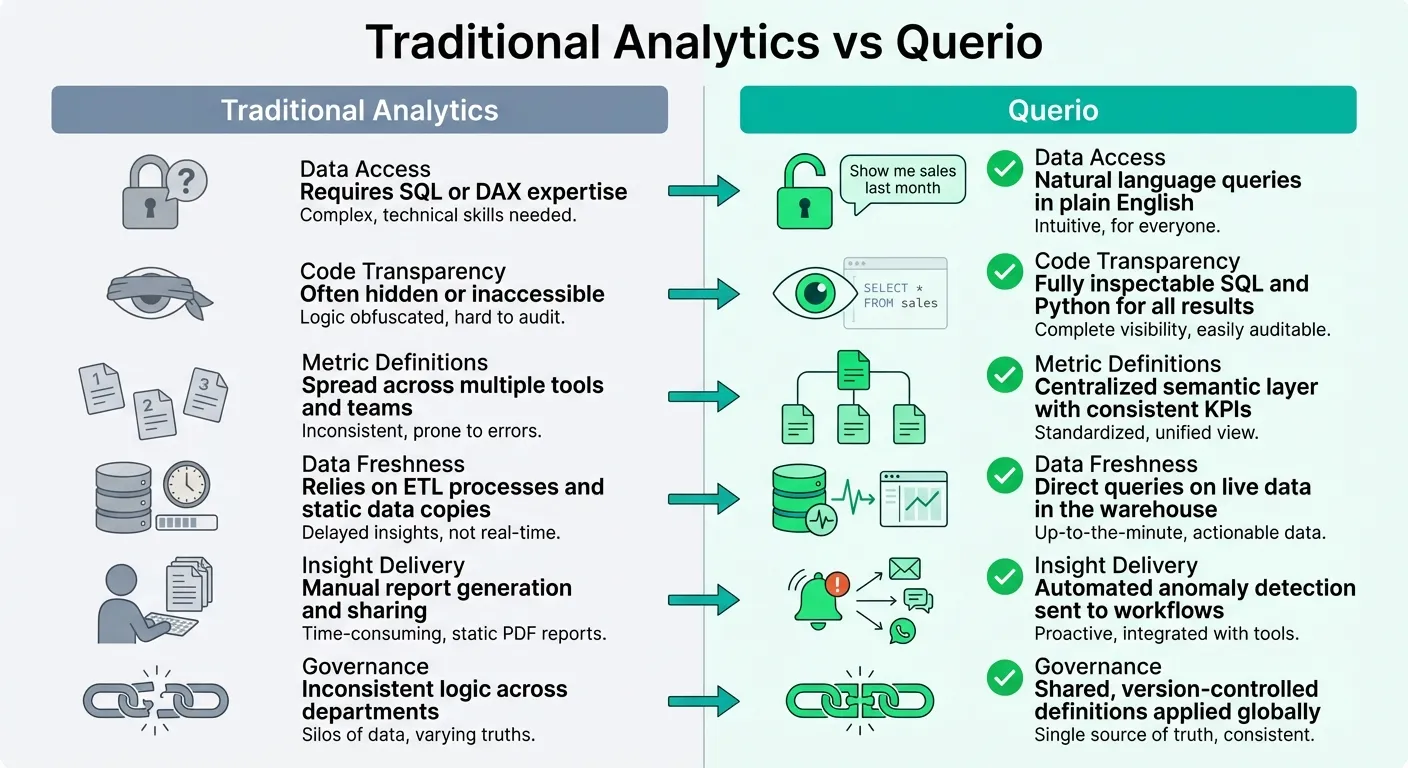
Querio’s automated approach offers clear advantages over traditional analytics methods. Here's a quick comparison:
| Feature | Traditional Analytics | Querio |
|---|---|---|
| Data Access | Requires SQL or DAX expertise | Natural language queries in plain English |
| Code Transparency | Often hidden or inaccessible | Fully inspectable SQL and Python for all results |
| Metric Definitions | Spread across multiple tools and teams | Centralized semantic layer with consistent KPIs |
| Data Freshness | Relies on ETL processes and static data copies | Direct queries on live data in the warehouse |
| Insight Delivery | Manual report generation and sharing | Automated anomaly detection sent to workflows |
| Governance | Inconsistent logic across departments | Shared, version-controlled definitions applied globally |
This side-by-side comparison highlights how Querio simplifies workflows, ensures accuracy, and delivers actionable insights faster than traditional methods.
Implementing Querio in Your Organization
You can implement Querio swiftly without disrupting your existing infrastructure. It connects directly to your data warehouse - whether it's Snowflake, BigQuery, Amazon Redshift, ClickHouse, or PostgreSQL - using encrypted, read-only credentials. This setup allows live querying from day one. The process usually takes just a few days, eliminating the need for duplicating data or managing ETL pipelines.
Getting Ready for Querio
Start with a semantic-first approach. Begin by auditing your current data assets - like workbooks, dashboards, and reports - to identify the analytics that deliver the most value. At the same time, retire outdated or redundant content. As Rafia Aqil from Microsoft explains:
"A successful migration is not just about rebuilding dashboards in a new tool. It requires thoughtful architectural planning and a shift to a more model-centric approach to BI" [13].
Before diving into a full deployment, run a proof of concept with a representative dashboard. This helps verify data connectivity and performance. Focus on creating centralized, governed semantic models that separate business logic from visualization. By defining joins, metrics, and KPIs in Querio's shared context layer, you ensure updates happen in one place. Use business-friendly names (e.g., rename "TR_AMT" to "Total Revenue") so Querio's AI can interpret queries more effectively.
Set up governance early by implementing role-based access controls, workspace naming conventions, and certification processes for trusted datasets. Querio supports SOC 2 Type II compliance and integrates seamlessly with standard SSO systems. For AI functionality, define specific data schemas by selecting a focused subset of your data model. This reduces ambiguity and improves the speed of AI-generated responses.
Once you've established this foundation, you can gradually expand Querio's role within your organization.
Scaling Analytics with Querio
Querio helps deliver faster insights while maintaining consistent data governance. Use a phased migration strategy by running Querio alongside your existing systems. Start with high-usage dashboards to showcase quick wins and build momentum. To ensure success, create a support network by designating internal champions or forming a Center of Excellence for training and upskilling your teams.
Querio has no per-seat pricing and includes unlimited viewers on every plan, so you can give the whole company access. You can also embed analytics into customer-facing applications using Querio's API. This integration ensures analytics become a seamless part of everyday workflows, rather than an occasional task requiring separate attention.
Conclusion
Data analytics has evolved to offer real-time insights and predictive decision-making. By early 2026, 65% of organizations are leveraging generative AI [14], and 40% of new BI tools include AI-powered analytics [15]. These advancements are driving measurable improvements in productivity and cost efficiency.
Querio is at the forefront of this transformation, integrating advanced AI directly into your data warehouse. Every answer it provides is backed by inspectable SQL and Python, ensuring transparency. Its unified context layer guarantees consistent definitions - like ensuring "Total Revenue" means the same across all reports. This level of clarity builds trust and delivers insights you can act on with confidence.
The results speak for themselves: Signal Theory reduced report preparation time from four hours to just 30 minutes [16], while Function Growth saved six hours weekly by automating routine tasks without losing the critical human touch [16].
Querio’s free plan, no per-seat pricing and unlimited viewers on every plan remove barriers to scaling, whether for small pilot teams or enterprise-wide adoption. Plus, its direct connection to major data warehouses - using encrypted, read-only credentials - ensures security and eliminates the need for data duplication.
FAQs
How does Querio keep AI answers accurate?
Querio focuses on delivering accurate insights by emphasizing transparency and strong governance. It offers clear, explainable insights by providing access to transparent SQL and Python code, enabling users to fully understand and validate the conclusions drawn from their data. On top of that, robust governance measures, such as data security and compliance, ensure that results remain reliable. Together, these elements safeguard data integrity and make insights both verifiable and easy to trust - giving users the confidence they need to make informed decisions.
What data sources can Querio query live?
Querio can pull live data from multiple sources, such as real-time data streams, cloud platforms, and enterprise databases. This allows users to access up-to-the-minute insights and carry out analytics with ease.
How long does it take to roll out Querio?
The time it takes to roll out Querio can vary based on a few key factors, such as the size of your organization, the current infrastructure in place, and the complexity of any required integrations. While Querio is built to streamline deployment, the process usually takes anywhere from a few weeks to a few months. For a more accurate timeline specific to your situation, it's best to reach out directly to Querio's deployment team.