Business Intelligence
Hex Magic vs Databricks Notebooks: AI Features Compared
Compare Hex Magic and Databricks Notebooks for AI-driven SQL/Python workflows, governance, charting, and platform fit.

If I need analyst-first SQL and Python notebook work, I’d pick Hex Magic. If I’m on Spark and already run inside Databricks with Unity Catalog, I’d pick Databricks Notebooks.
Here’s the short answer in plain English:
- Hex Magic is a better match for analyst-led work across Snowflake, BigQuery, Redshift, and Postgres
- Databricks Notebooks make more sense for teams already built around Spark, Lakeflow, and Unity Catalog
- The main comparison points are:
- NL-to-SQL
- code generation
- multi-cell notebook drafting
- chart help
- business context
- governance and access control
- One hard limit stands out: Databricks Genie Spaces cover about 30 tables, which can narrow open-ended analysis across larger data sets
In this comparison, I’d boil the choice down to two questions:
- Where does your data work happen today?
- Do you care more about analyst flow or Lakehouse control?
If you want AI to help turn a plain-English question into a notebook, then into a shared result, Hex has the smoother path for mixed SQL/Python analysis. If your team already works inside Databricks and wants AI to stay inside current permission rules, Databricks has the edge.
Hex Magic: EDA workflows
::: @iframe https://www.youtube.com/embed/ZH6xPORkeD4 :::
sbb-itb-284a532
Quick Comparison
::: @figure 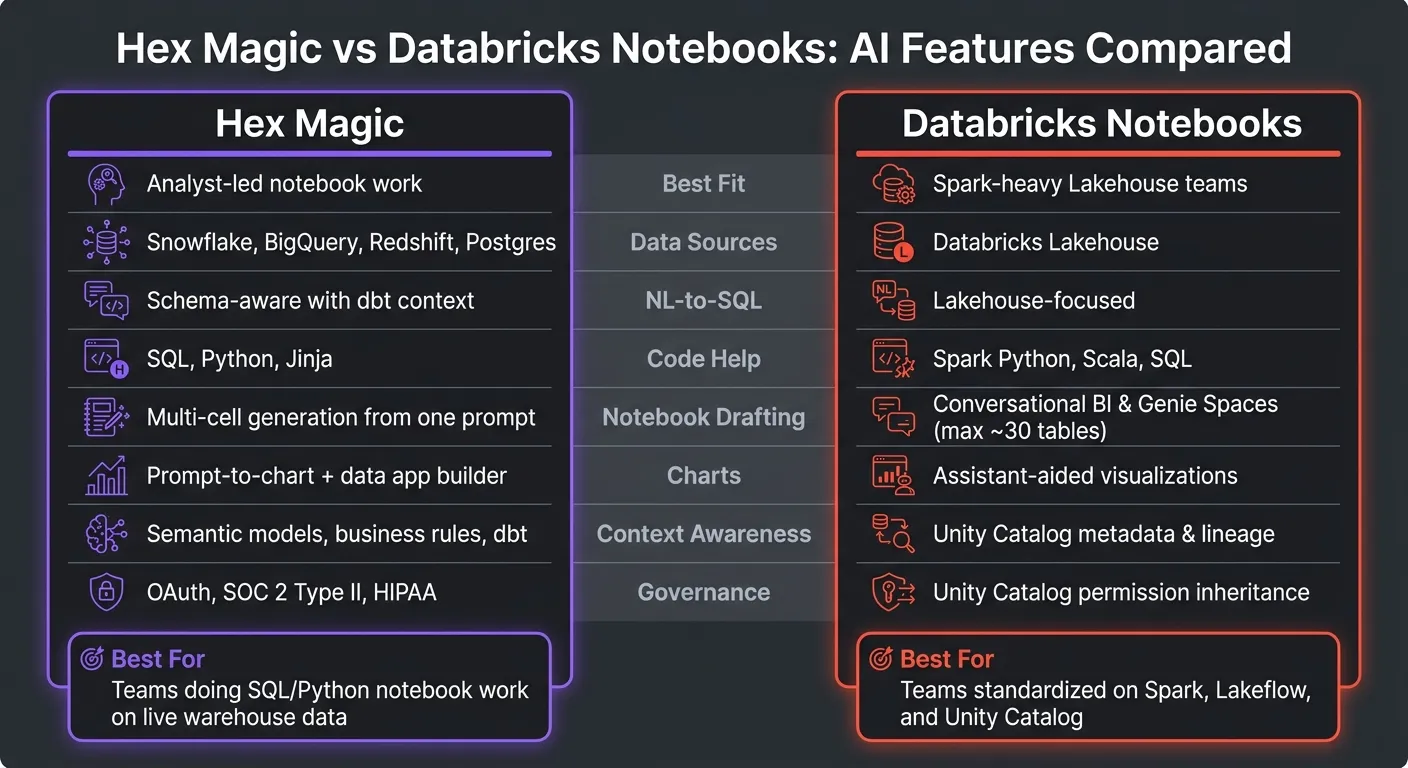 {Hex Magic vs Databricks Notebooks: AI Features Compared}
:::
{Hex Magic vs Databricks Notebooks: AI Features Compared}
:::
| Criteria | Hex Magic | Databricks Notebooks |
|---|---|---|
| Best fit | Analyst-led notebook work | Spark-heavy Lakehouse teams |
| Main data setup | Snowflake, BigQuery, Redshift, Postgres | Databricks Lakehouse |
| NL-to-SQL tools | Schema-aware, with dbt context | Lakehouse-focused |
| Code help | SQL, Python, Jinja | Spark-focused Python, Scala, SQL |
| Notebook drafting | Multi-cell notebook generation from one prompt | More centered on conversational BI |
| Charts | Prompt-to-chart plus app-style output | Assistant-led visual help |
| Context | Semantic models, business rules, dbt context | Unity Catalog metadata and lineage |
| Governance | Project controls, OAuth, SOC 2 Type II, HIPAA | Unity Catalog permission inheritance |
| Best for sharing analysis | Notebook-to-app flow for business users | Platform-controlled work inside Databricks |
My takeaway: if your team spends most of its time answering business questions in notebooks, Hex is usually the better pick. If your stack is already centered on Databricks, Databricks Notebooks are the safer fit.
That’s the full answer up front. The rest of the article breaks down how those differences show up in day-to-day work.
Hex Magic vs Databricks Notebooks: AI features compared side by side
The split below shows how this workflow gap plays out in day-to-day work: Hex is built for cross-warehouse analysis, while Databricks is built for Lakehouse-native work under Unity Catalog.
Feature matrix: SQL generation, code help, charts, automation, and governance
Read the matrix from left to right. Each row shows how the same analytics job works in a warehouse-first setup versus a Lakehouse-first setup.
| Feature Area | Hex Magic | Databricks Notebooks | Practical Takeaway |
|---|---|---|---|
| NL-to-SQL | SQL generation with schema awareness and dbt context [1]. | Natural-language SQL in the Lakehouse [2]. | Hex fits cross-warehouse analysis; Databricks fits Lakehouse-native data. |
| Code generation | SQL, Python, and Jinja assistance across the notebook [1]. | Spark-oriented Python, Scala, and SQL help [2]. | Databricks is stronger for Spark-heavy engineering work. |
| Notebook agents | Multi-cell notebook drafts from one prompt [1]. | best conversational ai analytics tools like Genie Spaces [2]. | Hex is better for drafting complex, multi-cell analytical narratives. |
| Chart suggestions | Prompt-to-chart with an interactive data app builder [1]. | Assistant-aided visualizations [2]. | Hex makes it easier to turn analysis into a stakeholder-ready app. |
| Context awareness | Curated semantic models, business rules, and dbt context [1]. | Unity Catalog metadata and lineage [2]. | Hex gives analysts explicit control over business context; Databricks inherits it from Unity Catalog. |
| Governance | Project controls plus database OAuth connections, SOC 2 Type II, and HIPAA [1]. | Unity Catalog permissions inherit automatically [2]. | Databricks is stronger for centralized governance inside the Lakehouse. |
Databricks Genie Spaces top out at about 30 tables, which can slow broader exploratory analysis [2].
These gaps show up most clearly when an analyst moves from a prompt to a notebook, and then from a notebook to a result that can be reviewed and governed.
Where Hex Magic is stronger
Hex's Notebook Agent can write SQL, generate Python, build charts, and chain multi-step analysis in one notebook [1]. If your team works in Snowflake, BigQuery, Redshift, or Postgres, that cuts down the manual setup between asking a plain-English question to a conversational AI data analyst chatbot and getting a structured notebook. The flow is more direct: question to SQL or Python notebook, then chart, then a reviewable artifact.
Context Studio adds semantic models, business rules, and dbt context, so the AI follows business definitions instead of just matching table names. Git-based branching and pull requests also make review easier before a notebook is shared [1].
Where Databricks Notebooks are stronger
For teams already standardized on Databricks, the main edge isn't just the AI output. It's output that stays permission-aware. Databricks works best when the team already lives in the Lakehouse and needs AI that follows Unity Catalog permissions automatically [2].
It also fits Spark-heavy Python, Scala, and SQL workflows better, especially for data engineering teams [2].
How the AI experience plays out in real analytics work
Exploring warehouse data from a plain-English question
Say your VP of Sales asks: "Show monthly pipeline conversion by segment and explain the drop since July 1, 2026." In Hex, the Notebook Agent reads your Snowflake, BigQuery, Redshift, or Postgres schema, figures out which tables matter, suggests the joins, and drafts the SQL from that business question. Databricks can handle the same ask too, but it works best when the data already sits in the Lakehouse and Unity Catalog controls permissions. That same context then flows into the first draft of the analysis notebook.
Building an analysis notebook faster with AI
Hex's Notebook Agent can draft SQL and Python cells from a natural-language prompt, which helps analysts get from a business question to a working notebook with less manual setup. Reactive notebooks also update downstream cells on their own when upstream logic changes. So if you change a filter or tweak a calculation, you don't have to rebuild the whole notebook from scratch.
Once that first draft is ready, the next big difference comes down to review and control.
Sharing, reviewing, and controlling AI-generated work
This is where the two workflows split the most. Both tools keep generated SQL and Python visible for inspection, which matters a lot when teams want to check what the AI actually did.
Hex adds Git-based branching and pull requests, so analysts can review AI-generated changes before anything goes live. Context Studio also gives data teams a way to curate endorsed tables and business rules, which helps keep the AI lined up with trusted definitions. Databricks takes a different route and leans on Unity Catalog permissions, which handle access at the platform level automatically.
Which tool fits which team
After the feature matrix, the last step is simple: match each tool to the team that’ll use it every day.
Choose Hex Magic for analyst-led SQL and Python notebook work
Choose Hex when analysts need to move from SQL work to Python analysis in the same notebook. It works best for teams that already spend their time in SQL and Python notebooks and connect to Snowflake, BigQuery, Redshift, or Postgres.
If your team often turns ad hoc analysis into repeatable notebooks and lightweight apps, that continuity is the big draw. Analysts can go from prompt to notebook to stakeholder-ready output without bouncing between tools.
Choose Databricks Notebooks for Spark, Lakeflow, and Unity Catalog-centered teams
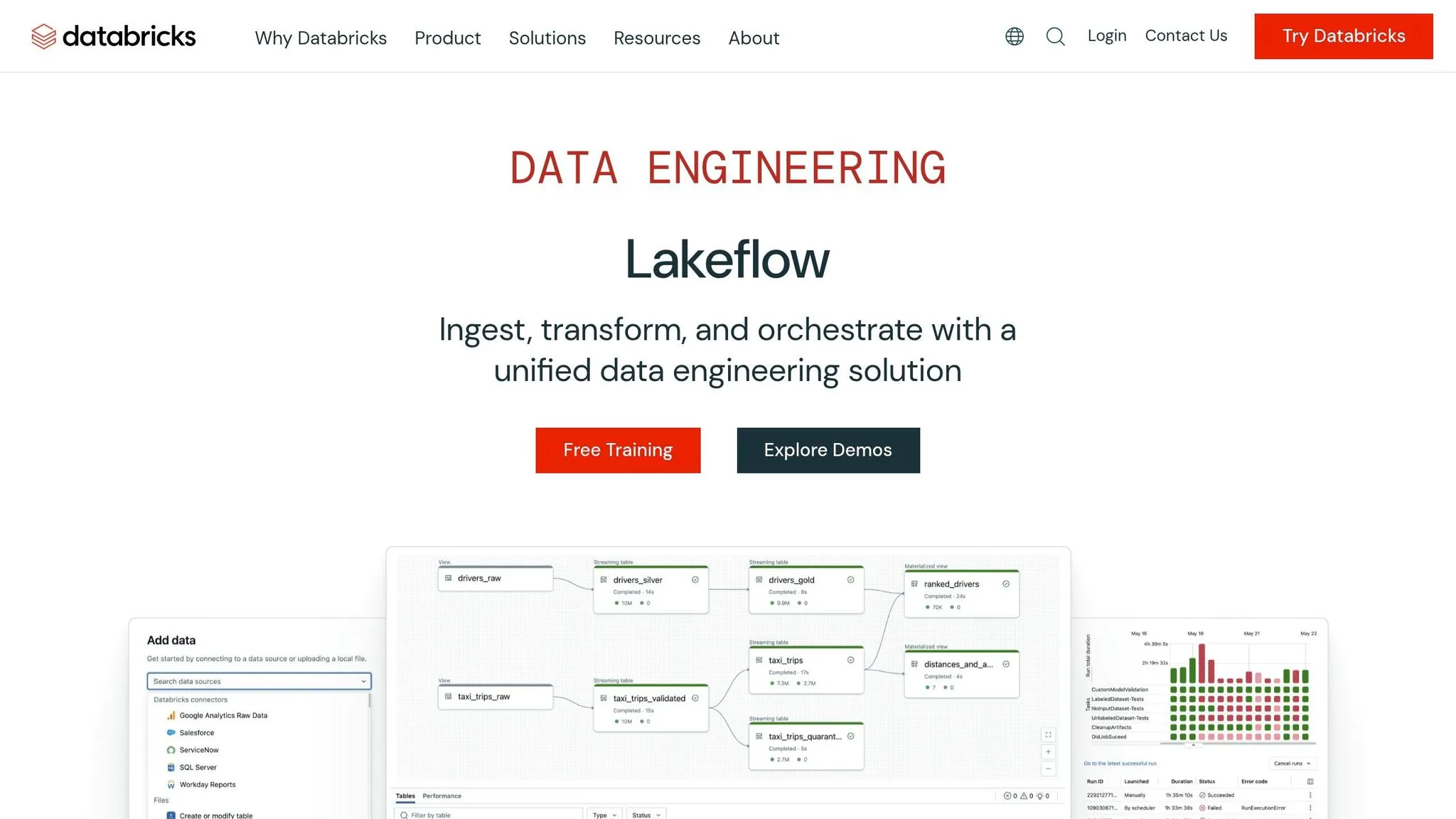
Choose Databricks when Spark, Lakeflow, and Unity Catalog already shape how your team works. It makes the most sense for teams that are already standardized on Databricks, where keeping AI analysis inside Databricks helps preserve current governance and day-to-day workflow.
For teams governed through Unity Catalog, the upside is less about shiny new AI add-ons and more about keeping everything inside the same control plane. If your team already lives in Databricks, that native fit matters more than standalone AI features.
Where Querio fits for governed self-serve on live warehouse data
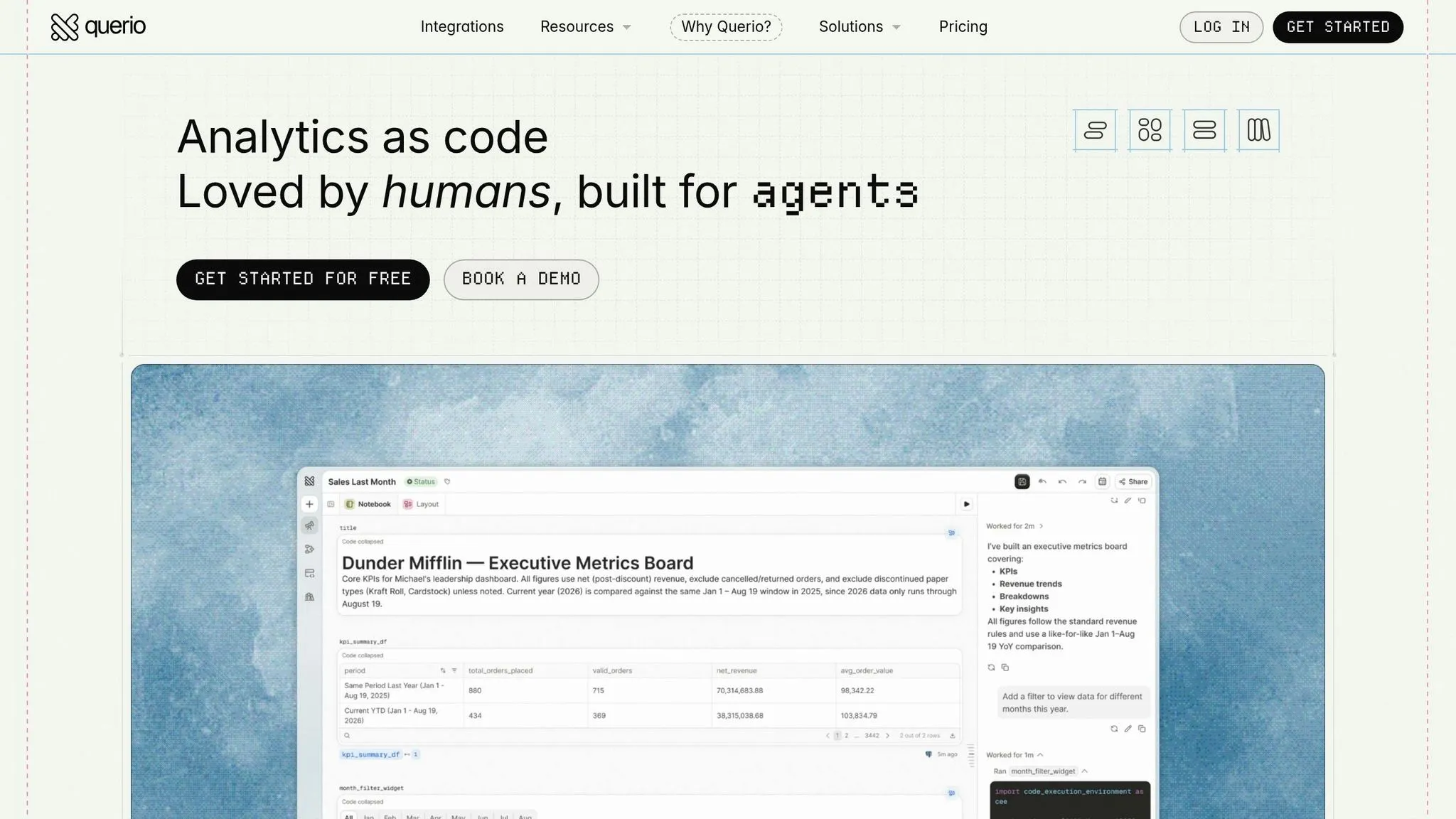
Querio fits teams that want governed self-serve on live warehouse data, with inspectable SQL and Python, reactive notebooks, and a semantic context layer that keeps metrics consistent.
Conclusion: How to pick the right tool for AI-assisted analytics
After comparing features side by side, the decision mostly comes down to workflow and governance.
Pick Hex Magic if your team is analyst-led and works in SQL and Python notebooks on live Snowflake, BigQuery, Redshift, or Postgres data. Pick Databricks Notebooks if your team runs on Spark, Lakeflow, and Lakehouse workflows inside Databricks, with governance through Unity Catalog.
Put simply, if your team does most of its work in SQL and Python notebooks connected to live Snowflake, BigQuery, Redshift, or Postgres data, Hex Magic is the stronger fit.
If your team is already standardized on Databricks and builds around Spark, Lakeflow, and Lakehouse workflows, Databricks Notebooks is the better fit.
For teams that want governed self-serve analytics instead of a notebook-first setup, the answer changes. If neither notebook-first workflow makes sense for your use case, Querio is the better match for governed self-serve analytics on live warehouse data.
FAQs
::: faq
How should I choose between analyst flow and governance?
Choose analyst flow when your team needs fast, notebook-led work with SQL and Python in one place. In this setup, control tends to live in the workflow itself: versioning, review, and endorsed outputs that analysts can trust and build on.
Choose governance when the bigger need is consistency across the business. It fits teams that want business-approved definitions for both technical and non-technical users who query live warehouse data in plain English, with standard joins, metrics, and role-based controls that support auditable, consistent AI answers. :::
::: faq
Can both tools support mixed SQL and Python work?
Yes. Both Hex and Databricks Notebooks let you use SQL and Python in the same notebook.
Hex puts this front and center for a collaborative analyst workflow. Databricks offers the same kind of mixed-language work inside a broader, engineering-focused platform that also supports R and Scala. :::
::: faq
What limits broader analysis in Databricks Genie Spaces?
Broader analysis in Databricks AI/BI Genie Spaces is mostly capped by a practical limit of about 30 tables per space. To keep performance solid and results accurate, teams usually scope each Genie Space to one domain.
Genie also leans on Unity Catalog metadata instead of a dedicated semantic layer. That setup can make things harder when users need cross-model joins, multi-step metrics, or clear handling of business terms that mean different things in different contexts. :::