Business Intelligence
Best 6 Tools for Conversational AI Analytics in 2025
Explore the top conversational AI analytics tools of 2025 that transform data interaction and decision-making for businesses of all sizes.

- Querio: Translates natural-language queries into SQL, connects to live data warehouses, and offers dashboards. No per-seat pricing: unlimited users on every plan. Querio has a free plan, and Core is $2,499 a month.
- DataGPT: Acts as a conversational AI data analyst with fast query processing and advanced visualizations. Tiered pricing based on usage.
- BlazeSQL: Converts plain English into SQL, integrates with major databases, and creates real-time dashboards. Pricing starts at $39/month.
- Tellius: Combines conversational querying with predictive analytics, ideal for large-scale enterprise needs. Custom pricing available.
- Polymer: Focuses on ease of use with natural-language search and auto-visualization. Pricing starts at $20/month.
- Narrative BI: Delivers automated narrative reports and predictive insights for decision-makers. Custom pricing tailored for enterprises.
Quick Comparison
| Tool | Key Features | Data Sources | Starting Price | Ideal For |
|---|---|---|---|---|
| Querio | Natural language querying, dashboards | Snowflake, BigQuery, Postgres | Free plan; Core $2,499/mo | Business intelligence |
| DataGPT | Fast insights, advanced visuals | MySQL, PostgreSQL, MongoDB, Oracle | Usage-based pricing | Quick, detailed analysis |
| BlazeSQL | English-to-SQL, real-time dashboards | Snowflake, MySQL, BigQuery | $39/month | Small to mid-sized teams |
| Tellius | Predictive analytics, conversational | Snowflake, Redshift, BigQuery | Custom pricing | Enterprise-scale analytics |
| Polymer | Natural-language search, auto-visuals | CSV, Google Sheets, cloud databases | $20/month | Small businesses |
| Narrative BI | Automated summaries, predictive tools | Various (custom integration) | Custom pricing | Executive decision-making |
These tools are transforming how businesses interact with data, enabling faster and more informed decisions. Choose based on your team's technical needs, data infrastructure, and budget, or compare the best text-to-SQL query tools for more options.
I Tested 53 AI Tools for Data Analysis - THESE 5 ARE THE BEST!
::: @iframe https://www.youtube.com/embed/RYTjU_x6fAQ :::
1. Querio
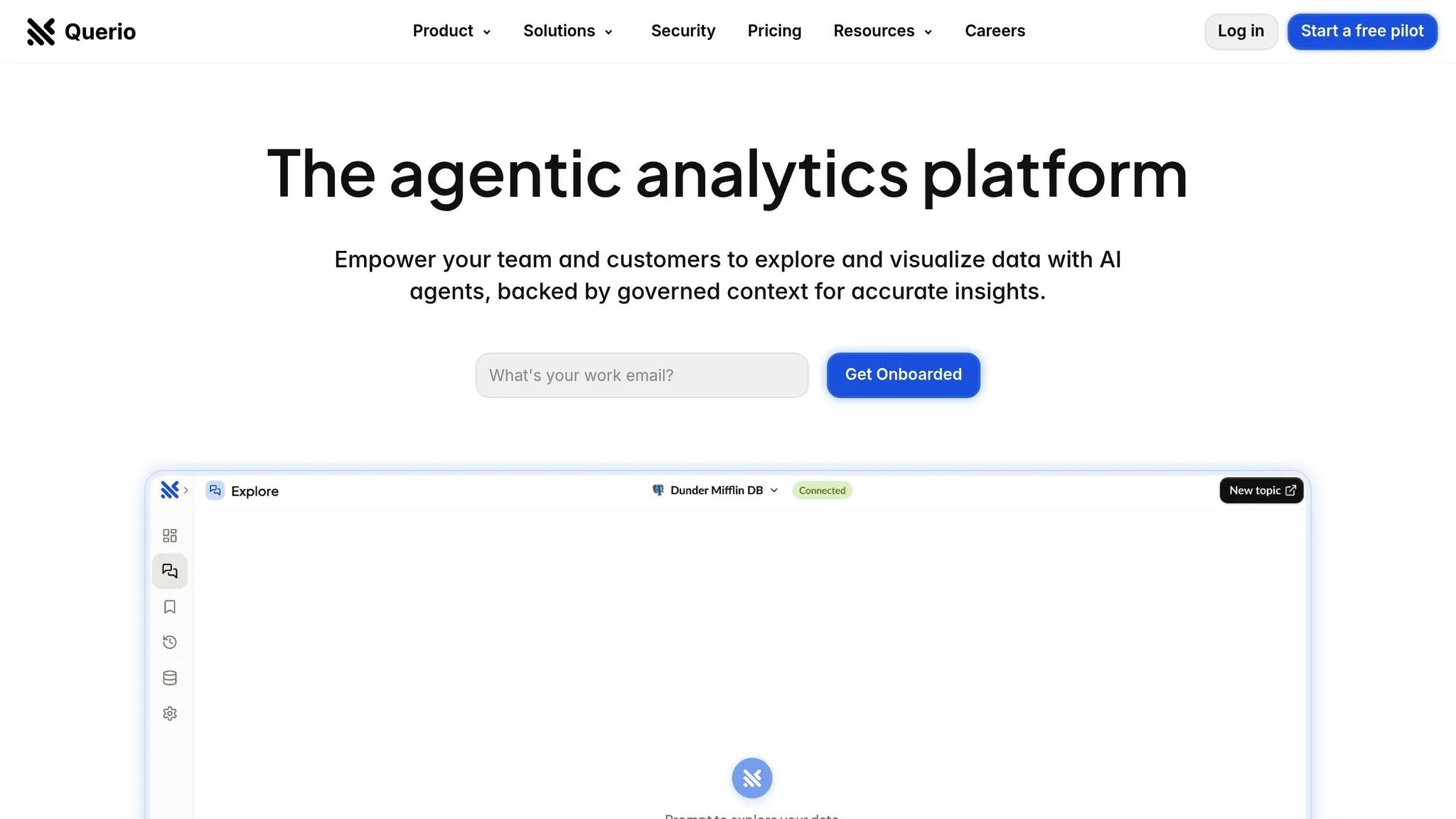
Querio is an AI-powered workspace designed to revolutionize data analysis. Tailored for today’s fast-paced business landscape, it allows everyone - from product managers to finance teams - to interact directly with live warehouse data and gain clear, actionable insights in seconds. This streamlined approach makes it easier than ever to turn raw data into meaningful decisions.
Natural-Language Querying
Querio makes data accessible to everyone by translating simple, natural-language questions into SQL queries. For example, users can ask, "What was our customer acquisition cost last month?" or "Which product categories are trending upward?" without needing technical expertise. The AI engine processes these queries in real time, delivering quick, precise answers. Plus, every plan includes monthly AI credits, you see usage as it happens, and admins can set a spending cap, so teams of all sizes can keep costs in check.
Seamless Integration with Data Warehouses
Querio connects directly to popular platforms like Snowflake, BigQuery, and Postgres, ensuring real-time access to live data without the need for duplication. Using read-only, encrypted credentials, it prioritizes security while seamlessly integrating with existing data infrastructure. Querio’s context layer lets data teams define joins, business metrics, and glossary terms just once - ensuring consistent interpretations and reducing redundancy across the organization.
Dashboards and Visualizations
Querio automatically converts query results into visual insights, offering charts and graphs that are ready to use. With its drag-and-drop dashboard feature, teams can build KPI trackers or storytelling dashboards that update automatically as the underlying data changes. Organizations can share these dashboards widely with no per-seat pricing (unlimited users on every plan). Additionally, Querio supports embedded analytics, allowing conversational AI to be integrated directly into existing applications. This means users can access insights right within their usual workflows, making data-driven decisions even more convenient.
2. DataGPT
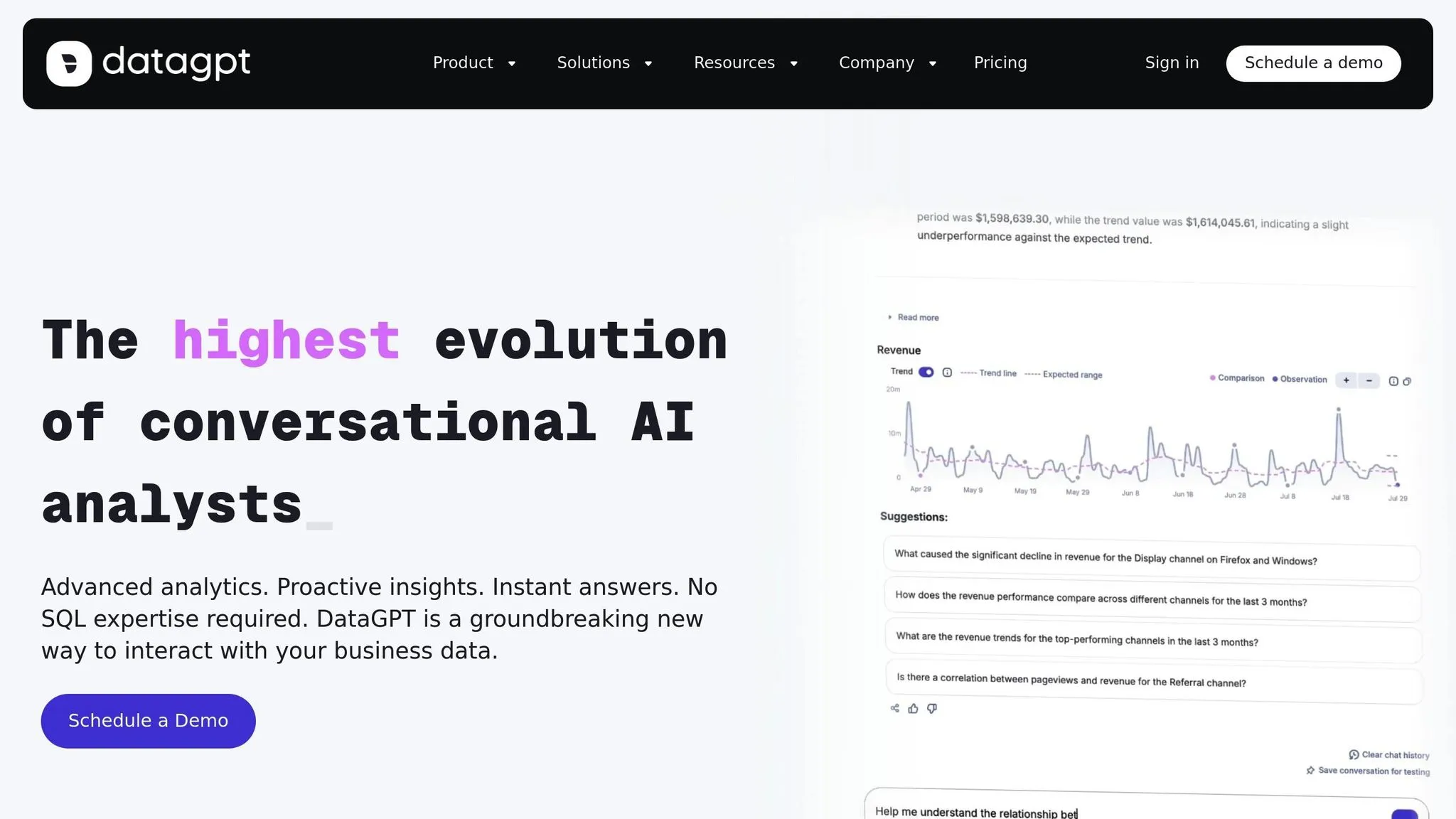
DataGPT is redefining how businesses interact with their data by acting as a conversational AI data analyst chatbot. For teams that need quick insights from complex data sources, this platform removes traditional hurdles in business intelligence. The result? Sophisticated data analysis becomes easy to access, no matter your technical expertise.
Natural-Language Querying
With DataGPT, you can ask data-related questions in plain English and get detailed answers, complete with integrated visuals. There's no need to know SQL or deal with complicated query-building. The AI engine understands your business context and translates everyday language into actionable insights.
An AI onboarding agent connects directly to your data sources and even recommends key metrics and dimensions [1]. This means your team can start analyzing data within minutes, extracting insights almost instantly.
Integration with Data Warehouses
DataGPT works seamlessly with major databases like MySQL, PostgreSQL, MongoDB, SQL Server, and Oracle [1][2]. This compatibility allows businesses to use their existing data systems without the hassle of expensive migrations or complicated adjustments.
Its Lightning Cache technology processes millions of data points in seconds, delivering answers up to 100 times faster while cutting costs by as much as 15 times [1]. For companies handling large datasets, this speed and efficiency mean quicker decisions and lower operational costs.
Dashboard Generation and Visualization
The Data Navigator feature makes exploring and analyzing data effortless. With just a few clicks, teams can dive into key metrics and uncover insights [1]. But it doesn’t stop at surface-level reporting - DataGPT helps you understand not only what happened but also why it happened, enabling smarter strategic decisions.
The platform takes raw data and automatically generates queries and charts [2]. No more manual chart-building or complex configurations. Its Core Analytics Engine goes further, performing advanced analyses like anomaly detection, outlier identification, and funnel analytics to ensure precise and meaningful results [1]. This level of detail helps businesses uncover trends and issues that might go unnoticed with traditional reporting tools.
DataGPT offers tiered pricing based on usage [1][2], making it a flexible option for businesses of all sizes. As your data needs grow, the platform scales with you, ensuring you always have the analytics power you need.
3. BlazeSQL
BlazeSQL changes how businesses interact with databases by breaking down technical barriers and offering instant access to insights. It empowers everyone in the organization - even those without technical expertise - to perform advanced data analysis.
Natural-Language Querying
The standout feature of BlazeSQL is its ability to turn plain English into SQL queries[1]. Users can simply type questions in everyday language, and the platform handles the heavy lifting by converting those queries into SQL. This means product managers, marketers, sales teams, operations staff, and executives can dive into data without relying on technical teams. Instead of waiting for custom queries to be written, users can get immediate answers to their most pressing business questions.
With this intuitive querying system, BlazeSQL makes it easier than ever to integrate data and create dynamic visualizations.
Integration with Data Warehouses
BlazeSQL works effortlessly with leading SQL databases like Snowflake, MySQL, PostgreSQL, BigQuery, AWS Redshift, and Microsoft SQL Server[1][2]. This compatibility allows teams to analyze their data in minutes without the need for costly migrations or complicated setups. Whether your data lives in a cloud-based warehouse like Snowflake or an on-premises MySQL database, BlazeSQL connects quickly and efficiently.
Dashboard Generation and Visualization
Once connected to your data, BlazeSQL takes things a step further by turning raw insights into visually rich dashboards. The platform automatically generates charts and interactive dashboards from query results, updating them in real time so teams always have access to the latest insights. These dashboards can be shared across departments, cutting out delays and ensuring everyone is on the same page when making strategic decisions[1][2][3].
BlazeSQL offers flexible pricing to suit different needs: Blaze Pro at $39/month, Blaze Advanced at $99/month, Blaze Team starting at $149/month, Blaze Team Advanced at $499/month (for up to three users, with additional users at $75 each), and custom enterprise plans[1].
4. Tellius
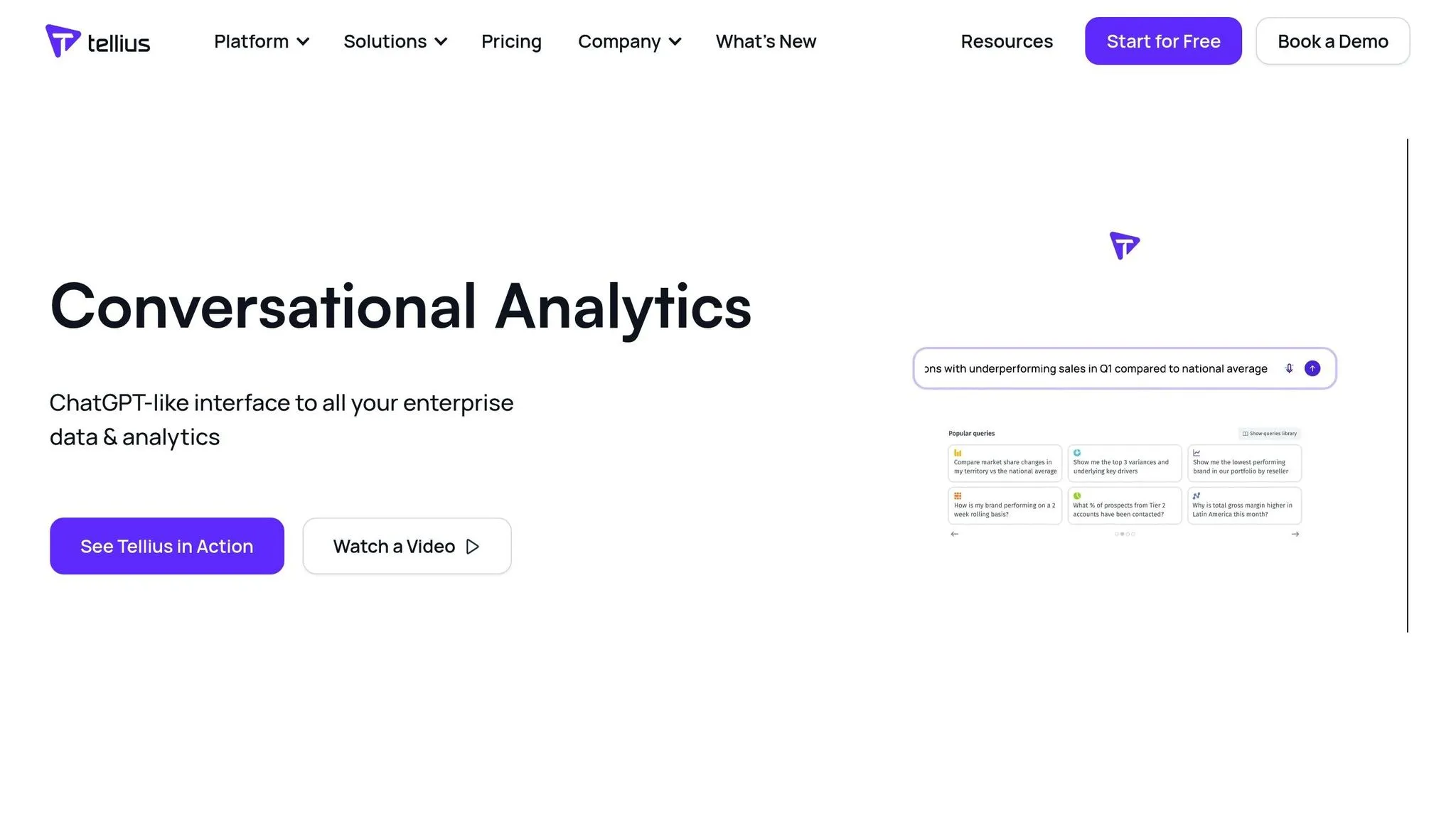
Tellius takes enterprise analytics to the next level by combining predictive insights with a user-friendly approach to data exploration. Designed for large-scale analytics, it makes complex data analysis more approachable through natural conversation, while still delivering the depth required for strategic decisions.
Natural-Language Querying
At the heart of Tellius is its conversational querying feature, which lets users ask questions in plain English and receive instant insights. This means you can simply type something like, "Show me last quarter's performance by region and highlight the top performers", and the platform will generate the results, complete with visualizations. Users can further refine their questions naturally, creating a seamless flow of interaction. This conversational approach not only simplifies data exploration but also lays the groundwork for its more advanced features. [2]
Integration with Data Warehouses
Tellius connects effortlessly with major cloud data warehouses like Snowflake, Redshift, and BigQuery. This integration allows users to run natural-language queries directly on live, structured data, providing real-time insights. By enabling faster and more intuitive analysis, it empowers non-technical business users to make data-driven decisions without needing deep technical expertise. [2]
Predictive Analytics Capabilities
In addition to its conversational interface, Tellius excels in predictive analytics. It uses essential features of modern business intelligence tools like advanced modeling to uncover trends and identify opportunities, presenting these insights through intuitive storytelling dashboards. This combination is particularly beneficial for enterprise BI teams looking to incorporate AI-driven decision-making into their processes. Positioned as both a conversational BI and predictive analytics tool, Tellius is well-suited for large teams that need advanced dashboards and automated BI capabilities. The platform offers custom pricing tailored to meet the unique needs of enterprise clients. [2][4]
sbb-itb-284a532
5. Polymer
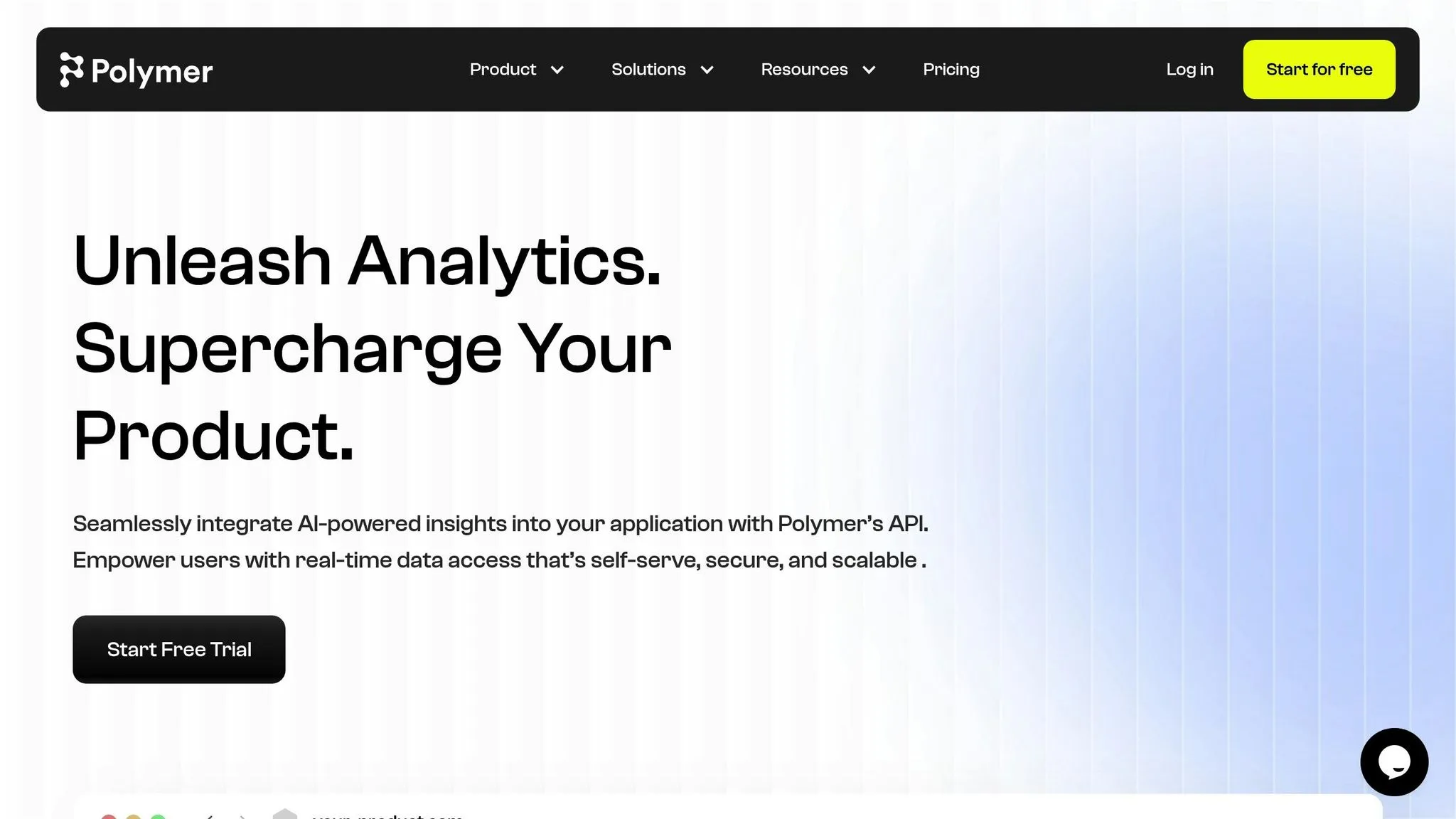
Polymer is designed to make data analysis straightforward, even for those without a technical background. It simplifies the process of creating AI-powered dashboards, allowing users to interact with their data in a conversational and intuitive way. Its standout features, like natural-language search, seamless data integration, and automatic visualization, enable quick and efficient analytics.
Natural-Language Search
With Polymer, you don’t need to master complicated query languages or database commands. Its natural-language search lets you ask questions about your data just as you would in a conversation. For example, typing something like "What were our top-selling products last month?" will yield clear and relevant insights. This feature ensures that anyone on your team can explore data effortlessly.
Integration with Data Warehouses
Polymer makes it easy to bring together data from various sources. It connects to CSV files, Google Sheets, and a range of cloud databases through its universal connector system. This means you can merge multiple datasets into comprehensive dashboards without needing help from IT, streamlining the entire process of data consolidation.
Dashboard Generation and Visualization
Creating dashboards with Polymer is a breeze, thanks to its auto-visualization feature. The platform uses AI to categorize your data and suggest the best chart types, turning raw information into interactive visuals in no time.
| Feature | Details |
|---|---|
| Supported data sources | CSV, Google Sheets, cloud databases |
| Starting price | From $20/month |
At just $20 per month [2], Polymer is an affordable solution for small and medium-sized businesses looking to make data accessible across their teams. Its self-service analytics tools empower employees in various departments to dive into data without requiring technical expertise.
6. Narrative BI
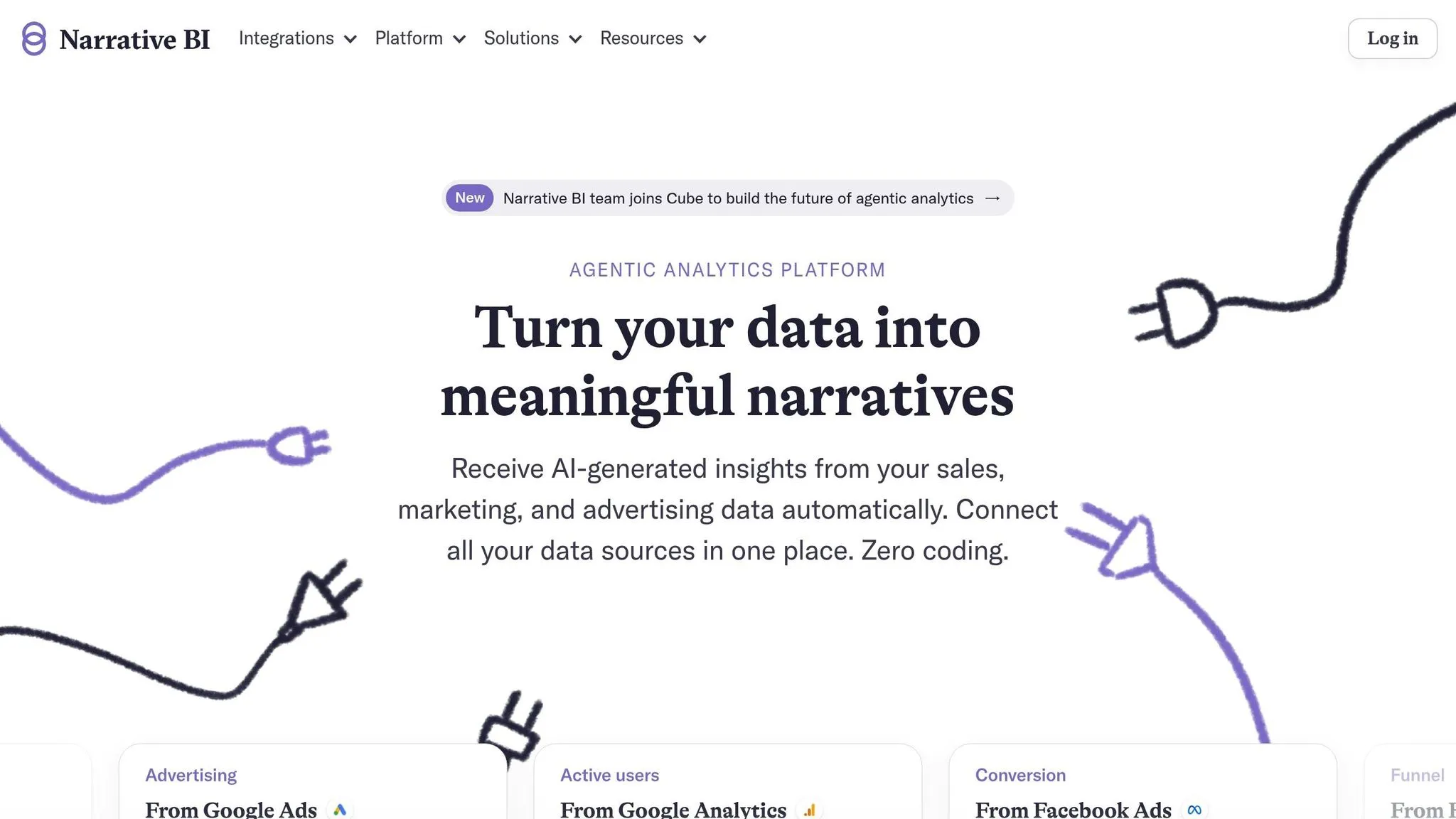
Narrative BI specializes in automated storytelling, delivering concise, actionable insights directly to executives and managers. Designed with decision-makers in mind, it provides immediate summaries of key data points without requiring users to dig through dashboards or ask specific questions. Instead, it proactively generates reports and summaries, focusing on the most critical information. This approach forms the foundation for its advanced capabilities in predictive analytics and report generation.
Predictive Analytics Capabilities
Narrative BI stands out with its ability to detect anomalies and predict trends. Its AI engine continuously monitors key performance indicators (KPIs), flagging unusual patterns early. By identifying these deviations before they escalate, it helps organizations address potential issues proactively.
Dashboard Generation and Visualization
Rather than relying on traditional interactive dashboards, Narrative BI creates narrative reports that combine visuals with AI-driven explanations. These reports simplify complex data, presenting clear summaries for executives. They don’t just outline what happened and why it matters, empowering leaders to make quick, informed decisions.
| Feature | Details |
|---|---|
| Primary users | Executives and managers |
| Key strength | Auto-generated narratives and summaries |
| Pricing | Custom pricing [2] |
With its custom pricing model, Narrative BI is tailored for enterprises that value concise, executive-ready insights over hands-on, self-service analytics.
Feature and Pricing Comparison
When you're looking at conversational AI analytics tools, it's essential to weigh features, connectivity options, and pricing. Querio has a free plan with unlimited users, unlimited data connections, dashboards and 500 AI credits a month. For those needing more functionality, Core ($2,499 per month, or $25,000 a year billed annually) adds 10,000 AI credits a month, SSO, API access and unlimited automations. Enterprise adds a custom AI credit allowance and single-tenant hosting.
Querio also supports data governance by allowing teams to create a one-time context layer. This covers joins, metrics, and glossary terms, simplifying how data is managed and understood across teams.
Querio stands out with its clear pricing, reliable connectivity, and tools for managing data effectively. Here's a quick breakdown of its main features and pricing:
| Tool | Key Features | Data Sources | Pricing (USD) | Primary Use Cases |
|---|---|---|---|---|
| Querio | • natural language querying • Live data connections • Drag-and-drop dashboards • Context layer governance |
• Snowflake • BigQuery • Postgres |
Free: $0/mo Core: $2,499/mo Enterprise: custom |
Business intelligence tools Self-service analytics tools |
Conclusion
As highlighted in the tool evaluations above, conversational AI analytics is reshaping how businesses interact with their data. Gone are the days of waiting weeks for reports - employees now get instant, accurate insights simply by asking questions in plain English.
This shift toward natural language querying breaks down barriers that once kept valuable insights out of reach for non-technical users. Teams across finance, product, and leadership can now access the information they need without diving into SQL code or wrestling with complex formulas.
When choosing the right tool for your organization, it’s essential to focus on your specific business needs. For instance, if your organization relies on platforms like Snowflake, BigQuery, or Postgres and prioritizes strong data governance, tools like Querio - offering a scalable and transparent model - might be a great fit. Key considerations should include your current data infrastructure, the technical expertise of your team, and your budget. Tools without per-seat pricing can be particularly beneficial for companies aiming to democratize data without running up costs per user. These factors collectively enable faster and smarter decision-making.
Looking ahead to 2025, businesses that succeed will be those that can transform data into actionable decisions quickly. Conversational AI analytics tools empower decision-makers to access insights instantly, helping them act on context and make informed choices.
With mature technology reducing implementation hurdles, the benefits are clear: faster decisions, less reliance on data teams for routine questions, and better strategic planning across departments. This seamless access to insights turns raw data into meaningful actions that drive success.
FAQs
::: faq
How can I choose the right conversational AI analytics tool for my business?
When selecting a conversational AI analytics tool, it's essential to match it with your specific business requirements. Begin by assessing how well the tool connects with your current systems and data sources. A good fit will integrate smoothly, ensuring you can make the most of your existing infrastructure.
Look for tools that deliver clear and actionable insights to help you make informed, data-driven decisions. Features like automation for repetitive tasks, the ability to scale as your business grows, and options for easy collaboration - like sharing insights with your team - are also worth considering. Ultimately, choose a tool that simplifies workflows and boosts efficiency, aligning with your operational goals. :::
::: faq
How does Querio stand out in offering natural-language querying compared to other tools?
Querio is built to make natural-language querying easier by offering intuitive interfaces and leveraging AI-powered insights. It helps businesses access meaningful data quickly, without the need for advanced technical skills.
What sets Querio apart is its focus on integrating effortlessly with existing systems. This allows users to tap into their data's full potential while keeping workflows uninterrupted. With its capability to deliver precise, context-aware responses, Querio stands out as an excellent option for businesses aiming to enhance decision-making with conversational AI. :::
::: faq
How do conversational AI analytics tools help non-technical teams make smarter decisions?
Conversational AI analytics tools make it possible for team members without technical expertise to make smarter, data-driven decisions. Instead of wrestling with complicated dashboards or needing to write code, users can simply ask questions in plain English. In return, they get clear insights - like charts, summaries, or key metrics - delivered in real time.
By breaking down barriers to data analysis, these tools ensure that anyone in an organization can access and understand critical information. Teams can quickly spot trends, monitor performance, and make informed choices without waiting for help from technical specialists. The result? Less time spent deciphering data and more time acting on it. :::