Business Intelligence
AI Powered Analytics Platforms Compared
Compare four AI analytics platforms on accuracy, governance, deployment, and data integrations to find the right solution.

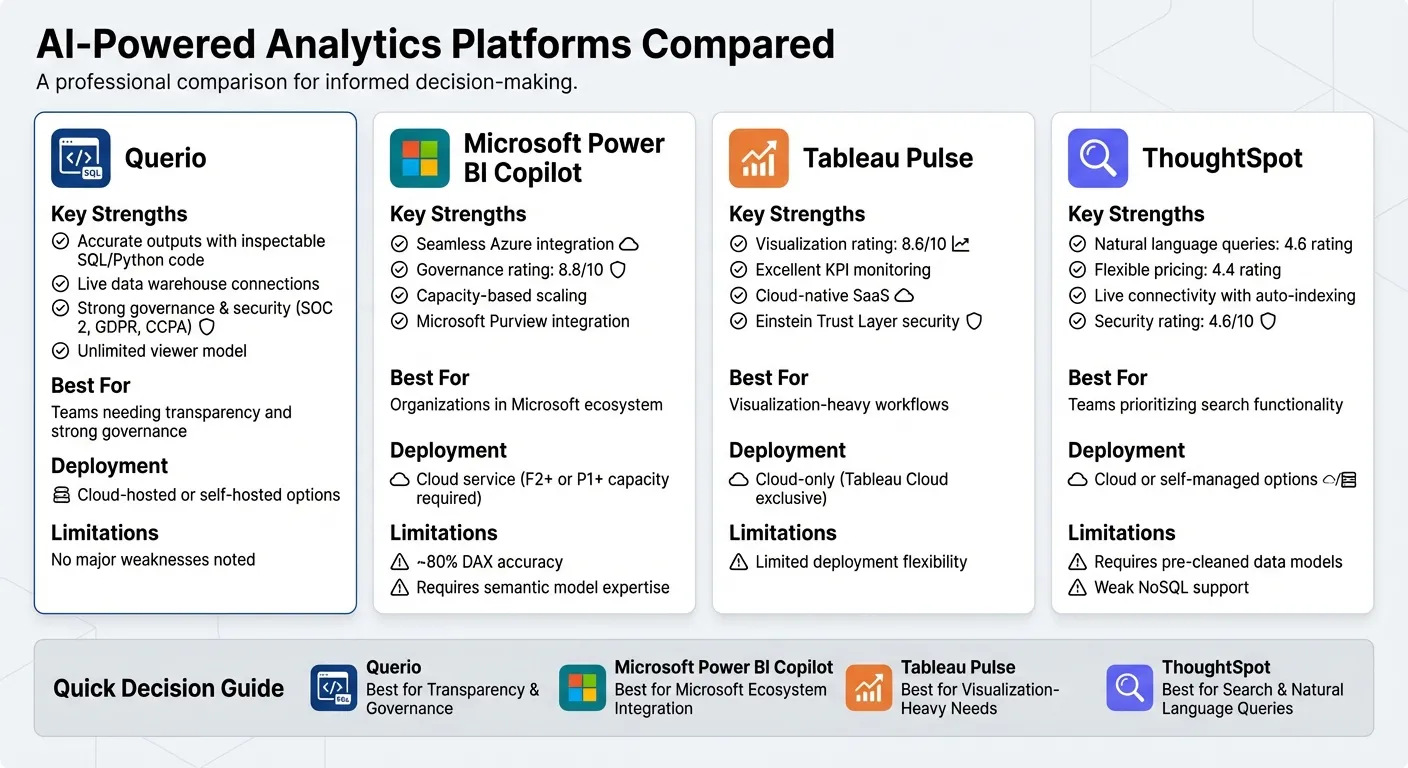
AI-powered analytics tools are transforming how businesses handle data. These platforms automate workflows, enable natural language queries, and simplify complex data tasks. But which one is best for your needs? Here's a quick overview of four major platforms:
- Querio: Focuses on accuracy and transparency, converting natural language queries into SQL/Python code. Ideal for teams needing inspectable outputs and strong governance.
- Microsoft Power BI Copilot: Seamlessly integrates with Microsoft tools but relies heavily on well-prepared data. Best for organizations already using Microsoft's ecosystem.
- Tableau Pulse: Excels in KPI monitoring and visualization but is limited to cloud-based deployment.
- ThoughtSpot: Offers robust natural language search but emphasizes pre-cleaned data models.
Quick Comparison
| Platform | Strengths | Limitations |
|---|---|---|
| Querio | Accurate outputs, live data connections, strong governance | No major weaknesses noted |
| Power BI Copilot | Integrates with Azure, strong governance | Requires semantic model expertise |
| Tableau Pulse | Great for KPI tracking, visualization | Cloud-only deployment |
| ThoughtSpot | Flexible pricing, strong search | Relies on clean data models |
If you need precise, secure, and scalable analytics, Querio stands out as a reliable choice. For businesses already in the Microsoft ecosystem, Power BI Copilot is a natural fit. Tableau Pulse is great for visualization-heavy workflows, while ThoughtSpot is perfect for teams prioritizing search functionality over deep customization.
1. Querio
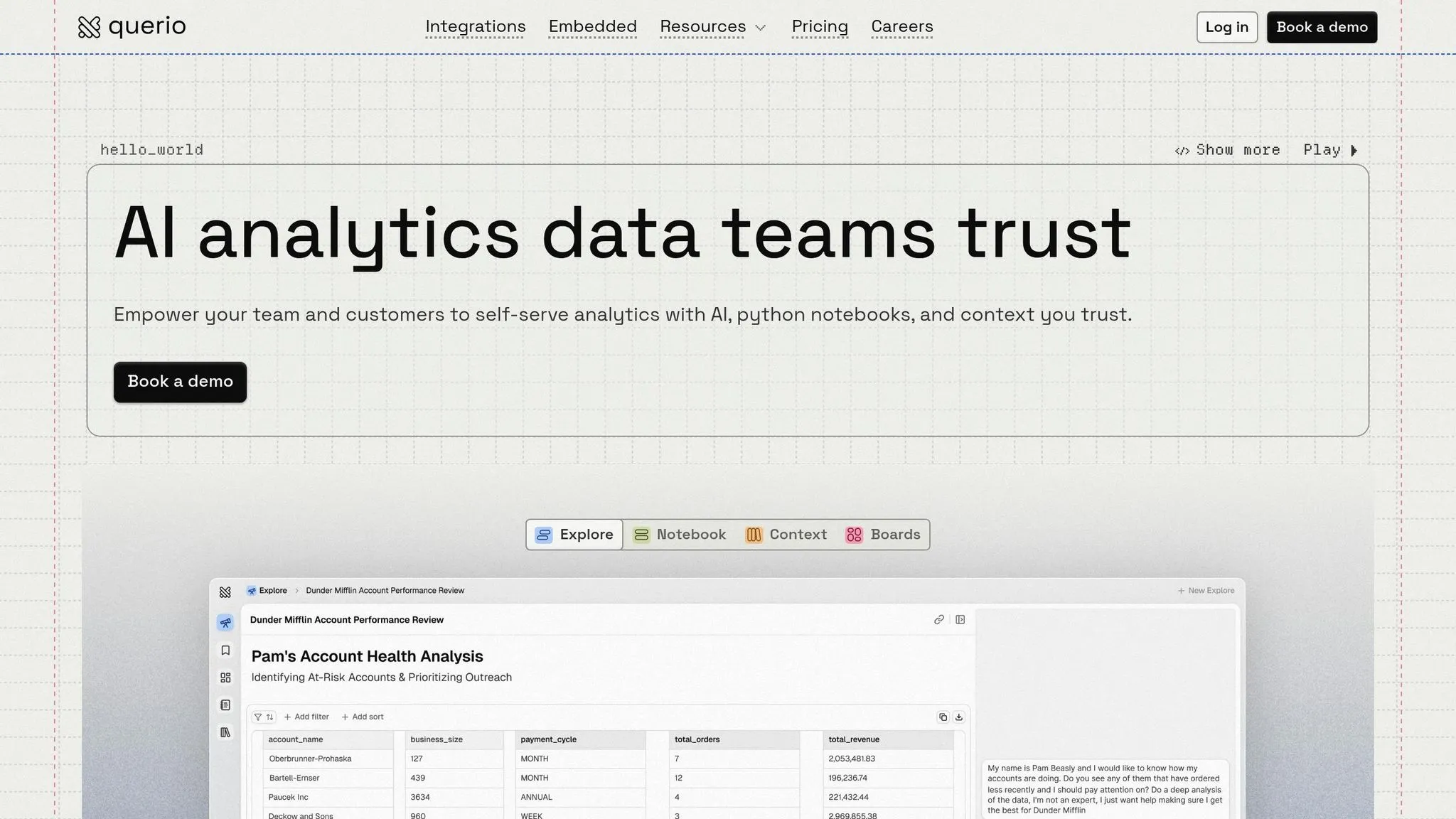
Querio takes a code-first approach, transforming natural language queries into verifiable SQL and Python code that runs directly on your data warehouse. What makes it stand out? Every answer comes with the underlying code, giving data teams the ability to inspect, validate, and fine-tune queries instead of blindly trusting the results.
AI Query Accuracy
Querio supports multi-turn conversations, letting users refine their analysis with follow-up questions while keeping the context intact. For example, you can ask about monthly revenue trends and then follow up with "show me the top three regions." Querio seamlessly connects the dots between these queries.
This is made possible by its semantic context layer, where data teams define table relationships, metrics like MRR (Monthly Recurring Revenue) and churn, and glossary terms in advance. This shared logic ensures consistent answers, whether the question comes from someone in sales or marketing.
Warehouse Support
Querio integrates smoothly with major data warehouses, including Google BigQuery, Snowflake, Amazon Redshift, ClickHouse, and PostgreSQL. It uses read-only encrypted credentials, ensuring your data remains secure and stays in its original location. Queries are executed directly on the warehouse, taking advantage of its built-in performance and security features - no need for data duplication or ETL pipelines.
Governance Features
Querio adheres to strict compliance standards, meeting SOC 2 Type II, CCPA, and GDPR requirements. With features like row-level security, a 99.9% uptime SLA, and role-based access controls, it ensures that only authorized users can access data while preventing accidental changes.
Deployment Options
To address varying security and regulatory needs, Querio offers flexible deployment methods. Organizations can opt for a cloud-hosted solution or a self-hosted Code Execution Environment to keep all data on-premises. This flexibility makes it easier to align with specific security policies and compliance requirements.
2. Microsoft Power BI Copilot
Microsoft Power BI Copilot introduces natural language querying to the Power BI platform, making it easier to interact with data. However, its effectiveness hinges on how well the data is prepared. Since Copilot uses a generative approach, its results can vary. This non-deterministic behavior means you might get different answers to the same question unless the responses are cached [3].
AI Query Accuracy
Copilot builds its answers using metadata like semantic model schemas, report visuals, and DAX formulas. Its accuracy, however, depends heavily on having well-structured and "AI-ready" data. If the data lacks proper organization or defined synonyms, the results might turn out vague or even misleading [3][4][5][7]. Microsoft's documentation highlights an important limitation: "Copilot has no understanding of 'accuracy' or 'truthfulness'... The underlying technology involves pattern recognition and is unable to evaluate the quality or usefulness of its outputs" [3]. To ensure reliability, Copilot runs generated DAX code through a parser to catch syntax errors before executing queries [7].
"Properly structured, clean data is essential for reliable AI outcomes." - Patrick LeBlanc, Principal Program Manager at Microsoft [2]
Organizations can improve how Copilot interprets queries by defining column descriptions and synonyms specific to their needs [6]. This step is crucial for enhancing the system's understanding of unique terminology.
Warehouse Support
Once data is properly prepared, Copilot depends on strong data integration to deliver accurate results. It connects seamlessly with Microsoft Fabric Warehouse, SQL analytics endpoints, and SQL databases within Fabric [8][11]. Additionally, it supports Real-Time Intelligence using KQL querysets and dashboards [11]. The platform uses OneLake as a unified data lake, enabling Direct Lake mode, which eliminates the need for traditional importing or caching [9][10]. While Power BI Desktop supports over 100 data sources [9][10], Copilot's AI features perform best within Microsoft's ecosystem.
Governance Features
Copilot integrates with Microsoft Purview, offering tools for auditing, data classification, and eDiscovery [13]. All AI interactions are logged in a unified audit trail to support compliance [13]. The system enforces existing Row-Level Security (RLS) and workspace permissions, ensuring users only access data they are authorized to view [12][3]. Additionally, Microsoft does not use customer prompts or outputs to train its models [12][3], and automated filters screen responses for unethical content [12][3]. Administrators also have control over whether Copilot processes data across different geographic regions [12][14].
These governance features ensure secure and compliant use of Copilot while maintaining flexibility in deployment.
Deployment Options
To use Copilot, you need a paid Fabric capacity of F2 or higher, or Power BI Premium capacity of P1 or higher [4][5]. It operates as a cloud service, primarily hosted in datacenters located in the US and France. If usage is required in other regions, administrator approval is necessary [8][11]. Billing is based on token consumption, measured in Capacity Units [3][4]. Currently, English is the only officially supported language [4][6].
3. Tableau Pulse
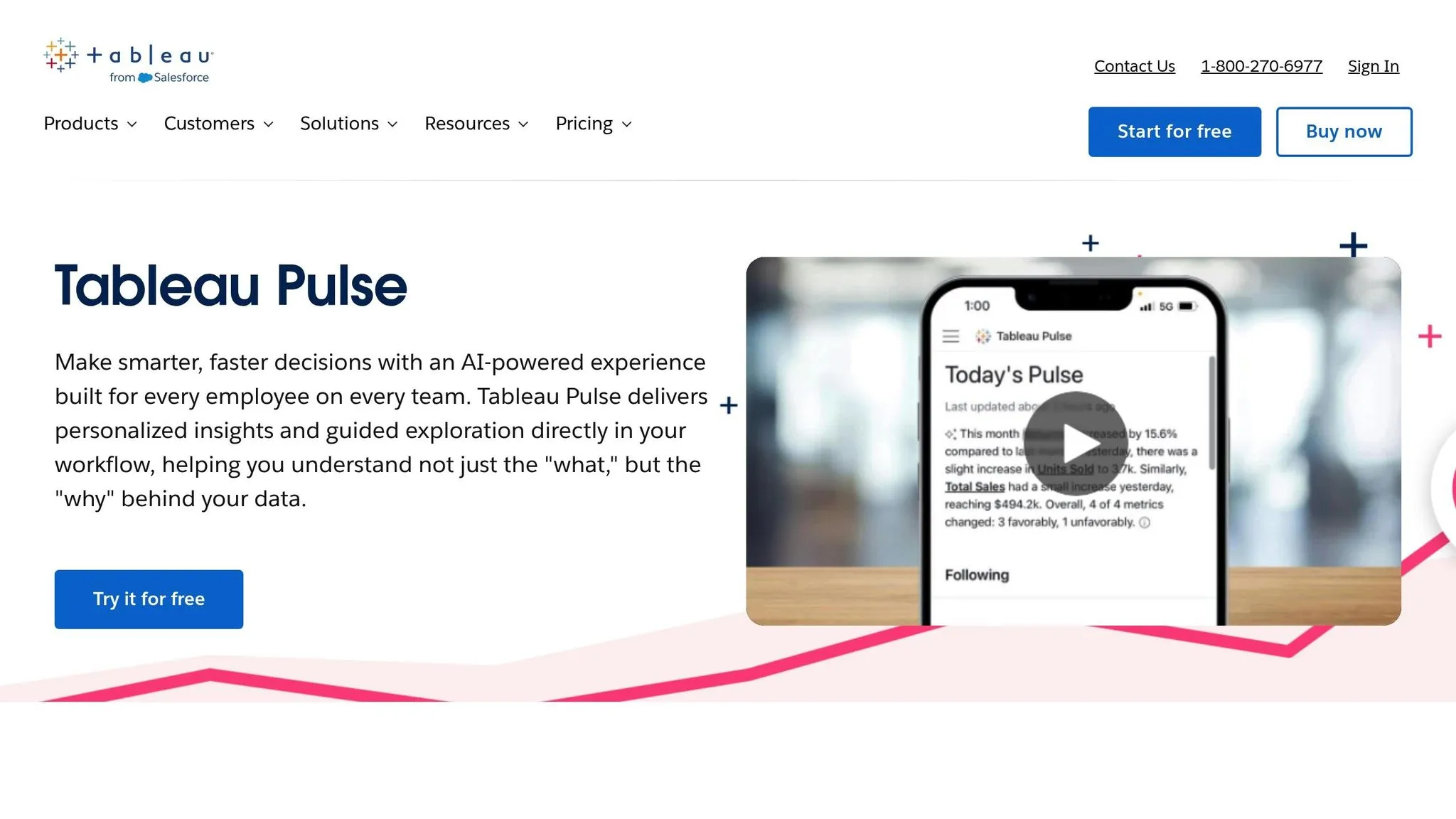
Tableau Pulse organizes insights using a single Metrics Layer, where analysts define KPIs once for a trusted data source [15]. This approach avoids the inconsistencies that can arise from raw natural language queries. Instead of depending solely on large language models for calculations, Pulse uses a statistical service to identify trends, outliers, and drivers automatically. Generative AI then translates these statistically validated findings into plain language summaries [15]. Below, we explore Tableau Pulse's query accuracy, data integrations, security features, and deployment options.
AI Query Accuracy
Tableau Pulse delivers answers grounded in strong data foundations and clear business logic. Starting in early 2025, Tableau introduced enhanced semantic matching to improve how the platform interprets business-specific terms [16]. The Enhanced Q&A feature, launched with version 2025.1, scans grouped metrics to surface relevant visualizations and suggest follow-up questions, reducing the risk of misinterpretation [16]. With a "Medium" conversational depth, the platform prioritizes proactive insights over deep, exploratory queries [18].
Warehouse Support
The platform integrates seamlessly with major spreadsheets, databases, and cloud warehouses [17][18]. Being part of the Salesforce ecosystem, Tableau Pulse also utilizes Salesforce data combined with Einstein AI to provide richer insights [20]. The Private Connect feature ensures secure connections between AWS data and Tableau Cloud, eliminating public exposure risks [21].
Governance Features
Tableau Pulse's AI capabilities operate within the Einstein Trust Layer, which enforces critical security and privacy measures. Importantly, customer data is not used to train global models [15][16]. Administrators must enable Tableau Pulse manually and can restrict access to specific user groups. The Metrics Layer ensures teams work with consistent, trusted data, while administrators can track adoption by monitoring metrics creation, user engagement, and data source usage [15][22].
Deployment Options
Tableau Pulse is exclusive to Tableau Cloud users [15][21], with AI features turned off by default until activated by an administrator [16]. Pricing varies based on the license type: viewer licenses are approximately $15 per user per month, standard (creator) licenses are about $75 per user per month, and enterprise licenses cost around $115 per user per month when billed annually [17][19]. For organizations seeking enhanced AI features, the Tableau+ bundle is available, with pricing provided upon request [19].
4. ThoughtSpot
ThoughtSpot takes a structured search approach to AI-powered analytics, offering a system that enhances natural language queries with traditional search logic. This blend allows users to navigate complex datasets more effectively. Pricing is determined by user fees, consumption-based costs, and customized enterprise agreements [23].
AI Query Accuracy
ThoughtSpot shines in its natural language query capabilities, earning a 4.6 rating, and scores 4.4 for automated insights. Its ability to translate business terminology into SQL queries is a standout feature, particularly when users follow its structured search format. This precision is complemented by its seamless integration with live connectivity features.
Warehouse Support
With its "Embrace" live connectivity solution, ThoughtSpot simplifies workflows by automatically identifying unindexed columns and applying auto-indexing [23]. This reduces the need for manual optimization while boosting query performance across connected data sources. Although ThoughtSpot supports major cloud data warehouses and databases, some competitors excel in offering stronger native support for NoSQL and API sources without relying on ETL processes [23].
Governance Features
ThoughtSpot delivers strong security and governance tools, featuring granular access controls at the row, column, and object levels. These controls allow administrators to manage data flow effectively across the organization. The platform also inherits passthrough security and certified master data assets directly from cloud data warehouses, ensuring data integrity without duplication [23]. Comprehensive audit logs provide visibility into calculations, tables, columns, and queries. With a 4.6 security rating and a 4.4 governance rating, ThoughtSpot is well-suited for organizations with compliance needs [23].
Deployment Options
ThoughtSpot stands out with its range of deployment options. It supports user-based, consumption-based, and license-based pricing models, earning a 4.4 rating for pricing flexibility, which is higher than Power BI's 4.2 and Tableau's 3.7 [23]. Organizations can choose between cloud-hosted or self-managed setups, with pricing tailored to user count, data volume, and feature requirements. This flexibility positions ThoughtSpot as a versatile choice for different organizational needs, setting the stage for further analysis of its pros and cons in the next section.
Advantages and Limitations
Querio stands out in the analytics landscape with its exceptional semantic layer, live connections to data warehouses, and centralized governance. These features ensure unmatched accuracy and consistency without duplicating data. Its unlimited viewer model, powered by Elasticsearch, handles complex datasets with ease, while its shared business glossary guarantees reliable analytics. Below, we explore how Querio excels and where competitors face challenges in practical applications.
Microsoft Power BI Copilot integrates seamlessly with Azure and offers capacity-based scaling, making it a strong choice for organizations in the Microsoft ecosystem. However, its approximate 80% accuracy in DAX formula generation and reliance on semantic model expertise highlight the need for manual intervention [19]. While its governance capabilities, supported by Microsoft Purview, are rated 8.8/10, these strengths cater primarily to users already invested in Microsoft tools [1].
Tableau Pulse, on the other hand, is a cloud-native SaaS platform with a focus on KPI monitoring and data visualization, earning a 8.6/10 rating for its visualization capabilities [1]. Its broad data connectivity via Tableau Cloud is a plus, but its reliance on cloud-based deployment limits its flexibility compared to Querio's more adaptable options.
ThoughtSpot shines in natural language query capabilities, scoring a 4.6 rating, and offers flexible pricing models (rated 4.4, slightly above Power BI's 4.2). However, it depends heavily on pre-cleaned data models, which can be a significant drawback. Its performance with NoSQL sources is less effective than its handling of structured data warehouses. As Summer Lambert, a Content Specialist at Zerve, stated, "The search works when your data model is clean... Without that foundation, users get frustrated by queries that return unexpected results" [19]. This reliance on pristine data models underscores why Querio remains a top choice for businesses prioritizing accuracy, efficiency, and security in AI-powered analytics.
| Platform | Key Strengths | Primary Limitations |
|---|---|---|
| Querio | Live warehouse connections, consistent semantic layer, unlimited viewers, Elasticsearch performance | – |
| Power BI Copilot | Azure integration, governance (8.8/10), capacity-based scaling | ~80% DAX accuracy; requires semantic model expertise [19] |
| Tableau Pulse | Visualization (8.6/10), cloud-native KPI monitoring | Cloud-dependent; limited deployment options [1] |
| ThoughtSpot | Natural language queries (4.6 rating), flexible pricing models | Needs clean data models; lacks strong NoSQL support |
Conclusion
Choose Querio to address your technical, infrastructure, and accuracy requirements with precision and reliability.
Querio offers businesses a solid platform for live warehouse connections, a unified semantic layer, and unrestricted viewer access - all while maintaining data integrity. Its inspectable SQL and Python outputs ensure complete traceability, making it a dependable choice when decisions have financial consequences.
With its advanced features, Querio emerges as an ideal solution for organizations that prioritize accurate, secure, and scalable analytics. The combination of live connections and a shared semantic layer ensures data access is widely available without sacrificing governance or accuracy.
In short, Querio delivers a self-serve analytics solution that prioritizes consistency and correctness at every step.
FAQs
How does Querio ensure answers are accurate?
Querio delivers accurate answers by combining transparency, effective governance, and smooth integrations. It translates natural language queries into precise SQL or Python code, ensuring both clarity and control over data handling. With seamless integration into major data warehouses, it allows for real-time validation of queries. Additionally, features like SOC 2 Type II compliance and a 99.9% uptime SLA ensure data integrity and reliability. Its intuitive interface helps reduce errors, making insights easy to access and trustworthy.
Will Querio work with my existing data warehouse?
Querio works effortlessly with your existing data warehouses, connecting directly to widely-used platforms like Snowflake, BigQuery, and Postgres. This means you can integrate it smoothly into your current setup without any hassle. Its architecture is built to scale, featuring a semantic layer that supports an unlimited number of viewers. This allows you to make the most of your data without needing to overhaul your infrastructure. Plus, Querio provides real-time, AI-powered analytics while keeping your existing systems intact.
Can Querio be deployed on-premises for compliance?
Querio operates as a modern, cloud-based SaaS platform, offering features like no-code analytics, unlimited viewers, and robust governance tools. While its design emphasizes scalability and AI-driven capabilities, it appears to focus on a cloud-first strategy. However, details about on-premises deployment - particularly for compliance purposes - aren’t clearly outlined. To clarify deployment options, refer to Querio's official documentation or reach out to their support team directly.