Business Intelligence
AI-Generated Dashboards: How They're Built and Kept Right
How an AI turns a question into a dashboard, and how Querio keeps it right: every dashboard is marked experimental, team or trusted, and promoting one goes through a pull request under your repo's reviewers.
 Javier BonillaCo-founder & CTO

An AI generates a dashboard by turning your question into a query, running it against your data and saving each result as a chart. That part is fast. Keeping the dashboard right is the hard part, and in Querio it's a person's call: every dashboard is marked experimental, team or trusted, and whoever can merge to main decides which ones become trusted.
How does an AI dashboard generator build a dashboard?
Say your head of sales asks for weekly pipeline by region. She can ask Querio's agent in the app, in Slack, or from Claude or ChatGPT through our MCP server. The question runs as a reactive Python notebook in a sandbox with no internet access, and the agent saves the result as a dashboard tile. She asks for win rate by rep next, and that becomes a second tile on the same dashboard. The agent can keep the last result in memory, so it can build the second tile on the pipeline data it already pulled instead of querying the warehouse again.
Every tile keeps the SQL or Python that made it. When a number looks off, an analyst opens the notebook behind the tile and reads exactly how it was calculated, rather than guessing what the AI did.
On Snowflake, BigQuery and Databricks, the query runs as the person who asked, through her own login, so the warehouse's access rules decide what she sees. An agent working for her sees exactly what she would see in the app, nothing more.
The dashboard's SQL, its visuals and its layout are plain files in a git repo your team owns, next to your dbt project. Sync runs both ways, so an analyst who'd rather fix the pipeline query in Cursor or Claude Code edits the same file the app shows. If you're still sorting out what kind of AI dashboard tool you need, start with our guide to AI-powered dashboards.
Can AI build and maintain a business dashboard from your company data?
It can build one. Whether the business should run on it is a different question, and we don't think an agent should be the one answering it.
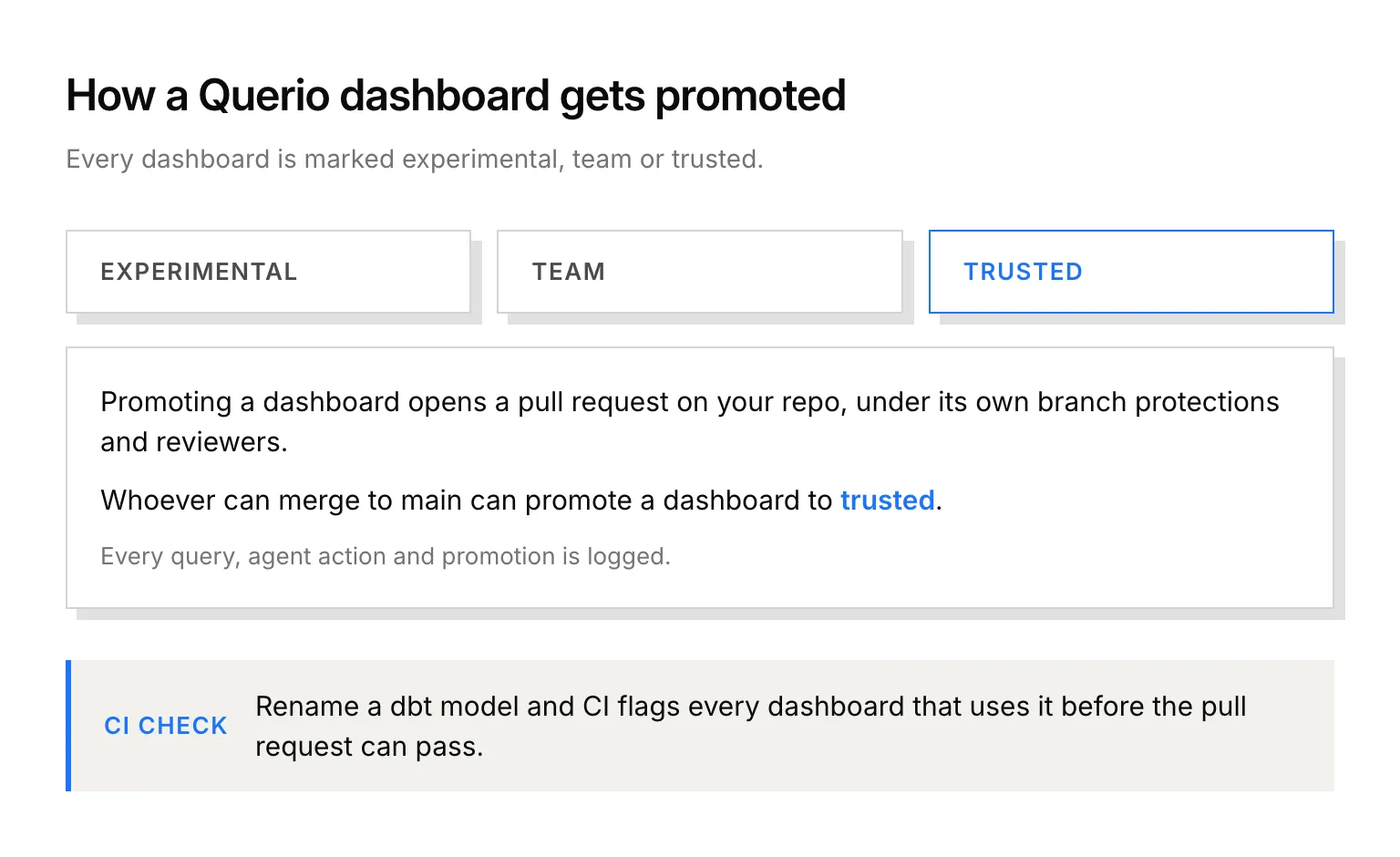
Every Querio dashboard is labeled experimental, team or trusted. Promoting a dashboard opens a pull request on your repo, under the branch protections and reviewers your repo already has, and merging it makes the change live in Querio. Whoever can merge to main can promote a dashboard to trusted. Every query, agent action and promotion is logged.
So "maintain" doesn't mean an agent quietly rewriting a chart that goes in the board deck. The agent proposes. Someone who can merge to main says yes.
How do automated dashboards stay right when the data model changes?
Most dashboards don't break loudly. Someone renames a dbt model, and a chart three teams use starts showing nothing, or the wrong thing, and nobody notices until it's on a slide.
In Querio, renaming a dbt model flags every dashboard, saved query and context file that uses it before the pull request can pass its checks. The analyst making the rename sees the pipeline dashboard on that list and fixes its query in the same pull request, before anyone in sales opens it on Monday.
The metrics on a tile come from definitions you already keep. Querio reads dbt's semantic_manifest.json, so a MetricFlow metric like pipeline or revenue is defined once in your dbt YAML and the agent uses that definition. Querio keeps no second copy to drift out of date. No dbt? Define the metric in Querio and it's committed to your repo as a file in MetricFlow format.
Can a notebook be turned into a scheduled dashboard without extra tools?
Yes. A Querio dashboard refreshes on a schedule from the same notebook that produced it. There's no export step and no second tool to wire up.
Plenty of people never open a dashboard at all. For them, automations send a scheduled prompt or SQL query to email, or to Slack on Core: the pipeline numbers in the sales channel every Monday at 8, say. Background agents keep running when your laptop is closed.
What does AI dashboard automation cost?
Refreshes and automation runs use no AI credits. Only AI model calls do. Free is $0 and includes two email automations. Core is $2,499 a month, or $25,000 a year, with unlimited automations to email or Slack. Querio has no per-seat pricing, and every plan comes with unlimited users and data connections.