Business Intelligence
Best Text to SQL Query Tools in 2026: In-Depth Comparison, Features, and Benchmarks
Explore the top Text-to-SQL tools of 2026, comparing features, pricing, and performance to find the best fit for your data needs.

Text-to-SQL tools in 2026 make querying databases effortless, even for non-technical users. These platforms convert plain English into SQL queries, enabling faster insights without coding. This guide reviews the best conversational AI analytics tools - Querio, dbForge AI Assistant, Sequel AI, Zencoder AI, and BlazeSQL - based on features like database compatibility, query accuracy, pricing, and performance.
Key Takeaways:
- Querio: Best for teams needing governed analytics with live data connections and a context layer for consistent metrics. Free plan; Core is $2,499/month.
- dbForge AI Assistant: Ideal for SQL Server developers needing faster query generation and optimization. Costs $200–$400 per user annually.
- Sequel AI: Great for conversational analytics with a semantic layer for standardized terms. Plans start at $99/month.
- Zencoder AI and BlazeSQL: Limited public details; testing is recommended to evaluate compatibility and performance.
Quick Comparison:
| Tool | Supported Databases | Best For | Starting Price |
|---|---|---|---|
| Querio | Snowflake, BigQuery, Postgres | Governed analytics, live connections | Free plan; Core $2,499/mo |
| dbForge AI | SQL Server, Azure SQL | Developers optimizing SQL workflows | $200–$400/user/year |
| Sequel AI | PostgreSQL, MySQL, Snowflake | Conversational analytics for teams | $99/month |
| Zencoder AI | Not disclosed | Testing required for compatibility | Not disclosed |
| BlazeSQL | Not disclosed | Testing required for compatibility | Not disclosed |
Choosing the right tool depends on your database setup, team size, and need for governance or collaboration. Read on for detailed insights into each platform and how to evaluate them.
1. Querio
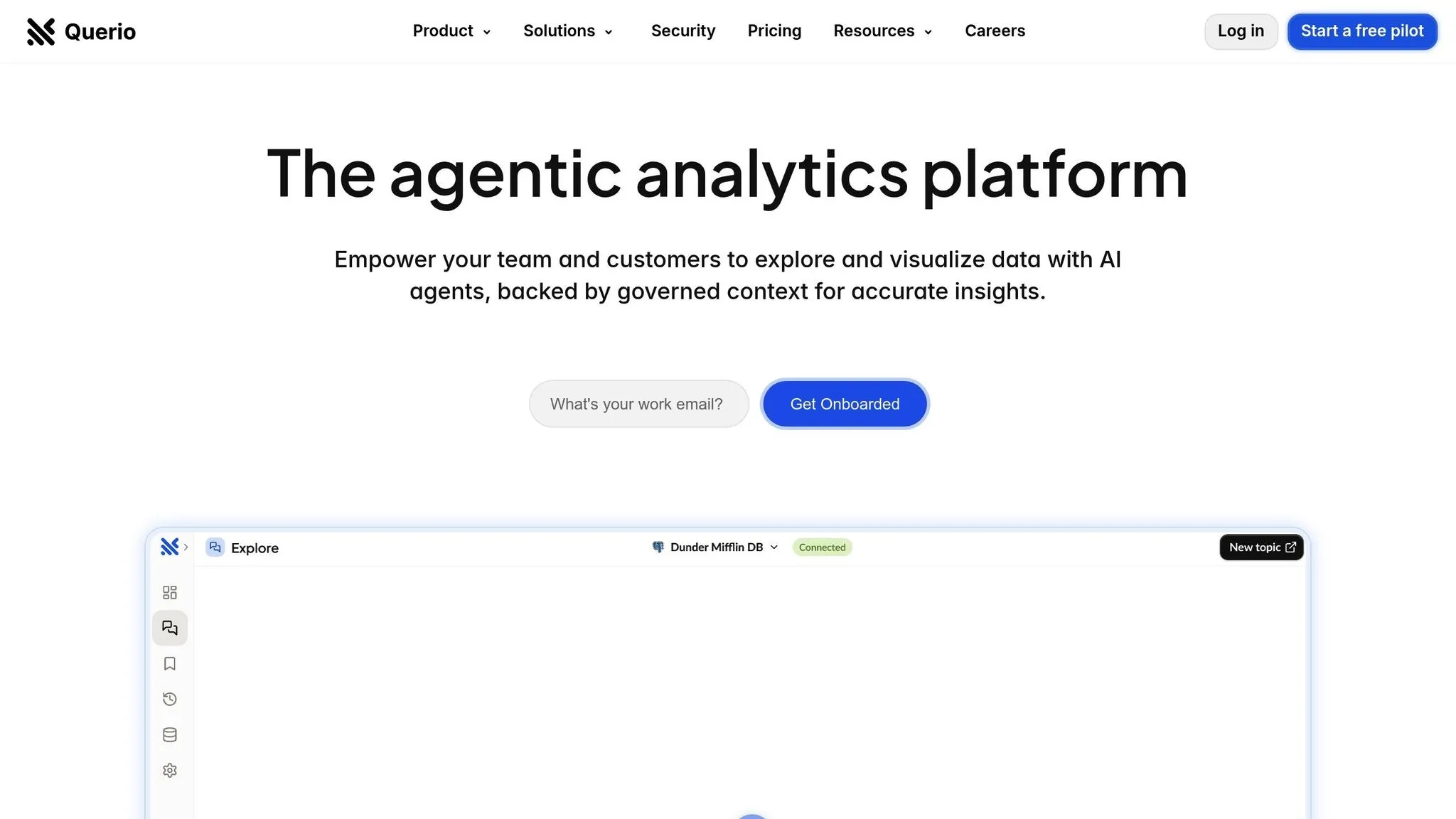
Querio leads the way in AI-powered Text-to-SQL technology, showcasing how intuitive business intelligence can transform data accessibility.
This AI-first business intelligence platform connects directly to your data warehouse, translating plain-English questions into actionable SQL queries and visualizations in real time. What makes Querio stand out is its ability to let data teams set up a single context layer - defining table relationships, business metrics, and terminology - so that consistent governance is applied across the organization.
Supported Databases
Querio integrates seamlessly with Snowflake, BigQuery, and Postgres. These connections are live and read-only, meaning your data stays secure in its original location without being copied or moved. Querio’s platform ensures encrypted credentials, SOC 2 Type II compliance, and a 99.9% uptime service level agreement (SLA).
Whether your business relies on Snowflake for analytics, BigQuery for Google Cloud, or Postgres for operational needs, Querio has you covered.
AI Query Capabilities
At the heart of Querio is its natural language engine. Users can type straightforward questions like, "What were our top-performing products last quarter?" or "Show me customer churn by region", and the AI translates these into precise SQL queries. This eliminates the need for users to understand table names, column structures, or join logic.
The context layer is a key feature, allowing data teams to define relationships and metrics upfront. This ensures every query aligns with approved business definitions. For example, if a marketing manager asks for "conversion rate", the results will reflect the data team’s standardized definition, not an AI-generated assumption.
Querio handles even complex queries, including multi-table joins, aggregations, and advanced filters, with ease.
Performance Benchmarks
Querio’s pricing supports typical business query volumes: the Core plan includes 10,000 AI credits a month, where one credit is one AI model call and a typical question takes a handful of calls. Usage shows as it happens, and admins can set alerts and a spending cap to avoid surprise charges.
Query results, whether simple or moderately complex, are delivered within seconds. The platform’s 99.9% uptime guarantee translates to less than 9 hours of downtime annually, making it a reliable tool for time-sensitive analytics.
Integration Features
Querio includes drag-and-drop dashboards for tracking key performance indicators (KPIs). These dashboards use the same governed context layer as ad-hoc queries, ensuring consistency across metrics whether you're running a query or reviewing a pre-built report.
The platform also supports scheduled reporting and embedded analytics tools, providing real-time access to insights without requiring manual queries. For SaaS businesses, Querio’s embedding capabilities allow customers to explore their own data without the need to develop a separate BI system.
For more advanced users, Querio offers AI Python notebooks for deeper analysis beyond SQL. These notebooks operate within the same governed data framework, ensuring uniformity across all analytical approaches.
Querio also provides unlimited users on every plan, so you can share insights with as many people as needed without paying per seat.
Pricing Models
Querio’s pricing is transparent, with a free plan and clear costs for each plan:
| Plan | Price |
|---|---|
| Free | $0, with 500 AI credits a month |
| Core | $2,499/month, or $25,000/year billed annually, with 10,000 AI credits a month |
| Enterprise | Custom, with a custom AI credit allowance |
| Embedded add-on | From $1,500/month, with 7,500 AI credits a month |
Every plan includes unlimited users, unlimited data connections and dashboards. Extra AI credits cost $0.50 each on Free and $0.25 each on Core. On-prem deployment is an Enterprise add-on.
Querio’s combination of features, reliability, and flexible pricing makes it a robust choice for businesses seeking streamlined data solutions. Let’s dive into the next platform to see how it compares.
2. dbForge AI Assistant
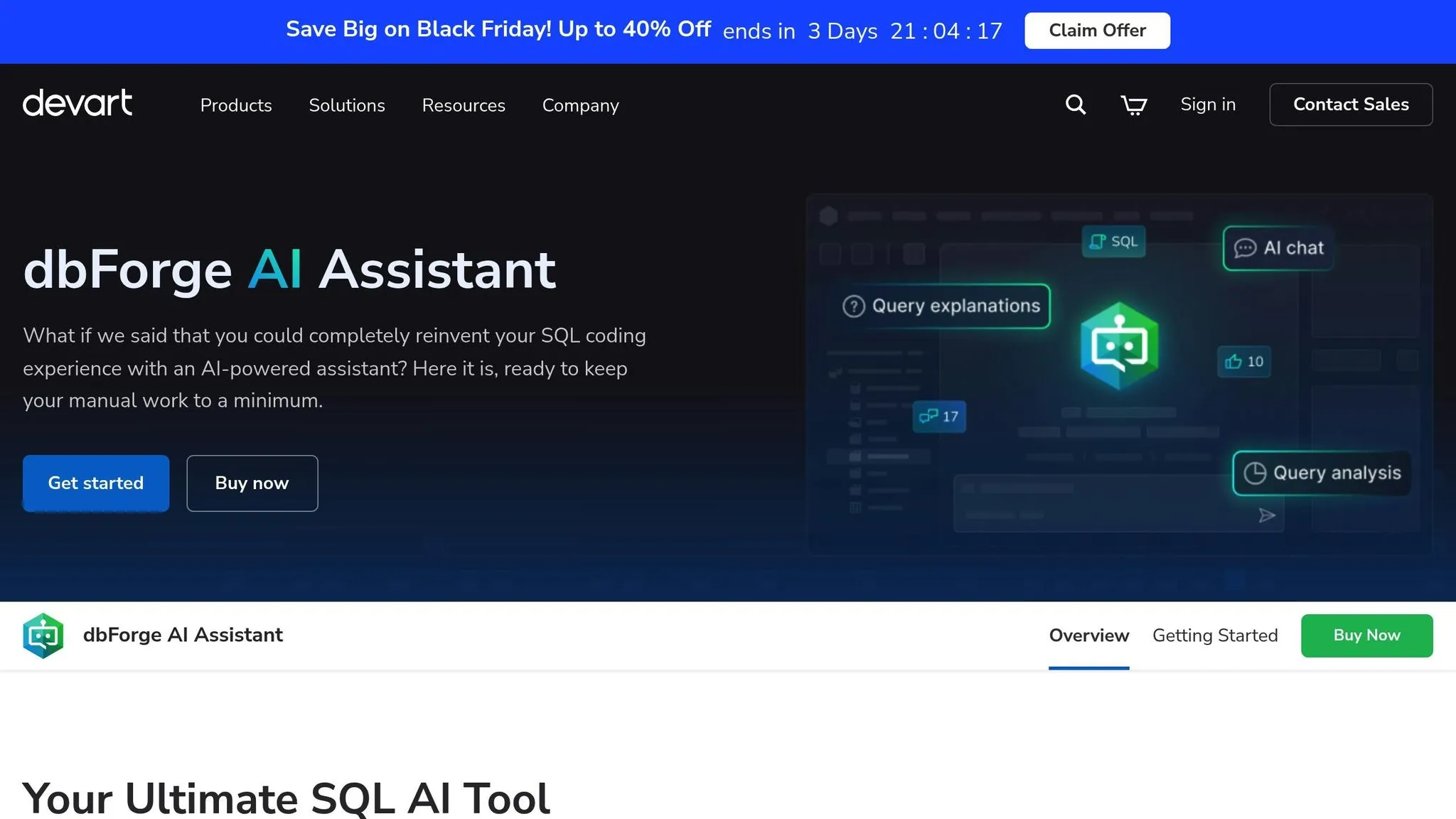
dbForge AI Assistant is a Text-to-SQL tool tailored for database developers and administrators working with SQL Server. Unlike cloud-based platforms, this tool is an add-on for dbForge Studio, a desktop application designed for database management and development.
Its primary goal? To help users write SQL code faster. By generating queries, stored procedures, and scripts based on natural language inputs, it simplifies routine coding tasks. It's built for technical users familiar with SQL who need support with syntax, optimization, or repetitive tasks.
Supported Databases
dbForge AI Assistant is specifically designed for Microsoft SQL Server and Azure SQL Database, making it a great fit for organizations embedded in the Microsoft ecosystem. It directly integrates with SQL Server environments, handling transaction processing, reporting, and data warehousing.
Since it operates within the dbForge Studio environment, this tool requires a local installation on Windows. There’s no web-based or cloud option, which might be a drawback for remote teams or companies leaning toward cloud-first solutions.
This specialization makes dbForge AI Assistant a niche tool for Microsoft-centric environments.
AI Query Capabilities
The assistant can use AI to auto-generate SQL from natural language prompts, assuming the user has a basic understanding of SQL and the database structure. For example, you might type, "create a stored procedure to calculate monthly sales totals", and it will generate the corresponding T-SQL code.
It also supports code completion and query optimization. As you type, it suggests syntax, table names, and column references based on your database schema. For existing queries, it can recommend improvements, like adding indexes or rewriting joins for better performance.
However, the tool doesn’t include a governance layer for standardizing business definitions. If your organization relies on consistent terms like "revenue" or "active customer", you’ll need to manage those definitions through documentation or database views. While it's great for technical tasks like generating DDL statements, creating test data, or handling complex joins, it’s not ideal for non-technical users who want to query data without knowing SQL.
Ultimately, this tool shines as a resource for SQL professionals needing efficient support.
Performance Benchmarks
Since dbForge AI Assistant is a desktop application, its performance depends heavily on your local machine and database configuration. For simple queries, results are generated in about 1-2 seconds. More complex prompts involving multiple tables or advanced logic may take slightly longer.
Because it’s an add-on to dbForge Studio, the performance also depends on the Studio’s version and how resource-intensive your other database operations are. Running multiple queries or working with large datasets can affect responsiveness.
Integration Features
dbForge AI Assistant integrates seamlessly with dbForge Studio for SQL Server, enhancing existing features like database design, query building, data comparison, and schema synchronization. Instead of functioning as a standalone platform, it complements these tools by focusing on SQL code generation and optimization.
That said, it lacks features like native dashboard creation, scheduled reporting, or embedded analytics. This makes it less useful for delivering insights to non-technical stakeholders. If you’re aiming for self-service analytics or visualization, you’ll need additional tools.
Collaboration features are also absent. There’s no shared query library, version control integration, or team governance support. Each user works within their own dbForge Studio instance, which may limit team-wide efficiency.
Pricing Models
The AI Assistant is sold as an add-on to dbForge Studio for SQL Server, with pricing structured around individual licenses. Annual costs typically range from $200 to $400 per user, depending on the Studio edition and licensing tier.
The base dbForge Studio license starts at approximately $300 per year for the Standard edition, with the AI Assistant adding to that cost. For Enterprise editions, which include advanced features like schema comparison and data synchronization, the total cost can climb to $600-$800 annually per user.
There’s no free tier for the AI Assistant, though a 30-day trial is available for evaluation. Volume discounts can be requested for larger teams.
Since it’s a desktop application, every user who wants to leverage AI-powered queries needs their own license. This can make it more expensive for larger teams compared to platforms offering shared environments or unlimited viewer access.
3. Sequel AI
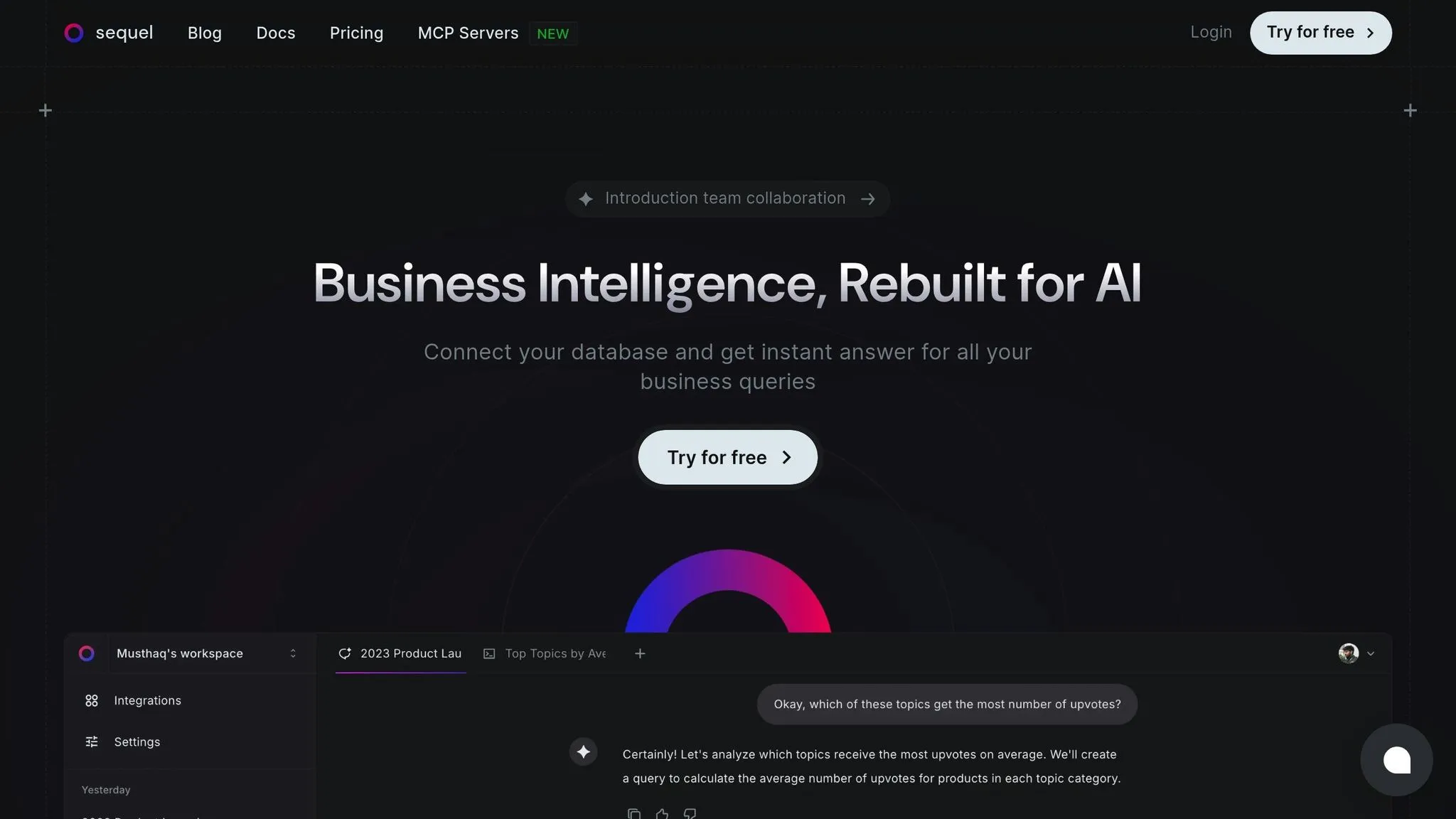
Sequel AI is a web-based platform designed to turn plain-English questions into SQL queries, making it easier for business analysts, marketers, and operations teams to get structured data insights. With its focus on conversational AI analytics tools, the platform allows users to interact with data through a conversational interface. This reduces reliance on technical teams and speeds up decision-making for departments that need quick access to insights. Like other tools in this space, Sequel AI simplifies data exploration without requiring coding skills, all while offering seamless database connectivity.
Supported Databases
Sequel AI integrates with a wide range of databases, including PostgreSQL, MySQL, Microsoft SQL Server, Snowflake, BigQuery, and Redshift, and Oracle. These cloud-based integrations are secure and allow for simultaneous connections to multiple databases. However, the platform doesn’t natively support cross-database joins.
Because it operates entirely in the cloud, there’s no need for desktop installation. Users simply log in through a web browser. For cloud data warehouses like Snowflake or BigQuery, setup is straightforward and typically takes less than 10 minutes.
AI Query Capabilities
Using large language models, Sequel AI transforms natural language questions into SQL queries. For example, if you ask, "What were our top five products by revenue last quarter?", the platform generates and executes the corresponding SQL query, presenting the results in a table.
The platform includes a semantic layer that standardizes business terminology. For instance, if "active customer" in your organization means someone who made a purchase in the last 90 days, you can define this term once, and the AI will apply it consistently across all queries. This ensures alignment across teams and reduces misunderstandings.
For users who prefer more control, Sequel AI shows the generated SQL before execution. You can review, tweak, and save these queries for future use. The platform also supports follow-up questions, so you can refine your analysis without starting over. For example, after asking about monthly revenue, you can ask for a breakdown by region, and the AI will maintain the context of your previous query.
That said, the tool struggles with highly complex queries involving advanced logic, multiple subqueries, or window functions. In such cases, users may need to write custom SQL or break the query into smaller parts.
Performance Benchmarks
Simple queries are typically processed in 2-4 seconds, while more complex queries with multiple joins or aggregations may take 8-15 seconds. Performance can vary based on database location and network latency.
By default, Sequel AI does not cache query results, so each question triggers a fresh database query. This can lead to repeated database loads for frequently asked questions. To address this, some users schedule data exports or rely on database views to pre-aggregate common metrics.
Integration Features
Sequel AI includes tools for visualization and collaboration. Users can create bar charts, line graphs, and pie charts from query results, which can be embedded in dashboards or exported as images. The platform also integrates with Slack, allowing users to ask questions directly within channels, and provides API access for programmatic query execution.
There’s a commenting feature for annotating queries or explaining results, but the platform lacks version control or an approval workflow. This means larger teams may need external systems to manage query governance effectively.
Pricing Models
Sequel AI follows a subscription-based pricing model, with tiers based on user count and query volume:
- Starter Plan: $99/month for up to five users and 1,000 queries.
- Professional Plan: $299/month for up to 20 users, 5,000 queries, and additional features like the semantic layer and Slack integration.
- Enterprise Plan: Custom pricing starting at $1,200/month, offering unlimited users and queries, dedicated support, single sign-on (SSO), and advanced security.
A 14-day free trial is available, limited to 100 queries and basic database connections. No credit card is required to get started.
Each subscription tier has strict query limits. If your team exceeds the monthly cap, you’ll need to either upgrade your plan or wait for the next billing cycle.
4. Zencoder AI
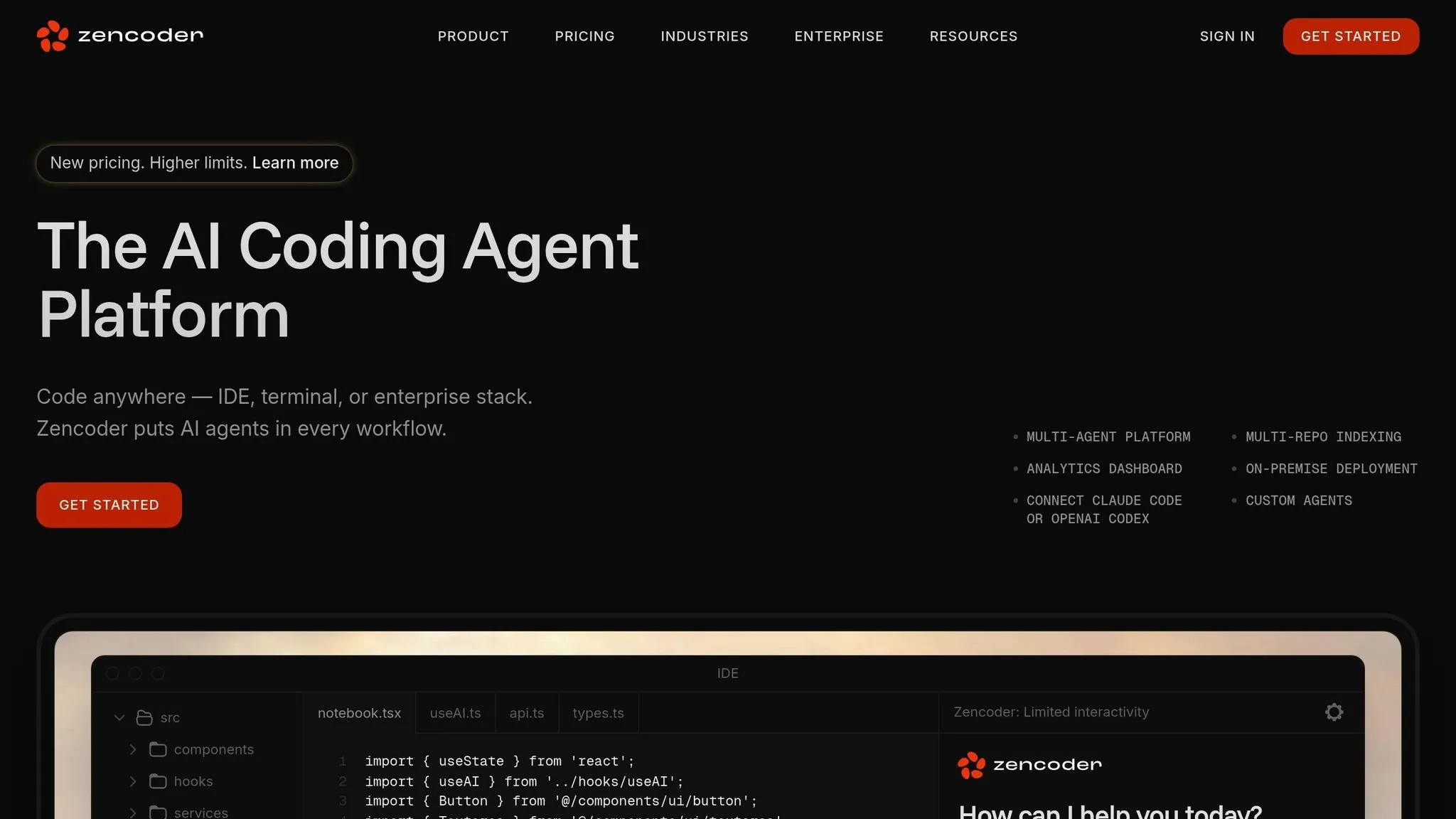
Zencoder AI offers another option in our comparison of natural language to SQL tools, designed to translate plain-language input into SQL queries while giving users the ability to review and tweak the generated code.
Supported Databases
The documentation for Zencoder AI does not specify which databases it supports. To avoid compatibility issues, it's best to reach out to the vendor directly for clarification.
AI Query Capabilities
Zencoder AI is promoted as a tool for using AI tools that write SQL to convert plain-language requests into queries. However, there’s no detailed information about its natural language processing methods or how well it handles more advanced query requirements. Testing the tool in your own environment will help you determine if it meets your specific needs.
Performance Benchmarks
There are no publicly available benchmarks for Zencoder AI’s performance. To gauge its query speed and responsiveness, you’ll need to run your own tests.
Integration Features
Information on how Zencoder AI integrates with popular development and analytics tools is sparse. If integration is a priority, contact the vendor to learn more about API access and other possible options for connecting the tool to your existing workflows.
Pricing Models
Zencoder AI's pricing details are not disclosed publicly. To explore pricing, evaluation options, or proof-of-concept opportunities, you’ll need to get in touch with the vendor directly. Up next, we’ll look at BlazeSQL vs Querio.ai to round out this comparison.
5. BlazeSQL
BlazeSQL, like other tools in this space, provides the ability to convert natural language into SQL queries. However, its public documentation is somewhat limited, which may leave some questions unanswered.
Supported Databases
The list of databases supported by BlazeSQL isn't readily available in public documentation. To ensure compatibility with your existing infrastructure, it's best to reach out directly to their team for confirmation.
AI Query Capabilities
BlazeSQL is designed to translate natural language into SQL queries. That said, the lack of detailed documentation makes it hard to gauge how well it handles more intricate or nuanced queries. Testing your specific use cases is highly recommended to determine its suitability.
Performance Benchmarks
There are no publicly available benchmarks to measure BlazeSQL's performance. To get a clear picture of its speed and accuracy, you'll need to run tests using metrics to test text-to-sql accuracy with your actual queries and datasets.
Integration Features
Information about how BlazeSQL integrates with AI business intelligence tools, visualization platforms, and APIs is not readily accessible. If seamless integration is a key requirement for your workflow, it's worth contacting the vendor for more details.
Pricing Models
BlazeSQL has not disclosed its pricing structure publicly. For information on licensing, trial options, or cost estimates, you'll need to reach out to their sales team. As with other platforms, conducting a thorough evaluation is crucial before making any commitments.
Advantages and Disadvantages
Querio offers a governed analytics platform tailored for business intelligence teams, making it a standout option for organizations that prioritize up-to-date and reliable data. By using live data connections, Querio ensures you're always working with the latest information, eliminating the lag of outdated datasets. Its context layer acts as a unified business glossary, streamlining analytics by governing all queries and cutting down on repetitive tasks. This process is powered by text-to-SQL technology, which translates natural language into database commands. Plus, with its unlimited viewer model, you can share insights across your organization without worrying about extra per-user licensing fees - a big win for collaboration.
When it comes to security and reliability, Querio is built for enterprise needs. It boasts SOC 2 Type II compliance and guarantees a 99.9% uptime SLA, giving businesses confidence in its reliability. Pricing is straightforward: a free plan, and Core at $2,499 a month with 10,000 AI credits a month. Spending caps make it easier for teams to plan their budgets without unexpected costs. These features make Querio a strong contender in the evolving best text-to-SQL tools for analytics market as of 2026.
| Tool | Supported Databases | Key Strengths | Pricing Transparency | Best For |
|---|---|---|---|---|
| Querio | Snowflake, BigQuery, Postgres | Live data connections, unlimited viewers, context layer for analytics, SOC 2 Type II compliance, 99.9% uptime SLA | Fully transparent (free plan; Core $2,499/mo) | Teams needing governed self-service analytics |
The table highlights Querio’s features compared to industry standards. With live data connections, strong governance capabilities, clear pricing, and enterprise-grade reliability, Querio is an excellent choice for businesses seeking dependable and efficient analytics solutions.
Conclusion
Choosing the right Text-to-SQL tool for 2026 comes down to understanding your organization's specific needs and technical setup. The market has grown significantly, with tools tailored to various user groups and business goals.
For enterprise teams, tools that emphasize data governance and collaboration stand out. Features like unified business glossaries ensure consistent queries, unlimited viewer models eliminate licensing headaches, and SOC 2 Type II compliance with 99.9% uptime guarantees reliability. Transparent pricing also helps streamline budget planning.
Business intelligence professionals should focus on tools that maintain live data connections instead of duplicating data into separate environments. This approach prevents outdated datasets and ensures analysts work with the most current information - a critical factor for making timely decisions. Platforms that allow you to layer context once and manage it permanently can save analysts hours of repetitive setup each week.
For SaaS teams and startups embedding analytics, it’s important to assess whether a platform supports both internal analytics and customer-facing use cases. These scenarios often require distinct security configurations and customization options. Additionally, platforms offering AI-powered Python notebooks for advanced analysis alongside natural-language querying can cater to both casual users and technical analysts within the same system.
Ultimately, the real game-changer isn’t just speed or accuracy - it’s how well the tool integrates with your existing data infrastructure and workflows. Tools that require extensive data migration or silo your information can create adoption challenges, no matter how advanced their features. Instead, look for platforms that connect directly to warehouse-native data analysis tools, maintain read-only access for security, and offer scalable governance frameworks as your team grows.
As Text-to-SQL technology continues to evolve in 2026, the most successful organizations will prioritize aligning tool capabilities with real-world needs rather than chasing feature-heavy options. Start by evaluating your database setup, team size, governance priorities, and budget to make an informed choice.
FAQs
How does Querio protect data and maintain compliance when connecting to databases like Snowflake and BigQuery?
Querio takes data security seriously by implementing live, read-only connections that use encrypted credentials. This approach adheres to top-tier security standards, keeping sensitive information safe and secure.
On top of that, Querio is SOC 2 Type II compliant, which means our platform meets strict standards for data privacy and operational reliability. This ensures smooth and secure integration with databases like Snowflake and BigQuery, giving you peace of mind that your data is protected every step of the way.
What are the key benefits of using Querio's context layer for analytics, and how does it help business teams?
Querio's context layer brings a new level of intelligence to analytics by delivering smarter and more precise query generation tailored to your unique business requirements. Using advanced AI, it interprets the specific context of your data, ensuring every query aligns seamlessly with your goals.
For business teams, this translates to quicker insights without needing technical know-how. By breaking down complex SQL queries into something much more manageable, Querio allows teams to concentrate on strategic decisions instead of getting bogged down in manual query creation. The result? A productivity boost and the confidence to make data-backed decisions effortlessly.
What factors should businesses consider to ensure a Text-to-SQL tool fits seamlessly with their data infrastructure and workflows?
When selecting a Text-to-SQL tool, it's crucial to consider how seamlessly it connects with your existing data systems - whether that's databases, cloud platforms, or BI tools. A compatible tool ensures smooth data exchange and avoids unnecessary interruptions to your established workflows.
You’ll also want to think about usability and customization. A user-friendly tool that matches your team's technical skill level and offers options for tailored query creation can make a big difference in both productivity and precision. Lastly, evaluate the tool's ability to scale. As your business evolves, having a solution that can keep up with growing demands will save you time and effort in the long run.