Business Intelligence
How AI Improves Cross-Team Data Collaboration
Explore how AI tools enhance cross-team data collaboration by breaking down silos, improving access, and enabling real-time insights.

AI tools make sharing and using data across teams faster and easier. They solve common problems like data silos, technical barriers, and time delays. Here's how AI transforms teamwork:
- Faster Access: Query data in plain English without needing technical skills.
- Centralized Data: Connect all your data sources into one platform.
- Automated Cleanup: Fix errors and standardize data automatically.
- Real-Time Insights: Get live updates and visual dashboards for better decisions.
- Self-Service Tools: Teams can analyze and create reports without IT help.
Key Benefits:
- Save time by automating manual tasks.
- Improve decision-making with accurate, up-to-date insights.
- Break down silos, so all departments work with the same data.
Ready to streamline your data workflows? Start with tools that fit your team's needs and provide training to ensure smooth adoption.
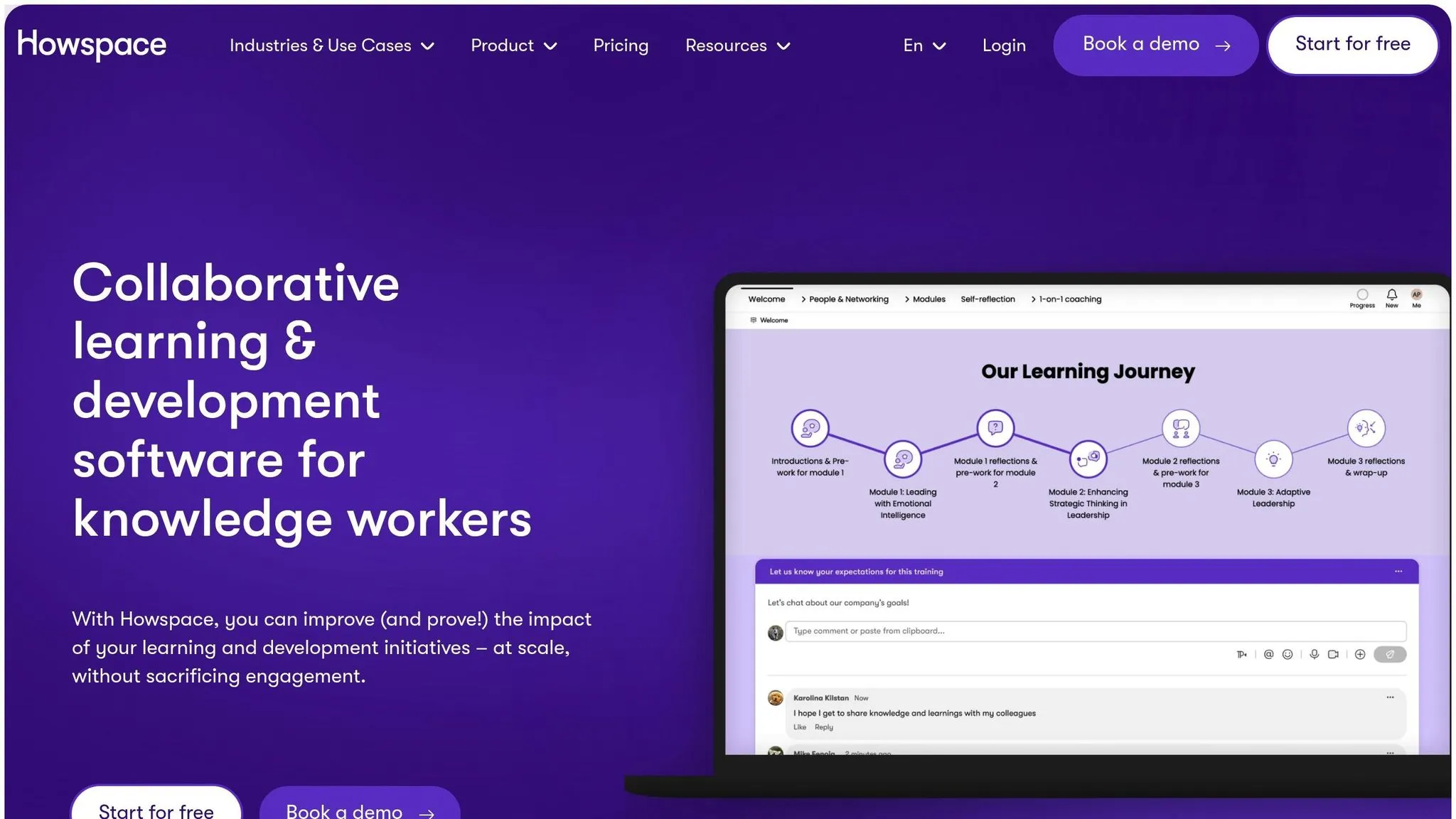
Howspace Tutorial: the AI-driven virtual collaboration tool
::: @iframe https://www.youtube.com/embed/3CKoVzMuqp8 :::
Making Data Easy to Access with AI
AI is changing the way teams handle data, breaking down technical barriers and simplifying processes. With modern AI tools, scattered data is transformed into a single, easy-to-use resource that everyone on the team can access. This setup makes it easier to clean up data and ask questions without needing extensive technical skills.
Centralized Data Platforms
AI-powered platforms act as a central hub for all company data. They automatically connect to multiple data sources, eliminating the need for manual consolidation. These platforms remove traditional barriers, allowing teams to access data without switching tools or waiting for IT support. Everything is in one place, making it easier to find and use information.
AI Tools for Data Cleanup
Once data is centralized, keeping it accurate and organized becomes essential. AI tools take over repetitive tasks like fixing errors and standardizing information. This automation ensures the data stays reliable and up-to-date, saving teams from spending hours on manual cleanup. With clean data, teams can focus on uncovering insights and asking questions using natural language interfaces.
Asking Questions in Plain English
AI analytics solutions let users query databases just by typing questions in plain English, much like talking to a coworker. These systems understand business context and locate the right data, even if users don’t know exactly where it’s stored. This feature empowers teams to analyze data independently, speeding up decisions and reducing the need for specialized support.
Getting Better Insights from Data
AI is changing how teams analyze and interpret data. With advanced algorithms and machine learning, organizations can now identify patterns and make decisions faster and more effectively.
Future Trends and Patterns
AI systems excel at analyzing historical data to highlight trends and predict outcomes. They process large datasets to uncover patterns that might go unnoticed by humans. From spotting seasonal trends to detecting market changes and shifts in behavior, these tools help teams prepare for challenges and seize opportunities before they arise.
For instance, by connecting databases to AI-powered platforms, teams can automatically monitor key performance indicators (KPIs) and receive alerts about potential problems. This approach allows for strategy adjustments based on data-driven forecasts, moving away from reactive problem-solving. Plus, these insights often come with real-time visualizations, keeping teams informed and ready to act.
Live Data Updates and Charts
Real-time visualizations are essential for collaboration across teams. AI-powered platforms now provide dynamic dashboards that update automatically as new data becomes available. These dashboards turn complex data into clear, actionable insights using interactive charts and graphs.
The benefits are clear. One company reported saving $45,000 annually by using AI-driven platforms to speed up data processing and reduce reliance on technical teams [2]. This shows how AI tools can improve efficiency while cutting costs.
Quick Report Creation
AI simplifies the process of creating reports, ensuring consistency across departments. Teams can generate detailed reports by asking questions in plain English, with AI handling data collection and visualization.
Here’s how modern platforms streamline report creation:
| Feature | Benefit |
|---|---|
| Plain Language Queries | Teams can request reports using everyday language |
| Automated Data Collection | AI gathers relevant data from various sources |
| Dynamic Visualization | Charts and graphs automatically update with new data |
| Cross-Department Consistency | Standardized formats make collaboration easier |
These features ensure all teams work with the same accurate information, reducing confusion and improving teamwork. By focusing on analyzing insights rather than gathering and formatting data, organizations can make quicker, more informed decisions.
sbb-itb-284a532
Better Team Communication
AI-powered platforms bring teams together by offering centralized channels for communication, helping organizations make data-driven decisions quickly and with more clarity.
Team Collaboration Tools
AI tools make it easier for teams to work together by providing a shared space for data. These platforms ensure everyone has access to the same information at the same time, eliminating confusion caused by outdated spreadsheets or conflicting reports. With a single, reliable source of data, teams can focus on solving problems instead of sorting through misaligned files.
It's important to choose tools that fit your team's comfort level with technology. Platforms with easy-to-use interfaces allow everyone - whether they're tech-savvy or not - to contribute to conversations about data. This approach breaks down barriers between departments and encourages collaboration.
| Communication Feature | Business Impact |
|---|---|
| Shared Workspaces | Prevents data silos and version mismatches |
| Comment Threading | Enables focused discussions on specific issues |
| Permission Controls | Balances security with transparency |
| Activity Tracking | Tracks changes for better accountability |
Real-time updates are another key feature that keeps everyone in the loop.
Quick Data Updates
AI platforms take collaboration a step further with automated notifications. Instead of waiting for scheduled reports or manually checking dashboards, team members get instant alerts when important changes happen. This ensures the right people are informed at the right time.
For instance, if sales data suddenly shifts, AI can alert both sales and inventory teams immediately. This allows for quick, coordinated action to address market changes or unexpected trends.
Making Data Easy to Understand
AI tools also make data more accessible for everyone on the team. With simple interfaces, even those without technical expertise can run queries and explore insights.
Features like automated visualizations, smart recommendations, and built-in validation ensure that data is easy to interpret and trust. When everyone can understand the data, they're more likely to use it effectively in their day-to-day work, leading to smarter decisions across the board.
Setting Up AI Data Tools
Team Preparation Steps
To integrate AI tools effectively, start by evaluating your team's current data workflows and technical readiness. This helps identify areas that need attention before implementation.
| Area | Assessment Criteria | Success Indicators |
|---|---|---|
| Data Quality | Accuracy and completeness of data | Consistent, clean data formats |
| Technical Skills | Familiarity with data concepts | Confidence in basic data handling |
| Process Gaps | Bottlenecks in workflows | Clear potential for automation |
| Security Requirements | Data access protocols | Well-defined permission structures |
Choosing AI Software
Pick modern business intelligence tools that match your team's technical expertise and data needs. The software should integrate smoothly with your existing systems and offer user-friendly interfaces that cater to varying skill levels.
Key features to look for:
- Natural language query functionality
- AI-powered dashboards
- Direct integration with databases
- Strong security measures
- Flexible user management for scaling
Getting Teams to Use New Tools
Introduce the tools through a structured training program. Start with a small pilot group of "data champions" who can lead by example. Encourage open communication, celebrate early successes, and address challenges promptly.
Implementation strategies:
| Strategy | Purpose | Timeline |
|---|---|---|
| Hands-on Training | Build team skills | First 2 weeks |
| Regular Check-ins | Resolve issues quickly | Weekly during the first month |
| Success Metrics | Monitor adoption progress | Monthly reviews |
| Feedback Sessions | Gather user feedback | Every two weeks initially |
Showcase simple, practical use cases that solve common team pain points to demonstrate the value of these tools. A gradual and thoughtful rollout ensures your team fully embraces AI-powered data solutions.
Conclusion
Key Takeaways
AI-powered data collaboration tools are changing how teams work together, offering several clear benefits:
| Benefit | Impact | Business Value |
|---|---|---|
| Faster Data Access | Data retrieval in minutes, not weeks | Boosts operational efficiency |
| Independent Analysis | Teams analyze data without IT help | Reduces delays and bottlenecks |
| Better Accuracy | Automated cleaning and validation | Leads to higher-quality insights |
| Clearer Communication | Shared data views across teams | Aligns goals and objectives |
Industries using these tools have seen measurable improvements in efficiency and decision-making, proving their value in real-world applications.
How to Get Started
Follow these steps to improve your data collaboration process:
- Evaluate Current Workflows: Pinpoint bottlenecks and measure how changes impact efficiency and decisions.
- Pick the Right Tools: Choose AI platforms that fit your team's skill set and business goals.
- Start Small: Launch a pilot project to show the benefits before scaling up.
Look for platforms with features such as:
- Natural language search
- Direct database access
- Customizable dashboards
- Strong security measures
To succeed, align the tools you choose with your team's needs and your business objectives. Start by exploring platforms that integrate seamlessly with your data sources and allow teams to make informed, independent decisions.