Business Intelligence
AI Analytics Tools That Make Data Easy to Understand
Compare AI analytics platforms that turn plain-English queries into real-time insights, highlighting transparency, governance, and integrations.

AI analytics tools simplify complex data analysis by enabling teams to query data in plain English and get precise answers instantly. These tools eliminate the need for technical expertise, allowing users across marketing, sales, and finance to independently extract insights without relying on analysts. The article reviews top natural language data querying tools across four platforms - Querio, Power BI, Tableau, and Looker - based on ease of use, integration, AI capabilities, and scalability.
Key takeaways:
- Querio: Focuses on transparency with inspectable SQL/Python code, direct live data queries, and a centralized context layer for consistent metrics.
- Power BI: Offers natural language querying via Copilot, extensive integrations, and a semantic layer for consistent calculations, but requires careful data prep.
- Tableau: Excels with visualizations and semantic search but may face challenges with large datasets and real-time performance.
- Looker: Prioritizes governance with LookML for traceable logic and real-time insights but has limited visual exploration features.
Quick Comparison
| Feature | Querio | Power BI | Tableau | Looker |
|---|---|---|---|---|
| Natural Language Querying | Yes, with inspectable SQL | Yes, via Copilot | Yes, with semantic search | Yes, via Conversational Analytics |
| Integration | Direct live queries to warehouses | DirectQuery, 120+ connectors | Wide range of data sources | Cloud data warehouse queries |
| Governance | Centralized context layer | Role-Level Security (RLS) | Metrics Store, AI for duplicates | LookML for semantic consistency |
| Cost | Custom pricing | Starts at $14/month | Advanced tools via subscription | Scalable pricing model |
Querio stands out for its transparency and live data connections, making it a strong choice for teams prioritizing accuracy and control. Each platform has strengths tailored to specific needs, but Querio’s focus on clarity and governance addresses common challenges in AI-driven analytics.
::: @figure 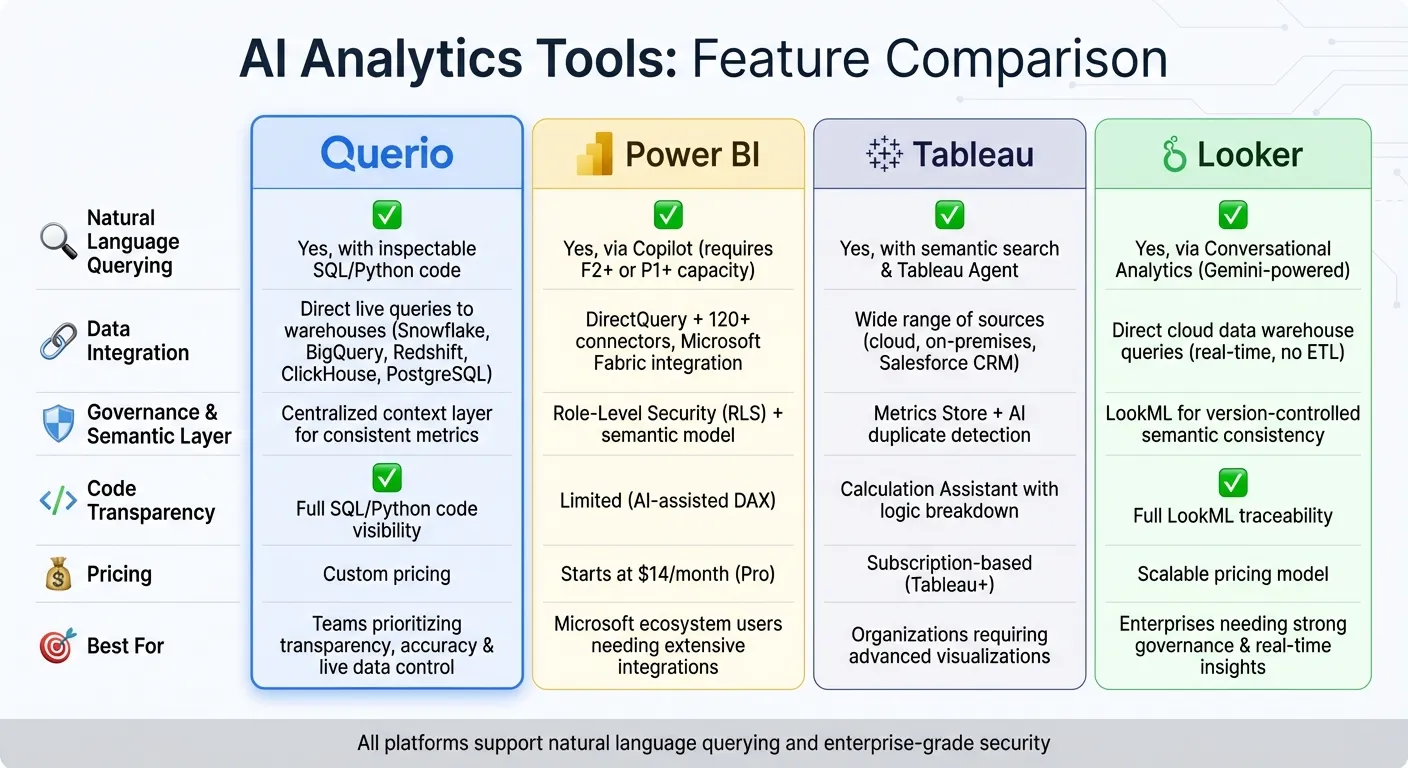 {AI Analytics Tools Feature Comparison: Querio vs Power BI vs Tableau vs Looker}
:::
{AI Analytics Tools Feature Comparison: Querio vs Power BI vs Tableau vs Looker}
:::
1. Querio
Natural Language Querying
Querio allows you to ask questions about your data using natural language querying and receive accurate answers - no SQL skills required. For instance, you could type, "What were our top-performing products last quarter?" and immediately get the information you need. The platform uses AI to convert your question into SQL that runs directly against your data warehouse. Plus, it ensures transparency by letting you see the code behind every query.
Code Inspectability
Unlike tools that operate as a "black box", Querio makes its logic fully visible. Each answer comes with the actual SQL or Python code used to generate it, giving you the ability to review and even tweak it. This level of transparency helps data teams verify results, resolve unexpected issues, and maintain control over their analytics - an essential feature for decisions that impact your business strategy or revenue.
Warehouse Integration
Querio integrates directly with your existing data warehouse through encrypted credentials, supporting platforms like Snowflake, BigQuery, PostgreSQL, Amazon Redshift, and ClickHouse. This means you're working with live data in real time, not outdated copies or extracts. By querying data directly within your infrastructure, you avoid the security risks and added maintenance that come with duplicating data across systems.
Governance and Semantic Layer
To simplify data management, Querio features a centralized semantic layer where your data team can define joins, metrics, and business terms in one place. For example, when someone queries "revenue", they'll always get the same calculation - whether they're creating a dashboard, running a quick query, or embedding analytics in an app. This consistency eliminates the confusion caused by conflicting data definitions. Querio is also SOC 2 Type II compliant and meets both CCPA and GDPR standards, making it a reliable choice for teams handling sensitive information.
2. Power BI
Natural Language Querying
Power BI's Copilot feature makes interacting with your data as simple as having a conversation. You can ask questions like, "What were our sales by region last month?", and the AI will either pull up an existing visual or create a new one based on your data model. However, this functionality depends on having a well-prepared semantic model. As Microsoft explains, "Model owners need to invest in prepping their data for AI to ensure Copilot understands the unique business context... Without this prep, Copilot can struggle to interpret data correctly" [4]. This preparation is key to unlocking smooth and accurate AI-driven insights.
Warehouse Integration
Power BI goes beyond user-friendly querying by offering powerful data connectivity. Through DirectQuery, it enables live queries directly on your data without requiring imports, making real-time analysis seamless. The platform integrates with Microsoft Fabric and OneLake, creating a unified space where data engineers can merge information from various sources. With over 120 native connectors, Power BI offers extensive flexibility, though connecting to non-Microsoft data sources may require precise modeling to maintain dashboard stability [7]. To access AI features like Copilot, you'll need a paid Fabric capacity (F2 or higher) or Power BI Premium (P1 or higher) [4]. For individual users, Power BI Pro starts at $14.00 per month [6].
Governance and Semantic Layer
Power BI's semantic layer ensures consistency by centralizing business logic and applying Role-Level Security (RLS) for controlled access. For example, when you define a measure like "Monthly Revenue" in the semantic model, everyone in your organization gets the same calculation, whether they're creating a dashboard or asking Copilot a question. It's worth noting that Copilot processes only the first 200 characters of field descriptions [5]. By combining natural language querying with robust data integration, Power BI empowers organizations to turn raw data into actionable insights.
3. Tableau
Natural Language Querying
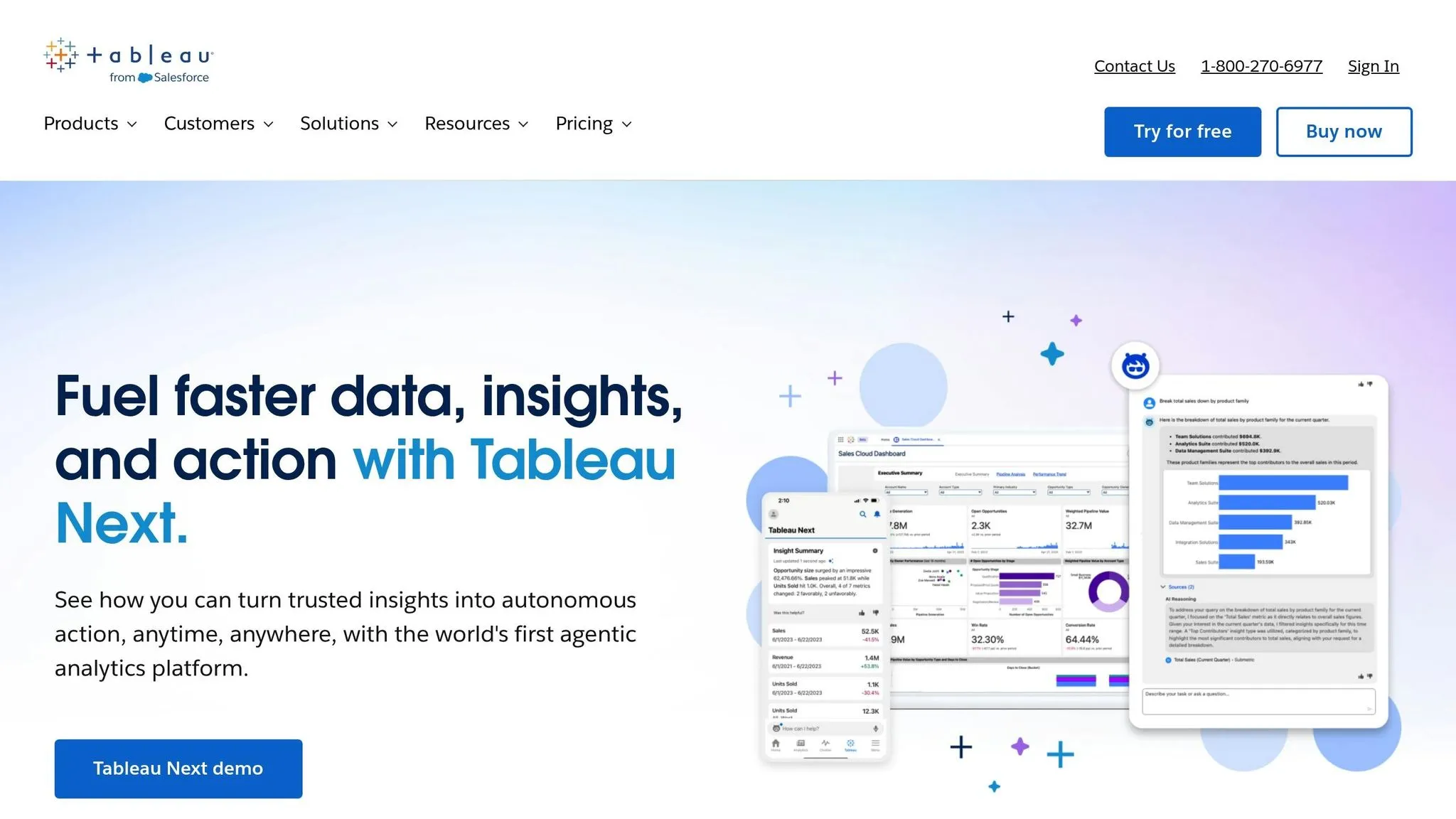
Tableau Agent (formerly known as Einstein Copilot) makes data exploration straightforward by turning plain-English questions into visualizations and calculations. You can ask it to create charts, filter data, or even build formulas using everyday language. It’s smart enough to handle typos with fuzzy logic and understands synonyms through semantic search [2][9].
To help users get started, Tableau Agent indexes your data and suggests relevant business questions, addressing the common "blank canvas" problem. The Calculation Assistant takes queries like "average revenue per customer by region" and translates them into Tableau syntax, supporting advanced functions like LODs and regex. It even breaks down the logic behind the calculations in simple terms [2][9]. Now, let’s see how Tableau connects effortlessly to various data sources.
Warehouse Integration
Tableau integrates with a wide range of data sources, whether they’re on cloud platforms, on-premises servers, or directly within Salesforce CRM [11]. You can deploy it through Tableau Cloud or Tableau Server, giving you full control over your environment [11]. Companies like Jaguar Land Rover and KeyBank have demonstrated how Tableau can scale across an enterprise and deliver measurable business impact [11].
Governance and Semantic Layer
The Tableau Semantics feature ensures consistency by translating complex data into familiar business terms. For example, once a metric like "revenue" or "ROI" is defined, that definition stays uniform across all reports and AI-driven analytics [12]. The Metrics Store acts as a centralized hub for organizational metrics, using AI to identify duplicates and ensure data quality [12]. Daniel Alon, Senior Vice President of Product Management at Salesforce, describes it this way:
"Tableau Semantics is a powerful, AI-infused semantic layer deeply integrated with Tableau Next and Data Cloud that translates your data into your business language." [12]
All these AI features operate on the Einstein Trust Layer, which prioritizes security and data privacy [13][10][8]. Advanced tools are available with a Tableau+ subscription, and administrators retain control by enabling or disabling AI features at the site level [12][10][2].
I Tested 53 AI Tools for Data Analysis - THESE 5 ARE THE BEST!
::: @iframe https://www.youtube.com/embed/RYTjU_x6fAQ :::
sbb-itb-284a532
4. Looker
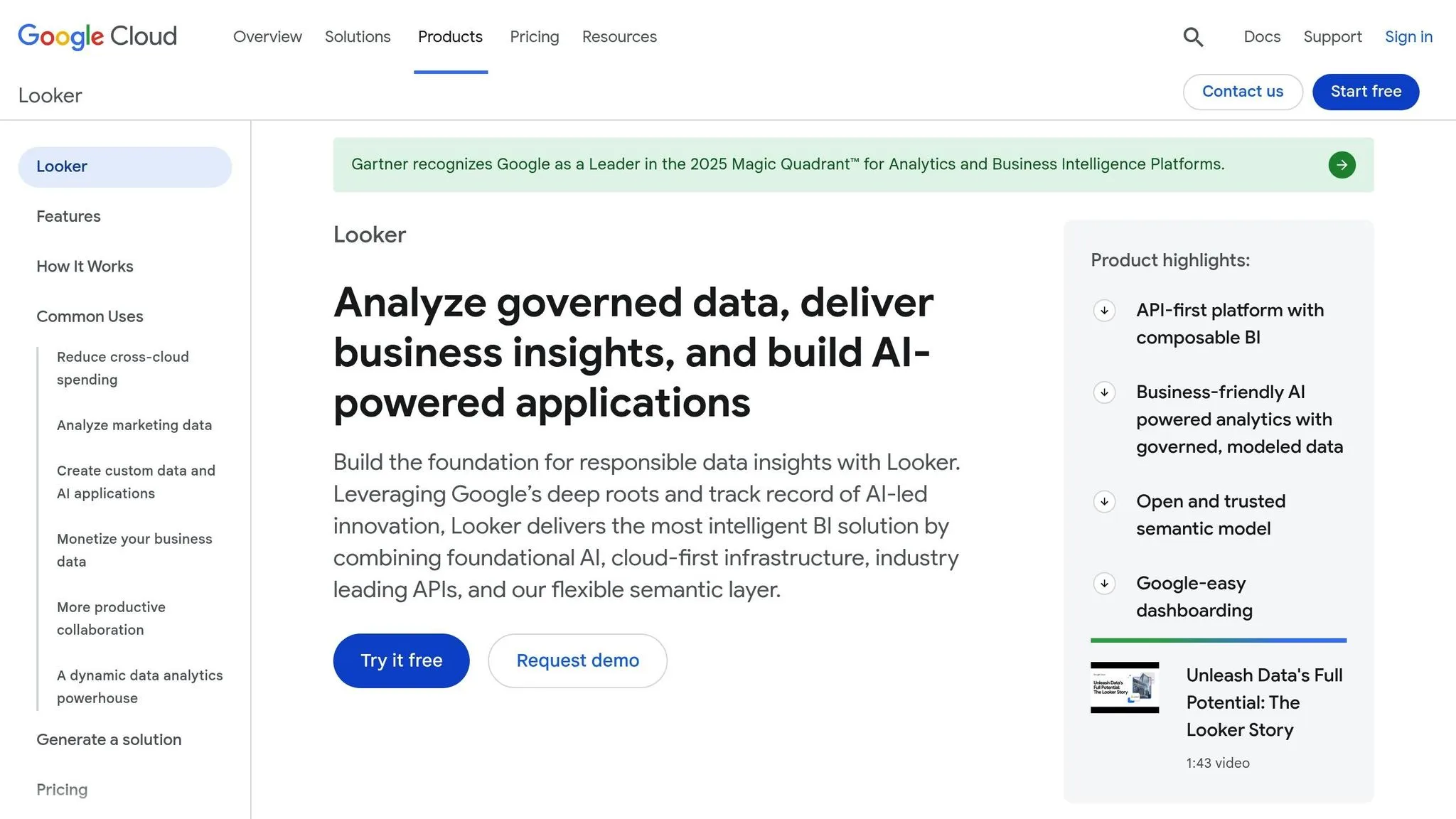
Looker continues to refine AI-powered analytics, emphasizing conversational querying and strong data governance.
Natural Language Querying
Looker’s Conversational Analytics, built on Google’s Gemini models, allows users to make queries in plain English, removing the need for deep BI expertise [17][18]. Since April 10, 2025, this feature has been available to all Looker-hosted platform users [17]. The system includes three specialized assistants:
- Visualization Assistant: Creates custom charts based on natural language prompts.
- Formula Assistant: Automatically generates calculated fields.
- Code Interpreter: Translates natural language questions into Python code for advanced tasks like forecasting and anomaly detection.
These capabilities are enhanced by configurable Data Agents, ensuring quick and precise responses [17][18]. Peter Bailis, Google Cloud’s VP of Engineering, and Sean Zinsmeister, Director of Data Cloud Outbound Product Management, shared their thoughts:
"Gemini in Looker and the introduction of Looker reports makes business intelligence simpler and more accessible for everyone. This empowers users across the organization, reduces the burden on data teams, and frees analysts to focus on higher-impact work." [17]
Code Inspectability
Looker employs LookML, a version-controlled language that defines metrics, calculations, and relationships, providing full traceability and auditability of data logic [14][15]. The "Help Me Code" tool within the Looker IDE offers AI-generated suggestions for dimensions, groups, and measures, speeding up the modeling process while ensuring clarity and transparency [16][17].
Warehouse Integration
Looker’s architecture queries cloud data warehouses directly, eliminating the need for ETL processes and delivering real-time insights [15]. By leveraging platforms like BigQuery, users can access up-to-date data instantly. Additionally, Looker Studio connects users to over 1,000 data sources and connectors [15]. Google’s leadership in the field was further recognized when it was named a Leader in Gartner’s 2025 Magic Quadrant™ for Analytics and Business Intelligence Platforms [15].
Governance and Semantic Layer
LookML also establishes a universal semantic layer, translating raw data into business-friendly terms consistently across platforms [14][15]. Google Cloud highlights the importance of this approach:
"In the generative AI era, a universal semantic layer is the foundation for intelligent decision-making and is key to the success and accuracy of any data project." [14]
Metrics defined in Looker can be seamlessly exported to other BI tools while preserving accuracy [14][15]. Through its acquisition of Spectacles.dev, Looker has integrated continuous integration (CI) capabilities to automate LookML testing and validation, ensuring that broken metrics never reach end users [17]. This governance framework supports generative AI tools with validated business logic, minimizing errors and ensuring reliable insights [14][17]. This foundation lays the groundwork for evaluating the platform’s overall strengths and weaknesses in the next section.
Pros and Cons
Each AI analytics tool has its own way of simplifying data analysis, offering distinct benefits and some trade-offs. While all platforms have their strengths, Querio stands out for its transparency, direct live connections to data warehouses, and robust governance controls. Here's a breakdown of the key advantages and limitations for each platform:
Querio: Querio shines with its ability to generate inspectable SQL and Python code, ensuring full transparency. It directly queries live data warehouses like Snowflake, BigQuery, and Amazon Redshift, eliminating the need for duplicating data. Its shared context layer keeps metrics and business definitions consistent, giving data teams better control and enabling quicker, actionable insights.
Tableau: Tableau is celebrated for its top-tier visualizations and intuitive interface. Features like Tableau Pulse provide clear explanations and citations for AI-generated insights [1]. However, it can struggle with performance when dealing with very large datasets or complex real-time analyses. Additionally, its governance capabilities aren't as strong as those offered by Querio [19].
Power BI: Power BI integrates Copilot to assist users with DAX queries and semantic modeling, offering verified answers that enhance consistency [4]. It performs well with live connections in Microsoft Fabric and SQL environments [3]. That said, it requires careful data preparation to avoid producing results that might be too generic or inaccurate.
Looker: Looker is highly regarded for its governance features, thanks to its LookML semantic layer [14], which translates raw data into business-friendly terms. It directly queries cloud data warehouses for real-time insights and supports unlimited user access under a scalable model. However, its focus on logic and governance can come at the expense of visual exploration, which is an area where Querio has the edge [19].
Conclusion
Selecting the best AI analytics tool ultimately depends on your team's priorities and specific needs. Based on the analysis above, Querio addresses some of the biggest challenges in AI-driven analytics by offering transparent, inspectable code and direct connections to live data warehouses like Snowflake, BigQuery, and Amazon Redshift. Its shared context layer ensures consistency in metrics and business definitions across analyses, dashboards, and embedded AI use cases. This approach eliminates the "black box" issue that often undermines trust in AI-generated insights [22].
As Formula Bot aptly puts it, "AI data analysis is highly accurate when working with clean, well-structured data, but results depend on data quality. It's best used alongside human review for context and validation" [20]. Querio's transparent design simplifies this validation process, making it both efficient and dependable.
While other tools may meet basic requirements, Querio stands out by offering complete transparency and strict control - ideal for accuracy-critical tasks where understanding the underlying logic is non-negotiable [21]. For teams seeking precise, trustworthy insights and seamless live data integration, Querio proves to be the go-to solution for modern data needs.
FAQs
::: faq
How does Querio make data analysis more transparent and easy to understand?
Querio makes data analysis more accessible by leveraging natural language processing (NLP), so users can simply ask questions in plain English. This removes technical hurdles and ensures insights are straightforward and easy to understand.
The platform integrates directly with live data sources, delivering real-time insights that users can instantly validate. With a commitment to data governance and security - including SOC 2 compliance - Querio ensures your data is managed responsibly and transparently. These features not only streamline decision-making but also inspire confidence in data-driven processes. :::
::: faq
What benefits does Querio’s direct integration with data warehouses provide?
Querio connects directly to your data warehouse, giving you real-time access to live data - no manual transfers or duplication required. This means your insights are always current, allowing for quicker and more informed decisions.
By tapping directly into your data source, Querio simplifies the process, speeds up queries, and streamlines data management. Plus, it strengthens data security by reducing the risks tied to moving or copying sensitive information, helping your business stay compliant and in control.
Whether your team is highly technical or not, Querio makes it easier to analyze large, complex datasets. It turns raw data into actionable insights with speed and accuracy. For U.S. businesses, this means staying flexible and making smarter, data-driven choices with confidence. :::
::: faq
How does Querio ensure consistent and reliable data across the organization?
Querio brings consistency and dependability to your data with its centralized context layer, which integrates various data sources and standardizes how they’re interpreted. This method establishes a single, unified source of truth, eliminating the confusion and errors that often arise from fragmented or isolated systems. By ensuring everyone works with the same definitions, metrics, and context, Querio reduces mistakes and enhances clarity.
What’s more, this centralized layer enables real-time updates and governance, keeping your data accurate and current. This reliability fosters trust in the insights produced, empowering decision-makers to act with confidence and speed. Querio’s efficient approach to data management delivers scalable, dependable analytics that align perfectly with your business objectives. :::