

Querio vs Domo: a Domo alternative where you own the logic
A side-by-side look at Querio and Domo: a Domo alternative where you own the logic. We keep our reviews honest and fair so you can make an informed decision.
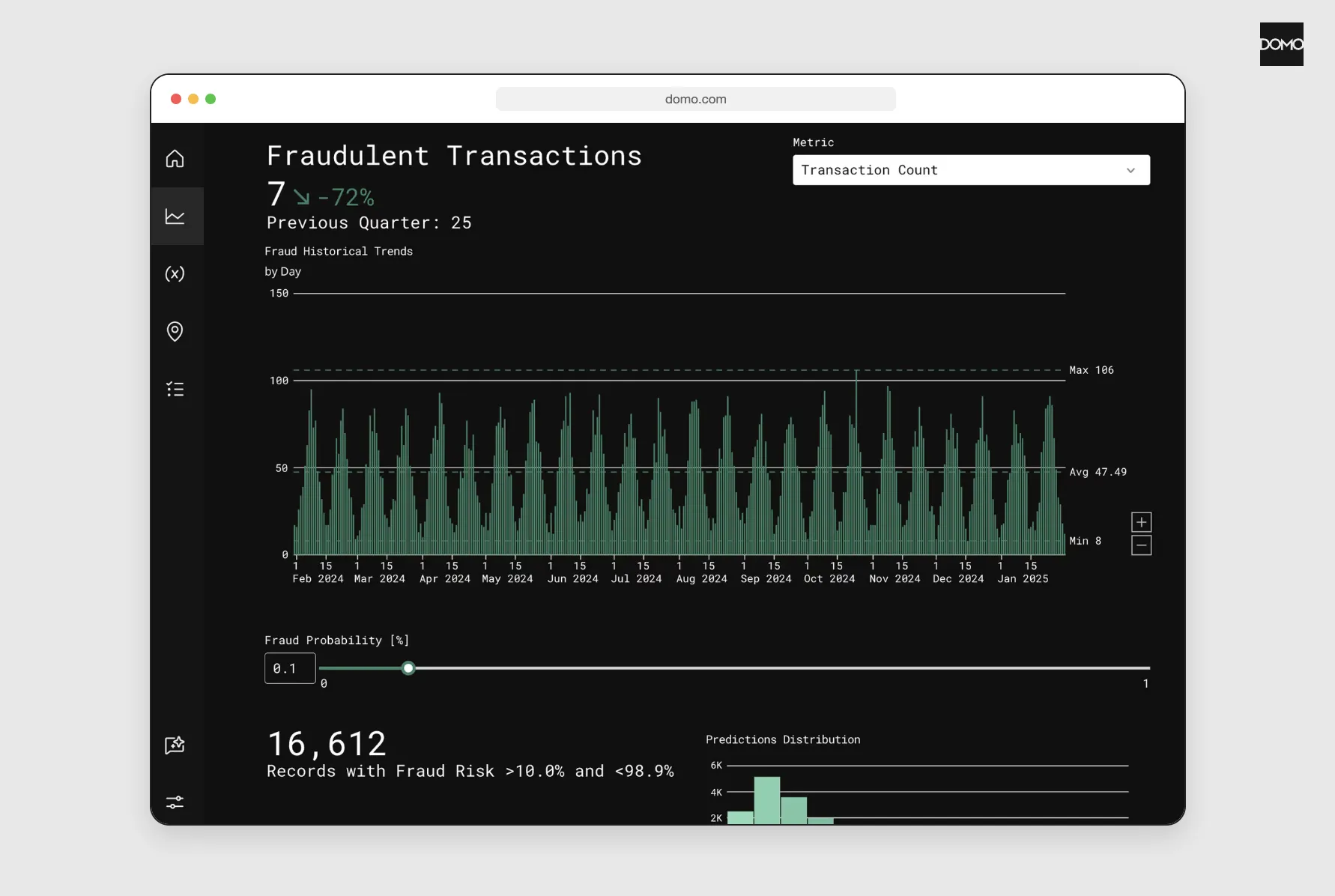
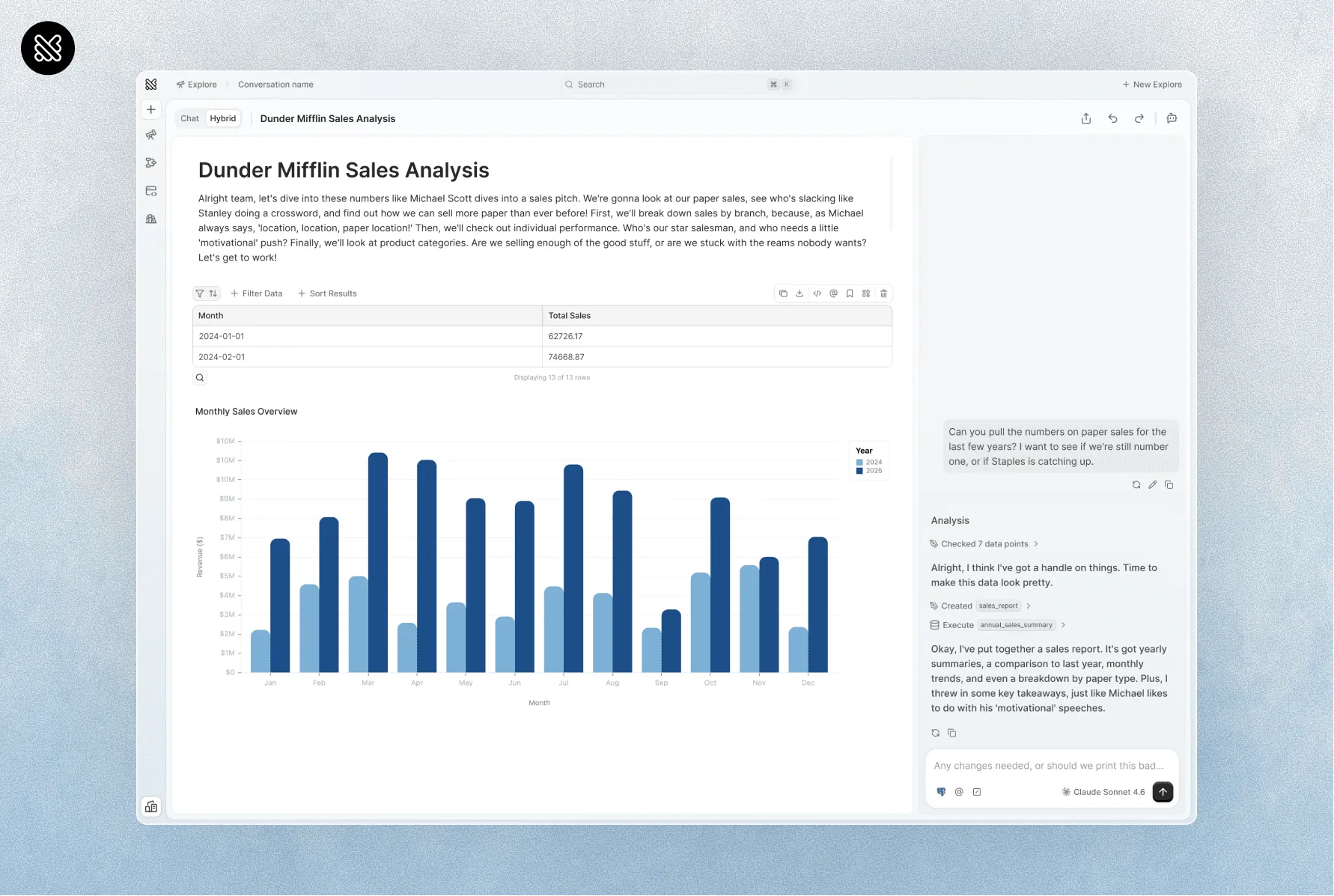
‹ QuerioDrag to compareDomo: a Domo alternative where you own the logic ›
Progress Software completed its purchase of "substantially all the assets of Domo's AI and data platform business" on Sept 22, 2026. Whoever owns it, leaving Domo means moving your data and the formulas behind your numbers. In Querio, your data stays in your warehouse and your definitions are files in a git repo you own.
Switching to a Domo alternative: what you have to move
The data comes first. Domo stores your DataSets itself unless Cloud Integrations points them at one of "your existing data warehouses". On a consumption agreement, you'll find Cloud Integrations in the Data Center. Otherwise your Domo account team has to switch it on.
Then the formulas. A Beast Mode is Domo's calculated field, and one built in the Analyzer is "tied to the Card". Other cards on the same DataSet only get it if someone ticks "Save calculation to DataSet". To reuse it on another DataSet, you use "Duplicate to DataSet", which works like "Save As", so the copy changes "without affecting the original". One metric can end up as several formulas on several cards, each edited in place.
As of October 2026, Domo's docs describe version history for DataFlows and none for a single Beast Mode, so what you take out is each formula as it stands today. Its Beast Mode FAQ says a formula that "disappears" after saving is "most commonly caused by multiple users editing the same card at the same time and overwriting each others' changes."
Getting the formulas out is the easy part. Domo's Beast Mode API lists every Beast Mode, and its get call returns each one's formula text, so a script can pull the whole set. Someone who knows what each one means still has to rewrite it, as SQL or as a MetricFlow metric.
In Querio, that work lands in files you keep. Metrics, context, saved queries, dashboards and notebooks are plain files in a GitHub repo you own, synced both ways with the app. Saving context or promoting a dashboard opens a pull request under your repo's own reviewers, and merging it makes it live. If you already use dbt, Querio reads your dbt and MetricFlow definitions as they are (more in our dbt Semantic Layer guide). If you ever leave Querio, you keep the repo.
Moving to a Domo competitor starts with where your data lives
If Cloud Integrations already points your DataSets at your own warehouse, your data is where it needs to be, and only the formulas move. Querio connects to Snowflake, BigQuery, Databricks, Redshift, PostgreSQL, MySQL, SQL Server, ClickHouse and more, listed on our integrations page. On Snowflake, BigQuery and Databricks, a query runs as the person asking, under your warehouse's own access rules.
If your data lives only in Domo's storage, the first step of any move is a warehouse you control. Domo can read that warehouse through Cloud Integrations while you're still on Domo, so you can run both tools against the same tables and compare the numbers before you switch.
Domo AI vs Querio for asking questions of your data
Domo's AI Chat can't join across DataSets. "Cross-DataSet joins and unions aren't supported," say its docs, and it "queries each DataSet independently, then synthesizes the results."
For outside agents, every Domo instance exposes its toolkits as MCP servers, which any MCP-capable tool signs in to with OAuth to "build datasets, dataflows, cards, apps and workflows". Domo AI is "available to customers on a consumption agreement".
In Querio, every answer is a SQL or Python notebook run against your warehouse, so you can open it and read the query. The Slack agent, Claude through Querio's MCP server and Claude Code or Cursor through the CLI all answer from the same definition files, on every plan, Free included.
We think an analytics agent shouldn't call a BI tool's API to update a metric. It should write the file. In Querio, an agent can query a metric by name, or propose a change to a definition as a PR that a person merges.
Domo vs Querio pricing
Both sell unlimited users with no per-seat fees, and both meter usage in credits. So far, so similar. They split on what a credit pays for, and on whether there's a price you can read.
| Domo | Querio | |
|---|---|---|
| What credits pay for | "Store data", "Update tables", running workflows, ML inference; Domo AI can add input and output token charges | AI model calls only: 500 a month on Free, 10,000 on Core, then billed per credit. Dashboard refreshes and automations use none. Storage stays in your warehouse, on its own bill |
| Published price | None: "Custom Pricing", no dollar amounts | Free is $0; Core is $2,499 a month or $25,000 a year |
| How you start | A 30-day free trial, no credit card | The Free plan, with no end date |
Querio's plans are on the pricing page. Weighing Domo against ThoughtSpot or Omni too? See Querio vs ThoughtSpot and Querio vs Omni.
FAQ
What happened to Domo, and who is acquiring it?
Progress Software, and the deal is done. "Progress paid $400M" for Domo's AI and data platform business, and the release says Domo adds "a customer base of over 2,400 businesses to Progress". Domo's site now reads "Domo is part of the Progress product portfolio."
Can you certify a Beast Mode in Domo?
No, says Domo's Beast Mode FAQ. You can lock one, so only its owner, an Admin or roles with the right grants can edit or unlock it. In Querio, dashboards are marked experimental, team or trusted, and only someone who can merge to main can promote one to trusted.