

Querio vs Thoughtspot
A side-by-side look at Querio and Thoughtspot. We keep our reviews honest and fair so you can make an informed decision.
‹ QuerioDrag to compareThoughtspot ›
Search was the 2015 answer. AI is the 2026 one.
ThoughtSpot built the category of “search for your data.” It was a great idea when typing a keyword and getting a chart felt like magic. The world moved on. Business users don’t want to learn a search syntax. They want to ask a question, see the answer, and ask a follow-up.
How to decide
1. Search bar or conversation?
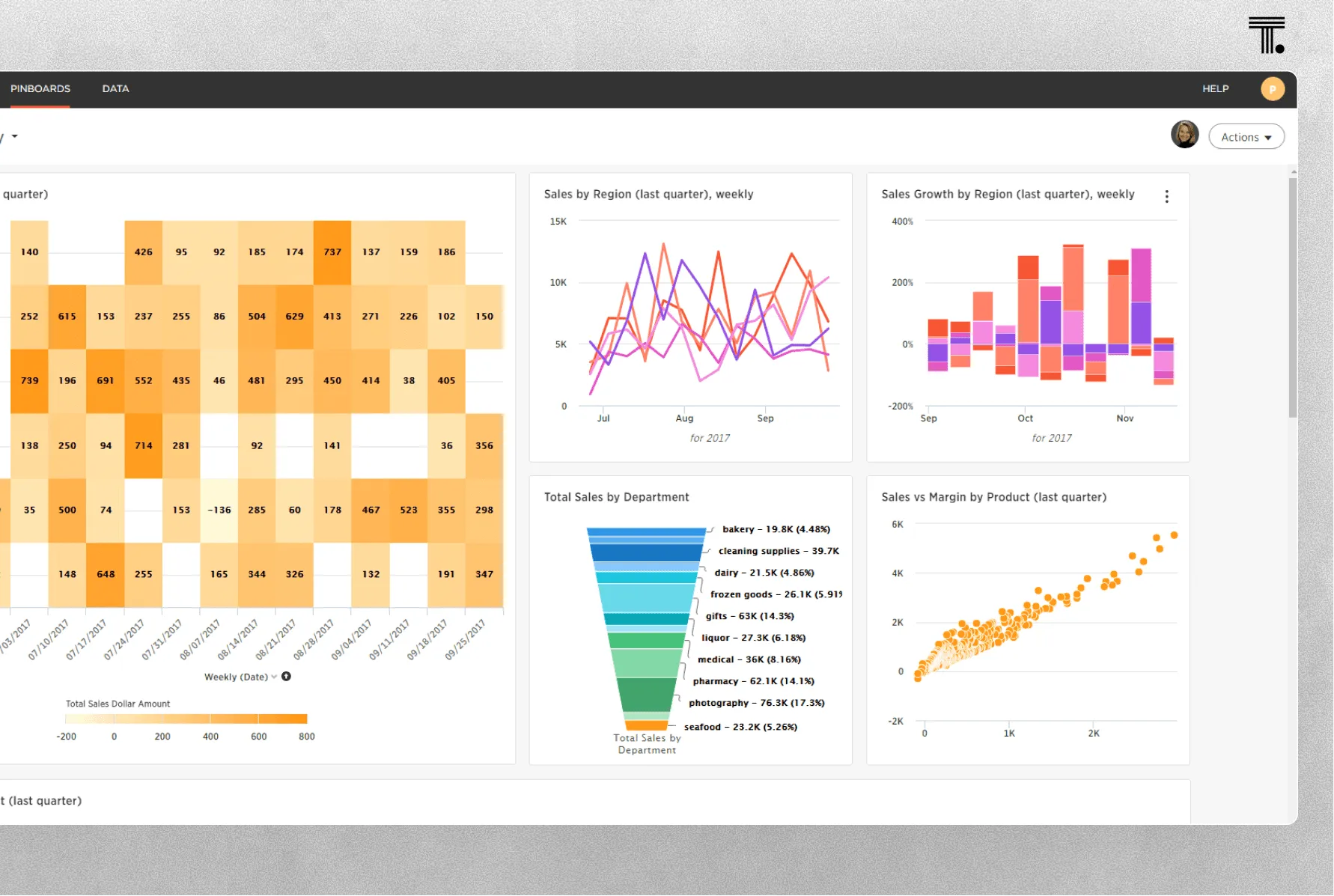
ThoughtSpot’s UX is a search box. Type “revenue by region 2024,” get a chart. Good for structured lookup. Awkward for “so why did the Northeast drop in March?”
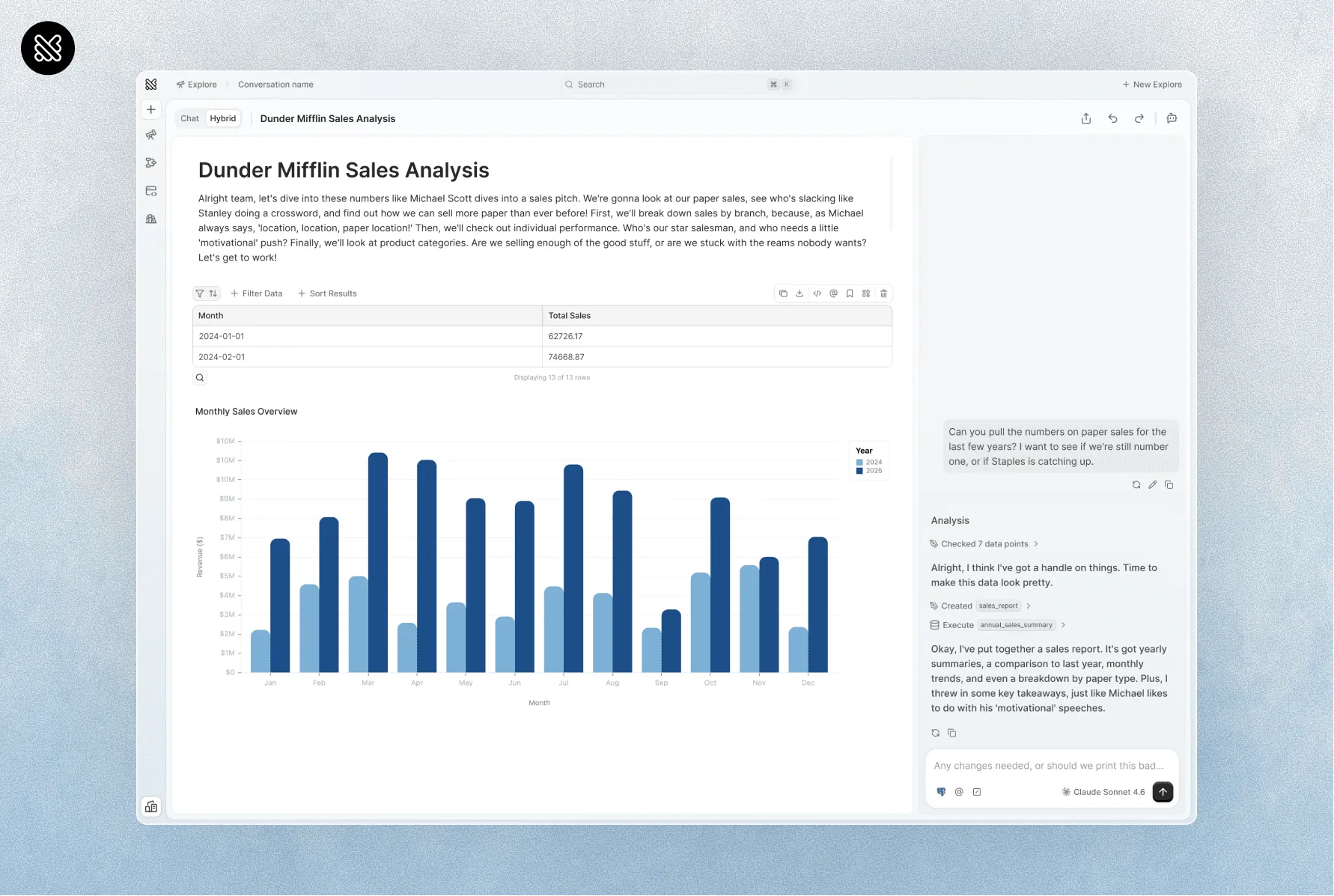
Querio’s UX is a conversation. Every answer is a message. Every follow-up is the next message. The AI remembers what you just asked.
2. How long to stand up?
ThoughtSpot requires worksheet modeling before users can ask questions. Someone needs to build the search objects, tag the fields, and train users on the search grammar.
Querio reads your schema, optionally imports your dbt or LookML semantic layer, and is usable on the first day. Setup is measured in hours, not weeks.
3. What about analysts?
ThoughtSpot isn’t a notebook. Analysts go somewhere else for Python, forecasting, or custom analysis.
Querio is a notebook and a BI tool and an AI interface in one workspace. The SQL and Python the AI generates is editable by your analysts and auditable by your finance team.
Where they overlap, where they don’t
| Features | Querio | ThoughtSpot |
|---|---|---|
| Natural language querying | Conversation | Search syntax |
| Follow-up questions | Native | Limited |
| Notebook + BI in one tool | Yes | No |
| Python alongside SQL | Yes | No |
| Semantic layer | Yes (imports existing) | Yes (worksheets) |
| Time to first answer | Hours | Weeks |
| Enterprise dashboard ecosystem | Growing | Mature |
Pick ThoughtSpot if
-
You are meeting all ad hoc questions and data needs with Spotter.
-
You’re comfortable paying for every user self-servicing.
-
You’re comfortable investing in worksheet modeling upfront.
Pick Querio if
-
You want a product your business users can actually use without training.
-
You want an AI layer that handles follow-ups, not a smarter search box.
-
You want unlimited analysts and business users in the same workspace instead of two different tools.