Business Intelligence
How AI Improves Data Integration Workflows
Explore how AI is revolutionizing data integration workflows by automating tasks, enhancing accuracy, and driving down costs for businesses.

AI is transforming data integration by automating complex tasks, improving accuracy, and reducing costs. Many companies achieve this by implementing a budget-friendly AI BI stack. Businesses using AI for data integration see up to 80% faster workflows and 42% cost savings. Here’s how AI helps:
- Automates Repetitive Tasks: AI handles schema mapping, ETL pipeline optimization, and error correction, cutting manual work by up to 80%.
- Boosts Data Quality: AI detects and fixes anomalies, ensuring data accuracy and reducing costly errors by 83%.
- Scales with Growth: AI manages massive data volumes, enabling real-time updates and analytics through smart resource allocation.
- Simplifies Compliance: AI automates data security and regulatory reporting, saving time and ensuring privacy.
With data volumes growing rapidly, AI is no longer optional - it’s essential for staying competitive.
AWS re:Invent 2024 - Harness Boomi AI & AWS for effortless data integration & automation (AIM249)
::: @iframe https://www.youtube.com/embed/wSR8xN0fwVU :::
How AI Automates Data Integration Tasks
AI has revolutionized the way businesses handle data integration, taking over tasks that were once manual and time-consuming. A study reveals that 64% of business owners see AI as a game-changer for boosting productivity in data operations [4]. By automating processes like schema mapping and optimizing ETL pipelines, AI is reshaping how organizations approach data integration.
Schema Mapping with Machine Learning
Schema mapping - a task that often requires significant manual effort - is now simplified with AI. Using pattern recognition and semantic analysis, AI systems can automatically identify relationships between data fields, even when those relationships aren’t immediately obvious. For instance, Astera Data Pipeline Builder's AI Automapper can instantly link fields like "ShipCountry" and "ShipNation" by analyzing semantic connections [3].
Some tools even learn from historical data. Flatfile's AI engine, for example, has been trained on over 5 billion mapping cases, allowing it to suggest field mappings and transformation rules with remarkable accuracy. This kind of automation significantly speeds up integration workflows and reduces errors.
"AI is no longer just a 'nice-to-have' in data integration; it's becoming essential. Organizations need AI to keep pace with data complexity, automate repetitive tasks, and maintain trust in their data at scale."
AI-Powered ETL Pipeline Optimization
AI is also making a big impact on ETL (Extract, Transform, Load) processes by continuously monitoring and improving them. The benefits of AI-driven ETL optimization are evident across industries:
- Healthcare: NHS Greater Manchester achieved full data traceability and streamlined operations using AI-powered ETL solutions [5].
- Finance: The London Stock Exchange Group shortened production pipeline delivery times from months to just weeks [5].
- Retail: Tapi Carpets cut data processing time by 80%, enabling near real-time access to structured data [5].
| ETL Component | AI Enhancement |
|---|---|
| Data Extraction | Automated schema detection and mapping |
| Transformation | Real-time data quality checks and enrichment |
| Loading | Optimized storage strategies and indexing |
| Maintenance | Self-healing capabilities and error correction |
AI doesn’t just improve efficiency - it also enhances the ability to connect with new and evolving data platforms.
Smart Connectors for New Platforms
AI-powered smart connectors are transforming how businesses link to new data sources. A prime example is Airbyte’s Connector Builder, released in March 2025, which uses an AI assistant to pre-fill configuration fields and offer setup suggestions [2].
Historically, nearly 40% of integration projects fail due to challenges in connecting disparate data sets [1]. AI-driven connectors tackle these issues by:
- Recognizing and adapting to diverse data formats automatically
- Writing integration scripts without requiring manual coding
- Offering smart suggestions for optimal configurations
- Bridging compatibility gaps between legacy systems and modern platforms
These smart connectors not only simplify the process but also ensure data accuracy, making it easier for businesses to onboard data while reducing complexity. Together, these advancements highlight how AI is streamlining even the most intricate integration tasks.
Data Quality Enhancement Through AI
Poor data quality is more than just a nuisance - it’s a costly problem, draining an average of $12.9 million annually from U.S. businesses [8]. AI is stepping up to address this challenge by ensuring data integrity through proactive quality measures, significantly improving data accuracy. Like its role in automation and ETL optimization, AI’s ability to enhance data quality plays a key role in supporting scalable data integration workflows.
Finding Data Anomalies
AI is particularly skilled at identifying unusual data patterns before they escalate into larger issues. In fact, AI algorithms can detect 30–40% of potential errors ahead of time [6]. These systems work in real time, analyzing data to catch problems such as:
| Anomaly Type | ML Validation Method | Impact |
|---|---|---|
| Outliers | Statistical pattern analysis | Flags values that fall outside normal ranges |
| Format Inconsistencies | Machine learning validation | Ensures standardized data entry formats |
| Missing Values | Predictive modeling | Fills gaps based on historical data |
| Duplicate Records | Smart comparison algorithms (often powered by a data copilot for analysts)) | Preserves data uniqueness |
By catching these issues early, AI not only prevents errors but also lays the groundwork for more advanced error correction strategies.
"Imagine AI agents working inside data pipelines that don't merely process information, but actively reason about it. They will be able to identify patterns, discover connections, and proactively optimize data flows. This kind of adaptive intelligence and automation will be transformative in every aspect of data infrastructure." - Ian Funnell, Data Engineering Advocate Lead at Matillion [5]
Error Prevention and Correction
AI’s ability to prevent and correct errors has already made a measurable difference. In 2024, AI systems reduced errors in high-value transactions by an impressive 83% [6]. This success is largely due to AI’s ability to:
- Learn from historical trends to enforce validation rules that fit the context
- Standardize data formats for consistency
- Automatically correct common errors as they occur
The impact of these improvements goes beyond accuracy. A 2024 EMA Research study revealed that downtime costs organizations an average of $14,056 per minute [6]. By addressing potential issues before they disrupt operations, AI-powered error prevention minimizes such costly interruptions, strengthening the entire data integration process.
Industry-Specific Data Validation
AI’s error prevention techniques are not one-size-fits-all - they adapt to the unique needs of different industries. For example:
- In finance, AI helps detect fraud and ensure regulatory compliance.
- In healthcare, it validates critical data like medical coding, patient records, and device information.
- In e-commerce, it ensures the accuracy of product details and transactions [7].
Scaling Data Integration with AI
As AI continues to revolutionize automation and reduce errors, its role in scaling data integration is becoming increasingly critical. With data volumes projected to reach a staggering 393.9 zettabytes by 2028 [10], the challenge lies in managing these surges without compromising performance. AI provides tools and techniques to tackle these demands head-on.
Smart Resource Management
AI optimizes computing resources by adapting to workload demands in real time, ensuring operations remain efficient and cost-effective. According to one expert:
"AI-driven solutions provide dynamic, real-time adjustments to resource allocation, ensuring optimal performance, cost-efficiency, and reliability." [9]
This dynamic approach minimizes waste while maintaining system performance under varying loads.
Real-Time Data Updates
AI significantly enhances data synchronization processes by employing advanced techniques such as:
- Intelligent conflict resolution using CRDTs (Conflict-free Replicated Data Types) [11]
- Automatic retry mechanisms with exponential backoffs [12]
- Real-time alerts to flag synchronization issues [12]
These tools prioritize problem resolution, reducing the need for manual intervention to only the most complex cases [11].
Smart Data Caching
AI-powered caching systems analyze usage patterns to predict data needs, improving performance and reducing time-to-insight for business teams. Many organizations now leverage no-code analytics tools to empower non-technical users with live data access. Here’s what this means in practice:
- A 60% reduction in data inaccuracies through real-time error detection [14]
- Up to a 40% boost in overall labor productivity [15]
For example, a multi-specialty healthcare provider adopted AI-powered analytics workspace, cutting claim denials by 40% and reducing manual billing time by 60% [16].
Integrating with Cloud-Native Practices
These AI strategies align seamlessly with cloud-native technologies, further enhancing scalability. Tools like Kubernetes enable containerization, which strengthens integration workflows while maintaining reliability [13]. This is crucial, especially since only 16% of tech leaders currently feel their infrastructure is ready to support advanced AI capabilities [10].
sbb-itb-284a532
Data Security and Compliance
A surprising statistic reveals that only 10% of organizations have established comprehensive policies for generative AI, emphasizing the need for stronger security measures [19].
Identifying Sensitive Information
AI-powered tools for Data Security Posture Management (DSPM) are transforming how organizations handle sensitive information. These tools automatically scan and classify data based on content, usage, and sensitivity levels [17]. They also monitor network activity, flag unusual patterns, and anonymize data while ensuring its integrity remains intact. Interestingly, a McKinsey survey highlighted that while 40% of respondents viewed explainability as a major risk in adopting AI, only 17% were actively working to address it [21].
To tackle these challenges, many organizations are turning to AI-driven anonymization tools. These systems replace personally identifiable information with randomized values, ensuring privacy without compromising the quality of data analysis [17]. This proactive approach not only strengthens security but also supports automated compliance efforts seamlessly.
Simplifying Compliance Reporting
AI plays a key role in streamlining compliance reporting by automating data aggregation and creating regulator-ready reports for frameworks like GDPR, CCPA, and HIPAA [22]. Automated processes maintain detailed audit trails and compliance records, making it easier to meet regulatory requirements. Key areas of focus include:
- Data Minimization: Collect only the personal data necessary for specific purposes [20].
- Encryption: Ensure data is secured both during storage and while in transit [20].
- Regular Audits: Conduct periodic audits to identify and address vulnerabilities [18].
- Access Controls: Use role-based access to limit data exposure [20].
Currently, 59% of organizations are either implementing or testing AI solutions to improve compliance workflows [21]. This highlights how AI is becoming indispensable for maintaining robust data security while simplifying the complexities of regulatory compliance.
Querio's AI Data Integration Features
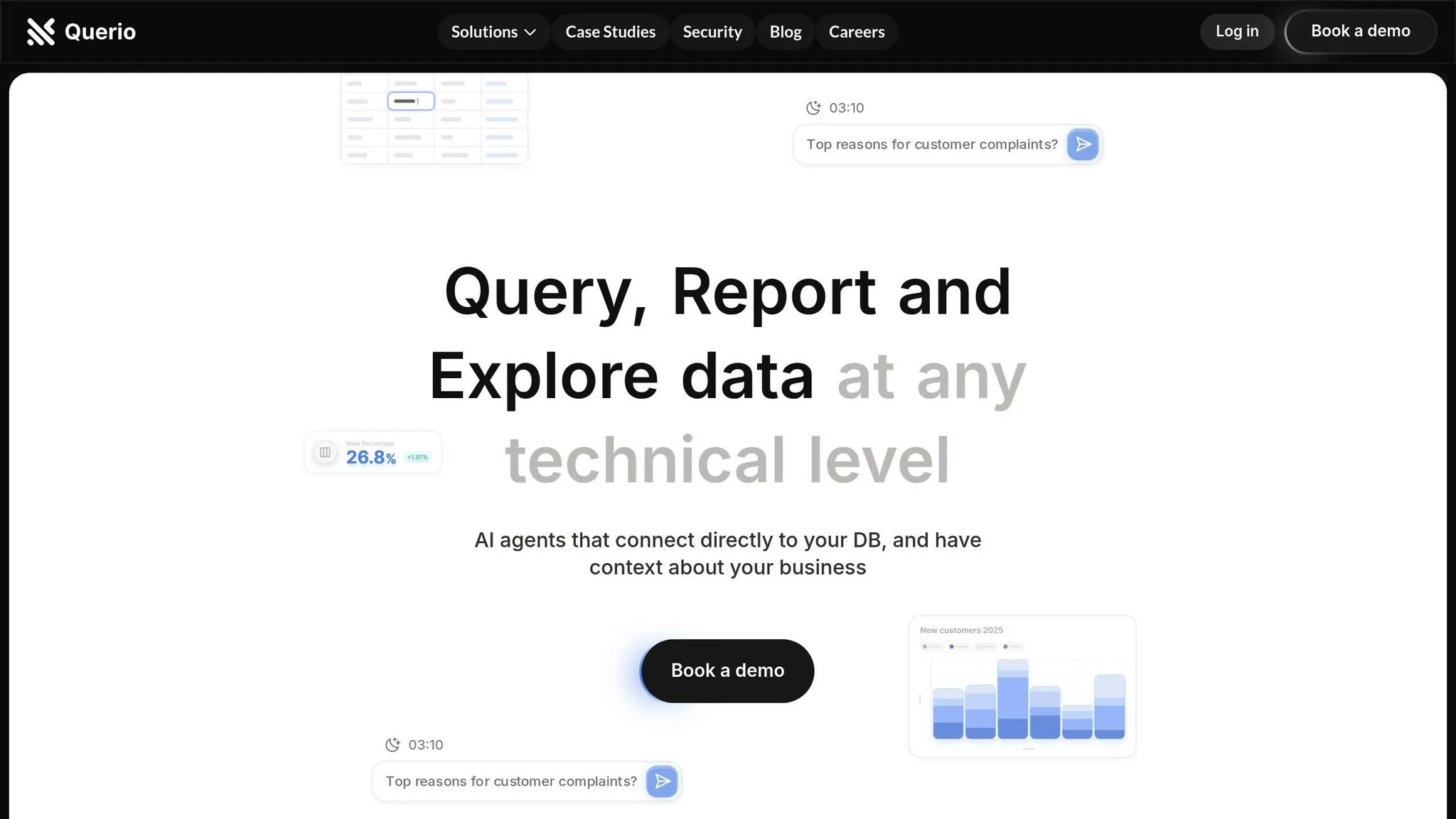
Plain Language Data Queries
Querio's AI takes the complexity out of working with data by using natural language processing in BI. Forget about needing to write SQL queries - just type your questions in plain English, and the system does the rest. It understands the business context of your query and translates it into accurate database requests, removing the need for technical expertise. These plain language queries seamlessly integrate into dynamic dashboards, delivering insights in real time.
Real-Time Dashboard Updates
Querio’s dashboards are designed for speed and accuracy, offering insights almost instantly by processing data the moment it’s created. With direct database connections, visualizations and reports stay up-to-date without any delay.
Take Lumen’s 2024 example: by leveraging AI-driven real-time analysis, they cut the time needed to summarize sales interactions from 4 hours to just 15 minutes per seller. This improvement is projected to save the company $50 million annually in time costs [23].
| Dashboard Feature | Business Impact |
|---|---|
| Real-Time Processing | Delivers query responses in milliseconds |
| Live Data Streams | Allows immediate action on new information |
| Concurrent Request Handling | Supports thousands of simultaneous users |
| Historical Data Integration | Combines live and historical data for deeper analysis |
Team Data Access
Querio ensures that real-time data updates are accessible across collaborative workspaces, keeping everyone on the same page. Its access management system bridges the gap between technical data teams and business users, tailoring the experience to suit different skill levels.
For example, data teams can use advanced tools in an interactive workspace, while business users enjoy simple, intuitive interfaces for quick insights. This dual approach empowers all team members to work efficiently in their preferred way.
Security is a top priority, with features like data encryption, role-based access controls, and built-in compliance tools (covering GDPR, HIPAA, and SOC 2). Single sign-on (SSO) and multi-factor authentication (MFA) add extra layers of protection.
Organizations adopting AI-powered data integration tools like Querio are seeing real financial benefits. Studies report an average ROI of $3.70 for every $1 spent on generative AI technology [23]. By simplifying queries, enabling instant dashboard updates, and streamlining data access, Querio showcases how AI is revolutionizing modern data workflows.
Conclusion: AI's Impact on Data Integration
AI is reshaping how organizations approach data integration by enhancing efficiency, improving accuracy, and reducing costs. Companies embracing AI-driven solutions are seeing real results - such as 42% cost savings and up to 80% reductions in the time needed to complete critical tasks. These numbers highlight just how impactful AI can be in streamlining operations [24].
| AI Integration Impact | Improvement |
|---|---|
| Process Efficiency | 30-40% |
| Data Quality | 20% |
| Resolution Time | 60% |
As discussed earlier, AI's ability to automate complex processes and enable real-time updates is at the heart of these advancements. Across industries, efficiency improvements ranging from 30% to 40% are being achieved thanks to AI's reliability in handling intricate tasks [24].
The benefits go beyond just numbers. AI is becoming an essential part of modern data workflows and the future of data tools, helping organizations keep pace with the rapid growth of global data. With the data integration market projected to hit $43.38 billion by 2033 and data creation expected to reach 180 zettabytes by 2025, adopting AI isn't just an option - it's a necessity [1][25].
FAQs
::: faq
How does AI improve data quality in integration workflows, and what cost savings can businesses expect?
AI plays a key role in improving data quality within integration workflows by automating essential tasks like data cleansing, anomaly detection, and validation. This automation helps ensure data is accurate, consistent, and dependable by catching and fixing errors, inconsistencies, and duplicates as they happen. As a result, businesses can confidently rely on their data for crucial decisions.
The financial benefits are hard to ignore. Automating these processes minimizes the need for manual effort, which cuts labor costs and allows teams to focus on higher-value tasks. Beyond cost savings, cleaner data reduces the risk of expensive mistakes, boosts operational efficiency, and can even drive higher revenue and better customer satisfaction. :::
::: faq
How do AI-powered smart connectors simplify data integration and address common challenges with connecting different data sources?
AI-powered smart connectors simplify data integration by automating the connection of various data sources. This reduces the need for manual work and helps cut down on errors. Features like automated schema mapping allow data structures from different systems to align quickly, while real-time data processing ensures information stays accurate and current.
These connectors also use machine learning to identify and resolve data quality issues, enhancing overall data accuracy. By addressing hurdles like data silos and inconsistent formats, businesses can incorporate new data sources more quickly, streamline operations, and make better use of their data - all with minimal manual effort. :::
::: faq
How does AI help businesses comply with data security regulations and streamline compliance reporting?
AI takes the hassle out of meeting data security regulations by automating crucial tasks, cutting down on human mistakes, and delivering more precise results. For instance, it can automatically compile compliance reports by gathering and analyzing the required data, reducing the chance of errors or inconsistencies that often occur with manual reporting. AI can also keep an eye on data activities in real time, ensuring businesses stay aligned with regulations like GDPR while providing up-to-the-minute compliance insights.
Using AI for compliance reporting offers clear advantages like greater efficiency and cost savings. Automated tools can quickly track compliance metrics and generate reports, allowing teams to focus on higher-level priorities instead of repetitive tasks. Plus, AI enhances the accuracy of compliance efforts by spotting potential errors or inconsistencies, helping businesses stay ahead of regulatory demands. :::