Business Intelligence
The Ultimate Guide to Business Intelligence in 2025: Tools, Trends & Practical Strategies
Explore the future of business intelligence in 2025 with AI-driven tools, key trends, and strategies for smarter decision-making.
Business Intelligence (BI) in 2025 is all about speed, simplicity, and smarter decisions. Powered by AI, modern BI tools like Querio transform raw data into real-time insights, helping businesses stay ahead in a fast-paced world. Key trends include natural-language interfaces, predictive analytics, and self-service tools, making data accessible to everyone - not just experts. Companies that invest in AI-driven BI platforms can improve decision-making, forecast trends, and even integrate analytics into customer-facing apps.
Key Takeaways:
AI-Powered BI Tools: Tools like Querio allow users to ask plain-English questions and get instant insights.
Predictive Analytics: Forecast future trends and get actionable recommendations.
Self-service and embedded analytics: Empower teams and customers with easy access to data insights.
Real-Time Decisions: Respond to market shifts quickly with up-to-date data.
To succeed with BI in 2025, focus on choosing the right platform, setting up strong data governance, and training teams effectively. Querio, starting at $1,999/month ($20,400 billed annually), is an example of a platform leading this shift with its natural-language querying and embedded analytics features.
#310 The State of BI in 2025 | Howard Dresner, Godfather of BI
Top AI-Driven BI Tools for 2025
By 2025, BI platforms are blending AI with user-friendly interfaces, making advanced analytics more accessible for everyone - not just data experts. Today’s tools are designed to help businesses make quicker, smarter decisions. A standout example of this shift is Querio.
Querio: An AI-Powered BI Workspace
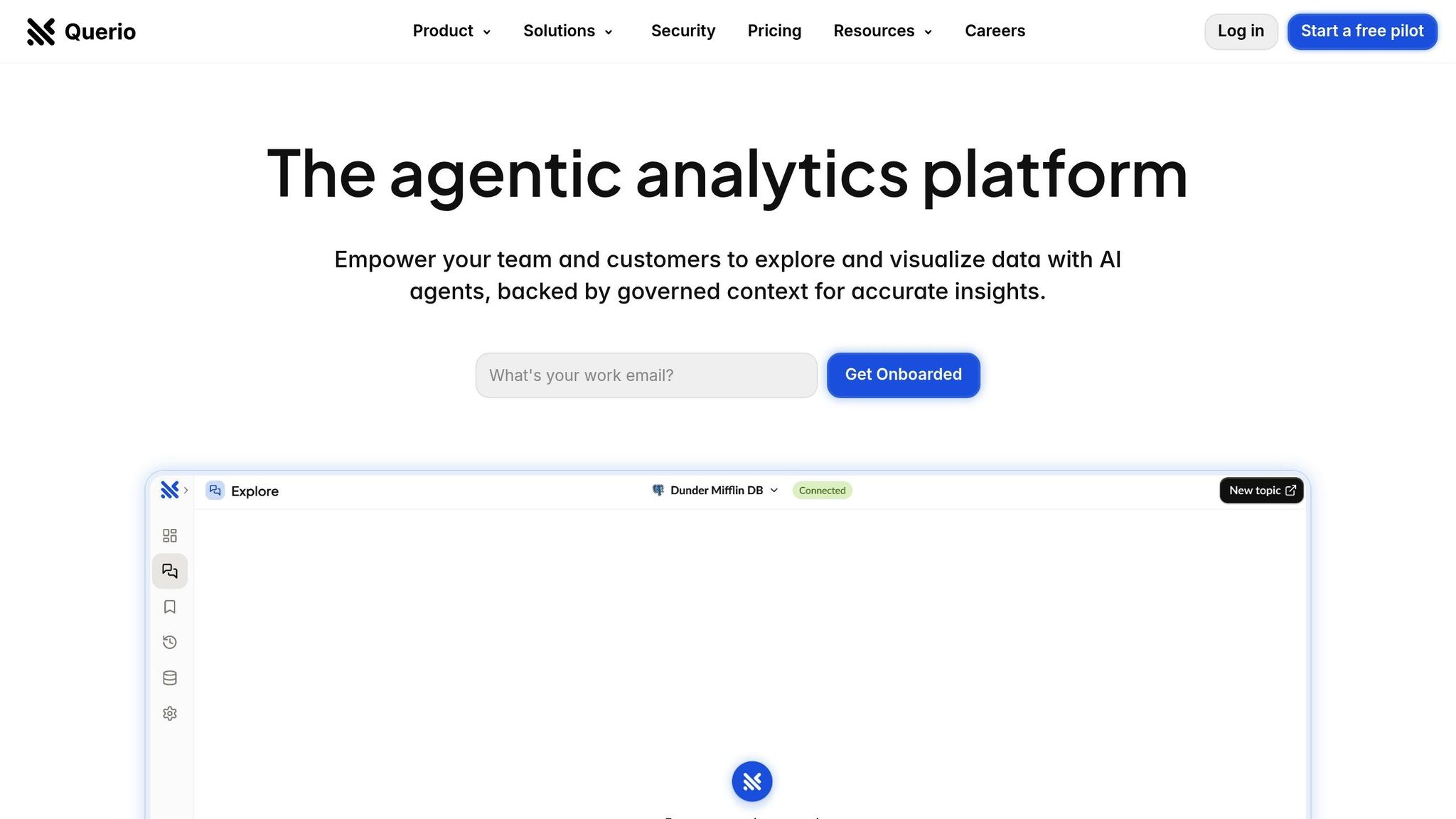
Querio is a cutting-edge BI workspace built around AI, enabling users to ask plain-English questions like, "What were our top-performing products last quarter?" and instantly receive accurate visualizations. Its AI-driven approach simplifies how teams interact with data, making it easy for everyone - from product managers to finance teams - to access live data from warehouses in seconds.
The platform connects seamlessly to major data warehouses like Snowflake, BigQuery, and Postgres, using encrypted, read-only connections. This ensures data is always up-to-date while maintaining strict security. Querio also includes a context layering feature, allowing teams to define table relationships, business metrics, and glossary terms for consistent data interpretation across the organization.
For companies aiming to offer BI capabilities directly to their customers, Querio provides embedded analytics. This feature integrates its AI-powered querying into custom applications. Pricing starts at $1,999/month ($20,400 billed annually), which includes three data connections, AI usage with no per-question charges, and unlimited users. Additional features can be added as needed.
Key Features of AI-Driven BI Tools
Querio highlights the essential features businesses should look for in AI-driven BI tools:
Real-time data access: Having up-to-date information is critical for timely and effective decisions.
Natural-language interfaces: These make interacting with data simple, eliminating the need for technical expertise.
Scalability and security: Platforms must handle growing data and user demands while maintaining top-tier security, such as SOC 2 Type II compliance and robust access controls.
Seamless integration: Flexible connectivity to core data sources and the ability to embed analytics into existing apps are crucial for modern BI systems.
These features make it easier for businesses to turn raw data into actionable insights. By combining real-time analytics with user-friendly tools, organizations can not only analyze past performance but also make strategic decisions that keep up with the fast-changing market landscape.
Business Intelligence Trends for 2025
The world of business intelligence (BI) is evolving rapidly, driven by AI-powered solutions that make data insights easier to access and act upon. Three key trends are transforming how organizations work with data.
Natural-Language Interfaces Are Changing the Game
BI tools are now adopting natural-language querying, allowing users to ask questions in plain language instead of navigating complex SQL or intricate dashboards. This shift is breaking down barriers to data access, enabling everyone - from marketing teams to sales reps - to interact with business data effortlessly.
For example, a finance manager can simply ask, "What was our customer acquisition cost last month compared to the same period last year?" and instantly receive a clear visualization - no need to wait for IT assistance.
This capability is powered by AI systems that interpret human language, understand business contexts, and translate questions into precise database queries. These tools are becoming so advanced that they can handle complex queries previously reserved for data experts.
Take Querio as an example. Its AI-native platform allows users to engage with live data warehouses using conversational queries. By layering business context, Querio ensures consistent results across teams, so everyone is on the same page when analyzing data.
This natural-language revolution is paving the way for even more proactive analytics.
Predictive and Prescriptive Analytics
Traditional BI focused on explaining what happened in the past. But in 2025, the focus is shifting toward predictive analytics (forecasting future outcomes) and prescriptive analytics (offering actionable recommendations). This evolution is turning BI into a strategic tool for decision-making.
With AI-driven predictive models, businesses can identify trends, forecast outcomes, and uncover hidden patterns influenced by variables like seasonal changes or external factors. Prescriptive analytics takes it a step further by suggesting specific actions. For instance, instead of just predicting higher customer churn next quarter, the system might recommend targeting specific customer groups with retention campaigns and outline the most effective incentives.
This forward-thinking approach helps teams across the board. Marketing departments can fine-tune campaign spending, supply chain managers can adjust inventory based on demand forecasts, and sales leaders can focus resources on high-potential opportunities - all while staying ahead of market shifts.
The next step? Making these insights even more accessible through self-service and embedded analytics.
Self-Service and Embedded BI
Another major trend is the rise of self-service analytics and embedded BI. Companies are moving away from centralized reporting models, where a small team manages dashboards for everyone. Instead, they’re empowering teams - and even customers - to access and analyze data on their own.
Self-service BI speeds up decision-making by eliminating bottlenecks. Meanwhile, embedded analytics weaves BI directly into existing tools, letting users access insights without leaving familiar platforms. For instance, customer analytics can be embedded into a CRM, or real-time performance data can be integrated into project management software.
The benefits extend beyond internal teams. Businesses are now offering embedded analytics as a service to their customers. SaaS platforms might provide usage stats to subscribers, e-commerce tools could deliver sales insights to merchants, and financial services might offer portfolio analytics to investors.
Querio is at the forefront of this trend, enabling businesses to embed its AI-powered querying tools directly into customer-facing applications. This approach turns data into a shared asset, creating value not just for internal teams but also for clients and partners.
Together, these trends - natural-language interfaces, predictive analytics, and self-service tools - are reshaping BI into a more accessible, proactive, and integrated resource. Organizations embracing these changes will have a clear edge in making smarter, faster decisions in today’s data-driven world.
How to Adopt BI Successfully in 2025
As technology evolves, adopting business intelligence (BI) effectively requires more than just buying software. To truly benefit from BI in 2025, organizations need a well-planned strategy that prioritizes both user engagement and long-term value.
Choosing the Right BI Platform
The journey to successful BI adoption begins with selecting a platform that fits your organization's unique needs and technical capabilities. AI-powered BI tools offer a range of features, so taking the time to assess your requirements upfront can save time and money down the road.
Start by reviewing your data sources. Ensure the platform can connect directly to your existing systems and accurately interpret your business terminology. For instance, if your marketing team searches for "CAC trends", the platform should provide the same insights as it would for "customer acquisition cost patterns." This consistency happens when data teams define business context once and apply it across all users.
Think about your user base and future growth. Some organizations prioritize broad access for transparency, while others may need stricter permissions. For example, Querio offers unlimited users with tiered features. Their platform starts at $1,999/month ($20,400 billed annually) for one database connection and AI usage included with no per-question charges, with additional databases costing $4,000 each per year.
Evaluate embedded analytics architecture early. If you plan to share insights with customers or partners, make sure the platform integrates smoothly into your existing applications. This feature is often critical for driving revenue and should not be overlooked during the selection process.
### Implementing Data Governance
Strong data governance is a cornerstone of BI adoption, especially when using AI tools that process data at lightning speed. Surprisingly, only 45.5% of enterprises currently have enterprise-wide governance strategies in place [1].
Define data ownership and quality standards. Assign clear ownership for data and establish quality metrics that can be automatically monitored. This is crucial, as 51% of organizations using AI have encountered negative outcomes, with nearly one-third citing issues related to AI inaccuracy [2].
Centralize metadata management. Document business definitions, relationships, and calculations in one place so the BI platform can provide consistent results across teams. This approach eliminates confusion and ensures everyone is working from the same playbook.
Set up access controls and monitoring. With AI-powered tools, monitoring who accesses data and when is vital. Automated alerts for unusual activity - like attempts to view sensitive information - can help maintain security and compliance, especially as organizations adopt unified data architectures.
Address AI-specific challenges. AI and machine learning add complexity to BI tools, making it essential to regularly validate model outputs. Establish processes for human oversight to minimize risks related to intellectual property and regulatory compliance [2].
Once governance is in place, the next step is preparing your team to use BI tools effectively.
Training Teams and Getting Buy-In
Even the most user-friendly BI platforms require thoughtful change management to ensure adoption. Teams need to understand how to use the tools and why these insights are valuable for their work.
Start with quick wins. Focus on solving specific problems for each team rather than overwhelming them with extensive training sessions. Show marketing how to track campaign performance, help sales identify promising leads, or enable finance to monitor budget variances in real time. These small victories can spark enthusiasm and build momentum.
Leverage natural-language interfaces for data. Allow teams to query data in plain English instead of learning complex dashboards or SQL. This makes onboarding faster and empowers non-technical users to become self-sufficient more quickly.
Highlight success stories. Share examples of how early adopters have used the tool to uncover valuable insights. For instance, if a product manager finds a key trend in user behavior through a simple query, it demonstrates the platform's practical benefits.
Establish feedback loops. Regularly gather input from users to refine governance rules, improve context layers, or adjust access permissions. BI adoption is an ongoing process, not a one-time event.
Promote a data-driven culture. Encourage teams to view BI tools as a way to enhance their expertise, not replace it. Support experimentation with different queries and analyses, always emphasizing actionable insights that drive business outcomes.
The Future of BI and Your Business
Business intelligence (BI) is at a pivotal moment. Companies embracing AI-driven BI tools are gaining an edge, while those hesitating risk falling behind. With advancements in technology and shifting trends, BI is transforming decision-making at every level.
AI-powered natural language interfaces are speeding up decision-making. For example, marketing managers can instantly pull up visualizations of customer acquisition cost (CAC) trends by typing a simple query - no IT team required.
Real-time analytics are revolutionizing how businesses respond to market changes. By connecting to live data streams, companies can identify trends quickly and adjust strategies on the fly - a critical advantage during times of economic uncertainty.
Embedded analytics is opening up new revenue opportunities, especially for SaaS and fintech companies. By integrating BI tools directly into customer-facing platforms, businesses not only add value for their users but also reduce churn.
Below are some actionable steps for leaders looking to enhance their data strategies.
Key Points for Business Leaders
To fully leverage these trends and AI innovations, AI-native BI platforms can deliver measurable benefits for mid-sized businesses - provided they are implemented thoughtfully. Companies that pair the right tools with strong data governance and thorough team training see the most rapid results.
Start with your data infrastructure. Make sure your data warehouse can handle real-time queries and support multiple users simultaneously. Tools like Querio integrate directly with platforms like Snowflake, BigQuery, and Postgres, eliminating the need for data duplication while keeping security intact.
Plan for future growth. Select BI solutions that can scale with your business. Look for pricing models that allow for unlimited users, making it easier for your whole organization to adopt BI without driving up costs. Also, consider features like embedded analytics tools and support for additional databases as your needs evolve.
Prioritize governance from the start. Clearly define data ownership, set quality standards, and establish access controls. These steps ensure your data remains accurate and your AI insights are as impactful as possible.
FAQs
What steps can businesses take to successfully adopt AI-powered BI tools like Querio in 2025?
To make the most of AI-powered BI tools like Querio in 2025, businesses should concentrate on a few critical areas:
Set clear objectives: Define how the tool will enhance decision-making and contribute to business goals, ensuring all teams are aligned on its purpose.
Provide employee training: Boost data literacy across the organization and build confidence in using AI-generated insights effectively.
Implement strong governance: Focus on maintaining data accuracy, security, and compliance with regulations to ensure trust in the system.
Choose user-friendly tools: Opt for solutions that are easy to integrate and accessible, encouraging widespread use across the enterprise.
By focusing on these priorities, businesses can harness the power of AI-driven BI tools to make faster, smarter decisions and stay ahead in 2025.
What are the main advantages of using natural-language interfaces in business intelligence tools?
Natural-language interfaces bring a fresh level of simplicity to business intelligence tools by letting users interact with data using plain, conversational language. Instead of wrestling with complex dashboards or mastering specialized query languages, you can just type or say something like, "What were our sales last quarter?" and get the answers you need.
This approach doesn’t just make data analysis easier - it saves time and opens up insights to everyone, no matter their technical background. With less effort spent on navigating the tools, decision-makers can concentrate on understanding the results and making informed choices.
How do predictive and prescriptive analytics improve decision-making compared to traditional business intelligence?
Predictive analytics uses AI to spot patterns in past data and predict future trends, enabling businesses to better anticipate outcomes. Taking it further, prescriptive analytics offers actionable recommendations based on those predictions, simplifying and improving decision-making.
While traditional business intelligence (BI) mainly looks at past performance, these advanced methods allow for more proactive strategies and quicker reactions to changes. By automating complex decisions, predictive and prescriptive analytics help companies make smarter, data-backed choices with greater confidence.
Related Blog Posts