Business Intelligence
What’s the difference between self-service and enterprise BI platforms?
Understand the key differences between self-service and enterprise BI platforms, including user autonomy, speed, governance, and scalability.

Self-service BI platforms are designed for non-technical users to independently perform ad hoc analysis, create reports, and build dashboards. They prioritize speed, user autonomy, and ease of use, making them ideal for smaller teams or departments needing quick insights without heavy IT involvement.
Enterprise BI platforms, on the other hand, focus on centralized analytics, robust governance, and scalability. They are managed by IT teams, ensuring data consistency, security, and compliance for large organizations dealing with complex datasets and regulatory requirements.
Key takeaway: Self-service BI is agile and user-friendly, while enterprise BI is structured and scalable. Choosing the right platform depends on your organization’s size, data needs, and compliance requirements.
Quick Comparison
| Aspect | Self-Service BI | Enterprise BI |
|---|---|---|
| User Autonomy | High – users create their own reports | Low – IT manages setup and changes |
| Speed to Insights | Fast – ideal for quick analyses | Slower – requires IT oversight |
| Data Governance | Flexible – user-defined metrics | Rigorous – standardized organization-wide |
| Scalability | Limited – department-focused | High – supports large-scale operations |
| Cost | Lower – per-user pricing | Higher – upfront investment |
| Compliance Support | Basic controls | Advanced regulatory tools |
Pro Tip: Platforms like Querio offer a hybrid solution, combining self-service flexibility with enterprise-grade governance, making it a versatile choice for many U.S. businesses.
Enterprise BI Platforms vs. Self-Service Analytics Tools
::: @iframe https://www.youtube.com/embed/5X1QXqEbWQU :::
Self-Service BI Platform Features
Self-service BI platforms are designed to help individual users handle data on their own, without relying heavily on IT teams. These tools prioritize being easy to use, fast, and accessible, rather than focusing on advanced technical features. Knowing the essential features of modern BI tools can help you decide if they’re a good fit for your organization.
User Independence and Speed
One of the biggest advantages of self-service BI is that it removes the need to wait for IT support. Users can connect to data sources, create visualizations, and generate reports on their own.
Natural language querying is a standout feature. Instead of writing complicated SQL queries, users can simply type questions like, "What were our sales in California last month?" and get instant visual results. This makes data analysis approachable for employees who may not have technical expertise but understand the business inside and out.
Drag-and-drop dashboard builders make creating visualizations even easier. With simple interfaces, users can build dashboards in minutes. For instance, a marketing manager can quickly set up a campaign performance dashboard, or a sales director can track team metrics - all without needing IT help.
Ad hoc reporting is another key feature, allowing users to explore data on the fly. If a question comes up during a meeting, teams can pull up the relevant data immediately instead of scheduling follow-up sessions. This flexibility is especially useful for businesses that need to adapt quickly to market changes or customer feedback.
The speed these platforms offer is a game-changer in fast-moving environments. Traditional BI requests can take days or even weeks, but self-service BI delivers answers in minutes. This quick turnaround supports agile decision-making and helps businesses stay competitive in dynamic markets.
These features make self-service BI a versatile tool for various business functions.
Best Use Cases for Self-Service BI
The flexibility and speed of self-service BI make it a great fit for certain scenarios. It’s especially useful in situations where quick access to data is more important than complex governance. Small-to-medium businesses, in particular, often find these platforms ideal because they may not have dedicated IT teams to manage larger, enterprise-level solutions.
Departmental analytics is one area where self-service BI shines. Teams like marketing or HR can independently analyze campaign metrics or hiring data without needing IT support.
Cost-conscious organizations also benefit. These platforms typically require less IT infrastructure, fewer specialized staff, and minimal training, making them more budget-friendly. Subscription-based pricing models further simplify budgeting compared to enterprise solutions with complicated licensing.
Project-based environments - like consulting firms, marketing agencies, or research groups - are another great fit. These organizations often need to analyze new datasets for each client or project. Self-service BI allows them to quickly connect to new data sources and create custom dashboards without IT involvement.
For businesses that value employee empowerment, self-service BI aligns perfectly. When employees can access and analyze data on their own, they take greater ownership of their decisions and outcomes. This often leads to higher job satisfaction and more creative problem-solving.
U.S. Formatting for Self-Service BI
Self-service BI platforms tailored for U.S. users incorporate localized formatting to make data easier to understand for American professionals. These small adjustments enhance usability and ensure data is immediately clear.
Currency formatting automatically uses dollar signs ($) and appropriate comma separators. For example, revenue might appear as $1,250,000, while individual sales transactions show as $45.99. Aggregated amounts like $2.5M are also displayed in a familiar format.
Date formatting follows the MM/DD/YYYY style that’s standard in the U.S. For example, a report might show 11/19/2025 instead of the international DD/MM/YYYY format, avoiding confusion in time-sensitive reports. This consistency is crucial for quarter-end summaries, monthly comparisons, and daily metrics.
Number formatting includes commas for thousands and periods for decimals. For instance, large datasets display values like 1,234,567, while percentages appear as 23.5%.
Imperial units are used for reports related to shipping, logistics, and similar industries. Dashboards show distances in miles, dimensions in feet and inches, and temperature-sensitive data in Fahrenheit. These units align with U.S. business practices and make the data more intuitive for American users.
Beyond formatting, these platforms also adapt to U.S. business norms. Fiscal year calculations match typical American corporate calendars, holiday schedules reflect local traditions, and industry-specific metrics are tailored to U.S. standards. This attention to detail makes the transition to self-service BI smoother for American organizations and encourages faster adoption.
Enterprise BI Platform Features
Enterprise BI platforms are built for organizations that need scalable and consistent analytics across numerous departments and thousands of users. Unlike self-service tools that focus on speed and ease of use, enterprise BI prioritizes data governance, security, and standardization. These platforms are designed to manage complex data environments while ensuring uniformity and compliance across the organization.
At their core, enterprise BI platforms rely on a centralized data warehouse, serving as the single, trusted source of information. While this setup requires initial IT involvement, it ensures consistent and dependable analytics. With centralized control, these platforms are equipped to handle large-scale data needs and meet regulatory standards efficiently.
Centralized Control and Standards
Enterprise BI platforms enforce strict data governance frameworks to ensure data consistency and accuracy across all dashboards and reports. By centralizing data management, they eliminate discrepancies that can arise when different departments use varying tools or definitions.
Role-based access controls allow administrators to determine precisely who can access specific data, down to individual fields or records. For instance, a sales representative might only view data for their territory, while executives have access to company-wide metrics. This granular level of control ensures secure and compliant data access.
Data lineage tracking provides visibility into how data flows and transforms within the system. This feature is essential for identifying anomalies, verifying data processes, and maintaining trust in the data - particularly during audits.
Standardized metrics and definitions ensure that key calculations, like "customer lifetime value" or "monthly recurring revenue", are consistent across all departments. This uniformity is critical for organizations where collaboration depends on shared, reliable data.
The platforms also enforce data quality rules automatically. They can flag incomplete entries, detect outliers, and validate data against predefined business rules before it is used in reports. This proactive approach prevents errors from spreading and maintains data integrity across the organization.
Large-Scale Organization Support
In addition to governance, enterprise BI platforms are engineered to handle large-scale operations. They efficiently process vast amounts of data from multiple sources and support thousands of simultaneous users.
Their scalable infrastructure ensures that the platforms can grow alongside the organization. They distribute processing across multiple servers, balance user loads automatically, and expand storage capacity without interrupting operations. This adaptability is essential for businesses experiencing growth or seasonal spikes in data usage.
Advanced analytics capabilities extend beyond standard reporting to include predictive modeling, statistical analysis, and machine learning. These tools enable complex applications like demand forecasting, risk analysis, and customer segmentation, leveraging large datasets and sophisticated algorithms. Seamless integration with ERP, CRM, and financial systems supports both real-time data updates and scheduled batch processing.
For organizations with intricate structures, multi-tenant architecture allows different business units to maintain separate data environments while still enabling consolidated corporate reporting. This setup provides a balance between individual autonomy and centralized oversight.
Enterprise BI platforms also offer disaster recovery and backup features to meet enterprise standards. They replicate data across locations, maintain historical versions, and ensure quick recovery in case of system failures. This reliability is crucial for uninterrupted access to critical data.
U.S. Compliance for Enterprise BI
For U.S.-based organizations, enterprise BI platforms incorporate features designed to meet stringent regulatory requirements and align with local business practices.
SOC 2 Type II compliance is a standard feature, ensuring that data security controls are in place and functioning effectively over time. This certification addresses security, availability, processing integrity, confidentiality, and privacy - key considerations for managing sensitive business data.
Industry-specific compliance tools cater to regulations such as HIPAA for healthcare, SOX for publicly traded companies, and FERPA for educational institutions. These platforms include features like audit trails, data encryption, and access controls to meet specific regulatory needs without requiring additional customization.
Executive reporting formats are tailored to U.S. corporate standards. Financial dashboards present numbers in formats like $125.5M for revenue and 15.3% for growth rates. Date ranges follow fiscal year conventions common in American businesses, and comparisons are presented quarter-over-quarter or year-over-year, as expected by executives.
Data residency controls allow organizations to ensure that sensitive information remains stored and processed within U.S. borders, meeting regulatory or corporate policy requirements. These controls also provide the documentation needed for compliance audits.
Additionally, the platforms support regulatory reporting automation, simplifying the creation and submission of reports required by federal and state agencies. Whether it’s financial disclosures, safety documentation, or other mandated reports, enterprise BI platforms can generate these in the exact formats and schedules required by regulators.
sbb-itb-284a532
Self-Service vs Enterprise BI: Side-by-Side Comparison
Expanding on earlier discussions about self-service and enterprise BI, this comparison underscores the unique strengths of each approach. While both aim to transform data into actionable insights, they take distinct paths to achieve that goal, catering to different organizational needs.
Self-service BI is all about speed and flexibility, enabling quick, ad hoc analyses that are perfect for departmental decisions. However, this agility often comes at the expense of centralized governance and scalability, which can pose challenges as data needs grow more complex.
Enterprise BI, on the other hand, emphasizes consistency and alignment across the organization. By using standardized metrics and robust data security, it ensures that every department operates with the same definitions and controls. This structured approach requires more planning and IT support but offers a more cohesive framework for large-scale operations.
Choosing between these approaches depends on factors like organizational size, regulatory requirements, and how quickly insights are needed. Organizations with strict compliance needs or complex data landscapes often lean toward enterprise BI, while smaller, agile teams may find self-service BI more appealing.
Here’s a side-by-side look at how self-service and enterprise BI compare:
Feature Comparison Table
| Aspect | Self-Service BI | Enterprise BI |
|---|---|---|
| User Autonomy | High – business users create their own reports | Lower – IT manages development and changes |
| Speed to Insights | Rapid – ideal for quick analyses | Structured – requires IT oversight, slower |
| IT Involvement | Minimal – users work independently | Significant – IT handles governance and setup |
| Data Governance | Flexible – user-defined metrics | Rigorous – standardized across the organization |
| Scalability | Department-focused – smaller scale | Enterprise-wide – built for large-scale use |
| Learning Curve | Lower – intuitive interfaces | Steeper – may need specialized training |
| Data Sources | Limited – connects to select systems | Broad – integrates with many enterprise systems |
| Cost Structure | Lower – per-user pricing model | Higher – upfront investment for organization-wide deployment |
| Compliance Support | Basic – limited controls | Advanced – supports robust compliance needs |
| Data Quality Control | User-dependent – consistency may vary | Automated – includes validation processes |
| Backup & Recovery | Basic options | Enterprise-grade – full redundancy and recovery |
| Customization | High – users can modify reports easily | Restricted – changes often require IT approval |
Self-service BI often uses a per-user pricing model, making it cost-effective for smaller teams. In contrast, enterprise BI requires a larger upfront investment, designed for organization-wide deployment.
Security is another key difference. While self-service platforms offer basic permission controls, they leave much of the responsibility to individual users. Enterprise systems, however, provide role-based security and access controls, which are critical for industries like healthcare or finance.
Performance under heavy usage also varies. Self-service tools may struggle with complex, concurrent queries, while enterprise platforms are equipped with distributed processing to handle peak loads efficiently.
Maintenance is another area where the two diverge. Self-service BI typically requires users to manage their own data connections, whereas enterprise BI centralizes maintenance, with dedicated IT teams ensuring smooth operation. These distinctions can help guide your choice based on your organization's specific needs and priorities.
How to Choose the Right BI Platform
Selecting a BI platform isn't just about meeting your current needs - it’s about ensuring scalability and long-term value. To make the best decision, you’ll need to weigh several factors that impact both initial adoption and future growth.
Here’s what to focus on when evaluating BI platforms:
Decision Factors to Review
-
Budget Considerations:
Look at all costs, including subscription fees, implementation, training, and ongoing maintenance. Decide if a per-user pricing model or a fixed annual fee suits your organization's financial plans better. -
Team Composition and Technical Skills:
Think about your team’s expertise. If you have a strong IT department or data analysts, advanced features may be a priority. For teams with less technical experience, platforms offering natural language querying can make data insights more accessible. -
Data Complexity and Integration Needs:
Consider the types of data systems you use. If your organization relies on tools like Snowflake, BigQuery, or Postgres, the platform must integrate seamlessly with these systems and handle complex data transformations. -
Reporting Requirements:
Different teams have varying needs. Some may require routine executive dashboards or compliance reports, while others may need the flexibility for ad hoc analysis and quick chart creation. -
Compliance and Governance Needs:
In industries with strict regulatory standards, robust data governance is essential. Look for features like strong security measures, audit trails, and consistent definitions to ensure compliance and protect your data. -
Growth Trajectory:
Anticipate how your organization might grow. Whether you’re planning for rapid expansion or a steady team size, choose a platform that can scale alongside your business.
By keeping these factors in mind, you can find a solution that supports both your immediate and long-term goals.
Querio's Hybrid Solution
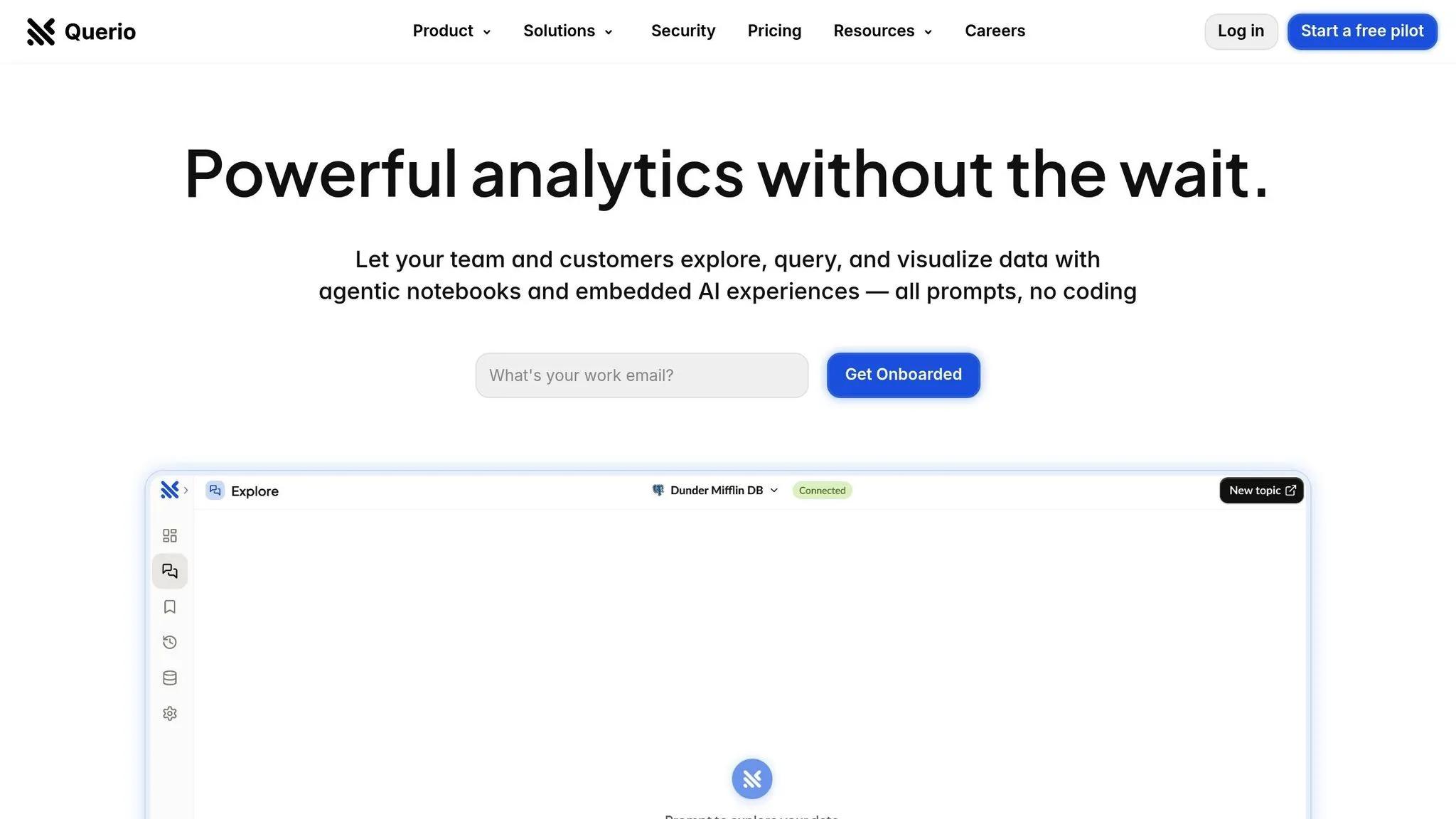
Querio stands out by combining self-service business intelligence flexibility with enterprise-grade governance. Its AI-powered platform allows team members to query live warehouse data in plain English and generates accurate charts within seconds - no SQL expertise required.
The platform offers direct integration with Snowflake, BigQuery, and Postgres, enabling real-time insights while maintaining robust security. This live connection ensures high performance and scalability, making data analysis straightforward and efficient.
Querio also simplifies data governance through its context layer. Data teams can define table joins, business metrics, and glossary terms once, ensuring consistency across all user queries. This setup empowers business users to explore data independently while IT retains control over access permissions and definitions.
Here’s a breakdown of Querio’s pricing:
- Core platform: $14,000/year (includes one database connection, 4,000 prompts/month, and unlimited viewer users)
- Additional databases: $4,000/year each
- Dashboards add-on: $6,000/year
With SOC 2 Type II compliance and a 99.9% uptime SLA, Querio meets enterprise-level reliability and security standards. Plus, its embedded analytics feature enables organizations to extend natural language querying to their own users, all while keeping data governance consistent across applications.
Conclusion
Deciding between self-service and enterprise BI platforms often comes down to three key factors: scalability, governance, and user accessibility. Self-service platforms shine when it comes to giving non-technical users the ability to explore and analyze data on their own. However, without strong governance in place, these platforms can lead to inconsistencies and potential security concerns. Adhering to BI best practices can help mitigate these risks.
On the other hand, enterprise BI platforms are built for centralized control and can support large-scale operations, handling thousands of users and massive multi-terabyte databases. They offer robust governance and security features but often require advanced technical expertise. This can sometimes slow down the process for business users who need quick, actionable insights.
For U.S. businesses, the ideal solution often lies in blending the best of both worlds. Querio's hybrid platform steps in as a game-changer, combining easy-to-use, natural-language querying for business users with the enterprise-level governance that IT teams demand.
FAQs
::: faq
How can a business decide between a self-service or enterprise BI platform?
When deciding between a self-service or enterprise BI platform, it all comes down to what your organization needs most. Start by assessing your team's data expertise. Do they require straightforward tools for quick, on-the-fly analysis? Or is there a demand for more intricate, centralized reporting capabilities?
Next, take a look at the size and complexity of your data. Self-service BI tends to be a great fit for smaller teams or departments that prioritize flexibility. On the other hand, enterprise BI is designed to handle large-scale operations, offering stronger governance, advanced security features, and the ability to scale efficiently.
Lastly, think about the speed at which you need insights. Self-service platforms often enable faster, independent exploration, while enterprise systems deliver a more structured, organization-wide reporting framework. :::
::: faq
What risks come with using a self-service BI platform without proper data governance?
Using a self-service BI platform without proper data governance can open the door to several risks. For starters, data privacy and security could be compromised if users gain access to sensitive information without the right safeguards. This lack of control might expose confidential data to unintended audiences, creating significant vulnerabilities.
Another issue is the potential for inconsistent or inaccurate reporting. When data usage isn't regulated, teams might end up with conflicting insights, which can lead to confusion and poor decision-making. On top of that, failing to govern data effectively can make it challenging to stay compliant with regulations, increasing the likelihood of legal or financial repercussions.
To address these risks, organizations need to establish clear policies and leverage tools that strike a balance between empowering users and maintaining oversight. This ensures that while users have the freedom to explore data, the integrity and security of the information remain intact. :::
::: faq
How does Querio combine self-service and enterprise BI features to support different business needs?
Querio brings together the strengths of self-service and enterprise BI, offering a solution that meets diverse business needs. For individual users, it provides user-friendly tools that simplify ad hoc analyses. Employees can quickly uncover insights and make decisions without waiting for support from IT teams. This means faster, more independent decision-making powered by data.
On the enterprise side, Querio offers centralized data governance, the ability to scale, and advanced analytics tailored for organization-wide decision-making. By merging these capabilities, Querio strikes a balance - businesses can maintain control and consistency while giving users the flexibility and access they need to work effectively. :::