Business Intelligence
Data Analysis Tools for Teams Without an Analyst
Nine AI analytics platforms compared for governance, warehouse integration, and self-serve insights for B2B SaaS teams.
Looking for the best AI tools for data analysis in 2026? Here's a quick guide to the top nine options tailored for B2B SaaS teams working with platforms like Snowflake, BigQuery, and Redshift. These tools focus on delivering actionable insights, improving governance, and simplifying workflows for both technical and non-technical users.
Key Highlights:
Querio: Conversational AI with SQL transparency and a centralized semantic layer for consistent metrics.
Microsoft Power BI + Copilot: Simplifies data analysis with natural language queries and tight integration with Microsoft tools.
Tableau + Tableau AI + Pulse: Combines AI-driven visualizations with proactive insights for tracking key metrics.
Google BigQuery + Vertex AI: Integrates data ingestion and AI insights directly within the same platform.
Snowflake Cortex: Offers warehouse-native AI and governance without moving data.
Looker + LookML: Ensures consistent metrics with a governed semantic layer and AI-powered exploration.
ThoughtSpot: Search-driven analytics for non-technical users with live cloud data connections.
Hex: Collaborative notebooks for real-time SQL and Python workflows.
dbt with AI-Assisted Development: Automates data transformation pipelines with AI, ideal for technical teams.
Quick Comparison:
Tool | Governance | AI Capabilities | Ease of Use for Business Users |
|---|---|---|---|
Querio | Centralized semantic layer | Conversational NLQ with SQL/Python | High |
Power BI + Copilot | RLS/OLS, centralized model | Generative AI for DAX formulas | Moderate |
Tableau + AI | Metrics Store, Semantics | AI for visualizations, proactive alerts | Moderate |
BigQuery + Vertex AI | Knowledge Catalog, Graph | Conversational agents, AI-driven workflows | Low |
Snowflake Cortex | Built-in governance | Natural language querying | Moderate |
Looker + LookML | Governed LookML layer | AI-assisted metric discovery | Low to Moderate |
ThoughtSpot | Metadata-based governance | Search-driven AI insights | High |
Hex | Informal governance | AI-assisted SQL/Python workflows | Low to Moderate |
dbt AI-Assisted | Pipeline-level governance | AI-generated code, error resolution | Low |
Whether you're a data engineer, analyst, or business user, there's a tool here to match your needs. Read on to learn how each tool works and which one fits your workflow best.

Top 9 AI Data Analysis Tools Compared (2026)
I Tested 53 AI Tools for Data Analysis - THESE 5 ARE THE BEST!
1. Querio
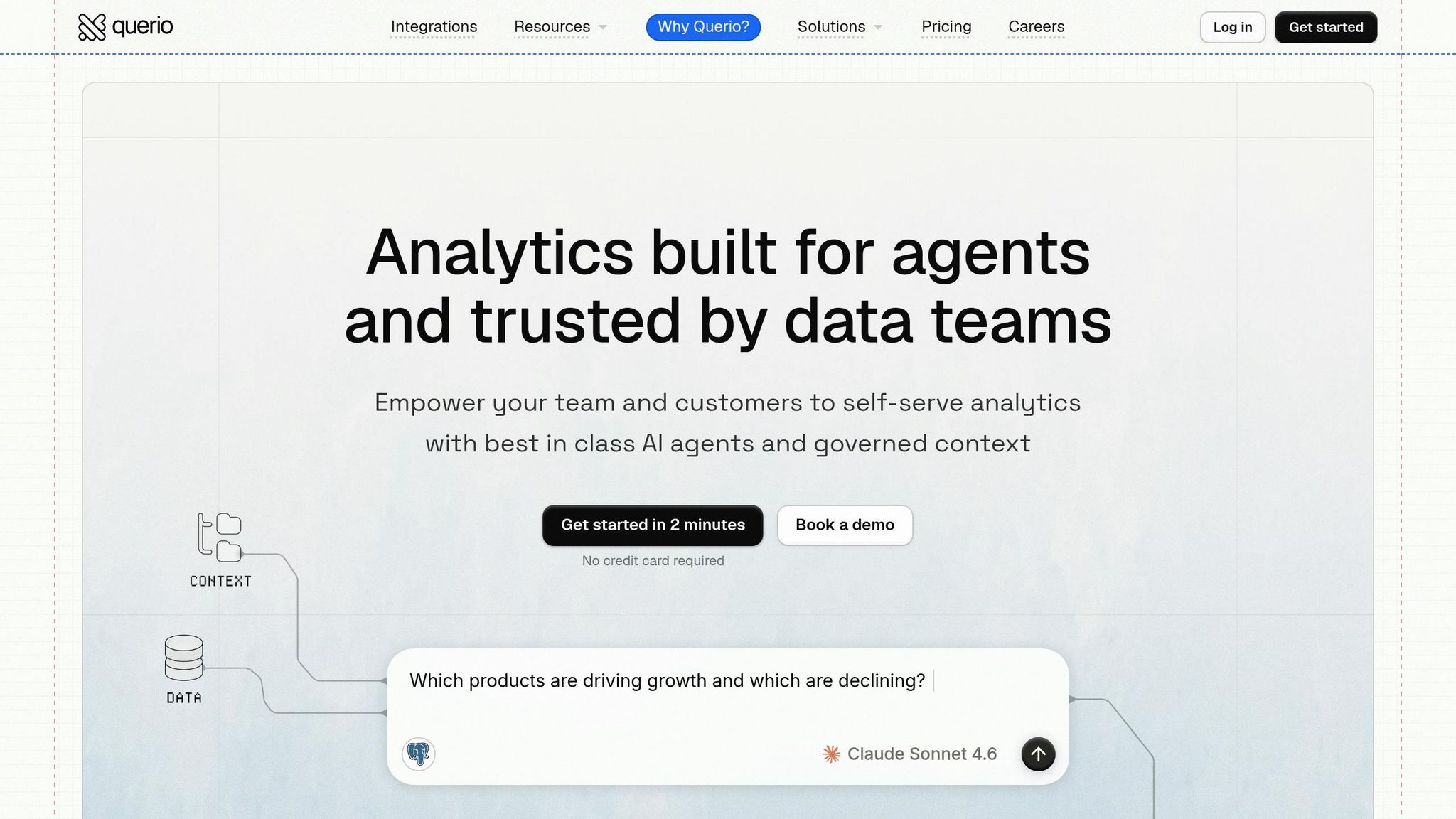
Querio is an analytics workspace designed for data teams who need quick, reliable answers from their existing data warehouse - without the hassle of altering their current infrastructure. It securely connects to platforms like Snowflake, BigQuery, Amazon Redshift, ClickHouse, Databricks SQL, PostgreSQL, MySQL, and Microsoft SQL Server using encrypted, read-only credentials. This setup eliminates the need for ETL pipelines, CSV exports, or duplicate storage, ensuring that insights are delivered directly and efficiently.
What makes Querio stand out is its conversational AI layer combined with full SQL transparency. For example, you could ask, "What's our MRR by customer segment this quarter?" and not only get the answer but also see the SQL query that generated it. Analysts can inspect and modify every result, avoiding the uncertainty of a "black box." Queries can also evolve naturally - follow-ups like "Now break this down by region" refine the output seamlessly.
To maintain consistency, Querio uses a centralized semantic layer where data teams define metrics like "Gross Revenue" or "Active Users" just once. These definitions are then applied across all queries, dashboards, notebooks, and AI-generated answers. This approach prevents the all-too-common issue of teams reporting conflicting numbers for the same metric, ensuring everyone is aligned and confident in the data.
For non-technical users, Querio offers a straightforward interface with features like SSO and role-based access controls (RBAC), giving data leaders the ability to manage who can access specific insights. Audit logs track every query, which is particularly valuable for regulated industries or teams with strict data policies. Best of all, setup takes just 15 minutes, a stark contrast to tools that require weeks of preparation before delivering value.
Querio also includes a reactive notebook environment, allowing deeper analysis in SQL and Python. Results automatically adjust as the underlying data or logic changes, making it easier to keep insights up-to-date. With its focus on simplicity, governance, and flexibility, Querio offers a streamlined solution for modern analytics needs. Pricing starts at $500/month ($5,000 billed annually) for up to 10 users, with options to scale for larger teams.
2. Microsoft Power BI with Copilot
Microsoft Power BI with Copilot simplifies the creation of complex DAX formulas by allowing analysts to describe their data requirements using plain English. This feature removes much of the technical barrier, making data analysis more accessible.
As a key component of the Microsoft Fabric ecosystem, Power BI seamlessly integrates with Microsoft SQL Server, Azure Synapse, and other Microsoft data sources. It also works with external data warehouses like Snowflake, BigQuery, and Redshift, whether through import mode or DirectQuery. This flexibility ensures Power BI can provide reliable, real-time insights while maintaining data governance.
Additionally, Power BI enforces security through row-level security and permissions and sensitivity labels powered by Azure Active Directory. These features ensure that analytics remain secure and compliant. Power BI with Copilot is particularly well-suited for organizations already invested in Microsoft tools, meeting the growing demand for fast, reliable, and secure analytics in a constantly changing data landscape.
3. Tableau with Tableau AI and Tableau Pulse
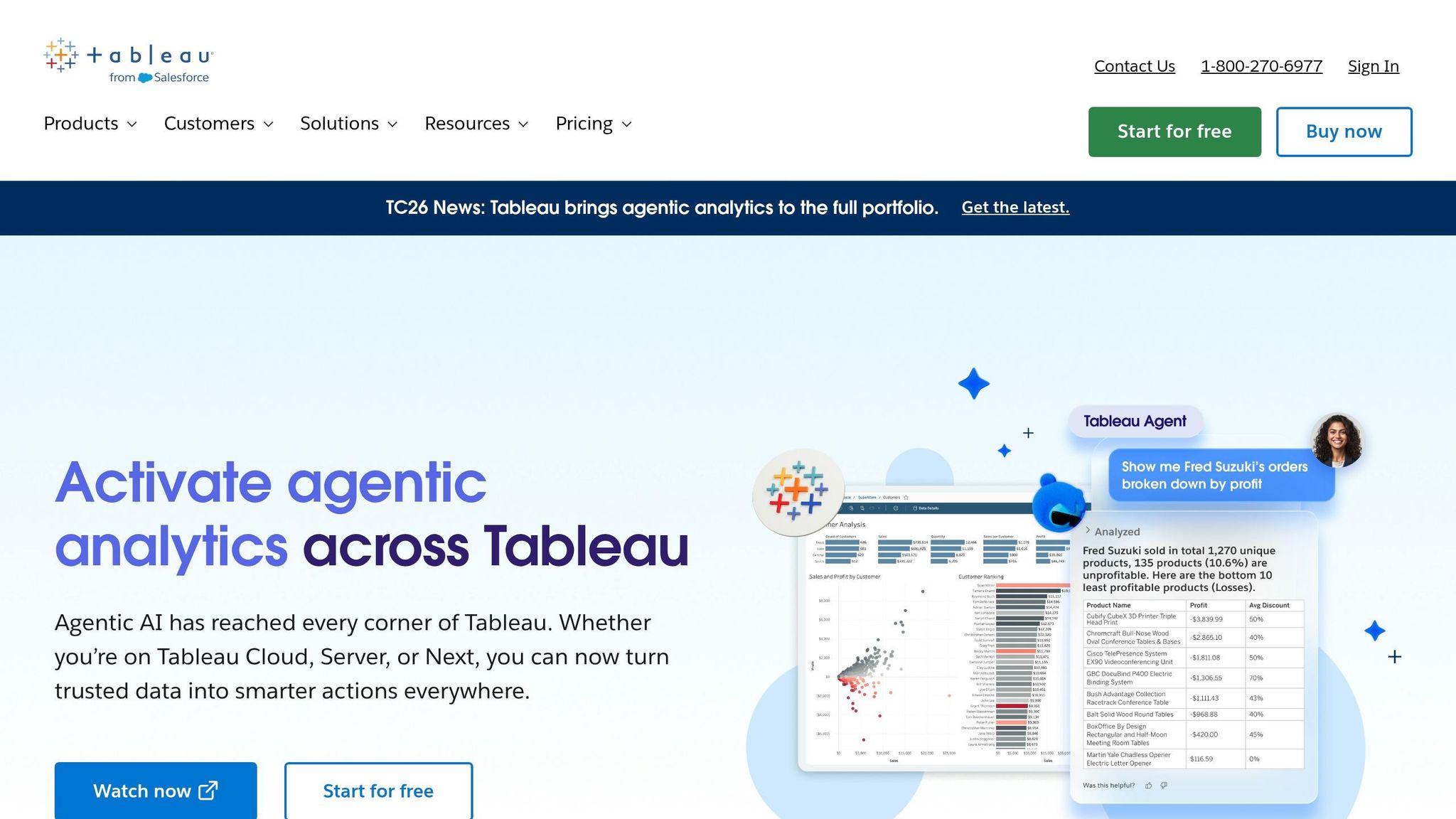
Tableau's AI tools bring a practical edge to its well-known visualizations, demonstrating how AI enhances data visualization across modern platforms. At the heart of this is Tableau Agent (previously called Einstein Copilot), which lets users create visualizations and perform complex calculations using plain English. It also indexes data to suggest relevant business questions, helping users avoid the dreaded blank-screen moment when they’re unsure where to begin.
Meanwhile, Tableau Pulse steps in to provide AI-generated insights proactively, complete with clear citations. This helps stakeholders quickly grasp changes in key metrics without digging through reports.
On the governance front, Tableau Semantics ensures data consistency by standardizing complex warehouse data. For example, "revenue" will mean the same thing whether the data comes from Snowflake, BigQuery, or Redshift. Alongside this, the Metrics Store centralizes organizational metrics and uses AI to catch duplicates before they lead to reporting errors.
Feature | What It Does | Who Benefits Most |
|---|---|---|
Tableau Agent | Transforms natural language into visualizations and calculations | Analysts and non-technical users |
Calculation Assistant | Generates Tableau syntax and explains the logic behind it | Data teams working with complex formulas |
Metrics Store | Detects duplicate metrics using AI for consistency | Data leaders managing reliable reporting |
Tableau Pulse | Delivers proactive AI insights with citations | Business stakeholders tracking KPIs |
These advanced AI capabilities, including Tableau Agent and Pulse, are available through a Tableau+ subscription. Admins can control access to specific AI tools, allowing for gradual and customized adoption by data teams. However, Tableau may face challenges with extremely large datasets or intricate real-time queries. By combining AI-driven visualizations with proactive insights, Tableau strengthens its position as a valuable tool for data teams, complementing platforms like Querio in environments focused on governed, warehouse-native analytics.
4. Google BigQuery with Vertex AI and Gemini

Google BigQuery now operates as a fully integrated platform that seamlessly connects data ingestion to AI-driven insights - all within the same environment. This reduces the need to switch between tools, speeding up the process of turning raw data into actionable insights.
One of the standout advancements is BigQuery's focus on agentic workloads. These specialized agents handle tasks such as data loading, cleaning, pipeline migration, and even answering stakeholder questions in plain English. Neeraja Rentachintala, Sr. Director of Product Management at Google Cloud, explained:
"Succeeding in the agentic era requires a transformation in your data strategy: moving from human-scale to agent-first workloads, evolving from reactive intelligence to proactive action." [3]
This shift is designed to meet the changing demands of data teams, particularly in B2B SaaS, by simplifying workflows and enabling faster insights.
The results speak for themselves. In May 2026, Mattel’s Lead Data Scientist TJ Allard shared how this platform revolutionized their operations:
"BigQuery and Vertex AI bring all our data and AI together into a single platform. This has transformed how we take action on customer feedback... allowing us to get to customer insights in minutes instead of months." [2]
On the governance side, BigQuery Graph is a game-changer. It allows teams to map out business relationships - like how churn impacts related metrics or the logic behind lead scoring - right in the data warehouse. These graphs can also be surfaced in Looker views, ensuring metrics like "Churn Rate" remain consistent whether viewed on a dashboard or analyzed by an AI agent. Additionally, the Knowledge Catalog simplifies compliance and governance by automatically harvesting metadata and tracking data lineage. For data leaders, these tools make it easier to maintain accuracy and consistency across large datasets, while supporting self-serve analytics implementation.
Here’s a breakdown of some key features and their benefits:
Feature | What It Does | Who Benefits Most |
|---|---|---|
Gemini in BigQuery | Generates SQL in natural language and enables conversational analytics | Non-technical stakeholders, analysts |
BigQuery Graph | Maps business relationships for advanced AI reasoning | Data teams, BI developers |
Conversational Analytics Agent | Delivers self-serve insights via plain English queries | Business users, data leaders |
Knowledge Catalog | Automates metadata collection, lineage tracking, and profiling | Data governance teams |
Fluid Scaling | Offers per-second billing and cost savings up to 34% | Engineering and finance teams |
BigQuery’s pricing is usage-based. On-demand compute starts at $6.25 per TiB scanned (with the first 1 TiB/month free). AI agent usage is billed at $3 per million input tokens and $20 per million output tokens. [2] For B2B SaaS companies with fluctuating query loads, the Fluid Scaling model - offering per-second billing and autoscaling - helps avoid over-provisioning costs, making it a more flexible and cost-efficient option compared to traditional reserved-capacity models.
5. Snowflake Cortex and Snowflake AI Features
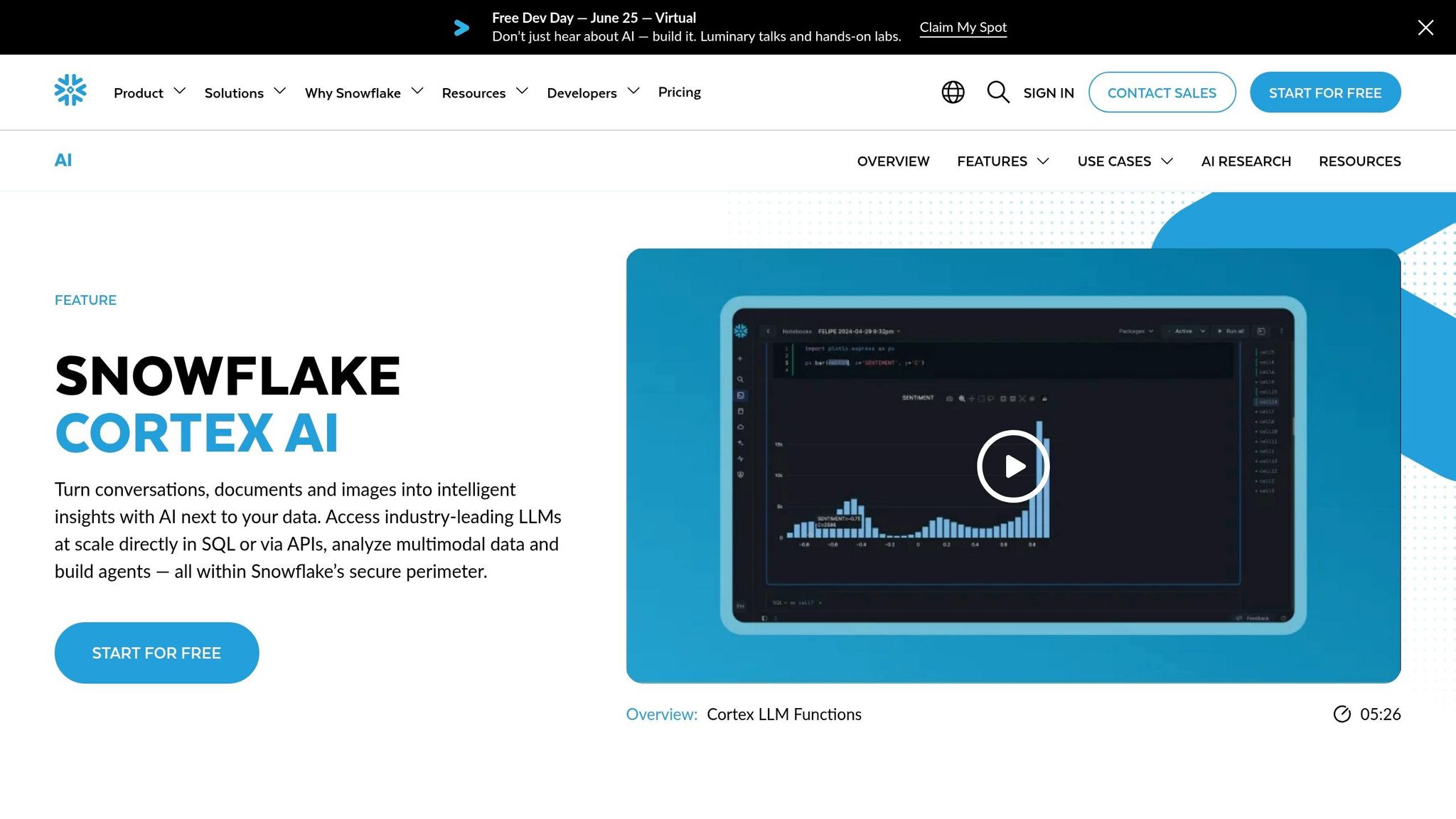
Snowflake Cortex brings AI directly into the Snowflake warehouse, so there's no need to move data elsewhere for running models. Everything - queries, governance, and execution - happens within the same platform where your data already resides.
The standout feature for BI teams is its warehouse-native architecture. Snowflake uses its proprietary columnar format, query compilation, and result caching to handle even the most complex queries efficiently [6]. Governance is baked into the data platform through a centralized semantic layer, which ensures consistent access controls and metric definitions. Building on this strong foundation, Snowflake also introduces autonomous AI agents to simplify analytics workflows.
Snowflake's autonomous AI agents, like DecisionBox and AnalystIQ, are designed to automate key tasks. These agents connect to Snowflake to run SQL queries, validate insights, and rank recommendations automatically [1][5]. For data leaders juggling heavy analytics workloads, this automation can significantly reduce the strain on data teams.
For non-technical users, Cortex also supports natural language querying. This feature allows stakeholders to access self-service analytics without sacrificing governance or security.
On the interoperability front, Snowflake's data catalog federation makes it possible to discover and analyze data stored in Snowflake across platforms like BigQuery, all while using zero-copy sharing [3]. This is especially useful for organizations working with multi-cloud data environments.
6. Looker with LookML and AI-Assisted Exploration
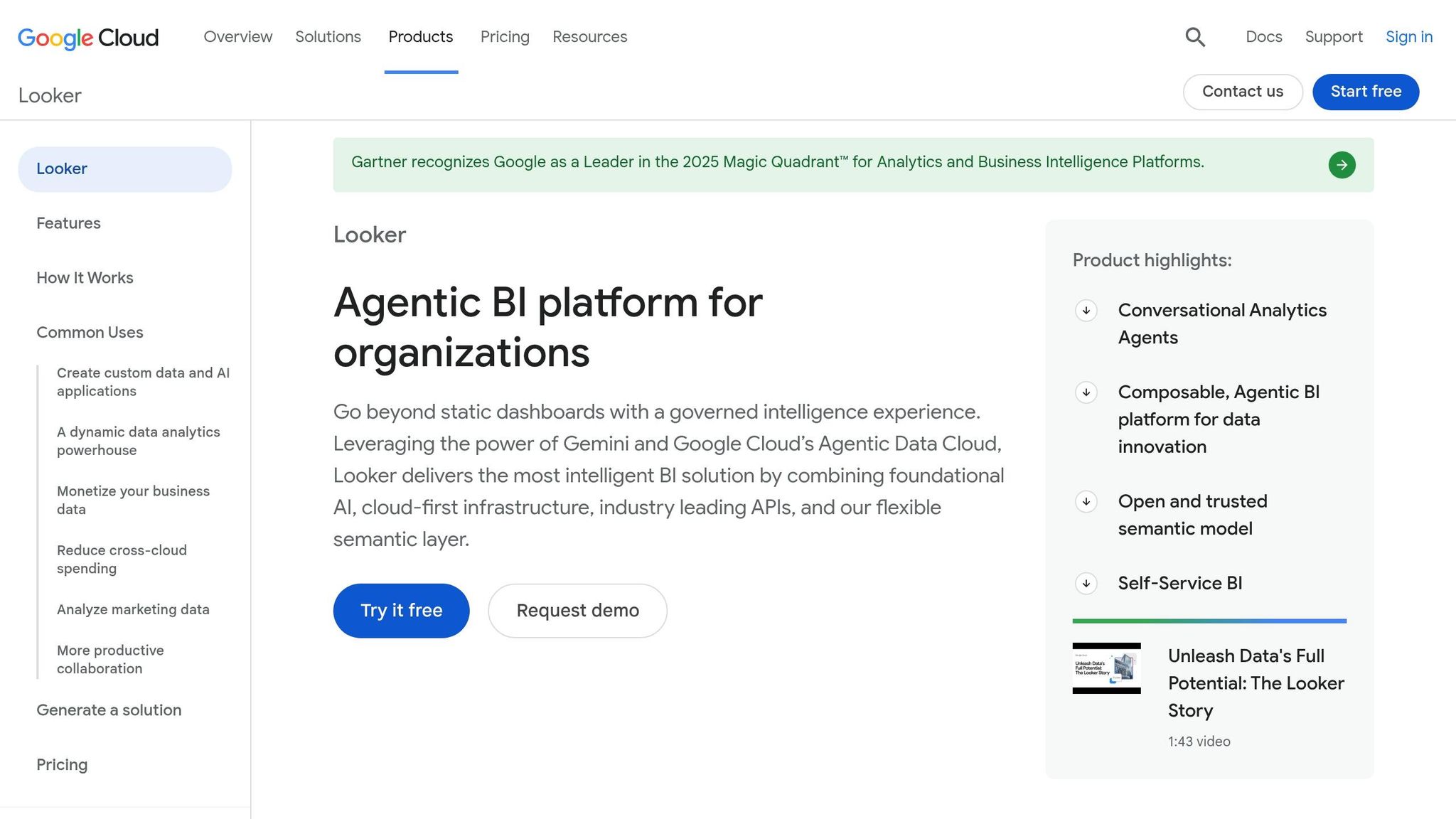
Looker stands out for its governed LookML semantic layer, which ensures consistent metric definitions across dashboards and reports. This approach guarantees that everyone in the organization works with the same accurate data. Much like Querio's semantic layer, Looker’s setup fosters trust in the numbers being used. As of May 2026, Looker has earned a 9.0/10 for features and an 8.5/10 overall from 5,500 reviews [4].
Another major strength of Looker is its ability to connect directly to over 60 databases, keeping data live and up-to-date. Supported databases include Snowflake, BigQuery, Redshift, and PostgreSQL, among others [4]. This direct connectivity ensures that data teams can work with real-time information without unnecessary delays.
Looker also integrates AI capabilities through Google's Gemini, addressing needs like natural language querying and automated LookML generation. These AI-driven features simplify workflows for users across skill levels:
AI Feature | What It Does | Designed For |
|---|---|---|
Conversational Analytics | Enables natural language querying | Business stakeholders |
Help Me Code | Provides AI-suggested LookML code | Data analysts and engineers |
Visualization Assistant | Transforms natural language into charts | Non-technical users |
BigQuery Graph Integration | Supports multi-hop reasoning with governed metrics | Data engineers |
While these tools make Looker more accessible, mastering LookML can be a hurdle. Setting up and maintaining the semantic layer demands skilled developers, and the enterprise-tier pricing often draws criticism [4][7]. Despite these challenges, 86% of users say they would recommend Looker [7]. For teams with the technical expertise to manage it, Looker’s advanced features can deliver immense value to data operations.
7. ThoughtSpot
ThoughtSpot makes it possible for business users to explore data using plain English searches, eliminating the need for SQL expertise. It connects directly to cloud data warehouses like Snowflake, BigQuery, and Redshift, running live queries to ensure results are always up-to-date. With its AI assistant, Spotter, users get a conversational interface that delivers insights quickly and efficiently.
Dimension | ThoughtSpot |
|---|---|
Primary strength | Search-driven self-serve experience |
Data connection | Live cloud query |
AI capability | Spotter conversational AI assistant |
Learning curve | Minimal for end users |
This focus on search-driven analytics aligns with the growing demand for governed, self-serve tools discussed earlier in the article.
8. Hex

Hex takes live, interactive analytics to the next level with its collaborative, code-focused platform designed for technical teams.
This workspace combines SQL and Python in a dynamic notebook format as part of the modern analytics stack, allowing data teams to run live queries directly on platforms like Snowflake, BigQuery, Redshift, and Postgres - no need for static data exports. Hex's ability to maintain live data connections ensures teams can work with up-to-date, governed analytics in real time.
Dimension | Hex |
|---|---|
Primary Strength | Collaborative notebook integrating SQL and Python workflows |
Data Connection | Live queries to major cloud warehouses |
Best Fit | Technical data teams needing real-time access to data warehouses |
9. dbt with AI-Assisted Development

dbt stands out by concentrating on data transformation rather than the consumption of analytics. Its AI-driven tools are specifically tailored for data and analytics engineers who design and maintain the models that fuel downstream processes.
As of April 2026, dbt integrates with Google Cloud's Data Engineering Agent (now generally available). This integration allows developers to generate production-ready dbt code directly within their preferred development environments, like VS Code, Gemini CLI, or notebook terminals. This isn't just about creating basic code - this agent selects the most effective framework for the task, orchestrates workflows using the Model Context Protocol (MCP), and even identifies and resolves SQL errors using strategies tailored to specific warehouses. For teams working with platforms like BigQuery, Snowflake, or Redshift, this significantly cuts down on the time spent building and troubleshooting pipelines. Additionally, the generated code aligns with governance standards, ensuring dependable and well-structured data models.
Governance is a key area where dbt's AI capabilities become invaluable for data teams. Neeraja Rentachintala, Sr. Director of Product Management at Google Cloud, highlights this importance:
"Succeeding in the agentic era requires a transformation in your data strategy: moving from human-scale to agent-first workloads... and shifting from raw data to semantic knowledge that agents can use to reason accurately." [3]
dbt's AI tools are deeply integrated with the Knowledge Catalog, enabling pipelines to inherit metadata, profiling rules, and quality standards. This ensures that the generated models are not only syntactically correct but also contextually aligned with organizational needs.
However, dbt's AI tools are geared toward engineers, not non-technical users. If you're looking to empower a finance analyst to query a Snowflake warehouse without writing SQL, dbt won't be the solution on its own. It acts as a critical foundation - keeping data clean, consistent, and governed - but it operates upstream from the analytics tools that non-technical users interact with. While tools like Querio facilitate governed, self-service analytics, dbt ensures the underlying data is accurate and reliable for such tools to function effectively.
Here's a quick overview of dbt's AI-assisted capabilities and its ideal use cases:
Dimension | dbt (AI-Assisted) |
|---|---|
Primary Strength | AI-generated pipeline development and governance |
Best Fit | Data and analytics engineers managing warehouse transformations |
Warehouse Integration | Deep native support for BigQuery, Snowflake, Redshift |
Business User Access | Not designed for self-serve consumption |
Comparison Table
No single tool is perfect across every category. The best choice depends on your team’s role in the data workflow and the balance you’re willing to strike between flexibility, governance, and ease of use.
Here’s a comparison of nine AI tools for B2B SaaS data teams, evaluated across four key dimensions:
Tool | Governance | Warehouse Integration | AI Capabilities | Ease of Use for Business Users |
|---|---|---|---|---|
Querio | Centralized semantic/context layer; versioned logic defined once, applied everywhere | Live, read-only connections to Snowflake, BigQuery, Redshift, ClickHouse, Postgres | Conversational NLQ → inspectable SQL/Python; reactive notebooks | Minimal learning curve; governed self-serve for non-technical users |
Microsoft Power BI + Copilot | RLS/OLS with a centralized semantic model; requires a well-prepared model for Copilot accuracy | DirectQuery with 120+ connectors; best in the Microsoft ecosystem | Generative AI via Copilot; DAX-based logic | Moderate; advanced use requires DAX expertise |
Tableau + Tableau AI + Pulse | Metrics Store and Tableau Semantics with an Einstein Trust Layer for PII | Live connections available | Tableau Agent converts natural language to visualizations; Pulse offers proactive alerts | Steep learning curve; advanced usage may require expert support |
Google BigQuery + Vertex AI + Gemini | BigQuery Graph unifies metrics across dashboards and AI agents; Knowledge Catalog for pipelines | Native; 35% faster queries year-over-year, 40% lower processing costs [3] | Gemini for conversational analytics; specialized Data Science and Data Engineering Agents; 230x token reduction with AI co-processing [3] | Strong for technical users; less suited for self-serve business users |
Snowflake Cortex | Native governance features | Native Snowflake integration; no data movement required | Cortex AI for natural language querying | Moderate; best for teams already on Snowflake |
Looker + LookML | LookML is version-controlled; offers a universal semantic layer reusable across platforms and AI agents | Direct cloud warehouse queries; BigQuery Graph measures reusable in Looker views [3] | LookML-grounded AI exploration; AI-assisted metric discovery | Focused on logic over visual exploration; less intuitive for casual users |
ThoughtSpot | Governance maintained via upfront data modeling with metadata sharing | Zero-copy, live query model | Search-driven natural language querying with verifiable logic | Most user-friendly search interface; strong for non-technical users |
Hex | Notebook-level sharing with a less formal governance structure | Connects to Snowflake, BigQuery, Redshift, and more | AI-assisted SQL and Python in notebooks; collaborative analysis | Moderate; designed for analysts rather than business stakeholders |
dbt (AI-Assisted) | Pipeline integrity and metric definitions enforced before the BI layer; integrates with a Knowledge Catalog | Deep native support for BigQuery, Snowflake, and Redshift | Google Cloud Data Engineering Agent generates production-ready dbt code; MCP orchestration; SQL error resolution | Not designed for self-serve consumption |
Each tool brings distinct advantages depending on your needs. Governance strategies vary widely - some tools prioritize centralized semantic layers for consistency, while others depend on skilled modeling. Querio stands out for combining a governed semantic layer with live warehouse connections, ensuring reliable insights. Native tools like BigQuery, Snowflake Cortex, and Looker shine in warehouse integration, while Querio and ThoughtSpot avoid data duplication with live-query models.
When it comes to usability, ThoughtSpot and Querio are the top picks for non-technical users. ThoughtSpot offers a search-first interface, while Querio uses conversational AI supported by a governed semantic layer. For teams with a technical focus, dbt and BigQuery’s automated tools provide robust capabilities but require expertise, making them less accessible for self-serve analytics.
These comparisons shed light on the strengths of each tool, helping you choose one that aligns with your governance and analytics goals.
How far can a team get before hiring a data person?
Further than most expect, and the ceiling is predictable. Managed connectors, a warehouse and an AI query layer will carry a company through revenue reporting, funnel metrics, retention curves and most investor questions with no dedicated hire. The ceiling arrives with the first question needing judgement about the data itself: which of three timestamps counts as the signup date, how refunds are treated, whether a trial that converted twice is one customer. No tool decides that for you, and a wrong decision compounds silently through every later answer. The hedge is to write those definitions down as you go - in dbt if you can, a shared document if you cannot - so your eventual first analyst inherits decisions rather than archaeology. Querio can import dbt models later, which makes the early documentation worth the effort.
Conclusion
The top nine AI tools for data analysis in 2026 cater to a wide range of needs, from streamlining data pipelines to delivering insights without requiring SQL expertise. For technical teams focused on pipeline development, tools like dbt with its AI-assisted features or BigQuery's specialized Data Engineering Agent are excellent options. Analysts who prefer working in notebooks might lean toward Hex, while business users looking for SQL-free insights may gravitate toward ThoughtSpot's intuitive search interface or Querio's conversational AI capabilities. This diversity highlights the growing importance of strong governance in data platforms.
Governance plays a critical role in ensuring consistent and reliable metrics across platforms. While some tools demand technical configuration to maintain metric consistency, Querio simplifies this process with its centralized semantic layer. It also offers features like an editable SQL/Python interface and a reactive notebook environment, making it accessible for non-technical users. As IBM pointed out in the 2024 Gartner Magic Quadrant for Data and Analytics Governance Platforms, "The effectiveness and trustworthiness of AI systems are intrinsically tied to the quality and governance of the data on which they are built." [7] Choosing a tool that enforces governance - ensuring consistent metrics and protecting permissions - can save both time and compliance headaches.
Related Blog Posts



