Guide
Top 10 Sentiment Analysis Datasets for 2026
Explore the top 10 sentiment analysis datasets for NLP projects. Our guide covers reviews, social media, and more with pros, cons, and usage examples.
A familiar project starts like this. Product reviews already live in Snowflake. Support tickets sit in BigQuery. Social exports arrive as CSVs every week. The blocker is usually dataset choice. Pick the wrong benchmark, and a team can spend weeks tuning a model that looks good in a notebook and fails on live customer text.
Different datasets answer different operational questions. SST-2 is useful for checking whether preprocessing, label mapping, and evaluation work as expected. IMDb is better for long-form review classification. Financial PhraseBank exposes how quickly a general model breaks on domain language. GoEmotions helps when a binary positive or negative label hides signals like frustration, disappointment, or relief.
That is the practical lens for this guide. It does not stop at naming popular sentiment datasets. It shows how to move them from raw files into warehouse tables, inspect class balance and text length in Python notebooks, and turn benchmark experiments into the kind of natural language processing for business workflow that analysts and ML teams can use.
Dataset quality still sets the ceiling. Weak labels, inconsistent annotation rules, short-text bias, and domain mismatch all show up later as bad predictions and brittle dashboards. GeeksforGeeks’ overview of sentiment analysis datasets gives a useful high-level map of the common options. The harder part, and the part that matters in practice, is choosing a dataset that matches the text, labels, and decision speed your team needs.
1. Stanford Sentiment Treebank (SST-2 / SST-5)
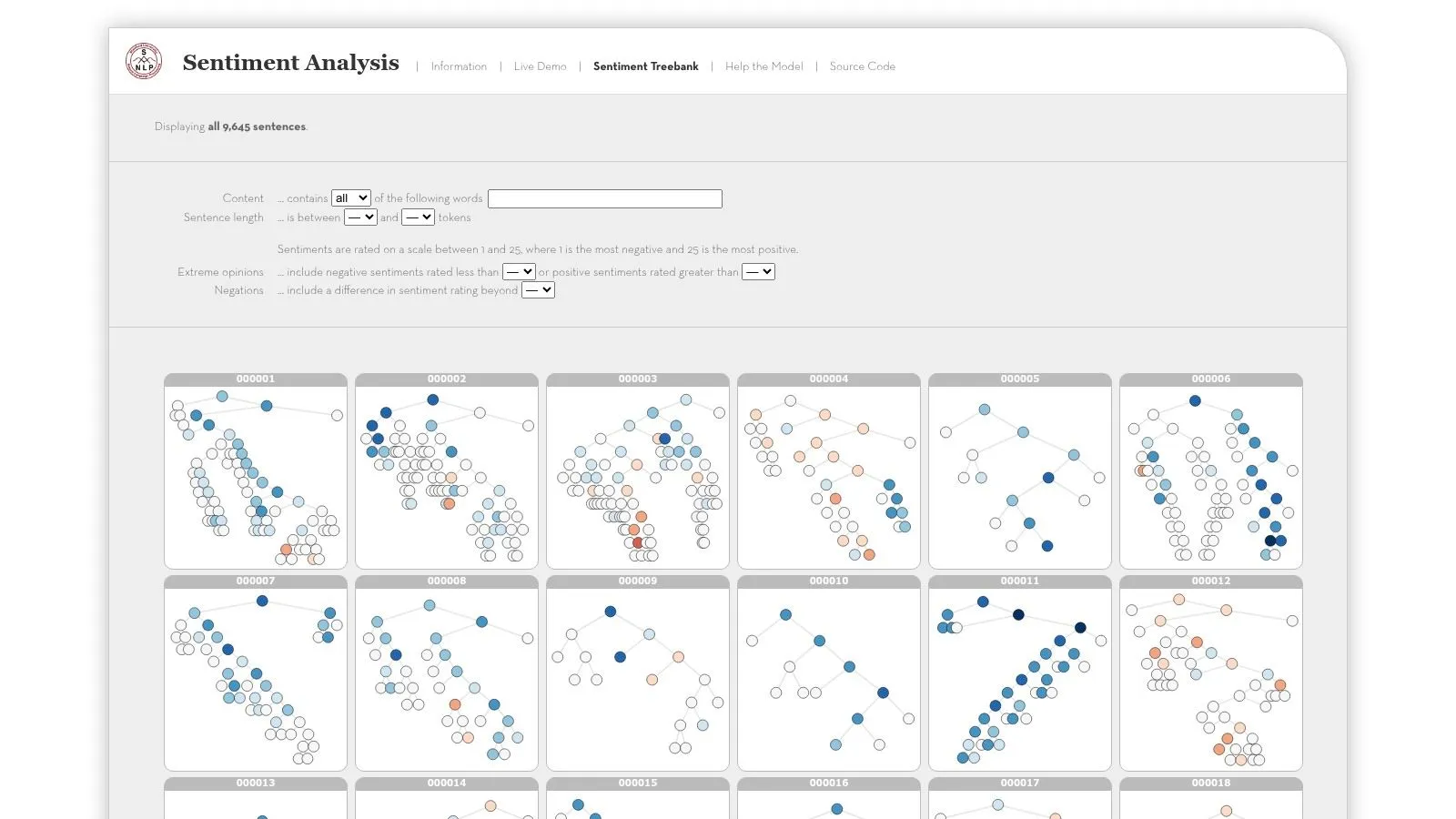
SST is still one of the fastest ways to answer a simple question. Can your training, evaluation, and packaging pipeline handle sentiment classification correctly?
It’s a classic English movie-review benchmark with phrase-level and sentence-level human annotations, offered in binary and fine-grained variants. That combination makes it unusually useful for testing whether a model understands basic composition. Negation, intensifiers, and sentiment flips show up clearly.
Where SST earns its keep
If I’m standing up a new warehouse-to-notebook workflow, SST is often the first dataset I load. Not because it mirrors production, but because it fails cleanly. When a model behaves oddly on SST, the problem is usually preprocessing, truncation, label mapping, or evaluation logic.
That’s why it pairs well with practical business NLP work. The same pipeline patterns you’d use on SST can later be adapted to customer text in a warehouse notebook environment like natural language processing for business.
A few practical advantages matter:
- Fast iteration: The dataset is compact enough to run repeated experiments without waiting on infrastructure.
- Strong comparability: Public baselines are easy to find, so your team can sanity-check results.
- Fine-grained option: SST-5 is useful when binary polarity feels too blunt.
Where teams misuse it
SST is a poor proxy for customer support and commerce language. Movie reviews have a distinct tone. They’re often more polished than ticket text and less fragmented than social posts.
That means a model that looks sharp on SST can still stumble on SKU references, shipping complaints, slang, and mixed-intent feedback.
Practical rule: Use SST to validate your modeling stack, not to claim production readiness.
The source is straightforward. You can get the dataset from the Stanford Sentiment Treebank website.
2. Large Movie Review Dataset (IMDb, Maas et al. 2011)
IMDb is what I reach for when sentence-level sentiment is too neat and I need to test full-document behavior. Long reviews expose weaknesses that short benchmarks can hide.
This dataset is a standard choice for document-level polarity classification. Reviews are longer, denser, and more likely to contain narrative structure. A user can start positive, complain in the middle, then close with a recommendation. That’s much closer to what happens in detailed app reviews or postmortem support feedback.
Why it works in real pipelines
Document-length text changes your engineering decisions. Truncation becomes a real issue. Chunking strategy matters. You also learn quickly whether your model overweights opening sentences or misses the final recommendation.
IMDb is useful if your business teams care about:
- Long-form review analysis: App store reviews, survey free text, partner feedback.
- Ground-truth comparisons: Binary labels make evaluation simple.
- Semi-supervised workflows: The extra unlabeled material is handy when you want embeddings or domain adaptation.
This is also an easy dataset to land in a warehouse. Each review can sit in one row with a text field and sentiment label, which makes it good for notebook-driven experiments before you touch messier internal data.
The trade-off
IMDb is still movie language. That’s the central limitation. It teaches models to read opinionated prose, but not product taxonomy, return reasons, or account-level support context.
There’s also no aspect annotation. If an executive asks, “Are users upset about pricing or reliability?” IMDb won’t help. It’s document polarity, not structured business interpretation.
If your team skips document-level benchmarks and goes straight from SST to social media data, they usually miss the middle ground where many production failures show up.
You can download it from the Large Movie Review Dataset page at Stanford.
3. Amazon Customer Reviews (MARC / SNAP–Amazon Reviews)
A common production scenario looks like this. The merchandising team wants a weekly view of sentiment by product line, operations wants early warning on shipping complaints, and analytics needs something large enough to test before touching internal review data. Amazon review corpora fit that job well because they look like the text companies typically deal with: mixed opinions, product-specific vocabulary, and lots of messy metadata.
This dataset family is especially useful for commerce work because review text carries more than polarity. Customers talk about defects, packaging, delivery, sizing, counterfeit concerns, accessories, and whether the item matched expectations. In practice, that gives you a better starting point for business analysis than cleaner academic benchmarks.
Best fit for commerce and category-heavy work
Amazon reviews are strong for cross-category modeling. Electronics, beauty, books, home goods, and kitchen products all produce different language patterns, which lets a team test how well a model transfers across domains instead of overfitting to one narrow style.
That variety creates a real labeling problem. Most versions of these datasets use star ratings as proxies for sentiment, so the label often reflects purchase satisfaction, price tolerance, or shipping experience, not just the wording of the review itself.
Teams usually handle that trade-off in one of three ways:
- Binary mapping: Group high ratings as positive and low ratings as negative, then remove the middle ratings to reduce noise.
- Ordinal modeling: Predict the rating band directly if the business question is closer to review scoring than pure sentiment.
- Weak supervision: Start with star labels, then audit a smaller sample by hand to measure how noisy the labels are in your category.
For analytics teams, the practical advantage is that this data moves cleanly into a warehouse. Store each review with product identifiers, category fields, review date, star rating, and text. From there, Python notebooks can calculate sentiment distributions, track failure themes by category, and feed a data analytics visualization workflow that business users can take action on.
The catch most teams underestimate
Ingestion is usually harder than modeling at the start. Large review tables force you to make good decisions about partitioning, category normalization, and text storage early. If those choices are sloppy, every notebook gets slower and every downstream metric becomes harder to trust.
Label policy matters just as much. A three-star review might contain mostly positive language with one serious complaint about breakage or delivery. If you flatten that into a neutral class without review, you can miss the issue an operator cares about most.
I usually recommend Amazon reviews for teams that want to rehearse a full workflow, from raw files to warehouse tables to notebook analysis to dashboard metrics. It is one of the few public sentiment datasets that naturally supports that progression.
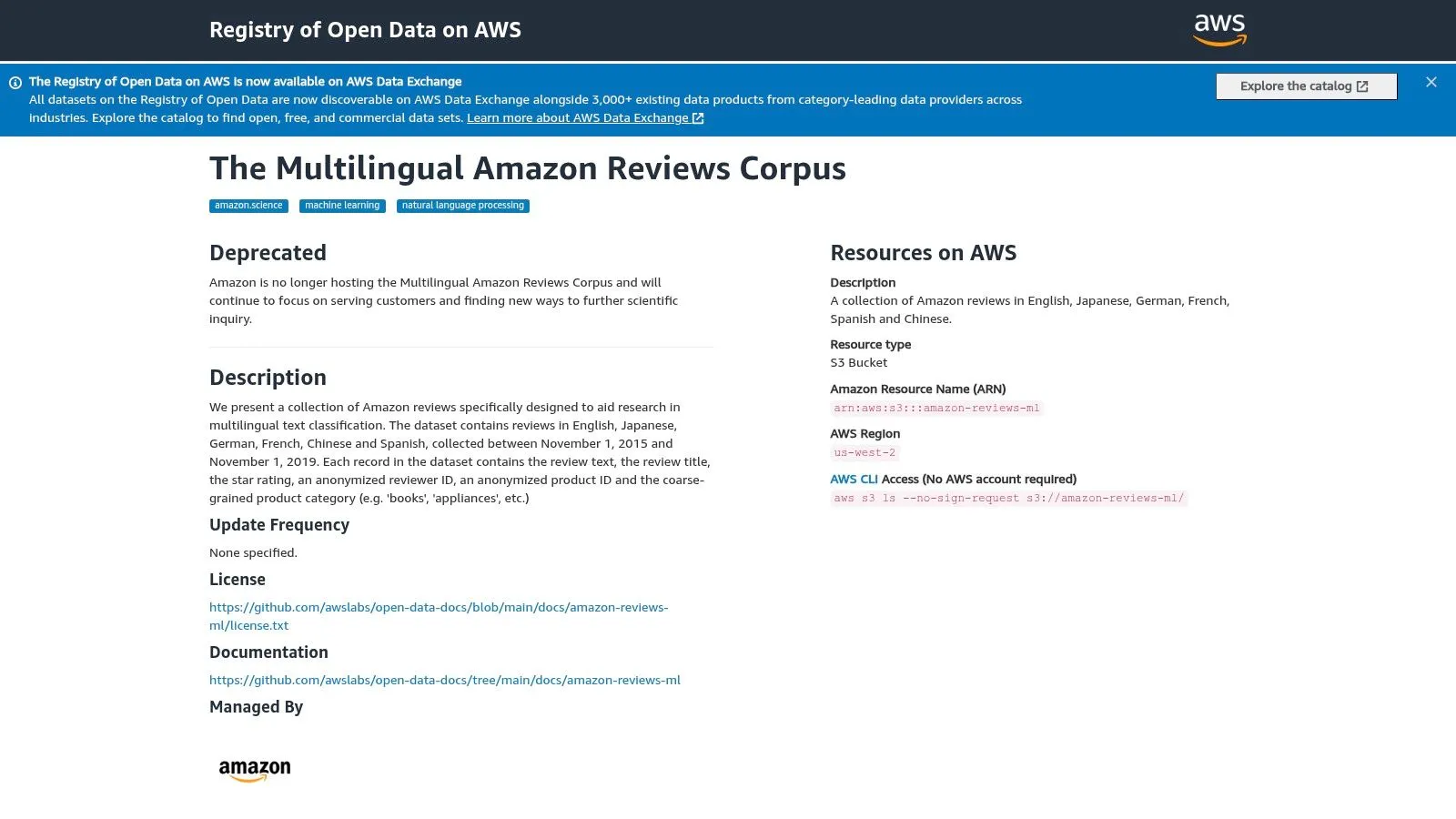
The entry point is the Amazon Reviews ML dataset on AWS Open Data.
4. Yelp Open Dataset
Yelp is one of the most practical sentiment analysis datasets for service businesses because the text isn’t about abstract preference alone. It’s about specific experiences. Wait times, staff behavior, cleanliness, price, and location all show up naturally.
That makes Yelp especially useful when you care about aspect-like signals without building a fully custom annotation scheme on day one.
Why local-service teams like it
Restaurants, salons, repair shops, medical offices, retail stores. These businesses generate the kind of reviews executives read and operators act on.
Yelp’s business metadata helps too. Category, location, and related attributes make it easier to join sentiment with business context after ingestion into a warehouse. In practice, that means you can ask better operational questions:
- Location patterning: Are complaints clustering by metro area?
- Category differences: Do hospitality reviews use different sentiment language than retail?
- Topic overlays: Does negative sentiment co-occur with service-speed phrases?
The JSON format is also manageable. Not tiny, but usually easier to wrangle than teams expect.
Where Yelp falls short
Its labels are still rating-derived proxies. That means your model can inherit user rating behavior rather than pure textual sentiment. Some reviewers give generous stars with harsh wording. Others write glowing prose and still dock a point for price.
Yelp is also geographically bounded by the released business coverage. For many teams, that’s enough for experimentation. It’s not enough if you need a globally representative production benchmark.
A practical pattern works well here. Load review text and business metadata into separate warehouse tables, build a joined feature view, and train your first classifier on the text while keeping location and category available for error analysis. That’s how you avoid shipping a model that works fine overall but fails badly for one service vertical.
You can access it from the Yelp Open Dataset page.
5. Sentiment140
Sentiment140 is the old workhorse for Twitter sentiment. It’s noisy, dated, and still useful.
Its main value isn’t pristine labeling. It’s exposure to short, informal, compressed text. If your production data includes social posts, community comments, or terse mobile feedback, you want at least one dataset that forces your pipeline to handle abbreviations, weak grammar, emoji-era conventions, and context gaps.
What it’s good for
Sentiment140 is useful for pretraining and baseline model checks on short-form language. The labels come from distant supervision, which means they’re inferred rather than manually curated. That introduces noise, but it also enabled a large corpus that many teams still use to initialize social sentiment workflows.
This is the right dataset when you want to test:
- Short-text tokenization behavior
- Ability to handle informal phrasing
- Whether your model overfits clean benchmark language
If your internal text has snippets like “works fine tbh”, “refund still not here”, or “support fixed it lol”, a model that has only seen review prose can struggle.
What usually goes wrong
Teams often treat Sentiment140 labels as if they were high-trust ground truth. They aren’t. They’re best seen as weak labels that can teach broad patterns, not final decision boundaries.
The age of the language matters too. Social conventions move fast. Platform behavior, spelling habits, and cultural references shift. That doesn’t make the dataset useless. It means you should expect adaptation work before deployment.
Weakly labeled social data is excellent for representation learning and mediocre for final validation.
I’d also be careful about operational assumptions around platform-specific data handling. Social datasets can come with access and rehydration constraints depending on how they’re distributed.
You can find the original dataset at Sentiment140.
6. SemEval-2017 Task 4 Sentiment Analysis in Twitter
A common team problem looks like this. The model scores well on noisy Twitter data, then fails the first serious review because nobody can tell whether the errors come from bad labels, weak preprocessing, or the model itself. SemEval-2017 Task 4 helps separate those failure modes.
The dataset is useful because the annotations are manual and the task design is tighter than distant-supervision corpora. That makes it a better benchmark for short-text sentiment work, especially when the goal is model selection rather than large-scale pretraining.
SemEval also matters if your use case goes beyond simple positive and negative classification. Some subtasks focus on topic-based sentiment, which is much closer to what brand, support, and product teams need in practice. A post can praise the company and still complain about shipping, pricing, or a feature rollout. If your analysts care about sentiment toward a target, not just the whole post, this dataset is a better fit than generic tweet polarity sets.
From a workflow standpoint, I like SemEval in warehouse-first setups. Load the tweet IDs, labels, metadata, and any rehydrated text into your analytics store, then use Python notebooks to test preprocessing choices, class balance, and model drift in one place. That pattern fits the kind of AI in data analytics workflows that connect experimentation to reporting instead of leaving benchmark results stranded in one-off scripts.
The trade-offs
SemEval is better for evaluation than representation learning. It is relatively small, and the collection protocol is more controlled than what you see in production social streams.
That is a strength and a limitation.
You get cleaner comparisons across tokenizers, feature pipelines, and model families. You do not get enough breadth to treat it as a substitute for domain data from your own customers, support channels, or social monitoring stack.
There is also some operational friction. Depending on the release format, you may need to rehydrate content or rebuild pieces of the text table before analysis. Plan for that early if your team wants reproducible notebook runs and stable warehouse tables.
How to use it well
Use SemEval to choose models and preprocessing. Then calibrate on in-domain examples before deployment.
In practice, a good sequence is: benchmark candidate models on SemEval, inspect error clusters in a notebook, push the winning configuration into your warehouse pipeline, and then fine-tune or threshold-tune on labeled data that matches your business text. That keeps benchmark comparisons honest while still adapting to the abbreviations, sarcasm, entity names, and complaint patterns your users write.
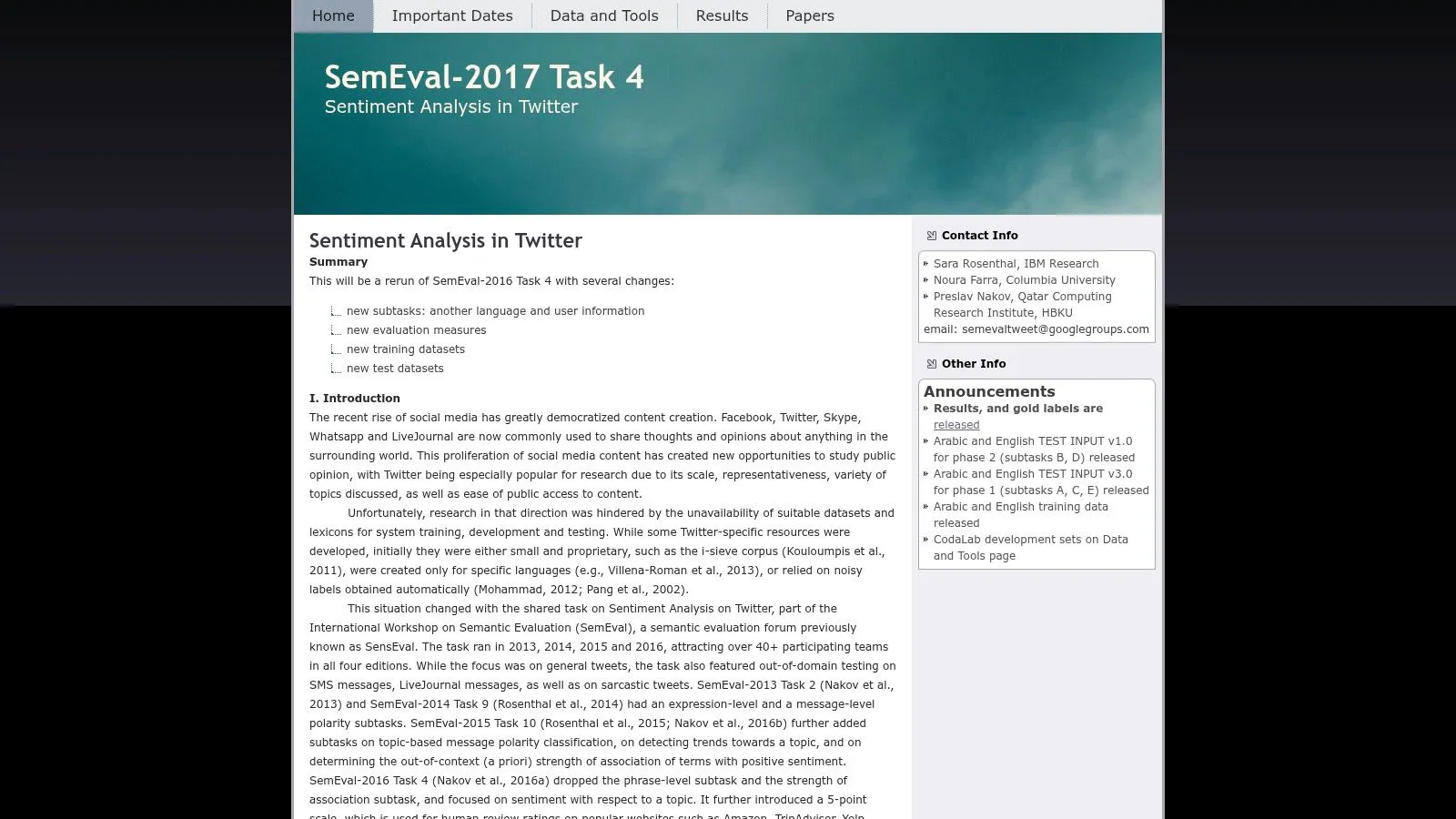
The official task page is SemEval-2017 Task 4.
7. TweetEval (Sentiment task)
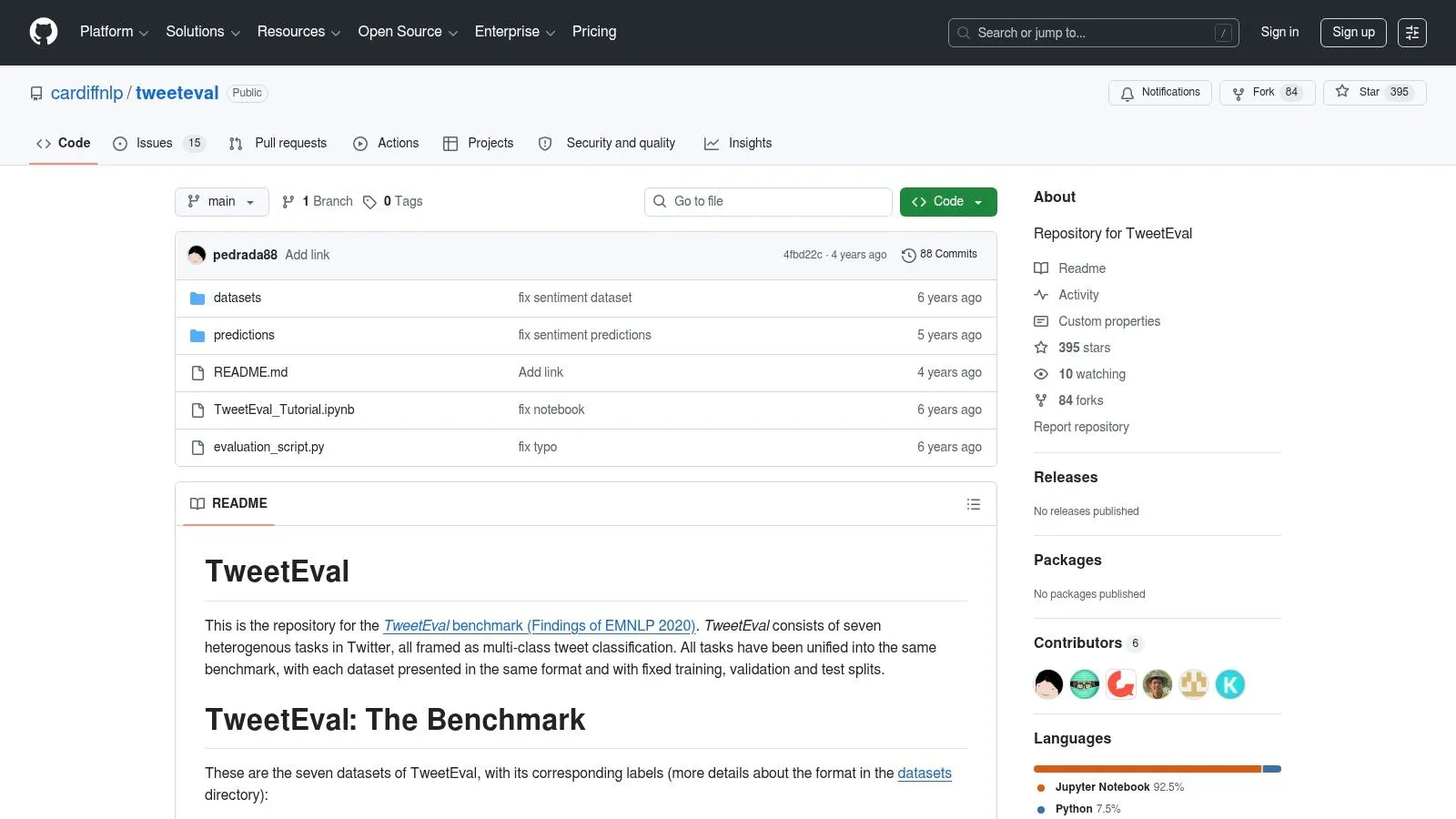
TweetEval is less about one dataset and more about disciplined benchmarking. That’s why it’s valuable. It gives teams a reproducible structure for comparing Twitter-focused models without rebuilding the evaluation stack every time.
If your team keeps arguing over which preprocessing recipe, split logic, or baseline is “correct,” TweetEval usually ends the debate.
Why it’s practical
The benchmark package standardizes splits, task definitions, and supporting code. That makes it ideal for warehouse-notebook workflows where multiple analysts or data scientists need to test models on the same footing.
For product and data teams moving toward self-serve AI analysis, that reproducibility matters as much as model quality. A benchmark that can be rerun cleanly is far more useful than a custom notebook no one trusts. That’s the same design principle behind AI in data analytics, where shared, repeatable analysis infrastructure matters.
TweetEval is especially good for:
- Model bake-offs: Compare architectures without hidden split differences.
- Regression testing: Check whether a model change broke short-text performance.
- Team handoffs: New contributors can reproduce prior runs quickly.
The trade-off to accept
It’s still Twitter-centric. If your production text comes from support tickets, CRM notes, or marketplace reviews, TweetEval can only answer part of the question.
It’s also more benchmark-oriented than business-oriented. You won’t get rich metadata for segmentation, operations, or downstream BI joins.
That said, I’d rather see a team use TweetEval correctly than build a custom “sentiment benchmark” from a random internal export with no annotation guidelines and no stable split.
You can work from the official TweetEval repository on GitHub.
8. Financial PhraseBank
Generic sentiment models routinely fail on financial text. “Lower costs” might be positive. “Higher provisions” might be negative. “Beat expectations” and “missed guidance” are compact phrases with outsized importance.
Financial PhraseBank exists for exactly that reason. It gives you finance-domain sentiment labels on short statements and headlines, which makes it a practical starting point for earnings, market commentary, and company news classification.
Where it shines
This dataset is compact, domain-specific, and easy to experiment with. That makes it ideal for proving a point to stakeholders who assume generic sentiment is “close enough.”
It usually isn’t.
A finance-tuned model built from a dataset like this can capture language that a movie-review or ecommerce model won’t understand. That’s true even before you get into more advanced datasets. Recent research argues that market-based annotation can outperform traditional human-labeled finance sentiment sets such as Financial PhraseBank by aligning labels with stock-price reactions rather than semantic intuition, as discussed in the FinMarBa paper on arXiv.
What to watch for
PhraseBank is small. That’s the first operational constraint. It’s good for evaluation, lightweight fine-tuning, and calibration. It’s not enough by itself for every production use case.
The second issue is task framing. Financial sentiment isn’t always the same as emotional valence. A neutral-sounding statement can still carry negative market implication.
“In finance, sentiment labels are often proxies for expected economic impact, not human mood.”
That’s why many teams use Financial PhraseBank as one layer in a stack. Benchmark on it, then add in-domain news, filings, or transcript snippets from your own pipeline.
You can access a common distribution via the Financial PhraseBank dataset card on Hugging Face.
9. Multi-Domain Sentiment Dataset
The Multi-Domain Sentiment Dataset is one of the most useful old datasets for a modern problem. Domain shift.
A classifier trained on electronics reviews often degrades on kitchen products. A model tuned on books may behave differently on software. This dataset makes that shift visible without a lot of setup.
Why it still matters
Many teams don’t fail because they chose the wrong model. They fail because they assume one label space behaves the same across categories.
This dataset helps test that assumption early. It’s lightweight, easy to load, and built for cross-domain sentiment experiments. If your business spans multiple product lines or customer segments, it’s a quick way to expose overfitting before you touch your internal warehouse data.
Useful scenarios include:
- Transfer learning tests: Train on one domain, validate on another.
- Generalization checks: Measure whether category-specific language hurts portability.
- Semi-supervised experiments: Mix labeled and unlabeled data for adaptation.
The honest limitation
It’s older and simpler than newer corpora. The labels are coarse, and the metadata doesn’t support the richer BI workflows you’d get from Amazon or Yelp data.
But that simplicity is part of the value. It strips the problem down to one question. Does your sentiment model transfer?
For a lot of organizations, that’s exactly the issue. A startup may have one classifier handling app reviews, support satisfaction comments, and marketplace feedback. Before building that kind of shared service, test transfer explicitly. This dataset gives you a cheap way to do that.
The dataset lives at Johns Hopkins’ Multi-Domain Sentiment Dataset page.
10. GoEmotions (Google Research)
A common failure mode shows up after deployment, not during model training. The dashboard says "negative," but the operations team still cannot tell whether a customer needs a refund, clearer instructions, or immediate escalation. GoEmotions is useful because it gives you a richer label space to test those decisions before you wire a classifier into support or community workflows.
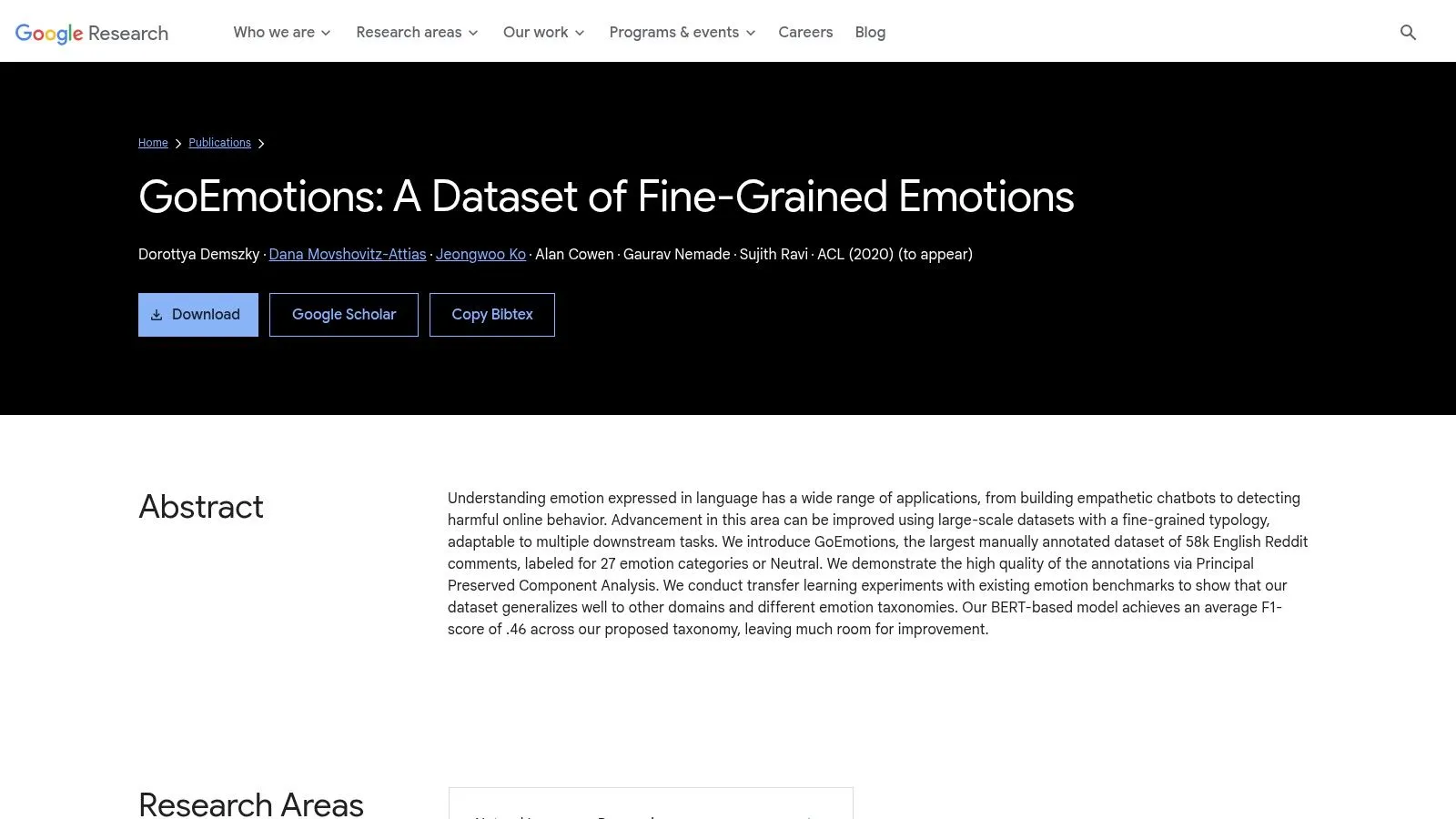
Google Research built GoEmotions from Reddit comments with 27 emotion labels plus neutral. That makes it a better fit for teams that need to separate anger, confusion, disappointment, approval, or gratitude instead of collapsing everything into positive and negative. For customer analytics, that difference matters. Routing rules, moderation policies, and follow-up actions are usually triggered by specific emotional states, not by polarity alone.
The practical value shows up once the dataset leaves a notebook and enters your analytics stack. A team can load GoEmotions into a warehouse, store each comment with one or more labels, and join it to business tables that represent queues, resolution times, escalations, or retention outcomes. In Python notebooks and BI workflows, that lets you test questions a benchmark score will not answer. Which emotions correlate with churn risk? Which ones predict a second support contact? Which labels are too sparse to support stable reporting? That workflow is closer to real data analytic strategies than a standalone text classification demo.
A few use cases stand out:
- Support triage: Separate anger from confusion so the queue logic matches the likely resolution path.
- Community moderation: Distinguish toxic hostility from blunt but valid criticism.
- Voice-of-customer analysis: Surface disappointment, approval, or gratitude that a binary model would flatten.
There is a real trade-off. Fine-grained emotion taxonomies create actionability problems if the business has no plan for the extra detail. I have seen teams train a 20-plus-label model, then reduce the output to a single red-yellow-green KPI because nobody defined what "remorse" or "surprise" should change operationally. Before using GoEmotions, decide whether you need direct prediction, grouped labels, or a hierarchy that maps emotions into a smaller set of business actions.
Annotation and modeling are also harder here than with polarity datasets. GoEmotions includes subtle distinctions, multi-label behavior, and Reddit-specific language. That means label imbalance, ambiguity, and domain mismatch will show up quickly if your production text comes from support tickets, app reviews, or surveys. In practice, many teams get better results by using GoEmotions for pretraining or taxonomy design, then relabeling a smaller in-domain sample for the final model.
Bias checks matter more as labels become more nuanced. Audits in low-resource language sentiment work have shown meaningful subgroup gaps, including a Bengali evaluation where female F1-score was 17.7 points lower than male on mBERT. Use that as a reminder to audit class-wise and subgroup performance after you port any emotion model into production.
You can find the dataset at Google Research’s GoEmotions publication page.
10-Item Comparison of Sentiment Analysis Datasets
| Dataset | Domain & Size | Label Type & Quality | Best Use Cases / Target Users | Warehouse Integration & Limitations |
|---|---|---|---|---|
| Stanford Sentiment Treebank (SST-2 / SST-5) | Movie reviews, compact sentence/phrase-level dataset | Binary (SST-2) or 5-way, human-annotated, phrase-level gold labels | Fine-tuning small/medium models, testing compositionality (negation/intensifiers), ML researchers | Easy to load and iterate in-warehouse; domain-limited, short texts may not reflect product/social language |
| Large Movie Review Dataset (IMDb, Maas et al. 2011) | Movie reviews, 50k document-length (25k train / 25k test) | Binary polarity, well-studied, document-level labels | Document-level sentiment, sequence models, longer-context evaluation | Standard review table ingest; single-domain, coarse labels, no aspect annotations |
| Amazon Customer Reviews (MARC / SNAP) | E-commerce, hundreds of millions of reviews, multilingual | Star ratings + rich metadata (product, timestamps), noisy for direct polarity | Large-scale pretraining, domain adaptation, product/category analytics for data teams | Best processed in-warehouse (Querio); requires star→sentiment mapping, class imbalance, storage/cloud costs |
| Yelp Open Dataset | Local services, ~7M reviews & 150k+ businesses (JSON) | Ratings with detailed business metadata, consistent schema | Aspect-based analysis (food/service/price), geo-aware analytics, ops teams | JSON → structured table ingestion; great for joins with business data, US/metro-limited, rating heuristics needed |
| Sentiment140 | Twitter, 1.6M short tweets | Distant supervision via emoticons, noisy labels | Pretraining on informal/social language, baseline tweet models | Clean/normalize tweets before warehousing; older language, ToS/re-hydration considerations |
| SemEval-2017 Task 4 | Twitter shared-task, smaller manually labeled splits (EN/AR) | Manual, high-quality labels across subtasks (3-class, topic-level) | Rigorous benchmarking, reproducible evaluation, academic comparisons | Often requires tweet rehydration and access steps; smaller size not for large-scale training |
| TweetEval (Sentiment task) | Twitter benchmark suite, harmonized splits & baselines | Standardized splits and evaluation scripts, mixed label sources | Fast reproducible benchmarking, baseline comparisons, research-to-production validation | Clone repo and run eval scripts; some subsets need rehydration, focused on Twitter style |
| Financial PhraseBank | Finance domain, ~4.8k statements/headlines | 3-class (pos/neg/neu), annotator-agreement subsets | Fine-tuning finance models (FinBERT), market/news sentiment, quant & analyst workflows | Compact and easy to upload to warehouse; small size limits large-model training, check mirror license |
| Multi-Domain Sentiment Dataset | Amazon reviews across multiple product domains | Binary polarity + unlabeled data per domain, lightweight format | Domain-shift and transfer-learning experiments, robustness testing | Good for cross-domain queries in-warehouse; older content, coarse labels, variable domain sizes |
| GoEmotions (Google Research) | Reddit comments, 58k samples, 27 emotion labels + neutral | Manual fine-grained emotion taxonomy; train/dev/test splits provided | Emotion-aware triage, customer-support routing, nuanced affect detection | Map emotions→polarity if needed; Reddit style differs from product reviews, ready for warehouse ingestion |
From Dataset to Dashboard in Querio
A sentiment project usually breaks in a familiar place. Reviews are sitting in text files. Product, support, and revenue data are already in Snowflake or BigQuery. The model prototype lives on one laptop. A month later, the team has a promising notebook and no repeatable workflow.
The fix is simple in concept and harder in execution. Treat the benchmark dataset like any other warehouse asset. Load it with a schema you can keep stable, score it in a notebook connected to the warehouse, write predictions back to tables, and expose the results to analysts who need more than a screenshot.
IMDb is a good starting point because the labels are clean, the task is document-level, and the ingestion path is boring in the best way. That makes it useful for proving the workflow before you try noisier sources like tweets, support chats, or multilingual reviews.
Step 1: Load the IMDb dataset
Create a table named imdb_reviews with two columns:
review_text STRINGground_truth_sentiment STRING
Then parse the positive and negative review files and upload them. The exact loader depends on your warehouse client, but the transformation logic is straightforward. Read each text file, assign the folder label, and append rows.
A minimal Python pattern looks like this:
from pathlib import Path
import pandas as pd

rows = []

for label in ["pos", "neg"]:
    folder = Path("/path/to/aclImdb/train") / label
    for file in folder.glob("*.txt"):
        rows.append({
            "review_text": file.read_text(encoding="utf-8"),
            "ground_truth_sentiment": label
        })

df = pd.DataFrame(rows)
print(df.head())
From there, use your Snowflake or BigQuery connector to write the dataframe into imdb_reviews. In practice, add a stable row ID, a split column such as train or test, the source filename, and an ingestion timestamp. Those fields matter later when someone asks why this week's score distribution changed or wants to reproduce an experiment from a prior run.
I also recommend keeping raw text and cleaned text separate. If you strip HTML, normalize whitespace, or truncate long documents before inference, store that as a derived column instead of overwriting the source.
Step 2: Analyze in a Querio notebook
Querio fits this workflow because the notebook sits close to the warehouse and supports SQL plus Python in the same working session. That matters for sentiment analysis. You rarely stop at model accuracy. You join predictions to tickets, orders, churn outcomes, or account segments and ask whether the signal is useful enough to put in front of a business team.
Once the table is loaded, query it directly and run inference in the notebook.
Example Querio Notebook Snippet:
# 1. Query the data directly from your warehouse
df = q.sql("SELECT * FROM imdb_reviews LIMIT 100;")

# 2. Use a Hugging Face pipeline for zero-shot classification
from transformers import pipeline
sentiment_classifier = pipeline("sentiment-analysis")

# 3. Predict sentiment and add it to the DataFrame
def get_sentiment(text):
  return sentiment_classifier(text[:512])[0]['label']

df['predicted_sentiment'] = df['review_text'].apply(get_sentiment)

# 4. Compare prediction to the ground truth
print(df[['ground_truth_sentiment', 'predicted_sentiment']])
That snippet is enough for a first pass, but a production-minded team should tighten a few things quickly. Batch inference is usually faster and cheaper than row-by-row calls. Label normalization matters because many pretrained models return POSITIVE and NEGATIVE, while your reporting tables may expect positive, negative, and neutral. Truncation at 512 tokens is another trade-off. It keeps inference manageable but can hide sentiment cues that appear late in a long review.
Step 3: Write predictions back for analysis
The useful artifact is not the notebook output. It is a scored table that other people can query.
A practical pattern is to write back columns such as:
review_idpredicted_sentimentprediction_scoremodel_namemodel_versionscored_at
Once those fields are in the warehouse, the rest of the work looks like analytics, not a one-off ML demo. Analysts can compare predicted sentiment with ground truth, slice errors by review length, track score distributions across retrains, and join sentiment to downstream business outcomes.
This is also where public datasets become useful beyond benchmarking. A team can load IMDb or Yelp into the same warehouse that already stores customer feedback, validate an approach on labeled data, and then apply the same scoring pipeline to live text with much less guesswork.
What usually matters after the first run
Accuracy is only one checkpoint. The practical questions come next:
- Inspect disagreements: Read false positives and false negatives. Short sarcastic reviews and mixed-opinion texts often fail for predictable reasons.
- Align labels to business reporting: Binary benchmark labels rarely match the reporting schema used by support or CX teams.
- Store scored outputs as tables, not notebook variables: Dashboards, QA checks, and retraining jobs all depend on stable outputs.
- Add operational slices: Segment by channel, product line, language, text length, or account tier.
- Track drift: A model that worked on movie reviews can degrade fast on support tickets or financial headlines.
That last point is where dataset choice and warehouse workflow meet. Academic datasets help you measure model behavior under controlled conditions. Warehouse-native analysis tells you whether the same model is useful on the text your company collects.
If you are applying the workflow to service operations, this guide on Automated Support Sentiment Analysis is a relevant example of how sentiment outputs feed support processes rather than staying trapped in model evaluation.
One caution is worth keeping. Multimodal sentiment analysis is still harder to operationalize than plain text classification, and recent EMNLP work points out persistent generalization problems in multimodal settings, described in the EMNLP study on supervised angular-based contrastive learning for multimodal sentiment analysis. For most business teams, text-first pipelines are easier to validate, cheaper to maintain, and much easier to explain to stakeholders.
The goal is not to collect the most academic benchmarks. The goal is to build a repeatable path from raw text, to warehouse table, to scored output, to dashboard that someone trusts enough to use.
Querio helps teams do that. If your analysts are stuck acting like a human API for every new question, Querio gives you warehouse-native AI notebooks and coding agents so founders, product leaders, and data teams can load datasets, run Python, query live tables, and turn sentiment analysis into a repeatable self-serve workflow instead of another backlog item.