Guide
8 Bad Data Visualization Examples to Avoid in 2025
Explore 8 common bad data visualization examples and learn how to fix them. Avoid misleading charts, poor color use, and more to improve your BI dashboards.
In a data-driven business, a single chart can shape strategy, influence stakeholders, and drive critical decisions. But what happens when those visuals are fundamentally flawed? Misleading charts don't just confuse; they actively deceive, creating a false narrative that can lead to flawed strategies, inaccurate forecasts, and costly missed opportunities. These common errors, from manipulated axes to cluttered designs, are more than aesthetic missteps. They represent a fundamental failure in communication that can undermine the integrity of your entire data practice.
This article provides a comprehensive breakdown of eight critical bad data visualization examples, moving beyond surface-level critiques to offer deep strategic analysis. For each example, we dissect why it fails, its direct impact on business decision-making, and provide actionable, step-by-step fixes. This is particularly vital when analyzing high-stakes information where accuracy is paramount. To truly unpack misleading visuals and discern the real story from financial narratives, it's crucial to understand how to approach and accurately interpret financial documents, such as by learning how to read reading earnings reports like an expert.
You will learn to identify common pitfalls and transform them into opportunities for clarity and insight. Our goal is to equip you with the practical knowledge to ensure your data tells the true story, every time. Understanding these examples is the first step toward building dashboards that empower, rather than mislead, your entire organization. We will explore how to fix these issues and how modern BI platforms can help automate the detection and correction of these common visualization mistakes.
1. Dual-Axis Charts with Mismatched Scales
Of all the bad data visualization examples we see in the wild, the dual-axis chart with mismatched scales is one of the most deceptively dangerous. This chart plots two different data series on the same graph, using a separate Y-axis for each. While seemingly efficient, it allows the creator to manipulate the scales of each axis independently, creating illusory correlations or causations where none exist.
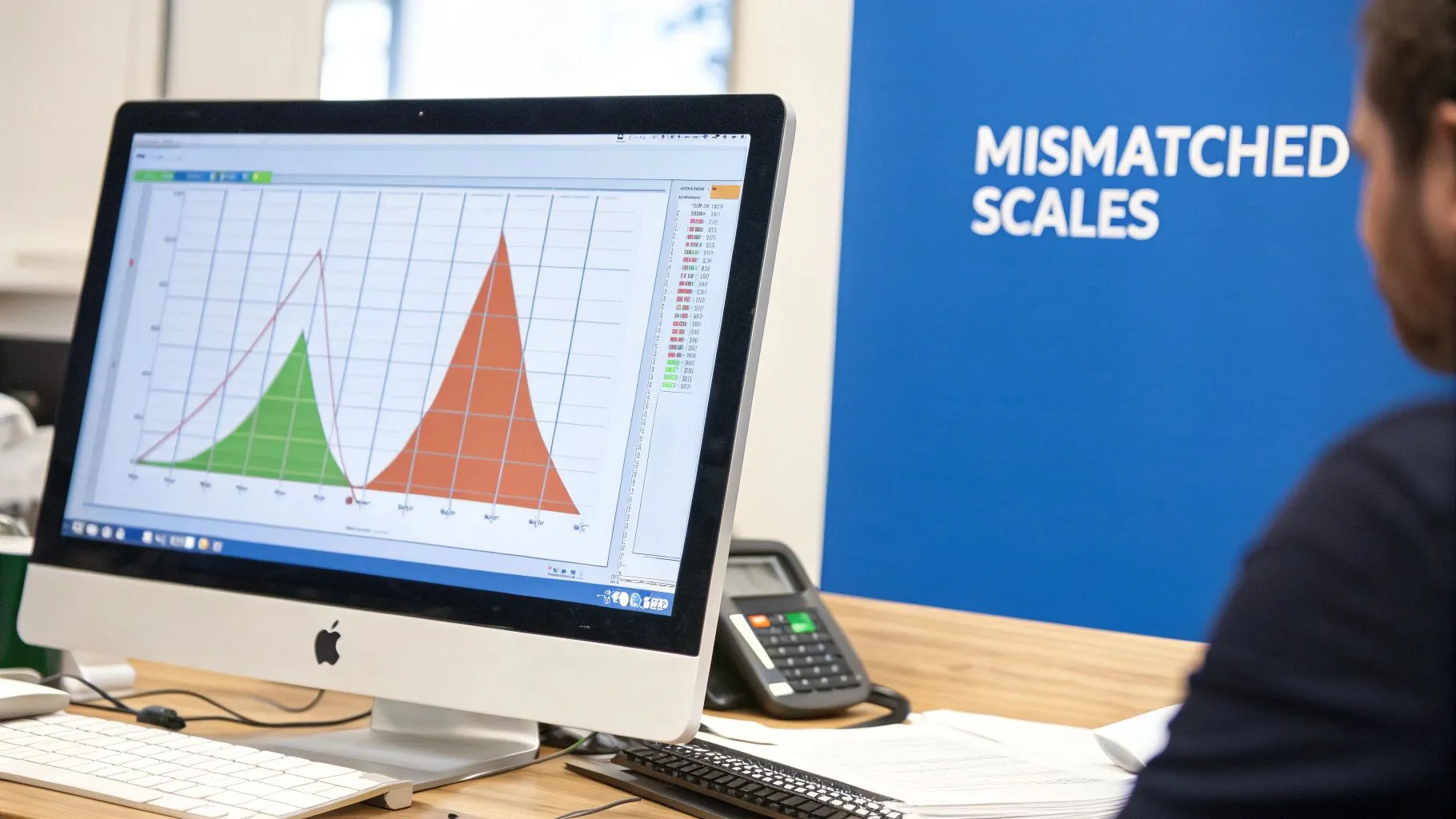
The core issue is that our brains are wired to compare the visual paths of lines. When two lines on a chart move in tandem, we instinctively assume a strong relationship. By stretching one axis and compressing another, a creator can make any two trends appear to be moving together, or conversely, make a genuine correlation disappear. This technique is often used in political and financial reporting to push a specific narrative.
Why It's a Problem
Mismatched scales exploit cognitive biases to create a false narrative. For a product manager, this could mean mistakenly concluding that a minor feature launch (plotted on a narrow scale) caused a huge spike in user engagement (plotted on a wide scale). This leads to misallocated resources and flawed strategic planning.
Strategic Impact: Manipulating scales can lead to incorrect conclusions about cause and effect. A team might invest heavily in a marketing campaign that appears to correlate with revenue growth, only to find the visual link was an artifact of misleading axes.
How to Fix It
The best practice is often to avoid dual-axis charts entirely. Instead, create two separate, clearly labeled charts. This allows for an honest comparison without visual trickery.
- Split the Chart: Place two individual charts side-by-side or one above the other. This encourages viewers to compare the data critically rather than being led by misleading visual alignment.
- Normalize the Data: If you must show both on one chart, convert both data series to a common scale. For example, show the percentage change from a baseline for both metrics.
- Use a Scatter Plot: To analyze the relationship between two variables, a scatter plot is often a more effective and honest visualization.
Querio AI and Smart Visualizations
Modern AI-powered BI platforms like Querio can help prevent these errors. By analyzing the data series you're trying to compare, Querio can suggest more appropriate chart types or automatically flag when dual-axis scales are creating a potentially misleading visualization. This provides a critical guardrail, ensuring your team makes decisions based on genuine insights, not visual illusions.
2. Pie Charts with Too Many Slices
A classic offender in the world of bad data visualization examples, the overloaded pie chart attempts to show a part-to-whole relationship with far too many parts. While pie charts can be effective for displaying a few distinct categories, their utility plummets as the number of slices increases. Our brains are not equipped to accurately compare the sizes of angles, making it nearly impossible to gauge the relative value of each slice when a chart is cluttered.
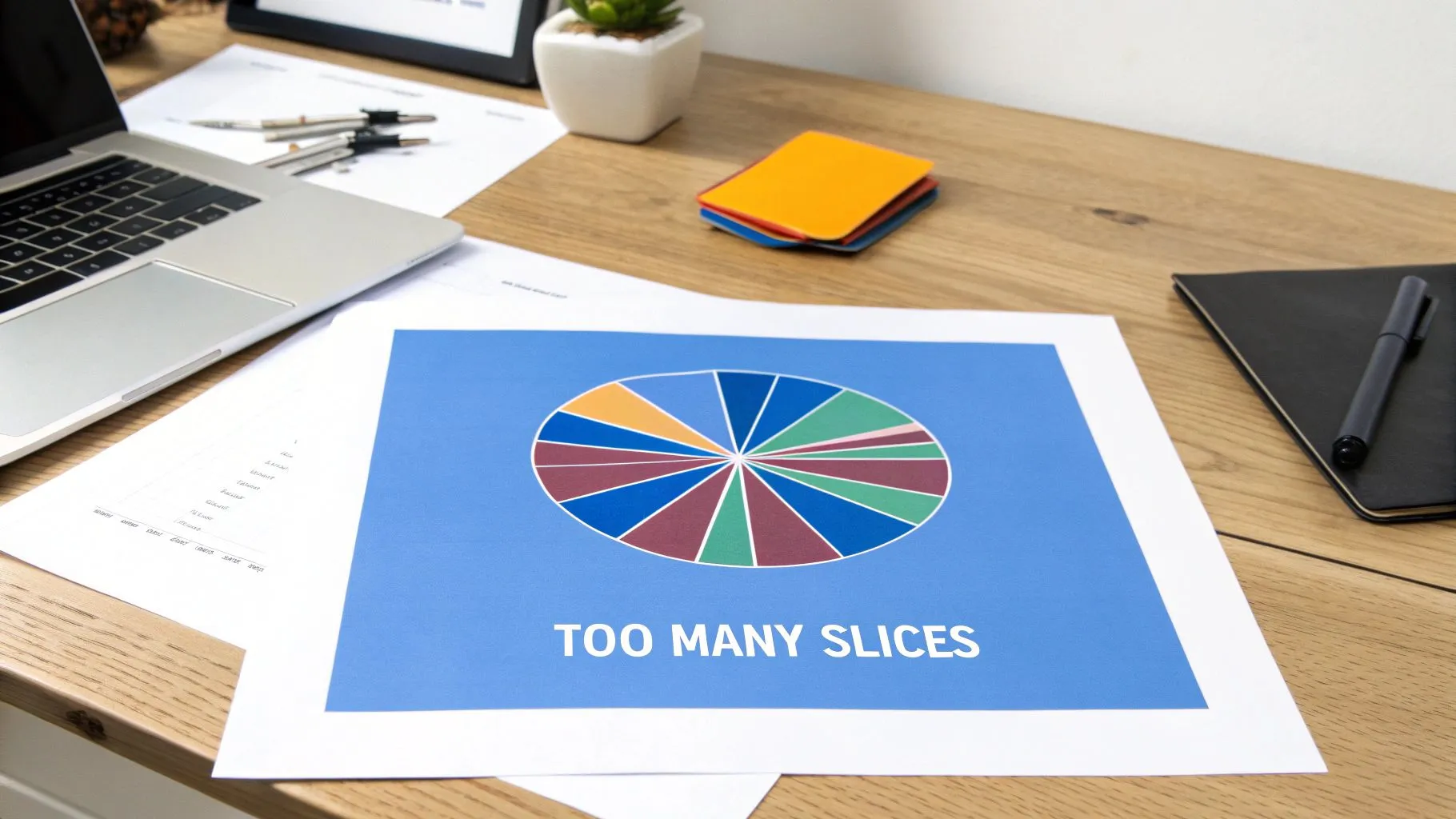
The fundamental problem is one of perceptual precision. When a marketing report shows website traffic from over 15 sources in a single pie chart, the smaller segments become an indistinguishable mess of colorful slivers. This forces the viewer to jump back and forth between the legend and the chart, defeating the purpose of a quick, at-a-glance visual. The result is cognitive overload, not clear insight.
Why It's a Problem
Using a pie chart with too many slices obscures the very data it's meant to clarify. For a product team analyzing survey results with numerous response options, this visualization would hide which feedback points are most significant. It encourages imprecise, "gut-feel" interpretations rather than data-driven conclusions, leading to poor prioritization and wasted effort.
Strategic Impact: An overloaded pie chart can cause leaders to overlook critical data points buried in the visual clutter. A finance team might miss a significant, emerging expense category because it's just one of a dozen small slices in a budget allocation chart.
How to Fix It
The solution is to choose a visualization that is better suited for comparing multiple categories. Simplicity and clarity are key.
- Group Smaller Slices: Combine the least significant categories into a single "Other" or "Miscellaneous" slice. This cleans up the visual and highlights the most important segments.
- Use a Bar Chart: A horizontal or vertical bar chart is almost always a better alternative. It allows for easy and accurate comparison between categories, as our eyes are much better at judging length than angles.
- Limit Your Slices: As a rule of thumb, never use a pie chart for more than five categories. If you have more, it's a sign to choose a different chart type. Learn more about choosing the right chart on querio.ai.
Querio AI and Smart Visualizations
This is another area where an AI-driven BI tool like Querio adds significant value. When you ask Querio to visualize data with many categories, it won't default to a cluttered pie chart. Instead, its "Smart Visualization" engine will analyze the data's structure and automatically recommend a more effective format, such as a sorted bar chart. This intelligent recommendation system helps teams avoid common visualization pitfalls and present their data with maximum clarity and impact.
3. Cherry-Picked Time Ranges
Another one of the most insidious bad data visualization examples involves manipulating the timeframe of the data being presented. Cherry-picking time ranges means intentionally selecting a start and end point to support a specific narrative, while conveniently ignoring the broader context. This creates a distorted view of trends, making performance look much better, or worse, than it actually is.
The deception works because a small slice of data can tell a completely different story from the whole. For example, a crypto chart might show massive growth if it starts at the bottom of a crash, but showing the full year would reveal an overall loss. This technique is especially prevalent in financial reporting and marketing analytics, where stakeholders are eager to see positive results.
Why It's a Problem
Cherry-picking time ranges directly leads to flawed decision-making based on incomplete information. A product team might see a chart showing user engagement soaring in the last two weeks and conclude their latest feature is a runaway success. However, zooming out to a six-month view might reveal this "spike" is just a minor recovery from a much larger, more concerning downward trend.
Strategic Impact: Decisions made on cherry-picked data are fundamentally unsound. A company could double down on a failing strategy because a carefully selected timeframe made it look successful, leading to wasted resources and missed opportunities to address root-cause problems.
How to Fix It
Transparency and context are the best antidotes to this form of misrepresentation. The goal is to provide a comprehensive view that allows for honest interpretation.
- Show the Full Picture: Whenever possible, display the longest relevant time period available. This provides crucial context for recent fluctuations.
- Provide Comparison Timeframes: Offer viewers the ability to toggle between different time ranges (e.g., 30 days, 90 days, 1 year). This empowers them to explore the data for themselves.
- Justify Your Range: If you must use a specific, limited timeframe, clearly state why that period was chosen (e.g., "Post-Q3 Campaign Launch").
- Include Trend Lines: Add a longer-term trend line or moving average to the chart to help contextualize short-term movements against the overall pattern.
Querio AI and Smart Visualizations
AI-driven BI platforms like Querio excel at preventing this kind of data manipulation. When a user generates a chart, Querio can automatically analyze historical data to detect anomalies or identify when a selected timeframe presents a potentially misleading trend. The platform can then proactively suggest showing a longer time range or add a contextual overlay, such as a year-over-year comparison. This ensures that every analysis is grounded in a complete and honest view of the data.
4. Truncated Y-Axis (Axis Manipulation)
Among the most common and potent bad data visualization examples is the truncated Y-axis. This misleading technique involves starting the vertical axis of a bar or line chart at a value other than zero. By doing so, the creator dramatically exaggerates the differences between data points, making minor fluctuations appear as monumental shifts.
The deception works because our brains intuitively process the height of bars relative to the baseline. When that baseline is removed, we lose all sense of proportion. A tiny 1% increase in user satisfaction can be made to look like a massive leap, simply by zooming in on the top portion of the scale (e.g., setting the axis from 98% to 100%). This is a favorite tactic in political polling and marketing to create a sensationalist narrative from statistically insignificant data.
Why It's a Problem
Truncating the Y-axis preys on our visual perception to distort the truth. For a product team, this could mean celebrating a 0.5% increase in a feature’s adoption rate as a major victory, when in reality, the change is negligible. It encourages overreactions to minor data noise and can lead to a culture of misinterpreting results.
Strategic Impact: This visual distortion leads to flawed decision-making. A team might over-invest in a marketing channel that shows "huge" growth on a truncated chart, ignoring that the absolute increase in conversions is minimal and the cost per acquisition is unsustainable.
How to Fix It
The cardinal rule for bar charts is to always start the Y-axis at zero. This provides an honest, proportional representation of the data. For other chart types, context is key.
- Start at Zero: For any visualization comparing magnitude (like bar charts), the numerical axis must begin at zero. No exceptions.
- Zoom with Caution: If you must zoom in on a specific range in a line chart to show subtle fluctuations, clearly and explicitly label that the axis is truncated.
- Label Data Points Directly: Add numerical labels to your bars or points. This allows viewers to see the actual values and understand the true scale of the differences, regardless of the axis. Learn more about avoiding these pitfalls in your BI dashboards.
Querio AI and Smart Visualizations
An AI-powered BI platform like Querio can serve as an essential safeguard against this kind of manipulation. Querio’s smart visualization engine can automatically detect when a truncated axis might be misleading for a given chart type, such as a bar chart, and either default to a zero-based axis or alert the user to the potential for misinterpretation. This helps ensure that the insights your team derives are based on an accurate, proportional view of the data.
5. Misleading Color Choices and Palettes
Color is a powerful tool in data visualization, capable of highlighting key trends and guiding a viewer's eye. However, when used improperly, it becomes one of the most common bad data visualization examples, distorting perception and making charts inaccessible. This issue arises from using non-intuitive gradients, palettes that are not colorblind-friendly, or colors that create false visual emphasis where none exists in the data.
The classic offender is the "rainbow" or "jet" colormap, which uses the full spectrum of colors. Our brains do not perceive these colors in a linear fashion; we see sharp, artificial boundaries between colors like yellow and green, leading us to identify data clusters that aren't actually there. Furthermore, relying on common color distinctions like red and green excludes the significant portion of the population with color vision deficiency, rendering the visualization useless for them.
Why It's a Problem
Poor color choices can actively misinform the audience. A product manager might look at a rainbow-colored user activity heatmap and identify a "sharp drop-off" that is merely an artifact of the palette, leading them to investigate a non-existent problem. For operations teams, a dashboard that uses red and green to denote status can be completely unreadable to a colorblind team member, causing critical errors in judgment.
Strategic Impact: Inaccessible or misleading color schemes lead to flawed interpretations and exclude team members from the decision-making process. This can result in misguided product strategies, operational inefficiencies, and a non-inclusive data culture.
How to Fix It
The solution is to be intentional and inclusive with your color palette. Prioritize clarity and accessibility over aesthetic flair to ensure your data tells an accurate story for everyone.
- Use Colorblind-Friendly Palettes: Adopt established palettes like Viridis, Cividis, or Okabe-Ito, which are designed to be perceptually uniform and distinguishable by people with common forms of color blindness.
- Match Palette to Data Type: Use sequential palettes (light to dark shade of one color) for ordered data that goes from low to high. Use diverging palettes for data with a meaningful midpoint, like profit and loss.
- Add Redundancy: Don't rely on color alone. Combine colors with patterns, icons, or direct labels to ensure key distinctions are always clear.
Querio AI and Smart Visualizations
Choosing the right colors can be complex, but modern BI tools can simplify the process. When you create a chart in Querio, its AI-driven engine can automatically apply accessible, colorblind-friendly palettes by default. The platform can also warn you if your chosen color combinations lack sufficient contrast or are known to be problematic, preventing you from creating one of these all-too-common bad data visualization examples and ensuring your insights are clear and accessible to your entire organization.
6. Inappropriate Chart Types for Data
Among the most common bad data visualization examples is the fundamental error of choosing a chart type that doesn't fit the data. This happens when a visualization is selected for its aesthetic appeal or familiarity rather than its ability to accurately represent the underlying data relationships. For instance, using a pie chart to show a trend over time or a line chart to compare discrete categories creates immediate confusion and hinders comprehension.
The issue is a mismatch between the story the data tells and the story the chart is designed to tell. A line chart implies a continuous relationship between points, making it perfect for time-series data but misleading for comparing independent product categories. Similarly, a pie chart shows parts of a whole at a single point in time, making it completely unsuitable for tracking changes across multiple quarters. This fundamental mistake doesn't just look unprofessional; it actively misleads the audience.
Why It's a Problem
Using the wrong chart type forces the viewer to work harder to understand the data and often leads to incorrect interpretations. A product manager might see a line chart connecting "iOS Users" and "Android Users" and mistakenly look for a trend or relationship between them, when a simple bar chart would have clearly shown a side-by-side comparison of two independent groups. This leads to flawed insights and poor decision-making.
Strategic Impact: Incorrect chart selection can obscure critical insights or create false ones. A team might miss a significant dip in Q3 performance because it was presented in a pie chart, which is notoriously bad at showing magnitude changes between similar-sized slices.
How to Fix It
The solution is to deliberately match the visualization to the data's story: comparison, distribution, composition, or relationship. Each story has a set of charts best suited to tell it.
- For Comparisons: Use bar or column charts to compare quantities across different categories.
- For Trends Over Time: Use line charts or area charts for continuous data.
- For Parts of a Whole: Use pie or donut charts for showing composition at a single point in time (and only with a few categories).
- For Relationships: Use scatter plots to explore the correlation between two numeric variables.
- For Distributions: Use histograms or box plots to understand how data is spread.
For a deeper dive into this topic, explore our data visualization guide on choosing the right charts.
Querio AI and Smart Visualizations
This is another area where an AI-powered BI tool like Querio adds significant value. Instead of requiring you to manually select a chart type, Querio can analyze your data and your query to automatically generate the most appropriate visualization. By understanding that you're asking for "monthly recurring revenue over the last year," it will default to a line chart, preventing the kind of errors that lead to bad data visualizations and ensuring your team gets clear, actionable insights instantly.
7. 3D Effects and Distortion
Among the most visually tempting yet functionally flawed bad data visualization examples are those that use 3D effects. These charts, from 3D pie charts to extruded bar graphs, add an extra dimension purely for aesthetic flair. However, this added depth introduces severe perceptual distortion, making it nearly impossible for the human eye to accurately compare values and comprehend proportions.
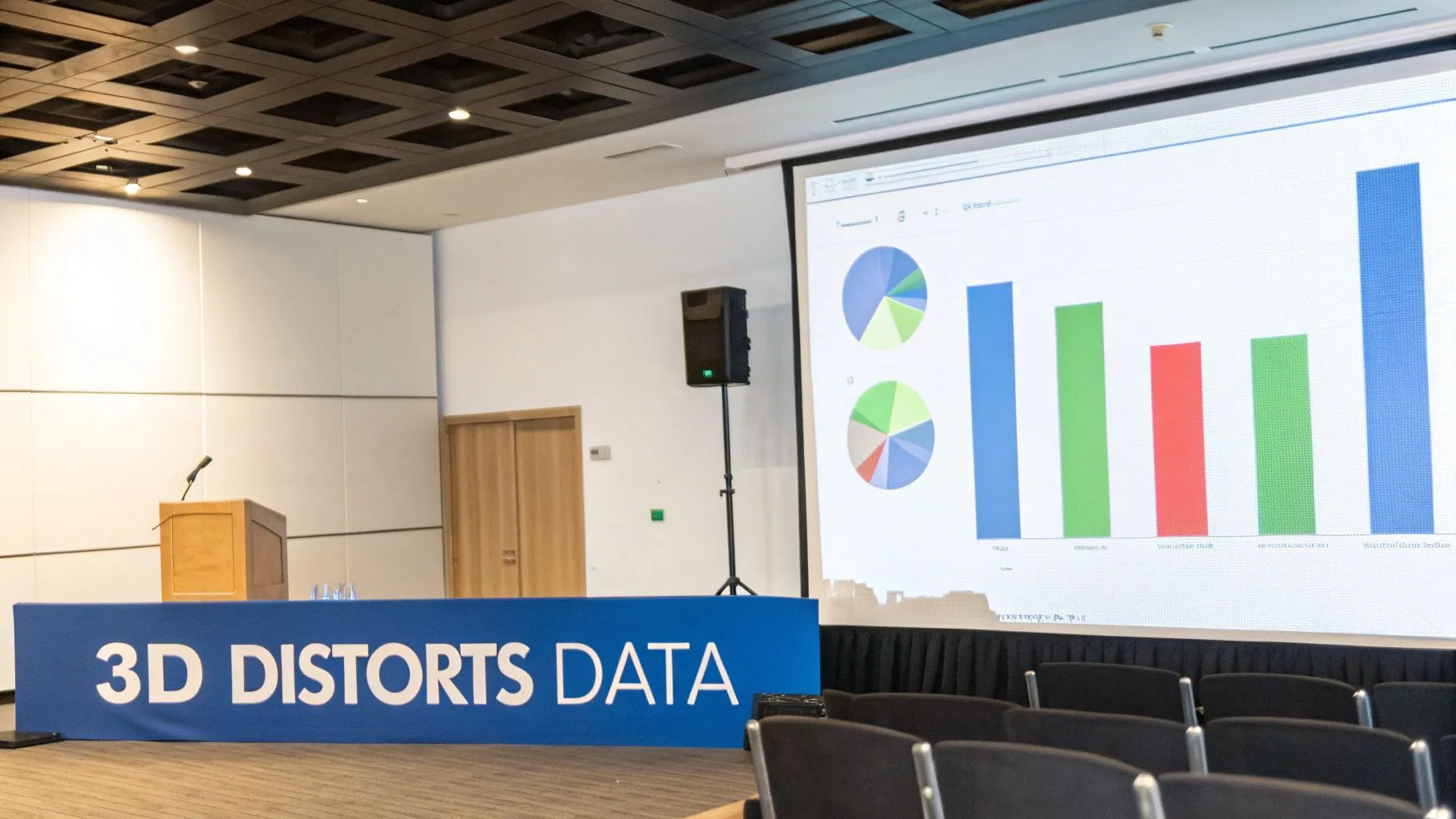
The core problem lies in perspective. A 3D pie chart slice in the foreground appears much larger than an identical slice in the background. Similarly, the tops of 3D bars are difficult to align with the Y-axis, leading to misinterpretation. This "chartjunk," as data visualization pioneer Edward Tufte calls it, adds no informational value and actively obscures the underlying data, sacrificing clarity for a cheap visual gimmick.
Why It's a Problem
Using 3D effects fundamentally breaks the contract between the presenter and the audience: to represent data honestly. For a finance team presenting quarterly results, a 3D bar chart might make a modest increase in revenue look far more significant than it is, leading to misguided enthusiasm or flawed budget allocations. It introduces ambiguity where precision is required.
Strategic Impact: Distorted 3D charts can lead to a false sense of security or urgency. A product manager might overlook a declining user segment because its slice on a 3D pie chart appears smaller due to its position, causing them to miss a critical retention issue.
How to Fix It
The solution is straightforward: flatten your charts. Prioritize clarity and accuracy over cosmetic depth. A simple 2D chart is almost always more effective and honest.
- Stick to 2D: For any chart type, whether it's a pie, bar, or line graph, always use the 2D version. This ensures that the visual size of each element directly and accurately corresponds to its data value.
- Use a Bar Chart Instead of a Pie Chart: If comparing precise values is important, a simple 2D bar chart is superior to a 2D pie chart, and vastly better than a 3D one.
- Focus on the Data, Not the Decoration: Ask yourself if a visual element helps communicate the data more clearly. If the answer is no, remove it.
Querio AI and Smart Visualizations
An AI-powered BI tool like Querio champions data clarity and can help teams avoid these common pitfalls. By defaulting to best-practice 2D visualizations, the platform steers users away from creating misleading charts. Furthermore, its AI can analyze the user's intent and suggest the most effective chart type for the data at hand, ensuring that insights are communicated with precision and integrity, not obscured by unnecessary decoration.
8. Missing Context and Incomplete Data Labels
Among the most fundamental yet common bad data visualization examples is the chart that omits crucial context. Visualizations that lack essential information like units, time periods, data sources, or clear labels force the viewer to make assumptions. Without this framework, even an accurately plotted chart becomes ambiguous and ripe for misinterpretation.
The problem arises when creators assume their audience shares their implicit knowledge of the data. A line graph showing an upward trend is meaningless without knowing what the Y-axis measures (Is it revenue in dollars? User count in thousands?) and what the X-axis represents (Is this trend over a day, a year, or a decade?). This oversight turns a potential insight into a confusing puzzle.
Why It's a Problem
A chart without context is a story without a setting. For a product manager, seeing a chart labeled "User Activity" with the number "500" is useless. Is that 500 daily active users, which might be a crisis, or 500 million, which would be a massive success? Incomplete data labels prevent verification, obscure the significance of the data, and can lead to dangerously wrong conclusions.
Strategic Impact: Decisions based on context-free data are guesses, not strategies. An operations team might see a bar chart showing "Process Time" and think an increase from 10 to 12 is trivial, not realizing the unit is "days," indicating a severe bottleneck that puts key deliverables at risk.
How to Fix It
The solution is to be rigorously descriptive and anticipate your audience's questions. Treat every chart as if it will be viewed by someone with zero prior knowledge of the project. This is a core tenet of effective communication, and you can learn more by exploring our guide to data visualization best practices.
- Label Everything: Clearly label both axes with the metric and its units (e.g., "Monthly Recurring Revenue (USD)").
- Add a Descriptive Title: The title should explain what the chart shows, like "User Engagement Growth, Q1 vs. Q2 2024."
- Provide a Source and Date: Include a small note indicating where the data came from and when it was collected to build trust and allow for verification.
- Use Annotations: Add notes directly to the chart to highlight significant events, such as a product launch or marketing campaign, that could explain a change in the data.
Querio AI and Smart Visualizations
Manually adding context can be tedious and prone to error. AI-driven platforms like Querio streamline this process by automatically pulling in metadata to suggest intelligent titles, axis labels, and annotations. When you ask a question like, "Show me our user sign-ups by country for the last quarter," Querio generates a fully labeled chart, ensuring the visualization is immediately clear, credible, and ready for strategic analysis. This automated context-building saves time and prevents the misinterpretations that arise from incomplete charts.
Comparison of 8 Common Bad Data Visualizations
| Item | 🔄 Implementation Complexity | ⚡ Resource Requirements | 📊 Expected Outcomes | ⭐ Ideal Use Cases | 💡 Key Advantages / Tips |
|---|---|---|---|---|---|
| Dual-Axis Charts with Mismatched Scales | 🔄 Moderate — straightforward to build but requires careful scaling | ⚡ Low tooling, high audit/validation effort | 📊 Often creates misleading correlations; high risk of misinterpretation | ⭐ Only when units differ and proportional scales are explicitly shown | 💡 Can show different units simultaneously; prefer separate charts, disclose scale ratios, normalize scales |
| Pie Charts with Too Many Slices | 🔄 Low — technically simple but cognitively heavy | ⚡ Low | 📊 Poor readability and angle-judgement errors with many categories | ⭐ Small part-to-whole displays (≤3–4 slices) | 💡 Familiar look; group minor slices into "Other", use bar charts instead |
| Cherry-Picked Time Ranges | 🔄 Low — trivial to select ranges but ethically risky | ⚡ Low | 📊 Distorts trend perception; can strongly bias conclusions | ⭐ Narrow focus with explicit justification and full-context comparison | 💡 Always show full history or multiple timeframes; document selection rationale |
| Truncated Y-Axis (Axis Manipulation) | 🔄 Low — easy to implement but requires justification | ⚡ Low | 📊 Exaggerates magnitude of change; often misleading | ⭐ Specialized scientific cases with narrow ranges and clear annotation | 💡 Default to start at zero; if truncated, annotate clearly or use log scale |
| Misleading Color Choices and Palettes | 🔄 Low–Moderate — needs thoughtful palette selection | ⚡ Low — use established tools (ColorBrewer, Viridis) | 📊 Creates false patterns and excludes colorblind users | ⭐ Use accessible palettes for sequential or categorical data | 💡 Avoid rainbow (Jet); choose colorblind-friendly palettes, test contrast and simulators |
| Inappropriate Chart Types for Data | 🔄 Moderate — requires correct mapping of data to encoding | ⚡ Low | 📊 Obscures patterns; leads to incorrect interpretations | ⭐ Use chart types matched to data (bars for categories, lines for time) | 💡 Follow a selection guide: bar for comparisons, line for trends, scatter for relationships |
| 3D Effects and Distortion | 🔄 Moderate — more design effort; adds visual complexity | ⚡ Moderate — extra rendering/graphics work | 📊 Distorts perception of values; reduces comparability and accessibility | ⭐ Rare — true 3D data with interactive exploration and justified need | 💡 Avoid 3D for aesthetic reasons; prefer 2D or interactive 3D with rotation and labeling |
| Missing Context and Incomplete Data Labels | 🔄 Low — easy to fix but frequently omitted | ⚡ Low | 📊 Makes charts ambiguous or meaningless; undermines trust | ⭐ Never — always include context for public-facing visualizations | 💡 Label axes/units, include source/timeframe/baseline, add captions and methodology |
From Bad Charts to Better Decisions: Automating Data Integrity
Throughout this guide, we've dissected some of the most common and deceptive bad data visualization examples you're likely to encounter. From the manipulative power of a truncated Y-axis to the confusing clutter of a 3D pie chart, we've seen how easily good data can be twisted into a misleading narrative. Recognizing these pitfalls is the first crucial step toward building a data-literate culture within your organization. The journey, however, doesn't end with identification; it must lead to prevention.
The core principles for effective data visualization are consistent: prioritize clarity, maintain data integrity, and always provide sufficient context. Every chart, dashboard, or report you create should be an honest and direct answer to a specific business question. The examples we’ve explored, from dual-axis charts with mismatched scales to inappropriate chart types for the data at hand, all fail because they violate these fundamental rules. They introduce ambiguity, invite misinterpretation, and ultimately erode trust in the very data that should be guiding your decisions.
From Manual Audits to Embedded Best Practices
The strategic challenge for leaders isn't just to train their teams to spot these errors but to build a system where these mistakes are difficult to make in the first place. Relying on manual review processes is inefficient and unreliable, especially as the demand for self-serve analytics grows across departments. A product manager under a tight deadline or a finance analyst rushing a board report can easily overlook a subtle-yet-critical detail, leading to flawed insights.
This is where the paradigm shifts from reactive correction to proactive prevention. The solution lies in embedding data visualization best practices directly into your analytics workflow. Instead of relying on human memory to recall every rule, a modern business intelligence (BI) platform can act as a built-in expert, providing guardrails that steer users toward clarity and accuracy.
Strategic Takeaway: The scalability of data-driven decision-making depends on automating data integrity. Your analytics tools should not just present data; they should actively guide users toward the most effective and honest way to visualize it.
The Role of AI in Upholding Visualization Standards
An AI-powered analytics platform like Querio fundamentally changes the dynamic. It moves beyond being a passive tool and becomes an active partner in the analysis process. For instance, when a user asks to compare categorical data with many segments, the system can automatically bypass the problematic pie chart and render a more effective bar or column chart.
Consider these automated interventions:
- Intelligent Chart Selection: A user types, "Show me monthly recurring revenue growth by customer segment this year." The AI agent correctly interprets the time-series and comparison elements, selecting a stacked column chart or a grouped line chart instead of a confusing alternative.
- Axis Integrity: The system can flag or automatically correct for truncated axes, ensuring that visual representations of change are not exaggerated. It maintains the zero baseline for bar charts to preserve proportional accuracy.
- Contextual Labeling: AI can add necessary context, like data labels, annotations for significant events, or clear titles and legends, without manual intervention, preventing the common pitfall of presenting a chart in a vacuum.
By integrating these best practices at the point of creation, organizations can democratize data access without sacrificing quality or governance. For those looking to move beyond common visualization pitfalls and create clearer, more impactful visuals, it's beneficial to explore effective financial data visualization techniques to further refine your skills. Ultimately, the goal is to create an environment where every team member, regardless of their technical expertise, can confidently build and interpret visualizations that lead to better, faster, and more reliable business decisions.
Ready to eliminate bad data visualization examples from your workflow for good? Querio uses a powerful AI agent to automatically select the best chart for your data and apply visualization best practices, ensuring every insight is clear, accurate, and trustworthy. Transform your company's relationship with data by visiting Querio to see how you can enable anyone to build dashboards that drive decisions, not confusion.