Guide
10 Essential Data Visualization Techniques to Master in 2026
Discover 10 powerful data visualization techniques with examples, best practices, and implementation tips. Unlock deeper insights from your business data today.
Raw numbers and spreadsheets rarely inspire action. The critical bridge between complex datasets and decisive strategy is built with clear, compelling visuals. For modern teams, mastering key data visualization techniques is not just a reporting task; it's a fundamental competitive advantage. This is how product leaders spot engagement trends, founders identify market gaps, and data teams communicate insights that drive growth. Without effective visualization, even the most valuable data remains locked away, its potential unrealized.
This guide provides a direct, actionable roundup of the most effective data visualization techniques used today. We move past abstract theory to focus on practical application. You will learn not only which chart to use for a specific scenario but also the best practices for designing it, common pitfalls to avoid, and specific implementation tips for modern analytics platforms. The goal is to equip you with the knowledge to translate raw information into clear narratives that answer critical business questions.
Each technique covered, from interactive dashboards with natural language queries to detailed cohort analysis heatmaps, is broken down for immediate use. We will explore how to apply these methods in BI tools and embedded analytics solutions, including practical pointers relevant to platforms like Querio, so your team can move from data exploration to clear, self-serve answers. This is your blueprint for turning data into a powerful tool for observation, communication, and strategic decision-making.
1. Interactive Dashboards & Natural Language Query Interfaces
Interactive dashboards centralize key metrics from multiple data sources into a single, dynamic visual display. Unlike static reports, they allow users to actively explore information through filters, date range selectors, and drill-down capabilities. This approach to data visualization techniques empowers teams to move from high-level summaries to granular details without needing new reports.
The modern evolution of this technique integrates Natural Language Query (NLQ) interfaces. These systems allow non-technical users to ask questions in plain English, like "What were our top 5 selling products in Q3?", and receive an instant, auto-generated chart or answer. This combination democratizes data access, blending guided exploration (dashboards) with on-demand, self-serve analytics (NLQ).
When to Use This Technique
This dual approach is ideal for centralizing core business metrics while empowering departments to answer their own ad-hoc questions. Marketing teams can track campaign ROI on a dashboard, then use NLQ to investigate a sudden spike in website traffic from a specific channel. Product teams at companies like Mixpanel and Amplitude rely on dashboards to monitor user engagement funnels, while leadership might use an NLQ tool like Querio's 'Ask your data' bar for quick, high-level business queries.
Design and Implementation Best Practices
- Prioritize KPIs: Begin with the most critical business metrics at the top. Secondary, contextual metrics can be placed in lower-priority positions.
- Create Intuitive Paths: Good dashboards guide users. Building effective interactive dashboards requires a deep understanding of user experience design to ensure data is both accessible and intuitive. Provide clear, logical drill-down paths for exploration.
- Establish a Visual Language: Use a consistent color palette across all charts and graphs. For example, always represent "revenue" in green and "costs" in red to create immediate cognitive associations.
- Guide NLQ Users: For the natural language component, provide a list of example questions to help new users understand the system's capabilities and syntax. For instance, show prompts like, “Show me user signups by country for last month.”
- Combine and Conquer: Embed an NLQ interface directly within a dashboard. This allows users to start with a curated view and then ask specific follow-up questions for deeper analysis.
By integrating these two powerful data visualization techniques, organizations can create a data culture that supports both structured reporting and spontaneous curiosity. You can discover more about how AI is improving data visualization and making analytics more accessible.
2. Time Series Charts (Line & Area Charts)
Time series visualizations plot data points over a continuous time interval, making them essential for tracking metrics across days, weeks, or years. Line charts connect individual data points to reveal trends and fluctuations, while area charts shade the region beneath the line to emphasize cumulative volume or magnitude. These charts are fundamental for understanding performance, growth, seasonality, and anomalies over time.
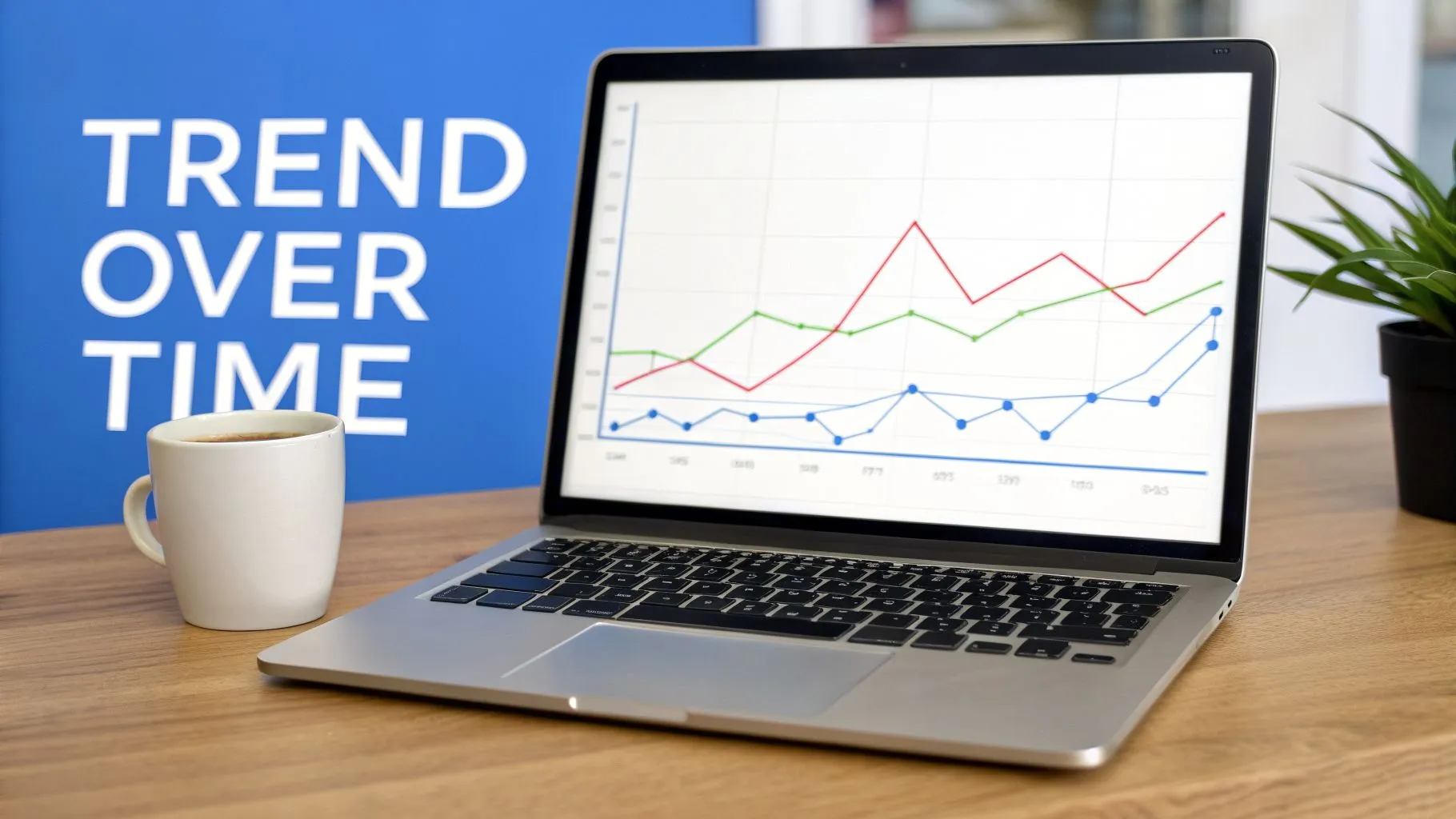
This powerful data visualization technique is the backbone of performance monitoring. A line chart can clearly illustrate a product's adoption curve, while an area chart can show how different marketing channels contribute to overall website traffic over a quarter.
When to Use This Technique
Use time series charts to analyze any metric where change over time is the central story. SaaS companies rely on them to monitor daily active users and customer churn rates. E-commerce businesses track revenue growth, and infrastructure teams at companies like Grafana use them to watch server performance. They are ideal for identifying patterns, such as a weekly dip in user engagement or a seasonal spike in sales, which are critical for forecasting and strategic planning.
Design and Implementation Best Practices
- Provide Contextual Granularity: The X-axis must be clearly labeled (days, weeks, months) so users understand the time scale. Empower users with controls to adjust the date range and granularity.
- Overlay Key Events: Annotate the chart with important milestones like product launches, marketing campaigns, or feature releases. This helps correlate changes in the data with specific business actions.
- Use a Secondary Y-Axis Carefully: When comparing two metrics with vastly different scales (e.g., user count vs. revenue), a secondary Y-axis can be effective. However, label it clearly to avoid misinterpretation.
- Smooth Out the Noise: For volatile data, include a rolling average (e.g., a 7-day or 12-month average) to highlight the underlying long-term trend more clearly.
- Highlight Anomalies: Use visual cues like dots or color changes to draw attention to significant spikes, dips, or inflection points that warrant further investigation.
By mastering time series charts, teams can move from simply viewing data to understanding the narrative behind their numbers. To go deeper, you can explore the fundamentals of what is a time series analysis and its applications in business intelligence.
3. Funnel Charts
Funnel charts are one of the most effective data visualization techniques for showing the progressive drop-off of users through a multi-stage process. Each segment of the funnel represents a specific stage, and its width is proportional to the number of users who completed it. This visual format immediately highlights bottlenecks and conversion drop-offs.

This technique is essential for understanding user journeys. For example, a Shopify store owner can track a checkout funnel from "Add to Cart" to "Purchase," pinpointing exactly where customers abandon the process. Likewise, product teams at companies like Slack or Notion use funnels to monitor the onboarding completion rate, identifying friction points that prevent new users from becoming fully active.
When to Use This Technique
Funnel charts are ideal for visualizing any linear, sequential process where success is defined by completion of the final step. Use them to analyze user sign-up flows, sales pipelines from lead to close, feature adoption funnels, or any customer journey with defined stages. They are particularly powerful for product and marketing teams focused on conversion rate optimization (CRO).
Design and Implementation Best Practices
- Define Clear Stages: Each funnel stage must be mutually exclusive and sequential. A user must complete "Stage 1" before they can be counted in "Stage 2."
- Track Relative Drop-off: Instead of just showing absolute numbers, display the percentage of users who dropped off from the previous stage. A 50% drop from Stage 1 to 2 is more alarming than a 5% drop from Stage 3 to 4.
- Segment Your Funnels: Don't rely on a single, aggregate funnel. Create segmented funnels by user cohort, device type, or marketing channel to uncover deeper insights. For example, you might find that mobile users drop off at a different stage than desktop users.
- Compare Over Time: Track funnel performance week-over-week or month-over-month to measure the impact of product changes or marketing campaigns.
- Investigate Significant Drops: Establish a threshold for investigation, such as any stage-to-stage drop greater than 10%. This creates a clear trigger for your team to dig deeper.
By mastering funnel charts, you can transform raw user event data into a clear roadmap for improving your most critical business processes. Choosing the right visual for your data is key; you can explore a complete data visualization guide for choosing the right charts to see how funnels compare to other options.
4. Heat Maps
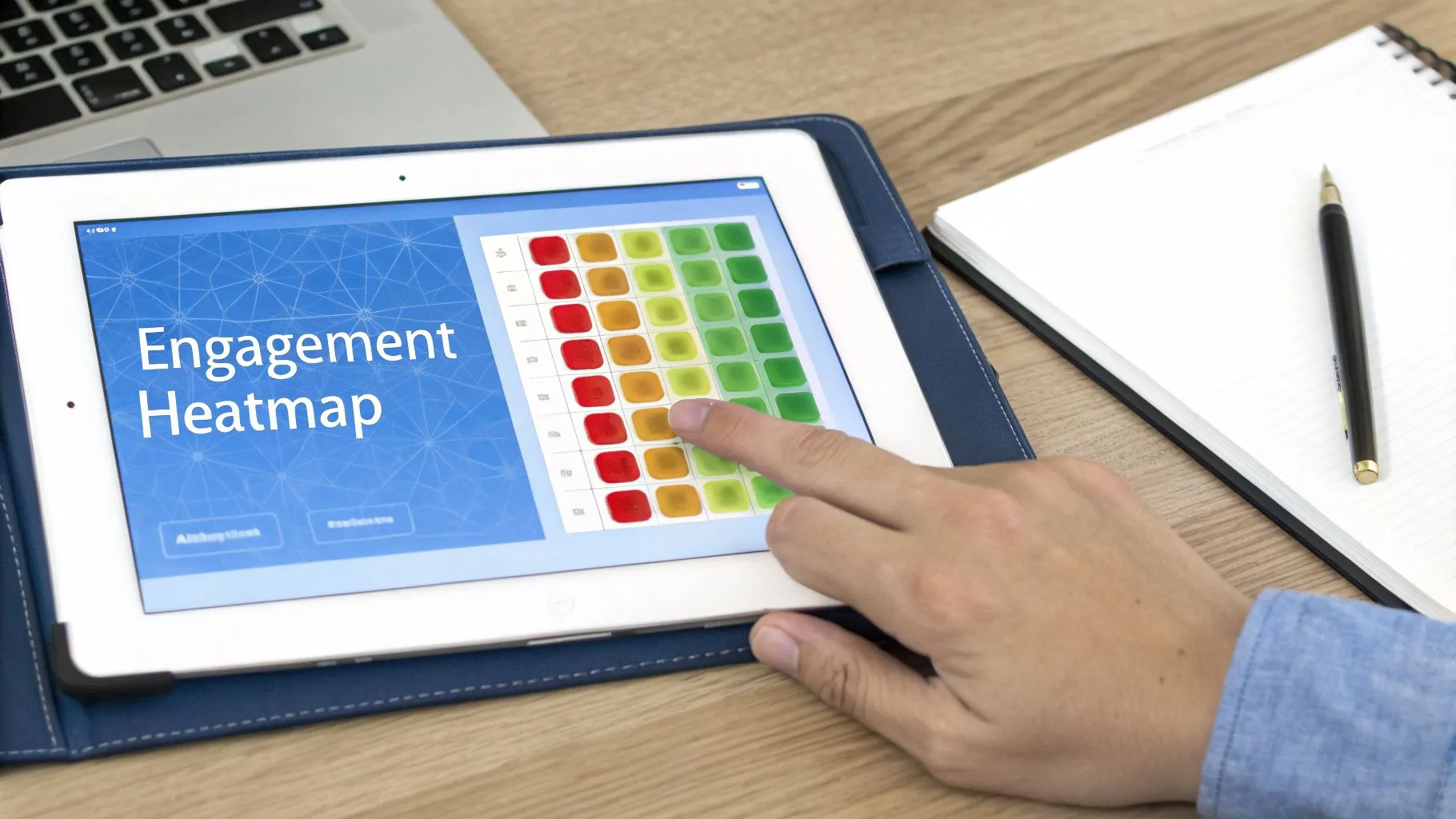
Heat maps are a powerful data visualization technique that uses color intensity to represent data magnitude across two dimensions. Instead of presenting numbers in a table, this method uses a spectrum of colors to show the concentration or value of data points, making it easy to identify patterns, hotspots, and correlations instantly. The darker or more intense the color, the higher the value, allowing the human eye to quickly scan and understand complex datasets.
This approach is highly effective for revealing relationships that might be lost in rows and columns of raw numbers. For example, a heat map can show which features of a product are most used by different user segments or at what time of day customer engagement peaks. Companies like Hotjar popularized this method for web analytics, showing where users click and scroll, but its applications extend to virtually any two-dimensional dataset.
When to Use This Technique
Heat maps are ideal for visualizing data density, correlation matrices, and user behavior patterns. A product manager might use a feature usage heat map to see which functionalities are popular versus which are ignored. A marketing team could analyze a customer engagement heat map showing activity by time-of-day and day-of-the-week to schedule campaigns for maximum impact. They are also a standard in data science for visualizing correlation matrices to quickly identify strong positive or negative relationships between different metrics.
Design and Implementation Best Practices
- Choose Accessible Color Palettes: Use color schemes that are intuitive and accessible to all users, including those with color vision deficiencies. Sequential palettes (e.g., light blue to dark blue) are best for continuous data, while diverging palettes (e.g., red-to-white-to-blue) work well for data with a neutral midpoint.
- Provide Precise Tooltips: Color gives a general sense of value, but users often need exact figures. Implement tooltips that appear on hover to display the precise numerical value of each cell.
- Standardize the Data Scale: When comparing multiple heat maps, ensure the color scale is consistent across all of them. A value of "100" should be the same color on every chart to avoid misleading interpretations.
- Sort for Clarity: Organize rows and columns logically. Sorting by total value or clustering similar items together can help reveal overarching patterns more clearly than an arbitrary or alphabetical order.
- Include a Clear Legend: Always include a color key or legend that explicitly defines the value range for your color spectrum. This small detail is critical for accurate interpretation.
5. Scatter Plots & Bubble Charts
Scatter plots visualize relationships between two continuous variables by placing individual data points on a two-dimensional graph. This approach is powerful for identifying correlations, spotting trends, and detecting outliers that might otherwise go unnoticed in aggregated data. By examining the distribution and density of points, analysts can quickly understand how one metric impacts another.
Bubble charts extend this concept by adding a third (and sometimes a fourth) dimension to the visualization. The size of each data point, or "bubble," represents a third quantitative variable, while color can be used to represent a fourth categorical or quantitative variable. This technique condenses multi-variate analysis into a compact, two-dimensional space, famously demonstrated in Hans Rosling's Gapminder visualizations of global development.
When to Use This Technique
These charts are ideal for revealing complex relationships in your data. A product team could use a scatter plot to analyze feature usage frequency against user retention rates, pinpointing features that correlate with high-value customers. A marketing analyst might plot customer lifetime value against acquisition cost to identify the most profitable acquisition channels. Bubble charts are perfect for market analysis, such as plotting product pricing against market adoption, with bubble size representing total sales volume.
Design and Implementation Best Practices
- Clarify Axes: Always provide clear, descriptive labels for both the X and Y axes, stating the business context they represent.
- Manage Overplotting: When many points overlap, use transparency (alpha) to show density or apply a "jitter" effect to slightly displace overlapping points for better visibility.
- Add Context with Trend Lines: Incorporate trend lines (e.g., linear regression) to highlight the direction and strength of a relationship. Including confidence intervals around the trend line can show the range of uncertainty.
- Use Quadrants for Action: Divide the plot into four quadrants to segment data for strategic decision-making, such as an impact/effort matrix.
- Ensure Meaningful Bubble Sizes: The area of a bubble, not its radius, should be proportional to the data value to avoid misleading visual comparisons.
- Label Key Points: Directly annotate significant outliers, clusters, or individual points of interest to provide immediate context for the viewer.
6. Bar & Column Charts
Bar charts (horizontal) and column charts (vertical) are foundational data visualization techniques that display categorical data using rectangular bars with lengths proportional to the values they represent. Column charts are excellent for direct comparisons between a manageable number of items, while bar charts are better suited for categories with long labels that would be difficult to read if displayed vertically.
These charts are among the most common and easily understood visuals for a reason: they make it simple to compare values across different groups, rank items, and see the distribution of data at a glance. Their straightforward design removes ambiguity, allowing viewers to quickly grasp which categories are larger or smaller without needing to interpret complex visual elements.
When to Use This Technique
This technique is ideal for clear, direct comparisons of discrete categories. For example, a SaaS company can use a column chart to display monthly recurring revenue (MRR) by region, making it immediately obvious which market is performing best. Likewise, a marketing team can use a bar chart to compare customer acquisition costs across various channels like "Paid Social," "Organic Search," and "Email Marketing," where the longer labels fit neatly next to horizontal bars.
Design and Implementation Best Practices
- Start the Axis at Zero: Always begin the quantitative axis (the Y-axis for column charts, X-axis for bar charts) at zero. Starting at a different value can distort the visual proportions of the bars and mislead the viewer.
- Sort for Clarity: Arrange the bars in a logical order, such as ascending or descending value. This makes it much easier for the audience to scan the chart and identify rankings or patterns quickly.
- Use Color Purposefully: Apply color to highlight a specific category of interest or to group related bars. Avoid using different colors for each bar unless they represent distinct categories, as this can create unnecessary visual noise.
- Limit Categories: For maximum readability, keep the number of categories under 15. If you have more, consider grouping smaller categories into an "Other" segment or choosing a different chart type.
- Add Data Labels: For precision, place data labels directly on or just above the bars. This gives the audience exact values without forcing them to trace lines back to the axis.
- Choose the Right Orientation: Use horizontal bars when category names are long to prevent text from being truncated or awkwardly angled. Vertical columns work best with shorter, more concise labels.
7. Cohort Analysis Tables & Heatmaps
Cohort analysis is a powerful data visualization technique that groups users with shared characteristics and tracks their behavior over time. The most common format is a table or heatmap where each row represents a distinct cohort, typically defined by a signup date, and each column represents a time period since that event. This structure reveals critical trends in metrics like user retention, engagement, or revenue, showing whether user quality is improving and how behavior evolves.
By organizing data this way, businesses can move beyond simple aggregate metrics. Instead of seeing an average retention rate, you can see if users who signed up in May after a major product update are sticking around longer than those who signed up in February. This method is fundamental for understanding the long-term impact of product changes, marketing campaigns, and business strategies.
When to Use This Technique
This technique is essential for subscription-based businesses, mobile apps, and e-commerce platforms focused on long-term customer value. A SaaS company like Slack might use cohort analysis to see if a new feature adoption campaign improved long-term user retention. Similarly, a gaming company could track engagement cohorts to identify if recent game updates led to higher session frequency among new players. Analytics platforms like Mixpanel and Amplitude have popularized this view for product teams to measure the true health of user engagement.
Design and Implementation Best Practices
- Define Cohorts Precisely: Avoid vague definitions like "month of signup." Use the exact signup date to create daily or weekly cohorts, which reduces aggregation bias and provides a more accurate picture of user behavior.
- Normalize Your Data: Always display metrics as percentages (e.g., retention rate) rather than absolute numbers. This allows for fair, direct comparisons between cohorts of different sizes.
- Track Product Milestones: Overlay key dates, such as major feature releases or marketing campaign launches, on your cohort analysis. This helps correlate changes in user behavior directly with specific business actions.
- Use a Clear Color Scale: Implement a consistent color gradient in your heatmap. Higher retention or engagement figures should have a distinct, strong color, making positive or negative trends immediately apparent at a glance.
- Segment for Deeper Insights: Don't stop at acquisition date. Create separate cohort analyses segmented by acquisition channel, user demographic, or initial plan type to uncover which segments produce the most valuable, long-term customers.
8. Pie & Donut Charts
Pie and donut charts are classic data visualization techniques used to represent parts of a whole. Each slice's arc length is proportional to the quantity it represents, making them intuitive for showing compositional breakdowns. A donut chart is a variation of the pie chart with a circular hole in the center, which can be used to display a key performance indicator or a summary value.
These charts are particularly effective at communicating a single, high-level message about distribution. For example, a pie chart can quickly show that one product line contributes the majority of total revenue. The donut chart's central space is ideal for adding context, such as displaying the total revenue figure, making the visualization more information-dense.
When to Use This Technique
Use pie and donut charts when you need to show the composition of a single dataset where the parts add up to 100%. They are best suited for a small number of categories, typically between two and five. This technique is ideal for visualizing budget allocations by department, user distribution by subscription tier, or website traffic sources (e.g., organic, paid, direct). A donut chart is especially useful when a single, overarching KPI, like "74% Customer Retention," is the primary takeaway.
Design and Implementation Best Practices
- Limit Your Slices: To avoid a cluttered and unreadable chart, stick to a maximum of five slices. If you have more categories, group the smallest ones into a single "Other" slice.
- Order Slices Logically: Arrange slices from largest to smallest, starting at the 12 o'clock position and moving clockwise. This creates a more organized and easy-to-read visual flow.
- Use High-Contrast Colors: Ensure each slice is clearly distinguishable by using a color palette with sufficient contrast between adjacent segments.
- Label Clearly: Directly label each slice with its category and percentage value. This removes the need for a separate legend, which forces the viewer's eyes to move back and forth.
- Leverage the Donut's Center: Use the center of a donut chart to display a crucial summary metric, like the total value or a key percentage. This immediately gives the viewer the most important piece of information.
- Consider Alternatives: If precise comparison between categories is important, a bar chart is almost always a better choice. Human eyes are better at comparing lengths than angles and areas.
9. Waterfall Charts
Waterfall charts excel at showing how an initial value is affected by a series of intermediate positive and negative changes to reach a final value. Also known as bridge charts, they visualize the cumulative impact of sequential steps, providing a clear narrative for how a metric changed over time. This makes them one of the most effective data visualization techniques for explaining financial performance or analyzing variance between two points.
The chart functions like a financial story, with bars "floating" between a start and end point. Each floating bar represents a distinct positive or negative contribution, such as new revenue, operational costs, or customer churn. This step-by-step breakdown makes it simple to pinpoint which factors had the most significant impact on the final outcome.
When to Use This Technique
This technique is essential for financial reporting and variance analysis. Use it to break down a company's monthly recurring revenue (MRR) by showing how the prior month's MRR was affected by new customers, expansion revenue, and churn. It is also perfect for illustrating profit margin analysis, starting with total revenue and sequentially subtracting costs of goods sold (COGS), operating expenses, and taxes to arrive at net profit. This visual format is widely used by management consulting firms and in tools like Tableau and Power BI to explain the "why" behind a metric's movement.
Design and Implementation Best Practices
- Anchor with Totals: Always begin and end the chart with total columns that are grounded on the baseline. This provides clear context for the starting and ending values.
- Use Consistent Color Coding: Stick to a standard color convention to represent change. Green is universally understood for positive contributions (e.g., gains, revenue), while red signifies negative impacts (e.g., losses, costs).
- Label Steps Clearly: Each floating bar should have a concise label explaining what it represents (e.g., "Price Increases," "New Hires"). This removes ambiguity and makes the chart self-explanatory.
- Maintain a Logical Flow: Arrange the intermediate steps in a logical sequence that tells a coherent story. For financial statements, this usually means following the order of a profit and loss statement.
- Avoid Overcrowding: A waterfall chart becomes difficult to read with too many steps. Limit the number of intermediate bars to between 7 and 10; group smaller, less significant categories into a single "Other" bar if needed.
10. Distribution Charts (Histograms & Box Plots)
Distribution charts are fundamental data visualization techniques used to understand how a dataset's values are spread across a range. Rather than showing individual data points, they group values into bins or summaries to reveal patterns like central tendency, variability, skewness, and the presence of outliers. The two most common forms are histograms and box plots, each offering a unique statistical perspective.
A histogram groups numeric data into intervals (or "bins") and displays the frequency of values within each bin as a bar. This provides an immediate visual sense of the data's shape. A box plot, in contrast, summarizes the distribution through five key numbers: the minimum, first quartile, median, third quartile, and maximum. This compact format is excellent for identifying outliers and comparing distributions across multiple categories.
When to Use This Technique
This technique is essential for statistical analysis, quality assurance, and understanding user behavior at scale. A product manager might use a histogram to visualize customer age distribution to refine marketing segments or analyze feature adoption times to see if most users engage quickly or slowly. An engineering team could use a box plot to compare server response times across different regions, instantly spotting which ones have higher latency or more inconsistent performance.
Design and Implementation Best practices
- Select the Right Bin Size: For histograms, the number of bins is critical. Too few can hide important details, while too many can create noise. Start with an algorithm like Sturges' rule or Scott's rule to determine an appropriate bin count.
- Overlay Statistical Summaries: Enhance your chart by overlaying a normal distribution curve to show how the data deviates from a standard pattern. Also, include key stats like the mean, median, and standard deviation directly on the chart.
- Compare Groups with Box Plots: Place box plots side-by-side to effectively compare the distributions of a variable across different groups, such as comparing the revenue per customer for different marketing channels.
- Investigate Outliers: Box plots are exceptional at highlighting outliers. Don't just show them; flag them for further investigation to understand their root cause. Is it a data error or a "whale" account?
- Use Logarithmic Scales for Skewed Data: If your data spans several orders of magnitude (e.g., revenue per customer), a standard linear scale may compress most values. A logarithmic scale can help reveal details in the denser parts of the distribution. For more detail, you can explore the differences and learn when to use a histogram vs. a bar graph.
10 Data Visualization Techniques Compared
| Item | Implementation complexity 🔄 | Resource requirements ⚡ | Expected outcomes 📊 | Ideal use cases 💡 | Key advantages ⭐ |
|---|---|---|---|---|---|
| Interactive Dashboards & Natural Language Query Interfaces | High — integrate sources, AI training, governance | High — engineers, analysts, ML models, ongoing maintenance | Instant self-serve insights; standardized metrics; reduced analyst backlog | Organization-wide BI, ad-hoc queries by non-technical users, embedded analytics | Democratizes analytics; real-time conversational exploration |
| Time Series Charts (Line & Area) | Low–Medium — time indexing and smoothing | Low — time-stamped data and simple aggregation | Trend detection, seasonality, anomaly spotting | Monitoring growth, engagement, revenue over time | Intuitive trend visualization for stakeholders |
| Funnel Charts | Medium — define ordered events/stages accurately | Medium — clean event tracking and cohort data | Clear drop-off points; stage conversion rates | Onboarding, checkout flows, conversion optimization | Identifies bottlenecks and prioritizes fixes |
| Heat Maps | Medium — matrix aggregation and color scaling | Medium — dense data and careful palette choices | Pattern and cluster detection across two dimensions | User behavior, feature usage, correlation matrices | Compact view of high-dimensional patterns |
| Scatter Plots & Bubble Charts | Low–Medium — X/Y plotting, optional size/color dims | Low — paired metrics and optional third/fourth fields | Correlations, outliers, multi-variate insights | Segmentation, ROI vs. adoption, correlation checks | Reveals relationships and outliers clearly |
| Bar & Column Charts | Low — basic categorical aggregation | Low — categorical + numeric aggregates | Clear comparisons, rankings, distribution views | Category comparisons, channel performance, dashboards | Universally understood and highly versatile |
| Cohort Analysis Tables & Heatmaps | High — requires historical user modeling and retention logic | High — longitudinal data, ETL, and segmentation | Retention trends, cohort quality, product-health signals | Retention analysis, feature impact, marketing attribution | Shows cohort behavior evolution and LTV signals |
| Pie & Donut Charts | Low — simple composition rendering | Low — summarized category totals | Quick parts-of-whole impression for few categories | Executive summaries, small-category composition displays | Immediate visual of composition for 2–5 categories |
| Waterfall Charts | Medium — cumulative calculations and ordering | Medium — detailed component-level data | Explains variance and drivers of net change | Financial variance, MRR movement, profit breakdowns | Narratively attributes change to specific factors |
| Distribution Charts (Histograms & Box Plots) | Medium — binning, statistical summaries | Medium — raw value distributions and stats | Data shape, skewness, variability, outliers | Performance distributions, QA, statistical analysis | Deep insight into spread and outliers for data quality |
From Visualization to Actionable Intelligence
We've journeyed through a spectrum of essential data visualization techniques, from the foundational clarity of bar charts to the nuanced storytelling of waterfall charts and cohort analysis. Each method serves a distinct purpose: time series charts reveal trends, funnel charts expose conversion drop-offs, and scatter plots uncover hidden relationships between variables. Mastering these individual tools is a crucial first step, but the real value emerges when you move beyond simply presenting data and start a conversation with it.
The ultimate goal is not to create a static gallery of beautiful charts. It's to build a dynamic, data-informed culture where curiosity is rewarded with immediate answers. The techniques discussed are the building blocks, but their power is fully realized when they are accessible, interactive, and integrated into daily workflows. The central challenge for any data-driven organization is closing the gap between a business question and a confident, data-backed decision.
From Static Reports to Dynamic Exploration
Traditional business intelligence often creates bottlenecks. A product manager spots an anomaly, files a ticket, and waits for an analyst to pull the data and build a report. By the time the answer arrives, the opportunity may have passed. The future of analytics lies in self-service, empowering every team member, from executives to product leaders, to ask their own questions and build their own visualizations.
This shift requires more than just knowing when to use a heat map versus a histogram. It demands a new class of tools that prioritize speed and accessibility. Beyond merely presenting data, the true power lies in transforming it into actionable insights, much like how specialized tools such as construction estimating software enhance decision-making by providing accurate and efficient analysis over traditional spreadsheets. The right platform removes friction, turning data exploration from a specialized task into a routine business activity.
Your Next Steps Toward Data Fluency
To put these concepts into practice and accelerate your company's data maturity, focus on these key actions:
- Match the Visualization to the Question: Before building anything, clearly define the question you are trying to answer. Are you comparing categories? Showing a distribution? Tracking a metric over time? Let the question guide your choice of chart, not the other way around.
- Prioritize Clarity Over Complexity: A "sophisticated" visualization that no one understands is useless. The best charts are often the simplest. Use color, labels, and annotations intentionally to guide the viewer's eye and highlight the most important insights. Avoid clutter at all costs.
- Empower Your Teams with the Right Tools: The most significant lever for change is providing your organization with tools that make these powerful data visualization techniques accessible to everyone. When anyone can ask a question in plain English and get a clear visualization in seconds, you eliminate manual Excel work, standardize reporting, and free your data team to focus on more strategic initiatives.
Ultimately, the journey from raw data to business impact is about shortening the cycle from question to insight to action. By selecting the right visualization for the job and, more importantly, adopting a platform that democratizes data access, you equip your entire organization to make smarter, faster decisions that move the needle.
Ready to empower your entire team with self-serve analytics? Querio lets anyone ask natural-language questions and get instant, beautiful visualizations, embedding powerful analytics directly where you need them. Stop waiting for reports and start exploring your data today.