Business Intelligence
How does julius ai compare to other ai tools for data analysis
Explore how a user-friendly AI tool simplifies data analysis, enabling fast insights and real-time visualization for both technical and non-technical users.

Julius AI simplifies data analysis by allowing users to add natural language analytics to their workflow by asking questions in plain English and receive immediate insights, without needing coding skills. It automates data preparation, handles large datasets (8–32 GB), and creates interactive dashboards for real-time insights. Compared to other tools, Julius AI stands out for its user-friendly interface, fast processing, and support for non-technical users. Here's a quick breakdown:
-
Ease of Use: Natural language queries make it accessible to everyone.
-
Performance: Processes large datasets quickly and supports advanced analytics.
-
Scalability: Offers flexible plans and supports business growth.
-
Key Features: Automated data cleaning, customizable dashboards, and predictive analytics.
Quick Comparison
| Feature | Julius AI | Traditional Tools |
|---|---|---|
| Ease of Use | Plain English queries | Requires coding or training |
| Dataset Size Handling | Up to 32 GB | Limited to smaller datasets |
| Data Preparation | Automated | Manual |
| Visualization | Interactive, real-time dashboards | Static charts |
| Pricing | Scalable plans (e.g., $50/user) | Varies widely |
Julius AI is ideal for businesses seeking fast, accessible, and scalable data analysis tools.
Julius AI Features for Data Analysis

Ask Questions in Plain English
Julius AI makes data analysis accessible to everyone by allowing users to interact with their data using plain English - no coding or complex query languages required. By integrating tools like Python, Excel, and ChatGPT, it automatically generates the code needed for analysis. For example, you can ask, "What were our sales trends last quarter?" and instantly receive answers accompanied by graphs, tables, and clear explanations. The platform processes these queries in real time, creating visualizations on demand while breaking down the analysis in a way that’s easy to understand - even for non-technical users. Plus, Julius AI ensures your data is always ready for analysis with its automated preparation features.
Automatic Data Preparation
Preparing data for analysis can be time-consuming, but Julius AI takes care of it for you. It cleans datasets, removes errors, and addresses missing values automatically, ensuring everything is ready to go. The platform supports multiple data formats, including CSV files, spreadsheets, and Google Sheets, and can even extract tables from PDFs - perfect for handling reports and invoices. Pre-saved workflows guide users through common tasks like data cleaning, transformations, and creating charts. One standout feature is its ability to process larger files, handling sizes from 8 GB to 32 GB without sacrificing performance. This streamlined preparation process lays the groundwork for the interactive dashboards Julius AI offers.
Interactive Dashboards and Charts
Julius AI takes data visualization to the next level with customizable dashboards that provide real-time insights into key metrics and KPIs. Its intuitive drag-and-drop tools make it easy for teams to create layouts that automatically update as new data comes in. The platform generates a variety of visualizations - charts, graphs, heat maps, and even interactive, animated displays - allowing users to explore data dynamically. With predictive analytics based on historical trends, these dashboards go beyond simple reporting and become essential tools for strategic planning. Julius AI turns raw data into actionable insights, all within an engaging and interactive interface.
How Julius AI Compares to Other AI Tools
Easy to Use for Non-Technical Users
Julius AI stands out by making data analysis simple, even for those without technical expertise. Unlike traditional tools that demand extensive training, Julius AI uses a natural language interface. This means you can type straightforward queries like, "Show me average sales by product", and get instant insights - no coding required. Its conversational approach and support for multiple file formats create a seamless experience. For instance, one user uploaded a CSV file containing sales data and asked the tool to calculate average sales by product. Julius AI not only generated Python code to analyze the data but also quickly displayed the top five products' average revenue. When the user requested a pie chart of sales by category, the platform created it on the spot [3].
| Pros | Cons |
|---|---|
| AI-powered insights with minimal effort | Requires internet access (cloud-based) |
| Fast data processing | Limited customization compared to Excel |
| Automated visualizations and analysis | Initial learning curve for new users |
| Accessible for non-technical users |
These user-friendly features make Julius AI a go-to choice for quick and efficient analysis.
Real-Time Analysis Performance
Julius AI delivers exceptional speed and handles large datasets effortlessly. It processes natural language queries in real time, generating graphs, tables, and summaries almost instantly. A major advantage is its ability to manage massive files - while some tools struggle with files over 512 MB, Julius AI can handle datasets between 8 GB and 32 GB without breaking a sweat. It also supports advanced computing for heavy statistical tasks, working with both Python and R, and utilizes cutting-edge models like Google's Gemini [2]. Additionally, users can choose between two performance tiers - Lite and Standard - depending on their computational needs.
This real-time efficiency, combined with flexible options, ensures that Julius AI can scale with your business requirements.
Customization and Growth Options
Julius AI's modular design makes it a practical choice for businesses planning for long-term growth. Its workflow feature includes pre-saved prompts that act as templates for common operations, helping teams standardize their processes while still allowing for custom queries. It supports a wide range of data formats, making integration straightforward. For organizations on the rise, the platform offers scalable pricing, including a 50% discount for students and educators, as well as a premium team plan priced at $50 per user/month [2]. With its approachable design, even complex analyses become manageable for non-technical users. Research highlights that 84% of companies using advanced AI applications, such as personalization, report significant value in doing so [4].
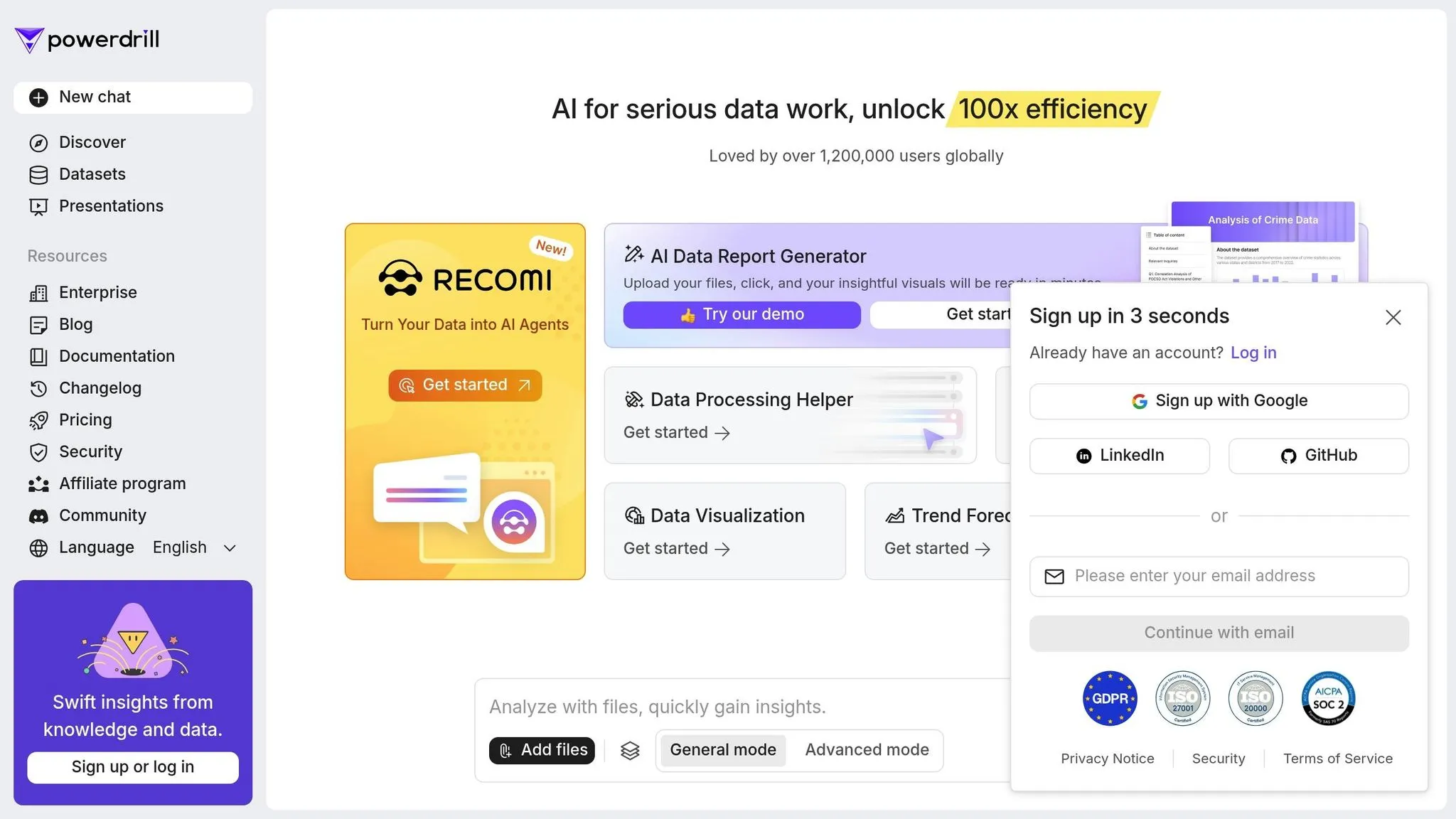
How Powerdrill Differ from Julius in Terms of AI Data Analysis?
::: @iframe https://www.youtube.com/embed/m5ELnAY9zL4 :::
sbb-itb-284a532
Business Uses for Julius AI
Julius AI offers a range of tools that create measurable impact in finance, marketing, and operations, helping businesses streamline processes and improve decision-making.
Financial Planning and Budgets
Julius AI transforms financial planning by addressing one of the most common issues: errors in spreadsheets. With studies showing that over 90% of spreadsheets contain mistakes, Julius AI's automated analysis can drastically reduce these errors [5]. Its predictive modeling tools allow financial teams to analyze historical data and anticipate market trends, while its automated forecasting generates more precise budget projections. To ensure data security, all financial information is encrypted and stored in the cloud [7].
The platform supports both CSV and Excel file formats, making it easy to integrate existing financial models and reports. For the best results, finance teams should upload clean, well-organized data. As Nicolas Boucher, a finance leader, puts it:
"AI is here to stay and ignoring it would be like ignoring Excel when it was released 40 years ago." – Nicolas Boucher, Finance Leader and Influencer [6]
Marketing Analytics and Campaign Tracking
Julius AI is a game-changer for marketing teams, offering tools to analyze campaign performance across multiple channels. Using natural language processing (NLP), marketers can upload campaign data and quickly uncover key metrics like engagement rates, conversions, and ROI. For example, users can ask questions such as, "Which channels delivered the highest ROI last quarter?" and receive detailed visualizations and statistical reports.
This real-time processing is particularly helpful for monitoring multi-channel campaigns, including social media, email, and web analytics. Julius AI also allows marketers to refine their queries to focus on specific audience segments or metrics [8]. The platform’s visualization tools make it easy to share campaign results with stakeholders, highlighting trends in customer behavior, seasonal shifts, and overall campaign success - all without requiring advanced technical skills. Beyond marketing, Julius AI’s data-driven insights extend into operations, making it a versatile tool for multiple departments.
Operations and Supply Chain Improvement
Operations teams can strengthen supply chains with Querio AI’s how AI is transforming data analytics, empowering them to make proactive, data-driven decisions [9]. The platform processes a wide range of operational data, from inventory levels to supplier performance, helping teams identify bottlenecks and reduce costs. Julius Rusnak, Chief of Operations at Semantic Visions, emphasizes the importance of such insights:
"The foundation of resilience starts with knowing what has been happening to each supplier. Real-time supplier insights are crucial for preempting disruptions."
Querio AI also excels in forecasting, enabling operations managers to detect patterns in demand, supplier reliability, and seasonal fluctuations [10]. By analyzing historical shipping data and current inventory levels, the platform helps optimize warehouse operations and cut carrying costs. Its ability to process massive datasets makes it particularly effective for managing complex supply chain networks, including multiple vendors, distribution centers, and product lines. Querio AI identifies inefficiencies in areas like routing, delivery schedules, and inventory allocation, making it an essential tool for smarter, more efficient operations.
Why Querio is the Best Choice
Main Points
Querio strikes a balance between power and simplicity, making it stand out in the world of data analysis. With over 300,000 users and mentions in Forbes and Business Insider, it has proven its worth across a variety of industries [11]. What sets Julius AI apart is its accessibility for non-technical users - only around 5% of its users are developers. The majority include scientists, finance professionals, and graduate students, and two-thirds of them don’t know how to write code [12]. These stats highlight its user-friendly design, making advanced data tools accessible to everyone.
The platform’s conversational interface, inspired by tools like ChatGPT, makes complex data analysis feel as simple as having a conversation [1][11]. Users can create a range of visualizations - from basic charts to intricate 3D graphics - and even tackle advanced tasks like building machine learning models or web scraping, all without needing to write a single line of code [1]. By integrating cutting-edge AI models like GPT-4 and Claude, along with internet access, Querio AI ensures users get insights that match today’s fast-changing business demands [1].
Data security is a top priority, with uploaded files being automatically deleted after one hour to protect sensitive information [1][11]. The platform’s effectiveness is reflected in its ratings: an overall score of 4.6/5, including perfect 5/5 ratings for its data handling and visualization capabilities [1]. These features position Julius AI as a powerful tool for turning raw data into actionable insights. As Rahul Sonwalkar, the CEO and Founder of Julius AI, explains: "Amazingly, I would say 60 or 70% of our users have never written code in their life" [12].
Making Better Data-Driven Decisions
Querio AI doesn’t just simplify data analysis - it helps organizations make smarter data-driven decisions. By removing technical hurdles, it empowers users to turn raw data into meaningful insights with ease. This aligns with earlier discussions about real-time analysis and intuitive dashboards, reinforcing its role as a leader in business intelligence.
"Querio AI brings powerful data tools to the masses in an insanely accessible way. If that convenience and democratization of data appeals to you, it's 100% worth giving a shot." - Dhruvir Zala, Software Reviewer [1]
The platform’s 31% higher accuracy than GPT-4o in solving math equations showcases its reliability for handling critical business calculations [3]. Plus, its free plan, which includes 15 messages per month, gives teams a chance to explore its capabilities before committing to paid features [1][11].
One standout feature is the Model Lab, which acts as an AI-powered answer engine. With access to the latest AI models and internet connectivity, users can always rely on cutting-edge tools for their analysis needs [1]. By combining ease of use, precision, and advanced capabilities, Querio AI is an ideal choice for organizations aiming to unlock the full potential of their data - without requiring technical expertise or extensive training.
FAQs
::: faq
How does Querio AI protect my data and ensure privacy when analyzing datasets?
Querio AI takes data security and privacy seriously, implementing strong safeguards to protect your information. Your data is stored with rigorous access controls, ensuring that only you have access. On top of that, all data is encrypted using the Advanced Encryption Standard (AES), providing a high level of protection.
For added privacy, any datasets you upload are automatically deleted once processing is complete. These measures work together to keep your sensitive information secure and private at all times. :::
::: faq
What makes Querio AI a great choice for non-technical users in data analysis?
Querio AI is a game-changer for non-technical users, thanks to its no-code, intuitive interface that makes handling complex data tasks a breeze. With its natural language query feature, anyone can analyze data and create visualizations without writing a single line of code.
The platform also takes care of time-consuming tasks like data cleaning and transformation automatically, freeing up users to focus on what really matters. Plus, it delivers instant visualizations and insights, making data easier to comprehend and helping users make decisions faster. By breaking down technical barriers, Querio AI enables anyone to tap into the power of data analysis effortlessly. :::
::: faq
Can I integrate Querio AI with my current business tools, and how does the process work?
Yes, Querio AI can connect effortlessly with the tools and software your business already uses. By securely linking APIs, Querio can pull in the data you need. Here's how it works: grab the API key from the service you want to connect, add it to Querio (either at the user level or for specific conversations), and then direct the AI to access the exact data you want.
This setup helps you manage your data more efficiently while enabling Querio to deliver insights tailored to your needs. The result? A smoother workflow and a boost in productivity. :::