Ask in Slack. Get the analysis, too.
Ask a data question in a channel or DM. Querio uses your business context to run SQL and Python, then brings the answer back to the conversation. Open the analysis whenever you want to inspect the work.
Free to install
Works in any channel or DM
Powered by Querio

One thread. A deeper answer.
Ask why a number changed, compare another period, or dig into a segment. Follow-ups build on the same analysis, with a link to the notebook behind the answer.
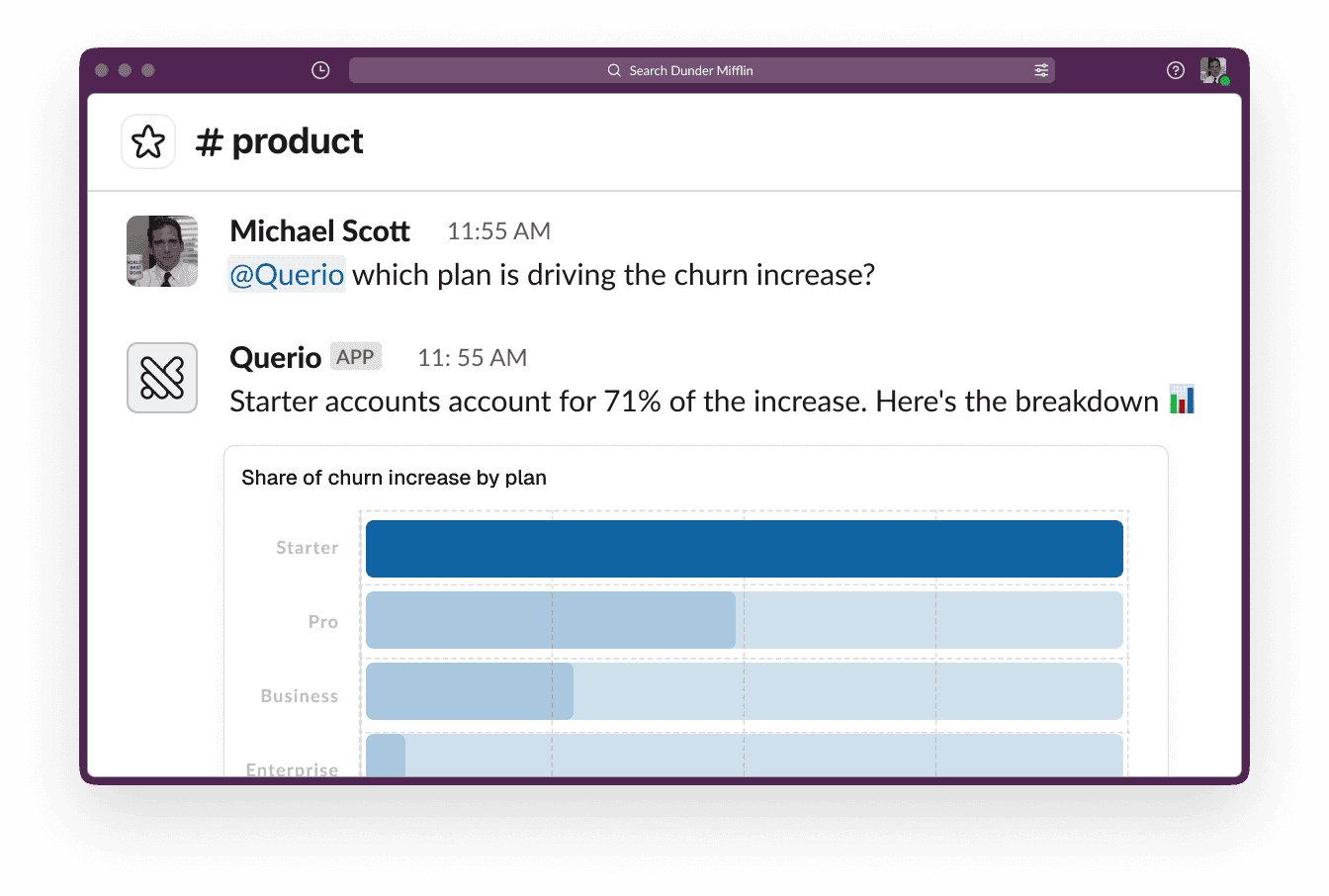
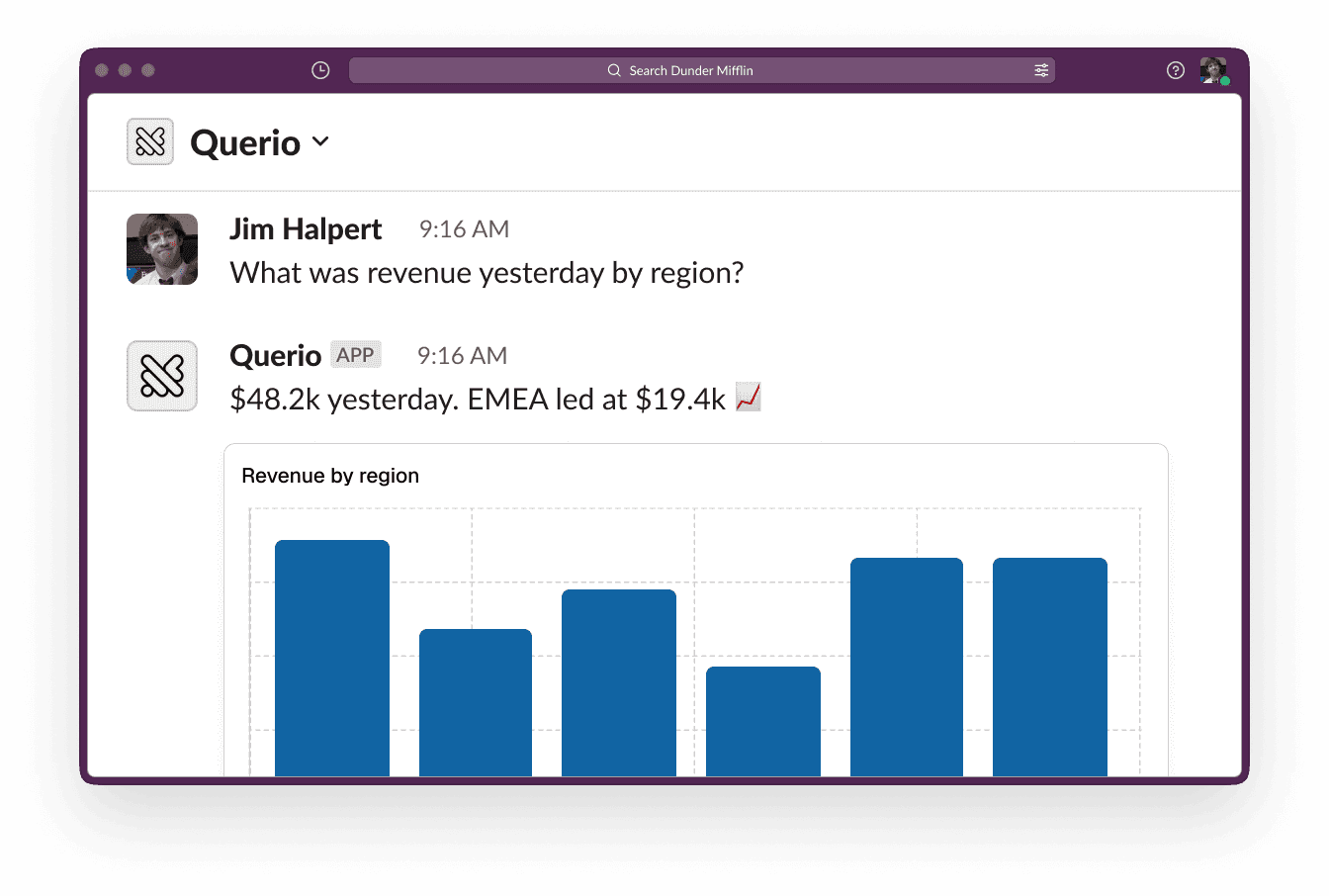
How it works
Connect your workspace, ask a question and keep exploring. Here is how to get started.

1
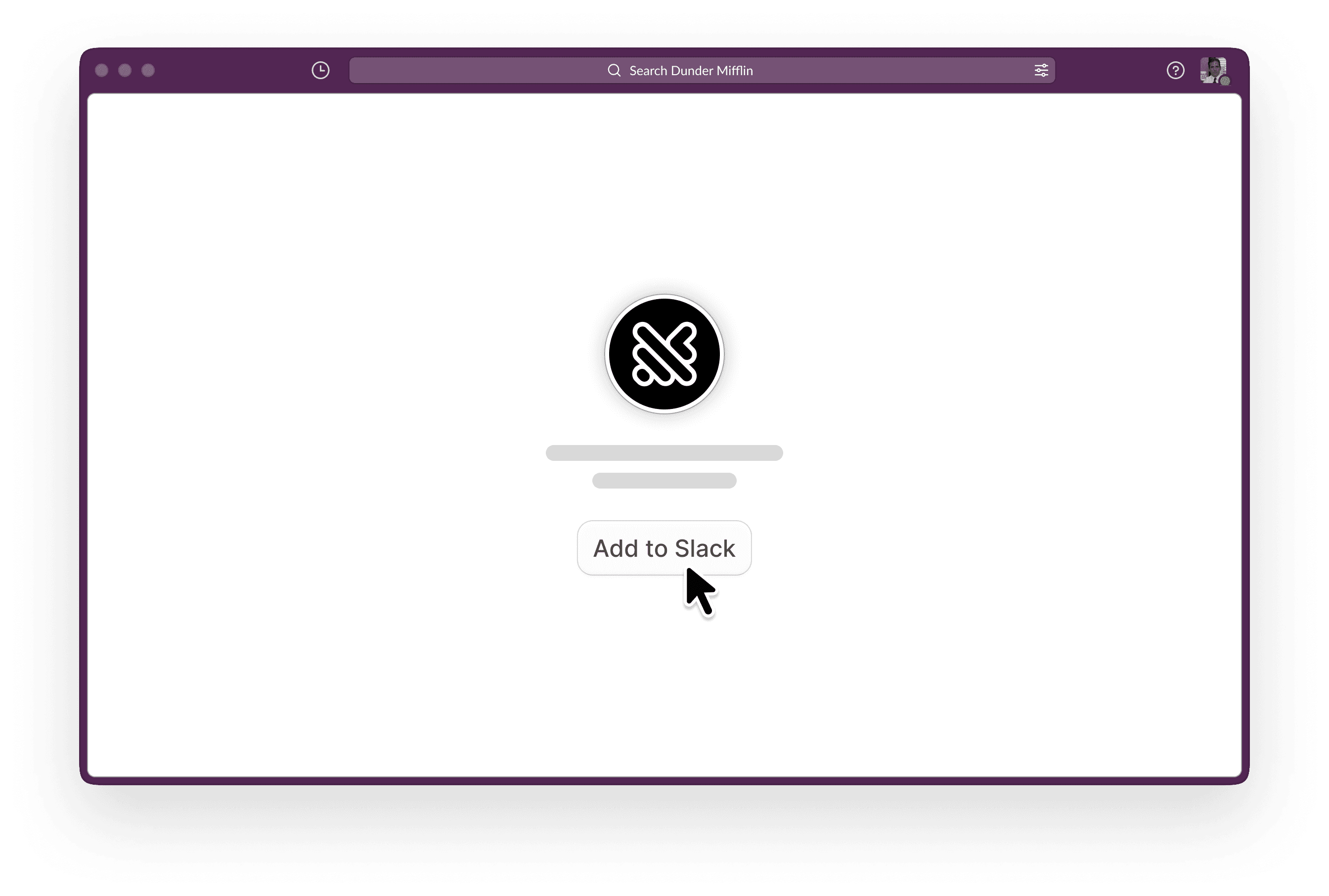
Add Querio to Slack
Install the app from the Slack Marketplace and authorize it for your workspace in a couple of clicks.
If you don't have a Querio account, create one here
2
Start analysis from Slack
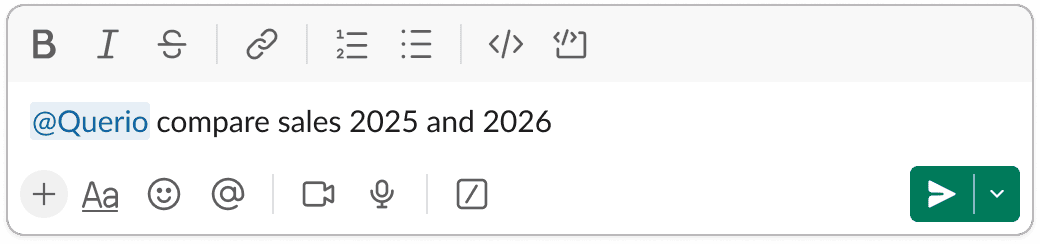
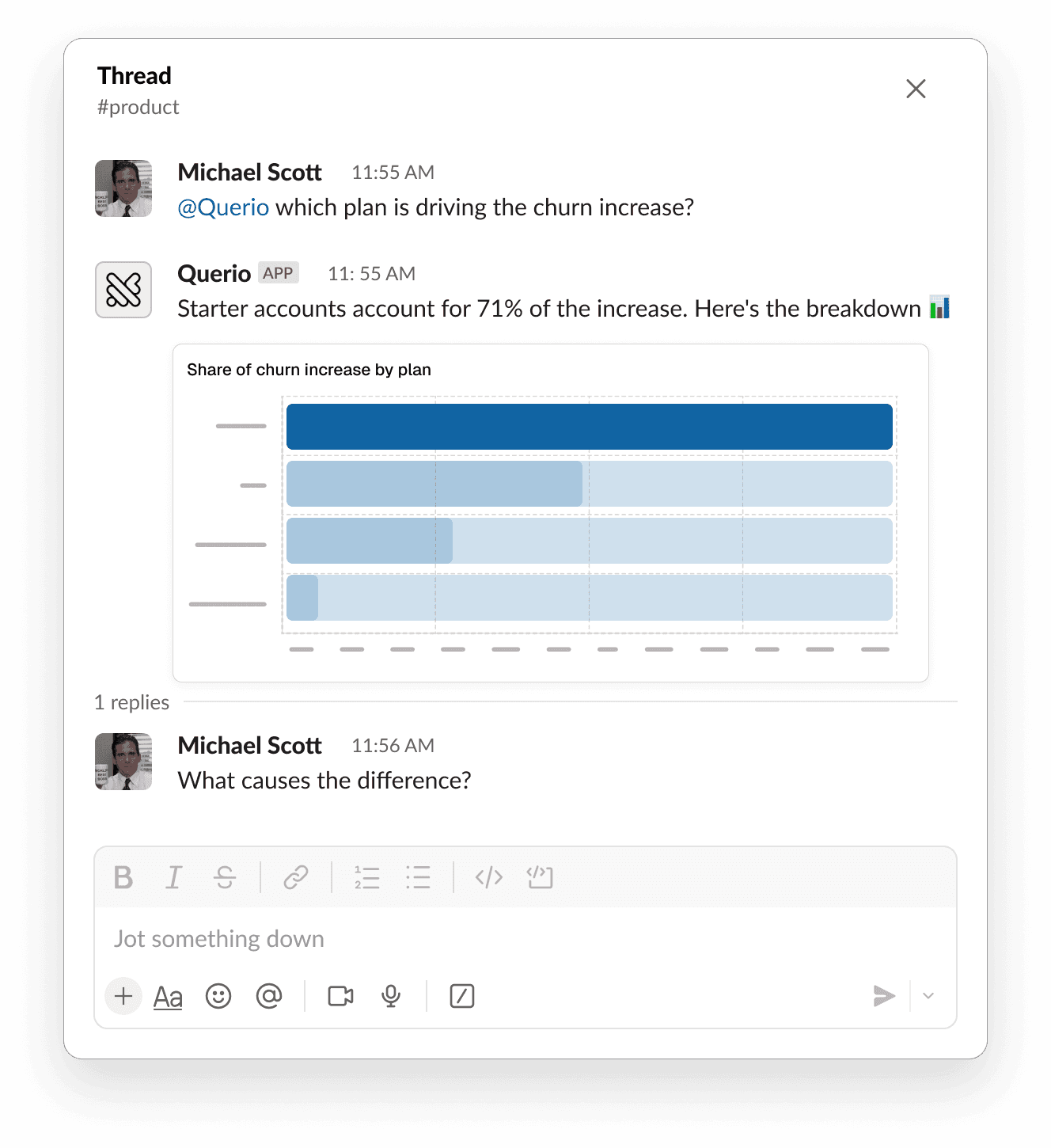
In any channel, type @Querio and your question — or DM the app directly for a private answer.
3
Follow up in the thread
You can send follow-ups in the same Slack thread. Querio will keep using the same explore, so the follow-up stays connected to the previous analysis.
4
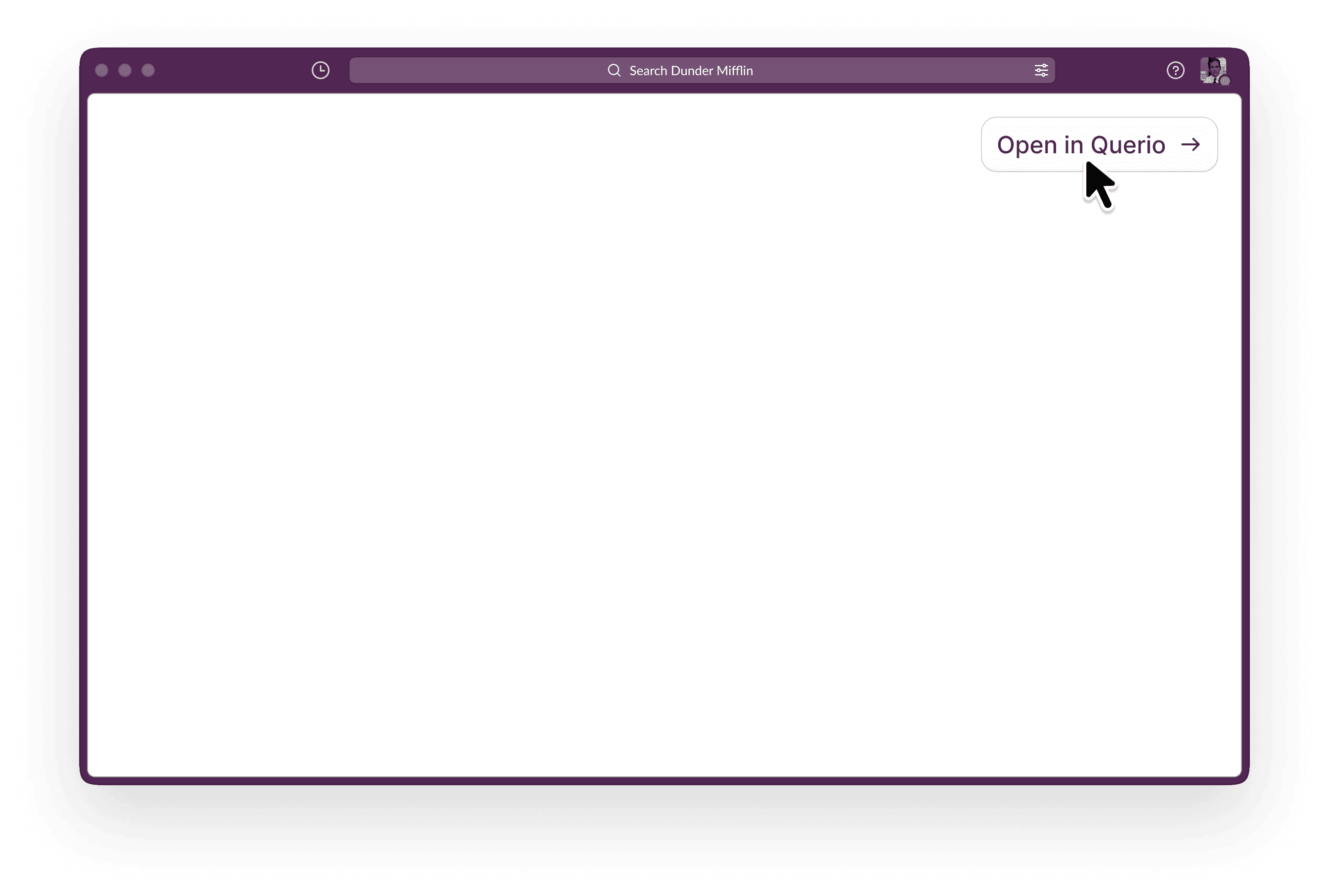
Open the analysis in Querio
The Slack response includes a button to open the full Explore in Querio. Open the explore when you want to see the notebook, inspect cells, bookmark results, or turn the work into a layout.
A note on AI-generated answers
Querio for Slack uses a large language model (Anthropic's Claude) to interpret questions and generate analytics responses, summaries, and SQL. AI can make mistakes, so responses may be incomplete or inaccurate. Always review the SQL or Python shown with each answer before relying on it for decisions. Querio does not use your Slack data to train large language models.
If you use Querio through Slack's AI assistant experience, a paid Slack plan is required to access that container; mentions, slash commands, and direct messages work on all Slack plans.

