

Querio vs Tableau
A side-by-side look at Querio and Tableau. We keep our reviews honest and fair so you can make an informed decision.
‹ QuerioDrag to compareTableau ›
Querio vs Tableau
The dashboard isn’t the bottleneck anymore. The questions after it are.
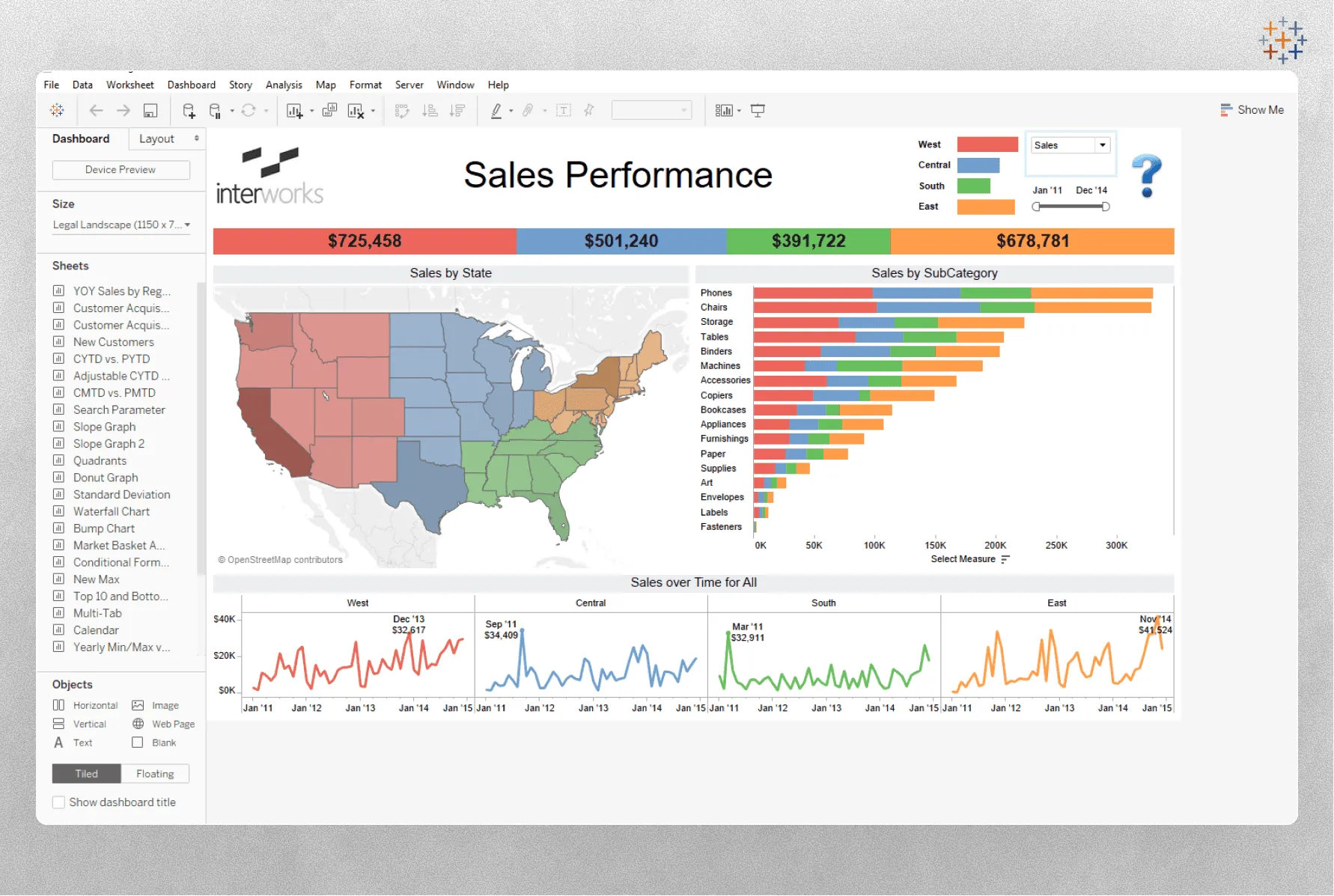
Tableau is great at building dashboards. It always has been. But most orgs we talk to don’t have a dashboard problem. They have an “analyst gets pinged with a follow-up question forty times a day” problem. That’s the workflow Querio is built for.
The real decision
1. How do follow-up questions get answered?
In Tableau, the dashboard is a destination. Drill-down is limited. Anything beyond pre-built views goes back to the analyst who built it.
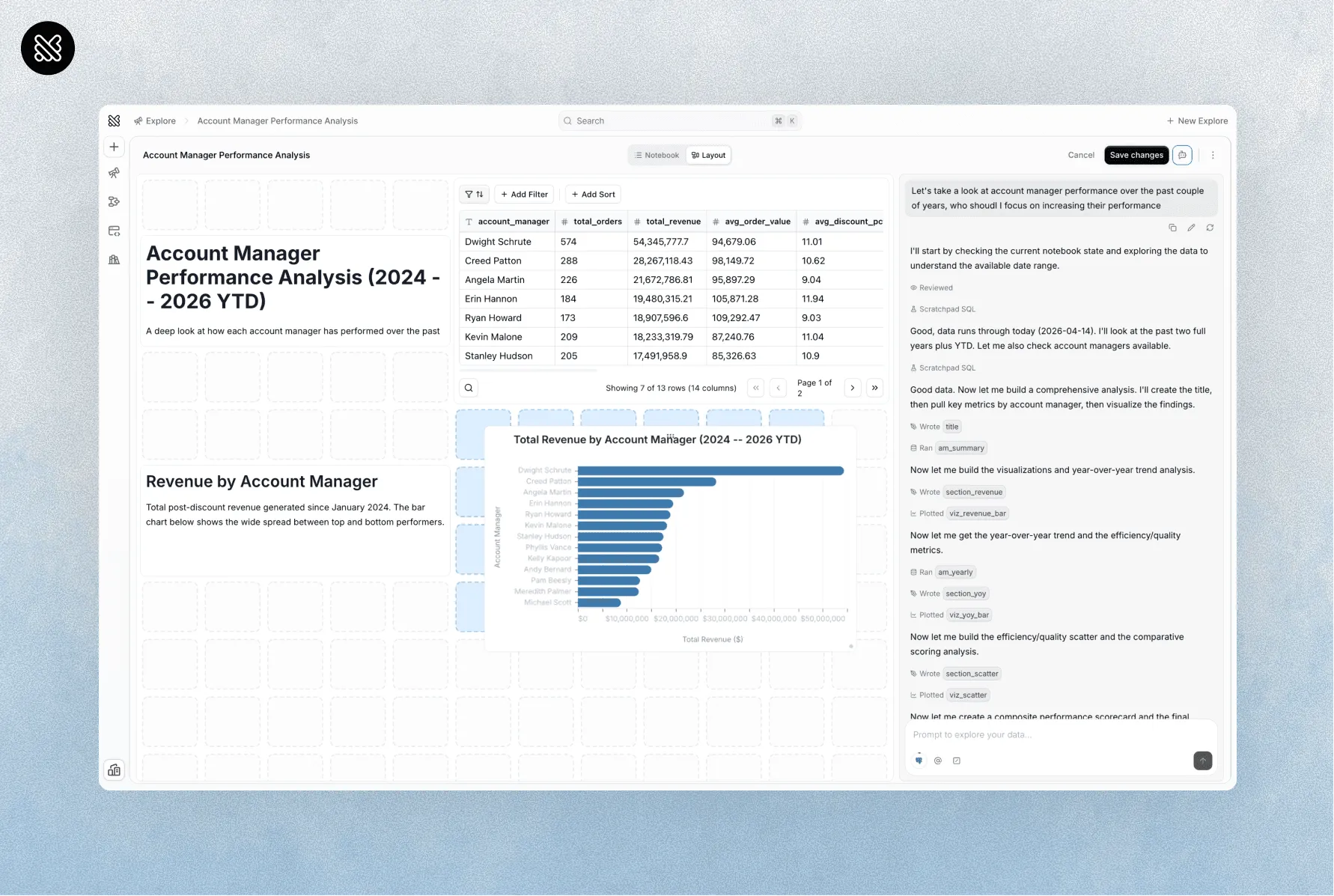
In Querio, the dashboard is a starting point. “Break that down by region.” “What changed last week?” “Show me the same thing for Q3.” Every one of those is a message, not a ticket.
2. Who can actually ask questions?
Tableau’s Creator/Explorer/Viewer seat tiers push most orgs into a pattern: only the finance team gets Explorer seats, everyone else gets view-only. Curiosity is rationed by procurement.
Querio is a base plus AI usage. No per-seat pricing: unlimited users on every plan. If someone wants to ask a question, they can.
3. Do you have to rip out Tableau?
No. Most Querio customers keep their Tableau dashboards as the system of record and use Querio for everything around them: exploration, ad-hoc analysis, embedded analytics, the hundred one-off questions that used to go to the data team.
Where they overlap, where they don’t
| Features | Querio | Tableau |
|---|---|---|
| AI-native conversational analytics | Primary | Partial (Pulse / Einstein) |
| Drag-and-drop dashboard polish | Good | Best in class |
| Notebook + BI in one tool | Yes | No |
| Python alongside SQL | Yes | Via TabPy |
| Semantic layer for AI | Yes | Partial (published sources) |
| Unlimited users | Every plan | No (three-tier seats) |
| MCP endpoint for agents | Yes | No |
| Mature installed base | Growing | Dominant |
Pick Tableau if
-
You want a mature BI platform with extensive dashboarding and reporting conventions.
-
You have analysts who can own data modeling and report maintenance.
-
You’re comfortable layering another product into your analytics stack.
Pick Querio if
-
You want business users to ask questions without learning a reporting tool.
-
You want an AI analyst that can investigate follow-up questions in context.
-
You want SQL, Python, and conversational analysis in one workspace.
Keep Tableau, add Querio
You don’t have to choose. Tableau becomes the dashboard of record. Querio becomes the workspace where everything else happens. That’s what most of our customers do.