

Querio vs PowerBI
A side-by-side look at Querio and PowerBI. We keep our reviews honest and fair so you can make an informed decision.
‹ QuerioDrag to comparePowerBI ›
One is bundled with your email. The other is built for the questions your email doesn’t answer.
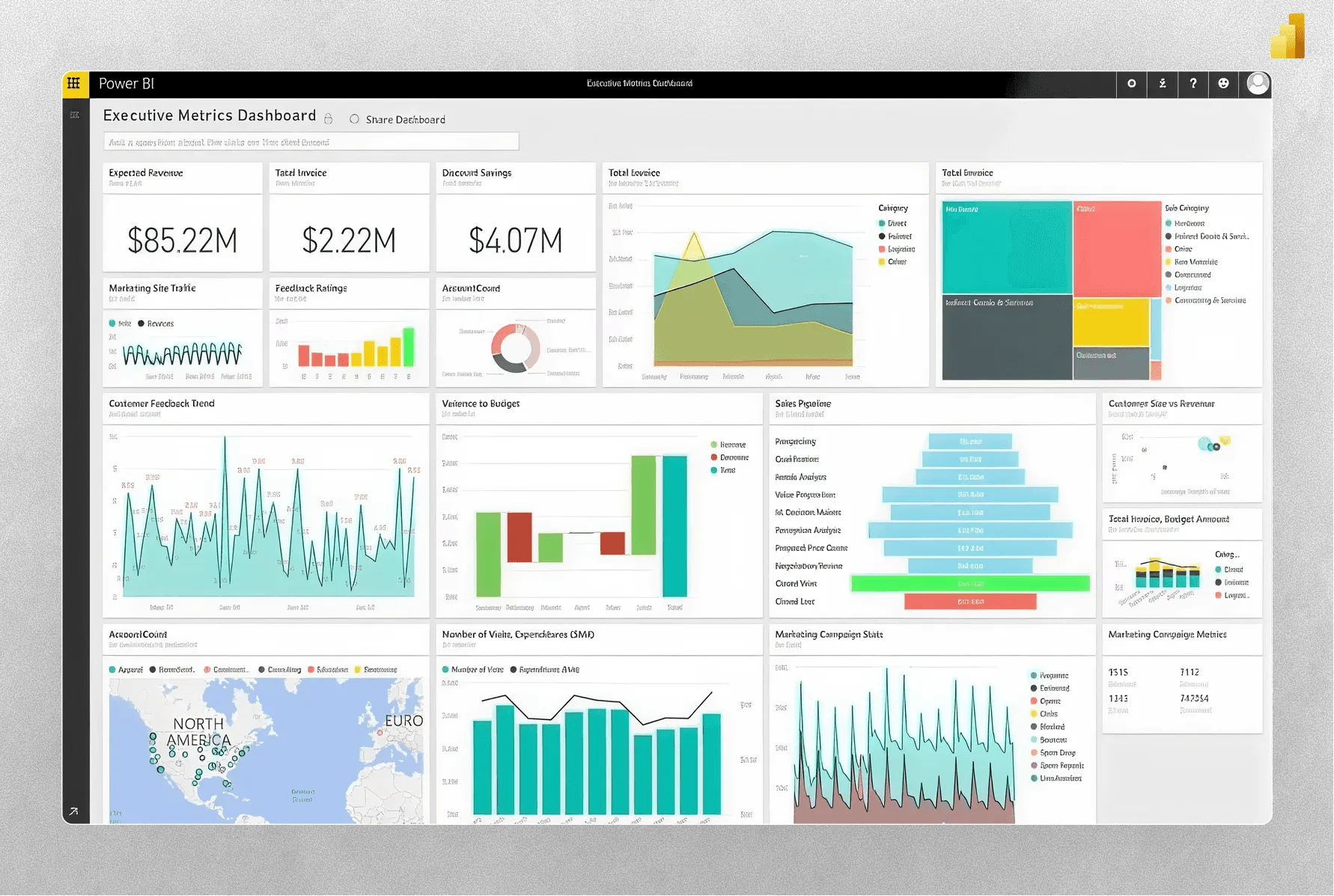
Power BI is installed in more enterprises than any other BI tool, mostly because it comes with the Microsoft bundle. That’s not an insult, it’s a fact. For teams all-in on M365, Fabric, and Azure, Power BI is the default. For everyone else, and for the questions that go beyond the polished dashboard, Querio is the more natural surface.
The real decision
1. Is your stack all-Microsoft?
If yes, Power BI has real advantages: identity via Entra, distribution via Teams, tight Fabric integration, and Copilot as a bundled AI layer. You’re not fighting your procurement team to buy it.
If your data is in Snowflake, BigQuery, or Databricks, and your team lives in Slack and Notion instead of Teams and SharePoint, the Microsoft bundle isn’t a reason to choose the BI tool.
2. Authoring vs asking.
Power BI is a dual product: Desktop for authoring, Service for viewing. Real work happens in Desktop, in DAX, on Windows. Business users consume.
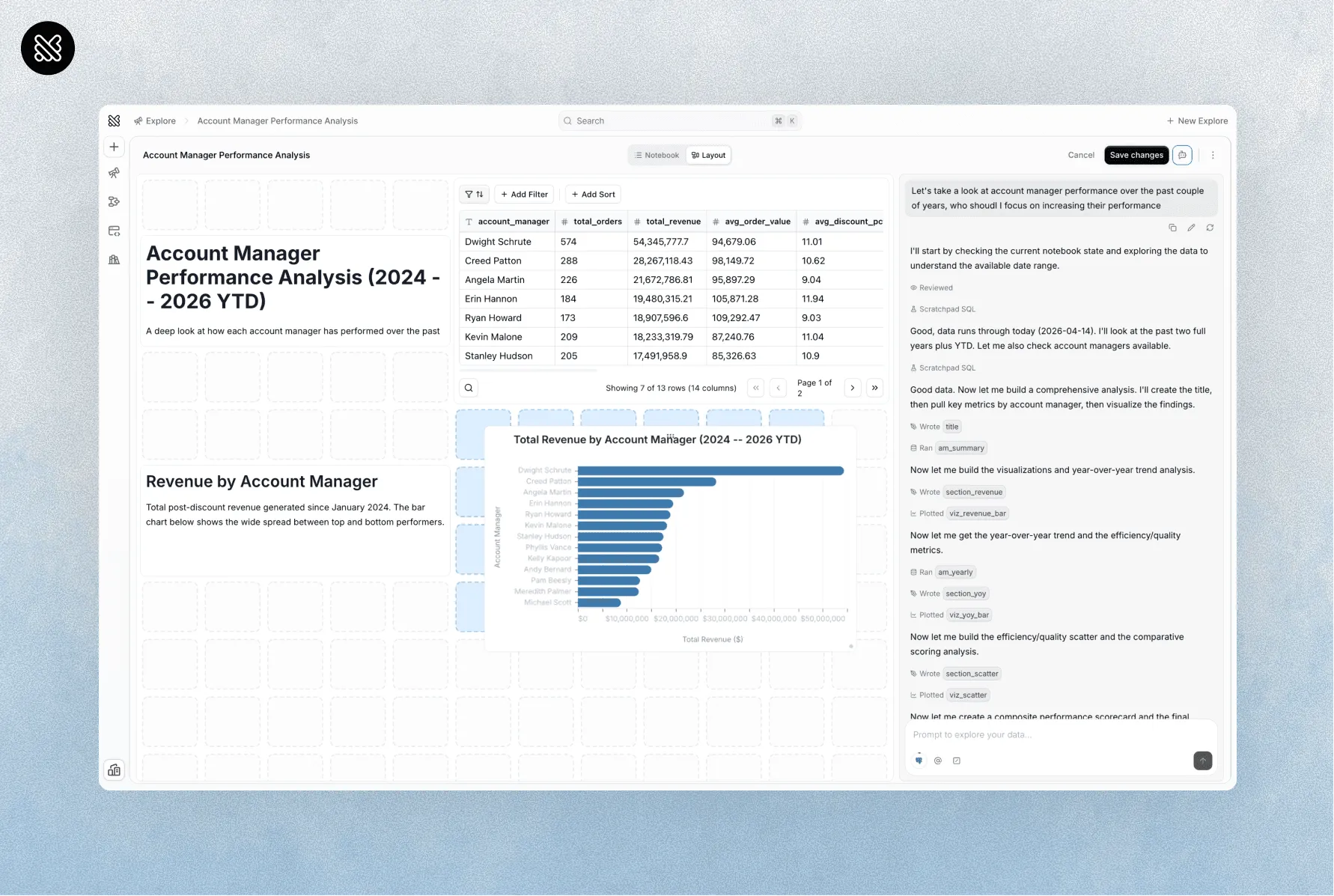
Querio is a single product. Analysts write in the notebook; everyone else asks in chat. Same semantic layer, same data, same governance. No DAX.
3. Copilot vs AI-native.
Copilot is genuinely useful inside Power BI. It writes DAX, drafts visuals, summarizes reports. It’s an assistant layered on top of a 2015-era BI tool.
Querio was built with the AI layer as the primary interface from day one. The chat is the product, not a button in the corner.
Where they overlap, where they don’t
| Features | Querio | Power BI |
|---|---|---|
| AI as primary interface | Yes | Copilot assistant |
| Notebook + BI in one tool | Yes | No |
| Python alongside SQL | Yes | Limited (R/Python visuals) |
| DAX-free authoring | N/A | Required for real work |
| Unlimited users | Every plan | Pro/Premium seat model |
| Works well outside Microsoft stack | Yes | Possible, friction-y |
| Semantic layer for AI | Yes | Yes (tabular model) |
| Bundled with M365 | No | Yes |
Pick Power BI if
-
Your organization is deeply invested in Microsoft’s reporting ecosystem.
-
You have a BI team to build, maintain, and govern semantic models.
-
Your priority is conventional dashboards over conversational analysis.
Pick Querio if
-
You want faster answers without sending every question to a BI team.
-
You want AI that can handle the next question, not just generate a chart.
-
You want business users and analysts working in the same environment.