Guide
Top 10 Database Security Best Practices for Product Teams in 2026
Discover 10 actionable database security best practices for startups and product teams. Learn RLS, encryption, auditing, and more to protect your data.
In today's data-driven landscape, startups and product teams move at lightning speed. But rapid growth often leaves a critical component behind: robust database security. Many teams see security as a roadblock, a complex, expensive chore that slows down innovation. This mindset is not only risky; it's a missed opportunity. Treating data protection as an afterthought leads to technical debt, compliance failures, and a loss of customer trust that can cripple a growing business.
The good news is that implementing a strong security posture doesn't have to be a bottleneck. By adopting a modern, proactive approach, you can transform security from a defensive measure into a core feature that builds trust and enables scalable growth. This guide breaks down the most critical database security best practices tailored for fast-moving teams. We'll move beyond generic advice and provide actionable, prioritized steps to build a secure foundation.
This article provides a comprehensive checklist designed to protect your most valuable asset: your data. You will learn practical techniques for implementing everything from row-level security and read-only access patterns to encryption and network segmentation. Whether you are building a new SaaS product, scaling internal analytics, or preparing for compliance audits, these steps will help you create a secure, resilient, and trustworthy data infrastructure. By integrating these practices early, you can avoid costly mistakes, accelerate development securely, and turn data protection into a significant competitive advantage.
1. Implement Row-Level Security (RLS)
Row-Level Security (RLS) is a powerful database security best practice that filters data access based on a user's identity or role directly within the database. Instead of granting a user permission to see an entire table, RLS applies policies that automatically append WHERE clauses to every query. This ensures users can only view rows they are explicitly authorized to see, making it a cornerstone of modern multi-tenant application architecture.
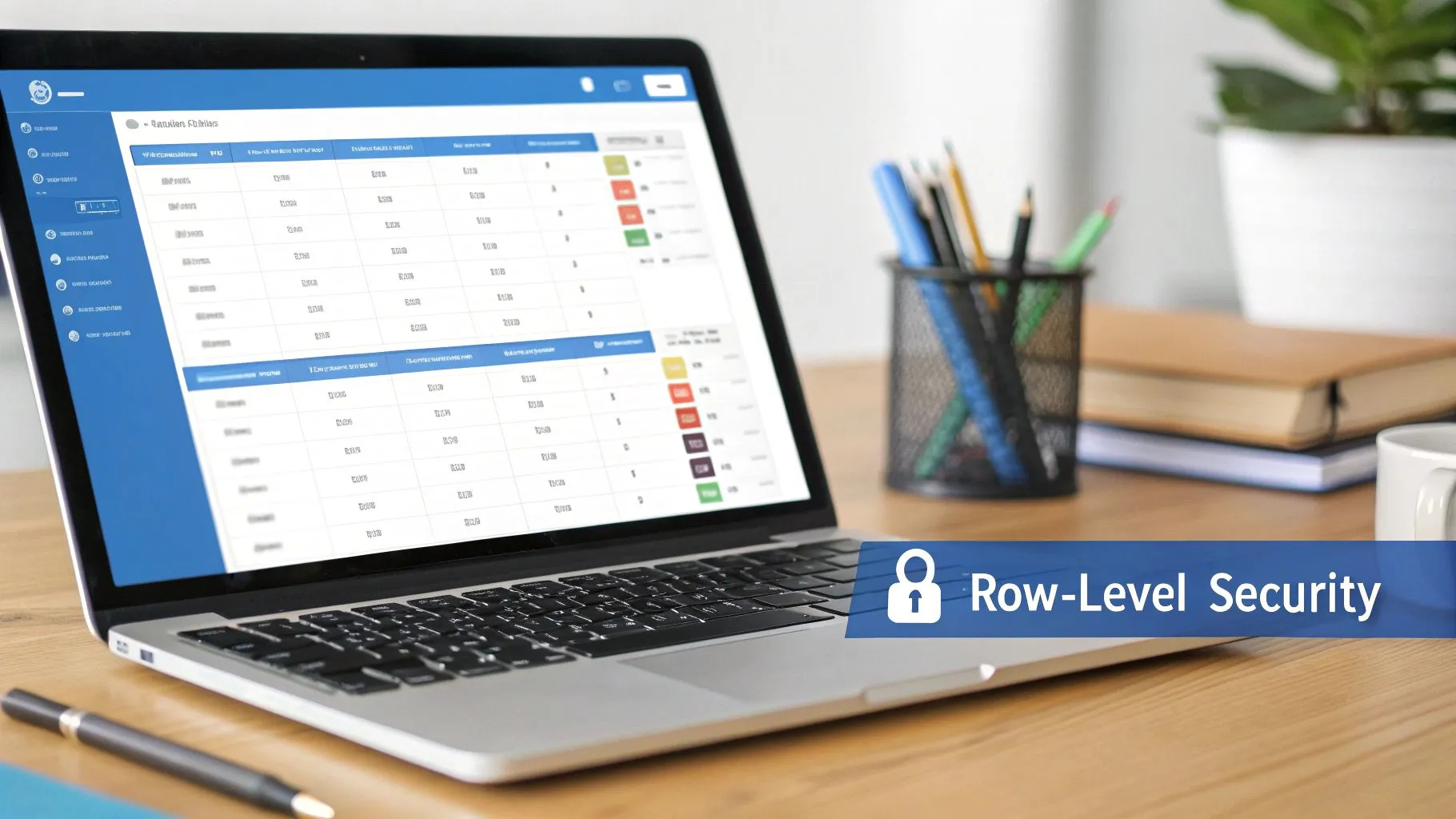
Because these security policies are enforced at the database layer, they are significantly more robust than application-level filtering. Application-level logic can be bypassed or contain bugs, but RLS provides a consistent and tamper-proof security boundary.
Why RLS is a Critical Practice
RLS is essential for any platform managing data for multiple distinct groups or customers. For example, a SaaS company can use RLS to guarantee that users from one company can never access the data of another, even if they share the same database table. This is how companies like Stripe isolate merchant transaction data and how collaboration tools like Notion separate workspace data for different customers. In embedded analytics, RLS is non-negotiable for securely delivering customer-facing dashboards, ensuring each client only sees their organization's metrics.
Actionable Implementation Tips
- Use Session Variables: Design RLS policies to reference session-level variables like
current_user_id()orcurrent_tenant_id(). This makes policies dynamic and scalable without needing to hardcode specific user IDs. - Combine with Column-Level Security: For maximum protection, pair RLS with column-level security. This restricts access to specific rows and also hides sensitive columns (like PII) within those accessible rows.
- Thoroughly Test Policies: Before deploying, create a comprehensive test suite that simulates queries from every user role and potential edge case to prevent accidental data leaks or access denials.
- Monitor Performance Impact: Complex RLS policies can introduce query overhead. Monitor query execution plans and performance metrics to identify and optimize any bottlenecks. You can learn more about Querio's modern approach to RLS in the age of AI and BI.
2. Use Read-Only Database Access for Analytics
One of the most effective and straightforward database security best practices is to enforce the principle of least privilege through read-only access. This involves creating dedicated database users for analytics and reporting platforms that are strictly limited to querying data (SELECT statements). By removing their ability to insert, update, or delete records, you drastically shrink the potential attack surface.
This approach ensures that even if an analytics tool or its credentials were compromised, the malicious actor could not corrupt or destroy your production data. The blast radius is contained, preventing accidental data modification from poorly written queries or intentional harm from a security breach.
Why Read-Only Access is a Critical Practice
Read-only access is fundamental for securely connecting business intelligence (BI) tools, embedded analytics platforms, and any application that only needs to consume data. For example, when connecting a tool like Tableau or an embedded analytics solution, there is no operational reason for it to have write permissions. Granting these permissions unnecessarily exposes the database to risk.
Modern data platforms are built with this principle at their core. Querio’s design philosophy, for instance, emphasizes read-only database connectors as a default security posture, allowing for safe, self-serve analytics without ever exposing write access to end-users. Similarly, AWS services like Redshift and tools like Tableau Server strongly recommend creating specific read-only database accounts for all data source connections.
Actionable Implementation Tips
- Create Dedicated Read-Only Users: For every analytics tool or service, provision a unique database user with only
SELECTprivileges. Avoid reusing credentials across different services. - Leverage Database Views: Instead of granting access to raw tables, create database views that expose only the necessary columns and pre-filtered rows. This adds another layer of abstraction and security.
- Implement Query Timeouts: Configure timeouts at the database or user level to prevent long-running or resource-intensive analytical queries from impacting the performance of your production applications.
- Audit All Connections: Continuously log and audit all queries made by read-only users. This helps detect anomalous behavior, such as unusually large data pulls, that could indicate a compromised account.
3. Enforce Encryption in Transit (TLS/SSL)
Encryption in transit is a fundamental database security best practice that protects data as it moves between users, applications, and the database itself. Using protocols like Transport Layer Security (TLS), it creates a secure, encrypted tunnel for all communication. Any data sent over an unencrypted connection, including sensitive business metrics, customer PII, and analytics queries, is vulnerable to interception and man-in-the-middle attacks.
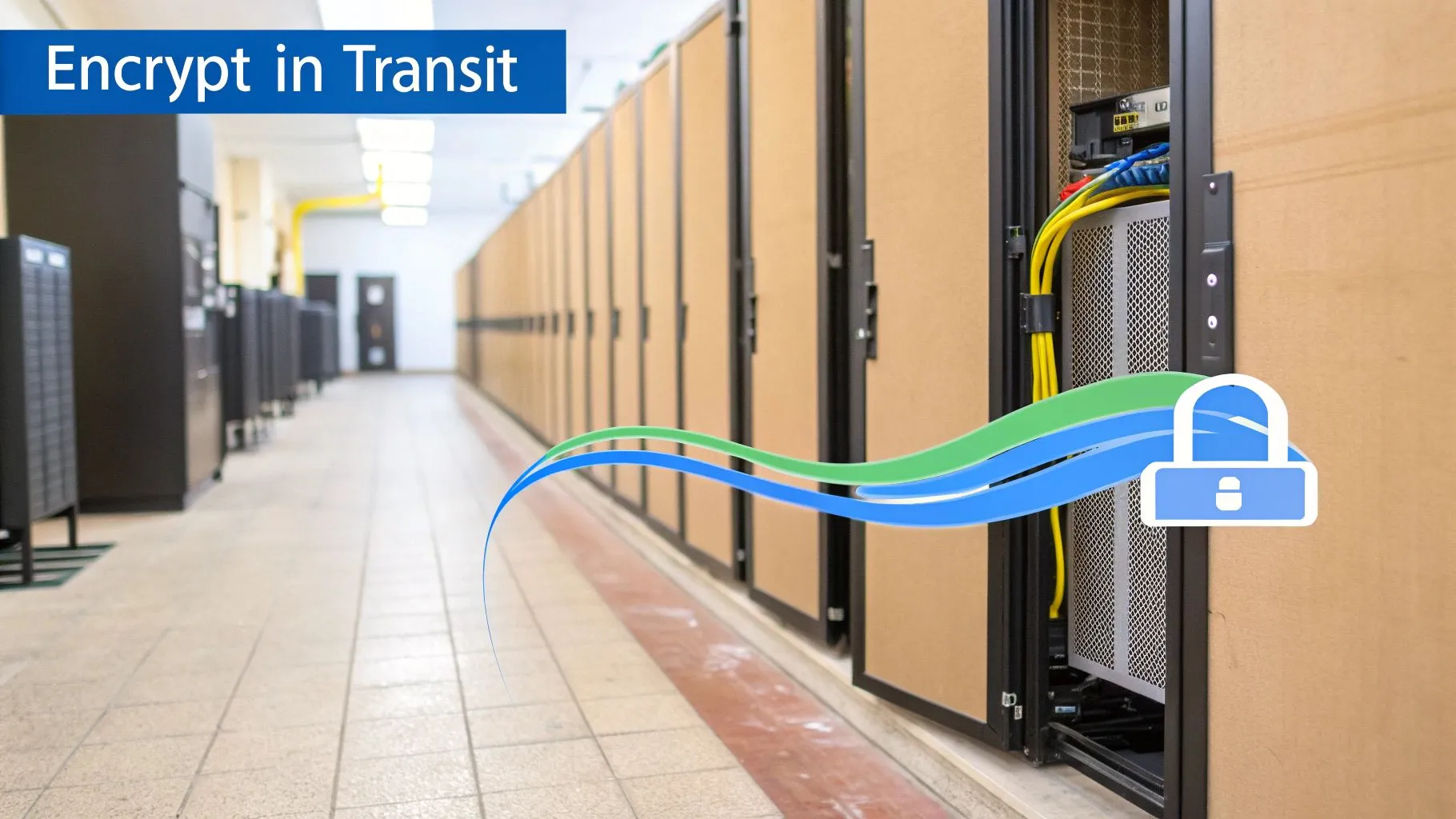
Enforcing TLS ensures that even if an attacker gains access to your network, they cannot read the data being transmitted. This is non-negotiable for protecting data confidentiality and integrity, transforming plaintext data into indecipherable ciphertext that is useless to unauthorized parties.
Why Encryption in Transit is a Critical Practice
In any modern application, data is constantly moving between services, from a user's browser to an application server and finally to the database. Without encryption, every one of these hops is a potential security risk. For a platform like Querio that handles sensitive product metrics and financial data, enforcing TLS on all database connections and API endpoints is essential.
Major cloud providers and SaaS companies treat this as a mandatory control. For example, AWS RDS makes it simple to require encryption in transit for all production database connections, and platforms like Salesforce mandate TLS 1.2+ for all data integrations to protect their customers. For a deeper dive into how this critical technology works, you can explore this guide on What Is TLS Encryption and How Does It Secure Your Data.
Actionable Implementation Tips
- Mandate Modern Protocols: Configure your database server to accept only connections using TLS 1.2 or TLS 1.3. Explicitly disable outdated and vulnerable protocols like all versions of SSL, TLS 1.0, and TLS 1.1.
- Use Strong Cipher Suites: Prioritize modern, robust cipher suites that support Authenticated Encryption with Associated Data (AEAD), such as AES-GCM, and avoid older CBC mode ciphers.
- Automate Certificate Management: TLS relies on valid SSL/TLS certificates. Use services like AWS Certificate Manager or Let's Encrypt to automate the renewal and deployment of certificates, preventing service disruptions from accidental expiration.
- Regularly Test Your Configuration: Use external tools like the Qualys SSL Labs Server Test to audit your TLS configuration. This helps identify weak protocols, ciphers, or other vulnerabilities in your setup.
4. Encrypt Data at Rest
Encrypting data at rest is a foundational database security best practice that protects information stored on disk. It involves using strong cryptographic algorithms to render data unreadable to anyone who gains unauthorized access to the physical storage media, such as database files, backups, or logs. This protection is critical for containing the damage from a physical security breach or a server compromise.
Unlike encryption in transit, which secures data moving over a network, encryption at rest protects the data when it is stationary. For any organization storing sensitive information like customer PII, financial records, or proprietary business metrics, this practice is not just a recommendation but a core requirement for security and regulatory compliance.
Why Data at Rest Encryption is a Critical Practice
Data at rest encryption is the last line of defense against data exposure. If an attacker bypasses network and access controls to steal a hard drive or access a database backup file, encryption ensures the stolen data is nothing more than unintelligible ciphertext without the corresponding decryption keys. This is why cloud providers like AWS and Google Cloud enable it by default on their managed database services. For instance, Amazon RDS automatically encrypts databases and backups using keys managed through AWS KMS.
Similarly, analytics platforms that cache query results or store metadata must encrypt this data. At Querio, for example, all cached data and metadata are encrypted at rest to guarantee that sensitive business intelligence remains secure even when stored for performance optimization. This practice is non-negotiable for protecting the integrity of your analytics environment.
Actionable Implementation Tips
- Standardize on AES-256: Use the Advanced Encryption Standard (AES) with 256-bit keys as the minimum for all data at rest. This is the industry standard recognized for its strength against brute-force attacks.
- Centralize Key Management: Implement a centralized Key Management System (KMS) like AWS KMS, Google Cloud KMS, or HashiCorp Vault. Storing encryption keys separately from the encrypted data is crucial to prevent a single point of compromise.
- Rotate Encryption Keys Regularly: Establish and automate a policy to rotate encryption keys at least annually, or more frequently for highly sensitive data. This limits the window of opportunity for an attacker if a key is ever compromised.
- Test Performance Impact: Before full deployment, thoroughly test encryption and decryption performance with production-level data volumes. While modern Transparent Data Encryption (TDE) solutions have minimal overhead, it is vital to validate their impact on your specific workloads.
5. Implement Strong Authentication & Access Control
Strong authentication and access control are foundational database security best practices that ensure only verified users can access data, and only the data they are explicitly permitted to see. This multi-layered approach combines verifying a user’s identity with enforcing strict permissions, forming a critical barrier against unauthorized access. It moves beyond simple username/password systems to a more robust, identity-centric security model.
Because authentication is the first gatekeeper to your data, a weak implementation undermines every other security measure. Technologies like Single Sign-On (SSO) and Multi-Factor Authentication (MFA) are no longer optional extras; they are essential for protecting sensitive information stored within your database and accessed through analytics platforms.
Why Authentication & Access Control are a Critical Practice
This practice is essential for preventing unauthorized users from gaining a foothold in your system. For startups and enterprises alike, strong authentication is a prerequisite for earning customer trust and achieving compliance certifications like SOC 2. Centralized identity providers like Okta or Azure AD streamline user management, while Role-Based Access Control (RBAC) ensures that once a user is authenticated, their access is strictly limited to their job function. This prevents both external attacks and internal data misuse.
For example, a product manager using an analytics platform like Querio should be able to view product engagement metrics but not sensitive financial data, which is reserved for the finance team. This precise control is enforced through RBAC policies tied to their SSO identity. You can learn how Querio uses SSO and RBAC to meet stringent security requirements for modern AI analytics.
Actionable Implementation Tips
- Enforce MFA Everywhere: Mandate MFA for all users with access to production databases and administrative consoles. A fundamental aspect of this is understanding what is two-factor authentication (2FA) and its role in protecting accounts even if passwords are compromised.
- Implement the Principle of Least Privilege (PoLP): Grant users and service accounts the absolute minimum permissions required to perform their tasks. Avoid generic "admin" roles.
- Use Centralized Identity Management: Integrate your database and applications with an SSO provider (like Okta, Azure AD, or Google Workspace) using standards like SAML 2.0 or OIDC to manage access centrally.
- Audit Access Regularly: Schedule quarterly reviews of all user accounts and permissions. Promptly remove access for former employees and disable inactive accounts to reduce the attack surface.
- Enforce Short Session Timeouts: For applications accessing sensitive data, implement session timeouts of 15-30 minutes of inactivity to automatically log users out and require re-authentication.
6. Monitor & Audit Database Activity
Continuous monitoring and detailed audit logging are essential database security best practices that provide visibility into all database access, queries, and modifications. By creating an immutable record of activity, audit logs establish accountability and serve as a primary mechanism for detecting suspicious behavior. They answer the critical questions of who accessed what data, when they accessed it, and what changes they made.

This practice moves security from a passive, preventive state to an active, detective one. When combined with Security Information and Event Management (SIEM) systems and real-time alerting, monitoring enables rapid detection and response to potential security incidents, minimizing the impact of a breach.
Why Monitoring & Auditing is a Critical Practice
Audit trails are non-negotiable for compliance with regulations like GDPR, HIPAA, and SOC 2, which mandate tracking access to sensitive data. For analytics platforms, logging query patterns is crucial for understanding data usage and ensuring policies are enforced correctly. For example, AWS CloudTrail provides detailed audit logs for all API calls made to RDS instances, while platforms like Querio log all natural language queries and data access for comprehensive auditing. These logs are invaluable for forensic investigations following a security event.
Actionable Implementation Tips
- Enable Comprehensive Logging: Activate detailed logging at the database level, capturing all authentication attempts (successful and failed), privilege changes, DDL (schema) changes, and DML (data) modifications.
- Centralize and Secure Logs: Forward all database logs to a centralized, secure, and tamper-proof storage system like Datadog, Splunk, or an ELK stack. Storing logs outside the database prevents attackers from covering their tracks.
- Implement Real-Time Alerting: Configure alerts for suspicious patterns, such as mass data exports, access from unusual geographic locations, after-hours activity, or repeated failed login attempts from a single IP address.
- Establish a Retention Policy: Retain audit logs for a minimum of one year, or longer if required by industry regulations. This ensures you have sufficient historical data for forensic analysis and compliance audits. You can explore how modern platforms build in robust security and audit trails to maintain trust.
7. Implement Network Segmentation & Firewall Rules
Network segmentation is a foundational database security best practice that isolates your database from unauthorized network traffic. Instead of being exposed to the public internet or the entire internal network, the database is placed within a protected, private network segment. Firewalls and strict network access control lists (ACLs) then act as gatekeepers, ensuring that only explicitly authorized application servers or administrative tools can communicate with it.
This approach creates a powerful perimeter defense. Even if an attacker compromises a public-facing web server, they cannot directly access the database because no network path exists. This containment strategy significantly reduces the database's attack surface and is a critical layer in a defense-in-depth security model.
Why Network Segmentation is a Critical Practice
Exposing a database directly to the internet is one of the most common and dangerous security misconfigurations. Network segmentation prevents this by design. For example, a modern cloud application would place its AWS RDS or Google Cloud SQL instance in a private subnet within a Virtual Private Cloud (VPC). The application servers, residing in a separate public or private subnet, are the only resources granted access via tightly configured security groups. For platforms like Querio, this architecture is non-negotiable; databases are always isolated in private networks, accessible only by the platform's core application servers.
Actionable Implementation Tips
- Use Private Subnets: Always place your databases in private, non-internet-routable subnets. Public subnets are for resources that must be directly accessible from the internet, like load balancers or web servers.
- Leverage Security Groups: Use cloud-native security groups or firewall rules to restrict inbound connections to a specific list of known IP addresses or security group IDs belonging to your application tier. Deny all other traffic by default.
- Implement a Bastion Host: For administrative access, use a bastion host (or jump box). This is a hardened server that administrators connect to first (often via VPN or SSH) before "jumping" to the database, preventing direct admin connections from the open internet.
- Monitor Network Traffic: Log and actively monitor all network access attempts to your database, both successful and failed. This helps detect anomalous activity, such as port scanning or brute-force attempts from unauthorized internal systems.
8. Regularly Update & Patch Database Systems
One of the most fundamental yet frequently overlooked database security best practices is maintaining a strict, consistent patching schedule. Database engines and their underlying operating systems are complex software with vulnerabilities discovered regularly. Failing to apply security patches leaves your system exposed to well-known exploits that automated attack tools can easily leverage.
A robust patching strategy involves applying security updates in a timely manner without compromising system stability. This means integrating patching into your standard development and operations lifecycle, complete with testing and verification, rather than treating it as an emergency afterthought.
Why Regular Patching is a Critical Practice
Unpatched vulnerabilities are the low-hanging fruit for attackers. A single known Common Vulnerability and Exposure (CVE) in your database version can grant an attacker full administrative access, leading to catastrophic data breaches. For platforms that serve multiple organizations, like analytics tools, the responsibility is even greater. A single breach could compromise the data of every customer on the platform.
Managed services like AWS RDS simplify this by offering automated patch windows, but you are still responsible for configuring them correctly. For self-hosted databases, tools like Ubuntu's unattended-upgrades can automate OS-level security fixes, but database-specific patches require a more hands-on, planned approach.
Actionable Implementation Tips
- Subscribe to Vendor Alerts: Actively monitor security announcement channels for your specific database, such as the PostgreSQL security mailing list or Oracle's Critical Patch Updates, to stay informed of new vulnerabilities.
- Establish a Patching Cadence: Define a regular schedule (e.g., monthly or quarterly) for reviewing and applying patches. This creates a predictable process and prevents security debt from accumulating.
- Test Patches in Staging: Never apply patches directly to production. Always deploy them in a staging environment that mirrors production to test for regressions or performance issues with your critical application queries.
- Automate Post-Patch Verification: Create an automated test suite that runs after a patch is applied in staging. This suite should verify core application functionality to ensure the update hasn't introduced breaking changes.
- Maintain Pre-Patch Backups: Before applying any significant patch to your production environment, ensure you have a recent, validated backup. This provides a critical rollback path if the update causes unforeseen problems.
9. Use Database Activity Monitoring (DAM) & Threat Detection
Database Activity Monitoring (DAM) is an advanced security practice that provides real-time, continuous analysis of database behavior to detect and alert on anomalous activities. Unlike standard audit logs which are often reviewed after an incident, DAM tools use behavioral analytics and machine learning to identify potential threats as they happen, such as data exfiltration, unauthorized access attempts, and insider threats.
These solutions work by establishing a baseline of normal user and query behavior. When activity deviates significantly from this baseline, such as a user suddenly exporting large volumes of data or running unusual schema-altering queries, the system triggers an alert or can even block the malicious query in real time. This proactive stance is a critical component of a modern database security best practices framework.
Why DAM is a Critical Practice
DAM is essential for organizations managing sensitive information, like the financial data and business metrics handled by platforms such as Querio. It provides an intelligent layer of defense that can catch sophisticated threats that might bypass traditional controls. For example, DAM can differentiate between a legitimate, scheduled report and a malicious attempt to dump an entire customer table. It's a non-negotiable tool for meeting compliance requirements like GDPR, HIPAA, and PCI DSS, which mandate strict monitoring of access to sensitive data.
Actionable Implementation Tips
- Establish a Clear Baseline: Before fully deploying a DAM solution, allow it to run in a learning mode to accurately model normal query patterns and user behaviors. This minimizes false positives.
- Create High-Risk Policies: Configure specific alert policies for high-risk query types, such as those targeting PII columns, performing large data exports, or making schema changes (
ALTER TABLE,DROP TABLE). - Integrate with Incident Response: Connect your DAM alerts directly to your Security Information and Event Management (SIEM) system or incident response workflow. This ensures that critical alerts are immediately escalated to the security team.
- Tune Policies Regularly: Review and tune alert policies at least monthly. As your application evolves, so will its normal database activity. Regular tuning is crucial to reduce alert fatigue and maintain high detection accuracy.
10. Conduct Regular Security Audits & Penetration Testing
Proactive security assessments are non-negotiable for identifying and remediating vulnerabilities before they can be exploited by attackers. This practice involves a combination of regular security audits, vulnerability scans, and penetration tests to rigorously evaluate the effectiveness of your database security controls. These activities shift your security posture from reactive to proactive, ensuring continuous improvement.
By simulating real-world attack scenarios and systematically checking for misconfigurations, these assessments provide a clear picture of your security weaknesses. The findings from these tests form a critical feedback loop, allowing you to prioritize fixes, strengthen defenses, and validate that your security measures are working as intended.
Why This is a Critical Practice
Regular audits and penetration tests are essential for building trust and meeting compliance requirements. For platforms handling sensitive data, an independent audit like a SOC 2 Type II report provides customers with verified assurance of your security practices. For instance, a bug bounty program on a platform like HackerOne can crowdsource security testing from ethical hackers, while an annual penetration test from a firm like Mandiant can simulate a sophisticated attack on your database infrastructure. These practices help uncover weaknesses that automated tools might miss.
Actionable Implementation Tips
- Schedule Recurring Scans: Conduct comprehensive vulnerability scans on at least a quarterly basis to identify known security issues in your database software and underlying infrastructure.
- Engage External Experts: Perform an annual penetration test conducted by a reputable third-party firm. Their external perspective is invaluable for uncovering biases and gaps in your internal security assessments.
- Create a Remediation Roadmap: Treat findings not as failures but as opportunities. Develop a clear roadmap to address identified vulnerabilities, assigning ownership and setting realistic timelines for remediation.
- Test Incident Response: Incorporate incident response drills into your penetration tests. This allows you to practice your team's reaction to a simulated breach, refining your communication and containment procedures. You can explore how Querio’s security posture is strengthened through compliance-friendly practices and regular audits.
Comparison of 10 Database Security Best Practices
| Approach | Implementation Complexity (🔄) | Resource Requirements (⚡) | Expected Outcomes (📊) | Ideal Use Cases (💡) | Key Advantages (⭐) |
|---|---|---|---|---|---|
| Implement Row-Level Security (RLS) | High 🔄 — policy design, testing, DB support variance | Moderate ⚡ — DB features, auth integration, perf tuning | Strong 📊 — fine-grained, tamper-proof data isolation | Multi-tenant SaaS, embedded analytics, per-user views | ⭐ Fine-grained access; offloads app logic; auditable |
| Use Read-Only Database Access for Analytics | Low 🔄 — create read roles and restrict permissions | Low ⚡ — separate credentials, views, connection configs | Predictable 📊 — eliminates write risk; safer exploration | BI tools, analyst sandboxes, reporting endpoints | ⭐ Simple to implement; reduces corruption risk; compliant |
| Enforce Encryption in Transit (TLS/SSL) | Low-Medium 🔄 — certificate management and config | Low ⚡ — certs, cipher config, minor latency | Strong 📊 — prevents eavesdropping and MITM | All client-server and DB connections, public networks | ⭐ Essential baseline; required for many compliance regimes |
| Encrypt Data at Rest | Medium 🔄 — key management, deployment, rotations | Medium ⚡ — KMS/Vault, storage overhead, ops | Strong 📊 — protects stolen or exposed storage; compliance | Backups, cached results, sensitive stored metrics | ⭐ Limits breach impact; supports secure deletion via keys |
| Implement Strong Authentication & Access Control | Medium 🔄 — SSO/MFA/RBAC setup and maintenance | Medium ⚡ — IdP, provisioning, policy management | High 📊 — reduces credential compromise; audit trails | Enterprise customers, admin access, large teams | ⭐ Centralized identity; enforces least privilege |
| Monitor & Audit Database Activity | Medium 🔄 — logging strategy, retention, alerting | High ⚡ — log storage, SIEM, analyst time | High 📊 — visibility, forensic readiness, anomaly detection | Compliance environments; incident response; audits | ⭐ Accountability; fast detection and investigation |
| Network Segmentation & Firewall Rules | Medium 🔄 — VPC design, rule management, VPNs | Medium ⚡ — network configs, bastion/VPN infrastructure | Strong 📊 — reduced attack surface; limits exposure | Production DBs, private infra, cloud deployments | ⭐ Blocks direct internet access; enables micro-segmentation |
| Regularly Update & Patch Database Systems | Low-Medium 🔄 — scheduling, testing, rollback plans | Medium ⚡ — automation tooling, staging environments | High 📊 — closes known vulnerabilities; stability gains | All environments; routine security hygiene | ⭐ Reduces exploit risk; often automatable |
| Use Database Activity Monitoring (DAM) & Threat Detection | High 🔄 — baseline, ML tuning, policy definition | High ⚡ — licensing, compute, security analysts | Very High 📊 — real-time anomaly detection; active blocking | High-sensitivity data platforms; insider threat detection | ⭐ Detects/exposes anomalous behavior quickly |
| Conduct Regular Security Audits & Penetration Testing | Medium 🔄 — scoping, execution, remediation planning | High ⚡ — third-party costs, remediation effort | High 📊 — reveals weaknesses; compliance evidence | SOC 2, enterprise procurement, pre-release testing | ⭐ Independent validation; actionable remediation guidance |
From Checklist to Culture: Making Security Your Foundation
Navigating the landscape of database security can feel like a daunting task, especially for fast-moving startups and product teams where agility is paramount. We've journeyed through a comprehensive set of database security best practices, from foundational principles like encryption and access control to advanced strategies like network segmentation and proactive threat detection. Each practice, whether it's implementing Row-Level Security (RLS) to ensure users only see the data they're authorized to see or establishing read-only access for analytics to prevent accidental modifications, serves as a critical layer in a robust defense-in-depth strategy.
The core message is clear: security is not a feature to be bolted on at the end of a development cycle. It is a fundamental architectural principle that must be woven into the fabric of your product and company culture from day one. Viewing these practices not as a static checklist but as a dynamic, ongoing commitment transforms your security posture from a reactive necessity into a proactive competitive advantage. This cultural shift is what separates resilient, high-growth companies from those that are perpetually vulnerable.
Bridging Theory and Action
The transition from understanding these best practices to implementing them is where the real work begins. Your immediate priority should be to identify the most significant risks to your specific environment and address them first. For many teams, this starting point is often access control and data exposure.
- Start with Access: Begin by rigorously enforcing the principle of least privilege. Who truly needs write access? Can your analytics and business intelligence (BI) tools operate effectively with read-only replicas? Implementing strong authentication with SSO/SAML and fine-grained permissions is a high-impact first step.
- Encrypt Everything: Non-negotiable in today's environment. Ensure TLS/SSL is enforced for all data in transit and that your sensitive data is encrypted at rest. This protects your information from network eavesdropping and physical breaches, forming a baseline of modern data protection.
- Monitor and Audit: You cannot protect what you cannot see. Set up comprehensive logging and auditing to track who is accessing what, when, and from where. This visibility is not just for forensic analysis after an incident; it’s a crucial tool for detecting anomalous behavior and stopping threats before they escalate.
By prioritizing these areas, you build a strong foundation. The goal is to make secure practices the path of least resistance for your developers and data consumers. When security is integrated seamlessly into workflows, it ceases to be a bottleneck and becomes an enabler of safe, sustainable growth.
Security as a Growth Catalyst
Ultimately, a strong commitment to these database security best practices does more than just mitigate risk; it builds trust. For your customers, knowing their data is protected is a powerful differentiator. For your internal teams, it provides the confidence to innovate and leverage data without fear of causing a breach. This foundation of trust allows you to move faster, build better products, and unlock the full potential of your data.
Adopting this mindset means treating security not as a cost center, but as an investment in your company’s long-term viability and reputation. By turning this comprehensive checklist into a living, breathing part of your operational culture, you are not just securing a database; you are building a resilient, trustworthy, and future-proof business.
Ready to implement enterprise-grade security for your analytics without the engineering overhead? Querio provides a secure, read-only environment for your product database with built-in SSO/SAML, SOC 2 Type II compliance, and granular access controls, allowing your teams to safely explore data and build dashboards. See how you can democratize data access securely by visiting Querio today.