Business Intelligence
Statistical Tools for Data Analysis: When to Use R, Python, SPSS, or SAS
Explore the strengths and weaknesses of R, Python, SPSS, and SAS for data analysis to choose the right tool for your project's needs.

Choosing the right tool for how to analyze data depends on your goals, team expertise, and project requirements. Here's a quick breakdown of the most popular tools:
- R: Best for advanced statistical modeling and data visualization tools. It's free but has a steep learning curve.
- Python: A flexible programming language ideal for machine learning, automation, and large-scale projects. Also free, but requires coding skills.
- SPSS: Known for its user-friendly interface, it's great for survey research and quick analysis without programming. However, it's expensive and less powerful for advanced tasks.
- SAS: A reliable choice for enterprise-level, regulated industries handling large datasets. It's powerful but comes with high licensing costs.
Quick Comparison
| Tool | Strengths | Weaknesses | Cost |
|---|---|---|---|
| R | Free, great for advanced statistics, visualization | Difficult for non-programmers, memory limitations | Free |
| Python | Versatile, excellent for machine learning, scalable | Needs coding expertise, setup can be complex | Free |
| SPSS | Easy to use, no programming needed | Expensive, limited for advanced modeling | High |
| SAS | Handles large datasets, strong compliance features | High cost, steep learning curve | Very High |
Each tool has its strengths and trade-offs. Select based on your team's skills, project demands, and budget.
What’s the Best Statistical Software A Comparison of R Python SAS SPSS and STATA
::: @iframe https://www.youtube.com/embed/1zdG62qQN14 :::
1. R
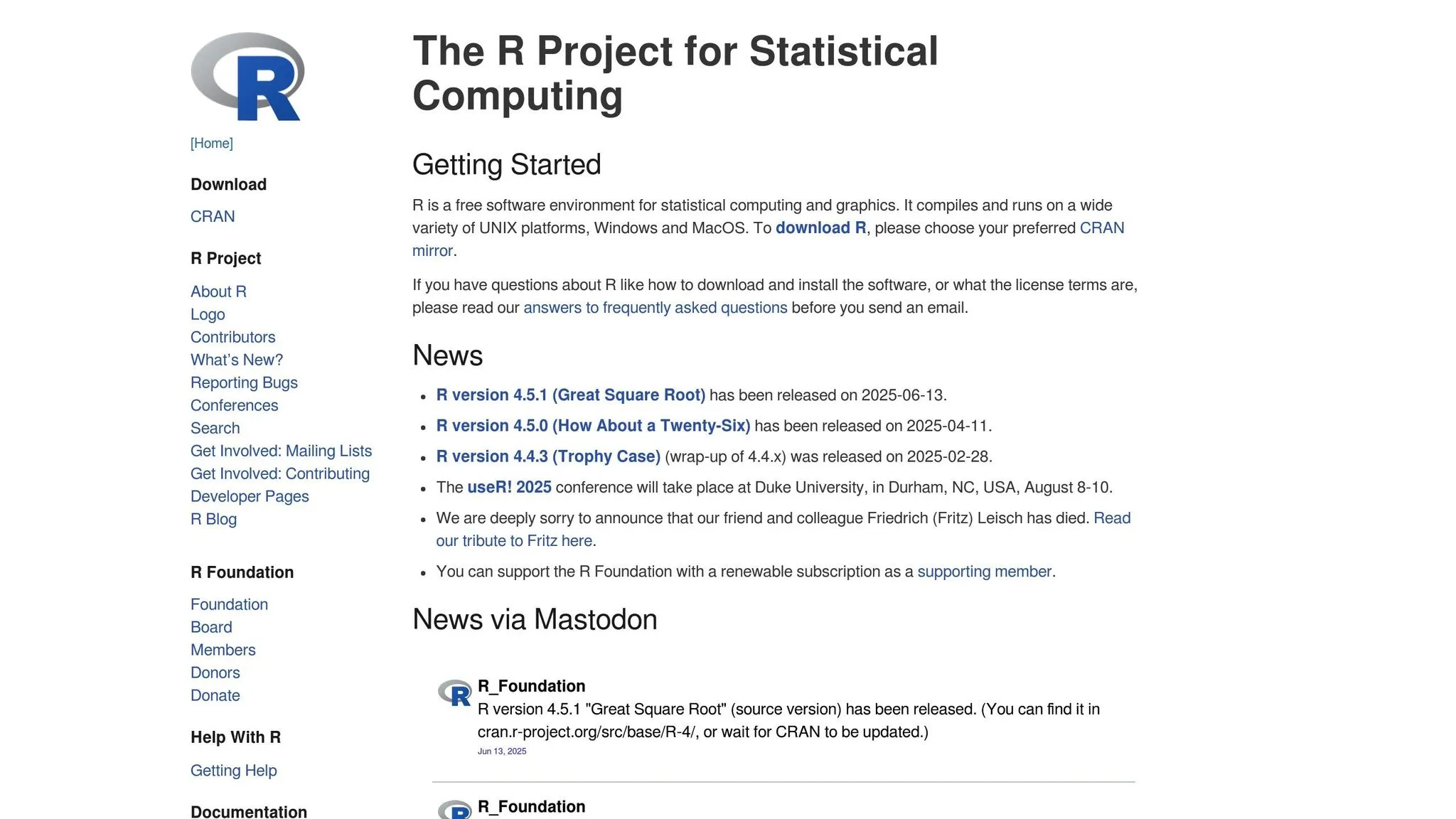
R is a free, open-source programming language designed for statistical computing and graphics. Originally developed by statisticians, it has grown into a full-fledged platform for advanced statistical analysis and data visualization.
Cost (USD)
For organizations in the U.S. assessing analytical tools, R's zero-cost nature can be a game-changer for budgets. While the software itself is free, companies should plan for training expenses to help teams navigate its command-line interface effectively.
Statistical Modeling
R shines in advanced statistical modeling. It comes with built-in functionalities for tasks like regression analysis, time series forecasting, hypothesis testing, and multivariate statistics. Beyond the basics, its CRAN repository offers over 18,000 packages tailored for specialized needs. For example, financial analysts often turn to packages like quantmod for quantitative financial modeling, while epidemiologists use survival analysis tools for medical research.
Scalability
Although R primarily operates by loading datasets into memory, scalability isn't a dead end. Tools like data.table and dplyr optimize memory usage, and parallel processing can handle larger workloads. For massive datasets, R can integrate with big data platforms like Hadoop and Spark. Additionally, cloud providers offer R-optimized instances to expand computational power as needed.
Integration with US Business Systems
R works seamlessly with major U.S. business databases and cloud data warehouses, making it easy to export results into tools like Microsoft Office. It can also serve as the analytical backbone for AI data analytics platforms such as Tableau and Power BI. These features make R a versatile choice for enterprise-level analytics across various industries.
Compliance and Security
For U.S. companies in regulated sectors, R provides documented guidance for compliance. The R Foundation's publication, R: Regulatory Compliance and Validation Issues, outlines how R aligns with federal regulations, including 21 CFR Part 11 for pharmaceutical and medical device companies [1].
"Part 11 does not apply to data analysis software systems that are not used in record transmission or storage." [1]
When deploying R in validated systems, organizations need to establish standard operating procedures (SOPs) to manage risks effectively.
R's open-source model strengthens security by allowing users to review its source code under the GNU Public License. The R Development Core Team enforces a controlled Software Development Life Cycle, which includes daily code updates and extensive validation tests that users can run to ensure proper installation. An active user community also plays a key role, helping identify and resolve bugs quickly through real-world testing.
2. Python
Python is a versatile programming language widely embraced in data science and statistics. Its straightforward syntax and rich library ecosystem make it approachable for users at all levels and applicable across various industries.
Cost (USD)
Python is completely free to download and use. U.S. organizations can deploy it across as many workstations as needed without worrying about licensing fees. However, it’s worth factoring in potential training expenses. This affordability, paired with Python's extensive libraries, makes it a practical choice for data analysis.
Statistical Modeling
Python's libraries cover everything from basic statistical operations to advanced modeling. For instance, NumPy and pandas handle foundational statistical tasks, while SciPy, scikit-learn, TensorFlow, and PyTorch support more complex applications like regression models and neural networks. This range allows data scientists to easily shift between traditional statistical techniques and cutting-edge machine learning tools.
Scalability
Python is well-equipped to tackle scalability challenges. Libraries like Dask enable parallel computing on a single machine or across clusters, while PySpark facilitates distributed processing. Additionally, cloud platforms such as Amazon Web Services, Google Cloud, and Microsoft Azure provide Python environments that dynamically scale computational resources based on workload needs. This adaptability aligns well with the demands of U.S. data systems.
Integration with US Business Systems
Python integrates effortlessly with enterprise databases commonly used in the U.S., such as Oracle, SQL Server, and PostgreSQL, using connectors and tools like SQLAlchemy. For business intelligence, Python works with Tableau via TabPy, and Power BI allows Python-based visualizations directly within reports. Developers can also build web-based dashboards using frameworks like Streamlit or Dash, enabling quick deployment of analytics. Additionally, API frameworks like FastAPI and Flask allow custom analytical solutions to integrate seamlessly with existing business workflows.
Compliance and Security
Python’s active developer community ensures regular updates to address security concerns. Built-in modules like hashlib for cryptographic functions and ssl for secure communications enhance its security capabilities. For industries with strict regulations, Python offers libraries that support FIPS 140-2 compliant algorithms. Tools like Bandit and Safety help identify vulnerabilities in code and dependencies. Moreover, Python's package management tools, such as pip and virtual environments, maintain secure and reproducible workflows. The Python Package Index (PyPI) also provides detailed records to ensure traceability, a critical requirement in regulated sectors.
3. SPSS
SPSS, short for Statistical Package for the Social Sciences, is an IBM software package that stands out for its intuitive and interactive interface. Designed to make statistical analysis accessible, SPSS is especially helpful for users who may not have a background in programming. While it was originally created for social science research, its flexibility has made it a go-to tool for a wide range of data analysis tasks.
Integration with US Business Systems
One of SPSS's strengths lies in its ability to integrate with modern business intelligence tools. For example, IBM SPSS Modeler can connect seamlessly with Microsoft Dynamics CRM using the CData ODBC Driver. This integration enables real-time access to critical CRM data, such as Leads, Contacts, Opportunities, and Accounts. To set this up, users simply configure a DSN (Data Source Name). Security is a priority, with options like Azure Active Directory or Azure Service Principal ensuring data protection.
"Integrate Dynamics CRM data into IBM SPSS Modeler using the CData ODBC Driver for real-time insights and advanced data analysis." - CData Software [2]
sbb-itb-284a532
4. SAS
SAS (Statistical Analysis System) is a proprietary analytics platform with a solid reputation in enterprise settings. Known for its long-standing presence in the field of data analysis, SAS provides a wide range of tools to tackle everything from basic statistical tasks to advanced modeling projects.
Scalability
SAS is built to handle large-scale datasets with ease. Its distributed computing and in-memory processing capabilities allow for real-time analytics, even with massive data volumes.
Cost Considerations
Investing in SAS requires a substantial budget due to its proprietary licensing. However, this cost includes access to extensive support, training resources, and detailed documentation, which can simplify implementation and ongoing use.
Statistical Modeling
SAS boasts a vast library of statistical procedures, addressing everything from simple descriptive statistics to highly advanced analytical methods. These tools have been refined over decades, making them ideal for tackling complex modeling challenges in various industries.
Integration with US Business Systems
SAS ensures seamless integration with a wide array of enterprise data systems and cloud platforms. This connectivity allows businesses to incorporate SAS analytics directly into their workflows and reporting systems without disruption.
Compliance and Security
Understanding the critical nature of data security and regulatory compliance, SAS offers features like role-based access control, data encryption, and comprehensive audit logs. These tools help businesses adhere to industry regulations while safeguarding data integrity. These features make SAS a reliable choice for enterprises looking to meet stringent analytical and compliance requirements.
Strengths and Weaknesses
Each tool comes with its own set of advantages and limitations, which play a role in determining how well it fits your specific requirements and operational constraints.
| Tool | Strengths | Weaknesses |
|---|---|---|
| R | Advanced statistical modeling, extensive visualization libraries, free, and backed by a strong community. | Steep learning curve for non-programmers, memory challenges with very large datasets, and inconsistent package quality. |
| Python | Flexible programming capabilities, excellent machine learning libraries, scalable architecture, and strong integration options. | Requires solid coding skills, less specialized statistical functions compared to R, and can be complex for beginners to set up. |
| SPSS | User-friendly point-and-click interface, widely used in social sciences, and strong survey analysis tools. | Expensive licensing, struggles with very large datasets, limited advanced modeling options, and proprietary file format restrictions. |
| SAS | Enterprise-level security, efficient management of large datasets, and robust compliance tools. | High licensing costs, steep learning curve, proprietary ecosystem, and limited flexibility for customizations. |
While the table provides a concise overview, there are additional nuances to consider when evaluating these tools. For instance, the learning curve varies significantly. SPSS offers a straightforward graphical interface, making it easier for beginners to perform data analysis quickly. On the other hand, R and Python require programming knowledge but reward users with greater flexibility and customization capabilities.
When working with large datasets, Python and SAS excel due to their ability to handle distributed computing environments. R, however, can encounter memory issues when dealing with datasets that exceed the available RAM, which might limit its scalability in certain scenarios.
For industries where compliance and security are non-negotiable, SAS stands out. It offers features like detailed audit trails, encryption for data at rest and in transit, and validation processes that align with strict regulatory standards. These attributes make SAS particularly appealing for organizations operating in highly regulated environments. These factors should be weighed carefully to determine which tool best meets your analytical and organizational needs.
Final Recommendations
Selecting the right statistical tool hinges on your business needs and the expertise of your team. Each tool shines in specific scenarios, so understanding their strengths and limitations is crucial.
R is ideal for academic research, biostatistics, or advanced modeling tasks. Its free license makes it especially appealing for startups or small businesses with teams that have a strong background in statistics.
Python is the go-to choice if your work involves machine learning, web scraping, or automation. Its flexibility and scalability make it excellent for building predictive models and deploying analytics on a larger scale.
SPSS works best for survey research, market analysis, or projects involving team members without technical programming skills. Its user-friendly, point-and-click interface reduces the need for extensive training, making it a favorite in healthcare, social sciences, and marketing fields.
SAS is a reliable option for regulated industries like pharmaceuticals, banking, or government, where compliance and audit trails are critical. It’s built to handle massive datasets and comes with enterprise-level support.
When budgeting, remember that R and Python offer robust capabilities without licensing fees, making them great options for organizations mindful of costs.
The expertise of your team should also influence your decision. Developers and programmers often gravitate toward R or Python, while teams that prefer graphical interfaces may find SPSS more accessible. While SAS requires specialized training, its extensive support system makes it a strong contender for enterprise-level projects.
Lastly, consider your future goals. If you aim to evolve from basic statistics to machine learning, Python is a smart starting point. For more traditional statistical analysis, R or SPSS are solid choices. These recommendations align with the technical and operational factors covered earlier.
FAQs
::: faq
How should my team choose between R and Python for data analysis if we have programming experience but different project requirements?
If your team has solid programming skills but works on a variety of projects, deciding between R and Python really comes down to your specific objectives. Python is incredibly flexible, with a vast range of libraries and widespread use across industries. It’s a go-to choice for tasks like data engineering, machine learning, and general-purpose analytics. On the flip side, R stands out when it comes to specialized statistical analysis and data visualization, offering robust tools for advanced statistical modeling.
Many teams actually benefit from leveraging both languages. Python handles broader applications with ease, while R brings precision to statistical tasks. To choose the right tool for your workflows, think about the type of projects you tackle and how each language aligns with your goals. :::
::: faq
What are the cost differences between SPSS, SAS, R, and Python for small businesses?
SPSS and SAS often come with hefty licensing fees, which can be a big factor for smaller businesses. An SPSS license can cost anywhere from $3,830 to $16,900 per user, while SAS starts at around $1,500 per user and can climb past $10,000, depending on the features or modules you need. These prices can shift based on the specific tools and capabilities required.
On the other hand, R and Python are open-source and free, making them much more budget-friendly. That said, businesses should still account for development, implementation, and hosting expenses, which can fall anywhere between $3,000 and $35,000, depending on the project's complexity. For small businesses, R and Python often prove to be a more economical choice, especially when paired with skilled developers who can tailor these tools to fit their needs. :::
::: faq
How can I ensure security and compliance when using open-source tools like R and Python in regulated industries?
To maintain security and meet compliance standards when using open-source tools like R and Python in regulated industries, it’s crucial to follow some key practices. First, rely on trusted repositories for sourcing packages, and make sure to update them regularly to patch potential vulnerabilities. Using package management systems is another smart move - it helps control versions and dependencies, minimizing the risk of introducing unverified or risky components.
Beyond that, organizations should prioritize compliance audits tailored to their specific industry requirements. Keeping detailed audit trails and ensuring data integrity across workflows are essential steps. Additionally, implementing clear policies for open-source usage and providing teams with training on security best practices can go a long way in reinforcing compliance and safeguarding operations. :::